change wheel CADILLAC SRX 2004 1.G User Guide
[x] Cancel search | Manufacturer: CADILLAC, Model Year: 2004, Model line: SRX, Model: CADILLAC SRX 2004 1.GPages: 468, PDF Size: 2.92 MB
Page 302 of 468
Level Control
This feature keeps the rear of your vehicle level as the
load changes. It’s automatic — you don’t need to
adjust anything.
Towing a Trailer
{CAUTION:
If you do not use the correct equipment and
drive properly, you can lose control when you
pull a trailer. For example, if the trailer is too
heavy, the brakes may not work well — or even
at all. You and your passengers could be
seriously injured. You may also damage your
vehicle; the resulting repairs would not be
covered by your warranty. Pull a trailer only if
you have followed all the steps in this section.
Ask your dealer for advice and information
about towing a trailer with your vehicle.Your vehicle can tow a trailer if it is equipped with the
proper trailer towing equipment. To identify what
the vehicle trailering capacity is for your vehicle, you
should read the information in “Weight of the Trailer” that
appears later in this section. But trailering is different
than just driving your vehicle by itself. Trailering means
changes in handling, acceleration, braking, durability
and fuel economy. Successful, safe trailering takes
correct equipment, and it has to be used properly.
That’s the reason for this part. In it are many time-tested,
important trailering tips and safety rules. Many of
these are important for your safety and that of your
passengers. So please read this section carefully before
you pull a trailer.
Load-pulling components such as the engine,
transmission, rear axle, wheel assemblies and tires are
forced to work harder against the drag of the added
weight. The engine is required to operate at relatively
higher speeds and under greater loads, generating extra
heat. What’s more, the trailer adds considerably to
wind resistance, increasing the pulling requirements.
4-52
Page 307 of 468

Turn Signals When Towing a Trailer
When you tow a trailer, your vehicle may need a
different turn signal asher and/or extra wiring.
Check with your dealer. The arrows on your instrument
panel will ash whenever you signal a turn or lane
change. Properly hooked up, the trailer lamps will also
ash, telling other drivers you’re about to turn,
change lanes or stop.
When towing a trailer, the arrows on your instrument
panel will ash for turns even if the bulbs on the trailer
are burned out. Thus, you may think drivers behind
you are seeing your signal when they are not.
It’s important to check occasionally to be sure the trailer
bulbs are still working.
Driving on Grades
Reduce speed and shift to a lower gear before you start
down a long or steep downgrade. If you don’t shift
down, you might have to use your brakes so much that
they would get hot and no longer work well.
On a long uphill grade, shift down and reduce your
speed to around 45 mph (70 km/h) to reduce the
possibility of the engine and the transmission
overheating.
Parking on Hills
{CAUTION:
You really should not park your vehicle, with a
trailer attached, on a hill. If something goes
wrong, your rig could start to move. People
can be injured, and both your vehicle and the
trailer can be damaged.
But if you ever have to park your rig on a hill, here’s
how to do it:
1. Apply your regular brakes, but don’t shift into
PARK (P).
When parking uphill, turn your wheels away from
the curb. When parking downhill, turn your wheels
into the curb.
2. Have someone place chocks behind the trailer
wheels.
3. When the chocks are in place, release the regular
brakes until the chocks absorb the load.
4. Reapply the regular brakes. Then apply your
parking brake and shift into PARK (P).
5. Release the regular brakes.
4-57
Page 379 of 468
The spare tire does not have a TPM sensor. If you
replace one of the road tires with the spare, the Service
Tire Monitor message will be displayed on the DIC
screen. This message should go off once you re-install
the road tire containing the TPM sensor. The Service
Tire Monitor message is also displayed when the TPM
system is malfunctioning. One or more missing or
inoperable TPM sensors will cause the service tire
monitor message to be displayed. See your dealer for
service.
This device complies with Part 15 of the FCC Rules.
Operation is subject to the following two conditions:
1. this device may not cause interference, and
2. this device must accept any interference received,
including interference that may cause undesired
operation.This device complies with RSS-210 of Industry Canada.
Operation is subject to the following two conditions:
1. this device may not cause interference, and
2. this device must accept any interference received,
including interference that may cause undesired
operation of the device.
Changes or modications to this system by other than
an authorized service facility could void authorization to
use this equipment.
Tire Inspection and Rotation
The tires on your vehicle are different sizes front to rear.
Due to this, your tires should not be rotated. Each tire
and wheel should be used only in the position it is in.
Check your tires and wheels regularly for unusual wear
and damage. Also see,Scheduled Maintenance on
page 6-4,When It Is Time for New Tires on page 5-72
andWheel Replacement on page 5-76.
5-71
Page 386 of 468

If a Tire Goes Flat
It’s unusual for a tire to “blowout” while you’re driving,
especially if you maintain your tires properly. If air goes
out of a tire, it’s much more likely to leak out slowly.
But if you should ever have a “blowout,” here are a few
tips about what to expect and what to do:
If a front tire fails, the at tire will create a drag that
pulls the vehicle toward that side. Take your foot off the
accelerator pedal and grip the steering wheel rmly.
Steer to maintain lane position, and then gently brake to
a stop well out of the traffic lane.
A rear blowout, particularly on a curve, acts much like a
skid and may require the same correction you’d use
in a skid. In any rear blowout, remove your foot from the
accelerator pedal. Get the vehicle under control by
steering the way you want the vehicle to go. It may be
very bumpy and noisy, but you can still steer. Gently
brake to a stop, well off the road if possible.{CAUTION:
Lifting a vehicle and getting under it to do
maintenance or repairs is dangerous without
the appropriate safety equipment and training.
The jack provided with your vehicle is
designed only for changing a at tire. If it is
used for anything else, you or others could be
badly injured or killed if the vehicle slips off
the jack. Use the jack provided with your
vehicle only for changing a at tire.
If a tire goes at, the next part shows how to use your
jacking equipment to change a at tire safely.
5-78
Page 387 of 468
Changing a Flat Tire
If a tire goes at, avoid further tire and wheel damage
by driving slowly to a level place. Turn on your
hazard warning ashers.
{CAUTION:
Changing a tire can be dangerous. The vehicle
can slip off the jack and roll over or fall on you
or other people. You and they could be badly
injured or even killed. Find a level place to
change your tire. To help prevent the vehicle
from moving:
1. Set the parking brake rmly.
2. Put the shift lever in PARK (P).
3. Turn off the engine and do not restart
while the vehicle is raised.
4. Do not allow passengers to remain in the
vehicle.
CAUTION: (Continued)
CAUTION: (Continued)
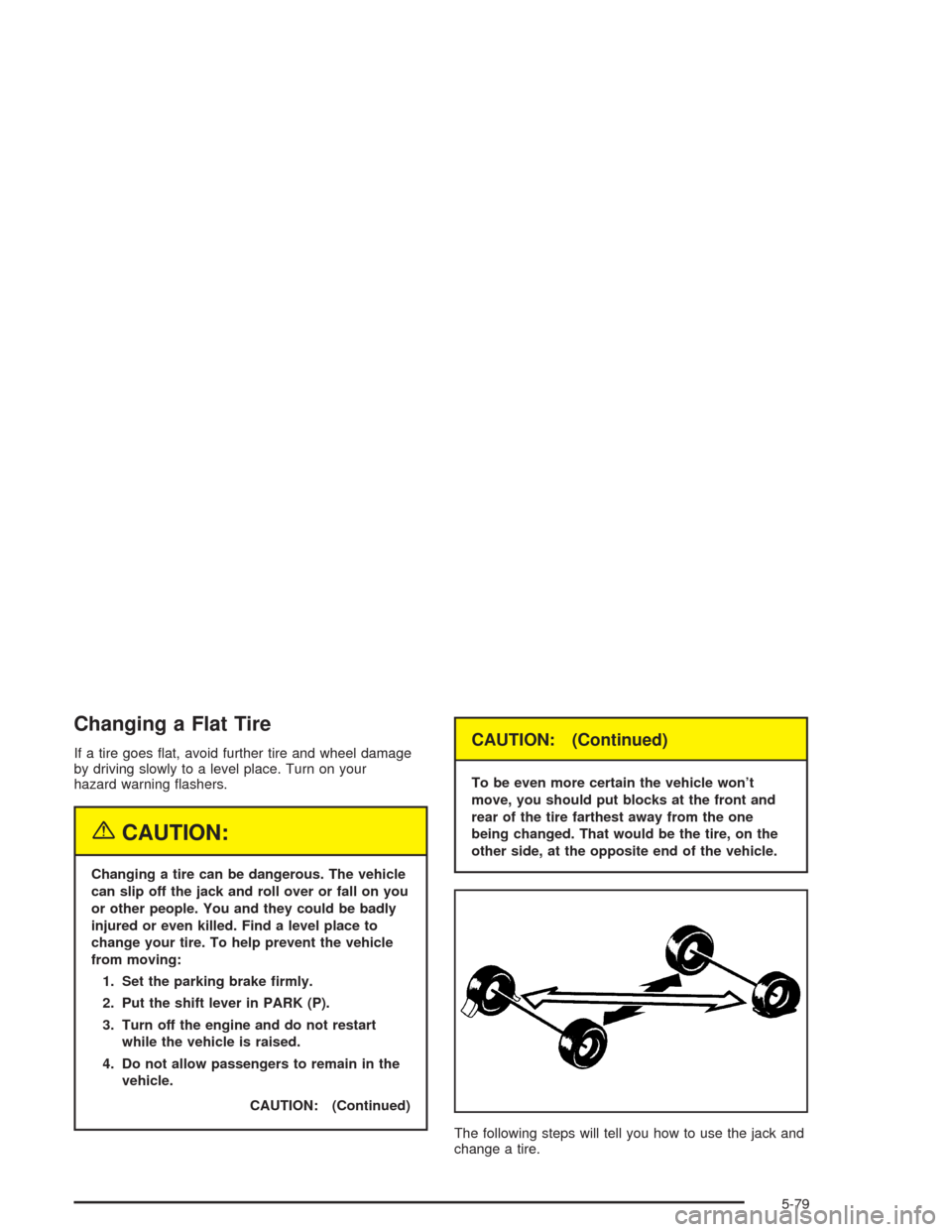
To be even more certain the vehicle won’t
move, you should put blocks at the front and
rear of the tire farthest away from the one
being changed. That would be the tire, on the
other side, at the opposite end of the vehicle.
The following steps will tell you how to use the jack and
change a tire.
5-79
Page 395 of 468
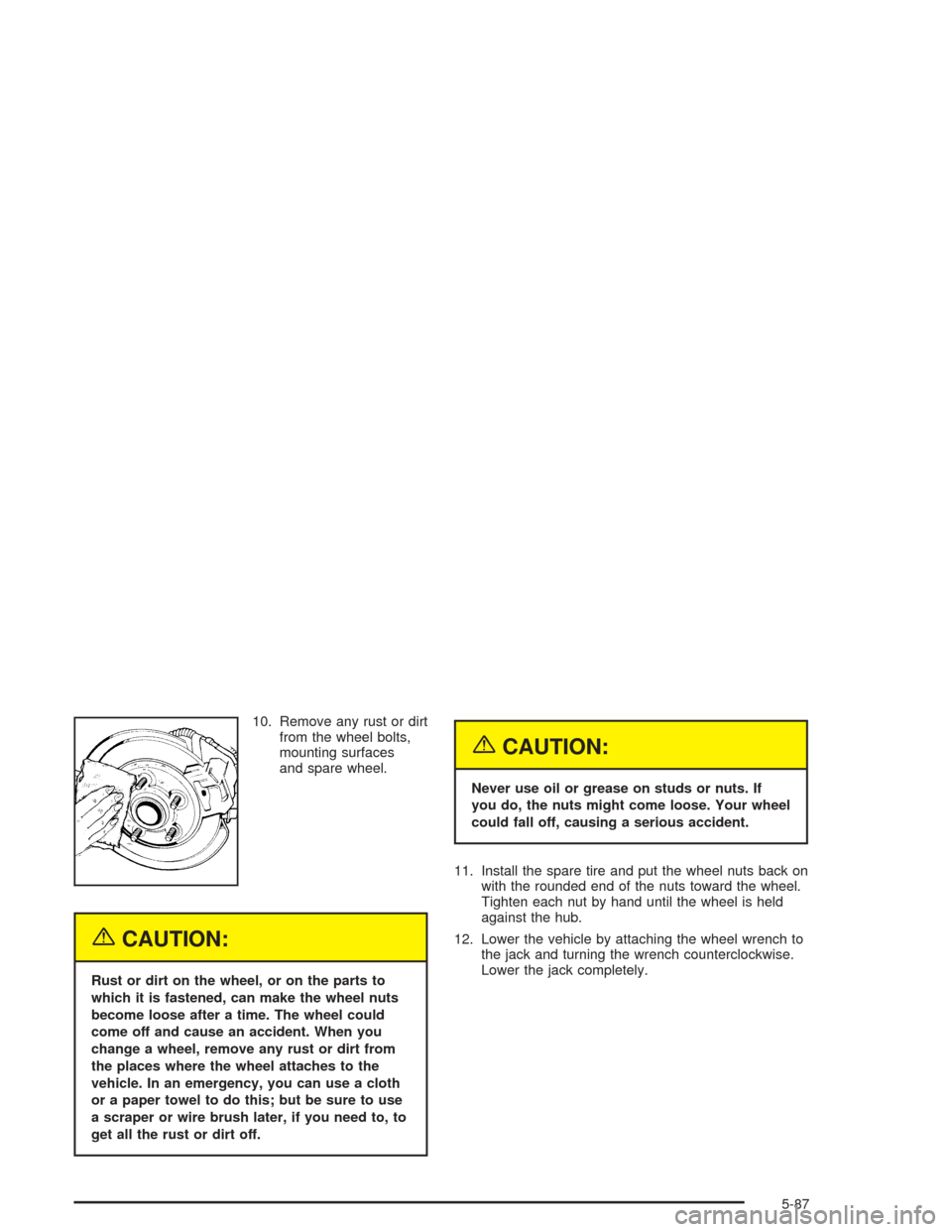
10. Remove any rust or dirt
from the wheel bolts,
mounting surfaces
and spare wheel.
{CAUTION:
Rust or dirt on the wheel, or on the parts to
which it is fastened, can make the wheel nuts
become loose after a time. The wheel could
come off and cause an accident. When you
change a wheel, remove any rust or dirt from
the places where the wheel attaches to the
vehicle. In an emergency, you can use a cloth
or a paper towel to do this; but be sure to use
a scraper or wire brush later, if you need to, to
get all the rust or dirt off.
{CAUTION:
Never use oil or grease on studs or nuts. If
you do, the nuts might come loose. Your wheel
could fall off, causing a serious accident.
11. Install the spare tire and put the wheel nuts back on
with the rounded end of the nuts toward the wheel.
Tighten each nut by hand until the wheel is held
against the hub.
12. Lower the vehicle by attaching the wheel wrench to
the jack and turning the wrench counterclockwise.
Lower the jack completely.
5-87
Page 466 of 468
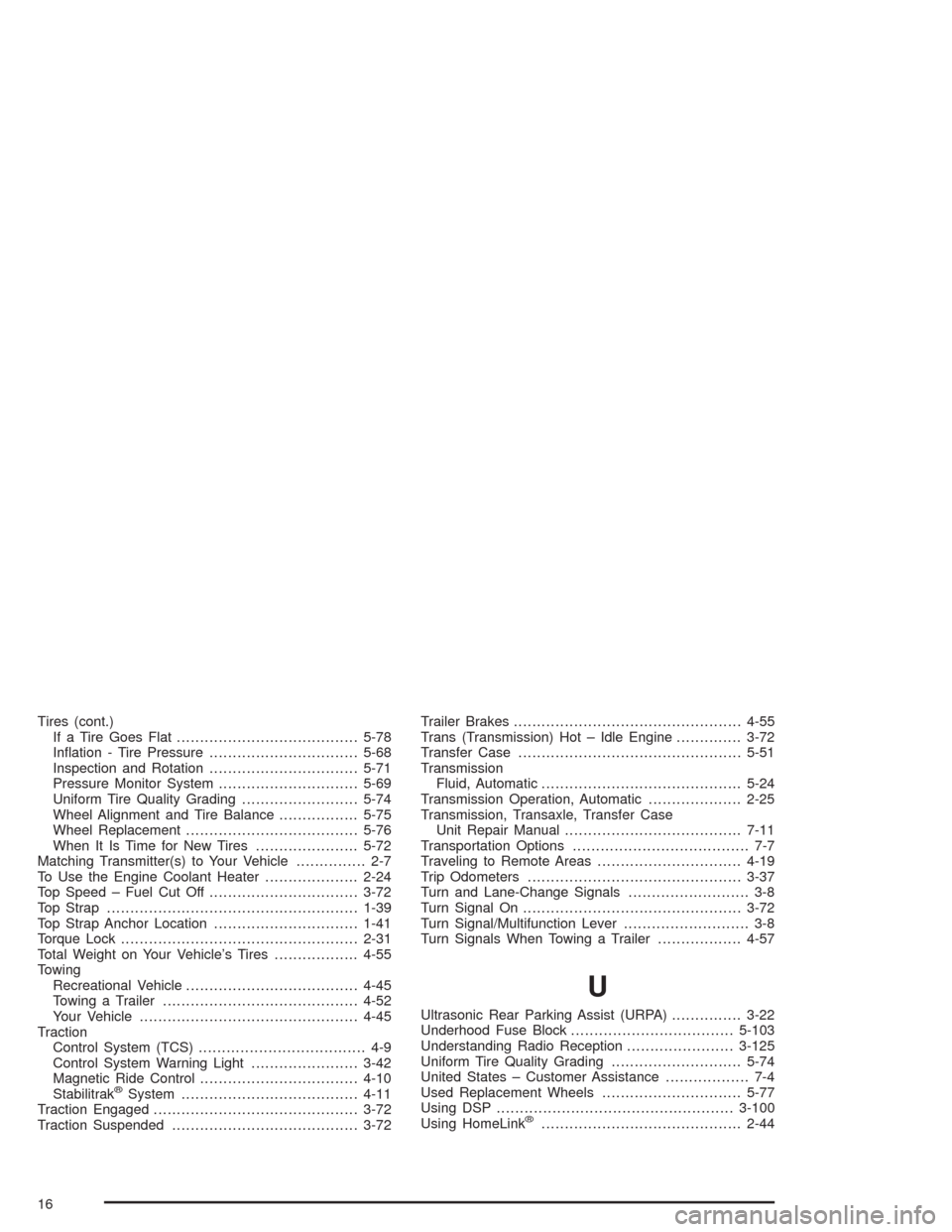
Tires (cont.)
If a Tire Goes Flat.......................................5-78
Ination - Tire Pressure................................5-68
Inspection and Rotation................................5-71
Pressure Monitor System..............................5-69
Uniform Tire Quality Grading.........................5-74
Wheel Alignment and Tire Balance.................5-75
Wheel Replacement.....................................5-76
When It Is Time for New Tires......................5-72
Matching Transmitter(s) to Your Vehicle............... 2-7
To Use the Engine Coolant Heater....................2-24
Top Speed – Fuel Cut Off................................3-72
Top Strap......................................................1-39
Top Strap Anchor Location...............................1-41
Torque Lock...................................................2-31
Total Weight on Your Vehicle’s Tires..................4-55
Towing
Recreational Vehicle.....................................4-45
Towing a Trailer..........................................4-52
Your Vehicle...............................................4-45
Traction
Control System (TCS).................................... 4-9
Control System Warning Light.......................3-42
Magnetic Ride Control..................................4-10
Stabilitrak
®System......................................4-11
Traction Engaged............................................3-72
Traction Suspended........................................3-72Trailer Brakes.................................................4-55
Trans (Transmission) Hot – Idle Engine..............3-72
Transfer Case................................................5-51
Transmission
Fluid, Automatic...........................................5-24
Transmission Operation, Automatic....................2-25
Transmission, Transaxle, Transfer Case
Unit Repair Manual......................................7-11
Transportation Options...................................... 7-7
Traveling to Remote Areas...............................4-19
Trip Odometers..............................................3-37
Turn and Lane-Change Signals.......................... 3-8
Turn Signal On...............................................3-72
Turn Signal/Multifunction Lever........................... 3-8
Turn Signals When Towing a Trailer..................4-57
U
Ultrasonic Rear Parking Assist (URPA)...............3-22
Underhood Fuse Block...................................5-103
Understanding Radio Reception.......................3-125
Uniform Tire Quality Grading............................5-74
United States – Customer Assistance.................. 7-4
Used Replacement Wheels..............................5-77
Using DSP...................................................3-100
Using HomeLink
®...........................................2-44
16
Page 467 of 468
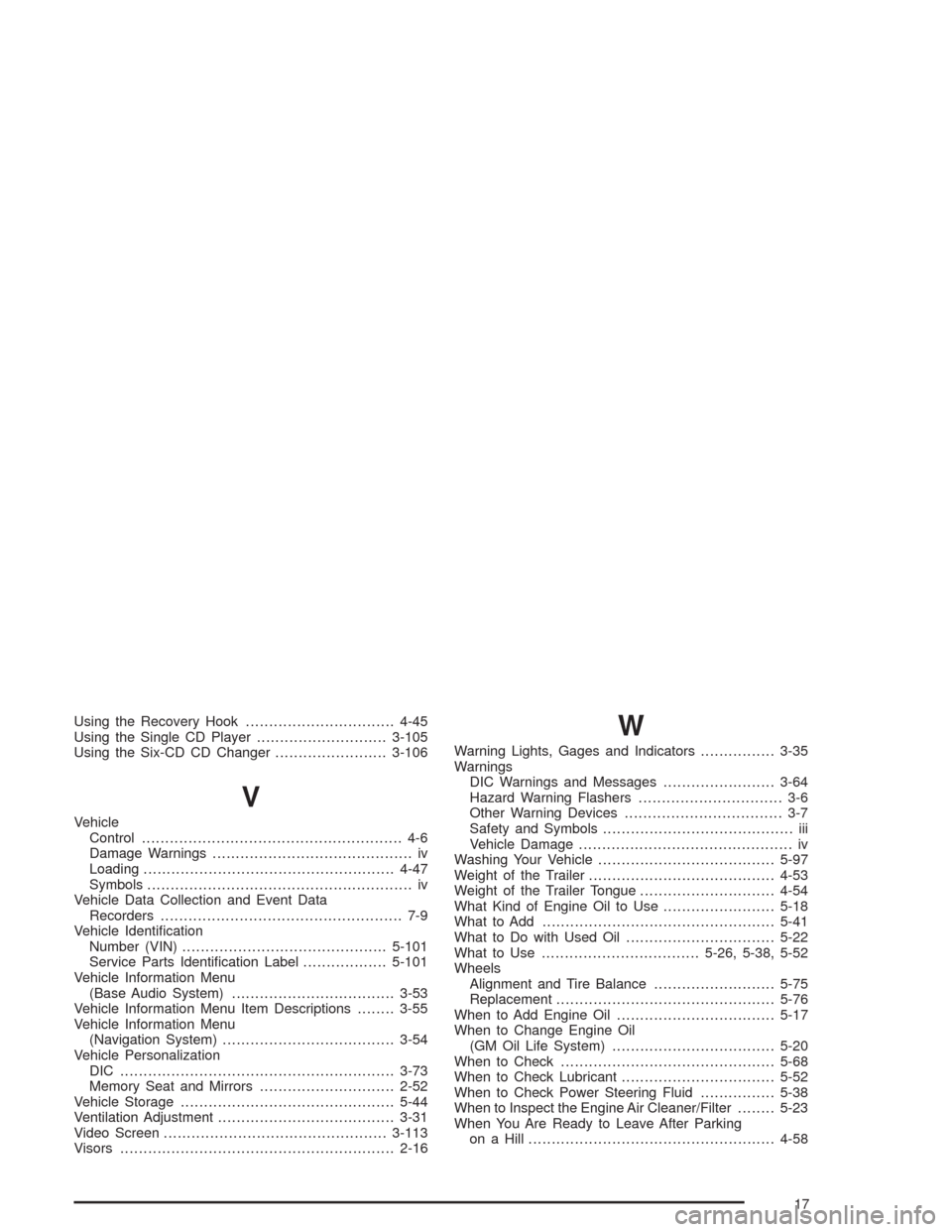
Using the Recovery Hook................................4-45
Using the Single CD Player............................3-105
Using the Six-CD CD Changer........................3-106
V
Vehicle
Control........................................................ 4-6
Damage Warnings........................................... iv
Loading......................................................4-47
Symbols......................................................... iv
Vehicle Data Collection and Event Data
Recorders.................................................... 7-9
Vehicle Identication
Number (VIN)............................................5-101
Service Parts Identication Label..................5-101
Vehicle Information Menu
(Base Audio System)...................................3-53
Vehicle Information Menu Item Descriptions........3-55
Vehicle Information Menu
(Navigation System).....................................3-54
Vehicle Personalization
DIC ...........................................................3-73
Memory Seat and Mirrors.............................2-52
Vehicle Storage..............................................5-44
Ventilation Adjustment......................................3-31
Video Screen................................................3-113
Visors...........................................................2-16
W
Warning Lights, Gages and Indicators................3-35
Warnings
DIC Warnings and Messages........................3-64
Hazard Warning Flashers............................... 3-6
Other Warning Devices.................................. 3-7
Safety and Symbols......................................... iii
Vehicle Damage.............................................. iv
Washing Your Vehicle......................................5-97
Weight of the Trailer........................................4-53
Weight of the Trailer Tongue.............................4-54
What Kind of Engine Oil to Use........................5-18
What to Add..................................................5-41
What to Do with Used Oil................................5-22
What to Use..................................5-26, 5-38, 5-52
Wheels
Alignment and Tire Balance..........................5-75
Replacement...............................................5-76
When to Add Engine Oil..................................5-17
When to Change Engine Oil
(GM Oil Life System)...................................5-20
When to Check..............................................5-68
When to Check Lubricant.................................5-52
When to Check Power Steering Fluid................5-38
When to Inspect the Engine Air Cleaner/Filter........5-23
When You Are Ready to Leave After Parking
on a Hill.....................................................4-58
17