warning CADILLAC SRX 2004 1.G User Guide
[x] Cancel search | Manufacturer: CADILLAC, Model Year: 2004, Model line: SRX, Model: CADILLAC SRX 2004 1.GPages: 468, PDF Size: 2.92 MB
Page 132 of 468
Headlamps
The exterior lamp control is located in the middle of the
turn signal/multifunction lever.
O(Exterior Lamp Control):Turn the control with this
symbol on it to operate the exterior lamps.
The exterior lamp control has four positions:
O(On/Off):Turn the control to this position to turn off
all lamps except the Daytime Running Lamps (DRL).
AUTO (Automatic):Turn the control to this position to
put the headlamps in automatic mode. AUTO mode
will turn the exterior lamps on and off depending upon
how much light is available outside of the vehicle.
;(Parking Lamps):Turn the control to this position
to turn on the parking lamps together with the following:
Sidemarker Lamps
Taillamps
License Plate Lamps
Instrument Panel Lights
5(Headlamps):Turn the control to this position to
turn on the headlamps, together with the previously
listed lamps and lights.
Wiper-Activated Headlamps
This feature activates the headlamps and parking lamps
after the windshield wipers have been in use for
about six seconds. For this feature to work, the exterior
lamp control must be in AUTO.
When the exterior lamp control is off or in the parking
lamp position and the windshield wiper control is in any
position except off, the Headlamps Suggested message
will appear on the DIC display. See “Headlamps
Suggested Message” underDIC Warnings and
Messages on page 3-64for more information.
When the ignition is turned to OFF, the wiper-activated
headlamps will immediately turn off. They will also
turn off if the windshield wiper control is turned off.
Headlamps On Reminder
A warning chime will sound if the exterior lamp control
is left on in either the headlamp or parking lamp position
and the driver’s door is opened with the ignition off.
3-10
Page 138 of 468
Windshield Washer
{CAUTION:
In freezing weather, do not use your washer
until the windshield is warmed. Otherwise the
washer uid can form ice on the windshield,
blocking your vision.
The windshield washer button is located at the end of
the windshield wiper lever.
K(Washer Fluid):Press the button with this symbol
located at the end of the windshield washer lever to
wash the windshield. Washer uid will squirt onto
the windshield and the wipers will run for a few cycles
to clear the windshield. For more wash cycles, press and
hold the button.
If your vehicle is low on washer uid, the Check Washer
Fluid message will appear on the Driver Information
Center (DIC) display. SeeDIC Warnings and Messages
on page 3-64for more information.If the headlamps are on when you wash the windshield,
the headlamp washers (if equipped) will turn on. Both
the windshield and the headlamps will be washed.
See “Headlamp Washers” following for more information.
Rear Washer/Wiper
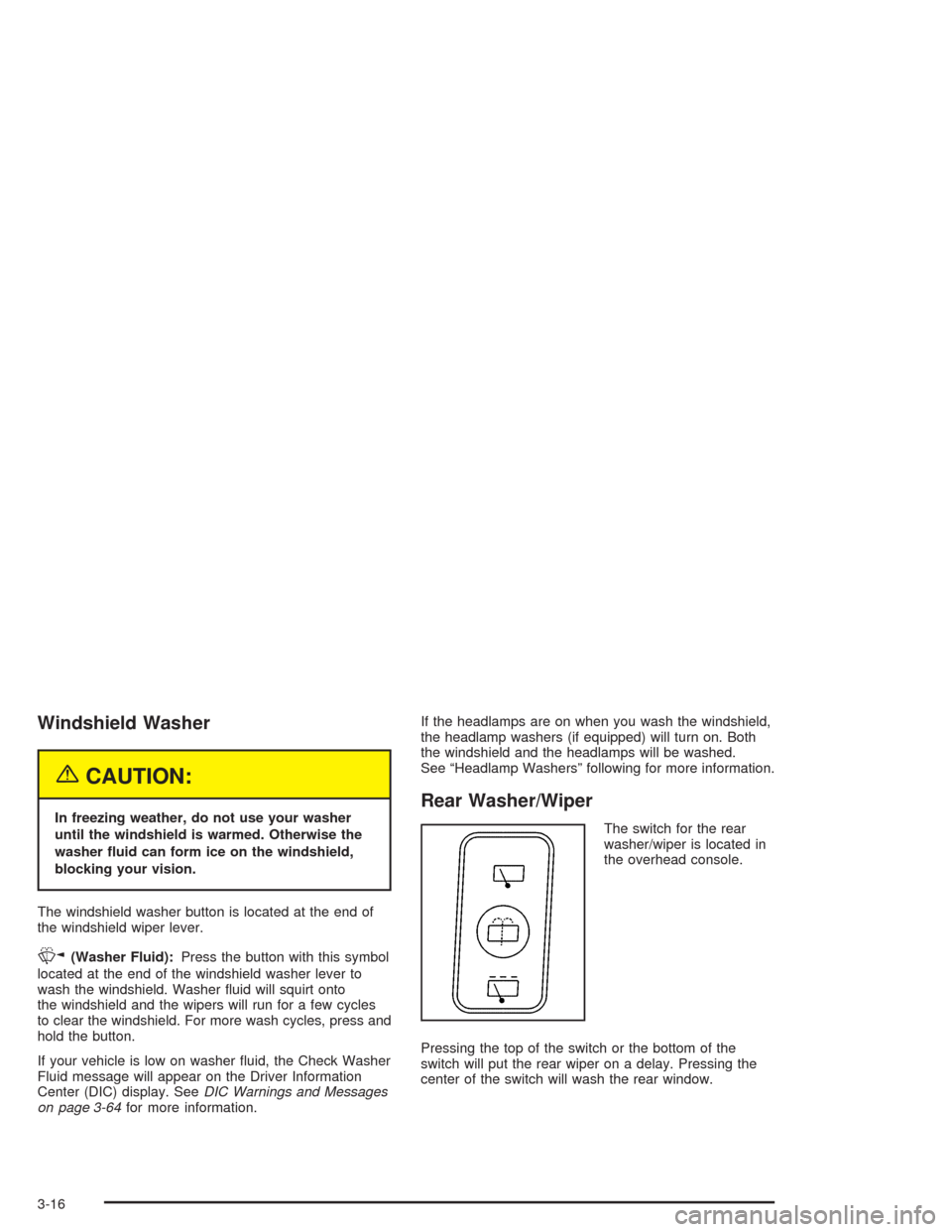
The switch for the rear
washer/wiper is located in
the overhead console.
Pressing the top of the switch or the bottom of the
switch will put the rear wiper on a delay. Pressing the
center of the switch will wash the rear window.
3-16
Page 157 of 468
Warning Lights, Gages, and
Indicators
This part describes the warning lights and gages that
may be on your vehicle. The pictures will help you
locate them.
Warning lights and gages can signal that something is
wrong before it becomes serious enough to cause
an expensive repair or replacement. Paying attention to
your warning lights and gages could also save you
or others from injury.
Warning lights come on when there may be or is a
problem with one of your vehicle’s functions. As you
will see in the details on the next few pages, some
warning lights come on briey when you start the engine
just to let you know they’re working. If you are familiar
with this section, you should not be alarmed when
this happens.Gages can indicate when there may be or is a problem
with one of your vehicle’s functions. Often gages
and warning lights work together to let you know when
there’s a problem with your vehicle.
When one of the warning lights comes on and stays on
when you are driving, or when one of the gages
shows there may be a problem, check the section that
tells you what to do about it. Follow this manual’s
advice. Waiting to do repairs can be costly – and even
dangerous. So please get to know your warning
lights and gages. They’re a big help.
Your vehicle also has a Driver Information Center (DIC)
that works along with the warning lights and gages.
SeeDriver Information Center (DIC) on page 3-51for
more information.
3-35
Page 160 of 468
Using the Navigation audio system, do the following:
1. Press and hold the vehicle information button in the
upper right corner of the screen for three seconds
to access the Vehicle Information menu.
2. Use the up and down arrows on the screen to bring
TRIP A or TRIP B into view. Then press the button
next to the trip you wish to be viewed.
The selected trip odometer (A or B) will be displayed
at the top of the screen with the accumulated
mileage.
3. Press the RETURN button to return to the
previous page.
4. Repeat the steps to view the other trip odometer.
You can reset the selected trip odometer by pressing
RESET button on the Vehicle Information menu.
The mileage for the selected trip odometer will return to
zero. Each trip odometer must be reset individually.Tachometer
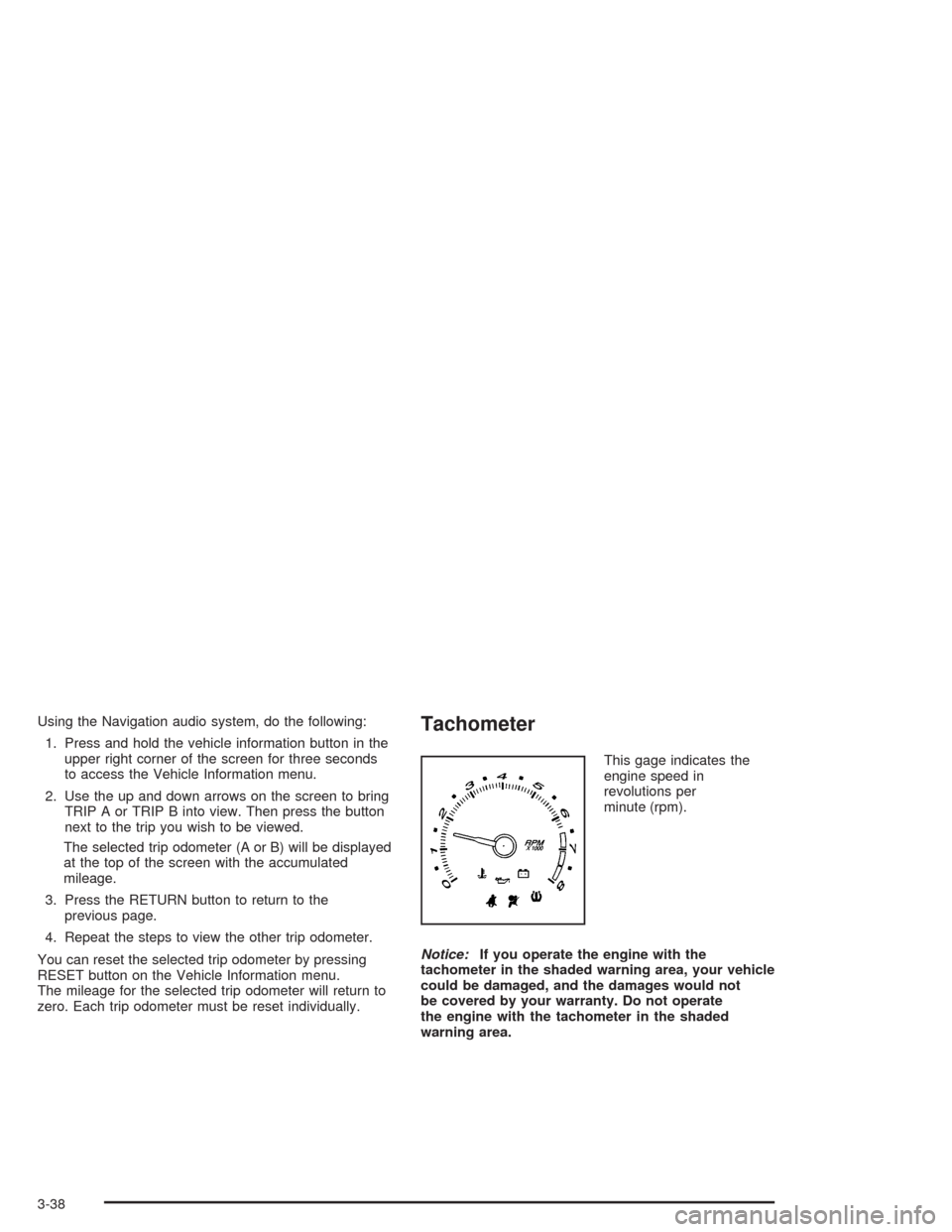
This gage indicates the
engine speed in
revolutions per
minute (rpm).
Notice:If you operate the engine with the
tachometer in the shaded warning area, your vehicle
could be damaged, and the damages would not
be covered by your warranty. Do not operate
the engine with the tachometer in the shaded
warning area.
3-38
Page 162 of 468
{CAUTION:
If the air bag readiness light stays on after you
start your vehicle, it means the air bag system
may not be working properly. The air bags in
your vehicle may not inate in a crash, or they
could even inate without a crash. To help
avoid injury to yourself or others, have your
vehicle serviced right away if the air bag
readiness light stays on after you start your
vehicle.
The air bag readiness light should ash for a few
seconds when you turn the ignition key to ON. If the
light doesn’t come on then, have it xed so it will
be ready to warn you if there is a problem.
If there is a problem with the air bag system in your
vehicle, the Service Air Bag message will appear on the
DIC display. SeeDIC Warnings and Messages on
page 3-64for more information.
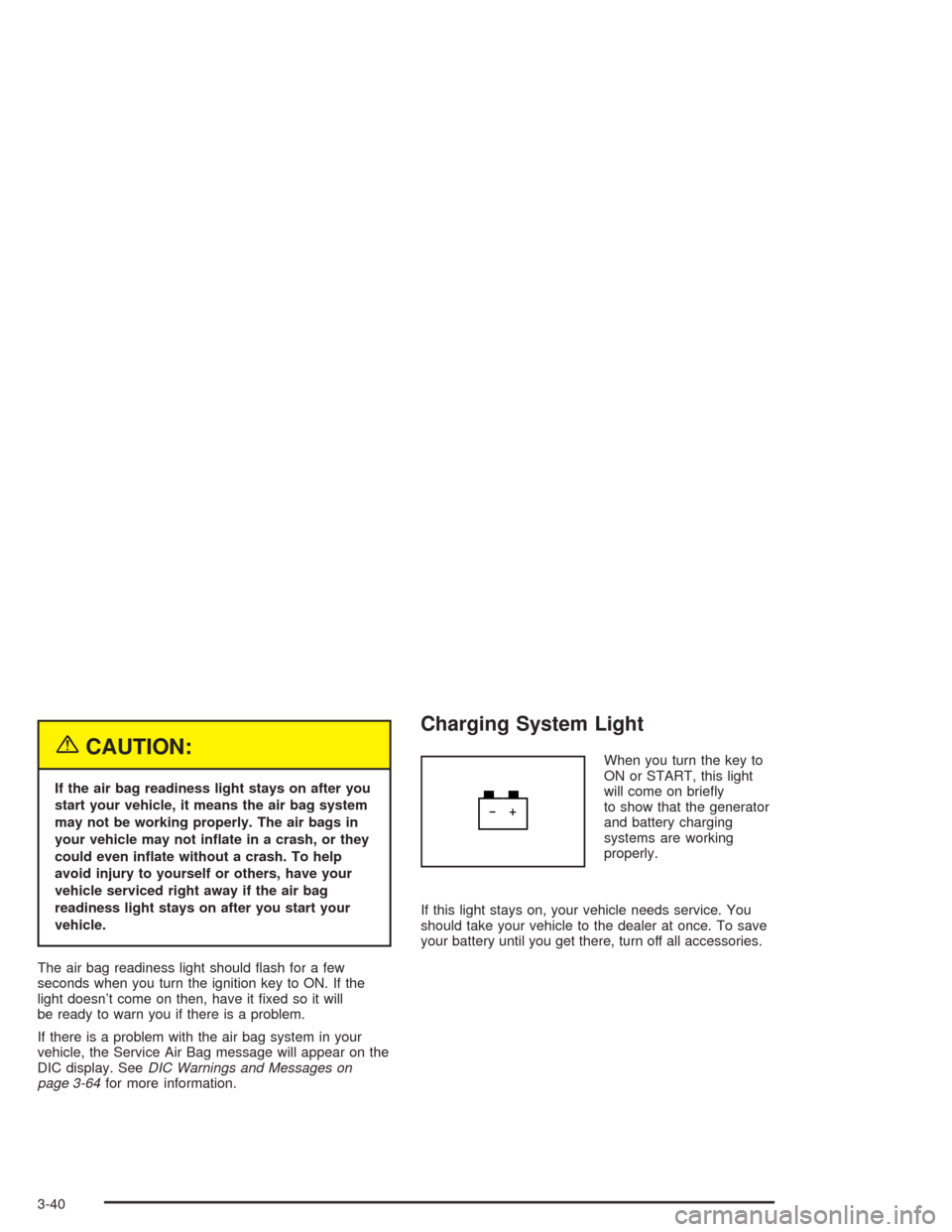
Charging System Light
When you turn the key to
ON or START, this light
will come on briey
to show that the generator
and battery charging
systems are working
properly.
If this light stays on, your vehicle needs service. You
should take your vehicle to the dealer at once. To save
your battery until you get there, turn off all accessories.
3-40
Page 163 of 468
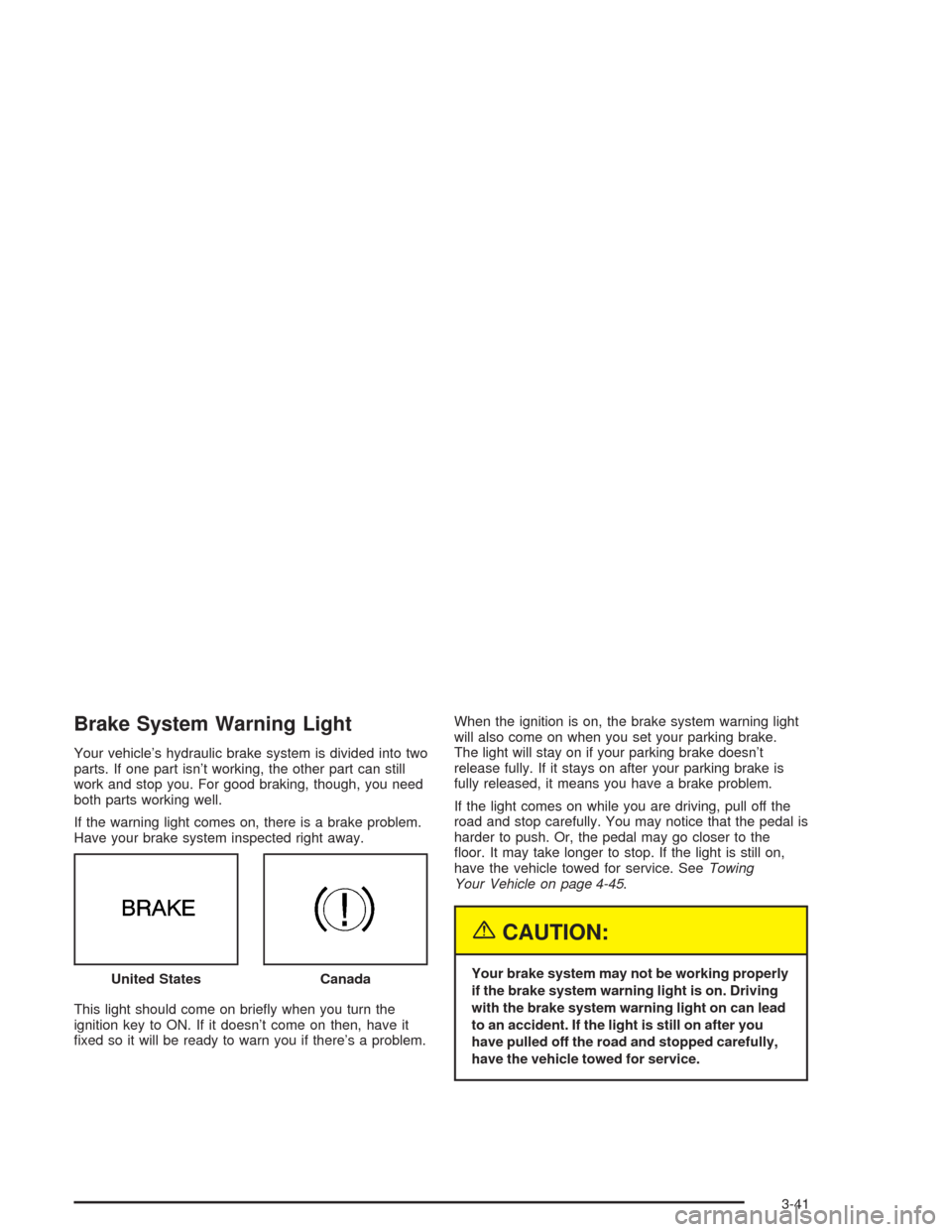
Brake System Warning Light
Your vehicle’s hydraulic brake system is divided into two
parts. If one part isn’t working, the other part can still
work and stop you. For good braking, though, you need
both parts working well.
If the warning light comes on, there is a brake problem.
Have your brake system inspected right away.
This light should come on briey when you turn the
ignition key to ON. If it doesn’t come on then, have it
xed so it will be ready to warn you if there’s a problem.When the ignition is on, the brake system warning light
will also come on when you set your parking brake.
The light will stay on if your parking brake doesn’t
release fully. If it stays on after your parking brake is
fully released, it means you have a brake problem.
If the light comes on while you are driving, pull off the
road and stop carefully. You may notice that the pedal is
harder to push. Or, the pedal may go closer to the
oor. It may take longer to stop. If the light is still on,
have the vehicle towed for service. SeeTowing
Your Vehicle on page 4-45.
{CAUTION:
Your brake system may not be working properly
if the brake system warning light is on. Driving
with the brake system warning light on can lead
to an accident. If the light is still on after you
have pulled off the road and stopped carefully,
have the vehicle towed for service. United StatesCanada
3-41
Page 164 of 468
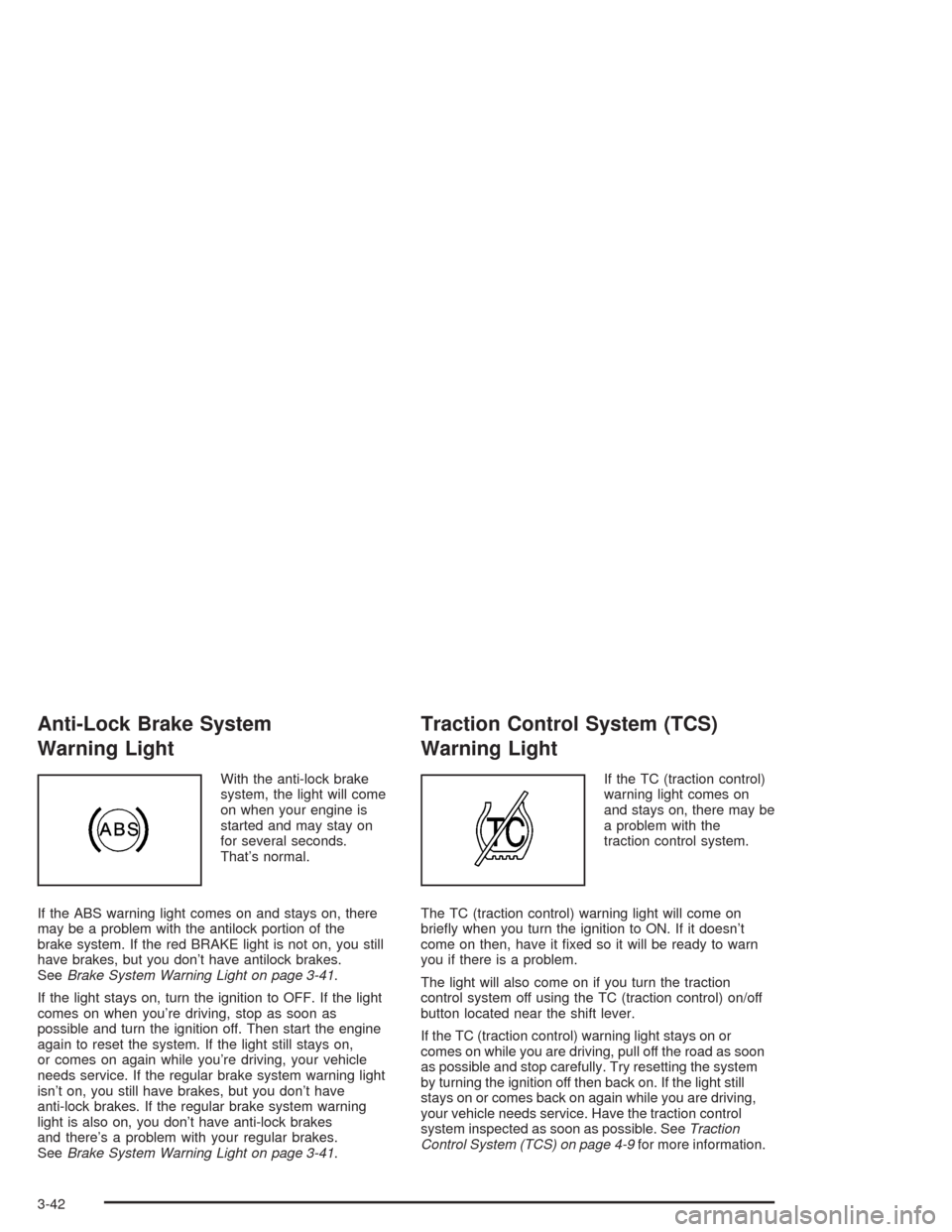
Anti-Lock Brake System
Warning Light
With the anti-lock brake
system, the light will come
on when your engine is
started and may stay on
for several seconds.
That’s normal.
If the ABS warning light comes on and stays on, there
may be a problem with the antilock portion of the
brake system. If the red BRAKE light is not on, you still
have brakes, but you don’t have antilock brakes.
SeeBrake System Warning Light on page 3-41.
If the light stays on, turn the ignition to OFF. If the light
comes on when you’re driving, stop as soon as
possible and turn the ignition off. Then start the engine
again to reset the system. If the light still stays on,
or comes on again while you’re driving, your vehicle
needs service. If the regular brake system warning light
isn’t on, you still have brakes, but you don’t have
anti-lock brakes. If the regular brake system warning
light is also on, you don’t have anti-lock brakes
and there’s a problem with your regular brakes.
SeeBrake System Warning Light on page 3-41.
Traction Control System (TCS)
Warning Light
If the TC (traction control)
warning light comes on
and stays on, there may be
a problem with the
traction control system.
The TC (traction control) warning light will come on
briey when you turn the ignition to ON. If it doesn’t
come on then, have it xed so it will be ready to warn
you if there is a problem.
The light will also come on if you turn the traction
control system off using the TC (traction control) on/off
button located near the shift lever.
If the TC (traction control) warning light stays on or
comes on while you are driving, pull off the road as soon
as possible and stop carefully. Try resetting the system
by turning the ignition off then back on. If the light still
stays on or comes back on again while you are driving,
your vehicle needs service. Have the traction control
system inspected as soon as possible. SeeTraction
Control System (TCS) on page 4-9for more information.
3-42
Page 165 of 468

Engine Coolant Temperature
Warning Light
This light tells you that
your engine is very hot.
This light will come on when you rst start the vehicle
as a check to let you know that the light is working. It will
go out after a few seconds. If the light does not come
on, the bulb may be burned out. See your dealer
for assistance in changing the bulb.
If the light does not go out or if the light comes on and
stays on while you are driving, your vehicle may
have a problem with the cooling system. You should
stop the vehicle and turn off the engine as soon
as possible to avoid damage to the engine. A warning
chime will sound when this light is on, also.
SeeEngine Overheating on page 5-28.
Engine Coolant Temperature Gage
This gage shows the
engine coolant
temperature. If the gage
pointer moves into
the shaded area, the
engine is too hot.
That reading means the same thing as the warning
light – the engine coolant is very hot. SeeEngine
Overheating on page 5-28.
3-43
Page 173 of 468

Driver Information Center (DIC)
The DIC gives you the status of many of your vehicle’s
systems. It is also used to display driver personalization
features and warning/status messages. All messages
will appear on the audio system display which is also the
display for the Navigation system.
System Controls
If you have the Base audio system, use the following to
operate the DIC:
INFO (Information):Use the up or down arrows on this
switch to scroll through the system status information.
CLR (Clear):Press this button to clear DIC messages
and to reset DIC items to zero. This button is also
used to exit out of a menu. SeeDIC Warnings and
Messages on page 3-64andStatus of Vehicle Systems
on page 3-53for more information.
TUNE/SEL (Select) Knob:Once a menu is displayed,
use the knob located to the lower right of the display
to scroll through the menu items and/or select them.
To scroll through the menu items, turn the knob.
Once an item is highlighted, press the knob once to
select it.
Base Audio System
3-51
Page 178 of 468

MPG INST/Instantaneous Fuel Economy:If you
select this item, the current fuel economy is displayed.
This number reects only the fuel economy that the
vehicle has right now and will change frequently
as driving conditions change. Unlike average fuel
economy, this menu item cannot be reset.
GAL FUEL USED/Fuel Used:If you select this item,
the number of gallons or liters of fuel used since the last
reset of this menu item is displayed.
To reset GAL FUEL USED using the Base audio
system, press the CLR button located to the right of the
screen. The display will return to zero.
To reset the Fuel Used using the Navigation system,
press and hold the vehicle information button in the upper
right corner of the screen for three seconds to bring up
the Vehicle Information menu. Use the up and down
arrows on the screen to select Fuel Used and then touch
the RESET button. Touch the RETURN button on the
screen to go back to the previous page.MILES RANGE/Fuel Range:If you select this item, the
approximate number of remaining miles or kilometers
you can drive without refueling is displayed. This
estimate is based on the current driving conditions and
will change if the driving conditions change. For
example, if you are driving in traffic making frequent
stops, the display may read one number, but if you enter
the freeway, the number may change even though
you still have the same amount of gas in the gas tank.
This is because different driving conditions produce
different fuel economies. Generally, freeway driving
produces better fuel economy than city driving.
If your vehicle is low on fuel, the Low Fuel Level
message will be displayed. See “Low Fuel Level
Message” underDIC Warnings and Messages on
page 3-64for more information.
AVG MPH/Average Vehicle Speed:If you select this
item, the average speed of the vehicle is displayed in
miles per hour (mph) or kilometers per hour (km/h).
This average is calculated based on the various vehicle
speeds recorded since the last reset of this menu item.
3-56