warning light CADILLAC SRX 2006 1.G User Guide
[x] Cancel search | Manufacturer: CADILLAC, Model Year: 2006, Model line: SRX, Model: CADILLAC SRX 2006 1.GPages: 456, PDF Size: 2.55 MB
Page 166 of 456
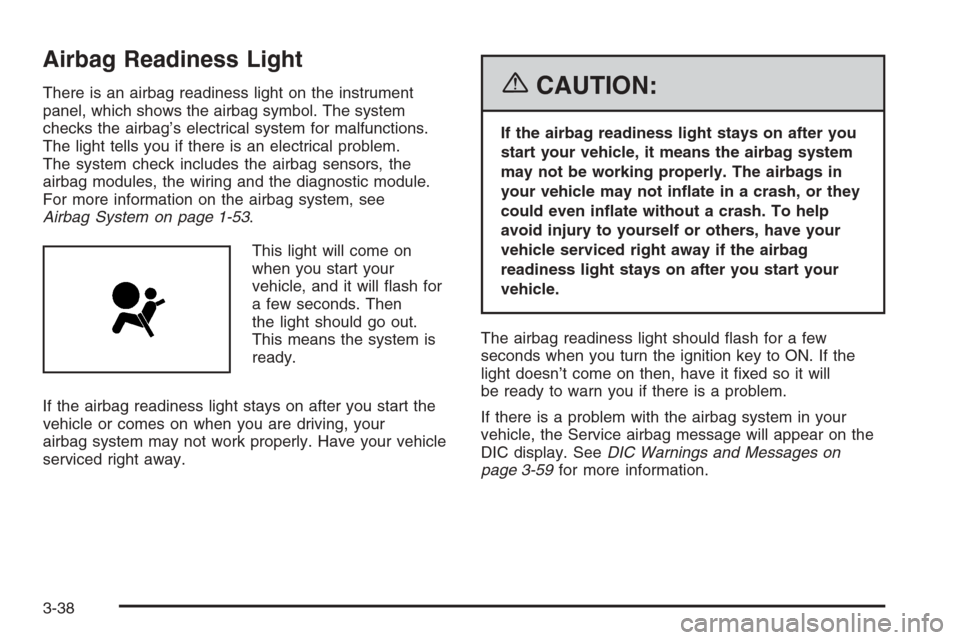
Airbag Readiness Light
There is an airbag readiness light on the instrument
panel, which shows the airbag symbol. The system
checks the airbag’s electrical system for malfunctions.
The light tells you if there is an electrical problem.
The system check includes the airbag sensors, the
airbag modules, the wiring and the diagnostic module.
For more information on the airbag system, see
Airbag System on page 1-53.
This light will come on
when you start your
vehicle, and it will ash for
a few seconds. Then
the light should go out.
This means the system is
ready.
If the airbag readiness light stays on after you start the
vehicle or comes on when you are driving, your
airbag system may not work properly. Have your vehicle
serviced right away.{CAUTION:
If the airbag readiness light stays on after you
start your vehicle, it means the airbag system
may not be working properly. The airbags in
your vehicle may not inate in a crash, or they
could even inate without a crash. To help
avoid injury to yourself or others, have your
vehicle serviced right away if the airbag
readiness light stays on after you start your
vehicle.
The airbag readiness light should ash for a few
seconds when you turn the ignition key to ON. If the
light doesn’t come on then, have it xed so it will
be ready to warn you if there is a problem.
If there is a problem with the airbag system in your
vehicle, the Service airbag message will appear on the
DIC display. SeeDIC Warnings and Messages on
page 3-59for more information.
3-38
Page 167 of 456

Charging System Light
When you turn the key to
ON or START, this light
will come on briey
to show that the generator
and battery charging
systems are working
properly.
If this light stays on, your vehicle needs service. You
should take your vehicle to the dealer at once. To save
your battery until you get there, turn off all accessories.
Brake System Warning Light
Your vehicle’s hydraulic brake system is divided into
two parts. If one part isn’t working, the other part can
still work and stop you. For good braking, though,
you need both parts working well.
If the warning light comes on, there is a brake problem.
Have your brake system inspected right away.
This light should come on briey when you turn the
ignition key to ON. If it doesn’t come on then, have it
xed so it will be ready to warn you if there’s a problem.
United StatesCanada
3-39
Page 168 of 456

When the ignition is on, the brake system warning light
will also come on when you set your parking brake.
The light will stay on if your parking brake doesn’t
release fully. If it stays on after your parking brake is
fully released, it means you have a brake problem.
If the light comes on while you are driving, pull off the
road and stop carefully. You may notice that the pedal is
harder to push, or the pedal may go closer to the
oor. It may take longer to stop. If the light is still on,
have the vehicle towed for service. SeeTowing
Your Vehicle on page 4-50.
{CAUTION:
Your brake system may not be working
properly if the brake system warning light is
on. Driving with the brake system warning light
on can lead to an accident. If the light is still
on after you have pulled off the road and
stopped carefully, have the vehicle towed for
service.
Anti-Lock Brake System
Warning Light
With the anti-lock brake
system, the light will come
on when your engine is
started and may stay on
for several seconds.
That is normal.
If the ABS warning light comes on and stays on, there
may be a problem with the anti-lock portion of the brake
system. If the red BRAKE light is not on, you still
have brakes, but you do not have anti-lock brakes. See
Brake System Warning Light on page 3-39.
3-40
Page 169 of 456

If the light stays on, turn the ignition to OFF. If the light
comes on when you are driving, stop as soon as
possible and turn the ignition off. Then start the engine
again to reset the system. If the light still stays on,
or comes on again while you are driving, your vehicle
needs service. If the regular brake system warning light
is not on, you still have brakes, but you do not have
anti-lock brakes. If the regular brake system warning
light is also on, you do not have anti-lock brakes
and there is a problem with your regular brakes. See
Brake System Warning Light on page 3-39.
The anti-lock brake system warning light should come
on briey when you turn the ignition key to ON. If
the light does not come on then, have it xed so it will
be ready to warn you if there is a problem.Traction Control System (TCS)
Warning Light
If the TC (traction control)
warning light comes on
and stays on, there may be
a problem with the
traction control system.
The TC (traction control) warning light will come on
briey when you turn the ignition to ON. If it doesn’t
come on then, have it xed so it will be ready to warn
you if there is a problem.
The light will also come on if you turn the traction
control system off using the TC (traction control) on/off
button located near the shift lever.
If the TC (traction control) warning light stays on or
comes on while you are driving, pull off the road as soon
as possible and stop carefully. Try resetting the
system by turning the ignition off then back on. If the
light still stays on or comes back on again while you are
driving, your vehicle needs service. Have the traction
control system inspected as soon as possible. See
Traction Control System (TCS) on page 4-9for more
information.
3-41
Page 170 of 456
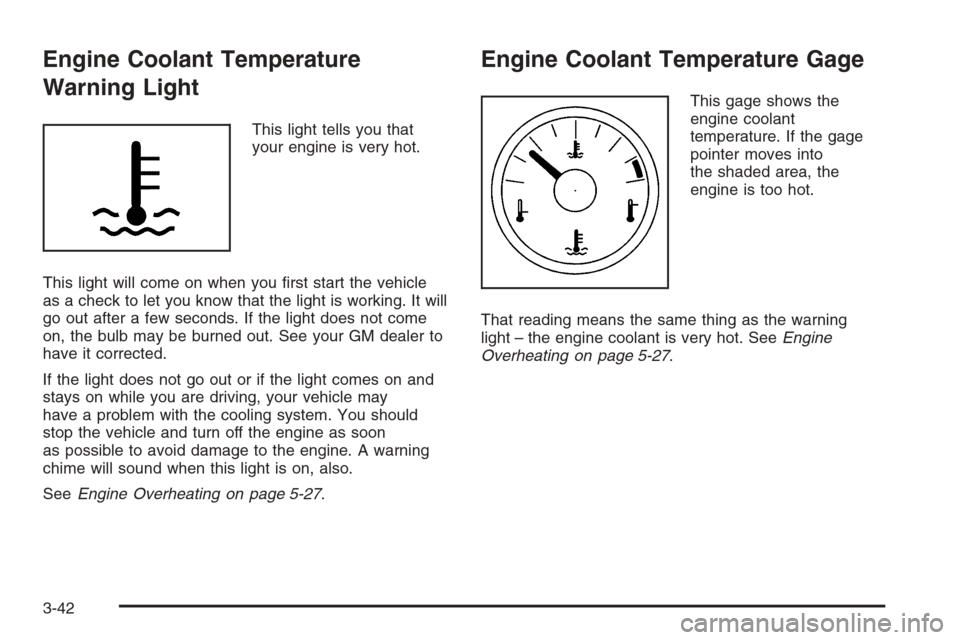
Engine Coolant Temperature
Warning Light
This light tells you that
your engine is very hot.
This light will come on when you rst start the vehicle
as a check to let you know that the light is working. It will
go out after a few seconds. If the light does not come
on, the bulb may be burned out. See your GM dealer to
have it corrected.
If the light does not go out or if the light comes on and
stays on while you are driving, your vehicle may
have a problem with the cooling system. You should
stop the vehicle and turn off the engine as soon
as possible to avoid damage to the engine. A warning
chime will sound when this light is on, also.
SeeEngine Overheating on page 5-27.
Engine Coolant Temperature Gage
This gage shows the
engine coolant
temperature. If the gage
pointer moves into
the shaded area, the
engine is too hot.
That reading means the same thing as the warning
light – the engine coolant is very hot. SeeEngine
Overheating on page 5-27.
3-42
Page 186 of 456
9(English/Metric Units):Use this menu item to
adjust the measurement units.
You can choose between ENGLISH UNITS and
METRIC UNITS. To switch between the two, press the
TUNE/SEL knob. Once your choice is displayed,
turn the knob to set your choice and continue scrolling
through the main menu.
The measurement units that you choose will be
reected on all the vehicle system displays, not just
the DIC information. For example, the climate control
panel will display degrees Celsius if you choose
METRIC UNITS.
TCS (Traction Control System):You can enable
or disable the traction control system using this menu
item. Press the TUNE/SEL knob to switch between
on and off.
You can also turn the traction control system off using
the traction control button located near the shift lever.
When you disable the traction control system, the
traction control system warning light on the instrument
panel cluster will come on. SeeTraction Control System
(TCS) Warning Light on page 3-41for more information.8(Clock):Use this menu item to set the time on the
vehicle’s clock.
SeeSetting the Time on page 3-82for more information.
8/4(Clock/Information Display):Use this menu
item to toggle between the clock display and the XM™
Information (Song, Artist, Title), if available.
SeeSetting the Time on page 3-82and “XM™ Satellite
Radio Service” underRadio with CD on page 3-83
for more information.
SETUP:When you select this menu item, the following
submenu is available:
LANGUAGE
PERSONALIZATION
CONFIGURE DISPLAY KEYS
To change the language displayed on the radio, select
LANGUAGE by pressing the TUNE/SEL knob. Turn
the TUNE/SEL knob to scroll through the available
languages and press the knob to make your selection. If
you accidentally select a language that you did not
want, ENGLISH is always at the top of the language list.
For more information on the other items in the SETUP
menu, seeDIC Vehicle Personalization on page 3-67.
3-58
Page 189 of 456
Check Brake Fluid
This message will display if the ignition is in ON to
inform the driver that the brake uid level is low. Have
the brake system serviced by your GM dealer as
soon as possible. SeeBrake System Warning Light on
page 3-39andBrakes on page 5-37for more
information.
Check Coolant Level
Notice:If your engine catches re because you
keep driving with no coolant, your vehicle can
be badly damaged. The costly repairs would not be
covered by your warranty. SeeOverheated Engine
Protection Operating Mode on page 5-29for
information on driving to a safe place in an
emergency.
This message will appear when there is a low level of
engine coolant. Have the cooling system serviced
by your GM dealer as soon as possible. SeeEngine
Coolant on page 5-24for more information.
Check Gas Cap
When this message appears on the display, the gas cap
has not been fully tightened. You should recheck the
gas cap to ensure that it is on and tightened properly.
See “If the Light Is On Steady” underMalfunction
Indicator Lamp on page 3-43for more information.
Check Tire Pressure
This message indicates that one or more of the vehicle’s
tires are low. SeeStatus of Vehicle Systems on
page 3-50for information on checking your vehicle’s tire
pressures. Also, seeTire Pressure Monitor System
on page 5-61andInation - Tire Pressure on page 5-59
for more information.
Check Washer Fluid
When this message appears on the display, it means
that your vehicle is low on windshield washer uid. You
should rell the windshield washer uid reservoir as
soon as possible. SeeWindshield Washer Fluid
on page 5-36for more information.
Driver Door Ajar
When this message appears on the display, it means
that the driver’s door was not closed completely.
You should make sure that the driver’s door is closed
completely.
3-61
Page 191 of 456
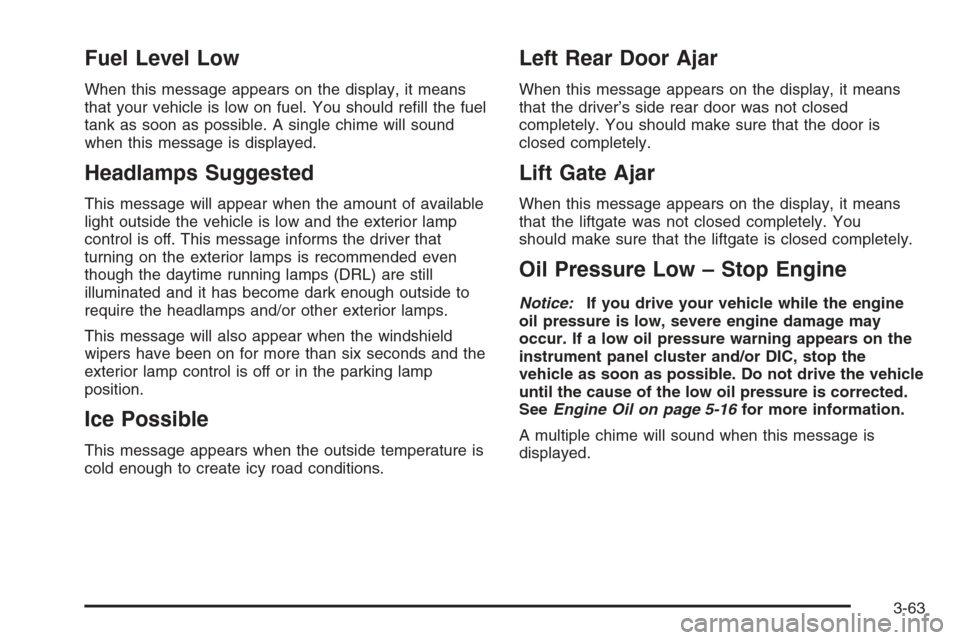
Fuel Level Low
When this message appears on the display, it means
that your vehicle is low on fuel. You should rell the fuel
tank as soon as possible. A single chime will sound
when this message is displayed.
Headlamps Suggested
This message will appear when the amount of available
light outside the vehicle is low and the exterior lamp
control is off. This message informs the driver that
turning on the exterior lamps is recommended even
though the daytime running lamps (DRL) are still
illuminated and it has become dark enough outside to
require the headlamps and/or other exterior lamps.
This message will also appear when the windshield
wipers have been on for more than six seconds and the
exterior lamp control is off or in the parking lamp
position.
Ice Possible
This message appears when the outside temperature is
cold enough to create icy road conditions.
Left Rear Door Ajar
When this message appears on the display, it means
that the driver’s side rear door was not closed
completely. You should make sure that the door is
closed completely.
Lift Gate Ajar
When this message appears on the display, it means
that the liftgate was not closed completely. You
should make sure that the liftgate is closed completely.
Oil Pressure Low – Stop Engine
Notice:If you drive your vehicle while the engine
oil pressure is low, severe engine damage may
occur. If a low oil pressure warning appears on the
instrument panel cluster and/or DIC, stop the
vehicle as soon as possible. Do not drive the vehicle
until the cause of the low oil pressure is corrected.
SeeEngine Oil on page 5-16for more information.
A multiple chime will sound when this message is
displayed.
3-63
Page 208 of 456
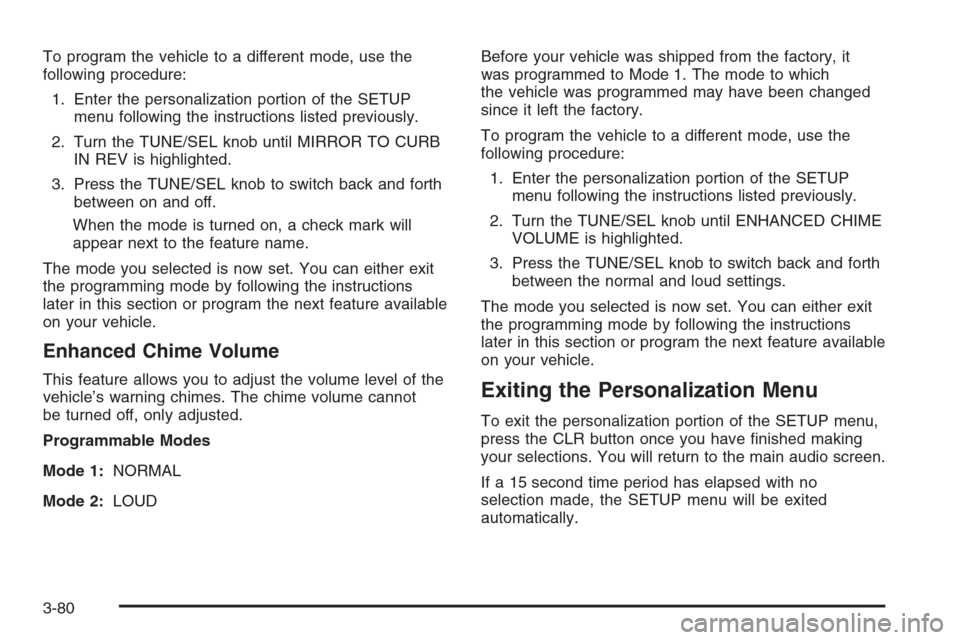
To program the vehicle to a different mode, use the
following procedure:
1. Enter the personalization portion of the SETUP
menu following the instructions listed previously.
2. Turn the TUNE/SEL knob until MIRROR TO CURB
IN REV is highlighted.
3. Press the TUNE/SEL knob to switch back and forth
between on and off.
When the mode is turned on, a check mark will
appear next to the feature name.
The mode you selected is now set. You can either exit
the programming mode by following the instructions
later in this section or program the next feature available
on your vehicle.
Enhanced Chime Volume
This feature allows you to adjust the volume level of the
vehicle’s warning chimes. The chime volume cannot
be turned off, only adjusted.
Programmable Modes
Mode 1:NORMAL
Mode 2:LOUDBefore your vehicle was shipped from the factory, it
was programmed to Mode 1. The mode to which
the vehicle was programmed may have been changed
since it left the factory.
To program the vehicle to a different mode, use the
following procedure:
1. Enter the personalization portion of the SETUP
menu following the instructions listed previously.
2. Turn the TUNE/SEL knob until ENHANCED CHIME
VOLUME is highlighted.
3. Press the TUNE/SEL knob to switch back and forth
between the normal and loud settings.
The mode you selected is now set. You can either exit
the programming mode by following the instructions
later in this section or program the next feature available
on your vehicle.Exiting the Personalization Menu
To exit the personalization portion of the SETUP menu,
press the CLR button once you have nished making
your selections. You will return to the main audio screen.
If a 15 second time period has elapsed with no
selection made, the SETUP menu will be exited
automatically.
3-80
Page 250 of 456

Control of a Vehicle
You have three systems that make your vehicle go
where you want it to go. They are the brakes, the
steering, and the accelerator. All three systems have
to do their work at the places where the tires meet
the road.
Sometimes, as when you are driving on snow or ice, it
is easy to ask more of those control systems than
the tires and road can provide. That means you can lose
control of your vehicle. SeeStabiliTrak
®System on
page 4-11.
Adding non-GM accessories can affect your vehicle’s
performance. SeeAccessories and Modications
on page 5-3.
Braking
SeeBrake System Warning Light on page 3-39.
Braking action involves perception time and
reaction time.
First, you have to decide to push on the brake pedal.
That is perception time. Then you have to bring up your
foot and do it. That is reaction time.
Average reaction time is about three-fourths of a
second. But that is only an average. It might be less
with one driver and as long as two or three seconds ormore with another. Age, physical condition, alertness,
coordination, and eyesight all play a part. So do alcohol,
drugs, and frustration. But even in three-fourths of a
second, a vehicle moving at 60 mph (100 km/h) travels
66 feet (20 m). That could be a lot of distance in an
emergency, so keeping enough space between
your vehicle and others is important.
And, of course, actual stopping distances vary greatly
with the surface of the road, whether it is pavement
or gravel; the condition of the road, whether it is
wet, dry, or icy; tire tread; the condition of your brakes;
the weight of the vehicle; and the amount of brake
force applied.
Avoid needless heavy braking. Some people drive
in spurts — heavy acceleration followed by heavy
braking — rather than keeping pace with traffic. This is
a mistake. Your brakes may not have time to cool
between hard stops. Your brakes will wear out much
faster if you do a lot of heavy braking. If you keep pace
with the traffic and allow realistic following distances,
you will eliminate a lot of unnecessary braking.
That means better braking and longer brake life.
If your engine ever stops while you are driving, brake
normally but do not pump your brakes. If you do,
the pedal may get harder to push down. If your engine
stops, you will still have some power brake assist.
But you will use it when you brake. Once the power
assist is used up, it may take longer to stop and
the brake pedal will be harder to push.
4-6