warning CADILLAC SRX 2007 1.G Owner's Manual
[x] Cancel search | Manufacturer: CADILLAC, Model Year: 2007, Model line: SRX, Model: CADILLAC SRX 2007 1.GPages: 522, PDF Size: 2.71 MB
Page 206 of 522
If the regular brake system warning light is not on,
you still have brakes, but you do not have
anti-lock brakes. If the regular brake system
warning light is also on, you do not have anti-lock
brakes and there is a problem with your regular
brakes. SeeBrake System Warning Light on
page 204for more information.
The ABS warning light should come on briey
when you turn the ignition key to ON. If the light
does not come on then, have it xed so it will
be ready to warn you if there is a problem.
Traction Control System (TCS)
Warning Light
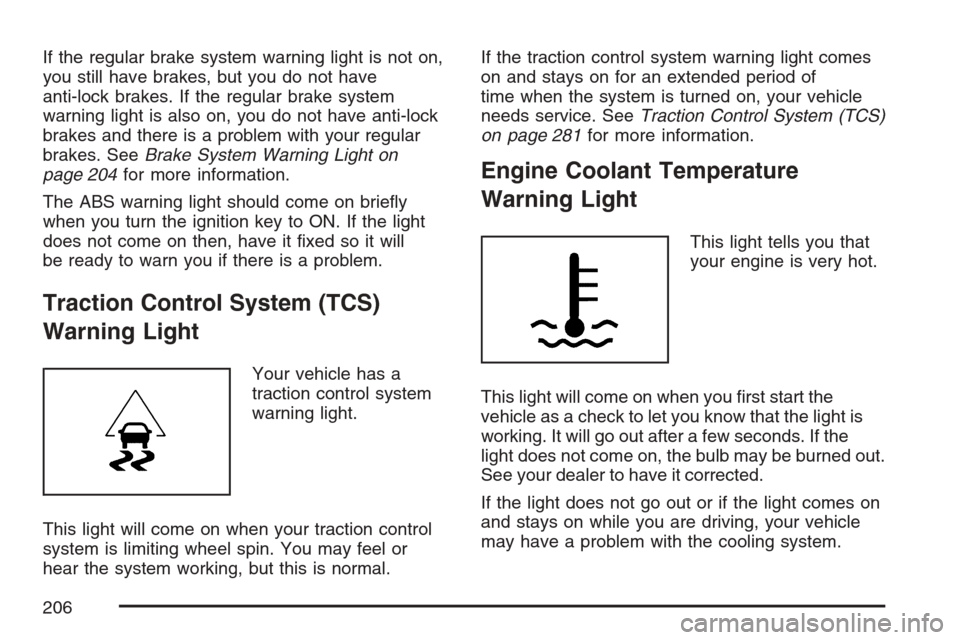
Your vehicle has a
traction control system
warning light.
This light will come on when your traction control
system is limiting wheel spin. You may feel or
hear the system working, but this is normal.If the traction control system warning light comes
on and stays on for an extended period of
time when the system is turned on, your vehicle
needs service. SeeTraction Control System (TCS)
on page 281for more information.
Engine Coolant Temperature
Warning Light
This light tells you that
your engine is very hot.
This light will come on when you rst start the
vehicle as a check to let you know that the light is
working. It will go out after a few seconds. If the
light does not come on, the bulb may be burned out.
See your dealer to have it corrected.
If the light does not go out or if the light comes on
and stays on while you are driving, your vehicle
may have a problem with the cooling system.
206
Page 207 of 522
You should stop the vehicle and turn off the
engine as soon as possible to avoid damage to
the engine. A warning chime will sound when this
light is on, also.
SeeEngine Overheating on page 372.
Engine Coolant Temperature Gage
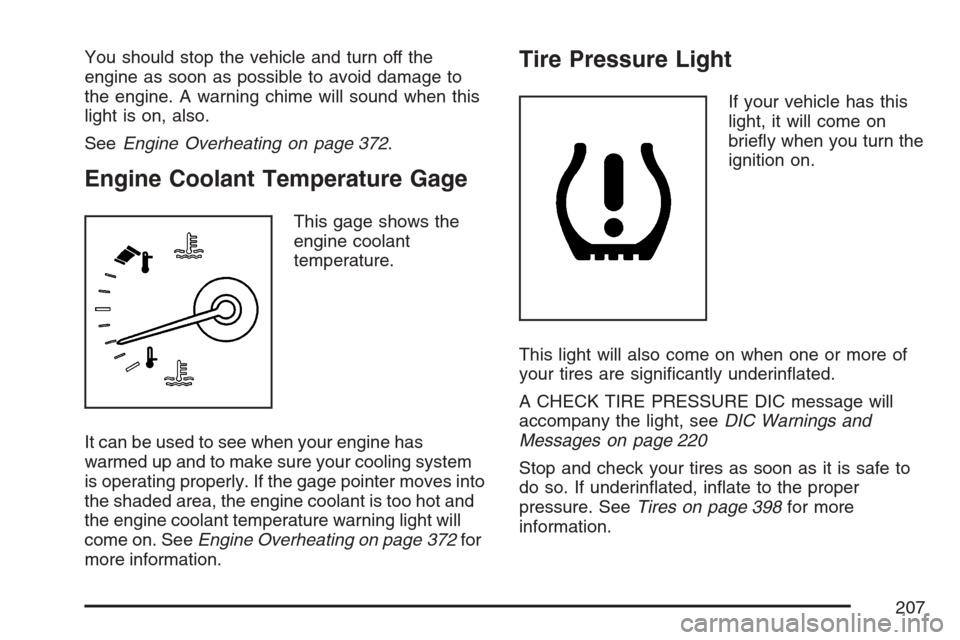
This gage shows the
engine coolant
temperature.
It can be used to see when your engine has
warmed up and to make sure your cooling system
is operating properly. If the gage pointer moves into
the shaded area, the engine coolant is too hot and
the engine coolant temperature warning light will
come on. SeeEngine Overheating on page 372for
more information.
Tire Pressure Light
If your vehicle has this
light, it will come on
briey when you turn the
ignition on.
This light will also come on when one or more of
your tires are signicantly underinated.
A CHECK TIRE PRESSURE DIC message will
accompany the light, seeDIC Warnings and
Messages on page 220
Stop and check your tires as soon as it is safe to
do so. If underinated, inate to the proper
pressure. SeeTires on page 398for more
information.
207
Page 213 of 522
Highbeam On Light
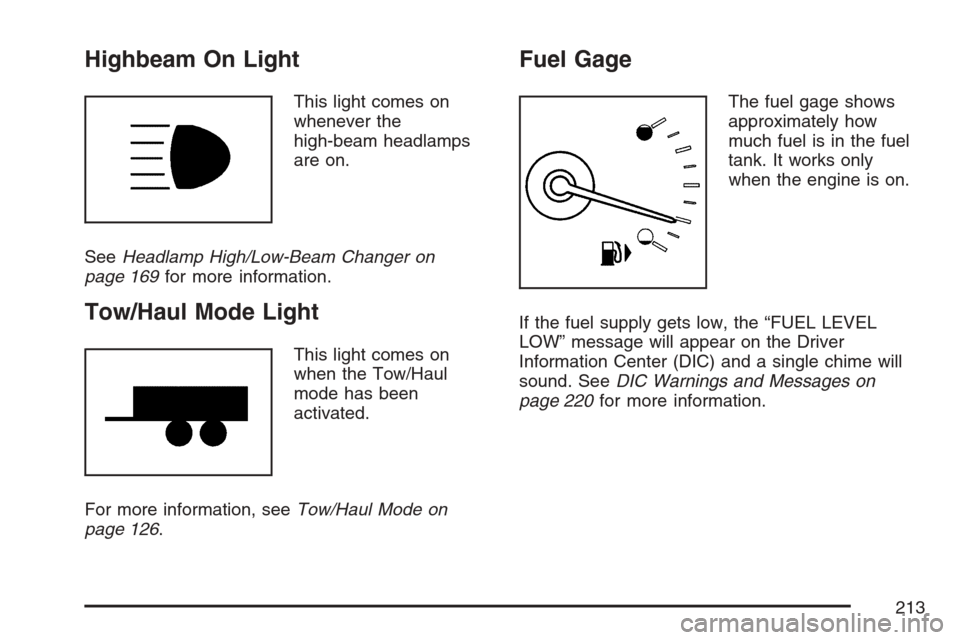
This light comes on
whenever the
high-beam headlamps
are on.
SeeHeadlamp High/Low-Beam Changer on
page 169for more information.
Tow/Haul Mode Light
This light comes on
when the Tow/Haul
mode has been
activated.
For more information, seeTow/Haul Mode on
page 126.
Fuel Gage
The fuel gage shows
approximately how
much fuel is in the fuel
tank. It works only
when the engine is on.
If the fuel supply gets low, the “FUEL LEVEL
LOW” message will appear on the Driver
Information Center (DIC) and a single chime will
sound. SeeDIC Warnings and Messages on
page 220for more information.
213
Page 214 of 522

All of the following situations are normal and do
not indicate that anything is wrong with the
fuel gage:
At the gas station the gas pump shuts off
before the gage reads full.
The gage may change when you turn, stop
quickly or accelerate quickly.
It takes a little more or less fuel to ll the tank
than the gage indicated. For example, the gage
may have indicated that the tank was half full,
but it actually took a little more or less than half
the tank’s capacity to ll the tank.
Driver Information Center (DIC)
The Driver Information Center (DIC) gives you the
status of many of your vehicle’s systems. The DIC
is also used to display warning/status messages.
All messages will appear in the DIC display located
at the bottom of the instrument panel cluster, below
the tachometer and speedometer. The DIC buttons
are located on the instrument panel, to the left of
the steering wheel.
The DIC comes on when the ignition is on. After a
short delay, the DIC will display the information
that was last displayed before the engine was
turned off.
The top line of the DIC display shows the vehicle
system information and the warning/status
messages. The bottom line of the DIC display
shows the odometer on the left side, the outside
air temperature on the right side, and the shift
position indicator in the center. For more
information on the shift position indicator, see
Automatic Transmission Operation on page 122.
214
Page 215 of 522
When the sport mode is active, an S will appear
next to the shift position indicator on the center of
the DIC display. When the manual mode is
active, an M will appear on the DIC display. When
the normal mode is active, only the shift position
indicator will appear. While the Driver Shift Control
(DSC) feature is active, the DIC will change to
show the selected gear. See″Driver Shift Control
(DSC)″underAutomatic Transmission Operation
on page 122for more information.
If a problem is detected, a warning message will
appear on the display. Be sure to take any
message that appears on the display seriously
and remember that clearing the message will only
make the message disappear, not correct the
problem.DIC Controls and Displays
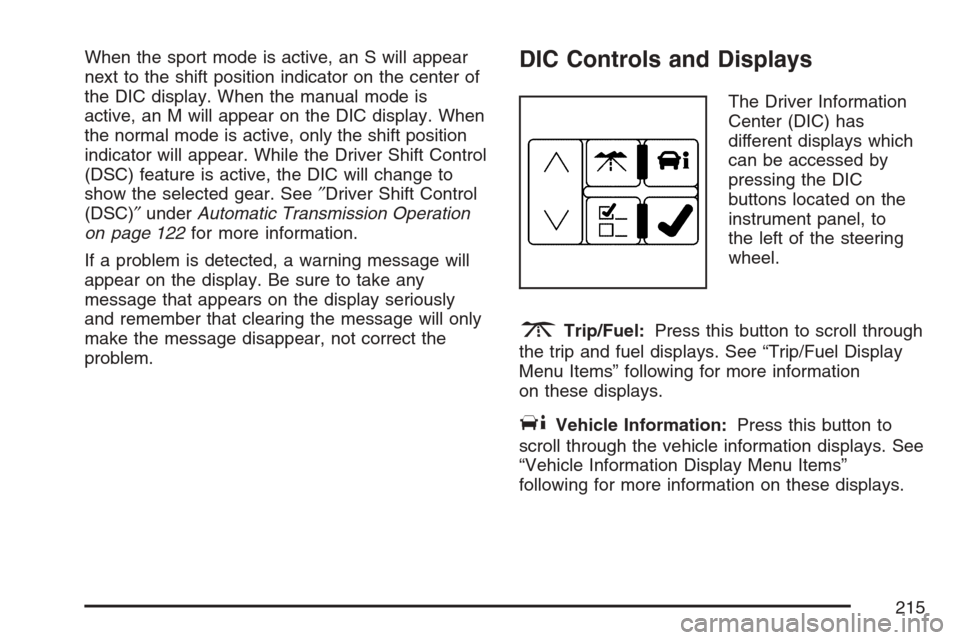
The Driver Information
Center (DIC) has
different displays which
can be accessed by
pressing the DIC
buttons located on the
instrument panel, to
the left of the steering
wheel.
3Trip/Fuel:Press this button to scroll through
the trip and fuel displays. See “Trip/Fuel Display
Menu Items” following for more information
on these displays.
TVehicle Information:Press this button to
scroll through the vehicle information displays. See
“Vehicle Information Display Menu Items”
following for more information on these displays.
215
Page 216 of 522

UCustomization:Press this button to scroll
through each of the customization features. See
DIC Vehicle Customization on page 231for
more information on the customization features.
VSet/Reset:Press this button to reset
certain DIC features and to acknowledge DIC
warning messages and clear them from the DIC
display.
yzMenu Up/Down:Press this button to scroll
up and down the menu items.
Trip/Fuel Display Menu Items
3
(Trip/Fuel):The following display menu
items can be displayed by pressing the trip/fuel
button:
TRIP A or TRIP B
These displays show the current distance traveled
since the last reset for each trip odometer in
either miles (mi) or kilometers (km). Both
odometers can be used at the same time. Each
trip odometer can be reset to zero separately
by pressing and holding the set/reset button for a
few seconds while the desired trip odometer is
displayed.
FUEL RANGE
This display shows the approximate number of
remaining miles (mi) or kilometers (km) you
can drive without relling your fuel tank. This
estimate is based on the current driving conditions
and will change if the driving conditions change.
For example, if you are driving in traffic and
making frequent stops, the display may read one
number, but if you enter the freeway, the
number may change even though you still have
the same amount of fuel in the fuel tank. This
is because different driving conditions produce
different fuel economies. Generally, freeway
driving produces better fuel economy than city
driving.
Once the range drops below about 30 miles
(48 km) remaining, the display will show FUEL
RANGE LOW.
If your vehicle is low on fuel, the FUEL LEVEL
LOW message will be displayed. See “FUEL
LEVEL LOW” underDIC Warnings and Messages
on page 220for more information.
216
Page 218 of 522
BATTERY VOLTAGE
This display shows the current battery voltage.
Your vehicle’s charging system regulates voltage
based on the state of the battery. The battery
voltage may uctuate when viewing this
information on the DIC. This is normal.
If there is a problem with the battery charging
system, the charging system light will illuminate
and/or the DIC will display a message. See
Charging System Light on page 204,DIC
Warnings and Messages on page 220andElectric
Power Management on page 183for more
information.
Blank Display
This display shows no information.
Vehicle Information Display Menu Items
T
(Vehicle Information):The following display
menu items can be displayed by pressing the
vehicle information button:
OIL LIFE REMAINING
If the vehicle has this display, it shows the
estimated oil life remaining. If you see 99% OIL
LIFE REMAINING on the display, that means that
99% of the current oil life remains.
When the oil life is depleted, the CHANGE
ENGINE OIL SOON message will appear on the
display. You should change your oil as soon
as possible. In addition to the engine oil life system
monitoring the oil life, additional maintenance is
recommended in the Maintenance Schedule in this
manual. SeeScheduled Maintenance on
page 471andEngine Oil on page 360.
Remember, you must reset the OIL LIFE yourself
after each oil change. It will not reset itself.
Also, be careful not to reset the OIL LIFE
accidentally at any time other than when the oil
has just been changed. It cannot be reset
accurately until the next oil change. To reset the
engine oil life system, SeeEngine Oil Life System
on page 363. The display will show 100% when
the system is reset.
218
Page 219 of 522
UNITS
This display allows you to select between English
or Metric units of measurement. Once in this
display, press the set/reset button to select
between ENGLISH or METRIC units.
PARKING ASSIST
If your vehicle has the Ultrasonic Rear Parking
Assist (URPA) system, this display allows
the system to be turned on or off. Once in this
display, press the set/reset button to select
between ON or OFF. If you choose ON, the
system will be turned on. If you choose OFF, the
system will be turned off. The URPA system
automatically turns back on after each vehicle
start. When the URPA system is turned off and the
vehicle is shifted out of PARK (P), the DIC will
display the PARKING ASSIST OFF message as a
reminder that the system has been turned off.
SeeDIC Warnings and Messages on page 220
andUltrasonic Rear Parking Assist (URPA)
on page 184for more information.
FRONT TIRES or REAR TIRES
If your vehicle has a Tire Pressure Monitor (TPM)
system, the pressure for each tire can be
viewed in the DIC. The tire pressure will be shown
in either pounds per square inch (psi) or
kilopascals (kPa). Press the vehicle information
button until the DIC shows the tire pressure for the
front tires. Press the vehicle information button
again to view the pressure for the rear tires.
If a low or high tire pressure condition is detected
by the system while driving, a message advising
you to check the pressure in a specic tire
will appear in the display. SeeInation - Tire
Pressure on page 407andDIC Warnings
and Messages on page 220for more information.
RELEARN TIRE POSITIONS
If your vehicle has a Tire Pressure Monitor (TPM)
system, after rotating the tires or after replacing
a tire or sensor, the system must re-learn the tire
positions. To re-learn the tire positions, see
Tire Pressure Monitor System on page 410. See
Tire Inspection and Rotation on page 414andDIC
Warnings and Messages on page 220for more
information.
219
Page 220 of 522
RELEARN REMOTE KEY
This display allows you to match the remote
keyless entry transmitter to your vehicle. To match
a remote keyless entry transmitter to your
vehicle, do the following:
1. Press the vehicle information button until
PRESS
VTO RELEARN REMOTE KEY
displays.
2. Press the set/reset button.
The message REMOTE KEY LEARNING
ACTIVE will display.
3. Press and hold the lock and unlock buttons
on the rst transmitter at the same time for
about 15 seconds.
A chime will sound indicating that the
transmitter is matched.
4. To match additional transmitters at this time,
repeat Step 3.
Each vehicle can have a maximum of
eight transmitters matched to it.
5. To exit the programming mode, you must
cycle the key to OFF.
SPEEDOMETER
This display shows a digital speedometer in the
DIC. The speed will be displayed in either
miles per hour (mph) or kilometers per hour (km/h).
Press the vehicle information button until the
DIC shows the digital speedometer. To change
the units from English to metric, see “UNITS”
earlier in this section.
Blank Display
This display shows no information.
DIC Warnings and Messages
These messages appear if there is a problem
detected in one of your vehicle’s systems.
You must acknowledge a message to clear it from
the screen for further use. To clear a message,
press the set/reset button.
Be sure to take any message that appears on the
screen seriously and remember that clearing
the message only makes the message disappear,
not the problem.
220
Page 222 of 522
SeeTires on page 398,Loading Your Vehicle on
page 322, andInation - Tire Pressure on
page 407. The DIC display also shows the tire
pressure values for the front and rear tires
by pressing the vehicle information button. See
DIC Controls and Displays on page 215. If the tire
pressure is low, the low tire pressure warning
light comes on. SeeTire Pressure Light on
page 207.
CRUISE SET TO XXX MPH (km/h)
This message displays whenever the cruise control
is set. SeeCruise Control on page 174for more
information.
DRIVER DOOR OPEN
This message displays when the driver’s door is
not closed completely. Make sure that the
driver’s door is closed completely.
ENGINE HOT – A/C
(Air Conditioning) OFF
This message displays when the engine coolant
becomes hotter than the normal operating
temperature. SeeEngine Coolant Temperature
Gage on page 207. To avoid added strain on a hot
engine, the air conditioning compressor
automatically turns off. When the coolant
temperature returns to normal, the air conditioning
compressor turns back on. You can continue to
drive your vehicle.
If this message continues to appear, have the
system repaired by your dealer as soon as
possible to avoid damage to the engine.
ENGINE OVERHEATED IDLE ENGINE
Notice:If you drive your vehicle while the
engine is overheating, severe engine damage
may occur. If an overheat warning appears on
the instrument panel cluster and/or DIC, stop
the vehicle as soon as possible. Do not increase
the engine speed above normal idling speed.
SeeEngine Overheating on page 372for more
information.
222