Car seat CADILLAC SRX 2013 2.G User Guide
[x] Cancel search | Manufacturer: CADILLAC, Model Year: 2013, Model line: SRX, Model: CADILLAC SRX 2013 2.GPages: 432, PDF Size: 7.13 MB
Page 207 of 432
Black plate (11,1)Cadillac SRX Owner Manual - 2013 - CRC - 11/9/12
Driving and Operating 9-11
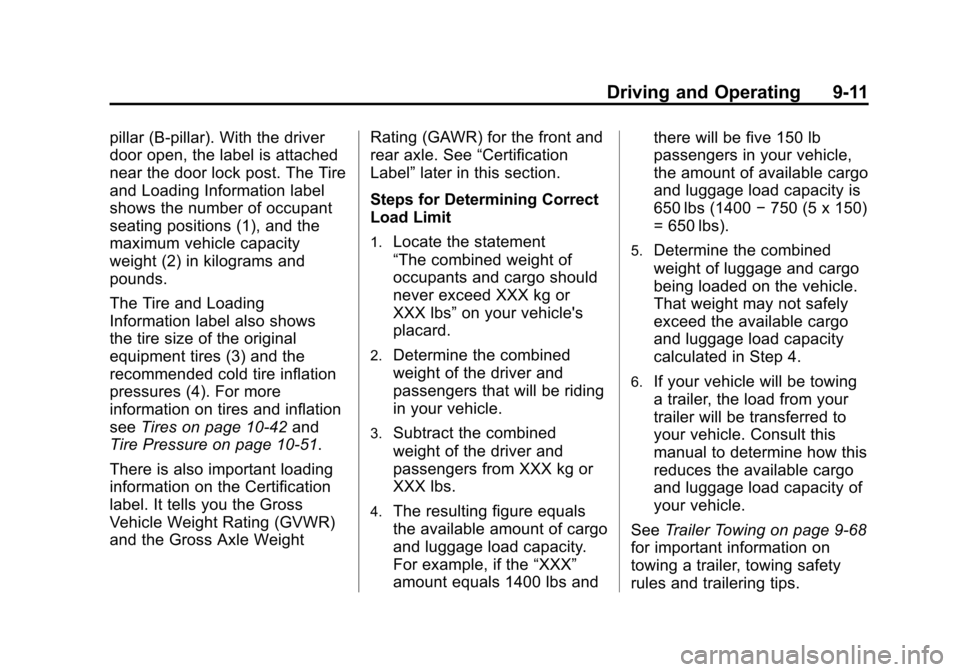
pillar (B-pillar). With the driver
door open, the label is attached
near the door lock post. The Tire
and Loading Information label
shows the number of occupant
seating positions (1), and the
maximum vehicle capacity
weight (2) in kilograms and
pounds.
The Tire and Loading
Information label also shows
the tire size of the original
equipment tires (3) and the
recommended cold tire inflation
pressures (4). For more
information on tires and inflation
seeTires on page 10‑42 and
Tire Pressure on page 10‑51.
There is also important loading
information on the Certification
label. It tells you the Gross
Vehicle Weight Rating (GVWR)
and the Gross Axle Weight Rating (GAWR) for the front and
rear axle. See
“Certification
Label” later in this section.
Steps for Determining Correct
Load Limit
1.Locate the statement
“The combined weight of
occupants and cargo should
never exceed XXX kg or
XXX lbs” on your vehicle's
placard.
2.Determine the combined
weight of the driver and
passengers that will be riding
in your vehicle.
3.Subtract the combined
weight of the driver and
passengers from XXX kg or
XXX lbs.
4.The resulting figure equals
the available amount of cargo
and luggage load capacity.
For example, if the “XXX”
amount equals 1400 lbs and there will be five 150 lb
passengers in your vehicle,
the amount of available cargo
and luggage load capacity is
650 lbs (1400
−750 (5 x 150)
= 650 lbs).
5.Determine the combined
weight of luggage and cargo
being loaded on the vehicle.
That weight may not safely
exceed the available cargo
and luggage load capacity
calculated in Step 4.
6.If your vehicle will be towing
a trailer, the load from your
trailer will be transferred to
your vehicle. Consult this
manual to determine how this
reduces the available cargo
and luggage load capacity of
your vehicle.
See Trailer Towing on page 9‑68
for important information on
towing a trailer, towing safety
rules and trailering tips.
Page 209 of 432
Black plate (13,1)Cadillac SRX Owner Manual - 2013 - CRC - 11/9/12
Driving and Operating 9-13
seating positions. The combined
weight of the driver, passengers,
and cargo should never exceed
the vehicle's capacity weight.
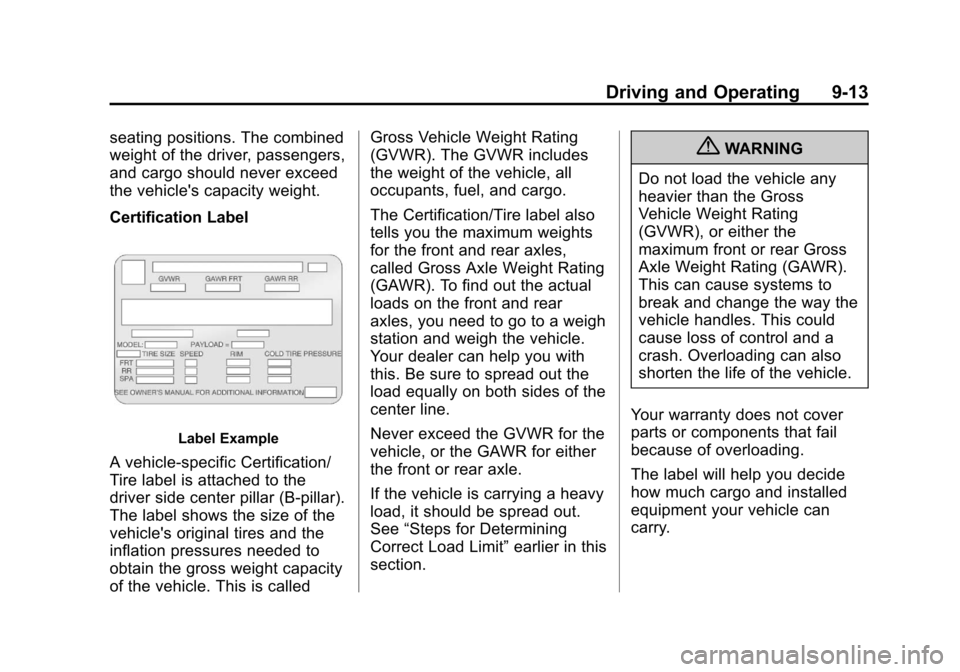
Certification Label
Label Example
A vehicle-specific Certification/
Tire label is attached to the
driver side center pillar (B-pillar).
The label shows the size of the
vehicle's original tires and the
inflation pressures needed to
obtain the gross weight capacity
of the vehicle. This is calledGross Vehicle Weight Rating
(GVWR). The GVWR includes
the weight of the vehicle, all
occupants, fuel, and cargo.
The Certification/Tire label also
tells you the maximum weights
for the front and rear axles,
called Gross Axle Weight Rating
(GAWR). To find out the actual
loads on the front and rear
axles, you need to go to a weigh
station and weigh the vehicle.
Your dealer can help you with
this. Be sure to spread out the
load equally on both sides of the
center line.
Never exceed the GVWR for the
vehicle, or the GAWR for either
the front or rear axle.
If the vehicle is carrying a heavy
load, it should be spread out.
See
“Steps for Determining
Correct Load Limit” earlier in this
section.
{WARNING
Do not load the vehicle any
heavier than the Gross
Vehicle Weight Rating
(GVWR), or either the
maximum front or rear Gross
Axle Weight Rating (GAWR).
This can cause systems to
break and change the way the
vehicle handles. This could
cause loss of control and a
crash. Overloading can also
shorten the life of the vehicle.
Your warranty does not cover
parts or components that fail
because of overloading.
The label will help you decide
how much cargo and installed
equipment your vehicle can
carry.
Page 210 of 432
Black plate (14,1)Cadillac SRX Owner Manual - 2013 - CRC - 11/9/12
9-14 Driving and Operating
Using heavier suspension
components to get added
durability might not change your
weight ratings. Ask your dealer
to help you load your vehicle the
right way.
If you put things inside your
vehicle–like suitcases,
tools, packages, or anything
else –they will go as fast as the
vehicle goes. If you have to stop
or turn quickly, or if there is a
crash, they will keep going.
{WARNING
Things inside the vehicle can
strike and injure people in a
sudden stop or turn, or in a
crash.
.Put things in the cargo
area of the vehicle. In the
cargo area, put them as
(Continued)
WARNING (Continued) far forward as possible.
Try to spread the weight
evenly.
.Never stack heavier
things, like suitcases,
inside the vehicle so that
some of them are above
the tops of the seats.
.Do not leave an
unsecured child restraint
in the vehicle.
.Secure loose items in the
vehicle.
.Do not leave a seat folded
down unless needed.
Starting and
Operating
New Vehicle Break-In
Notice: The vehicle does not
need an elaborate break-in. But it
will perform better in the long run
if you follow these guidelines:
.Do not drive at any one
constant speed, fast or slow,
for the first 805 km (500 mi).
Do not make full-throttle
starts. Avoid downshifting to
brake or slow the vehicle.
.During the first 1 000 km
(600 mi), avoid using more
than moderate acceleration
in lower gears and avoid
vehicle speeds above
110 km/h (68 mph).
Page 242 of 432
Black plate (46,1)Cadillac SRX Owner Manual - 2013 - CRC - 11/9/12
9-46 Driving and Operating
Driver Assistance
Systems
This vehicle may have features that
work together to help avoid crashes
or reduce crash damage while
driving, backing, and parking. Read
this entire section before using
these systems.
{WARNING
Do not rely on the Driver
Assistance Systems. These
systems do not replace the need
for paying attention and driving
safely. You may not hear or feel
alerts or warnings provided by
these systems. Failure to use
proper care when driving may
result in injury, death, or vehicle
damage. SeeDefensive Driving
on page 9‑3.
(Continued)
WARNING (Continued)
Under many conditions, these
systems will not:
.Detect children, pedestrians,
bicyclists, or animals.
.Detect vehicles or objects
outside the area monitored by
the system.
.Work at all driving speeds.
.Warn you or provide you with
enough time to avoid a crash.
.Work under poor visibility or
bad weather conditions.
.Work if the detection sensor
is not cleaned or is covered
by ice, snow, mud, or dirt.
Complete attention is always
required while driving, and you
should be ready to take action
and apply the brakes and/or steer
the vehicle to avoid crashes. Audible or Safety Alert Seat
Some driver assistance features
alert the driver of obstacles by
beeping. To change the volume of
the warning chime, see
“Comfort
and Convenience” underVehicle
Personalization on page 5‑40.
If equipped with the Safety Alert
Seat, the driver seat cushion may
provide a vibrating pulse alert
instead of beeping. To change this,
see “Collision/Detection Systems”
under Vehicle Personalization on
page 5‑40.
Assistance Systems for
Parking or Backing
When the vehicle is in R (Reverse),
the Rear Vision Camera (RVC) and
Rear Parking Assist may help the
driver to avoid a crash or to reduce
crash damage while backing and
parking. Some models may also
have the Rear Automatic Braking
and Backing Warning System, Rear
Cross Traffic Alert (RCTA), and/or
Front Parking Assist.
Page 243 of 432
Black plate (47,1)Cadillac SRX Owner Manual - 2013 - CRC - 11/9/12
Driving and Operating 9-47
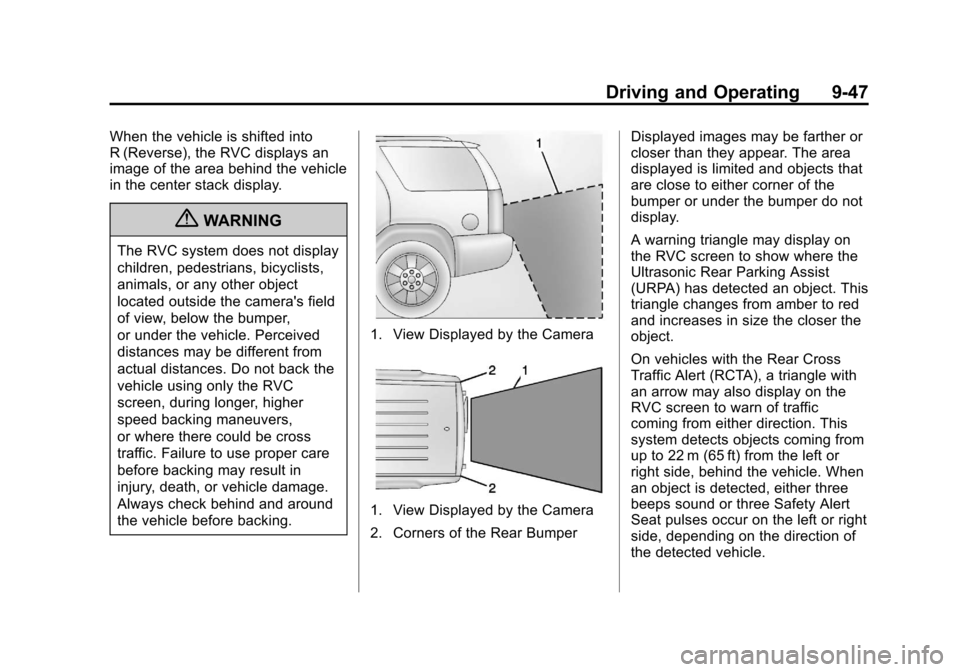
When the vehicle is shifted into
R (Reverse), the RVC displays an
image of the area behind the vehicle
in the center stack display.
{WARNING
The RVC system does not display
children, pedestrians, bicyclists,
animals, or any other object
located outside the camera's field
of view, below the bumper,
or under the vehicle. Perceived
distances may be different from
actual distances. Do not back the
vehicle using only the RVC
screen, during longer, higher
speed backing maneuvers,
or where there could be cross
traffic. Failure to use proper care
before backing may result in
injury, death, or vehicle damage.
Always check behind and around
the vehicle before backing.
1. View Displayed by the Camera
1. View Displayed by the Camera
2. Corners of the Rear BumperDisplayed images may be farther or
closer than they appear. The area
displayed is limited and objects that
are close to either corner of the
bumper or under the bumper do not
display.
A warning triangle may display on
the RVC screen to show where the
Ultrasonic Rear Parking Assist
(URPA) has detected an object. This
triangle changes from amber to red
and increases in size the closer the
object.
On vehicles with the Rear Cross
Traffic Alert (RCTA), a triangle with
an arrow may also display on the
RVC screen to warn of traffic
coming from either direction. This
system detects objects coming from
up to 22 m (65 ft) from the left or
right side, behind the vehicle. When
an object is detected, either three
beeps sound or three Safety Alert
Seat pulses occur on the left or right
side, depending on the direction of
the detected vehicle.
Page 297 of 432
Black plate (29,1)Cadillac SRX Owner Manual - 2013 - CRC - 11/9/12
Vehicle Care 10-29
3. Lift the air cleaner/filter base todisengage from the three pins.
Low-Beam Headlamps/Daytime
Running Lamps (DRL),
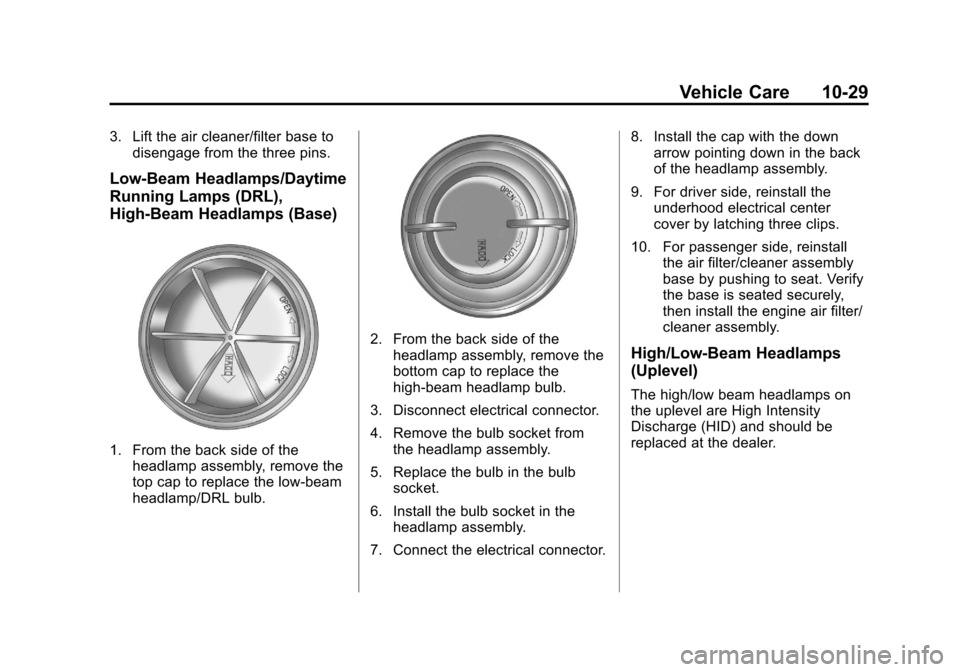
High-Beam Headlamps (Base)
1. From the back side of theheadlamp assembly, remove the
top cap to replace the low-beam
headlamp/DRL bulb.
2. From the back side of the
headlamp assembly, remove the
bottom cap to replace the
high-beam headlamp bulb.
3. Disconnect electrical connector.
4. Remove the bulb socket from the headlamp assembly.
5. Replace the bulb in the bulb socket.
6. Install the bulb socket in the headlamp assembly.
7. Connect the electrical connector. 8. Install the cap with the down
arrow pointing down in the back
of the headlamp assembly.
9. For driver side, reinstall the underhood electrical center
cover by latching three clips.
10. For passenger side, reinstall the air filter/cleaner assembly
base by pushing to seat. Verify
the base is seated securely,
then install the engine air filter/
cleaner assembly.High/Low-Beam Headlamps
(Uplevel)
The high/low beam headlamps on
the uplevel are High Intensity
Discharge (HID) and should be
replaced at the dealer.
Page 298 of 432
Black plate (30,1)Cadillac SRX Owner Manual - 2013 - CRC - 11/9/12
10-30 Vehicle Care
Daytime Running Lamp (DRL)
(Uplevel)
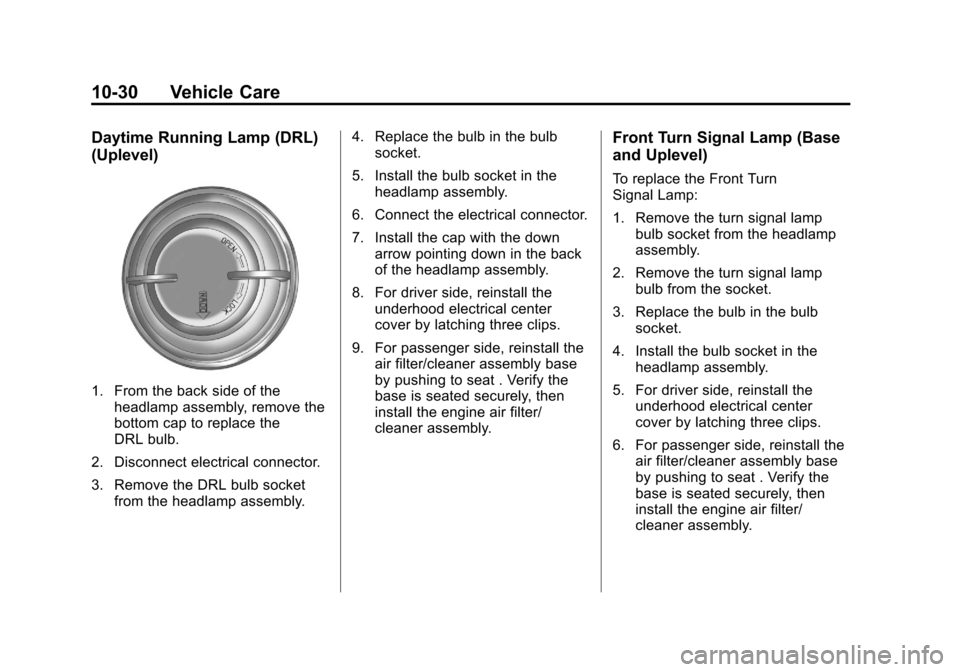
1. From the back side of theheadlamp assembly, remove the
bottom cap to replace the
DRL bulb.
2. Disconnect electrical connector.
3. Remove the DRL bulb socket from the headlamp assembly. 4. Replace the bulb in the bulb
socket.
5. Install the bulb socket in the headlamp assembly.
6. Connect the electrical connector.
7. Install the cap with the down arrow pointing down in the back
of the headlamp assembly.
8. For driver side, reinstall the underhood electrical center
cover by latching three clips.
9. For passenger side, reinstall the air filter/cleaner assembly base
by pushing to seat . Verify the
base is seated securely, then
install the engine air filter/
cleaner assembly.
Front Turn Signal Lamp (Base
and Uplevel)
To replace the Front Turn
Signal Lamp:
1. Remove the turn signal lampbulb socket from the headlamp
assembly.
2. Remove the turn signal lamp bulb from the socket.
3. Replace the bulb in the bulb socket.
4. Install the bulb socket in the headlamp assembly.
5. For driver side, reinstall the underhood electrical center
cover by latching three clips.
6. For passenger side, reinstall the air filter/cleaner assembly base
by pushing to seat . Verify the
base is seated securely, then
install the engine air filter/
cleaner assembly.
Page 305 of 432
Black plate (37,1)Cadillac SRX Owner Manual - 2013 - CRC - 11/9/12
Vehicle Care 10-37
Mini Fuses Usage54 Sensing Diagnostic Module Ignition
55 High-Beam Headlamp-Right
56 High-Beam Headlamp-Left
57 Ignition Steering Column Lock
65 Trailer Right Stoplamp
66 Trailer Left Stoplamp
67 Spare
68 Spare
69 Spare
70 Spare
71 Spare
72 Spare Mini Relays Usage
7 Powertrain
9 Cooling Fan 2
13 Cooling Fan 1
15 Run/Crank
Micro
Relays Usage
2 Vacuum Pump
4 Wiper Control
5 Wiper Speed
10 Starter
12 Cool Fan 3
14 Low Beam/HID
U Micro Relays Usage
3 Air Conditioning Compressor Clutch
8 Headlamp WasherInstrument Panel Fuse
Block
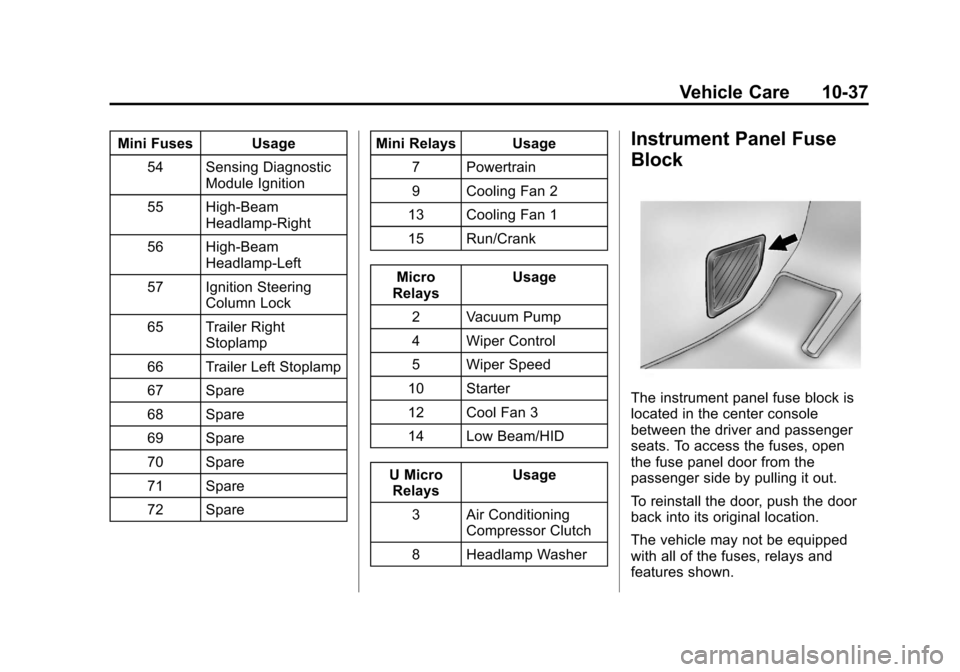
The instrument panel fuse block is
located in the center console
between the driver and passenger
seats. To access the fuses, open
the fuse panel door from the
passenger side by pulling it out.
To reinstall the door, push the door
back into its original location.
The vehicle may not be equipped
with all of the fuses, relays and
features shown.
Page 307 of 432
Black plate (39,1)Cadillac SRX Owner Manual - 2013 - CRC - 11/9/12
Vehicle Care 10-39
Mini Fuses Usage
RAIN SNSR Rain Sensor BCM 6 Body Control Module 6
ESCL Electronic Steering Column Lock
AIRBAG Sensing and Diagnostic Module
DLC Data Link Connector
IPC Instrument Cluster
STR
WHL SW Steering Wheel
Switch
BCM 3 Body Control Module 1
BCM 2 Body Control Module 2
AMP/RDO Amplifier/Radio HVAC Heating Ventilation & Air Conditioning J-Case
Fuses Usage
BCM 8 Body Control Module 8
FRT BLWR Front Blower
Relays Usage
LOGIC RLY/ SHUNT Logistics Relay/
Shunt
RAP/
ACCY RLY Retained
Accessory Power/
Accessory Relay
Breakers Usage HTR DR Heated Driver Seat
HTR PAS Heated Passenger SeatRear Compartment Fuse
Block
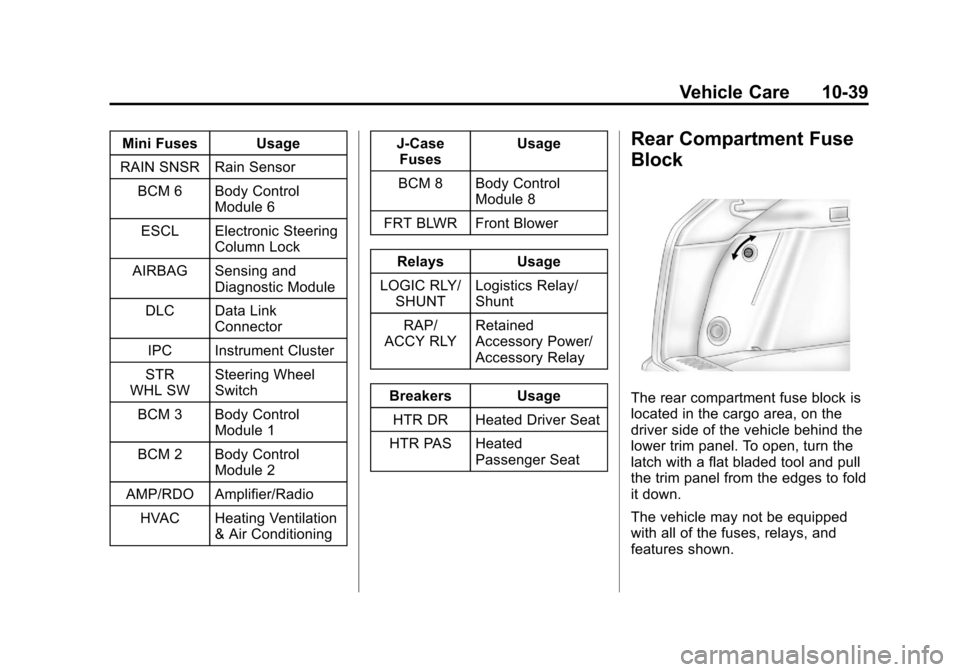
The rear compartment fuse block is
located in the cargo area, on the
driver side of the vehicle behind the
lower trim panel. To open, turn the
latch with a flat bladed tool and pull
the trim panel from the edges to fold
it down.
The vehicle may not be equipped
with all of the fuses, relays, and
features shown.
Page 308 of 432
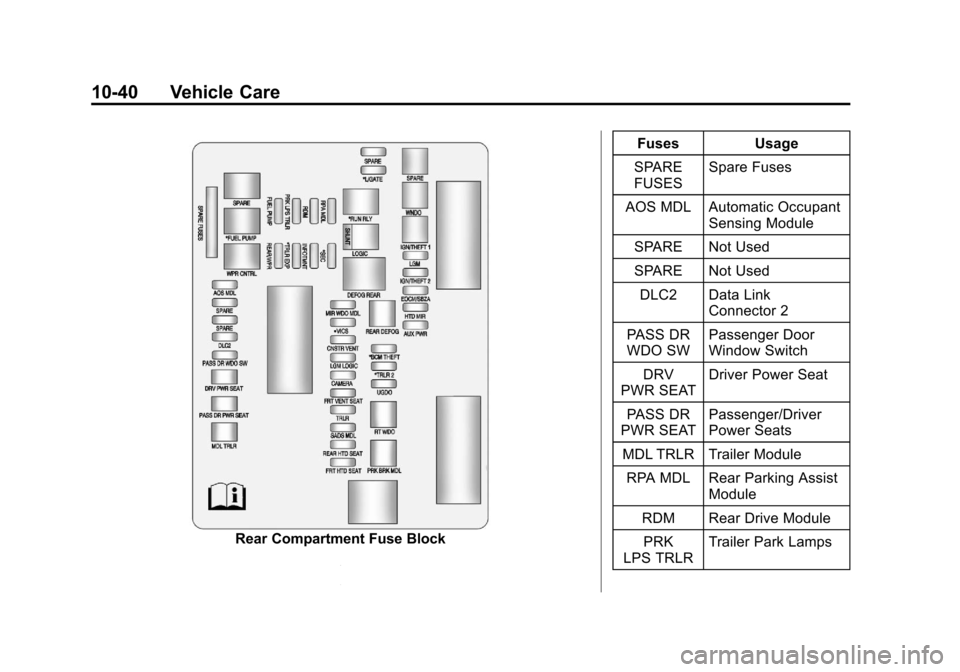
Black plate (40,1)Cadillac SRX Owner Manual - 2013 - CRC - 11/9/12
10-40 Vehicle Care
Rear Compartment Fuse BlockFuses Usage
SPARE
FUSES Spare Fuses
AOS MDL Automatic Occupant Sensing Module
SPARE Not Used
SPARE Not Used
DLC2 Data Link Connector 2
PASS DR
WDO SW Passenger Door
Window Switch
DRV
PWR SEAT Driver Power Seat
PASS DR
PWR SEAT Passenger/Driver
Power Seats
MDL TRLR Trailer Module RPA MDL Rear Parking Assist Module
RDM Rear Drive Module PRK
LPS TRLR Trailer Park Lamps