light CADILLAC STS 2011 1.G Owners Manual
[x] Cancel search | Manufacturer: CADILLAC, Model Year: 2011, Model line: STS, Model: CADILLAC STS 2011 1.GPages: 528, PDF Size: 4.96 MB
Page 262 of 528
Black plate (76,1)Cadillac STS Owner Manual - 2011
DIC Warnings and Messages
Messages are displayed on the DIC to notify the driver
that the status of the vehicle has changed and that
some action may be needed by the driver to correct the
condition. Multiple messages may appear one after
another.
The text messages are the same for both the base
audio and Navigation systems unless otherwise
indicated.
Some messages may not require immediate action, but
you can press the reset button to acknowledge that you
received the messages and to clear them from the
display.
Some messages cannot be cleared from the DIC
display because they are more urgent. These
messages require action before they can be cleared.
Take any messages that appear on the display
seriously and remember that clearing the messages
will only make the messages disappear, not correct the
problem.The following are the possible messages that can be
displayed and some information about them.ADVISORY: XXX MPH (KM/H)
This message displays when the Speed Alert has been
turned on through the DIC Information Menu and the
vehicle is at or above the advised speed. See
DIC
Operation and Displays
on page 4‑70for more
information.
AUTOMATIC LIGHTS OFF
This message displays when the automatic headlamps
are turned off. See Headlampson page 4‑27for more
information.
AUTOMATIC LIGHTS ON
This message displays when the automatic headlamps
are turned on. See Headlampson page 4‑27for more
information.
4-76
Page 264 of 528
Black plate (78,1)Cadillac STS Owner Manual - 2011
BATTERY VOLTAGE LOW
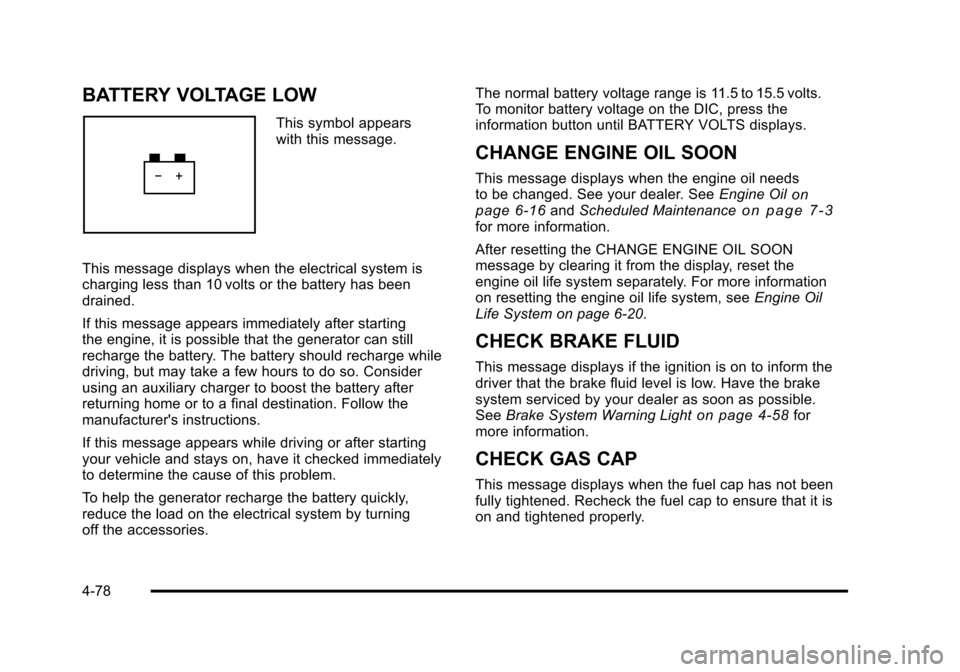
This symbol appears
with this message.
This message displays when the electrical system is
charging less than 10 volts or the battery has been
drained.
If this message appears immediately after starting
the engine, it is possible that the generator can still
recharge the battery. The battery should recharge while
driving, but may take a few hours to do so. Consider
using an auxiliary charger to boost the battery after
returning home or to a final destination. Follow the
manufacturer's instructions.
If this message appears while driving or after starting
your vehicle and stays on, have it checked immediately
to determine the cause of this problem.
To help the generator recharge the battery quickly,
reduce the load on the electrical system by turning
off the accessories. The normal battery voltage range is 11.5 to 15.5 volts.
To monitor battery voltage on the DIC, press the
information button until BATTERY VOLTS displays.
CHANGE ENGINE OIL SOON
This message displays when the engine oil needs
to be changed. See your dealer. See
Engine Oilon
page 6‑16and Scheduled Maintenanceon page 7‑3for more information.
After resetting the CHANGE ENGINE OIL SOON
message by clearing it from the display, reset the
engine oil life system separately. For more information
on resetting the engine oil life system, see Engine Oil
Life System on page 6‑20.
CHECK BRAKE FLUID
This message displays if the ignition is on to inform the
driver that the brake fluid level is low. Have the brake
system serviced by your dealer as soon as possible.
See Brake System Warning Light
on page 4‑58for
more information.
CHECK GAS CAP
This message displays when the fuel cap has not been
fully tightened. Recheck the fuel cap to ensure that it is
on and tightened properly.
4-78
Page 265 of 528
Black plate (79,1)Cadillac STS Owner Manual - 2011
CHECK TIRE PRESSURE or TIRE LOW
ADD AIR TO TIRE
This message displays when the pressure in one or
more of the vehicle's tires Is low. It also gives the
location of the tire. The low tire pressure warning light
will also comes on. SeeTire Pressure Light
on
page 4‑62. If a tire pressure message appears on the
DIC, stop as soon as you can. Have the tire pressures
checked and set to those shown on the Tire Loading
Information label. See Tires
on page 6‑50,Loading the
Vehicleon page 5‑23, and Inflation - Tire Pressureon
page 6‑58. The DIC also shows the tire pressure
values. See DIC Operation and Displayson page 4‑70.
CHECK WASHER FLUID
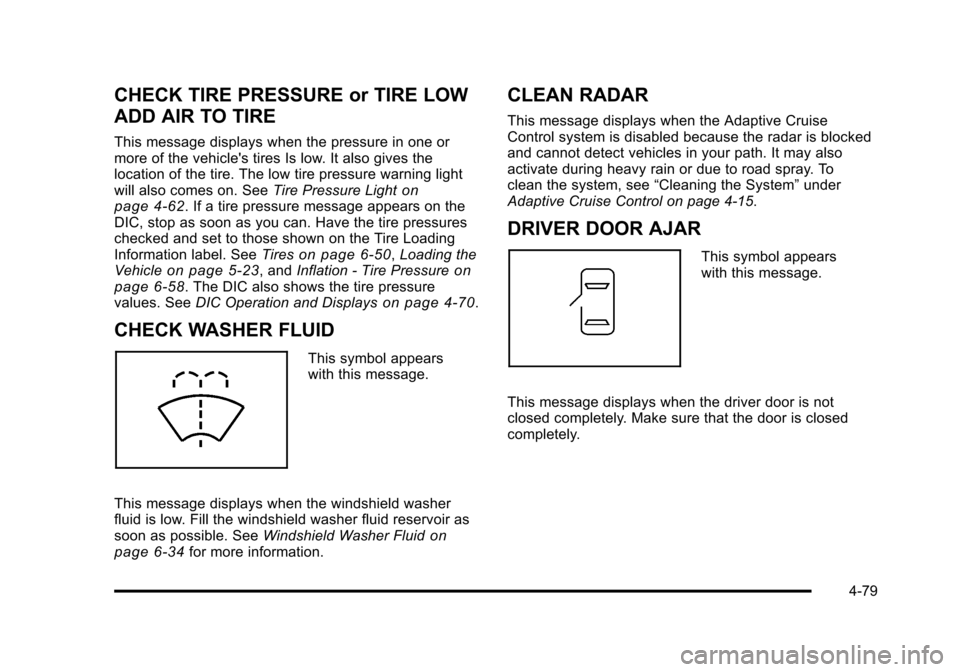
This symbol appears
with this message.
This message displays when the windshield washer
fluid is low. Fill the windshield washer fluid reservoir as
soon as possible. See Windshield Washer Fluid
on
page 6‑34for more information.
CLEAN RADAR
This message displays when the Adaptive Cruise
Control system is disabled because the radar is blocked
and cannot detect vehicles in your path. It may also
activate during heavy rain or due to road spray. To
clean the system, see “Cleaning the System” under
Adaptive Cruise Control on page 4‑15.
DRIVER DOOR AJAR
This symbol appears
with this message.
This message displays when the driver door is not
closed completely. Make sure that the door is closed
completely.
4-79
Page 266 of 528
Black plate (80,1)Cadillac STS Owner Manual - 2011
ENGINE COOLANT HOT IDLE ENGINE
Notice:If you drive your vehicle while the engine is
overheating, severe engine damage may occur. If an
overheat warning appears on the instrument panel
cluster and/or DIC, stop the vehicle as soon as
possible. Do not increase the engine speed above
normal idling speed. See Engine Overheating
on
page 6‑30for more information.
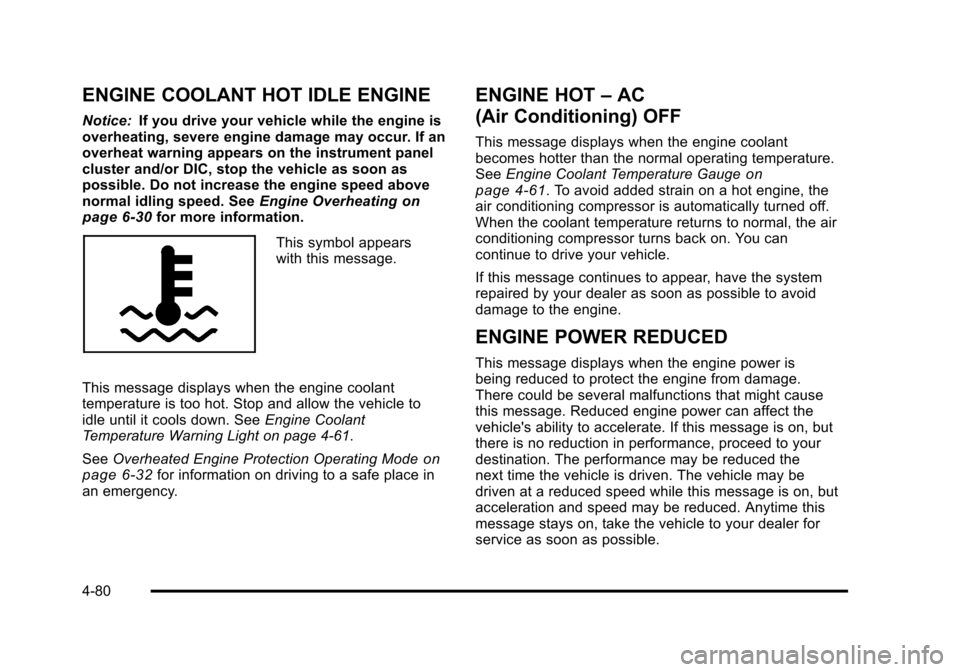
This symbol appears
with this message.
This message displays when the engine coolant
temperature is too hot. Stop and allow the vehicle to
idle until it cools down. See Engine Coolant
Temperature Warning Light on page 4‑61.
See Overheated Engine Protection Operating Mode
on
page 6‑32for information on driving to a safe place in
an emergency.
ENGINE HOT –AC
(Air Conditioning) OFF
This message displays when the engine coolant
becomes hotter than the normal operating temperature.
See Engine Coolant Temperature Gauge
on
page 4‑61. To avoid added strain on a hot engine, the
air conditioning compressor is automatically turned off.
When the coolant temperature returns to normal, the air
conditioning compressor turns back on. You can
continue to drive your vehicle.
If this message continues to appear, have the system
repaired by your dealer as soon as possible to avoid
damage to the engine.
ENGINE POWER REDUCED
This message displays when the engine power is
being reduced to protect the engine from damage.
There could be several malfunctions that might cause
this message. Reduced engine power can affect the
vehicle's ability to accelerate. If this message is on, but
there is no reduction in performance, proceed to your
destination. The performance may be reduced the
next time the vehicle is driven. The vehicle may be
driven at a reduced speed while this message is on, but
acceleration and speed may be reduced. Anytime this
message stays on, take the vehicle to your dealer for
service as soon as possible.
4-80
Page 272 of 528
Black plate (86,1)Cadillac STS Owner Manual - 2011
SERVICE AIR BAG
This message displays if there is a problem with the
airbag system. Have your vehicle serviced by your
dealer immediately. SeeAirbag Readiness Light
on
page 4‑54for more information.
SERVICE BRAKE ASSIST
This message displays when a problem with the panic
brake assist system has been detected. Have your
vehicle serviced by your dealer.
SERVICE LANE DEPARTURE SYSTEM
If your vehicle has the Lane Departure Warning (LDW)
system, this message may display to indicate that the
LDW system is not working properly. If this message
remains on after continued driving, the system needs
service. See your dealer. See the Index in the
Navigation manual for more information.
SERVICE RADAR CRUISE
This message displays when the Adaptive Cruise
Control system is disabled and needs service. See
your dealer.
SERVICE SIDE BLIND ZONE ALERT
SYSTEM
If your vehicle has the Side Blind Zone Alert (SBZA)
system and this message displays, both SBZA
displays will remain on indicating there is a problem
with the SBZA system. If these displays remain on after
continued driving, the system needs service. See your
dealer. See the Index in the Navigation manual for more
information.
SERVICE STABILITY SYS (System)
Your vehicle has a vehicle stability enhancement
system called StabiliTrak®. All-Wheel Drive (AWD)
vehicle with the Active Steering with Enhanced
StabiliTrak option have a stability enhancement
system called Enhanced StabiliTrak.
This message displays if there has been a problem
detected with the stability system.
If this message comes on while driving, pull off the road
as soon as possible and stop carefully. Try resetting the
system by turning the ignition off then back on. If this
message still stays on or comes back on again while
driving, your vehicle needs service. Have the stability
system inspected by your dealer as soon as possible.
See StabiliTrak
®Systemon page 5‑6orEnhanced
StabiliTrak®on page 5‑7for more information.
4-86
Page 274 of 528
Black plate (88,1)Cadillac STS Owner Manual - 2011
SERVICE SUSPENSION SYS (System)
This message displays when the suspension system is
not operating properly. Have your vehicle serviced by
your dealer.
If your All-Wheel Drive (AWD) vehicle has the Active
Steering with Enhanced StabiliTrak option and the
suspension system needs service, the Enhanced
StabiliTrak system may be operating in the Stability
Secure Mode and the STABILITY SECURE MODE
message will display. SeeEnhanced StabiliTrak
®on
page 5‑7.
SERVICE TIRE MONITOR
This message displays if a part on the Tire Pressure
Monitor System (TPMS) is not working properly. The tire
pressure light also flashes and then remains on during
the same ignition cycle. See Tire Pressure Light
on
page 4‑62. Several conditions may cause this message
to appear. See Tire Pressure Monitor Operationon
page 6‑62for more information. If the warning comes
on and stays on, there may be a problem with the
TPMS. See your dealer.
SERVICE THEFT SYSTEM
This message displays when there is a problem with the
hood open and closed switches. The switches may
need to be replaced. When this message is displayed,
the theft-deterrent system will still be protecting the
interior of the vehicle, however, the hood area will not
be protected at this time. Also, the remote start function
will not work when this message appears. See your
dealer for service.
SERVICE TRANSMISSION
This message displays when there is a problem with
the transmission. Have your vehicle serviced by your
dealer.
SERVICE VEHICLE SOON
This message displays when a non-emissions related
malfunction occurs. Have your vehicle serviced by your
dealer as soon as possible.
4-88
Page 292 of 528
Black plate (106,1)Cadillac STS Owner Manual - 2011
Playing an MP3 CD-R Disc
Radios with the MP3 feature are capable of playing an
MP3 CD-R disc. For more information on how to play an
MP3 CD-R disc, seeUsing an MP3
on page 4‑108later
in this section.
Care of CDs
The sound quality of the CD player can be reduced
because of:
.The CD‐R quality.
.The method of recording the CD‐R.
.The quality of the music that has been recorded on
the CD‐R.
.The way the CD‐R has been handled.
Store CDs in their original cases or other protective
cases and away from dust and direct sunlight. The CD
player scans the bottom surface of the disc. If the
surface of a CD is damaged, such as cracked, broken,
or scratched, the CD may not play properly or at all. Do
not touch the bottom side of a CD while handling it; this
could damage the surface. Pick up CDs by grasping the
outer edges or the edge of the hole and the outer edge.
To clean a CD, use a soft lint free cloth, or dampen a
clean soft cloth in a mild neutral detergent solution
mixed with water. Wipe the CD from the center to
the edge.
Care of the CD Player
Use a marking pen to identify CDs, do not add labels.
Do not use CD lens cleaners, they could damage the
CD player.
Notice: If a label is added to a CD, or more than one
CD is inserted into the slot at a time, or an attempt
is made to play scratched or damaged CDs, the
CD player could be damaged. While using the CD
player, use only CDs in good condition without any
label, load one CD at a time, and keep the CD player
and the loading slot free of foreign materials,
liquids, and debris.
If an error displays, see “CD Messages”later in this
section.
CD Messages
If the CD ejects, it could be for one of the following
reasons:
.The CD player is very hot. When the temperature
returns to normal, the CD should play.
.The road is very rough. When the road becomes
smoother, the CD should play.
.The CD is dirty, scratched, wet, or upside down.
4-106
Page 316 of 528
Black plate (4,1)Cadillac STS Owner Manual - 2011
Braking
SeeBrake System Warning Light on page 4‑58.
Braking action involves perception time and reaction
time. Deciding to push the brake pedal is perception
time. Actually doing it is reaction time.
Average reaction time is about three‐fourths of a
second. But that is only an average. It might be less
with one driver and as long as two or three seconds or
more with another. Age, physical condition, alertness,
coordination, and eyesight all play a part. So do alcohol,
drugs, and frustration. But even in three‐fourths of a
second, a vehicle moving at 100 km/h (60 mph) travels
20 m (66 feet). That could be a lot of distance in an
emergency, so keeping enough space between the
vehicle and others is important.
And, of course, actual stopping distances vary greatly
with the surface of the road, whether it is pavement or
gravel; the condition of the road, whether it is wet, dry,
or icy; tire tread; the condition of the brakes; the weight
of the vehicle; and the amount of brake force applied. Avoid needless heavy braking. Some people drive in
spurts, heavy acceleration followed by heavy braking,
rather than keeping pace with traffic. This is a mistake.
The brakes might not have time to cool between hard
stops. The brakes will wear out much faster with a lot
of heavy braking. Keeping pace with the traffic and
allowing realistic following distances eliminates a lot of
unnecessary braking. That means better braking and
longer brake life.
If the engine ever stops while the vehicle is being
driven, brake normally but do not pump the brakes.
If the brakes are pumped, the pedal could get harder to
push down. If the engine stops, there will still be some
power brake assist but it will be used when the brake is
applied. Once the power assist is used up, it can take
longer to stop and the brake pedal will be harder
to push.
Adding non‐dealer/non‐retailer accessories can affect
vehicle performance. See
Accessories and
Modifications on page 6‑4.
5-4
Page 317 of 528
Black plate (5,1)Cadillac STS Owner Manual - 2011
Antilock Brake System (ABS)
This vehicle has the Antilock Brake System (ABS), an
advanced electronic braking system that helps prevent
a braking skid.
When the engine is started and the vehicle begins to
drive away, ABS checks itself. A momentary motor or
clicking noise might be heard while this test is going on,
and it might even be noticed that the brake pedal
moves a little. This is normal.
If there is a problem with
ABS, this warning light
stays on. SeeAntilock
Brake System (ABS)
Warning Light
on
page 4‑59.
Let us say the road is wet and you are driving safely.
Suddenly, an animal jumps out in front of you. You slam
on the brakes and continue braking. Here is what
happens with ABS:
A computer senses that the wheels are slowing down.
If one of the wheels is about to stop rolling, the
computer will separately work the brakes at each wheel. ABS can change the brake pressure to each wheel, as
required, faster than any driver could. This can help the
driver steer around the obstacle while braking hard.
As the brakes are applied, the computer keeps
receiving updates on wheel speed and controls braking
pressure accordingly.
Remember: ABS does not change the time needed to
get a foot up to the brake pedal or always decrease
stopping distance. If you get too close to the vehicle in
front of you, there will not be enough time to apply the
brakes if that vehicle suddenly slows or stops. Always
leave enough room up ahead to stop, even with ABS.
Using ABS
Do not pump the brakes. Just hold the brake pedal
down firmly and let antilock work. The antilock pump or
motor might be heard operating and the brake pedal
might be felt to pulsate , but this is normal.
5-5
Page 321 of 528
Black plate (9,1)Cadillac STS Owner Manual - 2011
When the vehicle is started, Stability control comes on
automatically in the Stability Touring Mode.
.To change from Stability Touring Mode to Stability
Off Mode, press and hold the TC button until the
STABILITY SYS OFF message is displayed on
the DIC.
.To change from Stability Off Mode to Stability
Touring Mode, press and release the TC button
and the STABILITY TOURING MODE message will
be displayed on the DIC.
.To turn traction control off while in the Stability
Touring Mode, press and release the TC button
and the traction control system warning light will
come on. SeeTraction Control System (TCS)
on
page 5‑9.
.To turn traction control on while in the Stability
Touring Mode, press and release the TC button
and the traction control system warning light will
turn off.
Traction Control System (TCS)
The vehicle has a traction control system that limits
wheel spin. This is especially useful in slippery road
conditions. On a rear-wheel-drive vehicle, the system
operates if it senses that one or both of the rear wheels
are spinning or beginning to lose traction. On an
All-Wheel-Drive (AWD) vehicle, the system will operate
if it senses that any of the wheels are spinning or
beginning to lose traction. When this happens, the
system brakes the spinning wheel(s) and/or reduces
engine power to limit wheel spin.
The system may be heard or felt while it is working, but
this is normal.
This warning light comes
on if there is a problem
with TCS.
See Traction Control System (TCS) Warning Light
on
page 4‑60. When this warning light is on, the system
will not limit wheel spin. Adjust your driving accordingly.
5-9