tow CADILLAC XLR 2004 1.G User Guide
[x] Cancel search | Manufacturer: CADILLAC, Model Year: 2004, Model line: XLR, Model: CADILLAC XLR 2004 1.GPages: 356, PDF Size: 2.36 MB
Page 84 of 356
Shifting Into Park (P)
{CAUTION:
It can be dangerous to get out of your vehicle
if the shift lever is not fully in PARK (P) with
the parking brake ®rmly set. Your vehicle can
roll. If you have left the engine running, the
vehicle can move suddenly. You or others
could be injured. To be sure your vehicle will
not move, even when you are on fairly level
ground, use the steps that follow.
1. Hold the brake pedal down with your right foot and
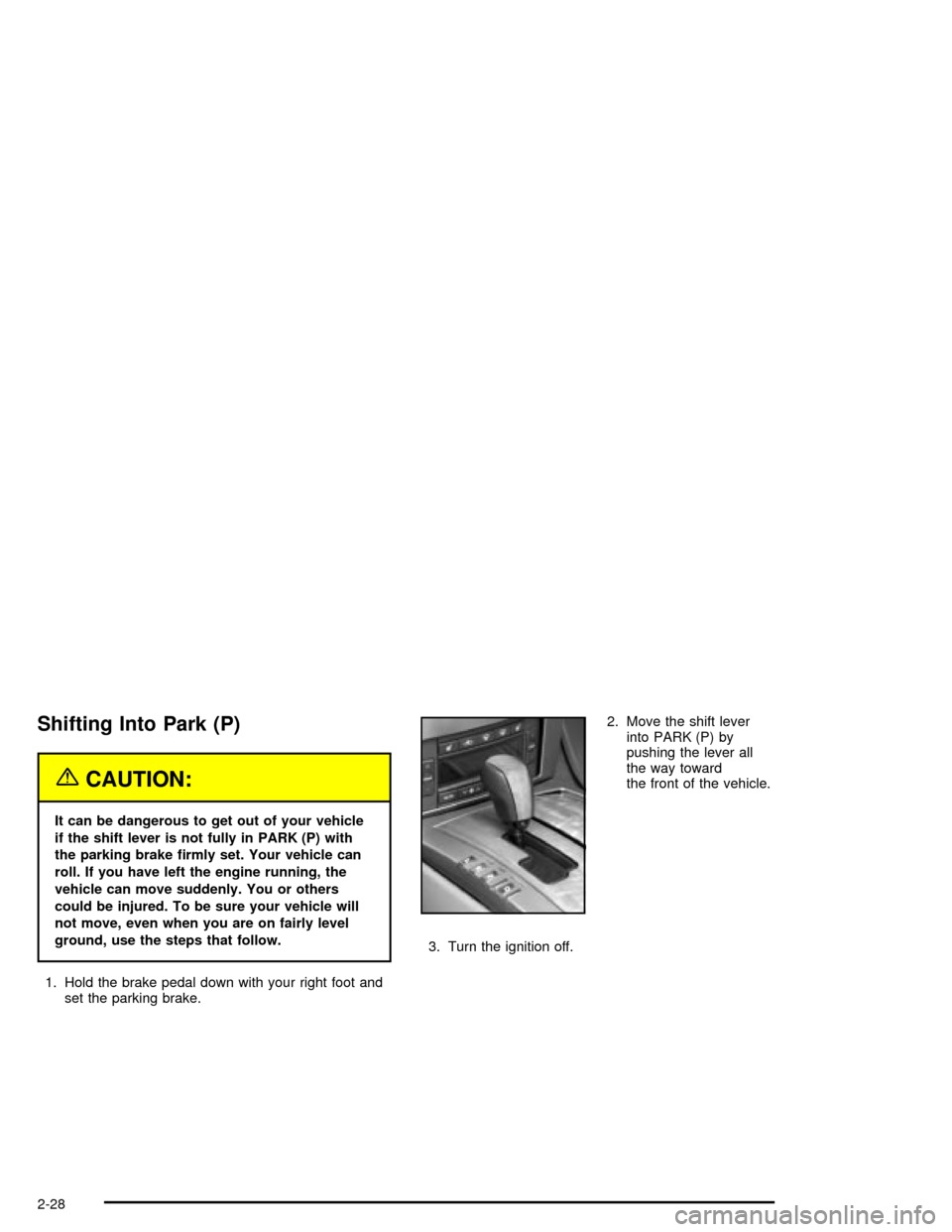
set the parking brake.2. Move the shift lever
into PARK (P) by
pushing the lever all
the way toward
the front of the vehicle.
3. Turn the ignition off.
2-28
Page 85 of 356

Leaving Your Vehicle With the Engine
Running
{CAUTION:
It can be dangerous to leave your vehicle with
the engine running. Your vehicle could move
suddenly if the shift lever is not fully in
PARK (P) with the parking brake ®rmly set.
And, if you leave the vehicle with the engine
running, it could overheat and even catch ®re.
You or others could be injured. Do not leave
your vehicle with the engine running.
If you have to leave your vehicle with the engine
running, be sure your vehicle is in PARK (P) and your
parking brake is ®rmly set before you leave it. After you
have moved the shift lever into PARK (P), hold down
the regular brake pedal. See if you can move the
shift lever away from PARK (P) without ®rst pulling it
toward you. If you can, it means that the shift lever was
not fully locked into PARK (P).
Torque Lock
If you are parking on a hill and you do not shift your
transmission into PARK (P) properly, the weight of the
vehicle may put too much force on the parking pawl
in the transmission. You may ®nd it difficult to pull the
shift lever out of PARK (P). This is called ªtorque
lock.º To prevent torque lock, set the parking brake and
then shift into PARK (P) properly before you leave
the driver's seat. To ®nd out how, see ªShifting
Into PARK (P)º listed previously in this section.
When you are ready to drive, move the shift lever out of
PARK (P) before you release the parking brake.
If torque lock does occur, you may need to have another
vehicle push yours a little uphill to take some of the
pressure from the parking pawl in the transmission, so
you can pull the shift lever out of PARK (P).
2-29
Page 89 of 356
Mirrors
Automatic Dimming Rearview Mirror
with OnStar
ž
Your vehicle has an automatic dimming inside rearview
mirror. The mirror also contains OnStaržcontrols.
For more information about OnStarž, seeOnStarž
System on page 2-35.
O(On/Off):This button, located on the lower left side
of the mirror, is for the automatic dimming functions.
Mirror Operation
The automatic dimming feature is active each time the
vehicle is started.
To turn the automatic dimming feature on or off, press
and release the on/off button. The indicator light will
illuminate when this feature is active.
Cleaning the Mirror
When cleaning the mirror, use a paper towel or similar
material dampened with glass cleaner. Do not spray
glass cleaner directly on the mirror as that may cause
the liquid cleaner to enter the mirror housing.
Outside Power Heated Mirrors
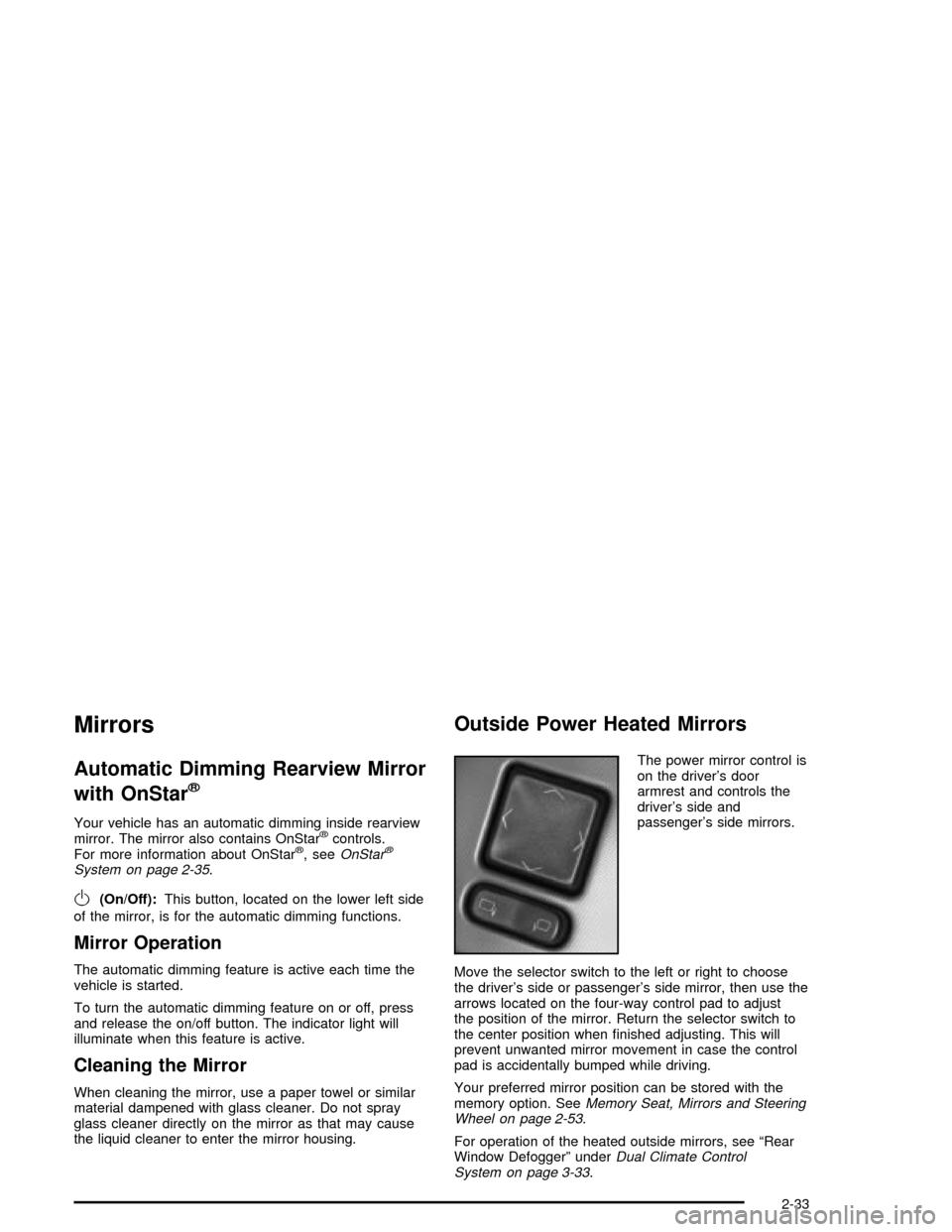
The power mirror control is
on the driver's door
armrest and controls the
driver's side and
passenger's side mirrors.
Move the selector switch to the left or right to choose
the driver's side or passenger's side mirror, then use the
arrows located on the four-way control pad to adjust
the position of the mirror. Return the selector switch to
the center position when ®nished adjusting. This will
prevent unwanted mirror movement in case the control
pad is accidentally bumped while driving.
Your preferred mirror position can be stored with the
memory option. See
Memory Seat, Mirrors and Steering
Wheel on page 2-53.
For operation of the heated outside mirrors, see ªRear
Window Defoggerº under
Dual Climate Control
System on page 3-33.
2-33
Page 115 of 356
Horn
The horn can be sounded by pressing on the center of
the steering wheel pad.
Power Tilt Wheel and Telescopic
Steering Column
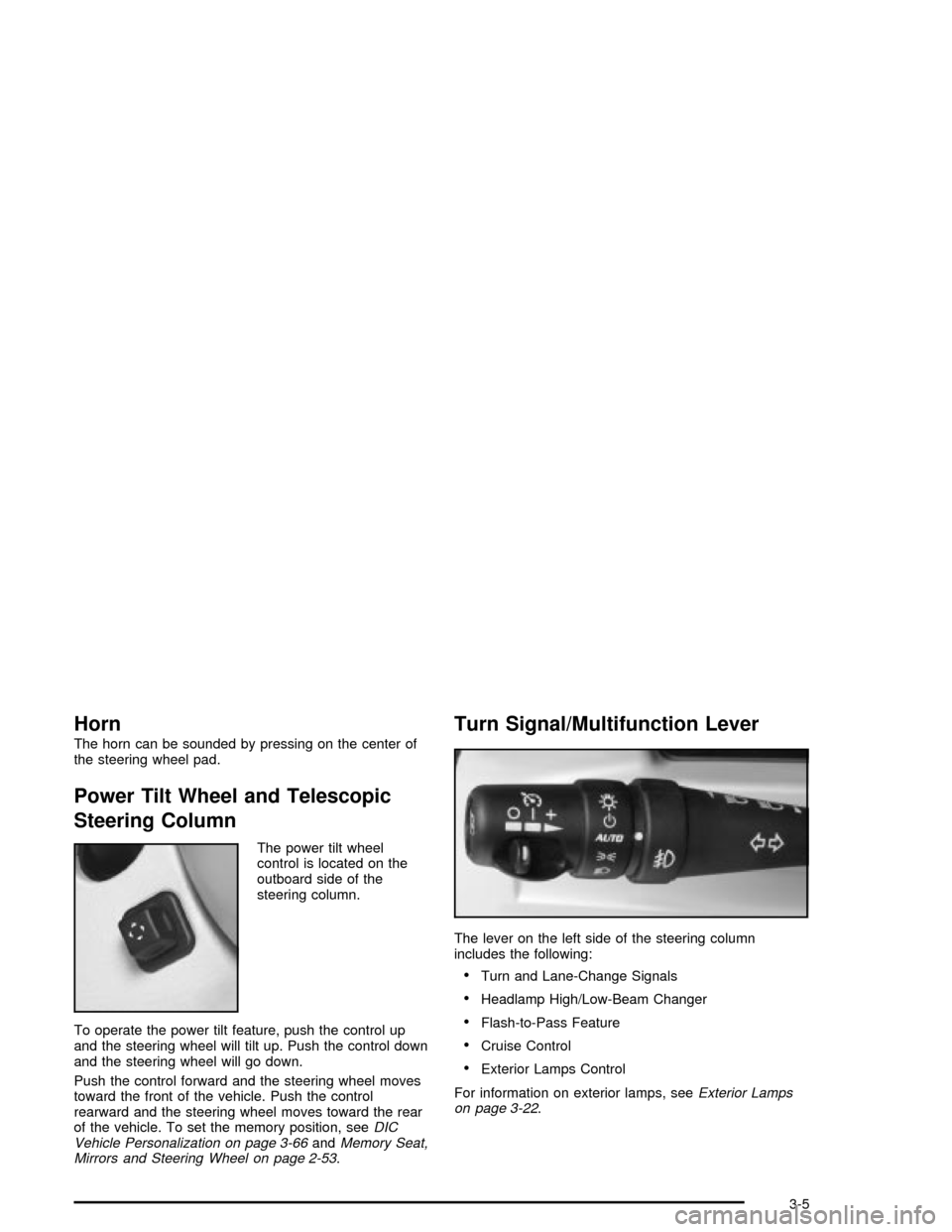
The power tilt wheel
control is located on the
outboard side of the
steering column.
To operate the power tilt feature, push the control up
and the steering wheel will tilt up. Push the control down
and the steering wheel will go down.
Push the control forward and the steering wheel moves
toward the front of the vehicle. Push the control
rearward and the steering wheel moves toward the rear
of the vehicle. To set the memory position, see
DIC
Vehicle Personalization on page 3-66andMemory Seat,
Mirrors and Steering Wheel on page 2-53.
Turn Signal/Multifunction Lever
The lever on the left side of the steering column
includes the following:
·Turn and Lane-Change Signals
·Headlamp High/Low-Beam Changer
·Flash-to-Pass Feature
·Cruise Control
·Exterior Lamps Control
For information on exterior lamps, see
Exterior Lamps
on page 3-22.
3-5
Page 117 of 356

Flash-to-Pass
This feature lets you use the high-beam headlamps to
signal the driver in front of you that you want to
pass. Pull and hold the turn signal lever toward you to
use. When you do, the following will occur:
·If the low-beam headlamps are on, the high-beam
headlamps will turn on. They will stay on as long
as you hold the lever there. Release the lever
to turn them off.
·If the headlamps are on high-beam, they will switch
to low-beam. To return to high beam, push the
lever away from you.
Windshield Wipers
Use the lever located on the right side of the steering
column to operate the windshield wipers.
1(High Speed):Move the lever to this position for
steady wiping at high speed.
6(Low Speed):Move the lever to this position for
steady wiping at low speed.
&(Delay):Move the lever to this position to activate
the RainsenseŸ function. Adjustments in this region
change the sensitivity of the RainsenseŸ system.
9(Off):Move the lever to this position to turn off the
windshield wipers.
8(Mist):Move the lever all the way down to mist and
release for a single wiping cycle. The windshield
wipers will stop after one wipe. If you want more wipes,
hold the band on mist longer.
Heavy snow or ice can overload the wipers. If this
occurs, a circuit breaker will stop the wipers until the
motor cools. So, be sure to clear any ice and snow from
the windshield wiper blades before using them. If the
wiper blades are frozen to the windshield, carefully
loosen them or warm the windshield before turning the
wipers on. If your blades do become worn or
damaged, get new blades or blade inserts.
3-7
Page 127 of 356
Stationary or Very Slow-Moving Objects
{CAUTION:
ACC may not detect and react to stationary or
slow-moving objects in your lane. You could
crash into an object ahead of you. Do not use
ACC when approaching stationary or
slow-moving vehicles or other objects.
{CAUTION:
ACC may not detect and react to stationary or
slow-moving objects in your lane. ACC may
accelerate toward objects, such as a stopped
vehicle that suddenly appears after the lead
vehicle changes lanes. Your complete attention
is always required while driving and you
should be ready to take action and apply the
brakes.
Low-Speed Deactivation
If your speed falls below 20 mph (32 km/h) while
following a vehicle ahead, ACC will begin to disengage.
The driver alert symbol on the HUD will ¯ash and the
warning beep will sound. The driver must take
action since ACC will not slow the vehicle to a stop.
Passing a Vehicle
If you need to increase speed to pass a vehicle, use the
accelerator pedal. While your foot is on the accelerator
pedal, the system will not automatically apply the
brakes. Once you pass the vehicle and remove your
foot from the accelerator pedal, ACC will return to
normal operation and be able to apply the brakes if
needed.
{CAUTION:
If you rest your foot on the accelerator pedal,
the system will not automatically apply the
brakes. You could crash into a vehicle ahead
of you. Do not rest your foot on the accelerator
pedal when using ACC.
3-17
Page 137 of 356

Head-Up Display (HUD)
{CAUTION:
If the HUD image is too bright, or too high in
your ®eld of view, it may take you more time to
see things you need to see when it is dark
outside. Be sure to keep the HUD image dim
and placed low in your ®eld of view.
The Head-Up Display (HUD) allows you to see some of
the driver information that appears on your instrument
panel cluster.
The information may be displayed in English or metric
units and appears as an image focused out toward
the front of your vehicle. To change from English
to metric units, see
Driver Information Center (DIC) on
page 3-55.
The HUD consists of the following information:
·Speedometer
·Turn Signal Indicators
·High-Beam Indicator Symbol
·Tap-Up/Tap-Down Transmission Feature
·Check Gages Icon
·Adaptive Cruise Control Features and Indicators
·Radio Features
Be sure to continue scanning your displays, controls
and driving environment just as you would in a vehicle
without HUD. If you never look at your instrument
panel cluster, you may not see something important,
such as a warning light. Under important warning
conditions, the CHECK GAGES message will display in
the HUD. View your Driver Information Center (DIC)
for more information.
3-27
Page 155 of 356
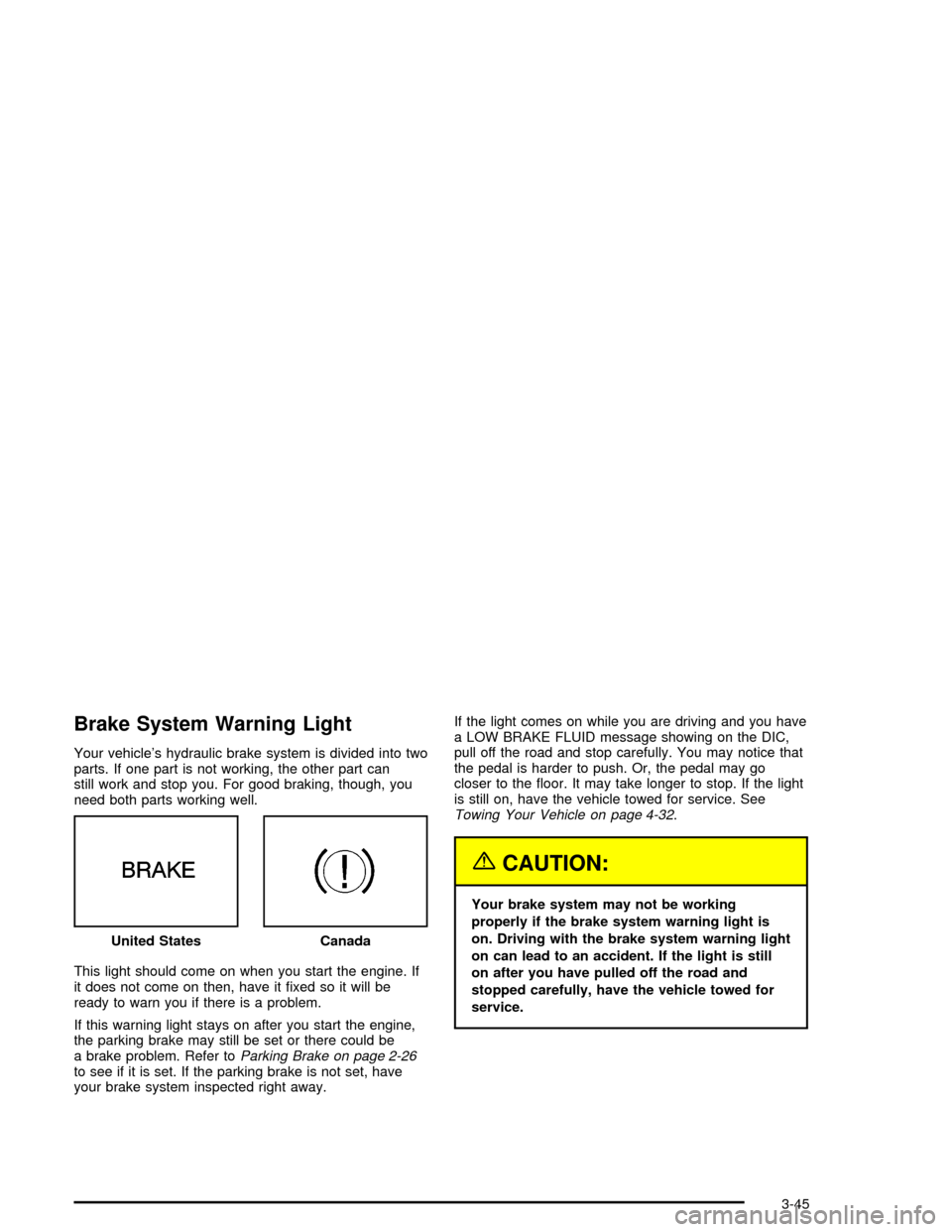
Brake System Warning Light
Your vehicle's hydraulic brake system is divided into two
parts. If one part is not working, the other part can
still work and stop you. For good braking, though, you
need both parts working well.
This light should come on when you start the engine. If
it does not come on then, have it ®xed so it will be
ready to warn you if there is a problem.
If this warning light stays on after you start the engine,
the parking brake may still be set or there could be
a brake problem. Refer to
Parking Brake on page 2-26to see if it is set. If the parking brake is not set, have
your brake system inspected right away.If the light comes on while you are driving and you have
a LOW BRAKE FLUID message showing on the DIC,
pull off the road and stop carefully. You may notice that
the pedal is harder to push. Or, the pedal may go
closer to the ¯oor. It may take longer to stop. If the light
is still on, have the vehicle towed for service. See
Towing Your Vehicle on page 4-32.
{CAUTION:
Your brake system may not be working
properly if the brake system warning light is
on. Driving with the brake system warning light
on can lead to an accident. If the light is still
on after you have pulled off the road and
stopped carefully, have the vehicle towed for
service. United States
Canada
3-45
Page 185 of 356

Your Driving, the Road, and Your Vehicle..........4-2
Defensive Driving...........................................4-2
Drunken Driving.............................................4-2
Control of a Vehicle........................................4-5
Braking.........................................................4-6
Traction Control System (TCS).........................4-9
Magnetic Ride Control...................................4-10
Limited-Slip Rear Axle...................................4-10
Stabilitrak
žSystem.......................................4-11
Steering......................................................4-12
Off-Road Recovery.......................................4-15
Passing.......................................................4-15
Loss of Control.............................................4-16
Driving at Night............................................4-18Driving in Rain and on Wet Roads..................4-20
City Driving..................................................4-23
Freeway Driving...........................................4-24
Before Leaving on a Long Trip.......................4-25
Highway Hypnosis........................................4-26
Hill and Mountain Roads................................4-26
Winter Driving..............................................4-28
If You Are Stuck: In Sand, Mud,
Ice or Snow..............................................4-31
Towing..........................................................4-32
Towing Your Vehicle.....................................4-32
Recreational Vehicle Towing...........................4-32
Loading Your Vehicle....................................4-32
Towing a Trailer...........................................4-37
Section 4 Driving Your Vehicle
4-1
Page 216 of 356

Rocking Your Vehicle To Get It Out
First, turn your steering wheel left and right. That will
clear the area around your front wheels. Turn your
traction control system off; see
Traction Control System
(TCS) on page 4-9. Then shift back and forth between
REVERSE (R) and a forward gear, spinning the wheels
as little as possible. Release the accelerator pedal
while you shift, and press lightly on the accelerator pedal
when the transmission is in gear. By slowly spinning
your wheels in the forward and reverse directions, you
will cause a rocking motion that may free your
vehicle. If that does not get you out after a few tries,
you may need to be towed out. If you do need to
be towed out, see
Towing Your Vehicle on page 4-32.
Towing
Towing Your Vehicle
Consult your dealer or a professional towing service if
you need to have your disabled vehicle towed. See
Roadside Service on page 7-5.
Recreational Vehicle Towing
Recreational vehicle towing means towing your vehicle
behind another vehicle Ð such as behind a motorhome.
The two most common types of recreational vehicle
towing are known as ªdinghy towingº (towing your
vehicle with all four wheels on the ground) and ªdolly
towingº (towing your vehicle with two wheels on
the ground and two wheels up on a device known
as a ªdollyº).
Your vehicle was not designed to be towed with any of
its wheels on the ground. If your vehicle must be
towed, see ªTowing Your Vehicleº earlier in this section.
Loading Your Vehicle
It is very important to know how much weight your
vehicle can carry. This weight is called the vehicle
capacity weight and includes the weight of all occupants,
cargo and all nonfactory-installed options. Two labels
on your vehicle show how much weight it may properly
carry, the Tire and Loading Information label and the
Certi®cation label.
4-32