instrument cluster CADILLAC XLR 2008 1.G Owner's Manual
[x] Cancel search | Manufacturer: CADILLAC, Model Year: 2008, Model line: XLR, Model: CADILLAC XLR 2008 1.GPages: 470, PDF Size: 8.39 MB
Page 192 of 470
REDUCED ENGINE POWER
This message displays when the vehicle is reducing
engine power because the transmission is being placed
in gear under conditions that may cause damage to
the vehicle’s engine, transmission, or ability to
accelerate. Reduced engine power can affect the
vehicle’s ability to accelerate. If this message is on,
but there is no reduction in performance, proceed
to your destination. The performance may be reduced
the next time the vehicle is driven. The vehicle may
be driven at a reduced speed while this message is on,
but acceleration and speed may be reduced. Anytime
this message stays on, the vehicle should be taken
to your dealer/retailer for service as soon as possible.
RIGHT DOOR AJAR
This message displays anytime the engine is running,
the transmission is not in PARK (P), and the passenger
door is open or ajar. A chime sounds if the vehicle’s
speed is greater than 3 mph (5 km/h).
SERVICE A/C
This message displays when the electronic sensors that
control the air conditioning and heating systems are
no longer working. Have the climate control system
serviced by your dealer/retailer if you notice a drop in
heating and air conditioning efficiency.
SERVICE ABS (Antilock Brake System)
If this message displays when you are driving, stop
as soon as possible and turn the ignition off. Then start
the engine again to reset the system. If the message
stays on, or comes back on again while you are driving,
your vehicle is in need of service. See your
dealer/retailer.
If the SERVICE ABS message is being displayed, the
Traction Control System (TCS) and StabiliTrak
®System
will also be disabled. The Driver Information Center
will scroll three messages: SERVICE ABS, SERVICE
TRACTION SYS, and SERVICE STABILITRAK, and the
antilock brake system and traction control warning
lights on the instrument panel cluster will be illuminated.
SeeAntilock Brake System Warning Light on page 3-51
andTraction Control System (TCS) Warning Light on
page 3-52. The driver can acknowledge these messages
by pressing the RESET button three times. When the
service message is displayed, the computer controlled
systems will not assist the driver and you should
have the system repaired by your dealer/retailer as
soon as possible. Adjust your driving accordingly.
3-70
Page 300 of 470
StabiliTrak®System
The StabiliTrak®System is a computer controlled
system that helps the driver maintain directional control
of the vehicle in difficult driving conditions. This is
accomplished by selectively applying any one of the
vehicle’s brakes.
When you rst start your vehicle and begin to drive
away (6 mph (10 km/h)), especially during cold weather,
the message STABILITRAK WARMING may be
displayed in the Driver Information Center (DIC), the
instrument panel cluster light will be on, and a chime
will sound. This is normal. You can acknowledge
this message by pressing the RESET button.
The StabiliTrak
®System performance is affected until
the message, STABILITRAK READY, is displayed in the
DIC. This can take up to 15 minutes.
The WAIT FOR STABILITRAK message may be
displayed in the DIC after exceeding 19 mph (30 km/h)
for 10 seconds if the steering is not centered.
The system is off until the STABILITRAK ACTIVE
message is displayed.The STABILITRAK ACTIVE message will come on
when the system is operating. SeeDIC Warnings and
Messages on page 3-63for more information. You
may also feel or hear the system working. This
is normal.
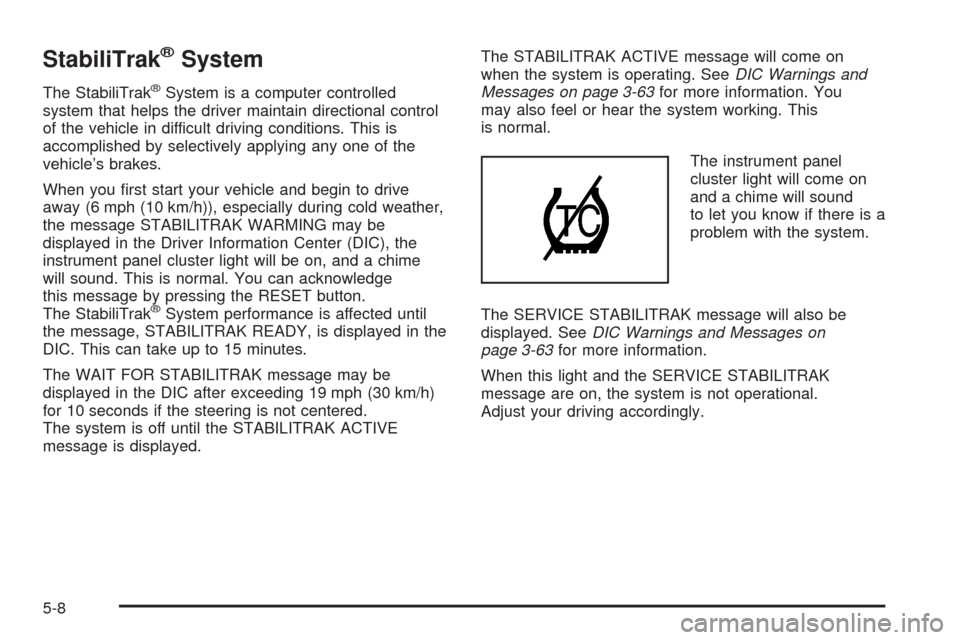
The instrument panel
cluster light will come on
and a chime will sound
to let you know if there is a
problem with the system.
The SERVICE STABILITRAK message will also be
displayed. SeeDIC Warnings and Messages on
page 3-63for more information.
When this light and the SERVICE STABILITRAK
message are on, the system is not operational.
Adjust your driving accordingly.
5-8
Page 347 of 470

Adding Coolant
If you need more coolant, add the proper DEX-COOL®
coolant mixture at the surge tank, but only when the
engine is cool.
{CAUTION:
You can be burned if you spill coolant on hot
engine parts. Coolant contains ethylene glycol,
and it will burn if the engine parts are hot
enough. Do not spill coolant on a hot engine.
When replacing the pressure cap, press down and
turn it clockwise until you hear a clicking sound.
Make sure the cap is hand-tight and fully seated.
Coolant Surge Tank Pressure Cap
Notice:If the pressure cap is not tightly installed,
coolant loss and possible engine damage may
occur. Be sure the cap is properly and tightly
secured.
The coolant surge tank pressure cap must be fully
installed on the coolant surge tank. SeeEngine
Compartment Overview on page 6-12for more
information on location.
Engine Overheating
You will nd a COOLANT OVER TEMP message or an
ENGINE HOT, STOP ENGINE message displayed in
the Driver Information Center (DIC). SeeDIC Warnings
and Messages on page 3-63. You will also hear a
chime.
There is also an engine coolant temperature gage on
the instrument panel cluster. SeeEngine Coolant
Temperature Gage on page 3-53.
6-27
Page 378 of 470
Treadwear Indicators:Narrow bands, sometimes
called wear bars, that show across the tread of
a tire when only 1/16 inch (1.6 mm) of tread
remains. SeeWhen It Is Time for New Tires on
page 6-66.
UTQGS (Uniform Tire Quality Grading
Standards)
:A tire information system that
provides consumers with ratings for a tire’s
traction, temperature, and treadwear. Ratings are
determined by tire manufacturers using
government testing procedures. The ratings are
molded into the sidewall of the tire. SeeUniform
Tire Quality Grading on page 6-69.
Vehicle Capacity Weight
:The number of
designated seating positions multiplied by
150 lbs (68 kg) plus the rated cargo load.
SeeLoading Your Vehicle on page 5-22.
Vehicle Maximum Load on the Tire
:Load on
an individual tire due to curb weight, accessory
weight, occupant weight, and cargo weight.
Vehicle Placard
:A label permanently attached to
a vehicle showing the vehicle’s capacity weight
and the original equipment tire size and
recommended ination pressure. See “Tire and
Loading Information Label” underLoading
Your Vehicle on page 5-22.
Run-Flat Tires
Your vehicle, when new, had run-at tires. There is no
spare tire, no tire changing equipment, and no place
to store a tire in the vehicle. Run-at tires perform
so well without any air that a Tire Pressure Monitor
System (TPMS) is used to alert you if a tire has
lost pressure.
{CAUTION:
When the low tire warning light is displayed on
the instrument panel cluster, your vehicle’s
handling capabilities will be reduced during
severe maneuvers. If you drive too fast, you
could lose control of your vehicle. You or others
could be injured. Do not drive over 55 mph
(90 km/h) when the low tire warning light is
displayed. Drive cautiously and check your tire
pressures as soon as you can.
If a tire goes at, you will not need to stop on the side
of the road to change the tire. You can just keep on
driving. The shorter the distance you drive and the
slower the speed, the greater the chance that the tire
6-58
Page 383 of 470
Tire Pressure Monitor Operation
The Tire Pressure Monitor System (TPMS) is designed
to warn the driver when a low tire pressure condition
exists. TPMS sensors are mounted onto each tire
and wheel assembly on your vehicle. The TPMS
sensors monitor the air pressure in the vehicle’s tires
and transmits the tire pressure readings to a receiver
located in the vehicle.
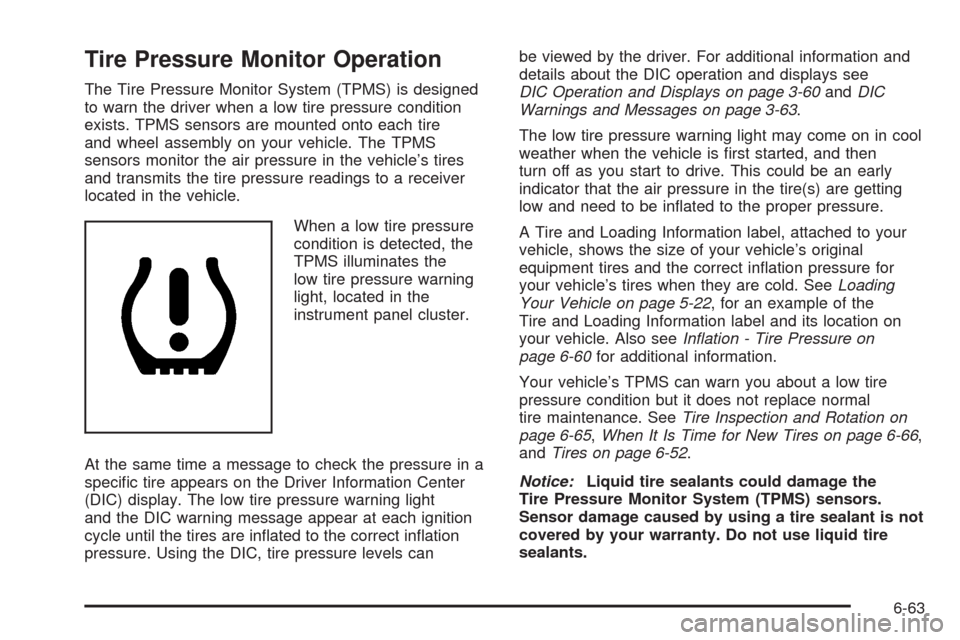
When a low tire pressure
condition is detected, the
TPMS illuminates the
low tire pressure warning
light, located in the
instrument panel cluster.
At the same time a message to check the pressure in a
specic tire appears on the Driver Information Center
(DIC) display. The low tire pressure warning light
and the DIC warning message appear at each ignition
cycle until the tires are inated to the correct ination
pressure. Using the DIC, tire pressure levels canbe viewed by the driver. For additional information and
details about the DIC operation and displays see
DIC Operation and Displays on page 3-60andDIC
Warnings and Messages on page 3-63.
The low tire pressure warning light may come on in cool
weather when the vehicle is rst started, and then
turn off as you start to drive. This could be an early
indicator that the air pressure in the tire(s) are getting
low and need to be inated to the proper pressure.
A Tire and Loading Information label, attached to your
vehicle, shows the size of your vehicle’s original
equipment tires and the correct ination pressure for
your vehicle’s tires when they are cold. SeeLoading
Your Vehicle on page 5-22, for an example of the
Tire and Loading Information label and its location on
your vehicle. Also seeInflation - Tire Pressure on
page 6-60for additional information.
Your vehicle’s TPMS can warn you about a low tire
pressure condition but it does not replace normal
tire maintenance. SeeTire Inspection and Rotation on
page 6-65,When It Is Time for New Tires on page 6-66,
andTires on page 6-52.
Notice:Liquid tire sealants could damage the
Tire Pressure Monitor System (TPMS) sensors.
Sensor damage caused by using a tire sealant is not
covered by your warranty. Do not use liquid tire
sealants.
6-63
Page 412 of 470

Fuses Usage
FUSE PULLER Fuse Puller
REVERSE
LAMPReverse Lamp
RUN/CRANK Starter/Crank
PRK/BRK
SOL AParking Brake Solenoid A
REVERSE
LAMPSReverse Lamps
BTSI SOL/
COL LOCKBTSI Solenoid, Column Lock
EMPTY Not Used
EMPTY Not Used
GMLAN
DEVICESGMLAN Devices
RPA/H/C
SEAT/WPR
RELAYSRear Park Aid, Heated/Cooled
Seats, Windshield Wiper Relays
DR LOCKS Door Locks
ECM Engine Control Module
INTERIOR
LIGHTSInterior LightsFuses Usage
SDM/PSIR SW Airbags
EMPTY Not Used
ONSTAR OnStar
®
ACCA/DRIV
DR SWAdaptive Cruise Control (ACC),
Driver Door Switch
TILT/TELE
SW/MEM SEAT
MOD/TOP SWPower Tilt Wheel, Telescopic
Steering Column, Memory Seat,
Driver Seat Switch, Retractable
Hardtop Switch
IGN SW/INTR
SNSRIgnition Switch, Intrusion Sensor
STOP LAMP Stop Lamp
ISRVM/HVACInside Rearview Mirror, Climate
Control System, Column Lock,
Power Sounder
CLSTR/HUDInstrument Panel Cluster, Head-Up
Display (HUD)
RADIO/
S-BAND/VICSRadio, S-Band, CD Changer
TUTD SW/
STRG COL SWTap-Up/Tap-Down Switch
HVAC/PWR
SNDClimate Control System, Power
Sounder
6-92
Page 463 of 470
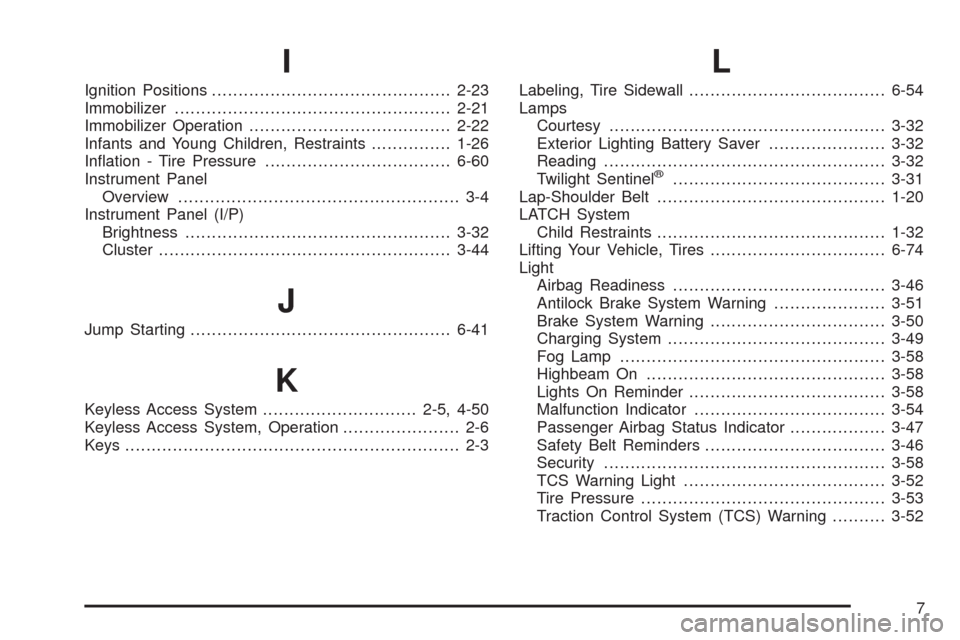
I
Ignition Positions.............................................2-23
Immobilizer....................................................2-21
Immobilizer Operation......................................2-22
Infants and Young Children, Restraints...............1-26
Ination - Tire Pressure...................................6-60
Instrument Panel
Overview..................................................... 3-4
Instrument Panel (I/P)
Brightness..................................................3-32
Cluster.......................................................3-44
J
Jump Starting.................................................6-41
K
Keyless Access System.............................2-5, 4-50
Keyless Access System, Operation...................... 2-6
Keys............................................................... 2-3
L
Labeling, Tire Sidewall.....................................6-54
Lamps
Courtesy....................................................3-32
Exterior Lighting Battery Saver......................3-32
Reading.....................................................3-32
Twilight Sentinel
®........................................3-31
Lap-Shoulder Belt...........................................1-20
LATCH System
Child Restraints...........................................1-32
Lifting Your Vehicle, Tires.................................6-74
Light
Airbag Readiness........................................3-46
Antilock Brake System Warning.....................3-51
Brake System Warning.................................3-50
Charging System.........................................3-49
Fog Lamp..................................................3-58
Highbeam On.............................................3-58
Lights On Reminder.....................................3-58
Malfunction Indicator....................................3-54
Passenger Airbag Status Indicator..................3-47
Safety Belt Reminders..................................3-46
Security.....................................................3-58
TCS Warning Light......................................3-52
Tire Pressure..............................................3-53
Traction Control System (TCS) Warning..........3-52
7