instrument panel CHEVROLET ASTRO 1996 User Guide
[x] Cancel search | Manufacturer: CHEVROLET, Model Year: 1996, Model line: ASTRO, Model: CHEVROLET ASTRO 1996Pages: 372, PDF Size: 21.51 MB
Page 92 of 372
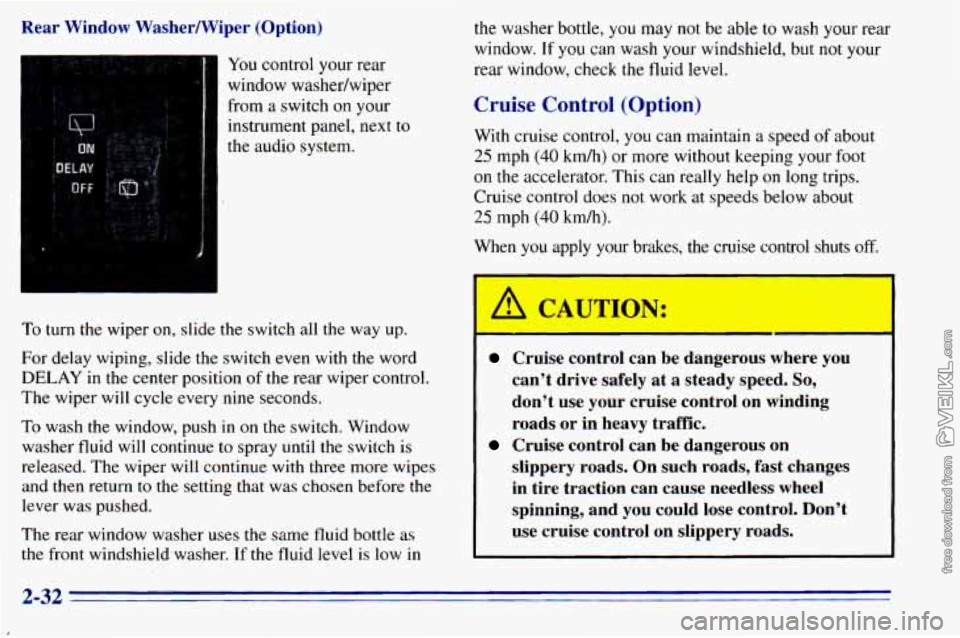
Rear Window Washermiper (Option) from
a switch on your
instrument panel, next to
the audio system.
To turn the wiper on, slide the switch all the way up.
For delay wiping, slide the switch even with
the word
DELAY in the center position of the rear wiper control.
The wiper will cycle every nine seconds.
To wash the window, push in on the switch. Window
washer fluid will continue
to spray until the switch is
released. The wiper will continue with three more wipes
and then return
to the setting that was chosen before the
lever was pushed.
The rear window washer uses the same fluid bottle as
the front windshield washer.
If the fluid level is low in
the washer bottle, you may not be able to wash your rear
window.
If you can wash your windshield, but not your
rear window, check
the fluid level.
Cruise Control (Option)
With cruise control, you can maintain a speed of about
25 mph (40 kmh) or more without keeping your foot
on the accelerator. This can really help on long trips.
Cruise control does not work at speeds below about
25 mph (40 km/h).
When you apply
y sakes, the *
A CAUTION:
#e con 1 sh i off.
Cruise control can be dal-,-- JUS wher - JOU
can’t drive safely at a steady speed. So,
don’t use your cruise control on winding
roads or in heavy traffic.
slippery roads. On such roads, fast changes
in tire traction can cause needless wheel
spinning, and you could lose control. Don’t
use cruise control on slippery roads.
Cruise control can be dangerous on
2-32
Page 95 of 372
1-
,
Lamps
I
I i
i
I
Turn the knob to the master lamp symbol to turn on all
the lamps listed as well as the headlamps.
Turn the
knob to OFF to turn off your lamps.
Rotate the dial next to the lamp switch down to dim
your instrument panel lights.
Rotate the dial up to brighten you instrument panel
lights. If you rotate the dial all the way until it clicks,
your interior lamps will come on.
Headlamps
You can switch your headlamps from high to low beam
by pulling the multifunction lever toward you.
A circuit breaker protects your headlamps. If you have
an electrical overload, your headlamps will flicker on
and off. Have your headlamp wiring checked right away
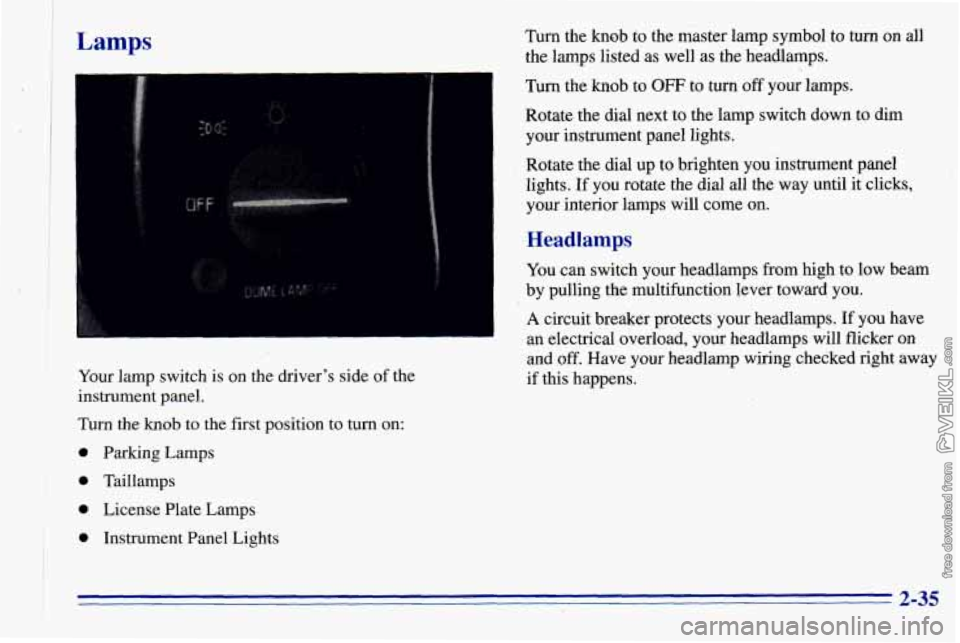
I Your lamp switch is on the driver's side of the if this happens.
instrument panel.
Turn the
knob to the first position to turn on:
I 0 'parking Lamps ! 0 Taillamps
I * * License Plate Lamps
0 Instrument Panel Lights
* 2-35
Page 96 of 372
Headlamps On Reminder
A reminder tone will sound when your headlamps or
parking lamps
are turned on and your ignition is in the
OFF, LOCK or ACCESSORY position. To turn the tone
off, turn the switch
to the OFF position.
Daytime Running Lamps (If Equipped)
Daytime Running Lamps (DRL) can make it easier for
others
to see the front of your vehicle during the day.
DRL can be helpful in many different driving
conditions, but they can be especially helpful in the
short periods after dawn and before sunset.
The DRL system will make your headlamps come
on at
a reduced brightness when:
the ignition is on,
the headlamp switch is off and
the parking brake is released.
When the DRL are on,
only your headlamps will be on.
The taillamps, sidemarker and other lamps won’t be on.
Your instrument panel won’t be
lit up either. When
it begins
to get dark, your DRL indicator light is a
reminder
to turn your headlamp switch on. The other
lamps that come on with your headlamps will also
come
on.
When you turn the headlamp switch off, the regular
lamps will go off, and your headlamps will change to
the reduced brightness of DRL.
To idle your vehicle with the DRL off, set the parking
brake. The DRL will stay off until you release the
parking brake.
As with any vehicle, you should turn
on the regular
headlamp system when you need it.
2-36
Page 110 of 372
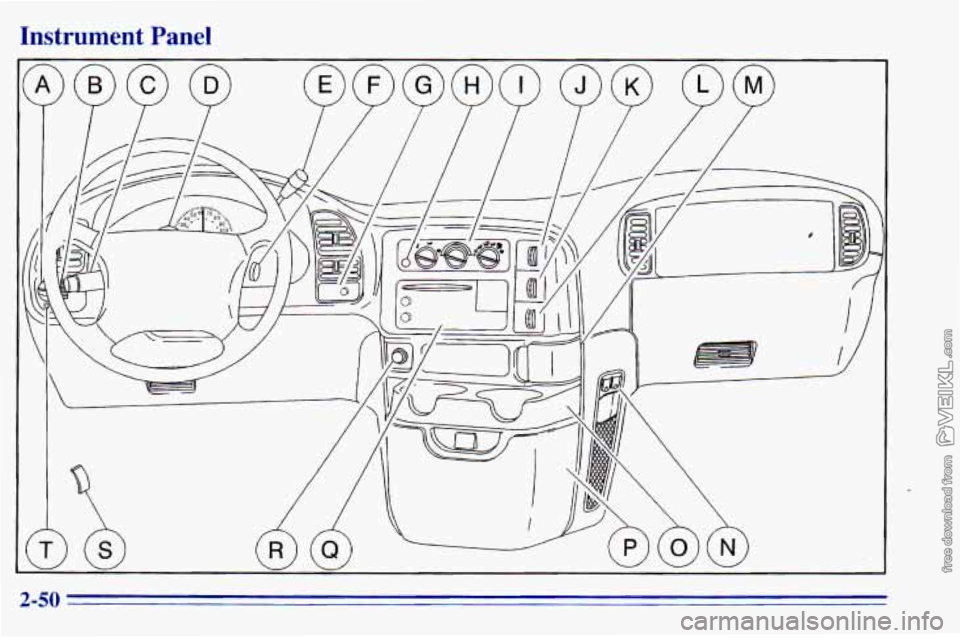
Instrument Panel
2-50
Page 111 of 372
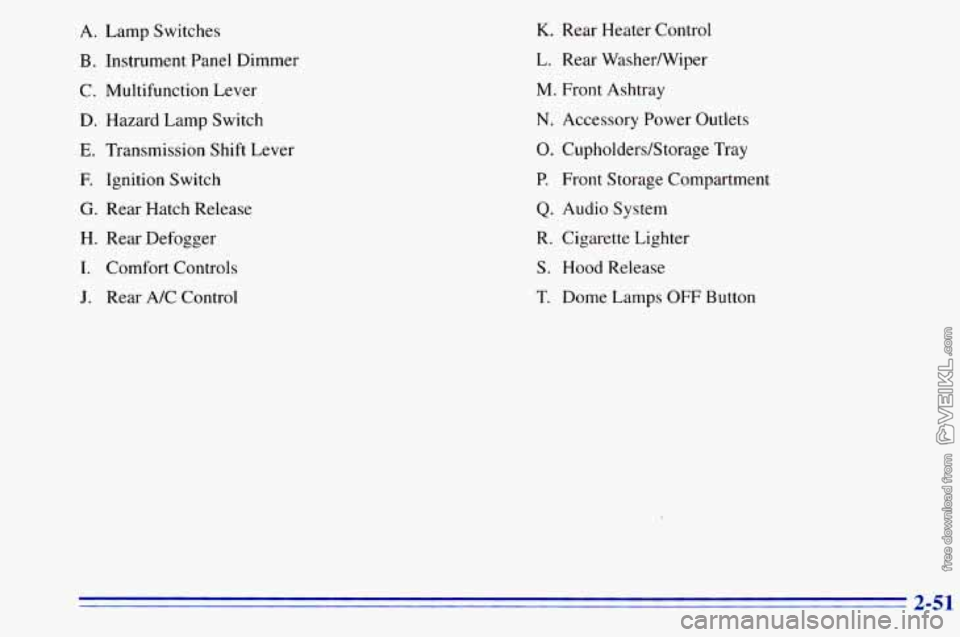
A.
B.
C.
D.
E.
E
G.
H.
I.
Lamp Switches
Instrument Panel Dimmer
Multifunction Lever
Hazard Lamp Switch
Transmission Shift Lever
Ignition Switch
Rear Hatch Release
Rear Defogger
Comfort Controls
J. Rear A/C Control
K. Rear Heater Control
L. Rear WasherNiper
M. Front Ashtray
N. Accessory Power Outlets
0. Cupholders/Storage Tray
P. Front Storage Compartment
Q. Audio System
R. Cigarette Lighter
S. Hood Release
T. Dome Lamps OFF Button
2-51
Page 112 of 372
Instrument Panel Cluster
I
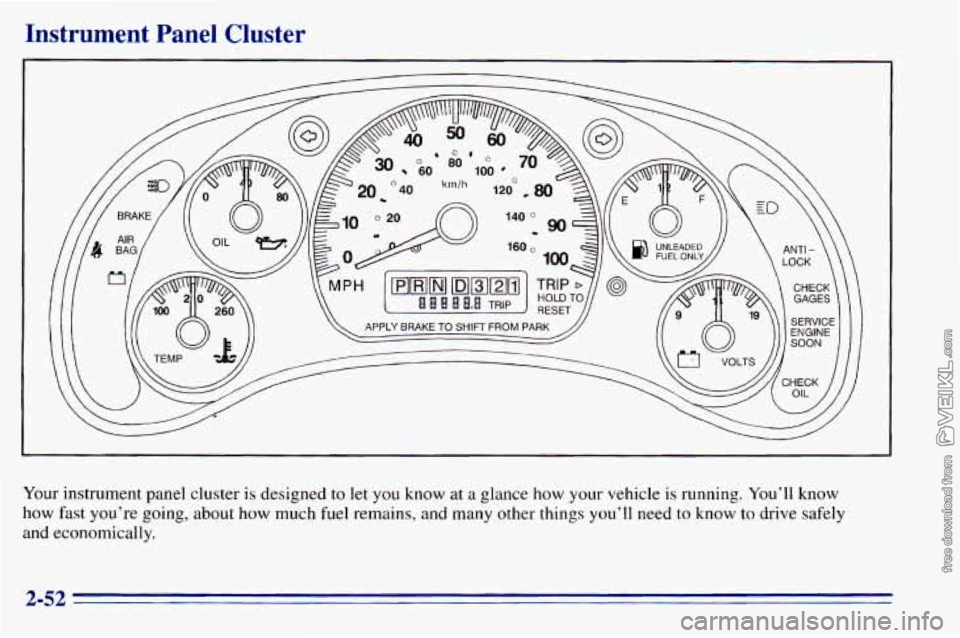
Your instrument panel cluster is designed to let you know at a glance how your vehicle is running. You’ll know
how fast you’re going, about how much fuel remains, and many other things you’ll need to
know to drive safely
and economically.
2-52
Page 114 of 372
Safety Belt Reminder Light
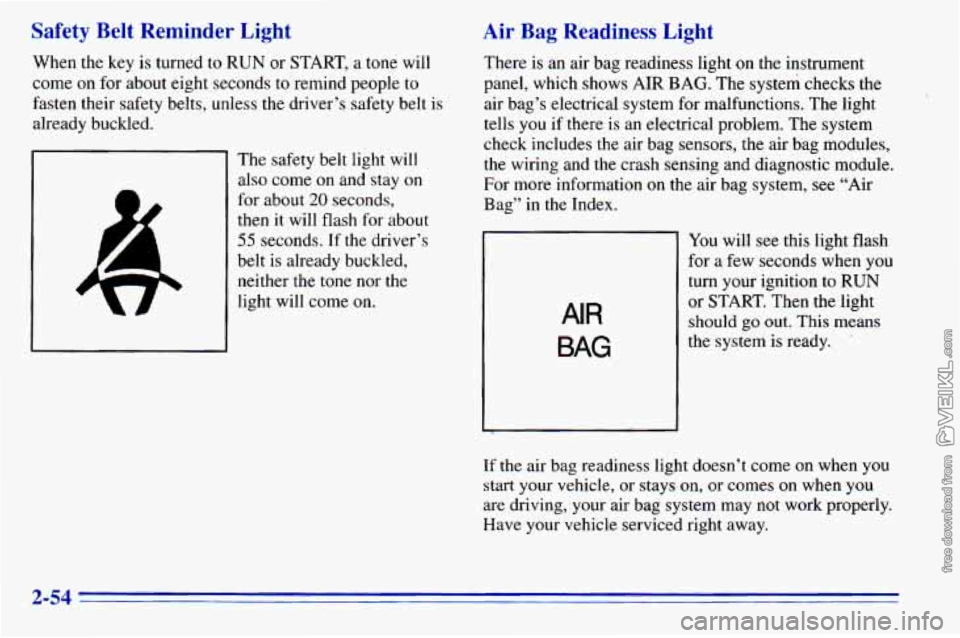
When the key is turned to RUN or START, a tone will
come on for about eight seconds to remind people to
fasten their safety belts, unless the driver’s safety belt is
already buckled.
The safety belt light will
also come on and stay on
for about
20 seconds,
then it will flash for about
55 seconds. If the driver’s
belt is already buckled, neither the tone nor the
light will come on.
Air Bag Readiness Light
There is an air bag readiness light on the instrument
panel,
which shows AIR BAG. The system checks the
air bag’s electrical system for malfunctions. The light
tells you
if there is an electrical problem. The system
check includes the air bag sensors, the air bag modules,
the wiring and the crash sensing and diagnostic module.
For more information on the air bag system, see “Air
Bag” in the Index.
AIR
BAG
You will see this light flash
for a few seconds when you
turn your ignition to
RUN
or START. Then the light
should
go out. This means
the system is ready.
If the air bag readiness light doesn’t come on when you
start your vehicle, or stays
on, or comes on when you
are driving, your air bag system may not work properly.
Have your vehicle serviced right away.
2-54
Page 122 of 372
Engine Coolant Temperature Gage
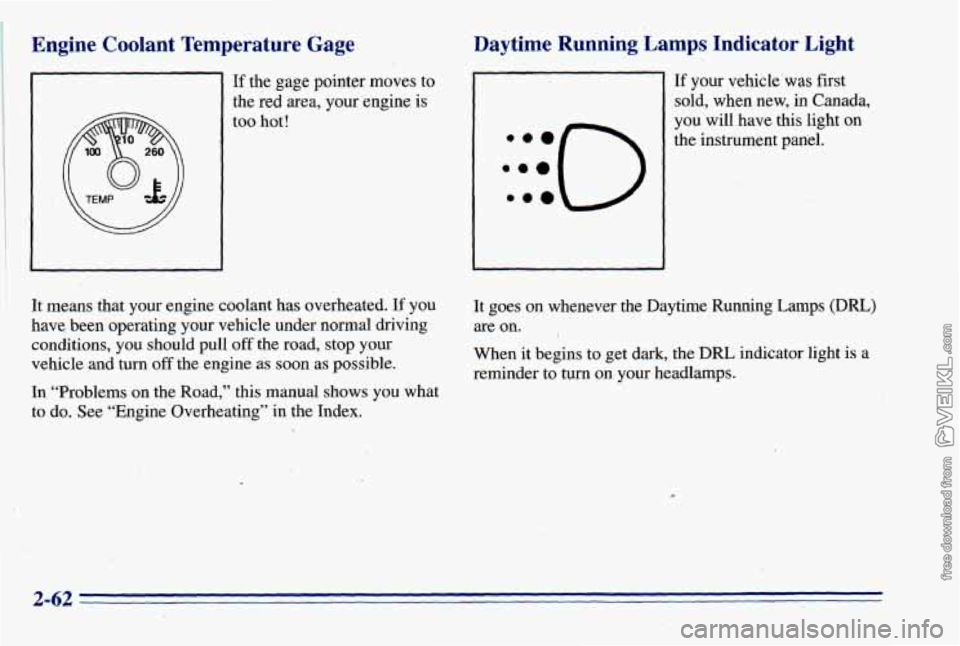
If the gage pointer moves to
the red area, your engine is
too hot!
Daytime Running. Lamps, Indicator Light
:::O ..e
If your vehicle’was first
sold, when new, in Canada,
you will have this light on
the instrument panel.
It means that your engine coolant has overheated.
If you
have been operating your vehicle under normal driving
conditions, you should pull
off the road, stop your
vehicle and turn
off the engine as soon as possible. It goes
on whenever the Daytime Running Lamps (DRL)
are on. I
When it begins
to get dark, the DRL indicator light is a
reminder to
turn on your headlamps.
In “Problems on the Road,”
this manual shows you what
to do. See “Engine’Overheating” in the Index.
2-62
Page 126 of 372
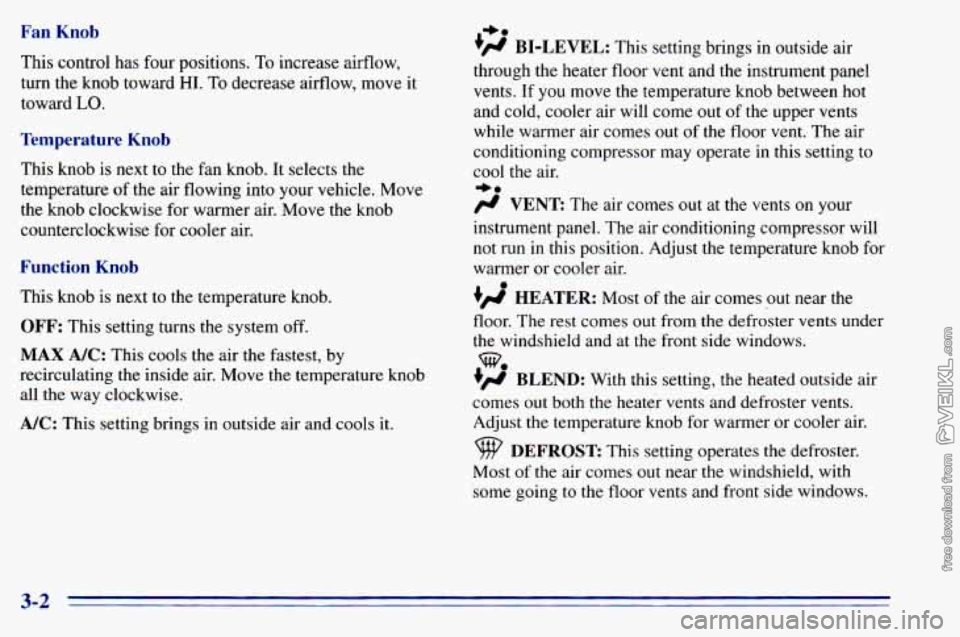
Fan Knob
This control has four positions. To increase airflow,
turn the knob toward
HI. To decrease airflow, move it
toward
LO.
Temperature Knob
This knob is next to the fan knob. It selects the
temperature
of the air flowing into your vehicle. Move
the knob clockwise for warmer air. Move the knob
counterclockwise for cooler
air.
Function Knob
This knob is next to the temperature knob.
OFF: This setting turns the system off.
MAX A/C: This cools the air the fastest, by
recirculating the inside air. Move the temperature knob
all the way clockwise.
A/C: This setting brings in outside air and cools it.
I,.
+fl BI-LEVEL: This setting brings in outside air
through the heater floor vent and the instrument panel
vents.
If you move the temperature knob between hot
and cold, cooler air will come out
of the upper vents
while warmer air comes out of the floor vent. The air
conditioning compressor may operate in this setting to
cool the air.
+.
/J VENT The ax comes out at the vents on your
instrument panel. The air conditioning compressor will
not run in this position. Adjust the temperature knob for
warmer or cooler air.
+’ HEATER: Most of the air comes out near the
floor. The rest comes out from the defroster vents under
the windshield and at the front side windows.
+’ BLEND: With this setting, the heated outside air
comes
out both the heater vents and defroster vents.
Adjust the temperature knob for warmer or cooler air.
Most
of the air comes out near the windshield, with
some going
to the floor vents and front side windows.
we
DEFROST This setting operates the defroster.
3-2
Page 127 of 372
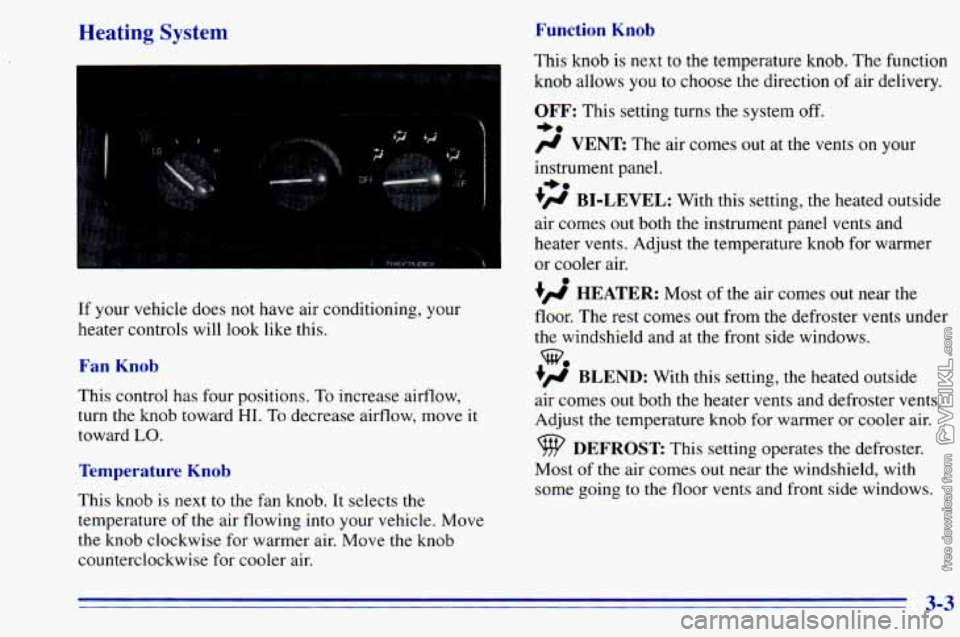
Heating System Function Knob
If your vehicle does not have air conditioning, your
heater controls will look like this.
Fan Knob
This control has four positions, To increase airflow,
turn the knob toward
HI. To decrease airflow, move it
toward
LO.
Temperature Knob
This knob is next to the fan knob. It selects the
temperature
of the air flowing into your vehicle. Move
the knob clockwise for warmer air. Move
the knob
counterclockwise for cooler air. This
knob is next to the temperature knob. The function
knob allows
you to choose the direction of air delivery.
OFF: This setting turns the system off.
-a
# VENT The air comes out at the vents on y r
instrument panel.
+# BI-LEVEL: With this setting, the heated outside
air comes out both the instrument panel vents and
heater vents. Adjust the temperature knob for warmer
or cooler air.
+’, HEATER: Most of the air comes out near the
floor. The rest comes out from the defroster vents under
the windshield and at the front side windows.
+’, BLEND: With this setting, the heated outside
air comes
out both the heater vents and defroster vents.
Adjust
the temperature knob for warmer or cooler air.
+.
%
DEFROST This setting operates the defroster.
Most
of the air comes out near the windshield, with
some going to the floor vents and front side windows.
3-3