instrument panel CHEVROLET ASTRO 1996 Owner's Manual
[x] Cancel search | Manufacturer: CHEVROLET, Model Year: 1996, Model line: ASTRO, Model: CHEVROLET ASTRO 1996Pages: 372, PDF Size: 21.51 MB
Page 130 of 372
Defrosting
Use DEFROST to remove fog or ice from the
windshield quickly in extremely cold conditions. The
temperature knob should be in the red area and the fan
control toward high. The air conditioning compressor
may operate in this setting to dehumidify the air.
The
BLEND setting is useful for cold weather with a
large number of passengers or very humid conditions to
help keep the windshield clear.
Ventilation System
For mild outside temperatures when little heating or
cooling is needed,
use VENT to direct outside air
through your vehicle. Air will flow through the
instrument panel
vents.
Your vehicle’s flow-through ventilation system supplies
outside air
to the inside of your vehicle when it is
moving. With the side windows closed, air will flow into
the front air inlet grilles at the base
of the windshield,
through the vehicle and out the rear air exhaust valves.
Outside air will also enter the vehicle when the heater or
the air conditioning fan is running. Your
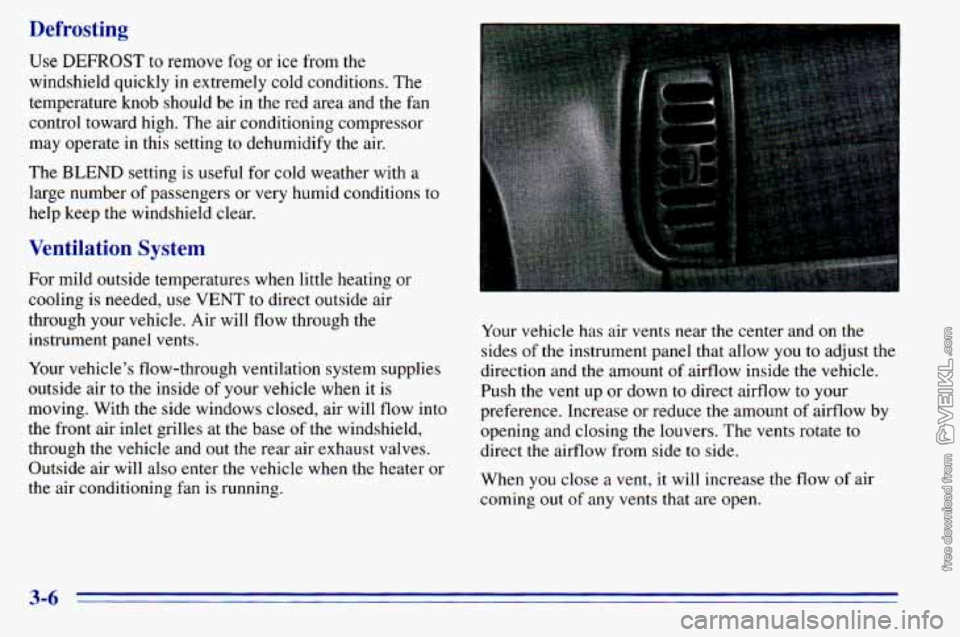
vehicle has air vents near the center and
on the
sides of the instrument panel that allow
you to adjust the
direction and the amount
of airflow inside the vehicle.
Push the vent up or down
to direct airflow to your
preference. Increase or reduce
the amount of airflow by
opening and closing the louvers. The vents rotate to
direct the airflow from side to side.
When
you close a vent, it will increase the flow of air
coming out
of any vents that are open.
3-6
Page 144 of 372
FWD (6): Press and hold this button to advance rapidly
within a track. You will hear the disc selection play at
high speed while you press the FWD button. This allows Playing a Cassette in the Remote Cassette
Tape Player (Option)
you to listen and find out when the disc is at the desired
selection. Release FWD to resume playing.
AM-FM: While in the CD mode, press this button to
stop playing the CD and play the radio. The CD symbol
will still display but the word CD will be replaced with
either AM, FMl or
FM2. (If the radio is turned off,
the disc stays in the player and will resume playing at
the point where it stopped.)
CD AUX: To switch between the player and the radio
when a disc is playing, press the AM-FM button.
To
return to the player, press CD AUX. When a disc is
playing,
the letters CD and the CD symbol will appear
on the display. (If the radio is turned off, the disc stays
in the player and will resume playing at the point where
it stopped.)
EJECT: Press this button to eject the disc from the
player and play the radio. When the same or a new disc
is inserted, the disc will start playing
on track one. If a
compact disc is
left sitting in the opening for more than
a few seconds, the player will pull
the CD back in. The
radio will continue playing. When the
ignition is off,
press this button to load a CD.
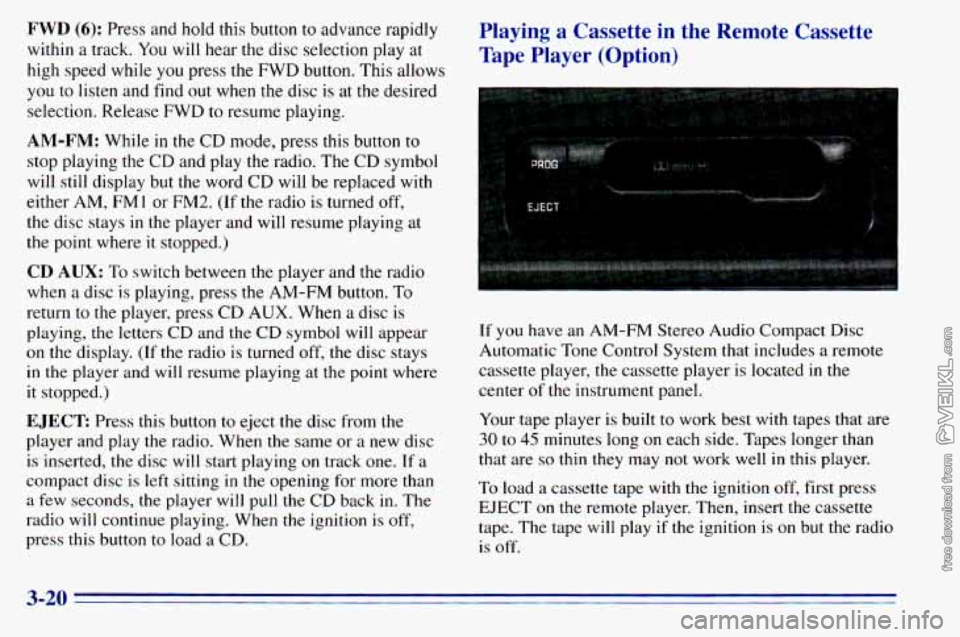
If you have an AM-FM Stereo Audio Compact Disc
Automatic Tone Control System that includes a remote
cassette player, the cassette player is located in the
center
of the instrument panel.
Your tape player is built
to work best with tapes that are
30 to 45 minutes long on each side. Tapes longer than
that are
so thin they may not work well in this player.
To load a cassette tape with
the ignition off, first press
EJECT on the remote player. Then, insert the cassette
tape. The tape will play
if the ignition is on but the radio
is off.
3-20
Page 189 of 372
Making Turns
NOTICE:
Making very sharp turns while trailering could
cause the trailer to come in contact with the
vehicle. Your vehicle could
be damaged. Avoid
making very sharp turns while trailering.
When you’re turning with a trailer, make wider turns than
normal.
Do this so your trailer won’t strike soft shoulders,
curbs, road signs, trees or other objects. Avoid jerky or
sudden maneuvers. Signal well in advance.
Tbrn Signals When Towing a Trailer
When you tow a trailer, your vehicle has to have extra
wiring and a heavy-duty turn signal flasher (included
in
the optional trailering package).
The green arrows on your instrument panel will flash
whenever you signal a turn or lane change. Properly
hooked up, the trailer lamps will also flash, telling other
drivers you’re about to turn, change lanes or stop. When
towing
a trailer, the green arrows on your
instrument panel will flash for turns even if the bulbs
on
the trailer are burned out. Thus, you may think drivers
behind you are seeing your signal when they are not. It’s
important
to check occasionally to be sure the trailer
bulbs are still working.
Driving On Grades
Reduce speed and shift to a lower gear before you start
down a long or steep downgrade. If
you don’t shift
down, you might have to use your brakes
so much that
they would get hot and
no longer work well.
On a long uphill grade, shift down and reduce your
speed to around
45 mph (70 km/h) to reduce the
possibility
of engine and transmission overheating.
When towing at high altitude on steep uphill grades,
consider the following: Engine coolant will boil at a
lower temperature than at normal altitudes. If you turn
your engine off immediately after towing at high altitude
on steep uphill grades, your vehicle may show signs
similar to engine overheating.
To avoid this, let the
engine run while parked (preferably on level ground)
with the automatic transmission in
PARK (P) for a few
minutes before turning
the engine off. If you do get the
overheat warning, see “Engine Overheating” in
the Index.
4-35
Page 205 of 372
Engine Overheating
You will find a temperature gage on your vehicle’s
instrument panel.
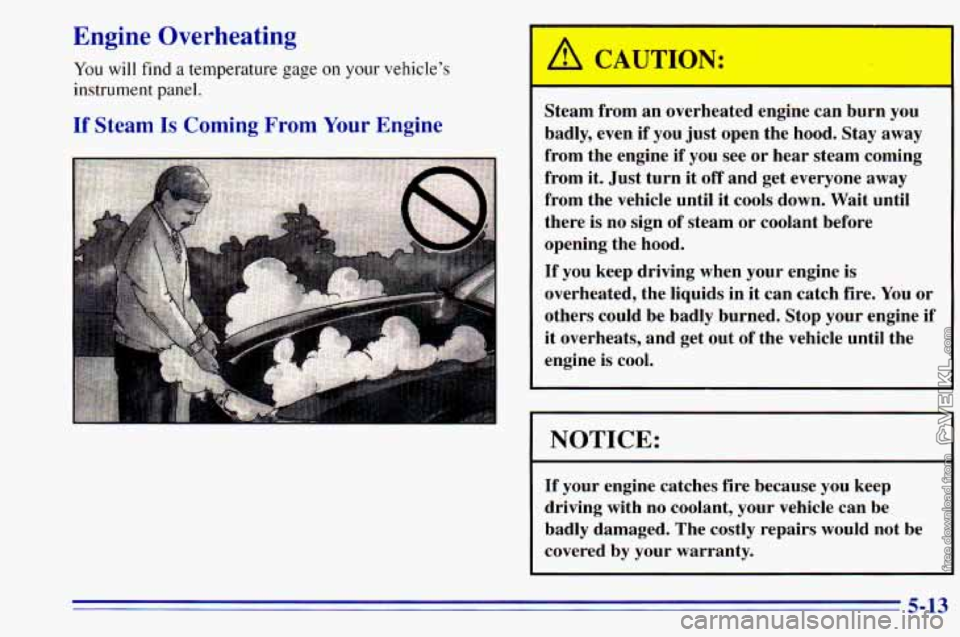
If Steam Is Coming From Your Engine
Steam from an overheated engine can burn you
badly, even if you just open the hood.
Stay away
from the engine if you see or hear steam coming
from it. Just turn it off and get everyone away
from the vehicle until it cools down. Wait until
there is no sign of steam or coolant before
opening the hood.
If you keep driving when your engine is
overheated, the liquids in it can catch fire. You or
others could be badly burned. Stop your engine if
it overheats, and get out of the vehicle until the
engine is cool.
I NOTICE:
If your engine catches fire because you keep
driving with no coolant, your vehicle can be
badly damaged. The costly repairs would not be
covered by your warranty.
5-13
Page 233 of 372
Fuel
Use regular unleaded ‘gasoline rated at 87 octane or
higher. At a minimum, it should meet specifications
\.
ASTM D4814 in the United States and CGSB 3.5-M93
in Canada. Improved gasoline specifications have been
developed by the American Automobile Manufacturers
Association (AAMA) for better vehicle performance
and engine protection. Gasolines meeting the AAMA
specification could provide improved driveability and
emission control system protection compared-to
other gasolines.
Be sure the posted octane is at least
87. If the octane is
less than
87, you may get a heavy knocking noise when
you drive. If it’s bad enough, it can damage your engine.
If you’re using fuel rated at 87 octane or hgher and you
still hear heavy knocking, your engine needs service. But
don’t worry
if you hear a little pinging noise when you’re
accelerating or driving
up a hill. That’s nomal, and you don’t
have to buy a higher octane fuel to get rid of pinging. It’s the
heavy, constant knock that means you have a problem. If
your vehicle is certified’ to meet California Emission
Standards (indicated on the underhood tune-up label),
it is designed to operate on fuels that meet California
I
specifications. If such fuels are not available in states
adopting California emissions standards, your vehicle
will operate satisfactorily on fuels meeting federal
specifications, but emission control system performance
may be affected. The malfunction indicator lamp on
your instrument panel may turn on and/or your vehicle
may fail a smog-check test. If this occurs, return to your
authorized GM dealer for diagnosis to determine the
cause of failure. In the event it is determined that the
cause of the condition is the type of fuels used, repairs
may not be covered by your warranty.
.In Canada, some gasolines contain an octane-enhancing
additive called MMT. If you use such fuels, your
emission control system performance may deteriorate
and the malfunction indicator lamp on your instrument
panel may turn on.
If this happens, return to your
authorized GM dealer for service.
6-3
Page 241 of 372
Engine Oil
CHECK
OIL
If the CHECK OIL light on
the instrument panel comes
on, it means you need to
check your engine oil level
right away. For more information, see “Check Oil
Light” in the Index.
You should check your engine oil level regularly; this is
an added reminder.
It’s a good idea to check your engine oil every time
you
get fuel. In order to get an accurate reading, the oil must
be warm and the vehicle must be
on level ground. The
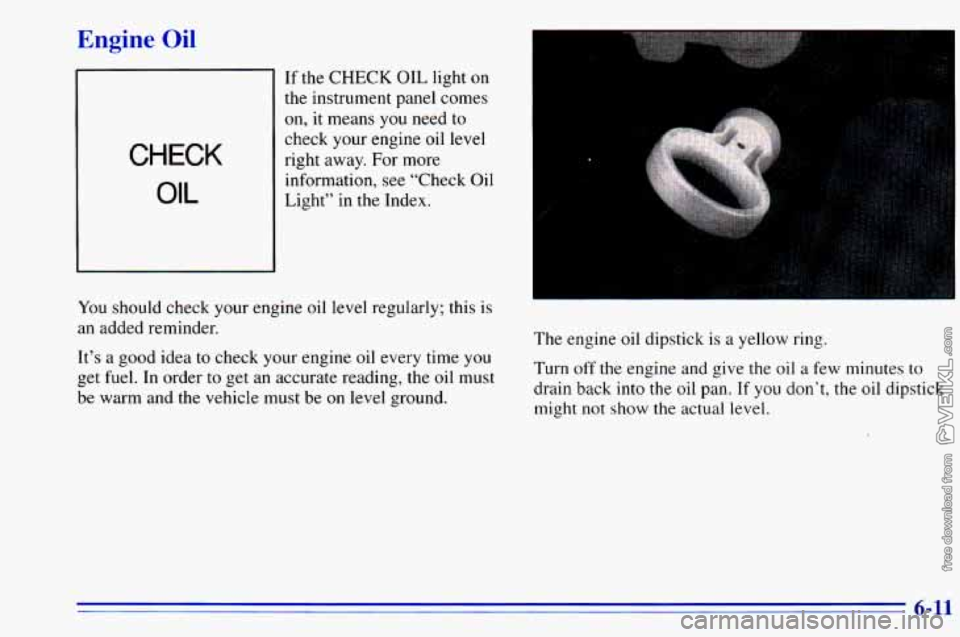
engine oil dipstick
is a yellow ring.
Turn
off the engine and give the oil a few minutes to
drain back into the oil pan. If you don’t, the oil dipstick
might not show the actual
level.
6-11
Page 245 of 372
What to Do with Used Oil
Did you know that used engine oil contains certain
elements that may be unhealthy for your skin and could
even cause cancer? Don’t let used
oil stay on your skin
for very long. Clean your skin and nails with soap and
water, or a good hand cleaner. Wash or properly throw
away clothing or rags containing used engine oil. (See
the manufacturer’s warnings about
the use and disposal
of
oil products.)
Engine Cover
Removing the Engine Cover
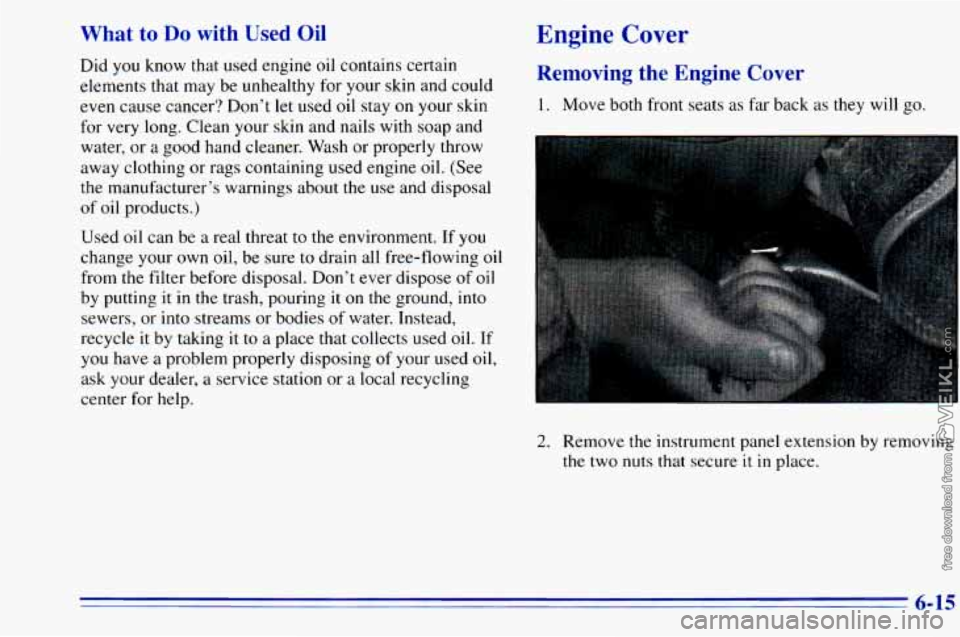
1. Move both front seats as far back as they will go.
Used oil can be a real threat to the environment.
If you
change your own oil, be sure to drain all free-flowing
oil
from the filter before disposal. Don’t ever dispose of oil
by putting
it in the trash, pouring it on the ground, into
sewers, or into streams or bodies of water. Instead,
recycle
it by taking it to a place that collects used oil. If
you have a problem properly disposing of your used oil,
ask your dealer, a service station or a local recycling
center
for help.
2. Remove the instrument panel extension
by removing
the two nuts that secure it in place.
6-15
Page 248 of 372
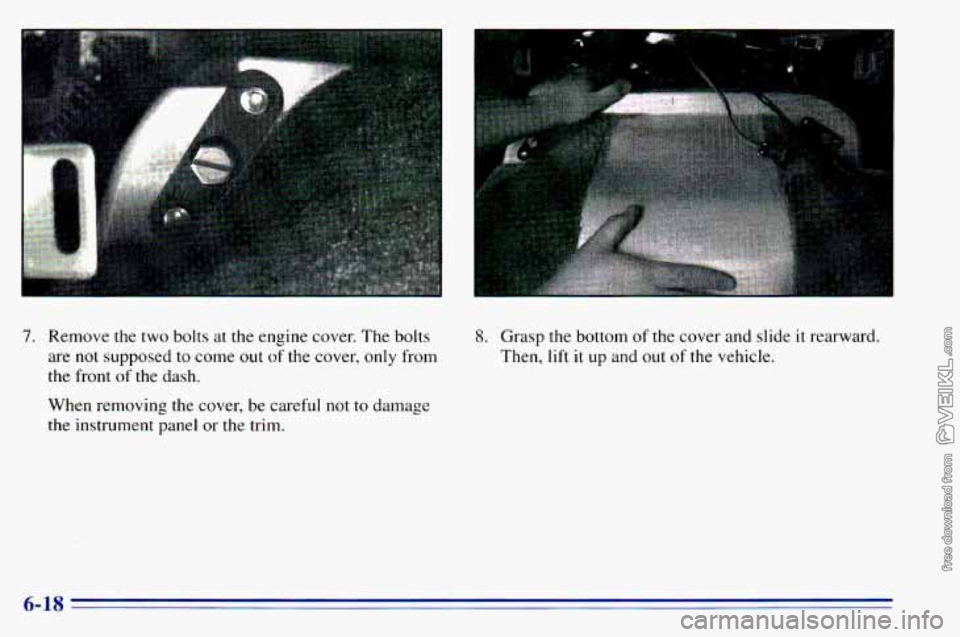
7. Remove the two bolts at the engine cover. The bolts
are not supposed to come
out of the cover, only from
the front
of the dash.
When removing the cover, be careful
not to damage
the instrument panel or the trim.
8. Grasp the bottom of the cover and slide it rearward.
Then,
lift it up and out of the vehicle.
I
I
6-18
Page 283 of 372
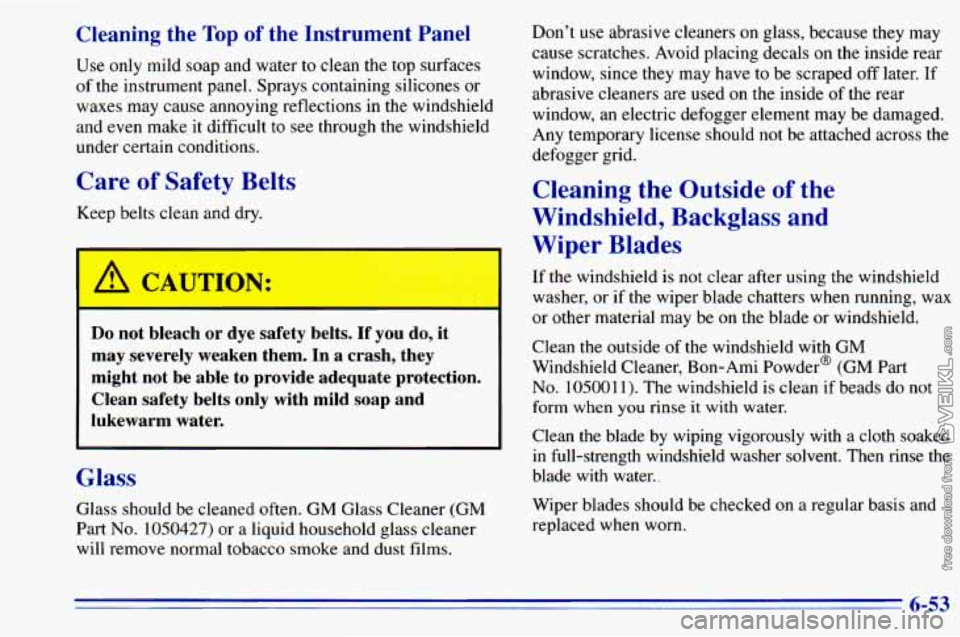
Cleaning the Top of the Instrument Panel
Use only mild soap and water to clean the top surfaces
of the instrument panel.. Sprays containing silicones or
waxes may cause annoying reflections
in the windshield
and
even make it difficult to see through the windshield
under certain conditions.
Care of Safety Belts
Keep belts clean and dry.
Do not bleach or dye safety belts. If you do, it
may severely weaken them. In a crash, they
might not be able to provide adequate protection.
Clean safety belts only with mild soap and
lukewarm water.
~~~ ~
Glass
Glass should be cleaned often. GM Glass Cleaner (GM
Part
No. 1050427) or a liquid household glass cleaner
will remove normal tobacco smoke and dust films. Don’t
use abrasive cleaners
on glass, because they may
cause scratches. Avoid placing decals on the inside rear
window, since they may have to be scraped off later.
If
abrasive cleaners are used on the inside of the rear
window, an electric defogger element may be damaged.
Any temporary license should not be attached across the
defogger grid.
Cleaning the Outside of the
Windshield, Backglass and
Wiper Blades
If the windshield is not clear after using the windshield
washer, or
if the wiper blade chatters when running, wax
or other material may be on the blade or windshield.
Clean the outside of the windshield
with GM
Windshield Cleaner, Bon-Ami Powder@ (GM Part
No. 105001 1). The windshield is clean if beads do not
form when
you rinse it with water.
Clean the blade by wiping vigorously with a cloth soaked
in full-strength windshield washer solvent. Then rinse the
blade with water..
Wiper blades should be checked on a regular basis and
replaced when worn.
6-53
Page 288 of 372
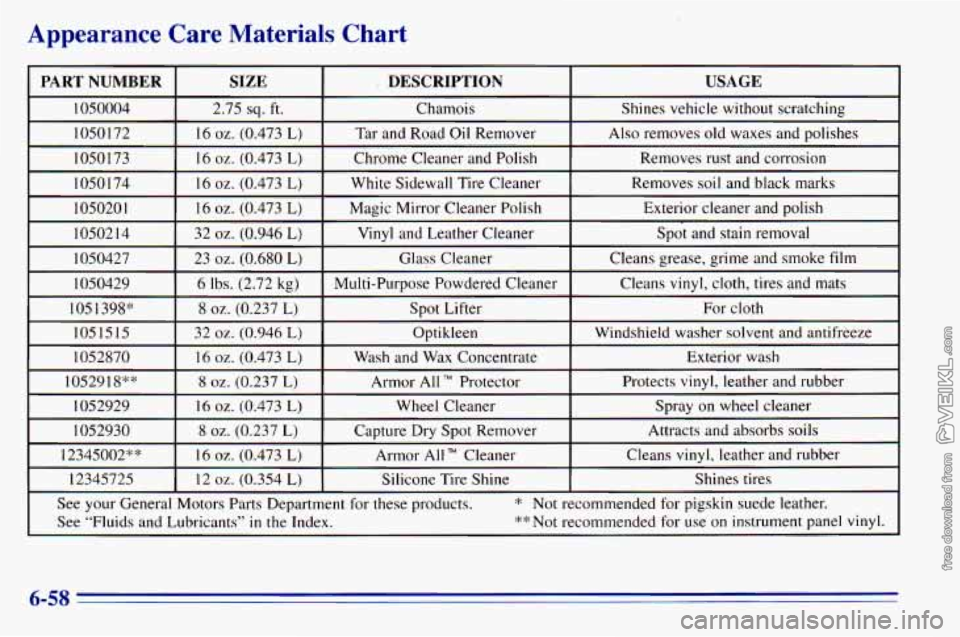
Appearance Care Materials Chart
PART NUMBER USAGE DESCRIPTION
SIZE
1050004
Exterior cleaner and polish
Magic Mirror Cleaner Polish
16
oz. (0.473 L) I05020 1
Removes soil and black marks White Sidewall Tire Cleaner 16 oz. (0.473 L) 10501 74 Removes rust and corrosion
Chrome Cleaner and Polish 16
oz. (0.473 L)
1050173 Also removes old waxes and polishes
Tar and Road Oil Remover 16
oz. (0.473 L)
1050172 Shines vehicle without scratching
Chamois
2.75
sq. ft.
~ ~~
1050214
1050427 Spot and stain removal Vinyl and Leather Cleaner
32 oz. (0.946 L)
Exterior wash
Wash and
Wax Concentrate
16 oz. (0.473 L) 1052870 Windshield washer solvent and
antifreeze
Optikleen
32
oz. (0.946 L) 1051515 For cloth
Spot Lifter
8 oz. (0.237 L) 105 1398” Cleans
vinyl, cloth, tires and mats
Multi-Purpose Powdered Cleaner 6 lbs. (2.72 kg) 1050429 Cleans
grease, grime and smoke
film Glass Cleaner 23
oz. (0.680 L)
I I I
I 1052918** I 8 oz. (0.237 L) I Armor All TM Protector I Protects vinyl, leather and rubber 1
1052929
Cleans
vinyl, leather and rubber
Armor All Cleaner
16 oz. (0.473 L) 12345002** Attracts and absorbs
soils
Capture Dry Spot Remover
8 oz. (0.237 L) 1052930 Spray on wheel cleaner Wheel Cleaner 16
oz. (0.473 L)
12345725 Shines tires
Silicone Tire Shine
12 oz. (0.354 L)
See
your General Motors Parts Department for these products. * Not recommended for pigskin suede leather.
See “Fluids and Lubricants’’
in the Index. **Not
recommended for use on instrument panel vinyl.
6-58