ECU CHEVROLET ASTRO 1997 2.G Owner's Manual
[x] Cancel search | Manufacturer: CHEVROLET, Model Year: 1997, Model line: ASTRO, Model: CHEVROLET ASTRO 1997 2.GPages: 404, PDF Size: 20.63 MB
Page 86 of 404
Downloaded from www.Manualslib.com manuals search engine To use this feature, do the following:
1. Move the lever all the way up.
2. Close the door.
To open the sliding side door while the child security
lock is engaged, unlock the door and open it from
the outside.
If you don’t cancel the security lock feature, adults or
older children who ride
in the rear won’t be able to open
the sliding door from the inside. You should let adults
and older children know how the security door lock
works, and how to cancel the lock.
Canceling the Sliding Door Child
Security Lock
To cancel the child security lock:
1. Unlock the door and open it from the outside.
2. Move the lever all the way down.
Hatch
It can be danL ‘ous to drive with the rear
swing-out windows, rear hatch or rear doors
open because carbon monoxide (CO) gas can
come into your vehicle. You can’t see or smell
CO. It can cause unconsciousness and even death
If you must drive with the rear swing-out
windows, rear hatch or rear doors open or if
electrical wiring or other cable connections must
pass through the seal between the body and the
rear swing-out windows,
rear hatch or rear doors:
Make sure all windows are shut.
Turn the fan on your heating or cooling
system to its highest speed with the setting
on anything but MAX A/C. That will force
outside air into your vehicle. See “Comfort
Controls” in the Index.
instrument panel, open them
all the way.
If you have air outlets on or under the
See “Engine Exhaust” in the Index.
2-12
Page 123 of 404
Downloaded from www.Manualslib.com manuals search engine Convenience Net (Option)
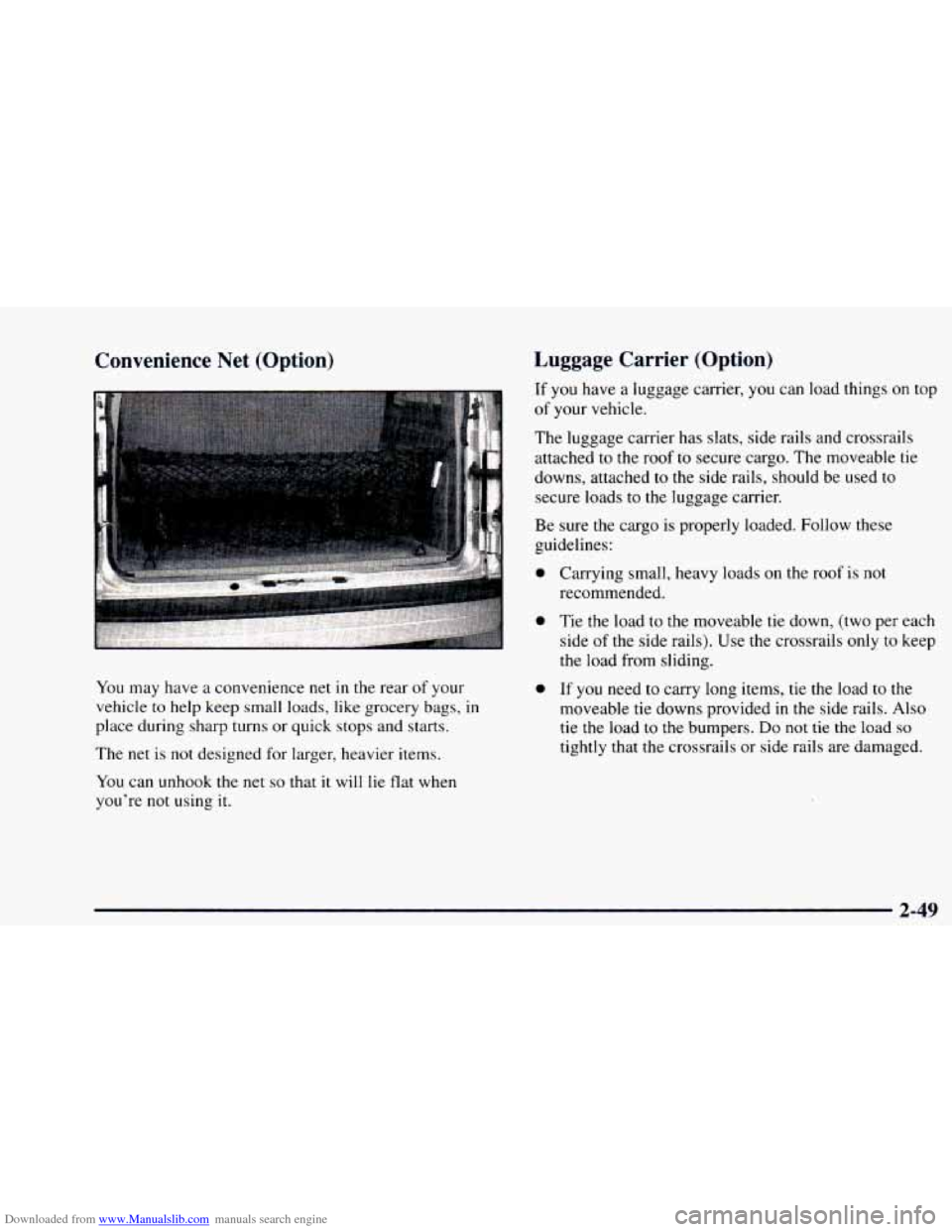
You may have a convenience net in the rear of your
vehicle to help keep small loads, like grocery bags,
in
place during sharp turns or quick stops and starts.
The net is
not designed for larger, heavier items.
You can unhook
the net so that it will lie flat when
you’re not using
it.
Luggage Carrier (Option)
If you have a luggage carrier, you can load things on top
of your vehicle.
The luggage carrier has slats, side rails and crossrails
attached to the roof to secure cargo. The moveable tie
downs, attached
to the side rails, should be used to
secure loads to the luggage carrier.
Be sure the cargo is properly loaded. Follow these
guidelines:
0
0
0
Carrying small, heavy loads on the roof is not
recommended.
Tie the load to
the moveable tie down, (two per each
side
of the side rails). Use the crossrails only to keep
the load from sliding.
If you need to carry long items, tie the load to the
moveable tie downs provided
in the side rails. Also
tie the load
to the bumpers. Do not tie the load so
tightly that the crossrails or side rails are damaged.
2-49
Page 124 of 404
Downloaded from www.Manualslib.com manuals search engine ~~ NOTICE:
Loading cargo that
weighs more than 200 lbs.
(91 kg) on the luggage carrier may damage your
vehicle. When you carry large things, never let
them hang over the rear or the sides of your
vehicle. Load your cargo
so that it rests on the
slats and does not scratch or damage the vehicle.
Put the cargo against the side rails and fasten it
securely to the luggage carrier. Put the main
weight as far forward
as you can.
Don’t exceed
the maximum vehicle capacity when
loading your vehicle. For more information on vehicle
capacity and loading, see “Loading Your Vehicle”
in
the Index.
To prevent damage or loss of cargo as you’re driving,
check now and
then to make sure the luggage carrier and
cargo are still securely fastened.
Ashtrays and Cigarette Lighter
The cigarette lighter is on the left of the engine
cover console.
To use the lighter, press it in all the way and let go.
When it’s done heating, it will pop back by itself.
NOTICE:
Don’t hold a cigarette lighter in with your hand
while it is heating.
If you do, it won’t be able to
back
away from the heating element when it’s
ready. That can make it overheat, damaging the
lighter and the heating element.
2-50
Page 127 of 404
Downloaded from www.Manualslib.com manuals search engine Universal Transmitter (Option)
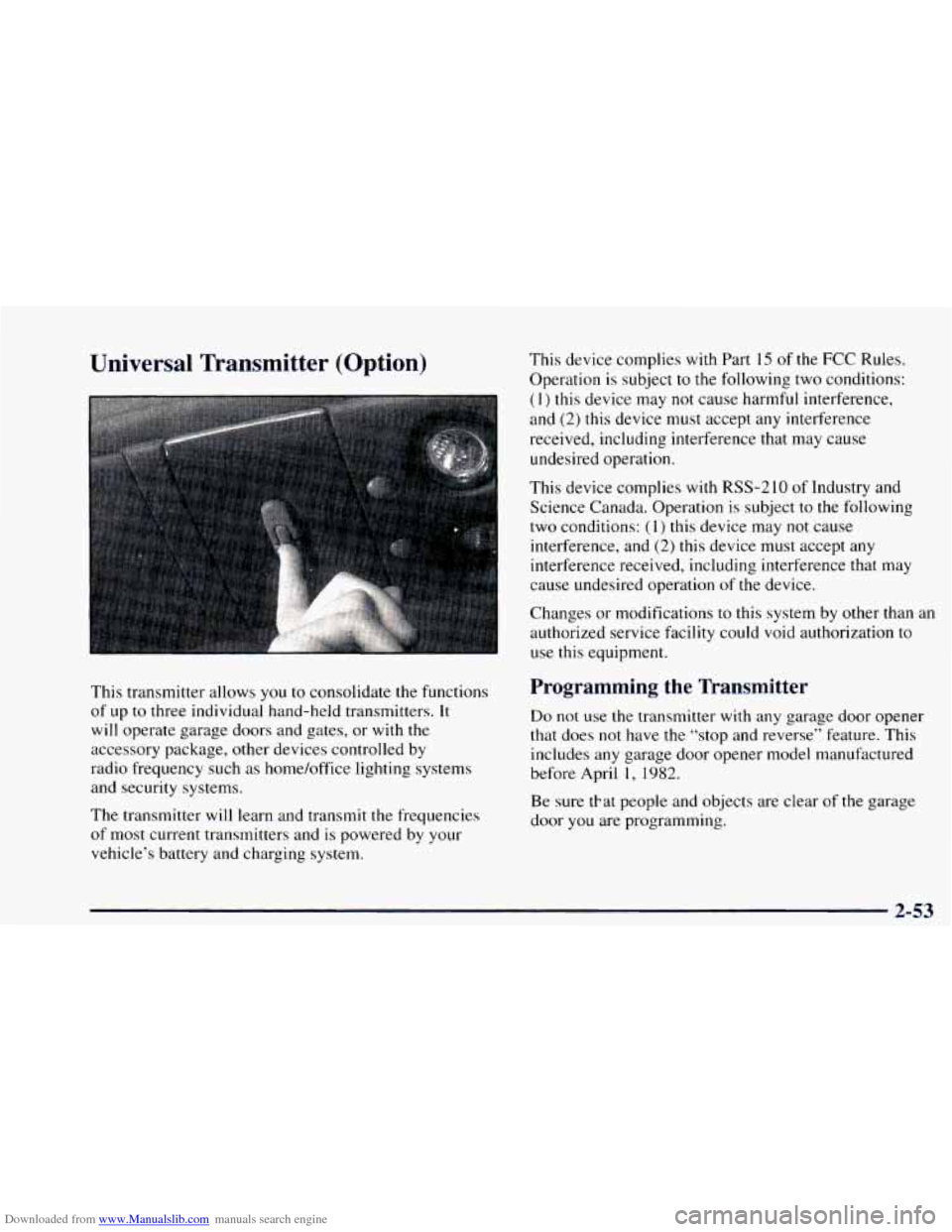
This transmitter allows you to consolidate the functions
of up to three individual hand-held transmitters.
It
will operate garage doors and gates, or with the
accessory package, other devices controlled by
radio frequency such as home/office lighting systems
and security systems.
The transmitter will learn and transmit the frequencies
of most current transmitters and is powered by your
vehicle’s battery and charging system. This device
complies with Part
15 of the FCC Rules.
Operation is subject to the following two conditions:
( 1) this device may not cause harmful interference,
and (2) this device must accept any interference
received, including interference that may cause
undesired operation.
This device complies with RSS-2
10 of Industry and
Science Canada. Operation is subject
to the following
two conditions:
(1) this device may not cause
interference, and
(2) this device must accept any
interference received, including interference that may
cause undesired operation
of the device.
Changes or modifications to this system by other than an
authorized service facility could void authorization
to
use this equipment.
Programming the Transmitter
Do not use the transmitter with any garage door opener
that does not have the “stop and reverse” feature. This
includes any garage door opener model manufactured
before April
1, 1982.
Be sure tkat people and objects are clear of the garage
door
you are programming.
2-53
Page 129 of 404
Downloaded from www.Manualslib.com manuals search engine Erasing Channels
To erase all three programmed channels, hold down the
two outside buttons
until the red light begins to flash.
Individual channels cannot be erased, but can be
reprogrammed using the procedure for programming the
transmitter explained earlier.
Training a Garage Opener with a “Rolling
Code” Feature
If you programmed the universal transmitter, but the
garage door will
not open, and if your garage door opener
was manufactured after 1995, your garage door may have
a security feature that changes
the “code” of your garage
door opener every time it is opened or closed.
To determine if your garage door opener has this
“rolling code” feature, press the appropriate button on
the universal transmitter that was programmed. If the
red light flashes rapidly for
one to two seconds, then
turns solid, your garage door opener has this feature.
To program a garage door opener with the rolling code
feature, do
the following:
1. Program your hand-held transmitter to the universal
transmitter by following the steps provided under
“Programming
the Transmitter” earlier in this section.
2.
3.
4.
5.
6.
Remove the cover panel from the garage door opener
receiver.
It is located near the garage door opener motor.
Locate the training button
on the garage door opener
receiver. The exact location and color will vary
among brands.
Press the training button
on the garage door opener
receiver for one to two seconds.
Return to your vehicle and press the programmed
button on the universal transmitter until the red light
flashes rapidly (about two seconds).
Release the button, then press it again
to confirm it
was programmed
to the garage door opener receiver.
You may now use either the universal transmitter or the
hand-held transmitter to open your garage door.
If you
still have difficulty in programming and require
assistance, please call
1-800-355-35 15.
Accessories
Accessories for the universal transmitter are available
from
the manufacturer of the unit. If you would like
additional information, please call
1-800-355-35 15.
2-55
Page 170 of 404
Downloaded from www.Manualslib.com manuals search engine Playing a Compact Disc in the Single Remote Disc
Player (If Equipped)
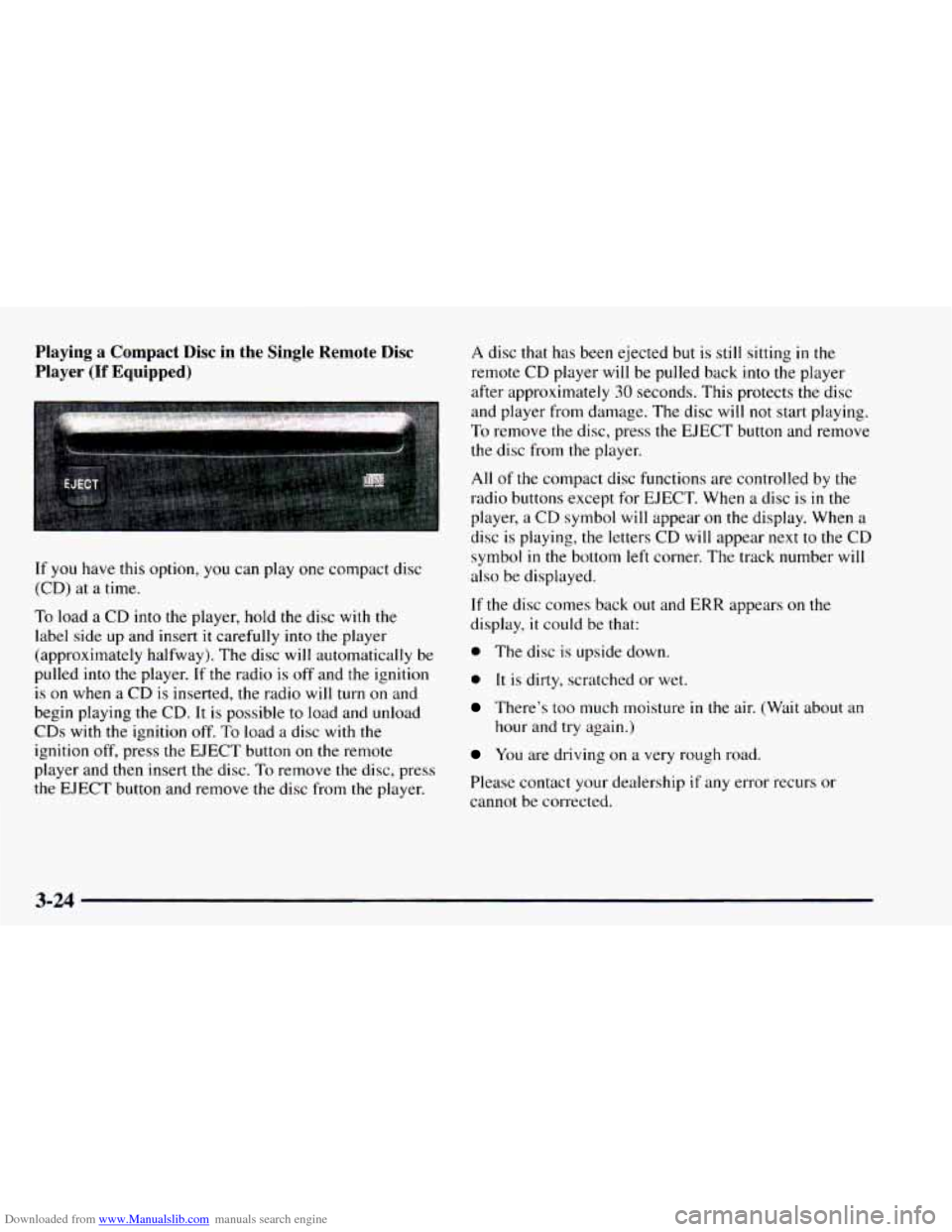
If you have this option, you can play one compact disc
(CD) at a time.
To load a CD into the player, hold the disc with the
label side up and insert
it carefully into the player
(approximately halfway). The disc will automatically be
pulled
into the player. If the radio is off and the ignition
is on when a CD is inserted, the radio will turn on and
begin playing the CD. It is possible to load and unload
CDs with the ignition off. To load
a disc with the
ignition
off, press the EJECT button on the remote
player and
then insert the disc. To remove the disc, press
the EJECT button and remove the disc from the player.
A disc that has been ejected but is still sitting in the
remote CD player will be pulled back into the player
after approximately
30 seconds. This protects the disc
and player from damage. The disc will not start playing.
To remove the disc, press the EJECT button and remove
the disc from the player.
All of the compact disc functions are controlled by the
radio buttons except for EJECT. When a disc is in the
player, a CD symbol
will appear on the display. When a
disc
is playing, the letters CD will appear next to the CD
symbol
in the bottom left corner. The track number will
also be displayed.
If the disc comes back out and ERR appears on the
display,
it could be that:
0 The disc is upside down.
0 It is dirty, scratched or wet.
There’s too much moisture in the air. (Wait about an
hour and try again.)
You are driving on a very rough road.
Please contact your dealership
if any error recurs or
cannot be corrected.
3-24
Page 172 of 404
Downloaded from www.Manualslib.com manuals search engine Theft-Deterrent Feature
THEFTLOCK TM is designed to discourage theft of your
radio.
It works by using a secret code to disable all radio
functions whenever battery power
is removed.
The THEFTLOCK feature for the radio may be used or
ignored.
If ignored, the system plays normally and the
radio
is not protected by the feature. If THEFTLOCK is
activated, your radio will not operate if stolen.
When THEFTLOCK is activated, the radio
will display
LOC
to indicate a locked condition anytime battery
power
is removed. If your battery loses power for any
reason,
you must unlock the radio with the secret code
before
it will operate.
Activating the Theft-Deterrent Feature
The instructions which follow, explain how to enter your
secret code to activate the THEFTLOCK system.
It is
recommended that you read through
all nine steps
before starting the procedure.
NOTE:
If you allow more than 15 seconds to elapse
between any steps,
the radio automatically reverts to
time and you must start the procedure over at Step
4.
1. Write down any three or four-digit number from
000 to 1999 and keep it in a safe place separate from
the vehicle.
2. Turn the ignition to ACCESSORY or RUN.
3. Turn the radio off.
4. Press the 1 and 4 buttons together, Hold them down
until --- shows on the display. Next you will use the
secret code number which you have written down.
5. Press MN and 000 will appear on the display.
6. Press MN again to make the last two digits agree
with your code.
7. Press HR to make the first one or two digits agree
with your code.
8. Press AM-FM after you have confirmed that the
code matches the secret code
you have written down
The display will show
REP to let you know that you
need to repeat Steps 5 through 7 to confirm your
secret code.
9. Press AM-FM and this time the display will show
SEC to let you know that your radio is secure. The
indicator by the volume control
will begin flashing
when the ignition is turned off.
3-26
Page 173 of 404
Downloaded from www.Manualslib.com manuals search engine Unlocking the Theft-Deterrent Feature After a
Power
Loss
Enter your secret code as follows; pause no more than
15 seconds between steps:
1. LOC appears when the ignition is on.
2. Press MN and 000 will appear on the display.
3. Press MN again to make the last two digits agree
with your code.
4. Press HR to make the first one or two digits agree
with your code.
5. Press AM-FM after you have confirmed that the
code matches
the secret code you have written down.
The display will show SEC, indicating the radio is
now operable and secure.
If you enter
the wrong code eight times, INOP will
appear
on the display. You will have to wait an hour
with the ignition
on before you can try again. When you
try again, you will only have three chances to enter the
correct code before INOP appears.
If
you lose or forget your code, contact your dealer.
Disabling the Theft-Deterrent Feature
Enter your secret code as follows; pause no more than
15 seconds between steps:
1. Turn the ignition to ACCESSORY or RUN.
2. Turn the radio off.
3. Press the 1 and 4 buttons together. Hold them down
until
SEC shows on the display.
4. Press MN and 000 will appear on the display.
5. Press MN again to make the last two digits agree
with your code.
6. Press HR to make the first one or two digits agree
with your code.
7. Press AM-FM after you have confirmed that the
code matches the secret code
you have written down.
The display will show
---, indicating that the radio is
no longer secured.
If the code entered is incorrect, SEC will appear on the
display. The radio will remain secured
until the correct
code is entered.
When battery power is removed and later applied to
a
secured radio, the radio won’t turn on and LOC will
appear
on the display.
Page 174 of 404
Downloaded from www.Manualslib.com manuals search engine To unlock a secured radio, see “Unlocking the
Theft-Deterrent Feature After a Power
Loss” earlier in
this section.
Understanding Radio Reception
FM Stereo
FM stereo will give you the best sound. But FM signals
will reach only about 10 to
40 miles (16 to 65 km). Tall
buildings
or hills can interfere with FM signals, causing
the sound to come and go.
AM
The range for most AM stations is greater than for FM,
especially at night. The longer range, however, can
cause stations to interfere with each other. AM can pick
up noise from things like storms and power lines.
Try
reducing the treble to reduce this noise if you ever get it.
Tips About Your Audio System
Hearing damage from loud noise is almost undetectable
until it
is too late. Your hearing can adapt to higher
volumes
of sound. Sound that seems normal can be loud
and harmful to your hearing. Take precautions by
adjusting the volume control on your radio to a safe
sound level before your hearing adapts to it.
To help avoid hearing loss or damage:
Adjust the volume control to the lowest setting.
Increase volume slowly until you hear comfortably
and clearly.
.
NOTICE:
Before you add any sound equipment to your
vehicle
-- like a tape player, CB radio, mobile
telephone or two-way radio
-- be sure you can add
what you want.
If’ you can, it’s very important to
do
it properly. Added sound equipment may
interfere with the operation
of your vehicle’s
engine, Delco radio
or other systems, and even
damage them. Your vehicle’s systems may interfere
with the operation
of sound equipment that has
been added improperly.
So, before adding sound equipment, check with
your dealer and be sure to check Federal rules
covering mobile radio and telephone units.
3-28
Page 200 of 404
Downloaded from www.Manualslib.com manuals search engine Winter Driving
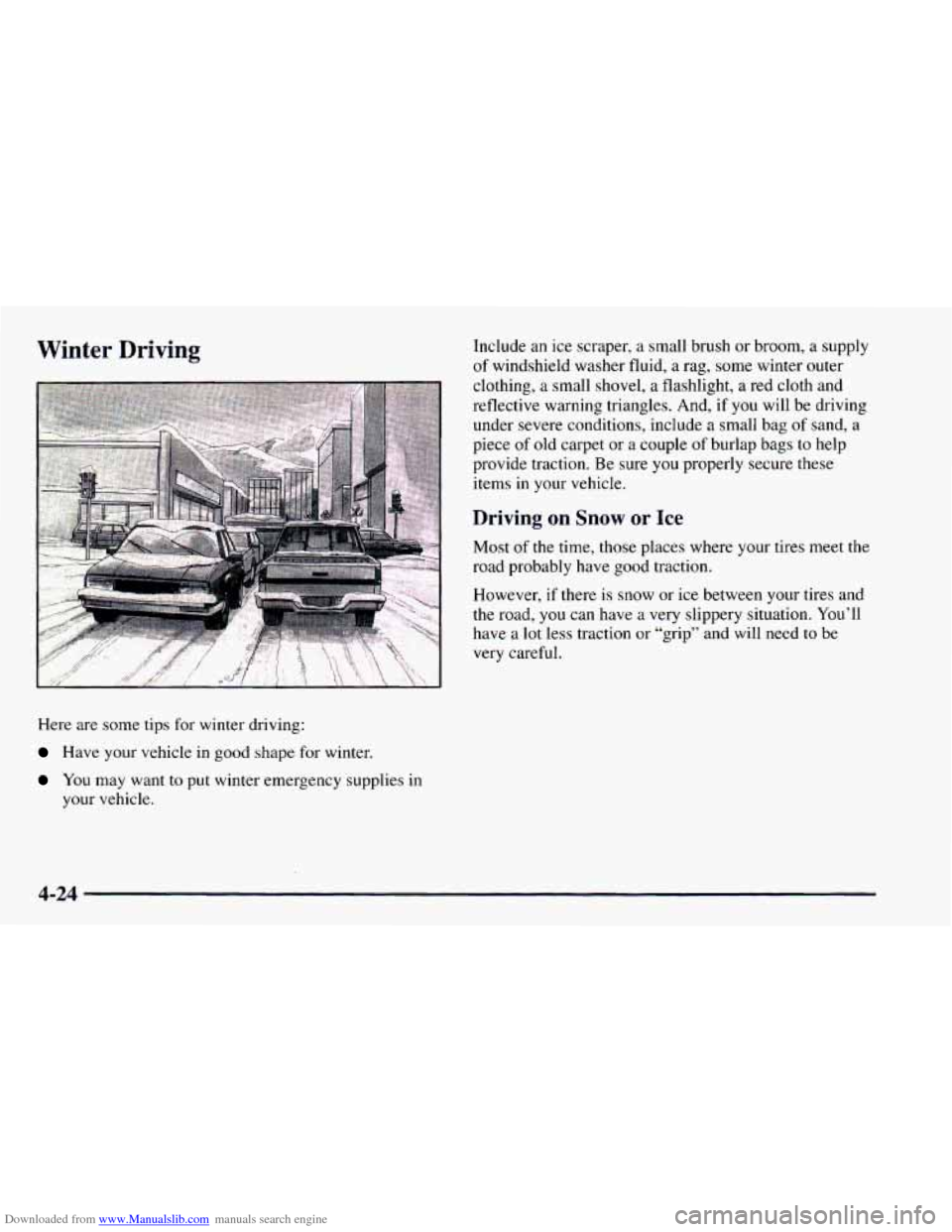
Here are some tips for winter driving:
Have your vehicle in good shape for winter.
You may want to put winter emergency supplies in
your vehicle. Include
an ice scraper,
a small brush or broom, a supply
of windshield washer fluid, a rag, some winter outer
clothing,
a small shovel, a flashlight, a red cloth and
reflective warning triangles. And, if you will be driving
under severe conditions, include a small bag of sand, a
piece of old carpet or a couple
of burlap bags to help
provide traction. Be sure
you properly secure these
items in your vehicle.
Driving on Snow or Ice
Most of the time, those places where your tires meet the
road probably have
good traction.
However,
if there is snow or ice between your tires and
the road,
you can have a very slippery situation. You’ll
have a lot less traction
or “grip” and will need to be
very careful.
4-24