ignition CHEVROLET ASTRO 1997 2.G Owner's Manual
[x] Cancel search | Manufacturer: CHEVROLET, Model Year: 1997, Model line: ASTRO, Model: CHEVROLET ASTRO 1997 2.GPages: 404, PDF Size: 20.63 MB
Page 135 of 404
Downloaded from www.Manualslib.com manuals search engine Air Bag Readiness Light
There is an air bag readiness light on the instrument
panel, which shows
AIR BAG. The system checks the
air bag’s electrical system for malfunctions. The light
tells
you if there is an electrical problem. The system
check includes the air bag sensors, the air bag modules,
the wiring and the crash sensing and diagnostic module.
For more information on the air bag system, see “Air
Bag” in the Index.
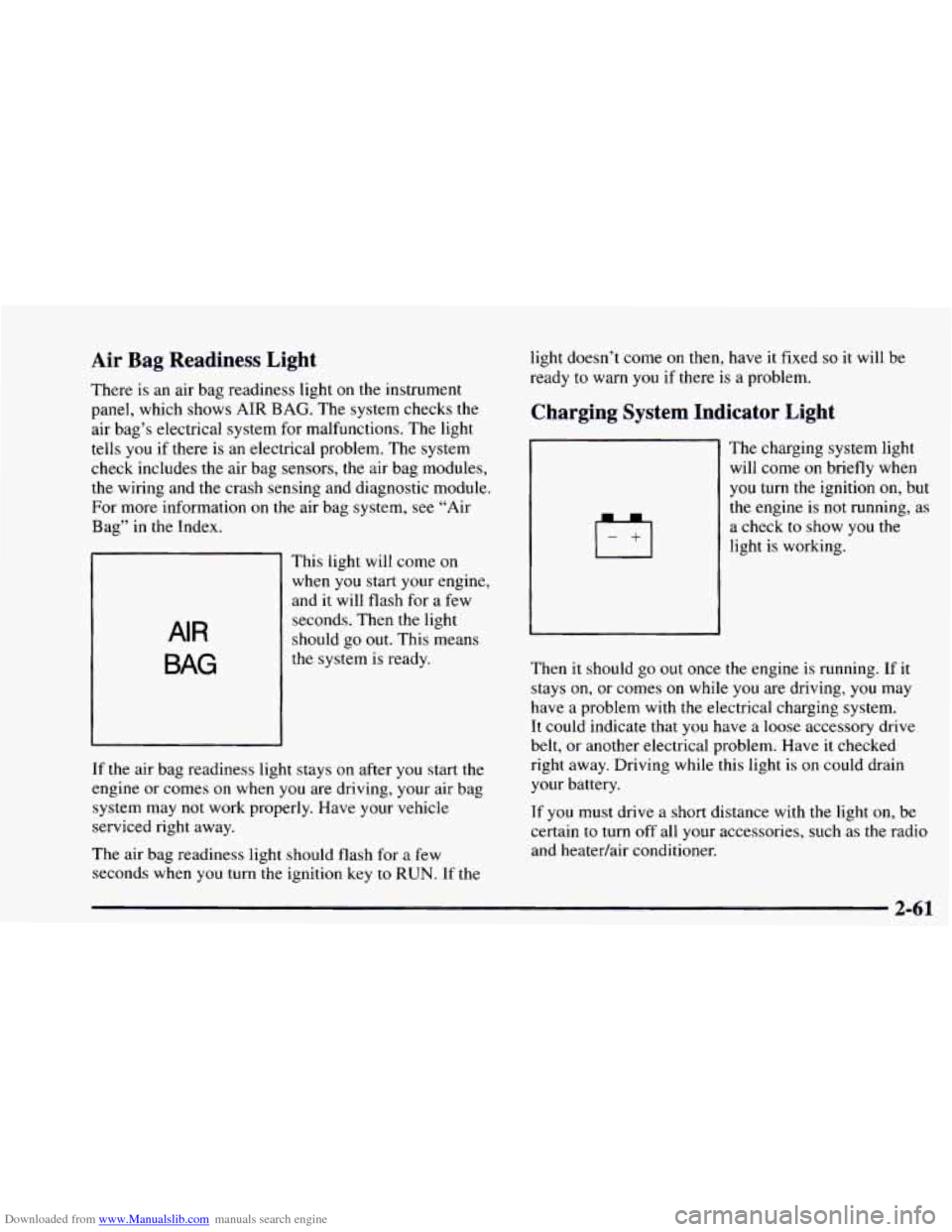
AIR
BAG
This light will come on
when you start your engine,
and it will flash for a few
seconds. Then the light
should go out. This means
the system is ready.
If the air bag readiness light stays
on after you start the
engine or comes
on when you are driving, your air bag
system may not work properly. Have your vehicle
serviced right away.
The air bag readiness light should flash for a few
seconds when
you turn the ignition key to RUN. If the light doesn’t
come
on then, have it fixed so it will be
ready to warn
you if there is a problem.
Charging System Indicator Light
The charglng system light
will come on briefly when
you turn the ignition on, but
the engine is
not running, as
a check
to show you the
light is working.
Then it should go out once the engine is running. If it
stays on, or comes
on while you are driving, you may
have a problem with the electrical charging system.
It could indicate that
you have a loose accessory drive
belt, or another electrical problem. Have it checked
right away. Driving while this light
is on could drain
your battery.
If you must drive a short distance with the light on, be
certain to turn off all your accessories, such as the radio
and heatedair conditioner.
Page 136 of 404
Downloaded from www.Manualslib.com manuals search engine Voltmeter
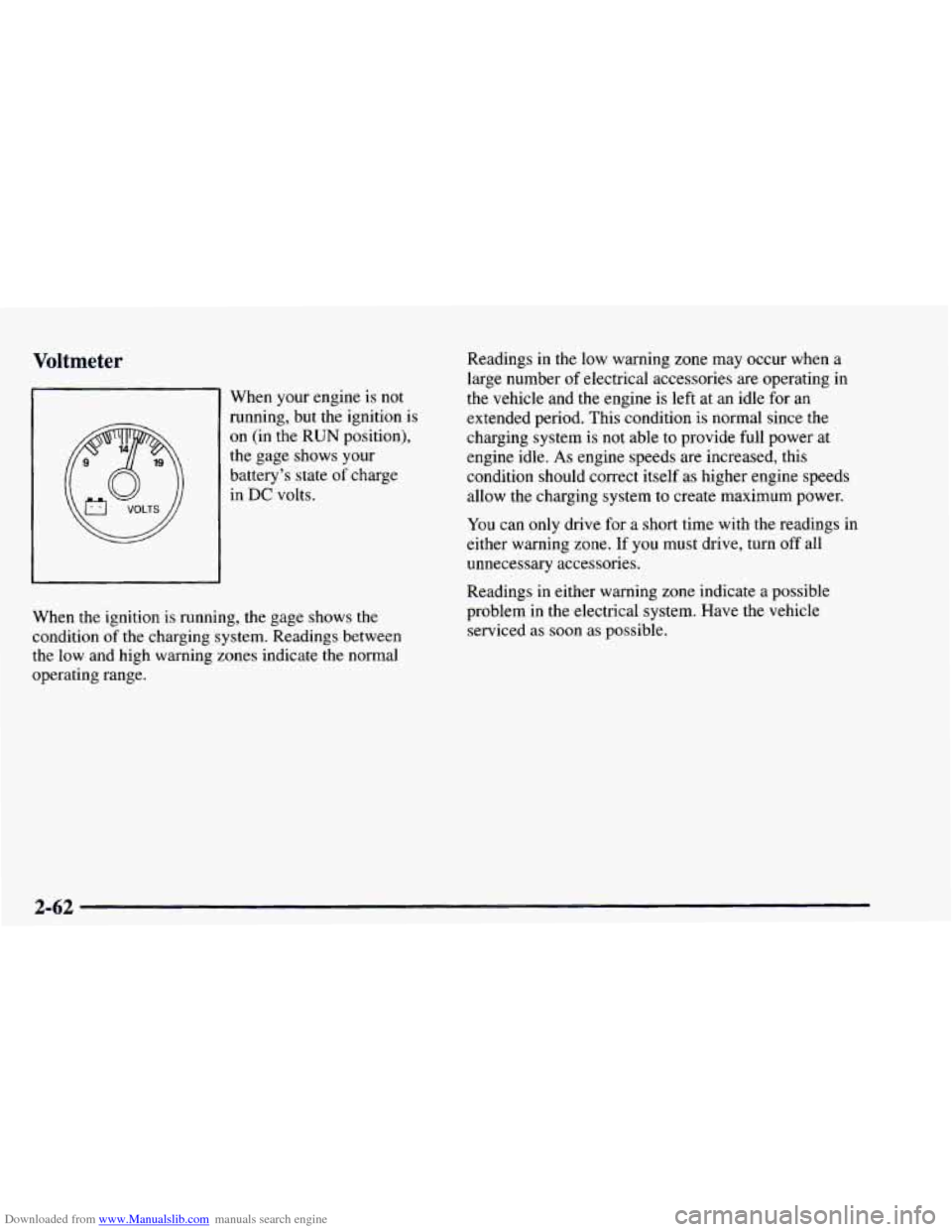
When your engine is not
running, but the ignition is
on (in the
RUN position).
the gage shows your
battery’s state
of charge
in DC volts. Readings
in the low warning zone
may occur when a
large number
of electrical accessories are operating in
the vehicle and the engine is left at an idle for an
extended period. This condition is normal since the
charging system is not able to provide full power at
engine idle.
As engine speeds are increased, this
condition should correct itself as higher engine speeds
allow the charging system to create maximum power.
You can only drive for a short time with the readings in
either warning zone.
If you must drive, turn off all
unnecessary accessories.
When the ignition is running, the gage shows the
condition
of the charging system. Readings between
the low and high warning zones indicate the normal
operating range. Readings in
either warning zone indicate a possible
problem in the electrical system. Have the vehicle
serviced as soon as possible.
2-62
Page 137 of 404
Downloaded from www.Manualslib.com manuals search engine Brake System Warning Light
Your vehicle’s hydraulic brake system is divided into
two parts. If one part isn’t working,
the other part can
still work and stop
you, For good braking, though, you
need both parts working well.
If the warning light comes on, there could be a brake
problem. Have your brake system inspected right away.
BRAKE
This light should come
on briefly when you turn
the ignition key
to RUN.
If it doesn’t come on then,
have it fixed
so it will be
ready
to warn you if there’s
a problem.
If the light comes on while you are driving, pull off the
road and stop carefully. You may notice that the pedal is
harder to push. Or, the pedal may go closer to the floor.
It may take longer
to stop. If the light is still on, have the
vehicle towed for service. (See “Towing Your Vehicle”
in the Index.)
A CAUTION:
Your brake system may not be working properly
if the brake system warning light
is on. Driving
with the brake system warning light on can lead
to an accident. If the light is still on after you’ve
pulled
off the road and stopped carefully, have
the vehicle towed for service.
When the ignition is on, the brake system warning light
will also come
on when you set your parking brake. The
light will stay
on if your parking brake doesn’t release
fully. If it stays on after your parking brake is fully
released,
it means you have a brake problem.
2-63
Page 138 of 404
Downloaded from www.Manualslib.com manuals search engine Anti-Lock Brake System Warning Light
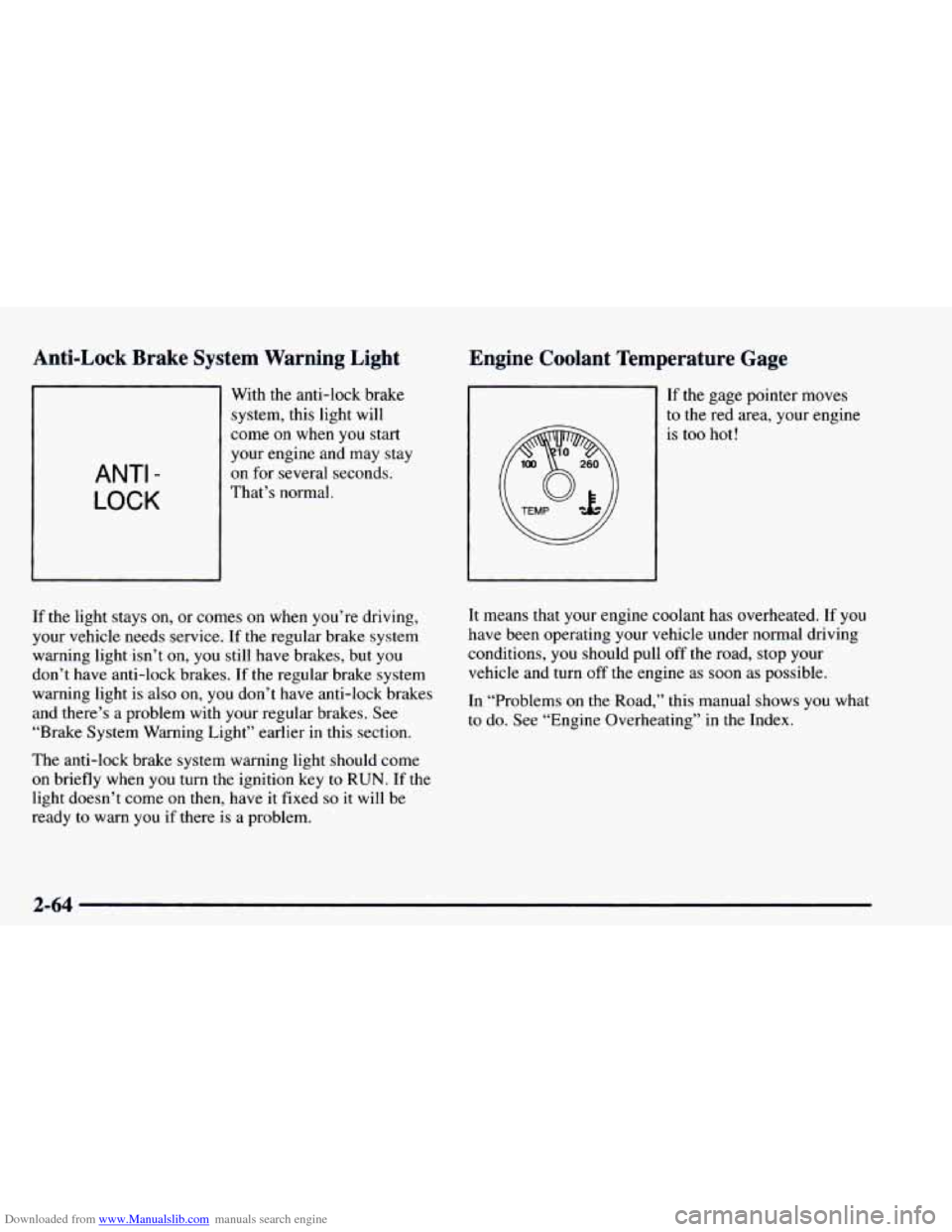
ANTI -
LOCK
With the anti-lock brake
system, this light will
come
on when you start
your engine and may stay
on for several seconds.
That’s normal.
Engine Co ~ ant Temperature Gage
If the gage pointer moves
to the red area, your engine
is
too hot!
If the light stays on, or comes on when you’re driving,
your vehicle needs service. If the regular brake system
warning lightisn’t on,
you still have brakes, but you
don’t have anti-lock brakes.
If the regular brake system
warning light is
also on, you don’t have anti-lock brakes
and there’s a problem with your regular brakes. See
“Brake System Warning Light” earlier in this section.
The anti-lock brake system warning light should come
on briefly when you turn the ignition key to RUN. If the
light doesn’t come
on then, have it fixed so it will be
ready to warn you if there
is a problem. It
means that your engine coolant has overheated.
If you
have been operating your vehicle under normal driving
conditions, you should pull
off the road, stop your
vehicle and turn
off the engine as soon as possible.
In “Problems on
the Road,” this manual shows you what
to
do. See “Engine Overheating” in the Index.
2-64
Page 139 of 404
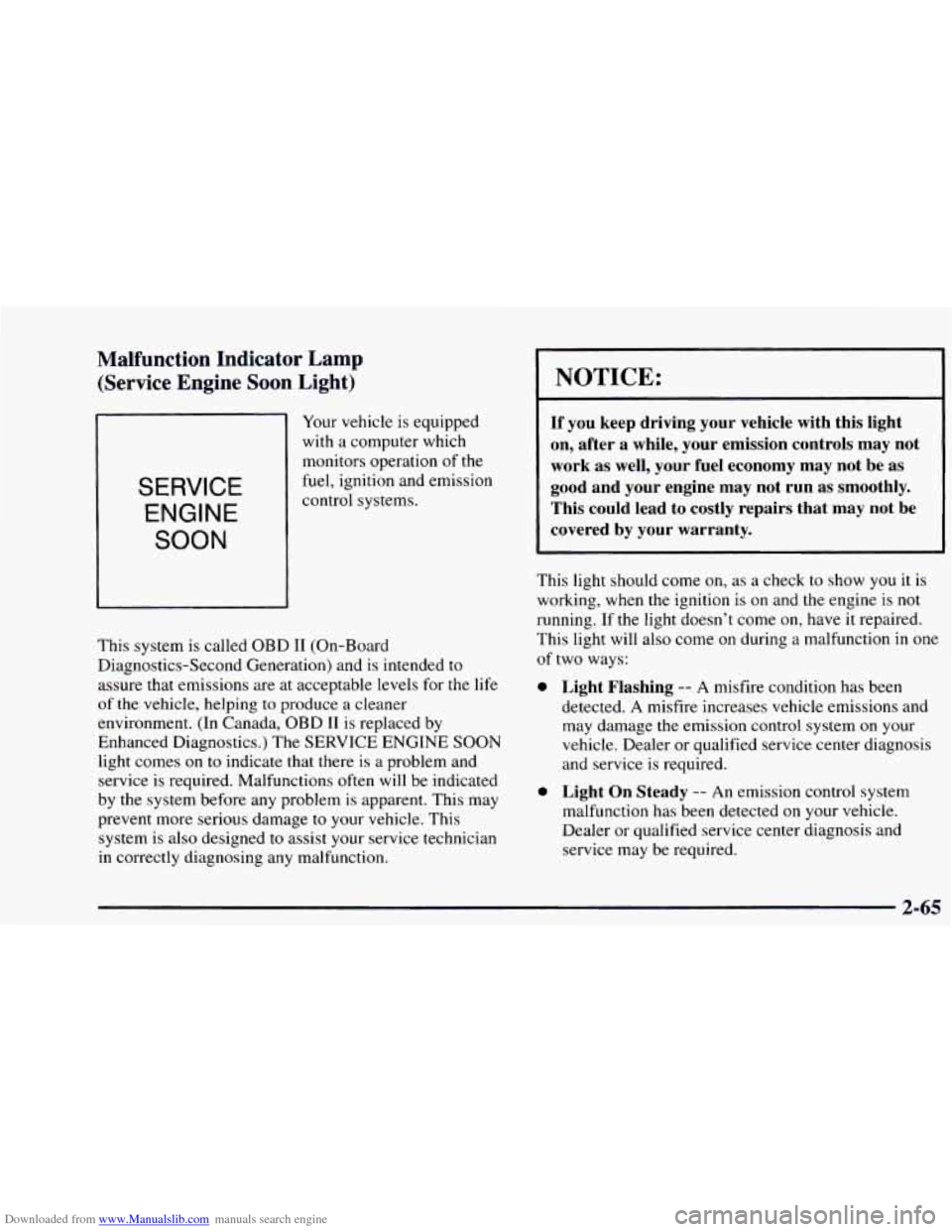
Downloaded from www.Manualslib.com manuals search engine Malfunction Indicator Lamp (Service Engine Soon Light)
Your vehicle is equipped
with a computer which
monitors operation of the
fuel, ignition and emission SERVICE
ENGINE
SOON
This system is called OBD I1 (On-Board
Diagnostics-Second Generation) and is intended to
assure that emissions are at acceptable levels for the life
of the vehicle, helping
to produce a cleaner
environment. (In Canada, OBD
I1 is replaced by
Enhanced Diagnostics.) The SERVICE ENGINE SOON
light comes
on to indicate that there is a problem and
service is required. Malfunctions
often will be indicated
by the system before any problem is apparent. This may
prevent more serious damage to your vehicle. This
system is also designed
to assist your service technician
in correctly diagnosing any malfunction.
NOTICE:
If you keep driving your vehicle with this light
on, after a while, your emission controls may not
work as well, your fuel economy may not be
as
good and your engine may not run as smoothly.
This could lead to costly repairs that may not be
covered by your warranty.
This light should come on, as a check to show you it is
working, when the ignition is on and the engine is not
running. If the light doesn’t come on, have it repaired.
This light will also come
on during a malfunction in one
of two ways:
0
0
Light Flashing -- A misfire condition has been
detected.
A misfire increases vehicle emissions and
may damage the emission control system on your
vehicle. Dealer or qualified service center diagnosis
and service is required.
Light On Steady -- An emission control system
malfunction has been detected on your vehicle.
Dealer or qualified service center diagnosis and
service may be required.
2-65
Page 143 of 404
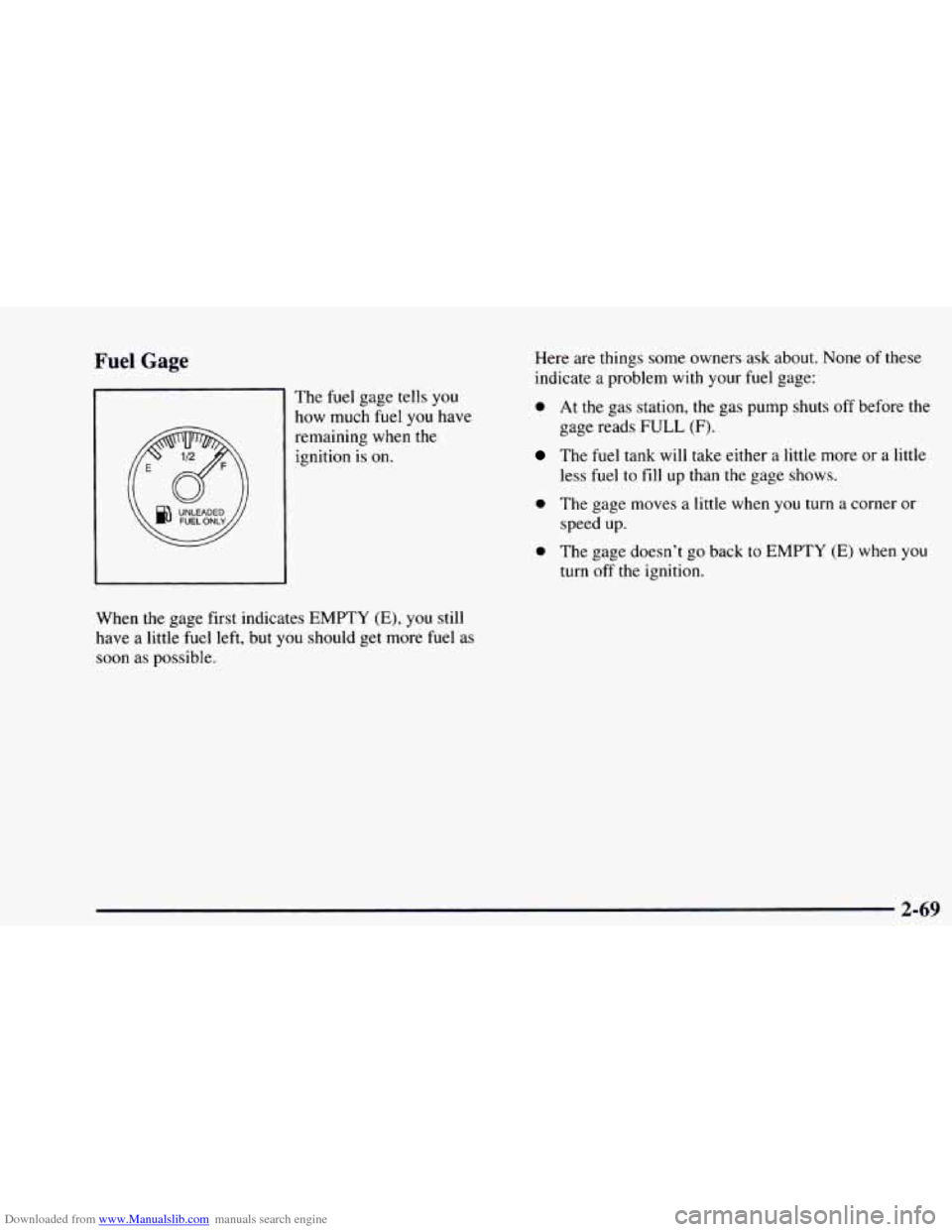
Downloaded from www.Manualslib.com manuals search engine Fuel Gage
The fuel gage tells you
how much fuel you have
remaining when the ignition is
on.
When the gage first indicates EMPTY (E), you still
have a little fuel left, but
you should get more fuel as
soon
as possible. Here
are things some owners ask about. None
of these
indicate
a problem with your fuel gage:
0 At the gas station, the gas pump shuts off before the
gage reads
FULL (F).
The fuel tank will take either a little more or a little
less
fuel to fill up than the gage shows.
speed up.
0 The gage moves a little when you turn a corner or
0 The gage doesn’t go back to EMPTY (E) when you
turn off the ignition.
2-69
Page 154 of 404
Downloaded from www.Manualslib.com manuals search engine Rear Window Defogger
If your vehicle has this option,
(Option)
the rear window will
The rear window defogger will only work when the
ignition switch is
in the RUN position,
have lines running across the glass. These lines heat
your window.
For best results, clear the window
of as much snow or
ice as possible before using the rear window defogger.
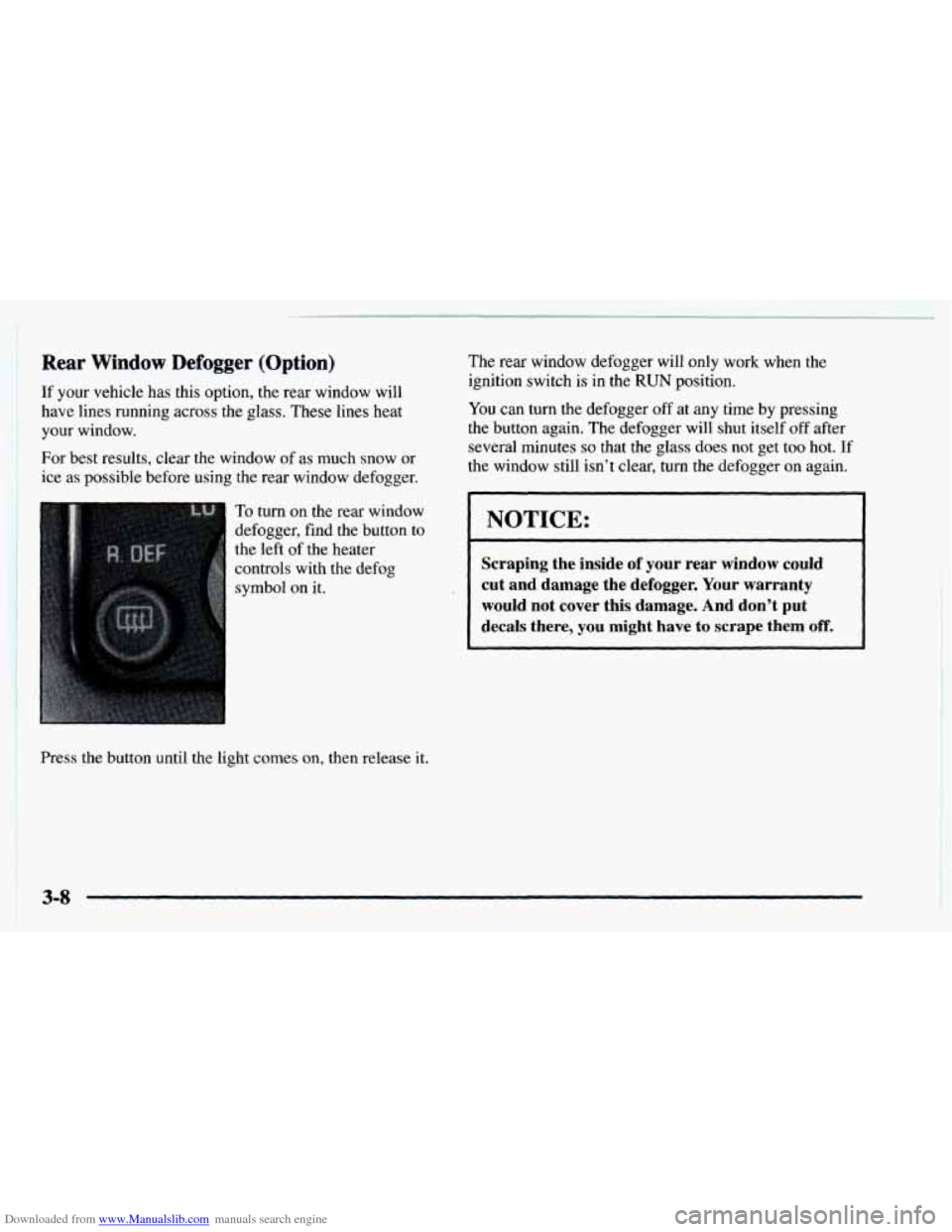
To turn on the rear window
defogger, find the button to
the left of the heater
Press the button until the light comes
on, then release it.
You can turn the defogger off at any time by pressing
the button again. The defogger will shut itself
off after
several minutes
so that the glass does not get too hot. If
the
window still isn’t clear$ turn the defogger on again.
NOTICE:
Scraping the inside of your rear window could
cut and damage the defogger.
Your warranty
would
not cover this damage. And don’t put
decaIs there, you might have to scrape them off.
3-8
Page 155 of 404
Downloaded from www.Manualslib.com manuals search engine Audio Systems
Your Delco@ audio system has been designed to operate
easily and give years
of listening pleasure. You will get
the most enjoyment out of it if you acquaint yourself
with
it first. Find out what your Delco system can do
and how
to operate all its controls, to be sure you’re
getting
the most out of the advanced engineering that
went into it.
AM-FM Stereo
Setting the Clock for Systems without
Automatic Tone Control
Press SET. Within five seconds, press and hold the
SEEK right arrow until the correct minute appears on
the display. Press and hold the
SEEK left arrow until the
correct hour appears on the display.
Setting the Clock for Systems with
Automatic
Tone Control
Press and hold HR until the correct hour appears on the
display. Press and hold MIN until the correct minute
appears on the display. To display the clock with the
ignition off, press RECALL or HR/MIN and
the time
will be displayed for a few seconds. There is an initial
two-second delay before the clock goes
into the
time-set mode.
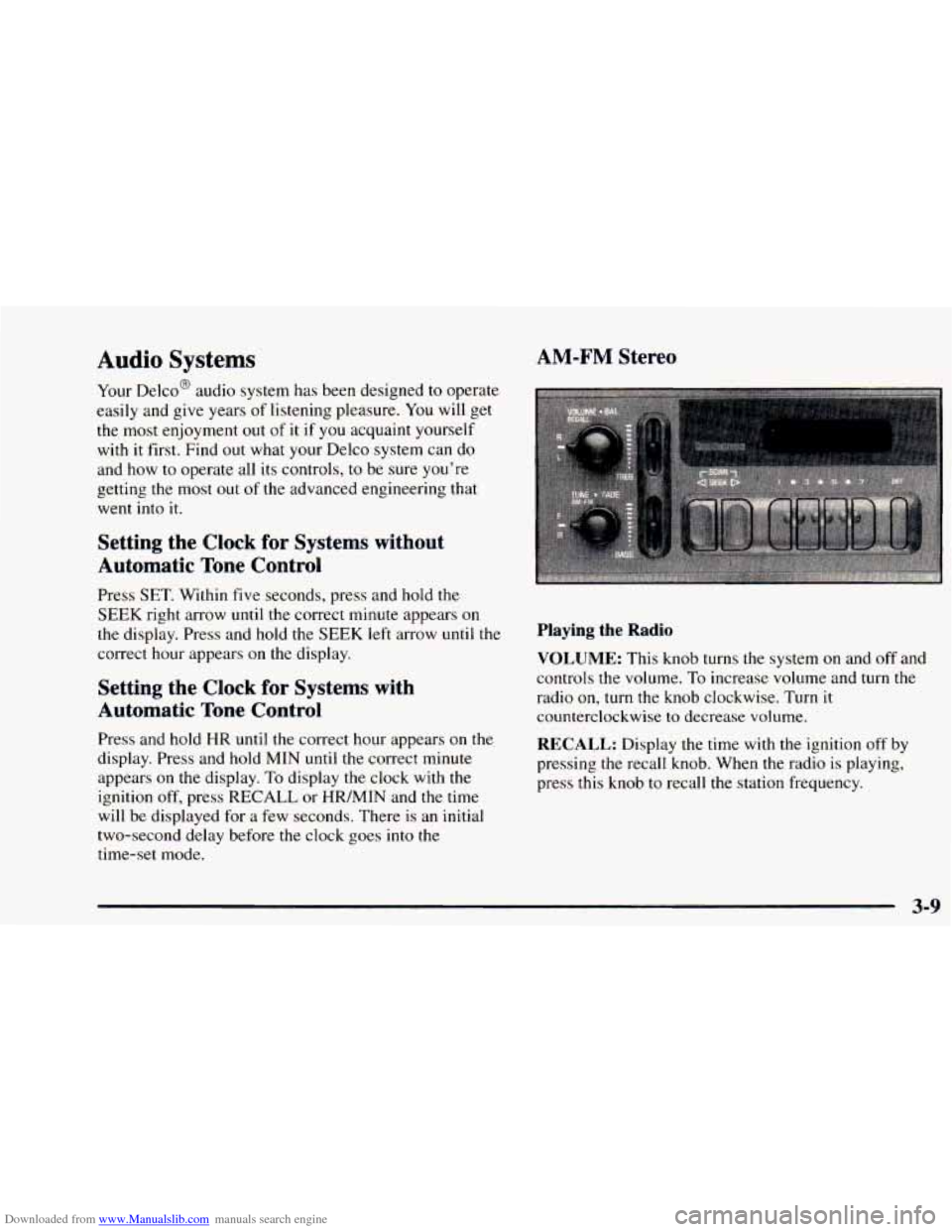
Playing the Radio
VOLUME: This knob turns the system on and off and
controls the volume. To increase volume and turn
the
radio on, turn the knob clockwise. Turn it
counterclockwise
to decrease volume.
RECALL: Display the time with the ignition off by
pressing
the recall knob. When the radio is playing,
press this knob
to recall the station frequency.
3-9
Page 157 of 404
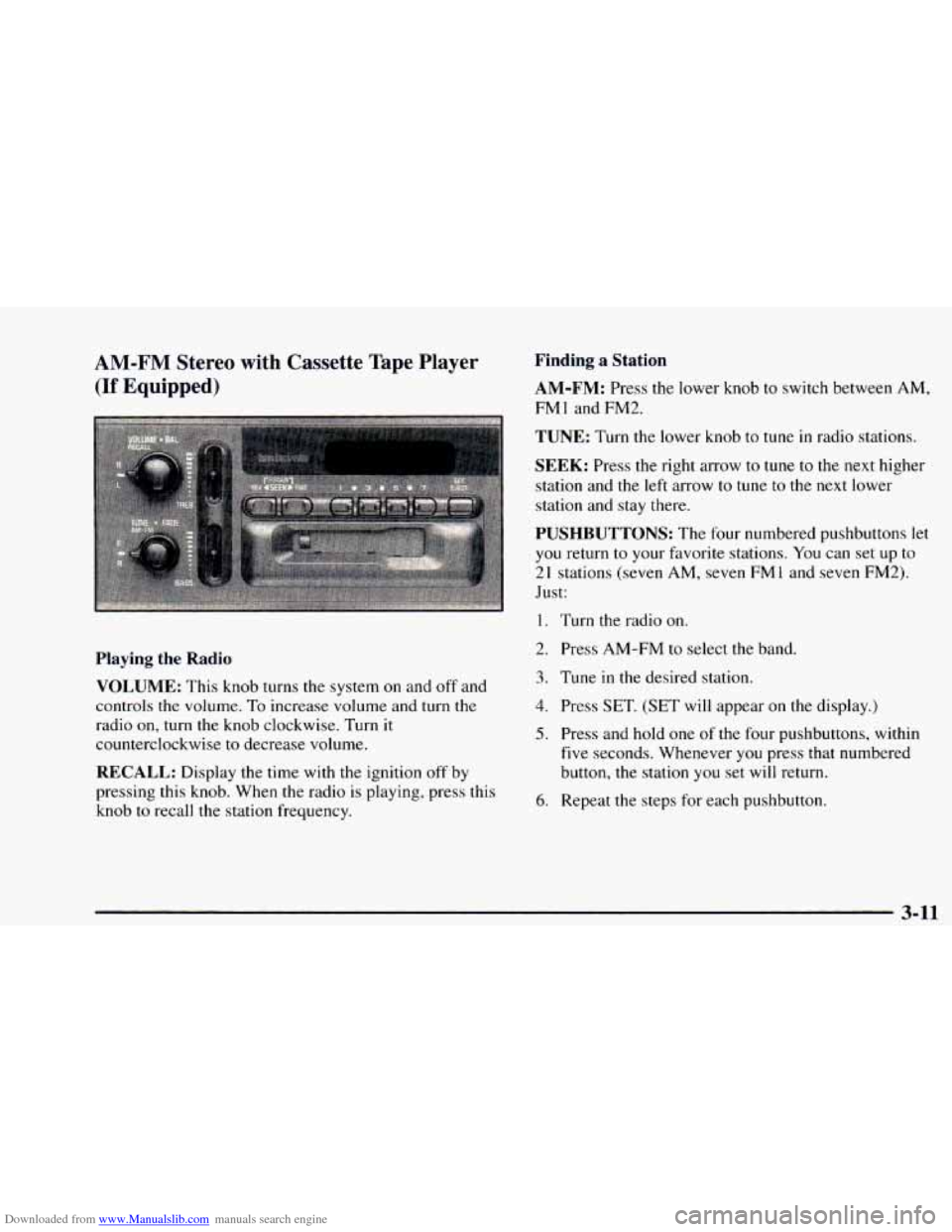
Downloaded from www.Manualslib.com manuals search engine AM-FM Stereo with Cassette Tape Player
(If Equipped)
Playing the Radio
VOLUME: This knob turns the system on and off and
controls the volume.
To increase volume and turn the
radio on,
turn the knob clockwise. Turn it
counterclockwise to decrease volume.
RECALL: Display the time with the ignition off by
pressing this knob. When the radio
is playing, press this
knob
to recall the station frequency.
Finding a Station
AM-FM: Press the lower knob to switch between AM,
FMl and FM2.
TUNE: Turn the lower knob to tune in radio stations.
SEEK: Press the right arrow to tune to the next higher
station and
the left arrow to tune to the next lower
station and stay there.
PUSHBUTTONS: The four numbered pushbuttons let
you return to your favorite stations. You can set up to
2
1 stations (seven AM, seven FM 1 and seven FM2).
Just:
1. Turn the radio on.
2. Press AM-FM to select the band.
3. Tune in the desired station.
4. Press SET. (SET will appear on the display.)
5. Press and hold one of the four pushbuttons, within
five seconds. Whenever you press that numbered
button, the station
you set will return.
6. Repeat the steps for each pushbutton.
3-11
Page 159 of 404
Downloaded from www.Manualslib.com manuals search engine Playing a Cassette Tape
Your tape player is built to worK Des1 with tapes that are
30 to 45 minutes long on each side. Tapes longer than
that are so
thin they may not work well in this player.
Once the tape is playing, use the knobs for
VOLUME, BAL
FADE, BASS and TREB just as you do for the radio.
REV. Press the SEEK left arrow to reverse the
cassette tape. Press
the SEEK right arrow to stop
reversing the tape.
FWD: Press the SEEK right arrow to advance the
cassette tape. Press the SEEK
left arrow to stop
forwarding the tape.
RECALL: Press this knob to switch tape sides.
EJECT: Press this button to remove the tape or stop the
tape and play the radio. If
you leave a cassette tape in the
player while listening to the radio, it may become warm.
CLN: If this message appears on the display, the
cassette tape player needs
to be cleaned. It will still play
tapes, but
you should clean it as soon as possible to
prevent damage
to the tapes and player. See “Care of
Your Cassette Tape Player” in the Index. After you clean
the player, press and hold
EJECT for five seconds to
reset
the CLN indicator. The radio will display --- to
show
the indicator was reset.
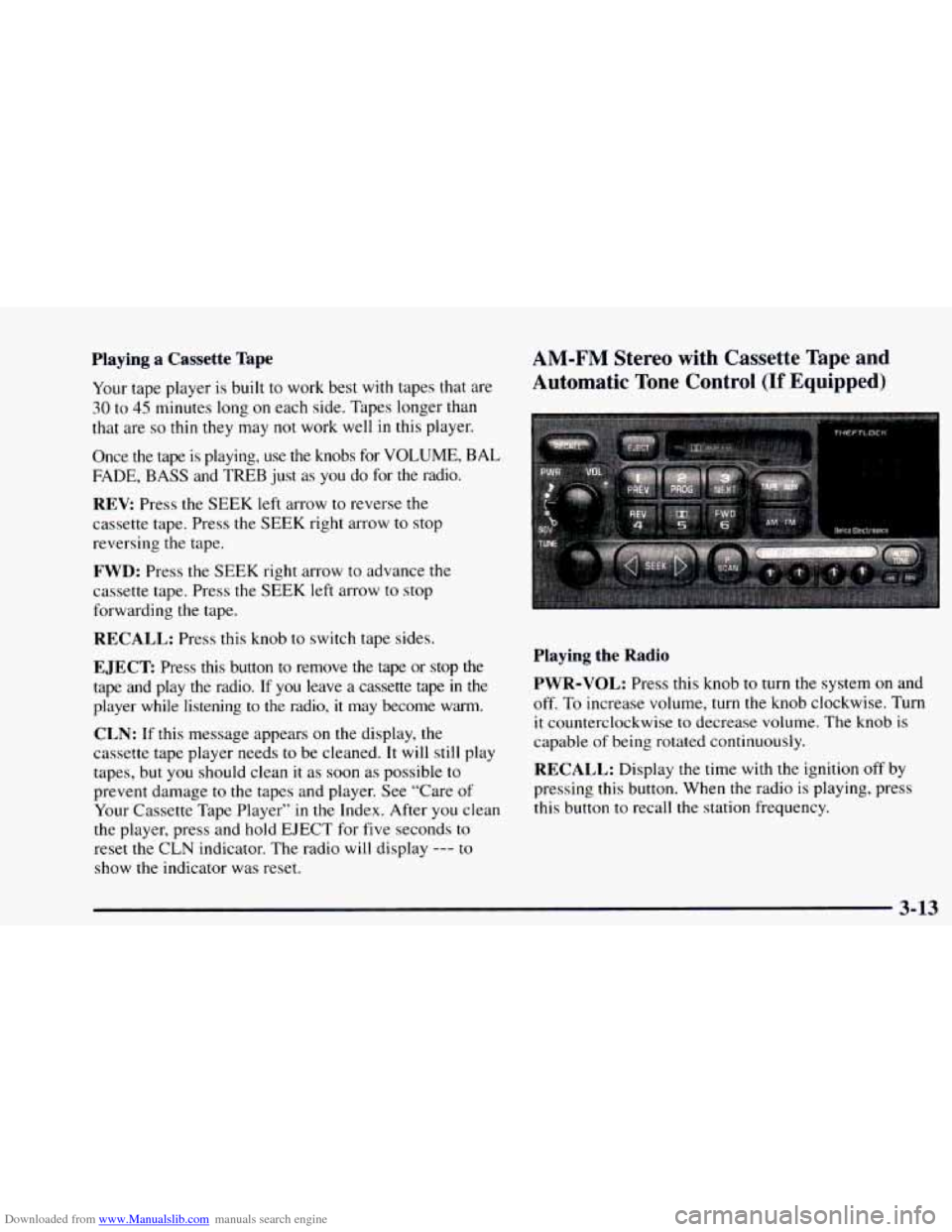
AM-FM Stereo with Cassette Tape and
Automatic Tone Control (If Equipped)
Playing the Radio
PWR-VOL:
Press this knob to turn the system on and
off. To increase volume, turn the knob clockwise. Turn
it counterclockwise to decrease volume. The knob is
capable of being rotated continuously.
RECALL: Display the time with the ignition off by
pressing this button. When the radio is playing, press
this button to recall the station frequency.
3-13