check engine CHEVROLET ASTRO PASSENGER 1993 1.G User Guide
[x] Cancel search | Manufacturer: CHEVROLET, Model Year: 1993, Model line: ASTRO PASSENGER, Model: CHEVROLET ASTRO PASSENGER 1993 1.GPages: 345, PDF Size: 19 MB
Page 97 of 345
Downloaded from www.Manualslib.com manuals search engine Your light switches are on the left side of the instrument panel above the
vent.
Press the top light switch
to the left to turn on:
Parking Lights
Taillights
License Plate Lights
Instrument Panel Lights
Press the bottom light switch to the left to turn on the headlights, together
with:
Parking Lights
Taillights
License Plate Lights
Instrument Panel Lights
Press both switches to the right to turn
off your lights.
Turn the dial above the light switches to the left
to dim your instrument panel
lights.
Turn the dial to the right to brighten your instrument panel lights.
If you turn
the dial all the way
to the right until it clicks, your interior lights will come on.
You can switch your headlights from high to
low beam by pulling on the
multifunction lever on the left of the steering column.
A circuit breaker protects your headlights. If you have an electrical overload,
your headlights will flicker on and
off. Have your headlight wiring checked
right away
if this happens.
2-41
Page 103 of 345
Downloaded from www.Manualslib.com manuals search engine Convex Outside Mirror
Your right side mirror is convex. A convex mirror's surface is curved so you
can see more from the driver's seat.
I
If you aren't used to a convex mirror, you can hit another vehicle. A
convex mirror can make things (like other vehicles) look fart\
her away
than they really are. If you cut too sharply into the right \
lane, you could hit a vehicle on your right. Check your inside mirror or glance
over your shoulder before changing lanes.
I
Power Mirrors
PO445
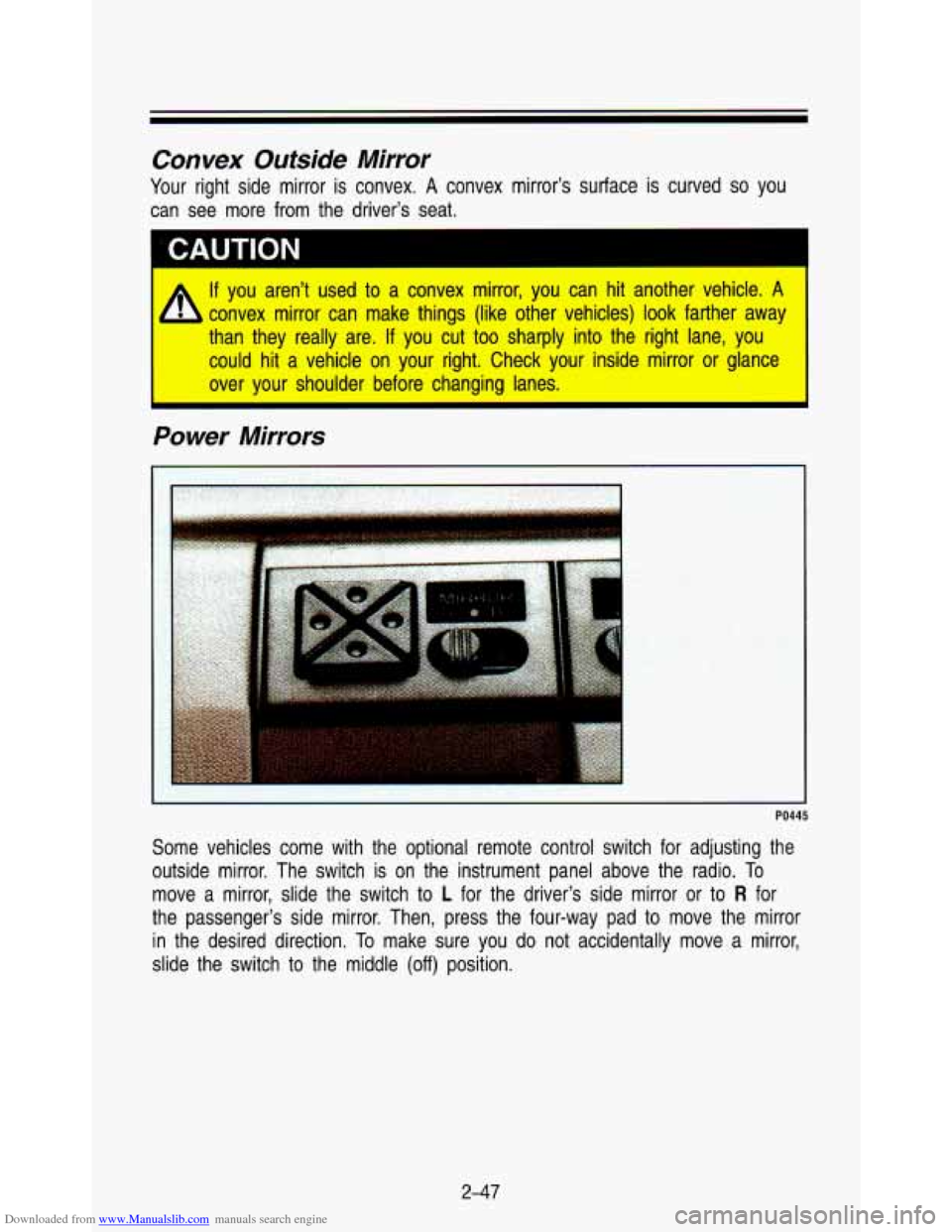
Some vehicles come with the optional remote control switch for \
adjusting the
outside mirror. The switch is on the instrument panel above the radio. To
move a mirror, slide the switch
to L for the driver's side mirror or to R for
the passenger's side mirror. Then, press the four-way pad to move the mirror
in the desired direction. To make sure you
do not accidentally move a mirror,
slide the switch to the middle
(off) position.
2-47
Page 105 of 345

Downloaded from www.Manualslib.com manuals search engine PO480
If you have the optional luggage carrier, you can load things on \
top of your
vehicle. The luggage carrier has slats attached to the roof, s\
ide rails, and
tiedowns.
Loading cargo that weighs more than
200 pounds (91 kg) on the luggage
carrier may damage your vehicle. When you carry large things, never le\
t
them hang over the rear
or the sides of your vehicle. Load your cargo so
that it rests on the slats and does not scratch or damage the vehi
Put the cargo against the side rails and fasten
it securely to the 1
carrier. Put the main weight as far forward as you can.
Don’t exceed the maximum vehicle capacity when loading your \
vehicle. For
more information on vehicle capacity and loading, see “Loadin\
g Your Vehicle’’
in the Index.
To prevent damage or
loss of cargo as you’re driving, check now and then to
make sure the luggage carrier and cargo are still securely fas\
tened.
249
Page 114 of 345
Downloaded from www.Manualslib.com manuals search engine Features & Contmls
Warning lights go on when there may be or is a problem with one of your
vehicle’s functions.
As you will see in the details on the next few pages,
some warning lights come on briefly when you turn the ignition\
key just to let
you know they’re working.
If you are familiar with this section, you should not
be alarmed when this happens.
Gages can indicate when there may be
or is a problem with one of your
vehicle’s functions. Often gages and warning lights work toge\
ther to let you
know when there’s
a problem with your vehicle.
When one
of the warning lights comes on and stays on when you are
driving, or when one
of the gages shows there may be a problem, check the
section that tells you what to
do about it. Please follow the manual’s advice.
Waiting to
do repairs can be costly-and even dangerous. So please get to
know your warning lights and gages. They’re
a big help.
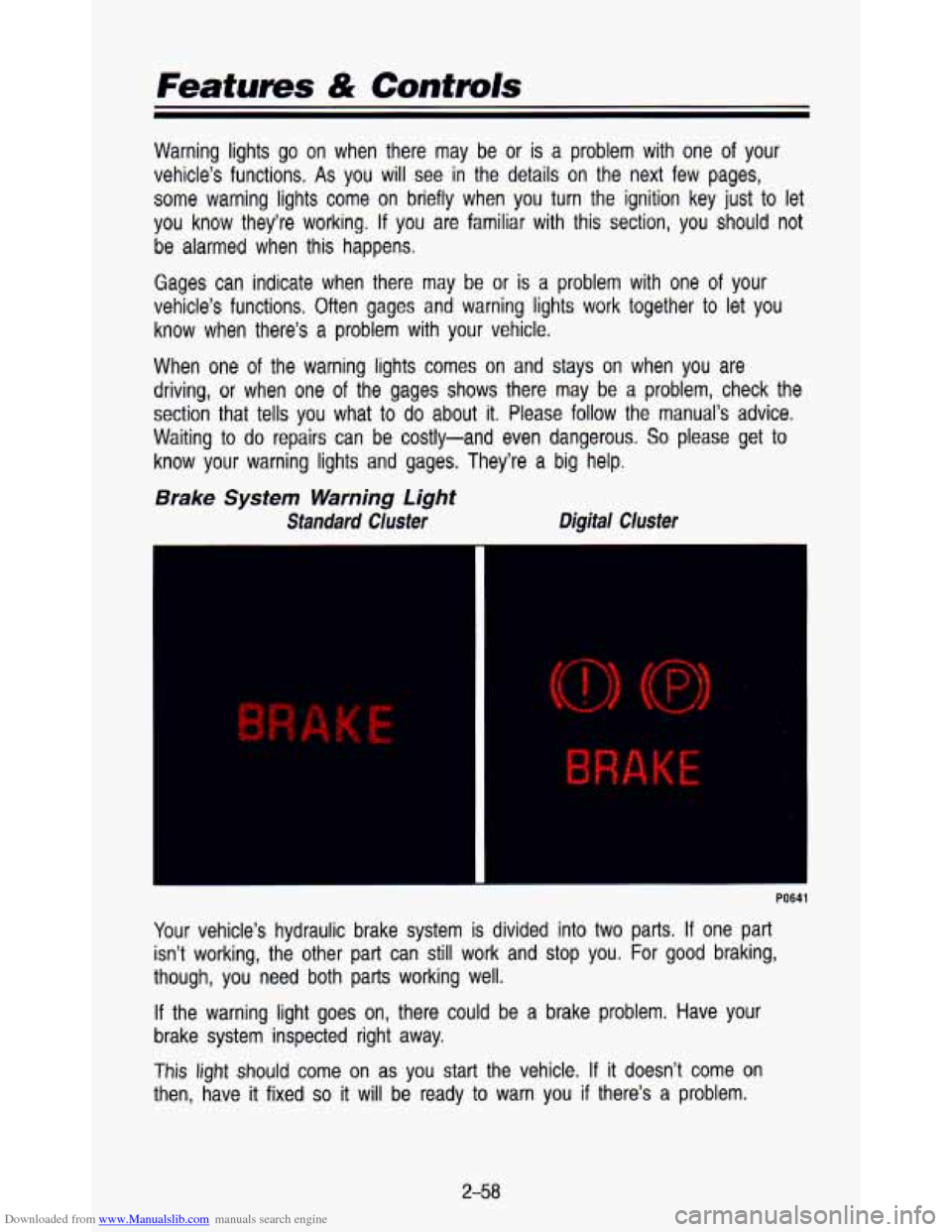
Brake System Warning Light
Standard Cluster Digital Cluster
K E
Your
vehicle’s hydraulic brake system is divided into two parts. If one part
isn’t working, the other part can still work and stop you. \
For
good braking,
though, you need both parts working well.
If the warning light goes on, there could be a brake problem. Have your
brake system inspected right away.
This
light should come on as you start the vehicle. If it doesn’t come on
then, have
it fixed so it will be ready to warn you if there’s a problem.
2-58
Page 117 of 345
Downloaded from www.Manualslib.com manuals search engine El
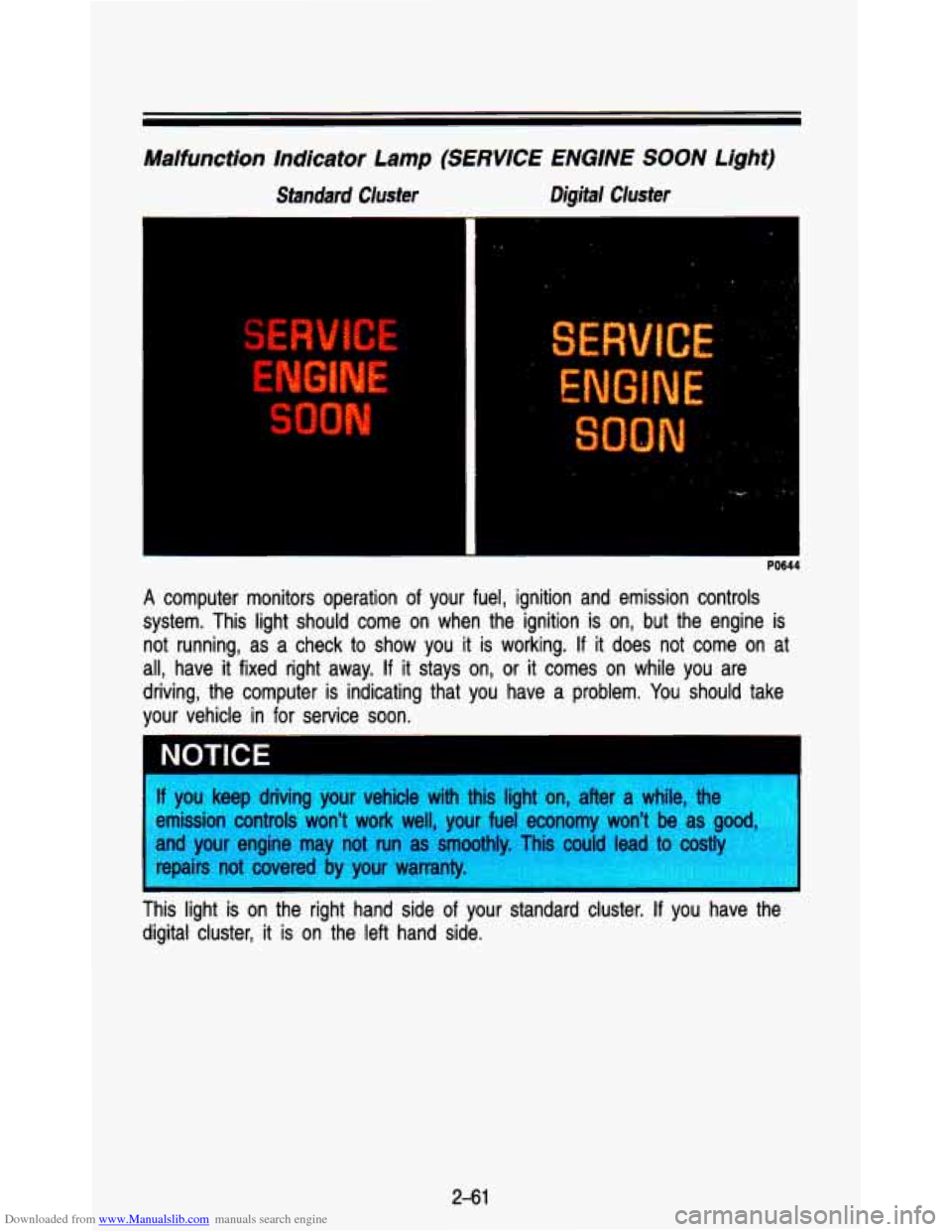
Malfunction Indicator Lamp (SERVICE ENGINE SOON Light)
Standard Cluster Digital Cluster
PO644
A computer monitors operation of your fuel, ignition and emission controls
system. This light should come on when the ignition is on, bu\
t the engine is not running, as a check to show you it is working.
If it does not come on at
all, have it fixed right away.
If it stays on, or it comes on while you are
driving, the computer is indicating that you have a problem. You should take
your vehicle in for service soon.
* . .,
NOTICE
f you keep driving your vehicle with this light on, after a whi\
le, the
!mission controls won't work well, your fuel economy won't be \
as
g--.
lnd your engine may not run as smoothly. Tis could lead to costly
epairs not covered by your warranty.
I nis light is on the right hand side of your standard cluster. If you have the
digital cluster, it
is on the left hand side.
2-61
Page 118 of 345
Downloaded from www.Manualslib.com manuals search engine Featuves & Controls
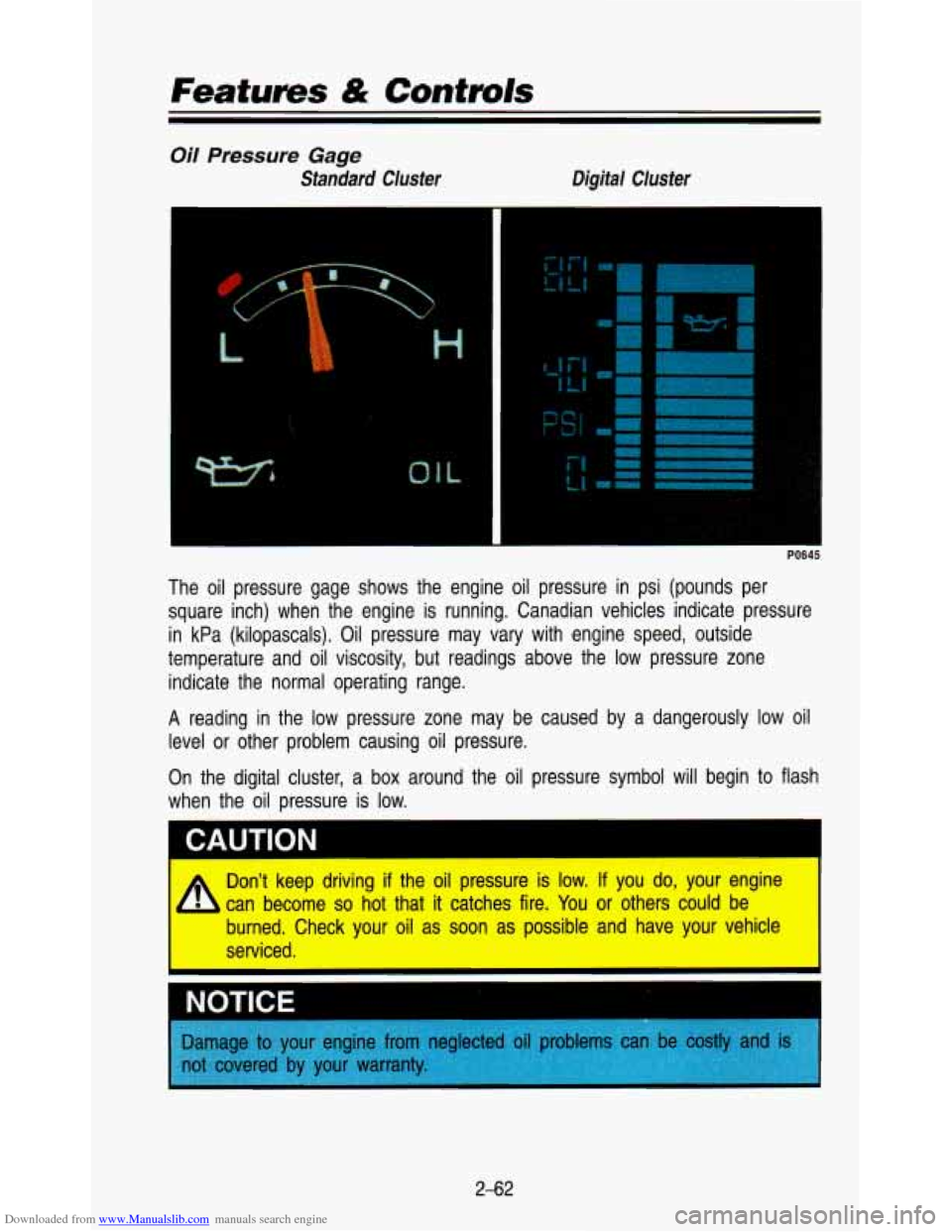
Oil Pressure Gage
Standard Cluster Digital Cluster
The oil pressure gage shows the engine oil pressure in psi (\
pounds per square inch) when the engine is running. Canadian vehicles ind\
icate pressure
in kPa (kilopascals). Oil pressure may vary with engine speed\
, outside
temperature and oil viscosity, but readings above the low press\
ure zone indicate the normal operating range.
A reading in the low pressure zone may be caused by a dangerous\
ly low oil
level or other problem causing oil pressure.
On the digital cluster, a box around the oil pressure symbol \
will begin to flash
when the
oil pressure is low.
CAUTION
Don't keep driving if the oil pressure is low. If you do, your engine
can become
so hot that it catches fire. You or others could be
burned. Check your oil as soon as possible and have your vehi\
cle
serviced.
NOTIC-
Damage to yo/
not covered b)
2-62
Page 121 of 345

Downloaded from www.Manualslib.com manuals search engine Charging System Light
Standard Cluster Digital Cluster
3
-
The charging system light will come on briefly when you turn \
the ignition on,
but the engine is not running. As a check to show you the light is working.
Then it should go out once the engine is running.
If it stays on, or comes on
while you are driving,
you may have a problem with the electrical charging
system.
It could indicate that you have a loose accessory drive belt, or
another electrical problem. Have
it checked right away. Driving while this light
is on could drain your battery.
The charging system light is
on the left bottom corner of your standard
cluster. It is part
of the digital cluster voltmeter.
If you must drive a short distance with the light on, be certain to turn off all
your accessories, such as the radio and heater/air conditioner. \
2-65
Page 134 of 345
Downloaded from www.Manualslib.com manuals search engine Comfort Confmls & Audio Systems
NOTICE
Before you add any sound equipment
CB radio, mobile telephone or two-wa)
you want.
If you can, it’s very important to do
equipment may interfere with the operation of
Delco@ radio or other systems, and even damagt
I. And,
vehicle’s systems may interfere with the. ‘operQtion
of sound t
has been added improp( I
2, before adding sound equipment, LI teck LVILI~ your dealer ancj u
1 tu check Federal rules covering mobile radio and telephone unit-
FM Stereo
FM stereo will give you the best sound. But FM signals will reac\
h only about
10 to 40 miles (16 to 65 km). Tall buildings or hills can interfere with FM
signals, causing the sound to come and go.
AM
The range for most AM stations is greater than for FM, especi\
ally at night.
The longer range, however, can cause stations to interfere with\
each other.
AM can pick up noise from things like storms and power lines. Try reducing
the treble to reduce this noise
if you ever get it.
AM Stereo
This means the Delco@ system can receive C-QUAM@ stereo broadca\
sts.
Many AM stations around the country use
C-QUAM@ to produce stereo,
though some do not.
(C-QUAM@ is a re istered trademark of Motorola, Inc.)
If your Delco@ system can get C-QUAM’, 8 your “STEREO” light will come on
when you’re receiving it.
3-1 0
Page 149 of 345
Downloaded from www.Manualslib.com manuals search engine BASS
Press the BASS A to increase bass tones and V BASS to decrease bass
tones. Press the center of the control for a preset
BASS position. The bass
level will be displayed briefly when using this control.
TREBLE
Press the TREB A to increase the treble tones and V TREB to decrease
the treble tones. Press the center of the control for a preset
TREB position.
The treble level will be displayed briefly when using this con\
trol.
To Play A Compact Disc (CD):
NOTICE
Before you begin, please note: DO NOT use mini-discs that are called
singles. They won’t eject.
USE FULL-SIZE COMPACT DISCS
If the disc player is very hot, or if you’re driving on a very rough roakp:d
disc may come out or just not play.
If you see the word HOT on the $i$
display, the disc player is too hot to play the disc. Press RCL to ma&iL,,G
word
HOT go off the display. When things get back to normal, the disc
should play again. Press
PWR to turn the system on.
Insert a disc part way into the slot, label side up. The player will pull it in.
Wait a few seconds and the disc should play.
If the disc comes back out, check whether:
The disc is upside down.
It is dirty, scratched, or wet.
Too much moisture is in the air. (If there is, wait about one hour and try
again.)
RCL
Press RCL to see what track is playing. Press it again within 5 seconds to
see how long
it has been playing. The track number also appears when you
change the volume or when a new track starts to play.
COMP
Press the COMP button to make soft and loud passages more nearly equal
in volume.
COMP appears in the display while using this command.
RDM
The RDM button means random and when it is pressed, it causes the CD
mechanism to play the tracks in a random order rather than in the sequential
1, 2, 3 order.
3-25
Page 153 of 345

Downloaded from www.Manualslib.com manuals search engine Fixed Mast Antenna
The fixed mast antenna can withstand most car washes without b\
eing damaged.
If the mast should ever become slightly bent, you can straighten \
it
out by hand.
If the mast is badly bent, as it might be by vandals, you shoul\
d
replace
it.
Check every once in a while to be sure the mast is still tightened to the
fender.
3-29