light CHEVROLET ASTRO PASSENGER 1993 1.G User Guide
[x] Cancel search | Manufacturer: CHEVROLET, Model Year: 1993, Model line: ASTRO PASSENGER, Model: CHEVROLET ASTRO PASSENGER 1993 1.GPages: 345, PDF Size: 19 MB
Page 88 of 345
Downloaded from www.Manualslib.com manuals search engine Windshield Wipers
PO478
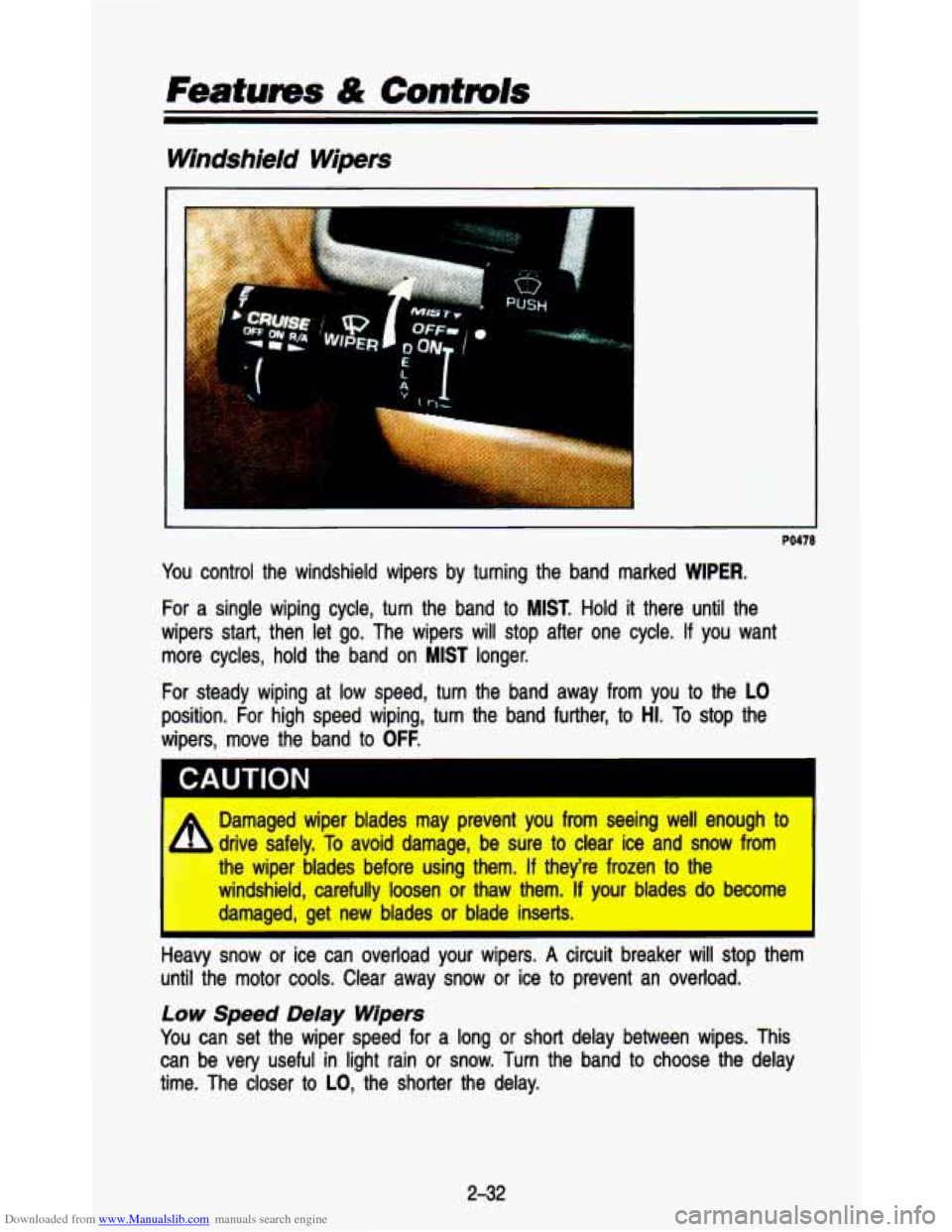
You control the windshield wipers by turning the band marked WIPER.
For a single wiping cycle, turn the band to MIST. Hold it there until the
wipers start, then let go. The wipers will stop after one cyc\
le.
If you want
more cycles, hold the band on
MIST longer.
For steady wiping at low speed, turn the band away from you to the
LO
position. For high speed wiping, turn the band further, to HI. To stop the
wipers, move the band to
OFF.
‘ ~~~ CAUTION I
Damaged wiper blades may prevent you from seeing well enough to
drive safely. To avoid damage, be sure to clear ice and snow from
the wiper blades before using them.
If they’re frozen to the
windshield, carefully loosen or thaw them.
If your blades do become
damaged, get new blades or blade inserts.
I
A
Heaw snow or ice can overload your wipers. A circuit breaker will stop them
unt.. .he motor cools. Clear away snow
or ice to prevent an overload.
LOW Speed Delay Wipers
You can set the wiper speed for a long or short delay between wi\
pes. This
can be very useful in light rain or snow. Turn the band
to choose the delay
time. The closer
to LO, the shorter the delay.
2-32
Page 96 of 345
Downloaded from www.Manualslib.com manuals search engine Featums & Controls
To Get Out of Cruise Confrol
, ,) . I
:A
. .. ./. ..
PO429
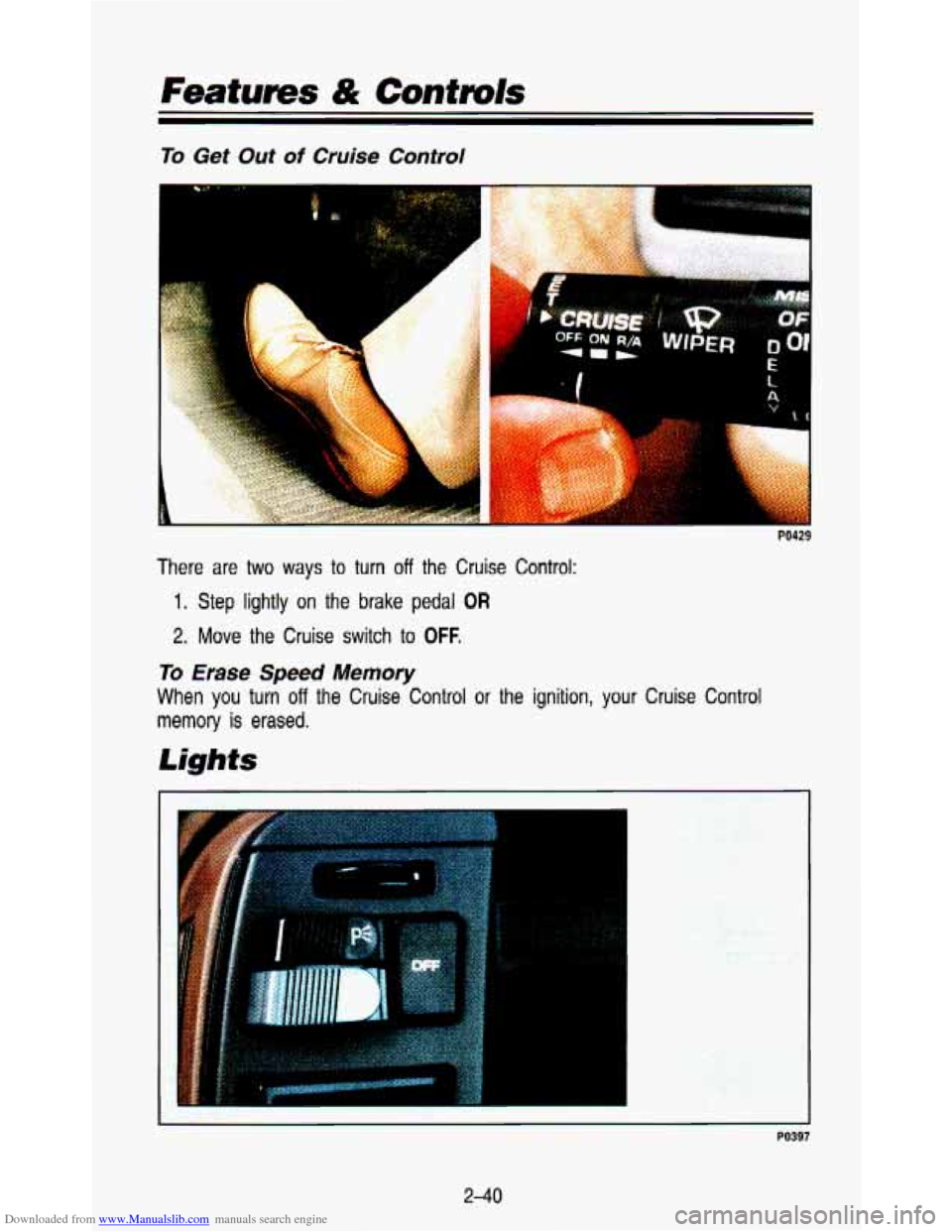
There are two ways to turn off the Cruise Control:
1. Step lightly on the brake pedal OR
2. Move the Cruise switch to OFF.
To Erase Speed Memory
When you turn off the Cruise Control or the ignition, your Cruise Control
memory
is erased.
Lights
. .. , . .. . . .. . , . . ... . . .... .-
. ..
PO397
2-40
Page 97 of 345
Downloaded from www.Manualslib.com manuals search engine Your light switches are on the left side of the instrument panel above the
vent.
Press the top light switch
to the left to turn on:
Parking Lights
Taillights
License Plate Lights
Instrument Panel Lights
Press the bottom light switch to the left to turn on the headlights, together
with:
Parking Lights
Taillights
License Plate Lights
Instrument Panel Lights
Press both switches to the right to turn
off your lights.
Turn the dial above the light switches to the left
to dim your instrument panel
lights.
Turn the dial to the right to brighten your instrument panel lights.
If you turn
the dial all the way
to the right until it clicks, your interior lights will come on.
You can switch your headlights from high to
low beam by pulling on the
multifunction lever on the left of the steering column.
A circuit breaker protects your headlights. If you have an electrical overload,
your headlights will flicker on and
off. Have your headlight wiring checked
right away
if this happens.
2-41
Page 98 of 345
Downloaded from www.Manualslib.com manuals search engine Features & Contmls
PO396
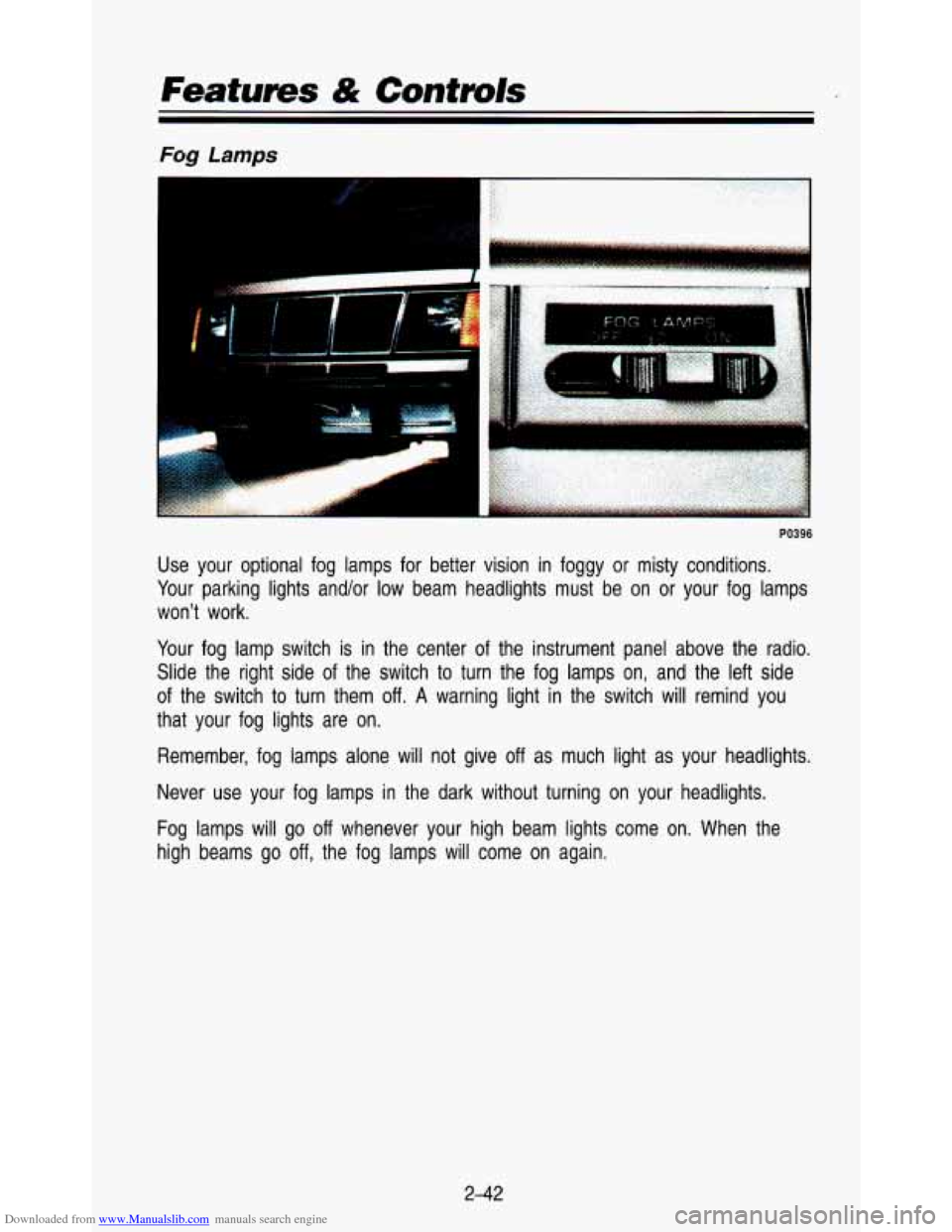
Use your optional fog lamps for better vision in foggy or misty conditions.
Your parking lights and/or low beam headlights must be on or your fog lamps
won't work.
Your fog lamp switch
is in the center of the instrument panel above the radio.
Slide the right side
of the switch to turn the fog lamps on, and the left side
of the switch to turn them
off. A warning light in the switch will remind you
that your fog lights are
on.
Remember, fog lamps alone will not give off as much light as your headlights.
Never use your fog lamps in the dark without turning on your headlights.
Fog lamps will go
off whenever your high beam lights come on. When the
high beams go
off, the fog lamps will come on again.
2-42
Page 99 of 345
 lndicator Light (Canada Only)
K3269
If your vehicle was first sold, when new, in Canada, you will ha\")
Downloaded from www.Manualslib.com manuals search engine Daytime Running Lights (DM) lndicator Light (Canada Only)
K3269
If your vehicle was first sold, when new, in Canada, you will ha\
ve this light on
the instrument panel. It goes on whenever the Daytime Running Lights are on.
Daytime Running Lights (Canada Only)
The Canadian Federal Government has decided that “Daytime Run\
ning Lights
(DRL)” is a useful feature, in that DRL can make your vehicle more visible to
pedestrians and other drivers during daylight hours. DRL is required on new
vehicles
sold in Canada.
The high beam headlights will come on at reduced brightness in\
daylight when:
The ignition is on
The headlight switch is off, and
The parking brake is released.
When you turn on your headlights, the DRL will switch
off and the exterior
lights will come on. When you turn off the headlights, the exterior lights will
go out and the high beams will change to the reduced brightness of
DRL
again .
The DRL indicator light on the instrument panel will go on wh\
enever the DRL
is on. This light means that only the DRL is on. When you turn on your
exterior lights, this light will go out.
Of course, you may still turn on the headlights any time you need to.
To idle your vehicle with the DRL off, set the parking brake. The DRL will
stay
off until you release the parking brake.
2-43
Page 100 of 345
Downloaded from www.Manualslib.com manuals search engine Featums & Contmls
Headlights-On Reminder
If you have this option, a reminder tone will sound when your headlights are
turned on and your ignition is
in Off, LOCK or Acc. To turn the tone off,
press both light switches to the right.
Dome Lights
I
. . ...
PO395
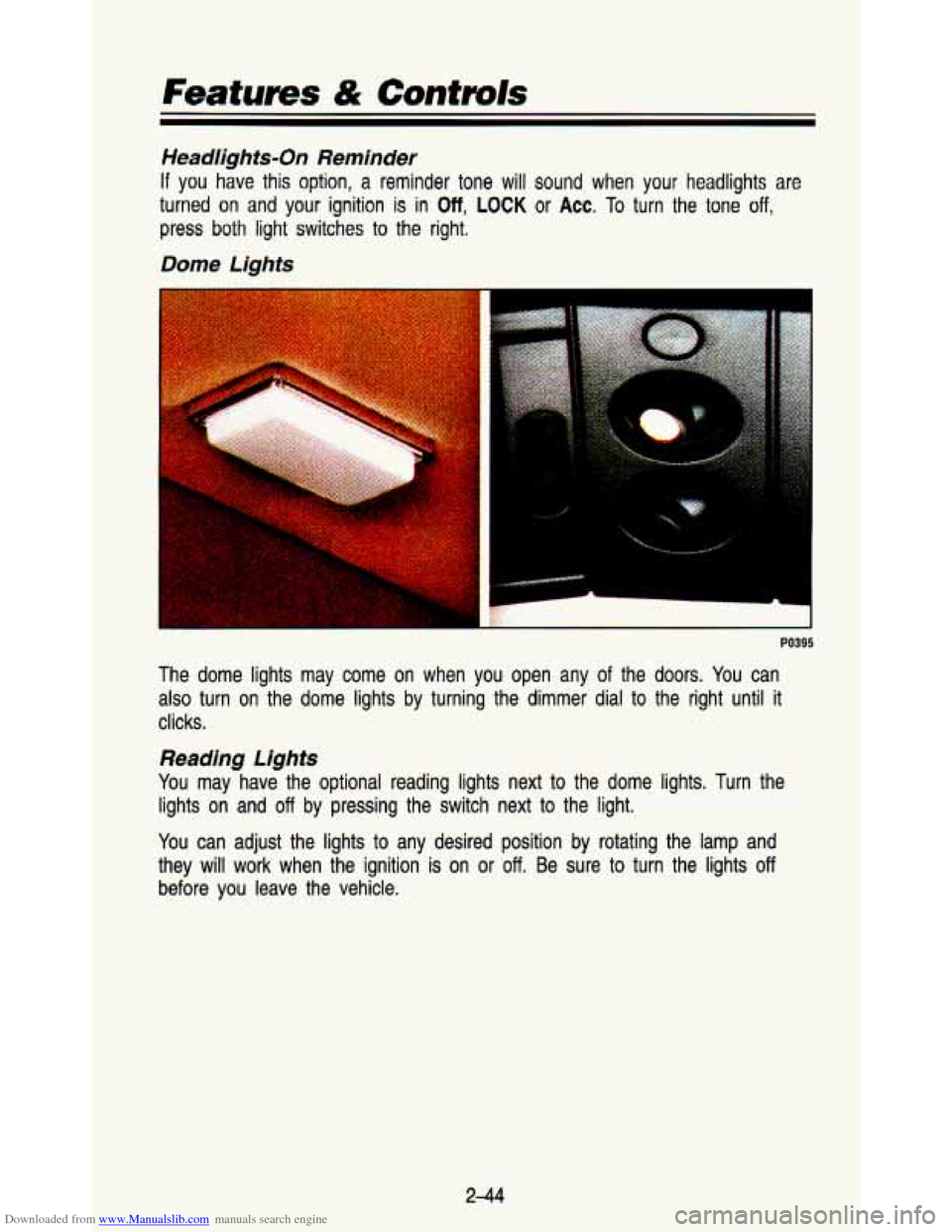
The dome lights may come on when you open any of the doors. You can
also turn on the dome lights by turning the dimmer dial
to the right until it
clicks.
Reading Lights
You may have the optional reading lights next to the dome lig\
hts. Turn the lights
on and off by pressing the switch next to the light.
You can adjust the lights
to any desired position by rotating the lamp and
they will work when the ignition is on or
off. Be sure to turn the lights off
before you leave the vehicle.
244
Page 101 of 345

Downloaded from www.Manualslib.com manuals search engine Interior Lights Override Switch
PO393
If you have the optional interior light override switch and it is\
in the DOOR
position, your interior lights will work as usual. If the switch is OFF, the
interior lights will
not come on when any of the vehicle doors are open. It is
on the instrument panel above the radio.
Mirrors
Inside Mirror
PO394
tour inside reanriew mirror has two pivots so you can adjust it up and down
)r side to side.
2-45
Page 104 of 345
Downloaded from www.Manualslib.com manuals search engine Features & Contmls
Sun Visor
PO391
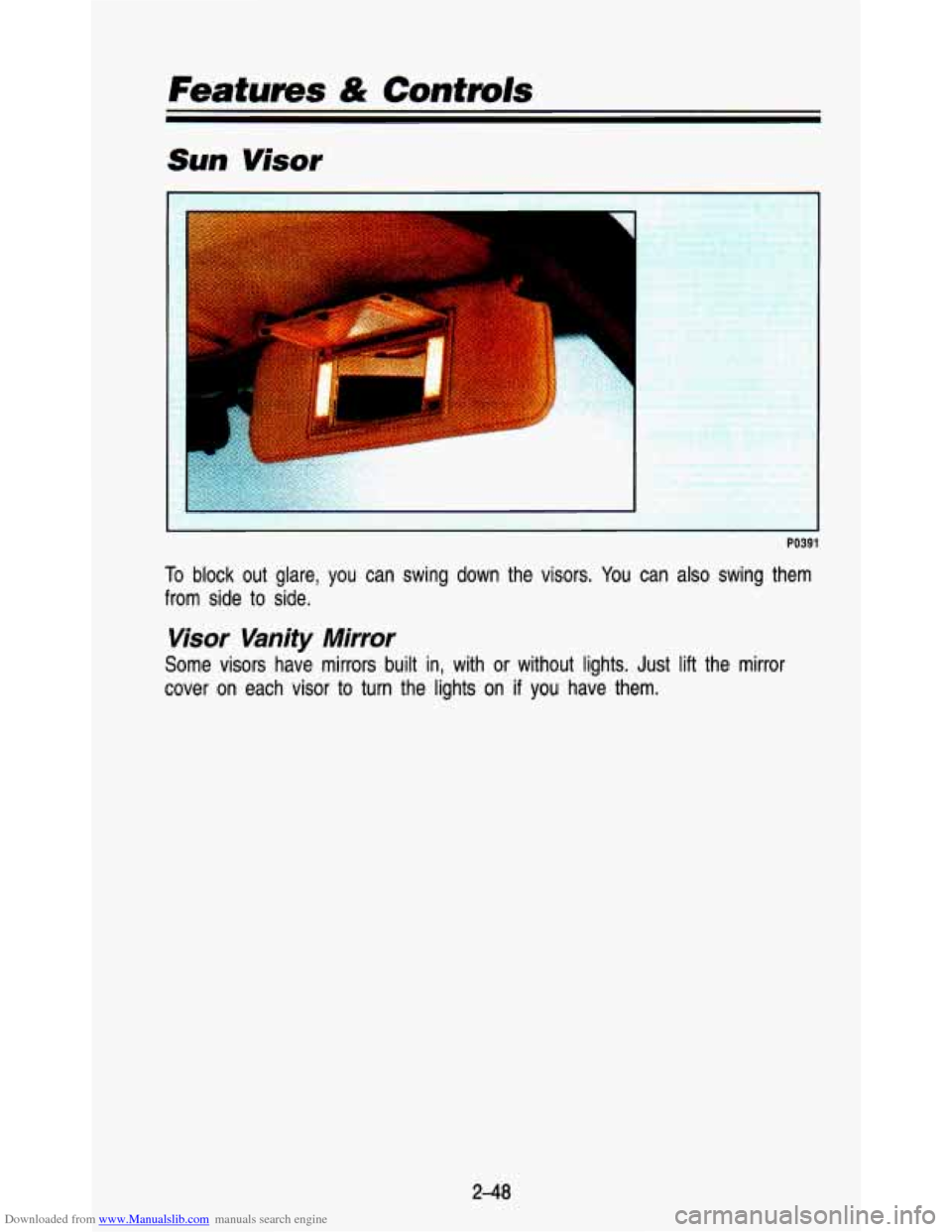
To block out glare, you can swing down the visors. You can also swing them
from side to side.
Visor Vanity Mirror
Some visors have mirrors built in, with or without lights. Just lift the mirror
cover on each visor to turn the lights on
if you have them.
248
Page 106 of 345
Downloaded from www.Manualslib.com manuals search engine Features & Contmls
Cigarette Lighter/Ashtrays
Cigarette Lighter
PO428
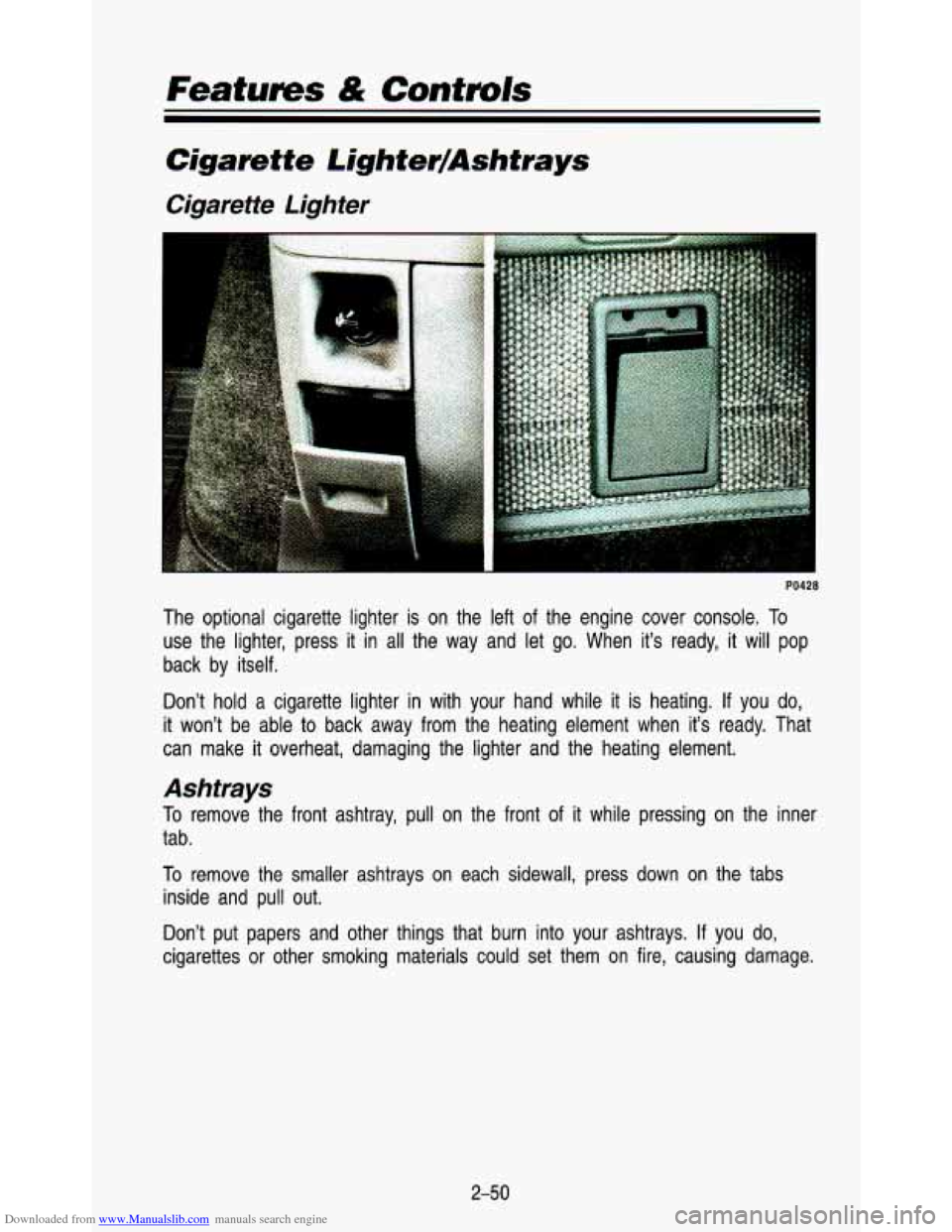
The optional cigarette lighter is on the left of the engine cover console. To
use the lighter, press it in all the way and let go. When it’s ready, it will pop
back by itself.
Don’t hold a cigarette lighter in with your hand while it is heating.
If you do,
it won’t be able to back away from the heating element when it’s ready. That
can make
it overheat, damaging the lighter and the heating element.
Ashtrays
To remove the front ashtray, pull on the front of it while pressing on the inner
tab.
To remove the smaller ashtrays on each sidewall, press down on the tabs
inside and pull out.
Don’t put papers and other things that burn into your ashtr\
ays.
If you do,
cigarettes or other smoking materials could set them on fire, causing dam\
age.
2-50
Page 113 of 345
Downloaded from www.Manualslib.com manuals search engine The digital odometer will read ERROR if someone tries to turn it back.
You may wonder what happens
if your vehicle needs a new odometer
installed.
If the new one can be set to the mileage total of the old odometer,
then it must be. But if it can’t, then it’s set at zer\
o, and a label must be put
on the driver’s door to show the old mileage reading when the \
new odometer
was installed.
Trip Odometer
Standard Cluster Digital Cluster
km/h
t
PO640
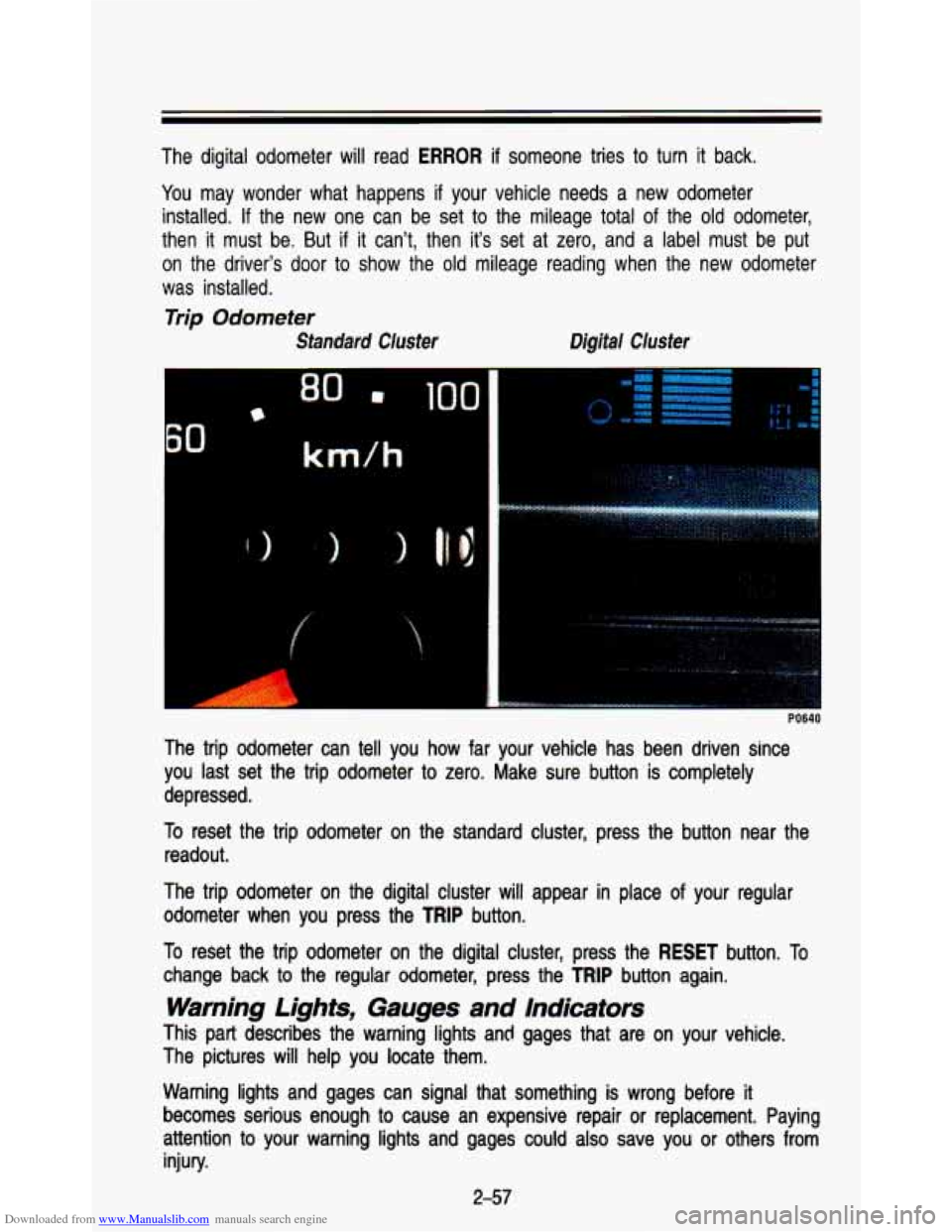
The trip odometer can tell you how far your vehicle has been driven since
you last set the trip odometer to zero. Make sure button is completely
depressed.
To reset the trip odometer on the standard cluster, press the but\
ton near the
readout.
The trip odometer on the digital cluster
will appear in place of your regular
odometer when you press the
TRIP button.
To reset the trip odometer on the digital cluster, press the
RESET button. To
change back to the regular odometer, press the
TRIP button again.
Warning Lights, Gauges and Indicators
This part describes the warning lights and gages that are on your vehicle.
The pictures
will help you locate them.
Warning lights and gages can signal that something is wrong before it
becomes serious enough to cause an expensive repair or replacement. Paying
attention to your warning lights and gages could also save you or other\
s from
injury.
2-57