light CHEVROLET ASTRO PASSENGER 1993 1.G Owner's Manual
[x] Cancel search | Manufacturer: CHEVROLET, Model Year: 1993, Model line: ASTRO PASSENGER, Model: CHEVROLET ASTRO PASSENGER 1993 1.GPages: 345, PDF Size: 19 MB
Page 114 of 345
Downloaded from www.Manualslib.com manuals search engine Features & Contmls
Warning lights go on when there may be or is a problem with one of your
vehicle’s functions.
As you will see in the details on the next few pages,
some warning lights come on briefly when you turn the ignition\
key just to let
you know they’re working.
If you are familiar with this section, you should not
be alarmed when this happens.
Gages can indicate when there may be
or is a problem with one of your
vehicle’s functions. Often gages and warning lights work toge\
ther to let you
know when there’s
a problem with your vehicle.
When one
of the warning lights comes on and stays on when you are
driving, or when one
of the gages shows there may be a problem, check the
section that tells you what to
do about it. Please follow the manual’s advice.
Waiting to
do repairs can be costly-and even dangerous. So please get to
know your warning lights and gages. They’re
a big help.
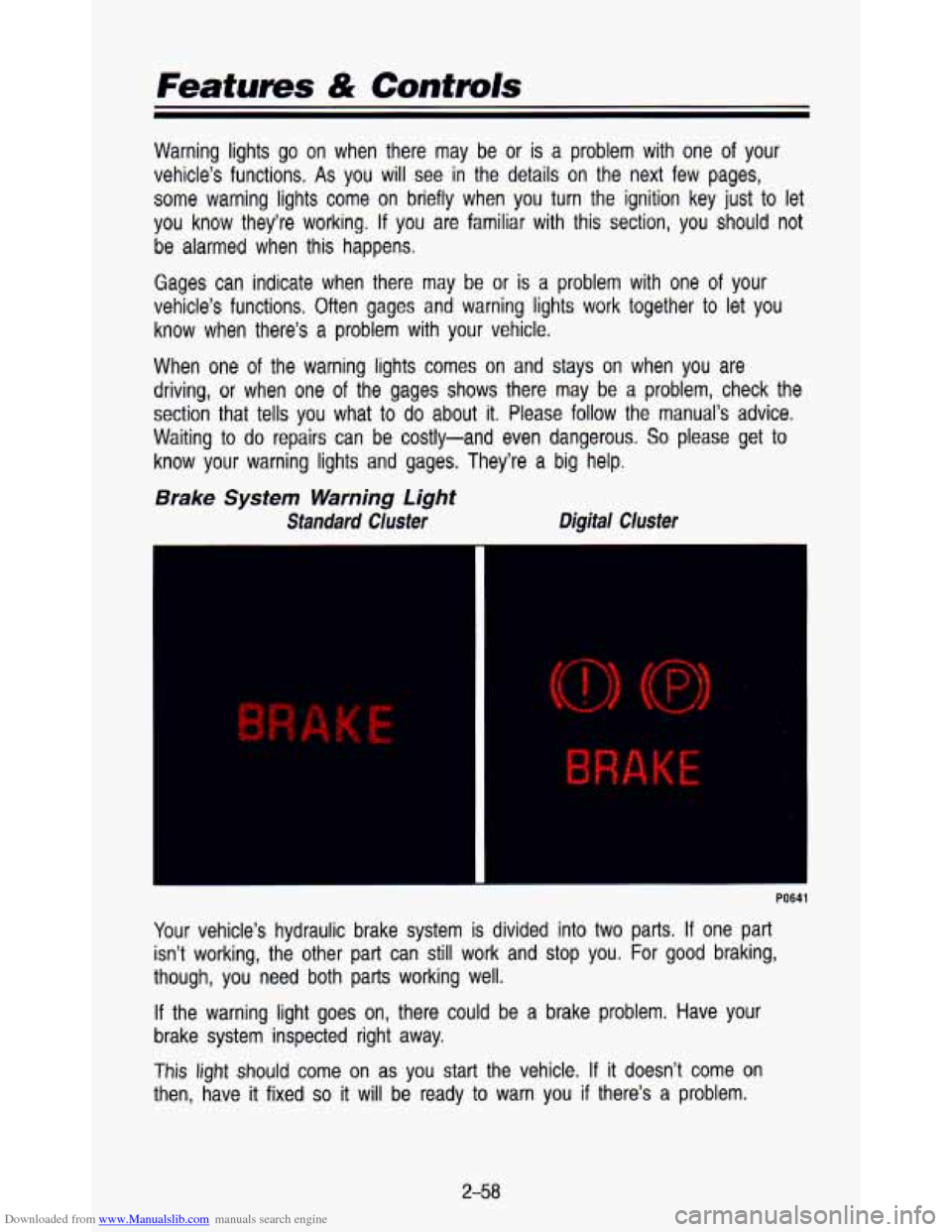
Brake System Warning Light
Standard Cluster Digital Cluster
K E
Your
vehicle’s hydraulic brake system is divided into two parts. If one part
isn’t working, the other part can still work and stop you. \
For
good braking,
though, you need both parts working well.
If the warning light goes on, there could be a brake problem. Have your
brake system inspected right away.
This
light should come on as you start the vehicle. If it doesn’t come on
then, have
it fixed so it will be ready to warn you if there’s a problem.
2-58
Page 115 of 345
Downloaded from www.Manualslib.com manuals search engine This light will also come on when you set your parking brake, and will stay
on if your parking brake doesn’t release fully. If it stays on after your parking
brake is fully released, it means you have a .brake problem.
If the light comes on while driving, pull
off the road and stop carefully. You
may notice that the pedal is harder
to push. Or the pedal may go closer to
the floor. It may take longer to stop. If the light is still on, have the vehicle
towed for service. (See “Towing your vehicle” in the Index).
I
Your brake system may not be working properly if the brake warning
light is on. Driving with the brake warning light on can lead
to an
accident.
If the light is still on after you’ve pulled off the road and
stopped carefully, have the vehicle towed for service.
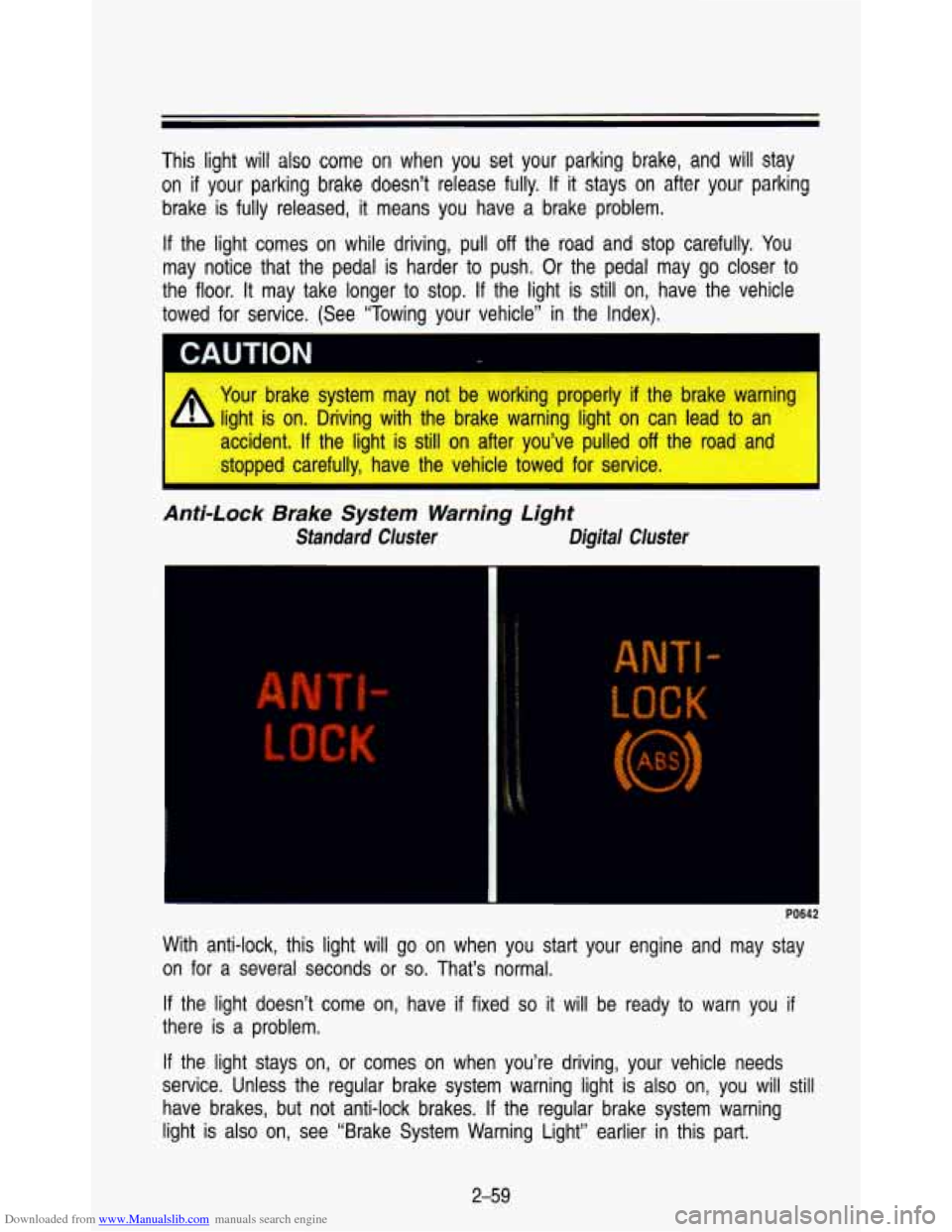
Anti-Lock Brake System Warning Light
Standard Cluster Digital Cluster
r
With anti-lock, this light will go on when you start your engine and may stay
on for a several seconds
or so. That’s normal.
If the light doesn’t come on, have
if fixed so it will be ready to warn you if
there is a problem.
If the light stays on, or comes on when you’re driving, your \
vehicle needs
service. Unless the regular brake system warning light is also \
on, you will
still
have brakes, but not anti-lock brakes. If the regular brake system warning
light is also on, see “Brake System Warning Light” earlie\
r in this part.
2-59
Page 117 of 345
Downloaded from www.Manualslib.com manuals search engine El
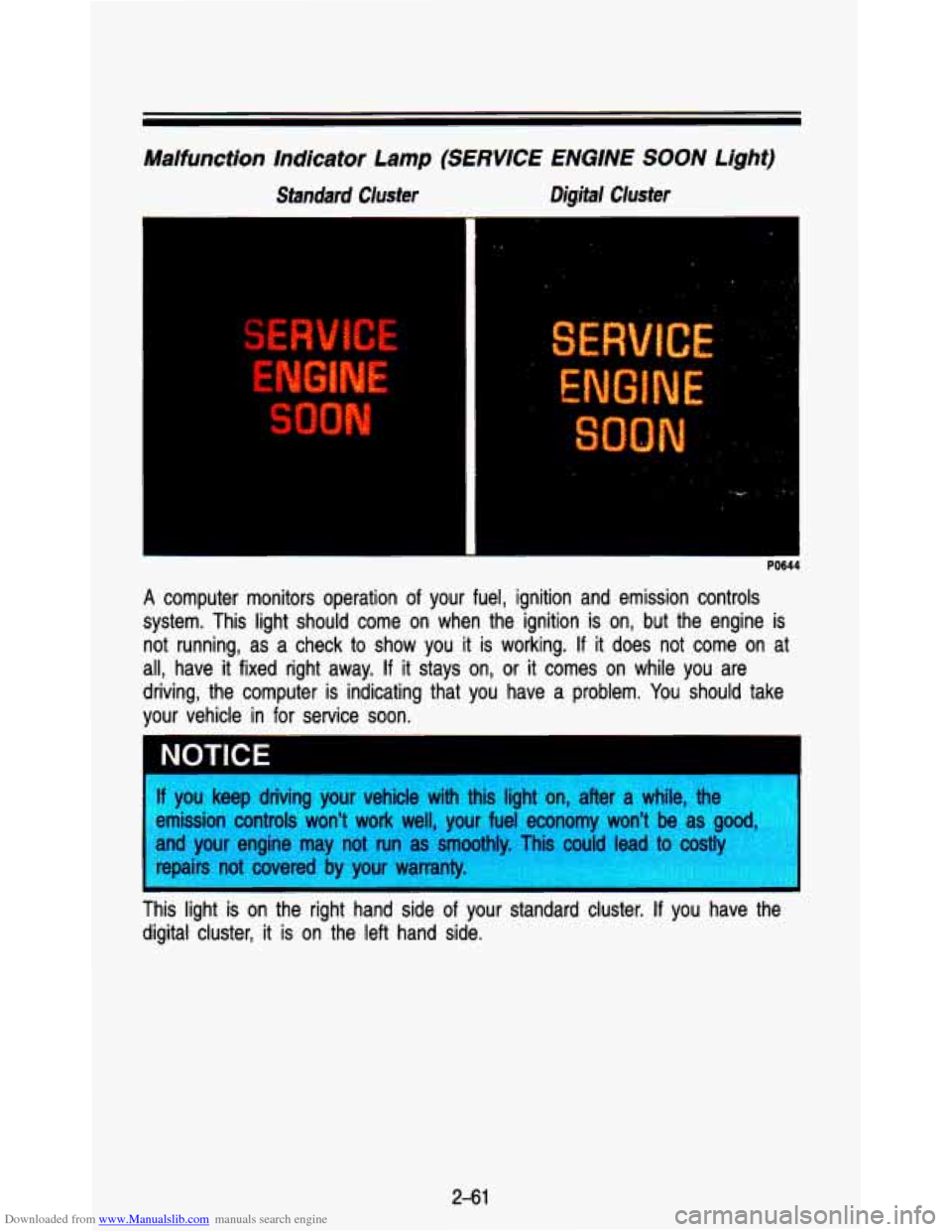
Malfunction Indicator Lamp (SERVICE ENGINE SOON Light)
Standard Cluster Digital Cluster
PO644
A computer monitors operation of your fuel, ignition and emission controls
system. This light should come on when the ignition is on, bu\
t the engine is not running, as a check to show you it is working.
If it does not come on at
all, have it fixed right away.
If it stays on, or it comes on while you are
driving, the computer is indicating that you have a problem. You should take
your vehicle in for service soon.
* . .,
NOTICE
f you keep driving your vehicle with this light on, after a whi\
le, the
!mission controls won't work well, your fuel economy won't be \
as
g--.
lnd your engine may not run as smoothly. Tis could lead to costly
epairs not covered by your warranty.
I nis light is on the right hand side of your standard cluster. If you have the
digital cluster, it
is on the left hand side.
2-61
Page 120 of 345
Downloaded from www.Manualslib.com manuals search engine Featurns & Controls
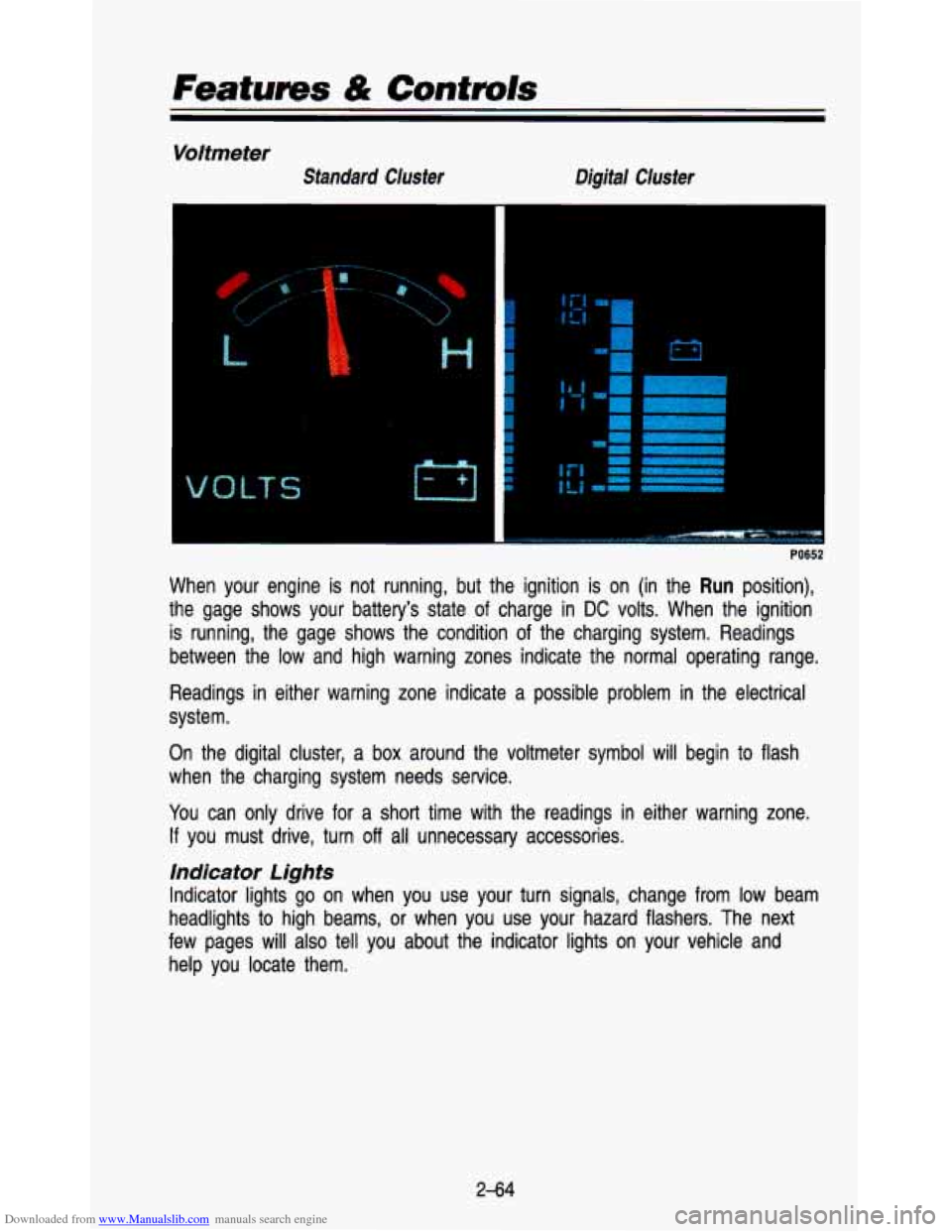
Voltmeter
Standard Cluster Digital Cluster
r
LT S M
I
i
f
r
I
'i I I
I
I I I
PO652
When your engine is not running, but the ignition is on (in \
the Run position),
the gage shows your battery's state
of charge in DC volts. When the ignition
is running, the gage shows the condition of the charging syste\
m. Readings
between the low and high warning zones indicate the normal ope\
rating range.
Readings in either warning zone indicate a possible problem in the electric\
al
system.
On the digital cluster,
a box around the voltmeter symbol will begin to flash
when the charging system needs service.
You can only drive for a
short time with the readings in either warning zone.
If you must drive, turn off all unnecessary accessories.
indicator Lights
Indicator lights go on when you use your turn signals, change \
from low beam
headlights to high beams,
or when you use your hazard flashers. The next
few pages
will also tell you about the indicator lights on your vehicle and
help you locate them.
2-64
Page 121 of 345

Downloaded from www.Manualslib.com manuals search engine Charging System Light
Standard Cluster Digital Cluster
3
-
The charging system light will come on briefly when you turn \
the ignition on,
but the engine is not running. As a check to show you the light is working.
Then it should go out once the engine is running.
If it stays on, or comes on
while you are driving,
you may have a problem with the electrical charging
system.
It could indicate that you have a loose accessory drive belt, or
another electrical problem. Have
it checked right away. Driving while this light
is on could drain your battery.
The charging system light is
on the left bottom corner of your standard
cluster. It is part
of the digital cluster voltmeter.
If you must drive a short distance with the light on, be certain to turn off all
your accessories, such as the radio and heater/air conditioner. \
2-65
Page 122 of 345
Downloaded from www.Manualslib.com manuals search engine Features & Cantmls
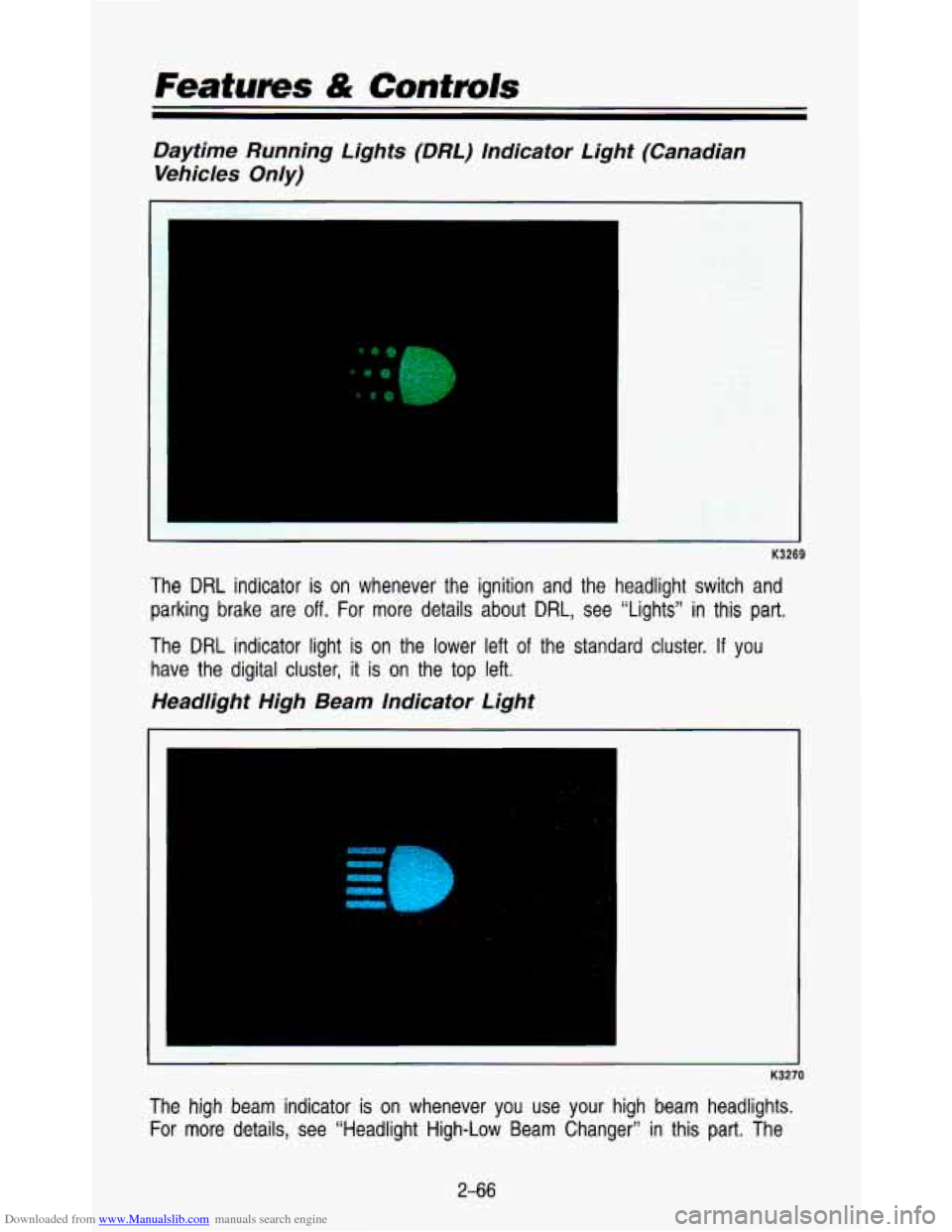
Daytime Running Lights (DRL) Indicator Light (Canadian Vehicles Only)
The DRL indicator is on whenever the ignition and the headlight switch and
parking brake are
off. For more details about DRL, see "Lights" in this part.
The DRL indicator light is on the lower left of the standard cluster. If you
have the digital cluster, it is on the top left.
Headlight High Beam Indicator Light
. -.
w
- K3270
The high beam indicator is on whenever you use your high beam headlights.
For more details, see "Headlight High-Low Beam Changer" in this part. The
2-66
Page 123 of 345
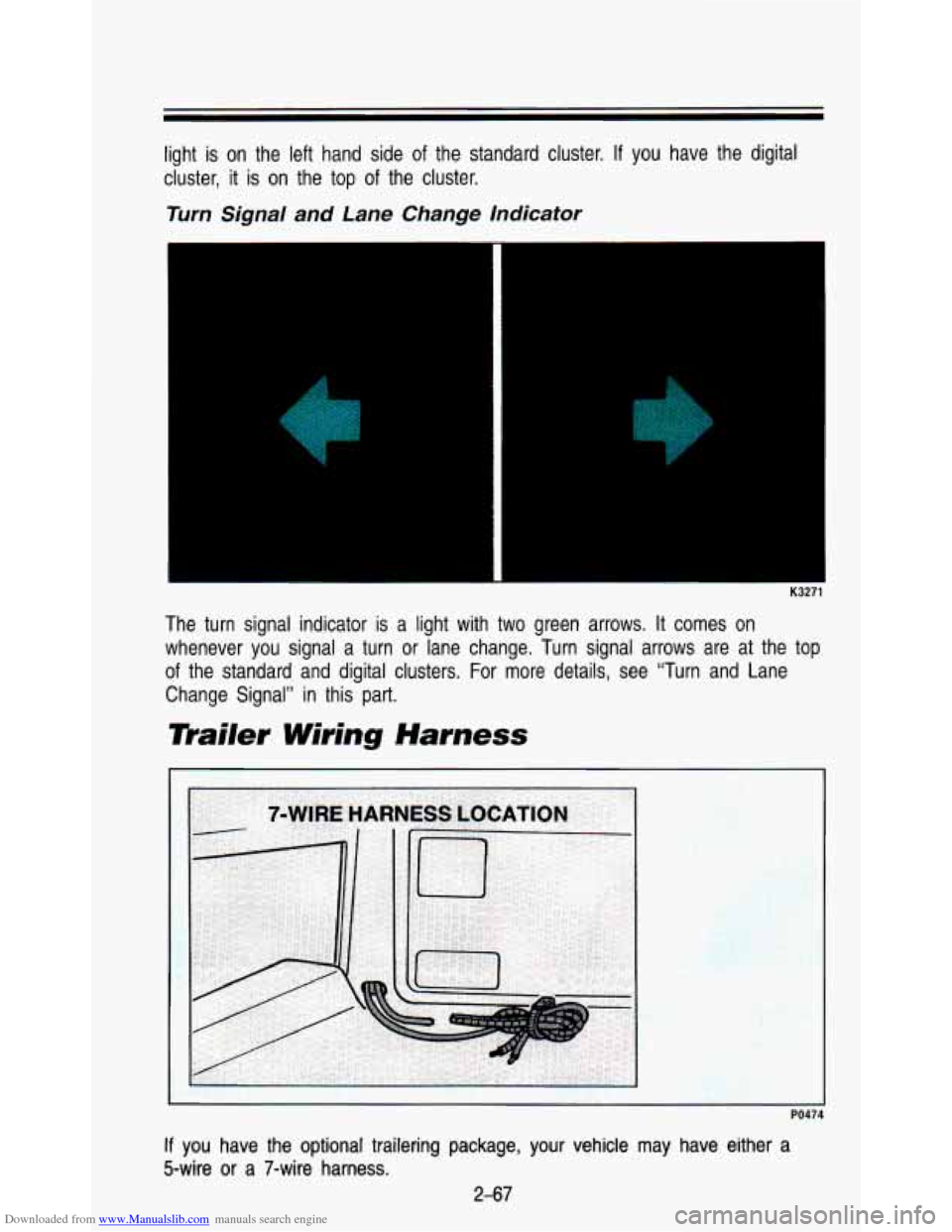
Downloaded from www.Manualslib.com manuals search engine light is on the left hand side of the standard cluster. If you have the digital
cluster, it
is on the top of the cluster.
Turn Signal and Lane Change Indicator
K3271
The turn signal indicator is a light with two green arrows. I\
t comes on
whenever you signal a turn or lane change. Turn signal arrows are at the top
of the standard and digital clusters. For more details, see “Tu\
rn and Lane
Change Signal” in this part.
mailer Wiring Harness
PO47
If you have the optional trailering package, your vehicle may have either a
5-wire or
a 7-wire harness.
2-67
Page 131 of 345
Downloaded from www.Manualslib.com manuals search engine HTR (Heater): Most of the air comes out near the floor. The rest comes out
from the defroster vents under the windshield and at the front\
side windows.
This is best for cold weather.
VENT The air comes out at the vents on your instrument panel and at your
front side windows. The air conditioner will not run. Adjust t\
he temperature
lever for warmer or cooler air.
BI-LEV NC: With this, outside air comes in through the heater floor vent and
the instrument panel vents.
If you move your temperature control lever
between cold and hot, cooler air will come out of the upper vents while
warmer air comes out of the
floor vent. This setting is useful in cool weather
with bright sunlight.
NORM NC: This setting cools the outside air. If you first used MAX NC, use
NORM NC as soon as the vehicle has cooled down, so outside air will be
going through your vehicle.
MAX NC: This cools the air the fastest. Move the other lever all the \
way to
Cold.
MAX A/C lets in only a little air from the outside. You can use MAX
NC at first when it’s really hot outside and you need to cool off quickly.
When the air conditioning or defrost is on, you may notice a slight increase
or decrease in engine .speed.
Rear Heater
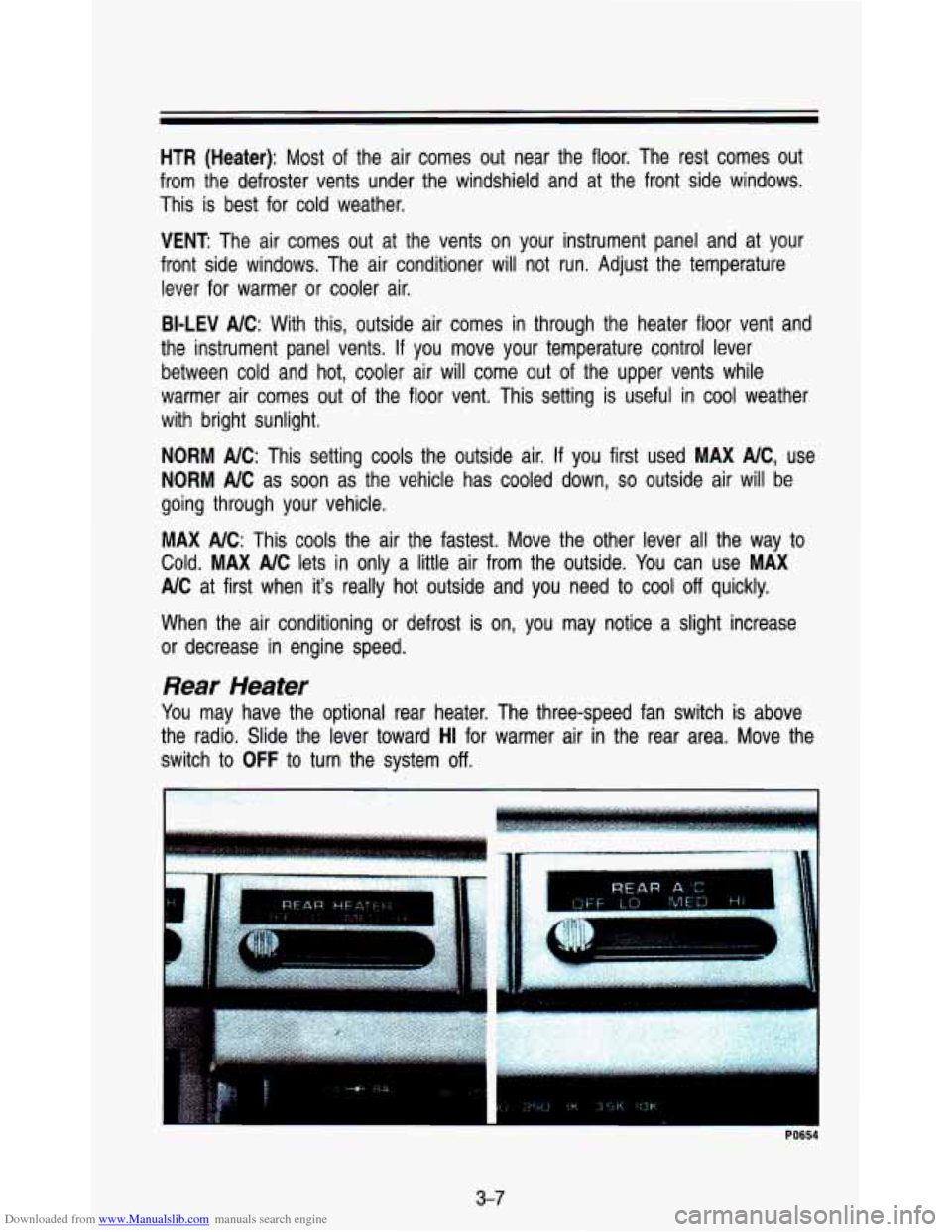
You may have the optional rear heater. The three-speed fan switch is above
the radio. Slide the lever toward
HI for warmer air in the rear area. Move the
switch to
OFF to turn the system off.
~ PO654
3-7
Page 132 of 345
Downloaded from www.Manualslib.com manuals search engine Comfort Contmls & Audio Systems
Rear Air Conditioning
You may have rear air conditioning. The rear air conditioning switch is loca\
ted
above the radio at the top of the instrument panel. Slide the lever toward
HI
for cooler air in the rear area. Slide the lever to OFF to turn the system off.
If your vehicle has rear air conditioning, setting it on LOW may enhance front
NC performance by allowing trapped refrigerant in rear lines to circulate.
The system
will only send cooled air if the front system is on. It can still be
used
to recirculate air, even if the front system is off.
Before using the rear air conditioning, open the windows to cl\
ear the vehicle
of hot air. Close the windows when using the system.
Rear Window Defogger
HATCH REL REAR DEFOG
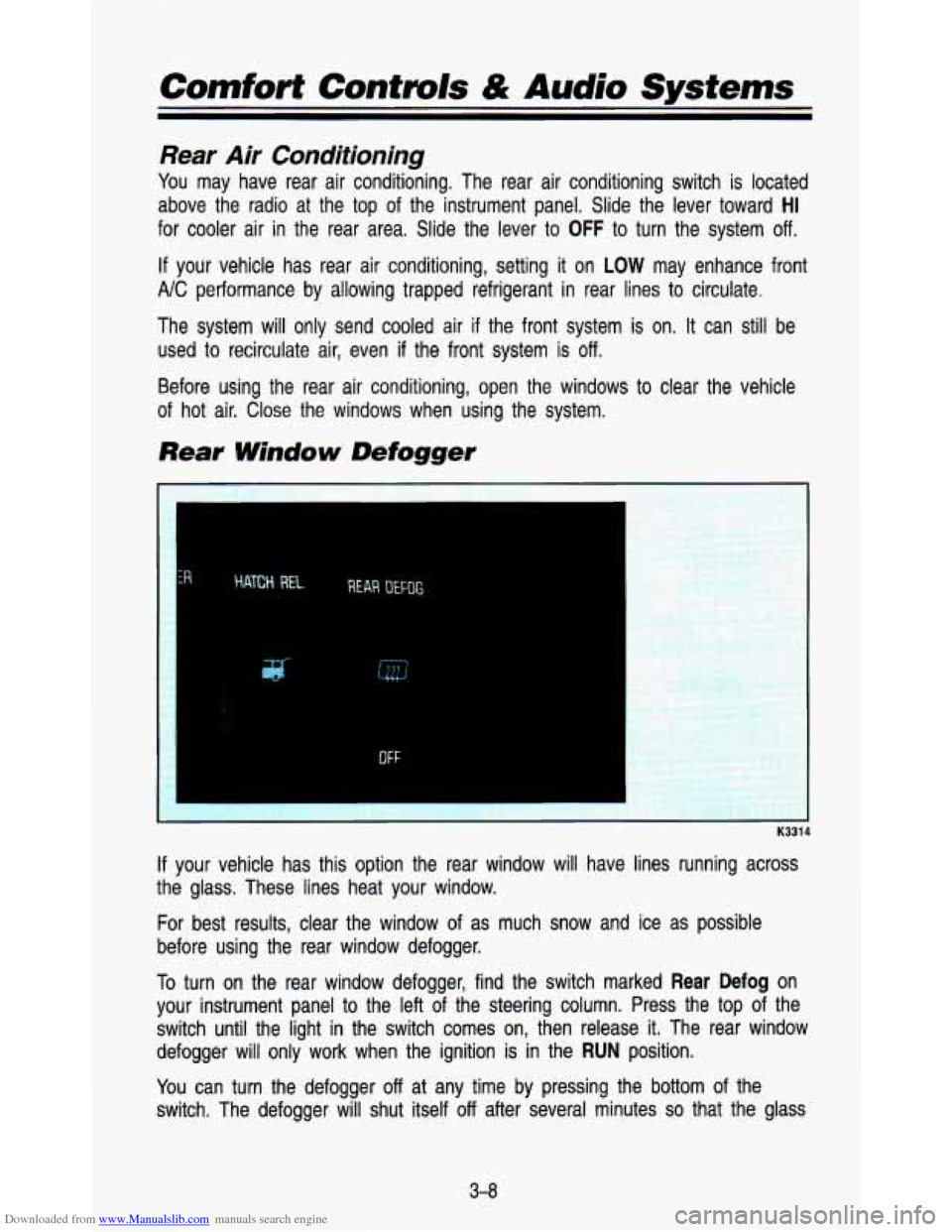
If your vehicle has this option the rear window will have lines \
running across
the glass. These lines heat your window.
For best results, clear the window of as much snow and ice as possible
before using the rear window defogger.
To turn on the rear window defogger, find the switch marked
Rear Defog on
your instrument panel to the left of the steering column. Press the top of the
switch until the light in the switch comes on, then release it. The rear window
defogger will only work when the ignition is in the
RUN position.
You can turn the defogger
off at any time by pressing the bottom of the
switch. The defogger will shut itself
off after several minutes so that the glass
3-8
Page 134 of 345
Downloaded from www.Manualslib.com manuals search engine Comfort Confmls & Audio Systems
NOTICE
Before you add any sound equipment
CB radio, mobile telephone or two-wa)
you want.
If you can, it’s very important to do
equipment may interfere with the operation of
Delco@ radio or other systems, and even damagt
I. And,
vehicle’s systems may interfere with the. ‘operQtion
of sound t
has been added improp( I
2, before adding sound equipment, LI teck LVILI~ your dealer ancj u
1 tu check Federal rules covering mobile radio and telephone unit-
FM Stereo
FM stereo will give you the best sound. But FM signals will reac\
h only about
10 to 40 miles (16 to 65 km). Tall buildings or hills can interfere with FM
signals, causing the sound to come and go.
AM
The range for most AM stations is greater than for FM, especi\
ally at night.
The longer range, however, can cause stations to interfere with\
each other.
AM can pick up noise from things like storms and power lines. Try reducing
the treble to reduce this noise
if you ever get it.
AM Stereo
This means the Delco@ system can receive C-QUAM@ stereo broadca\
sts.
Many AM stations around the country use
C-QUAM@ to produce stereo,
though some do not.
(C-QUAM@ is a re istered trademark of Motorola, Inc.)
If your Delco@ system can get C-QUAM’, 8 your “STEREO” light will come on
when you’re receiving it.
3-1 0