light CHEVROLET ASTRO PASSENGER 1994 1.G Owner's Manual
[x] Cancel search | Manufacturer: CHEVROLET, Model Year: 1994, Model line: ASTRO PASSENGER, Model: CHEVROLET ASTRO PASSENGER 1994 1.GPages: 340, PDF Size: 16.86 MB
Page 107 of 340
Downloaded from www.Manualslib.com manuals search engine To move a mirror, slide the switch to L for the driver’s side mirror or to R
for the passenger’s side mirror. Then, press the four-way pad to move the
mirror in the desired direction. To make sure you do not accidentally move
a
mirror, slide the switch to the middle (off) position.
Convex Outside Mirror
Your right side mirror is convex.
A convex mirror’s surface is curved so you can see more from the driver’s
seat.
Sun VisorsNanity Mirrors
To block out glare, you can swing down the visors. You can also swing them
from side to side.
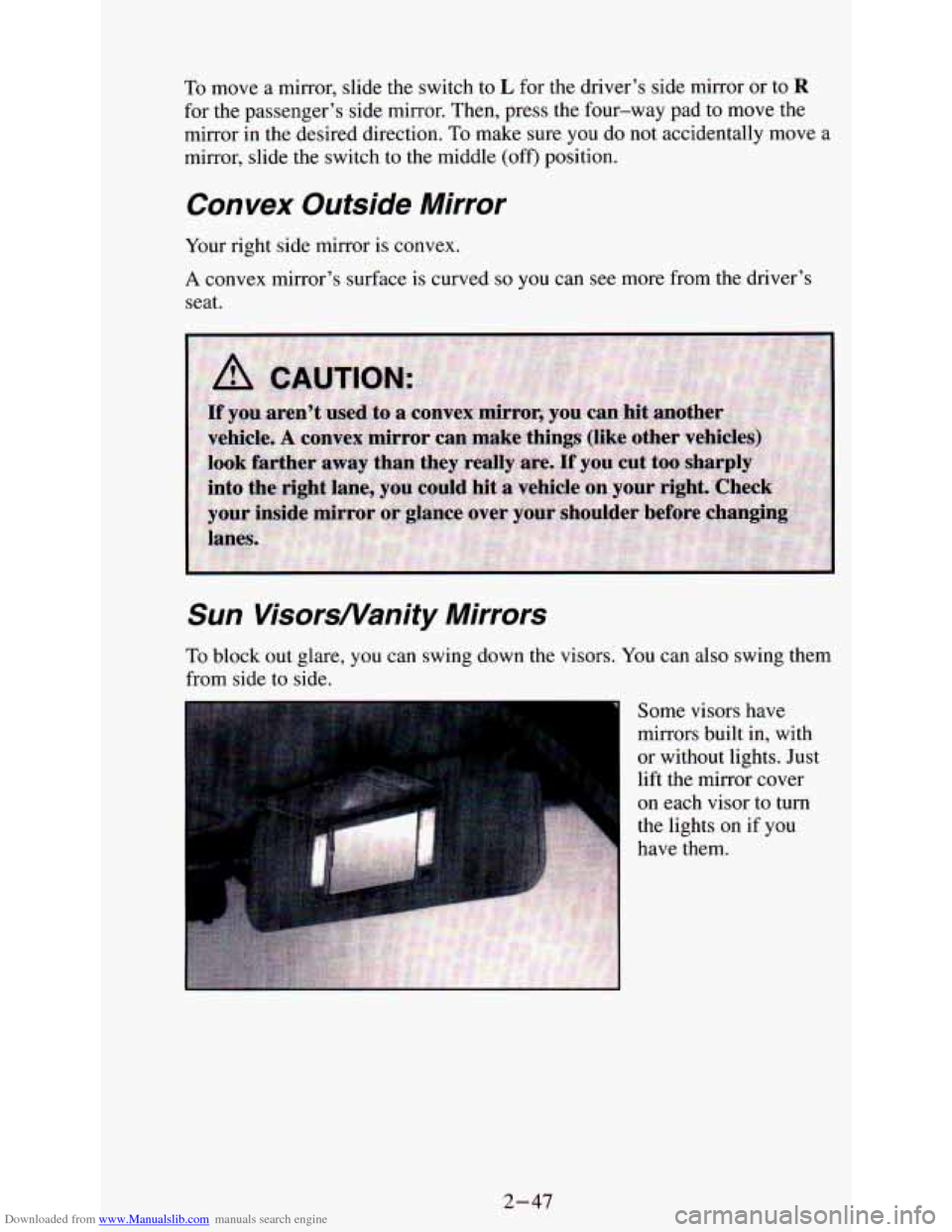
Some visors have
mirrors built in, with
or without lights. Just
lift the mirror cover
on each visor to turn
the lights on if you
have them.
2-47
Page 108 of 340
Downloaded from www.Manualslib.com manuals search engine Cigarette Lighter/Ashtrays
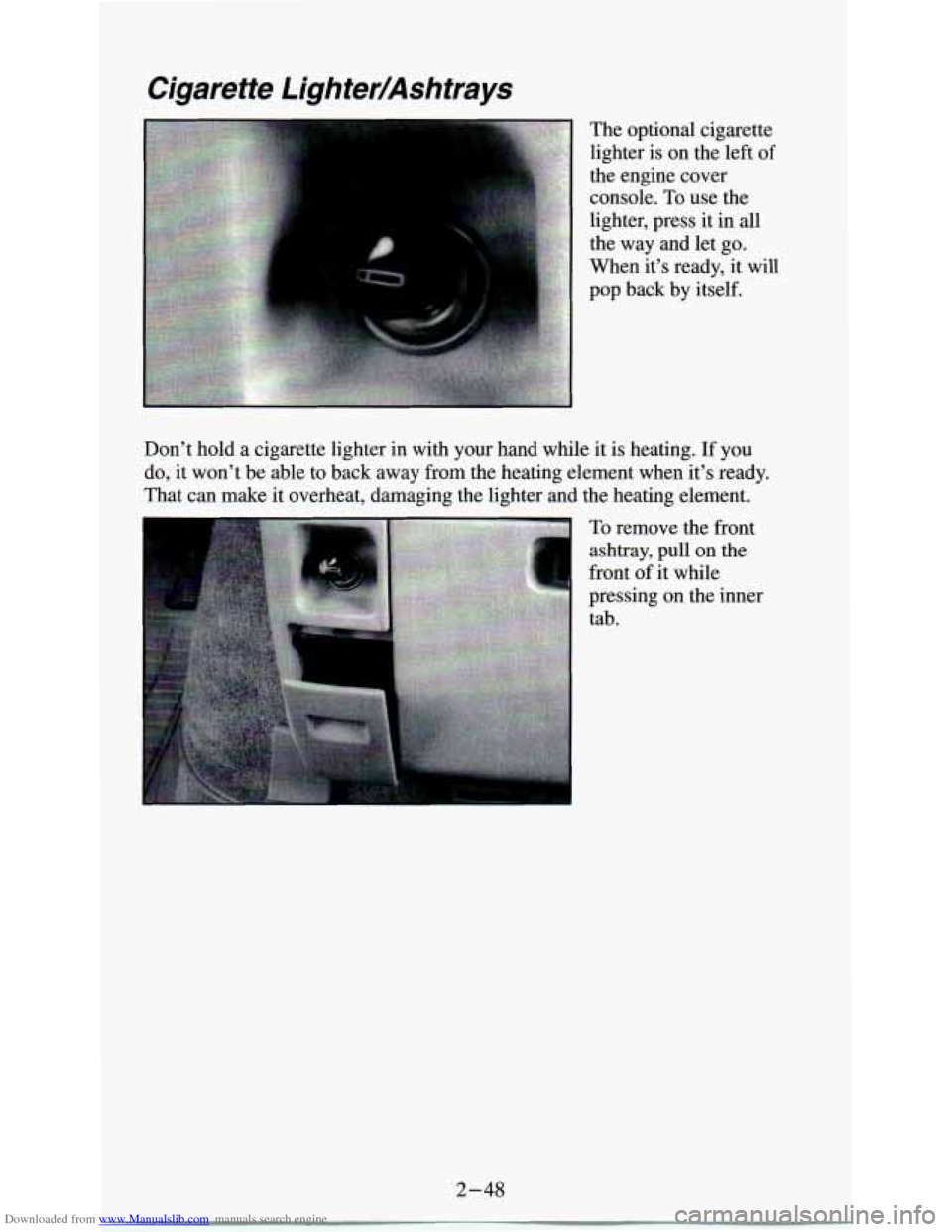
The optional cigarette
lighter is on the left
of
the engine cover
console. To use the
lighter, press it in all
the way and let go.
When it’s ready, it will
pop back by itself.
Don’t hold a cigarette lighter in with your hand while it is heating.
If you
do, it won’t be able to back away from the heating element when it’s ready.
That can make it overheat, damaging the lighter and the heating element.
To remove the front
ashtray, pull on the
front of it while
pressing
on the inner
tab.
2-48
Page 112 of 340
Downloaded from www.Manualslib.com manuals search engine Instrument Panel
14 13
27
/
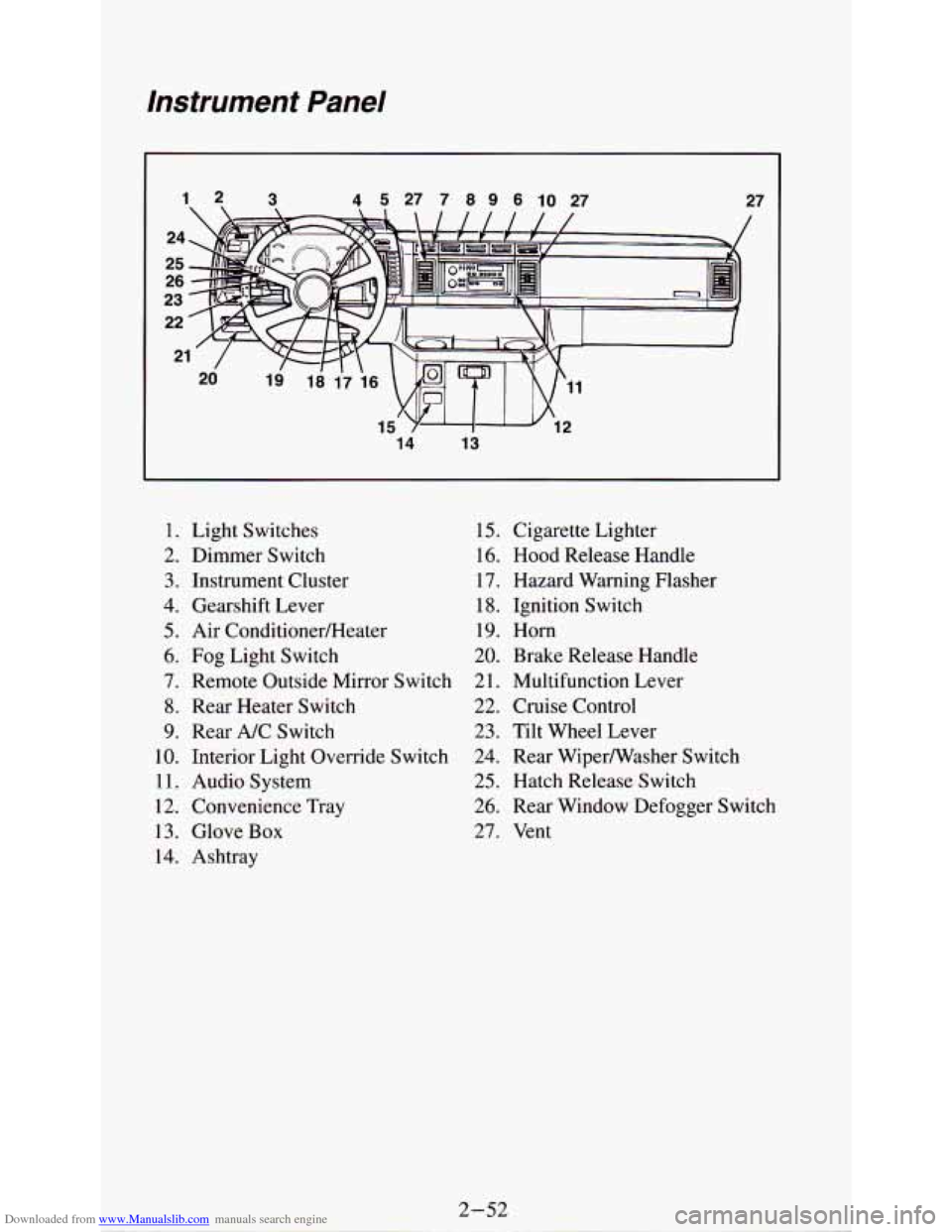
1. Light Switches
2. Dimmer Switch
3. Instrument Cluster
4. Gearshift Lever
5. Air ConditionedHeater
6. Fog Light Switch
7. Remote Outside Mirror Switch
8. Rear Heater Switch
9. Rear A/C Switch
10. Interior Light Override Switch
11. Audio System
12. Convenience Tray
13. Glove
Box
14. Ashtray
15. Cigarette Lighter
16.
Hood Release Handle
17. Hazard Warning Flasher
18. Ignition Switch
19. Horn
20. Brake Release Handle
2
1. Multifunction Lever
22. Cruise Control
23. Tilt Wheel Lever
24. Rear Wipermasher Switch
25. Hatch Release Switch
26. Rear Window Defogger Switch
27. Vent
Page 115 of 340
Downloaded from www.Manualslib.com manuals search engine Warning Lights, Gages and Indicators
This section describes the warning lights and gages that may be on your
vehicle. The pictures will help you locate them.
Warning lights and gages can signal that something is wrong before it
becomes serious enough to cause an expensive repair or replacement.
Paying attention
to your warning lights and gages could also save you or
others from injury.
Warning lights go on when there may be or is a problem with
one of your
vehicle’s functions.
As you will see in the details on the next few pages,
some warning lights come on briefly when
you turn the ignition key just to
let you know they’re working. If you are familiar with this section, you
should not be alarmed when this happens.
Gages can indicate when there may be or
is a problem with one of your
vehicle’s functions. Often gages and warning lights work together to let you
know when there’s a problem with your vehicle.
When one of the warning lights comes
on and stays on when you are
driving, or when one
of the gages shows there may be a problem, check the
section that tells you what
to do about it. Please follow the manual’s advice.
Waiting to do repairs can be costly
- and even dangerous. So please get to
know your warning lights and gages. They’re a big help.
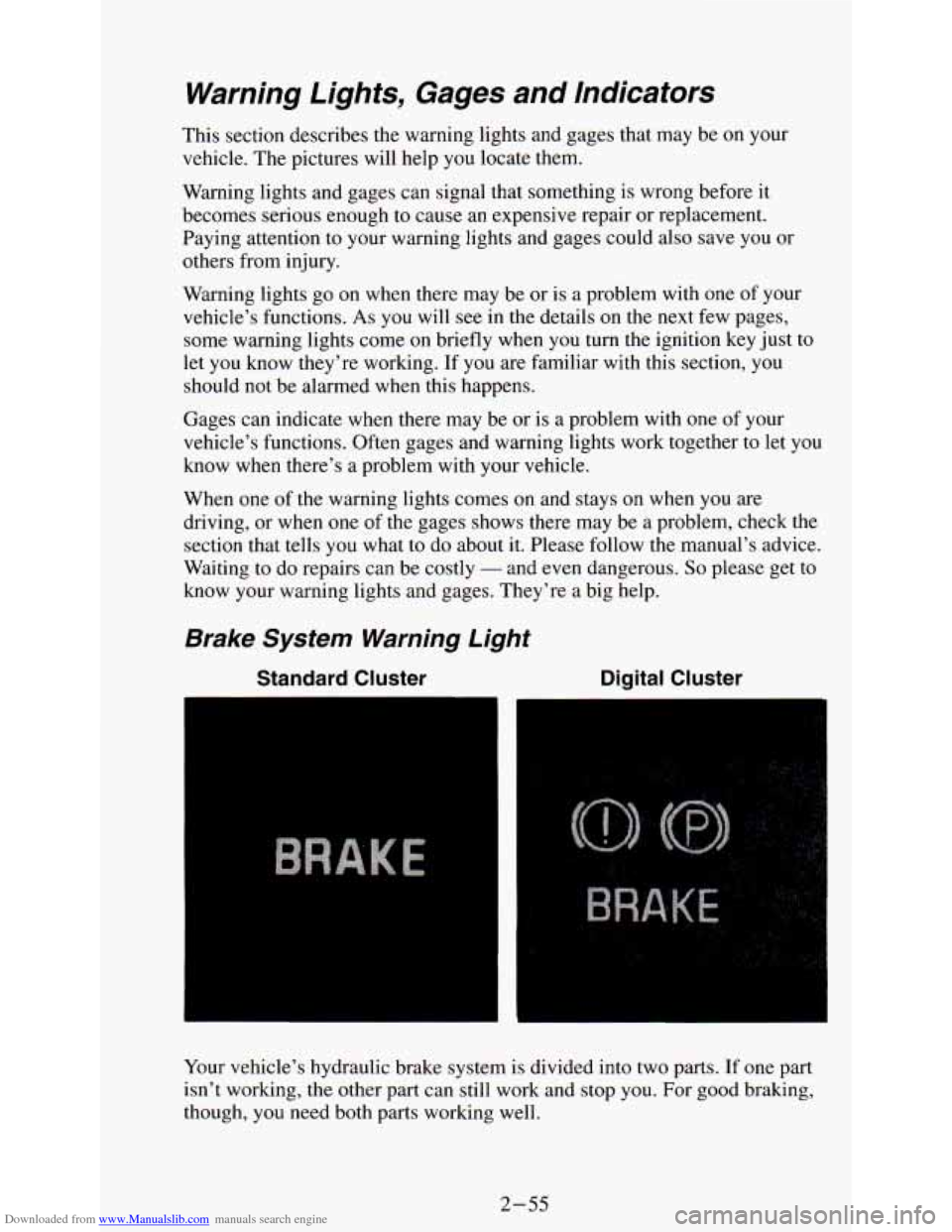
Brake System Warning Light
Standard Cluster Digital Cluster
Your
vehicle’s hydraulic brake system is divided into two parts. If one part
isn’t working,
the other part can still work and stop you. For good braking,
though,
you need both parts working well.
2-55
Page 116 of 340
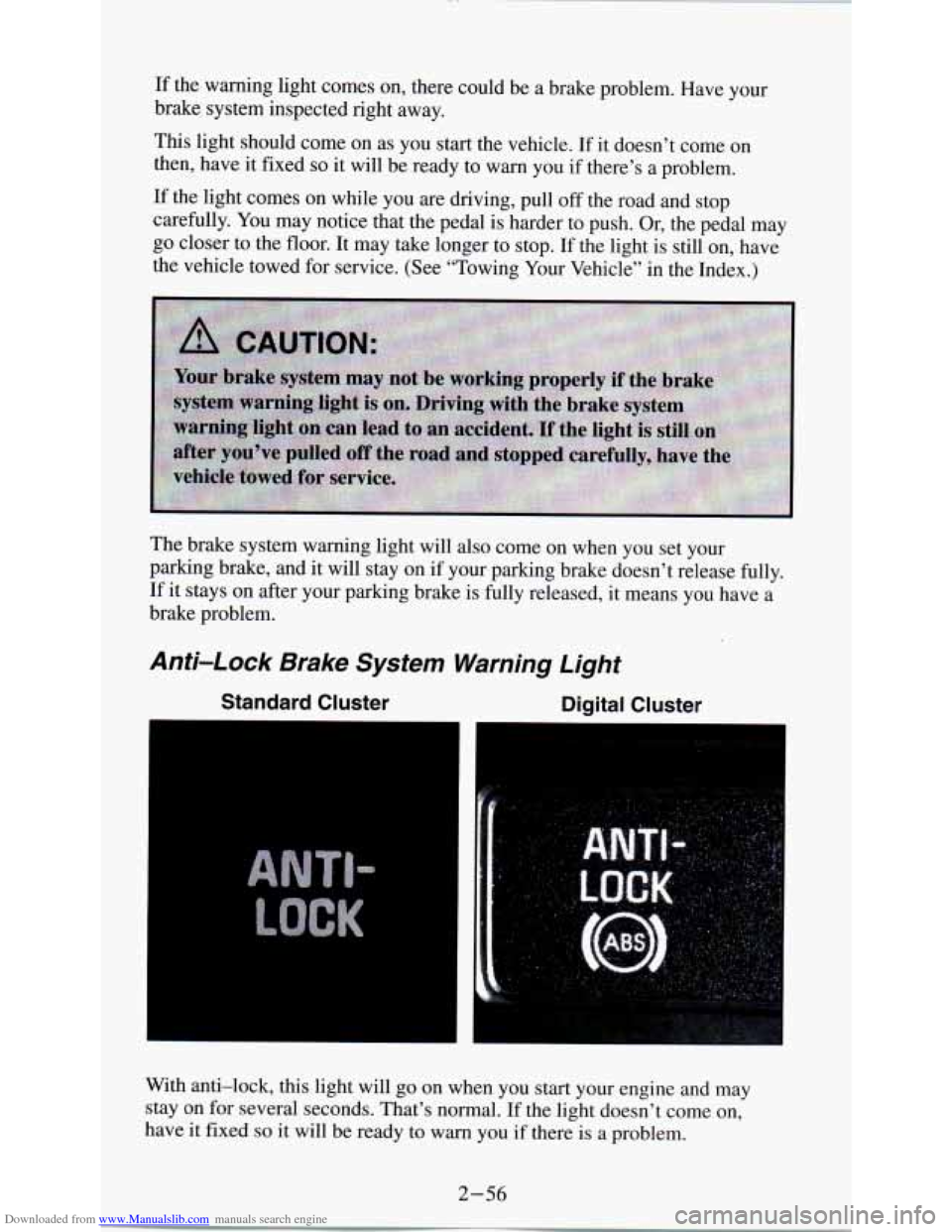
Downloaded from www.Manualslib.com manuals search engine If the warning light comes on, there could be a brake problem. Have your
brake system inspected right away.
This light should come on as you start the vehicle. If it doesn’t come on
then, have it fixed
so it will be ready to warn you if there’s a problem.
If the light comes on while you are driving, pull off the road and stop
carefully. You may notice that the pedal is harder to push.
Or, the pedal may
go closer to the floor. It may take longer to stop. If the light is still
on, have
the vehicle towed for service. (See “Towing Your Vehicle” in the Index.)
The brake system warning light will also come on when
YOU set your
parking brake, and it will stay on
if your parking brake doesn’t release fully.
If it stays on after your parking brake is fully released, it means YOU have a
brake problem.
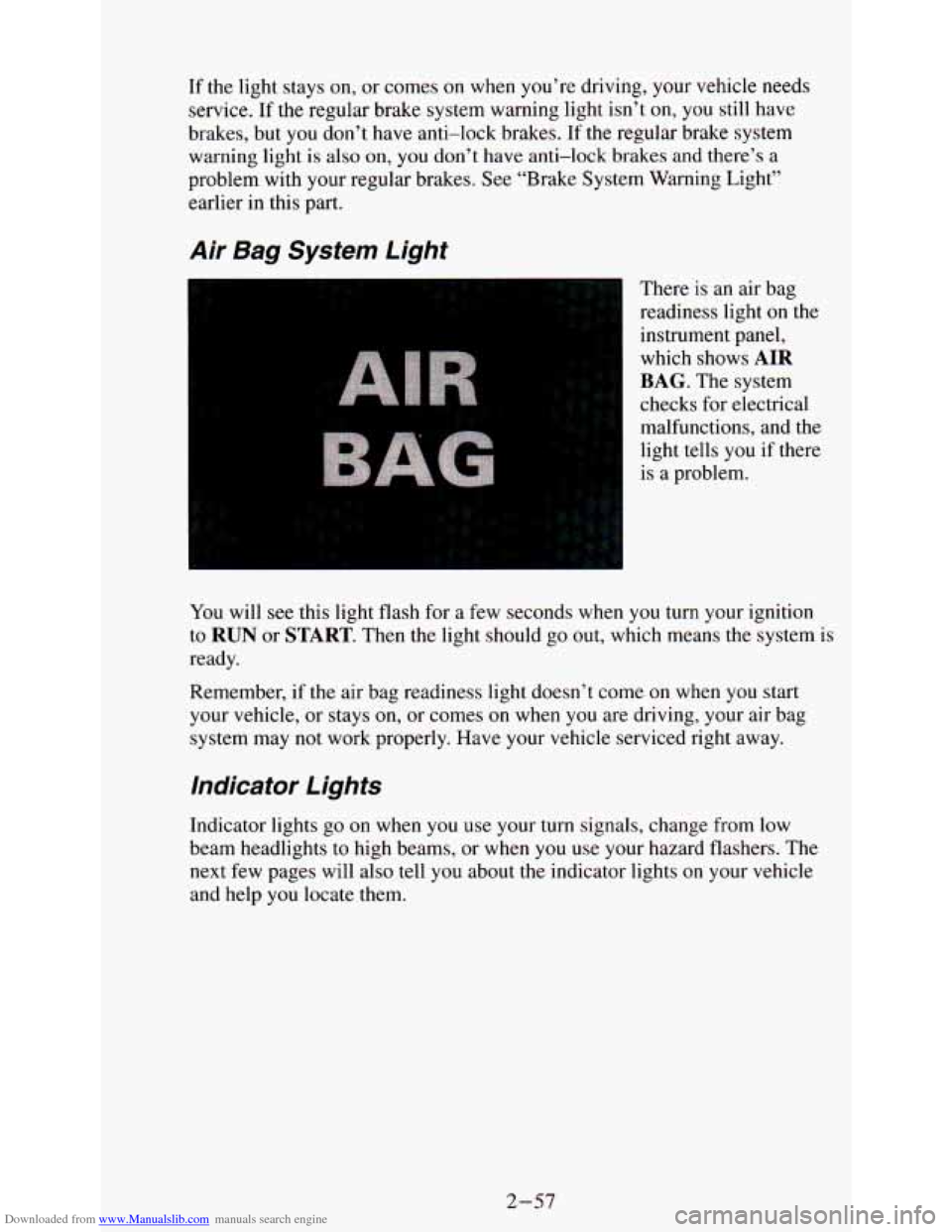
Anti-Lock Brake System Warning Light
Standard Cluster Digital Cluster
I
With anti-lock, this light will go on when you start your engine and may
stay on for several seconds. That’s normal. If the light doesn’t come on,
have it fixed
so it will be ready to warn you if there is a problem.
2-56
Page 117 of 340
Downloaded from www.Manualslib.com manuals search engine If the light stays on, or comes on when you’re driving, your vehicle needs
service. If the regular brake system warning light isn’t
on, you still have
brakes, but you don’t have anti-lock brakes. If the regular brake system
warning light is also on,
you don’t have anti-lock brakes and there’s a
problem with your regular brakes. See “Brake System Warning Light”
earlier in this part.
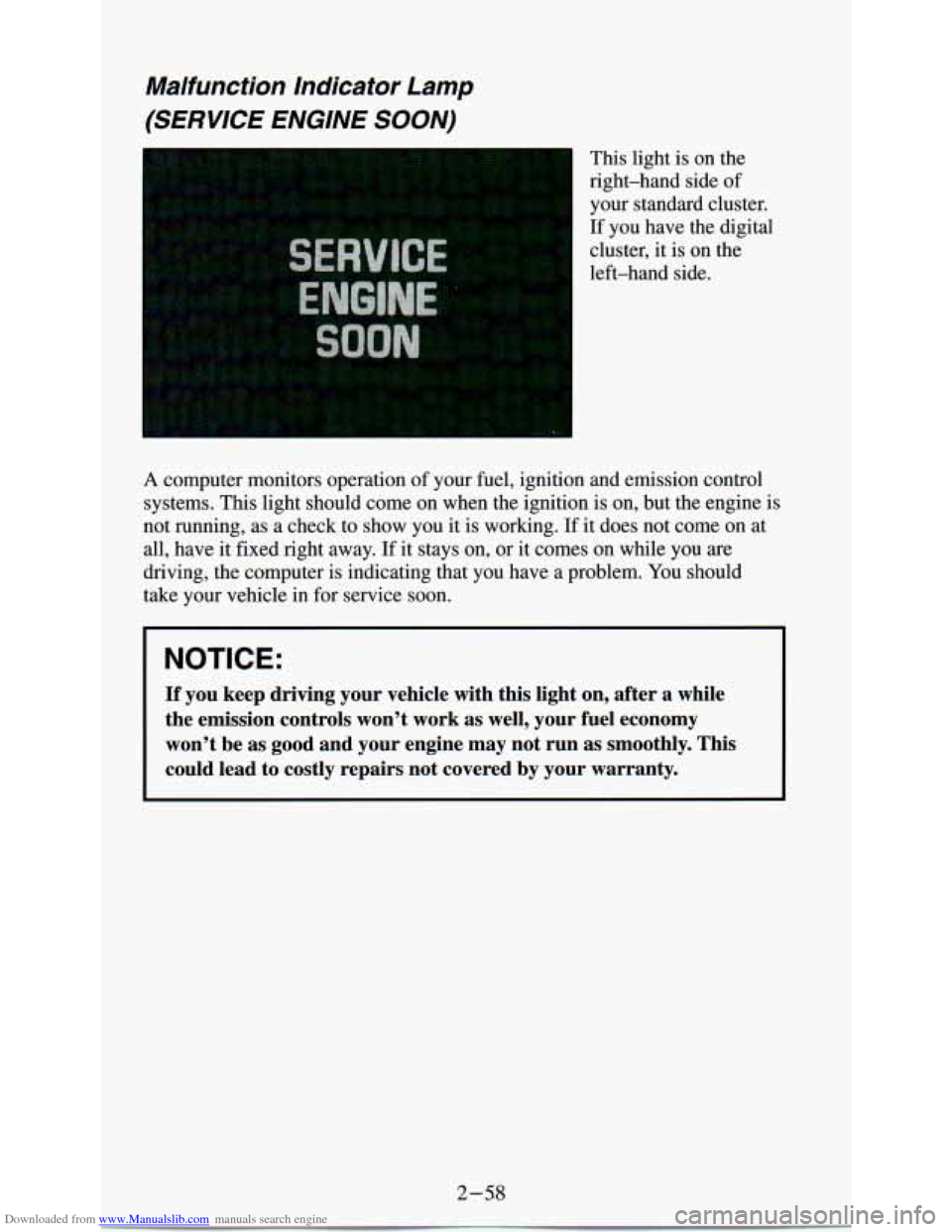
Air Bag System Light
There is an air bag
readiness light
on the
instrument panel,
which shows
AIR
BAG. The system
checks for electrical
malfunctions, and the
light tells
you if there
is a problem.
You will
see this light flash for a few seconds when you turn your ignition
to
RUN or START. Then the light should go out, which means the system is
ready.
Remember, if the air bag readiness light doesn’t come
on when you start
your vehicle, or stays
on, or comes on when you are driving, your air bag
system may not work properly. Have your vehicle serviced right \
away.
Indicator Lights
Indicator lights go on when you use your turn signals, change from low
beam headlights to high beams, or when
you use your hazard flashers. The
next few pages will also tell you about the indicator lights on your vehicle
and help
you locate them.
2-57
Page 118 of 340
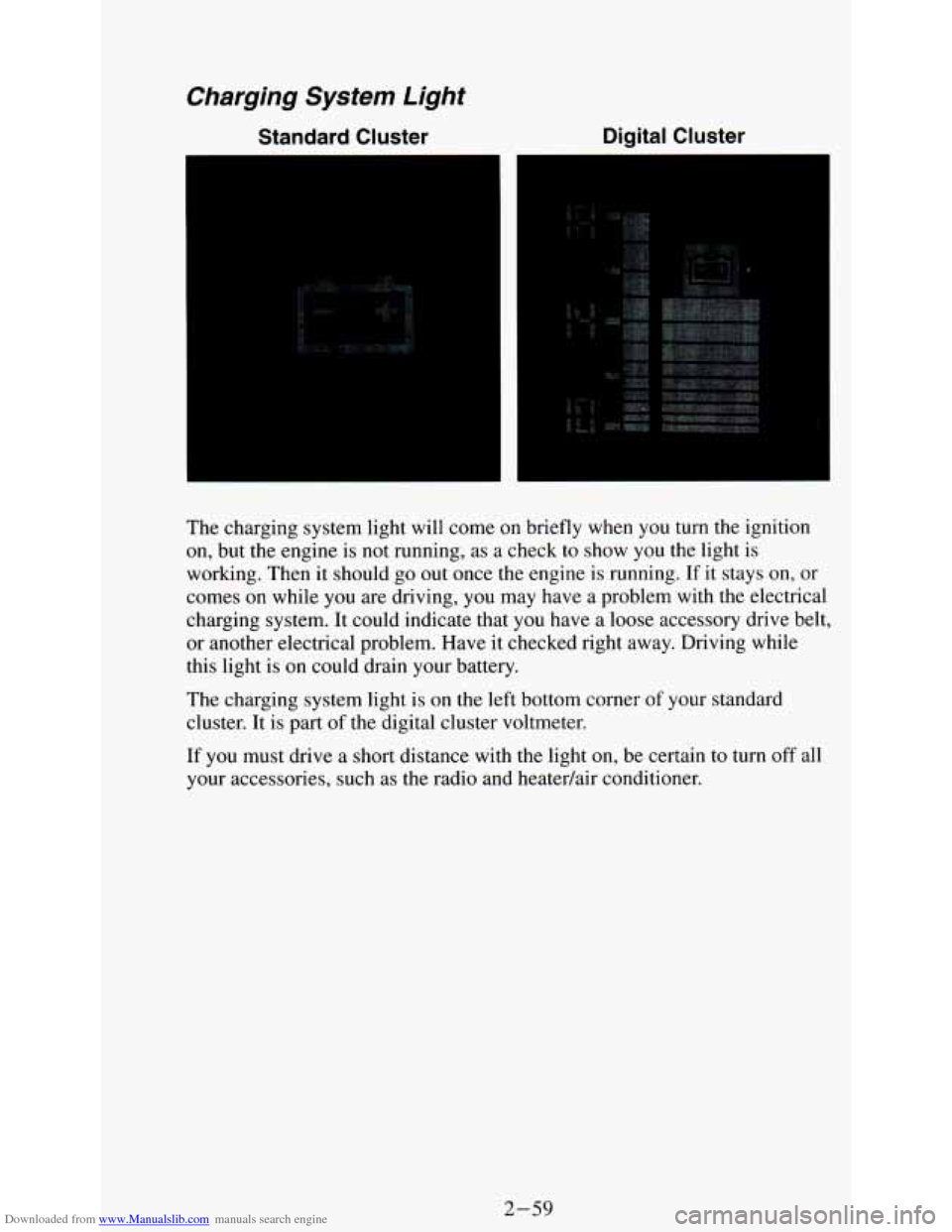
Downloaded from www.Manualslib.com manuals search engine Malfunction Indicator Lamp
(SERVICE ENGINE SOON)
This light is on the
right-hand side of
your standard cluster.
If you have the digital
cluster, it is on the
left-hand side.
A computer monitors operation of your fuel, ignition and emission \
control
systems. This light should come on when the ignition is on, but the engine is
not running, as a check to show you it is working. If it does not come
on at
all, have it fixed right away. If it stays on, or it comes on while you
are
driving, the computer is indicating that you have a problem. You should
take your vehicle in for service soon.
NOTICE:
If you keep driving your vehicle with this light on, after a whi\
le
the emission controls won’t work
as well, your fuel economy
won’t be as good and your engine may not run
as smoothly. This
could lead to costly repairs not covered by your warranty.
2-58
Page 119 of 340
Downloaded from www.Manualslib.com manuals search engine The charging system light will come on briefly when you turn the ignition
on, but the engine is not running, as a check to show you the light is
working. Then
it should go out once the engine is running. If it stays on, or
comes on while you are driving, you may have a problem with the electrical
charging system. It could indicate that you have a loose accessory drive belt,
or another electrical problem. Have it checked right away. Driving while
this light
is on could drain your battery.
The charging system light is on the left bottom corner of your standard
cluster. It is part
of the digital cluster voltmeter.
If you must drive a short distance with the light on, be certain to turn off all
your accessories, such as the radio and heatedair conditioner.
2-59
Page 120 of 340
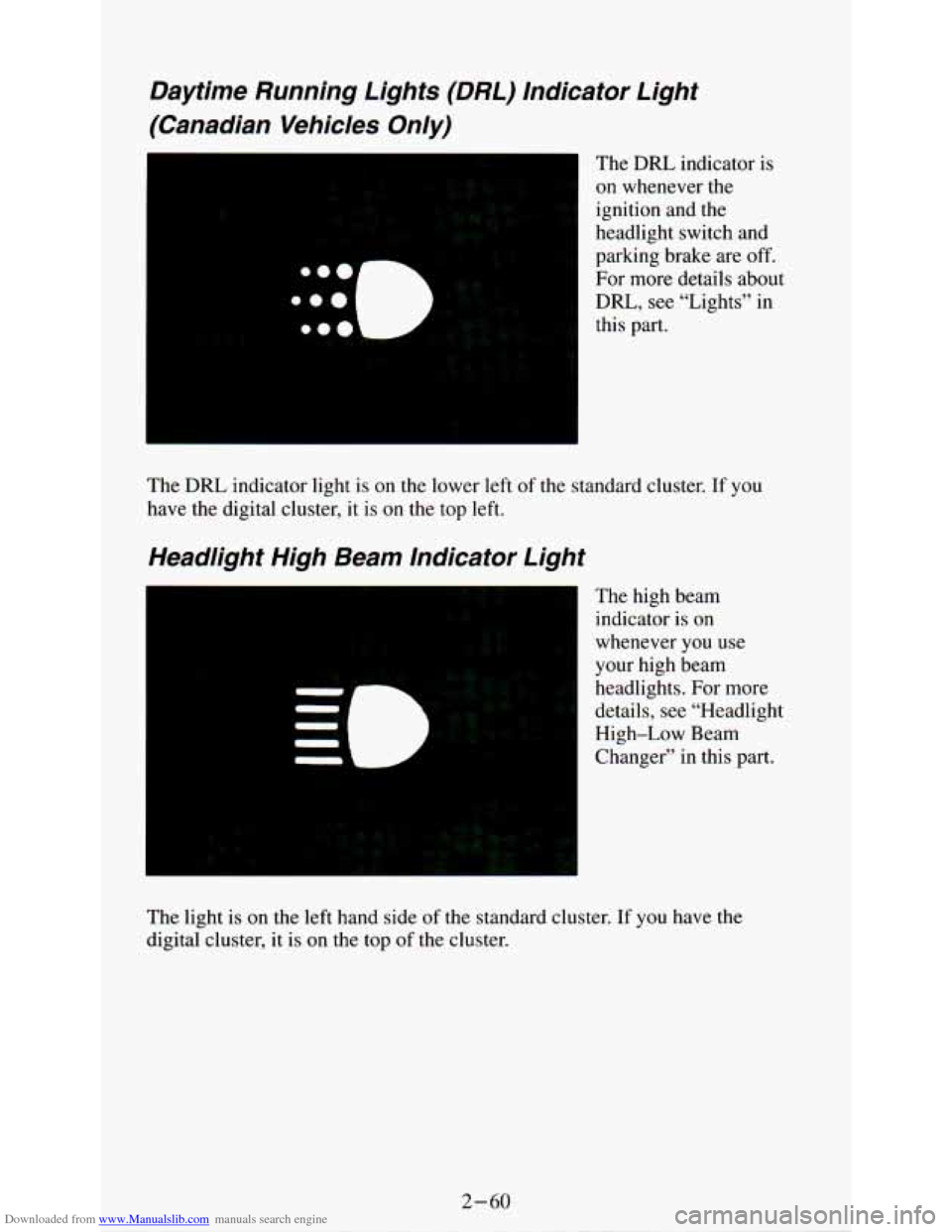
Downloaded from www.Manualslib.com manuals search engine Daytime Running Lights (DRL) lndicator Light
(Canadian Vehicles Only)
L,
The DRL indicator is
on whenever the
ignition and the
headlight switch and
parking brake are off.
For more details about
DRL, see “Lights” in
this part.
The
DRL indicator light is on the lower left of the standard cluster. If you
have the digital cluster, it is
on the top left.
Headlight High Beam Indicator Light
The high beam
indicator is on
whenever
you use
your high beam
headlights. For more
details, see “Headlight
High-Low Beam
Changer” in this part.
The light
is on the left hand side of the standard cluster. If you have the
digital cluster, it is on the top of the cluster.
Page 121 of 340
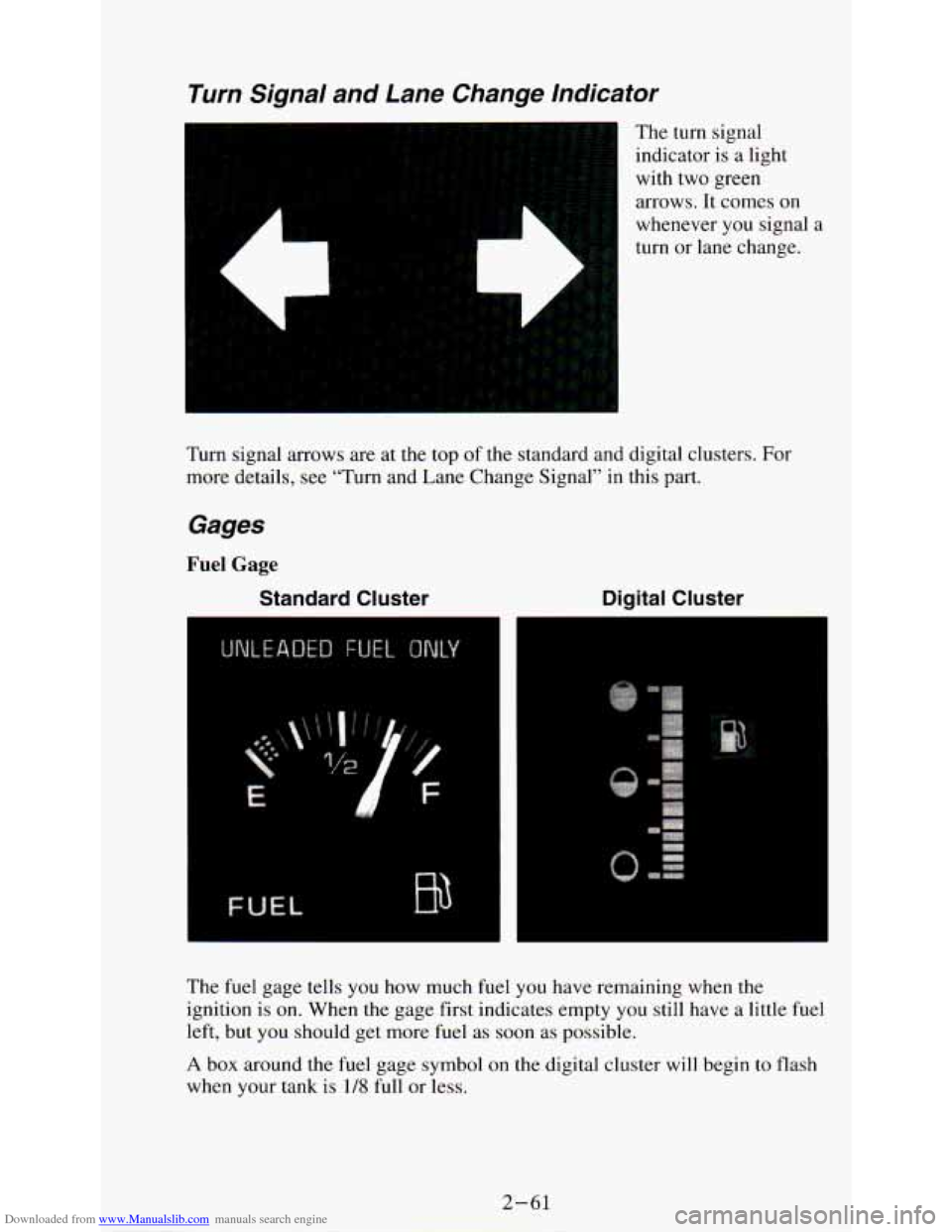
Downloaded from www.Manualslib.com manuals search engine Turn Signal and Lane Change lndicator
The turn signal
indicator is a light
with two green
arrows. It comes
on
L
whenever you signal a
turn or lane change.
Turn signal arrows are at the top of the standard and digital clusters. For
more details, see “Turn and Lane Change Signal’’ in this part.
Gages
Fuel Gage
Standard Cluster Digital Cluster
. ...
.
The fuel gage tells you how much fuel you have remaining when the
ignition is on. When the gage first indicates empty you still have a little fuel
left, but you should get more fuel as soon as possible.
A box around the fuel gage symbol on the digital cluster will begin to flash
when your tank is
1/8 full or less.
2-61