instrument panel CHEVROLET AVALANCHE 2006 1.G Owner's Guide
[x] Cancel search | Manufacturer: CHEVROLET, Model Year: 2006, Model line: AVALANCHE, Model: CHEVROLET AVALANCHE 2006 1.GPages: 532, PDF Size: 3.3 MB
Page 195 of 532
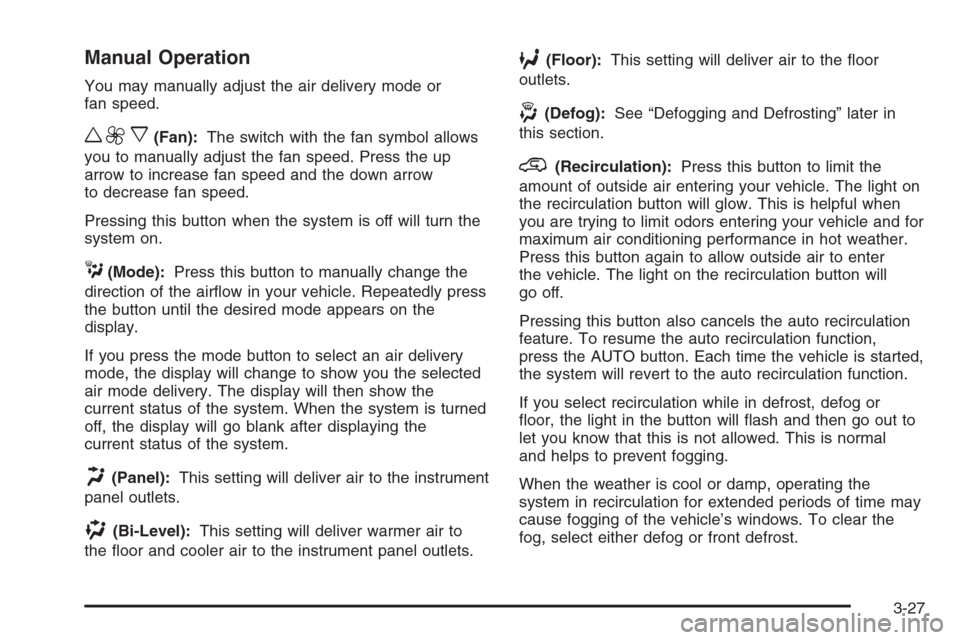
Manual Operation
You may manually adjust the air delivery mode or
fan speed.
w9x(Fan):The switch with the fan symbol allows
you to manually adjust the fan speed. Press the up
arrow to increase fan speed and the down arrow
to decrease fan speed.
Pressing this button when the system is off will turn the
system on.
C(Mode):Press this button to manually change the
direction of the airow in your vehicle. Repeatedly press
the button until the desired mode appears on the
display.
If you press the mode button to select an air delivery
mode, the display will change to show you the selected
air mode delivery. The display will then show the
current status of the system. When the system is turned
off, the display will go blank after displaying the
current status of the system.
H(Panel):This setting will deliver air to the instrument
panel outlets.
)(Bi-Level):This setting will deliver warmer air to
the oor and cooler air to the instrument panel outlets.
6(Floor):This setting will deliver air to the oor
outlets.
-(Defog):See “Defogging and Defrosting” later in
this section.
@(Recirculation):Press this button to limit the
amount of outside air entering your vehicle. The light on
the recirculation button will glow. This is helpful when
you are trying to limit odors entering your vehicle and for
maximum air conditioning performance in hot weather.
Press this button again to allow outside air to enter
the vehicle. The light on the recirculation button will
go off.
Pressing this button also cancels the auto recirculation
feature. To resume the auto recirculation function,
press the AUTO button. Each time the vehicle is started,
the system will revert to the auto recirculation function.
If you select recirculation while in defrost, defog or
oor, the light in the button will ash and then go out to
let you know that this is not allowed. This is normal
and helps to prevent fogging.
When the weather is cool or damp, operating the
system in recirculation for extended periods of time may
cause fogging of the vehicle’s windows. To clear the
fog, select either defog or front defrost.
3-27
Page 196 of 532
You may also notice that the A/C compressor will run
while in recirculation mode. This is normal and helps to
prevent fogging.
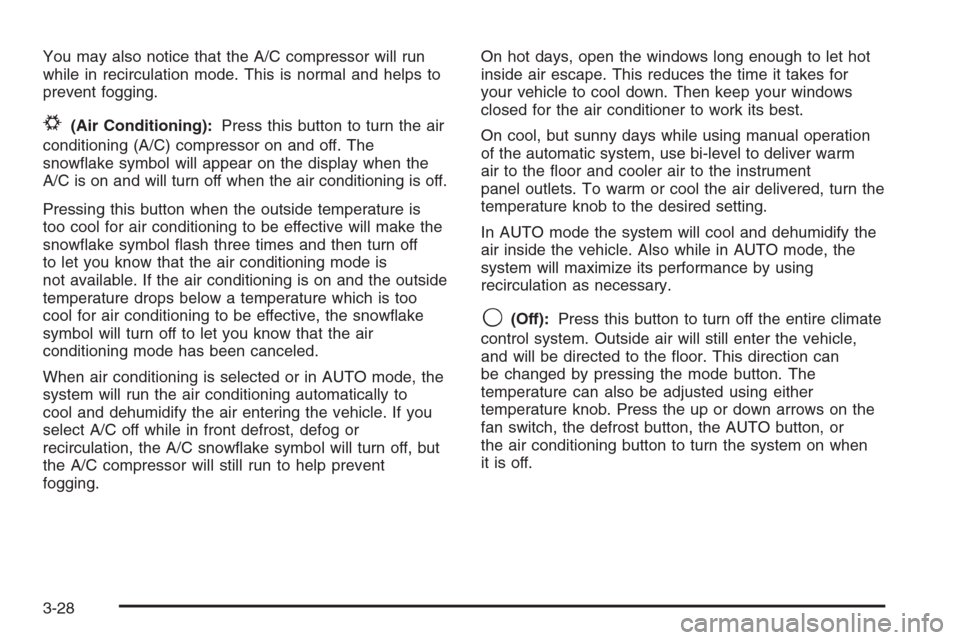
#(Air Conditioning):Press this button to turn the air
conditioning (A/C) compressor on and off. The
snowake symbol will appear on the display when the
A/C is on and will turn off when the air conditioning is off.
Pressing this button when the outside temperature is
too cool for air conditioning to be effective will make the
snowake symbol ash three times and then turn off
to let you know that the air conditioning mode is
not available. If the air conditioning is on and the outside
temperature drops below a temperature which is too
cool for air conditioning to be effective, the snowake
symbol will turn off to let you know that the air
conditioning mode has been canceled.
When air conditioning is selected or in AUTO mode, the
system will run the air conditioning automatically to
cool and dehumidify the air entering the vehicle. If you
select A/C off while in front defrost, defog or
recirculation, the A/C snowake symbol will turn off, but
the A/C compressor will still run to help prevent
fogging.On hot days, open the windows long enough to let hot
inside air escape. This reduces the time it takes for
your vehicle to cool down. Then keep your windows
closed for the air conditioner to work its best.
On cool, but sunny days while using manual operation
of the automatic system, use bi-level to deliver warm
air to the oor and cooler air to the instrument
panel outlets. To warm or cool the air delivered, turn the
temperature knob to the desired setting.
In AUTO mode the system will cool and dehumidify the
air inside the vehicle. Also while in AUTO mode, the
system will maximize its performance by using
recirculation as necessary.
9(Off):Press this button to turn off the entire climate
control system. Outside air will still enter the vehicle,
and will be directed to the oor. This direction can
be changed by pressing the mode button. The
temperature can also be adjusted using either
temperature knob. Press the up or down arrows on the
fan switch, the defrost button, the AUTO button, or
the air conditioning button to turn the system on when
it is off.
3-28
Page 198 of 532
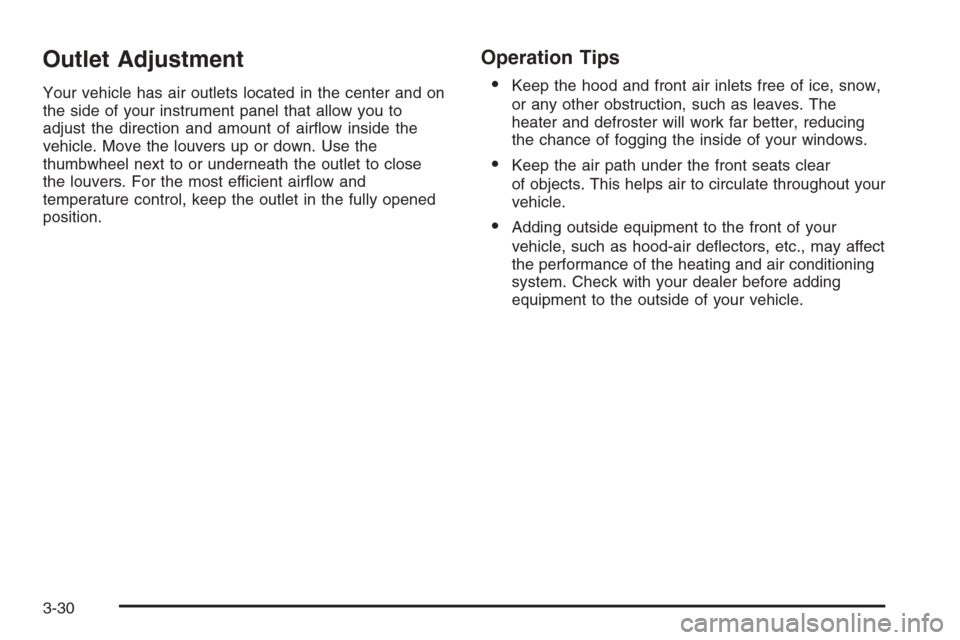
Outlet Adjustment
Your vehicle has air outlets located in the center and on
the side of your instrument panel that allow you to
adjust the direction and amount of airow inside the
vehicle. Move the louvers up or down. Use the
thumbwheel next to or underneath the outlet to close
the louvers. For the most efficient airow and
temperature control, keep the outlet in the fully opened
position.
Operation Tips
Keep the hood and front air inlets free of ice, snow,
or any other obstruction, such as leaves. The
heater and defroster will work far better, reducing
the chance of fogging the inside of your windows.
Keep the air path under the front seats clear
of objects. This helps air to circulate throughout your
vehicle.
Adding outside equipment to the front of your
vehicle, such as hood-air deectors, etc., may affect
the performance of the heating and air conditioning
system. Check with your dealer before adding
equipment to the outside of your vehicle.
3-30
Page 200 of 532

Instrument Panel Cluster
Your instrument cluster is designed to let you know at a glance how your vehicle is running. You’ll know how fast
you’re going, about how much fuel you have and many other things you’ll need to know to drive safely and
economically.United States 2500 series shown, 1500 series and Canada similar
3-32
Page 201 of 532
Speedometer and Odometer
Your speedometer lets you see your speed in both
miles per hour (mph) and kilometers per hour (km/h).
Your vehicle’s odometer works together with the
driver information center. You can set a Trip A and
Trip B odometer. See “Trip Information” underDIC
Operation and Displays on page 3-50.
The odometer mileage can be checked without the
vehicle running. Simply press the trip stem on the
instrument panel cluster.
If your vehicle ever needs a new odometer installed, the
new one will be set to the correct mileage total of the
old odometer.
Trip Odometer
The trip odometer can tell you how far your vehicle has
been driven since you last set the trip odometer to zero.
Press the reset button, located on the instrument panel
cluster next to the trip odometer display, to toggle
between the trip odometer and the regular odometer.
Holding the reset button for approximately one second
while the trip odometer is displayed will reset it.
To display the odometer reading with the ignition off,
press the reset button.
Tachometer
Your tachometer displays the engine speed in
revolutions per minute (rpm).
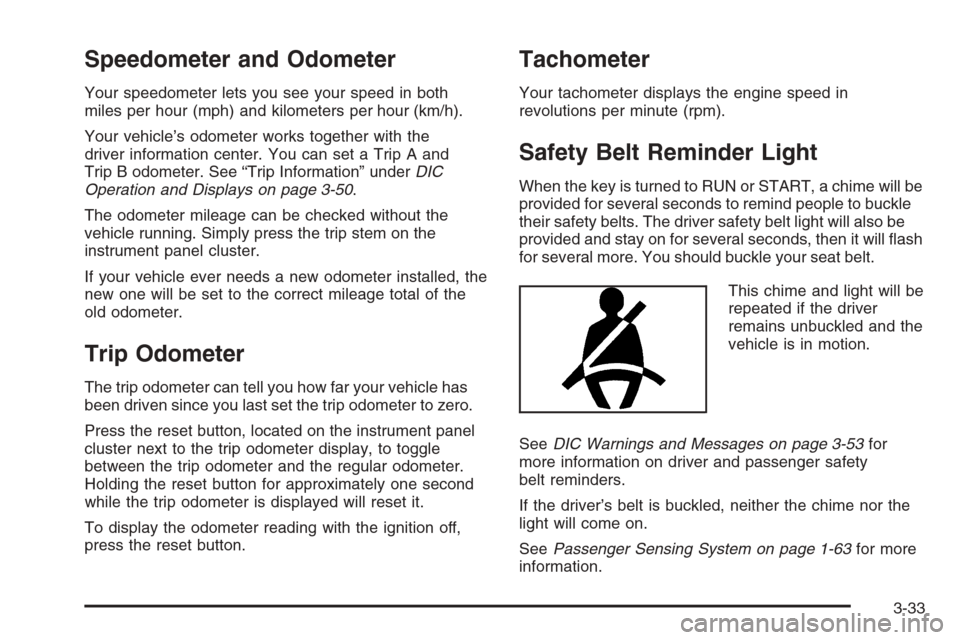
Safety Belt Reminder Light
When the key is turned to RUN or START, a chime will be
provided for several seconds to remind people to buckle
their safety belts. The driver safety belt light will also be
provided and stay on for several seconds, then it will ash
for several more. You should buckle your seat belt.
This chime and light will be
repeated if the driver
remains unbuckled and the
vehicle is in motion.
SeeDIC Warnings and Messages on page 3-53for
more information on driver and passenger safety
belt reminders.
If the driver’s belt is buckled, neither the chime nor the
light will come on.
SeePassenger Sensing System on page 1-63for more
information.
3-33
Page 202 of 532
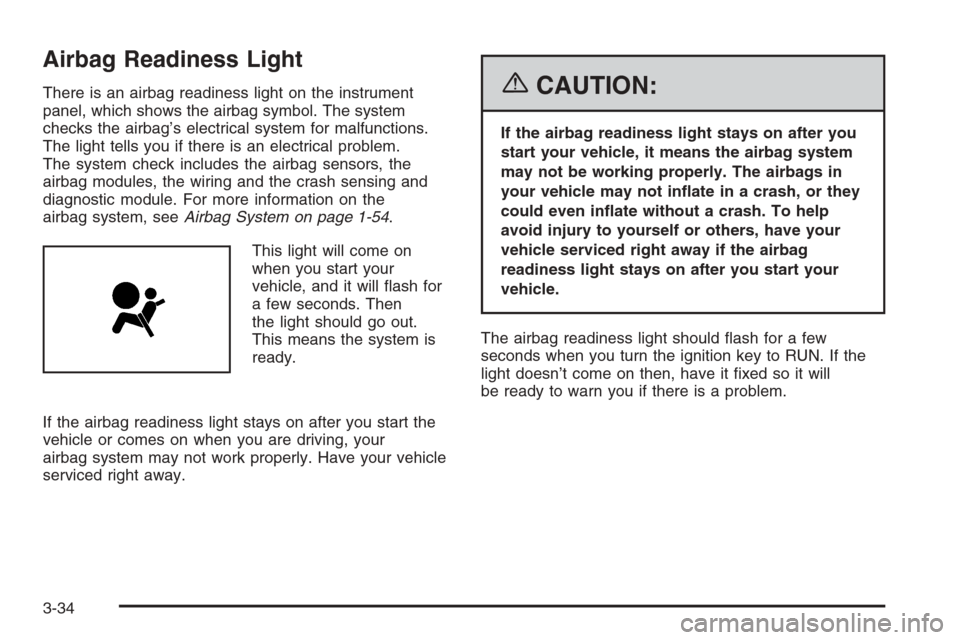
Airbag Readiness Light
There is an airbag readiness light on the instrument
panel, which shows the airbag symbol. The system
checks the airbag’s electrical system for malfunctions.
The light tells you if there is an electrical problem.
The system check includes the airbag sensors, the
airbag modules, the wiring and the crash sensing and
diagnostic module. For more information on the
airbag system, seeAirbag System on page 1-54.
This light will come on
when you start your
vehicle, and it will ash for
a few seconds. Then
the light should go out.
This means the system is
ready.
If the airbag readiness light stays on after you start the
vehicle or comes on when you are driving, your
airbag system may not work properly. Have your vehicle
serviced right away.{CAUTION:
If the airbag readiness light stays on after you
start your vehicle, it means the airbag system
may not be working properly. The airbags in
your vehicle may not inate in a crash, or they
could even inate without a crash. To help
avoid injury to yourself or others, have your
vehicle serviced right away if the airbag
readiness light stays on after you start your
vehicle.
The airbag readiness light should ash for a few
seconds when you turn the ignition key to RUN. If the
light doesn’t come on then, have it xed so it will
be ready to warn you if there is a problem.
3-34
Page 217 of 532
Driver Information Center (DIC)
The Driver Information Center (DIC) display is located
on the instrument panel cluster, below the speedometer.
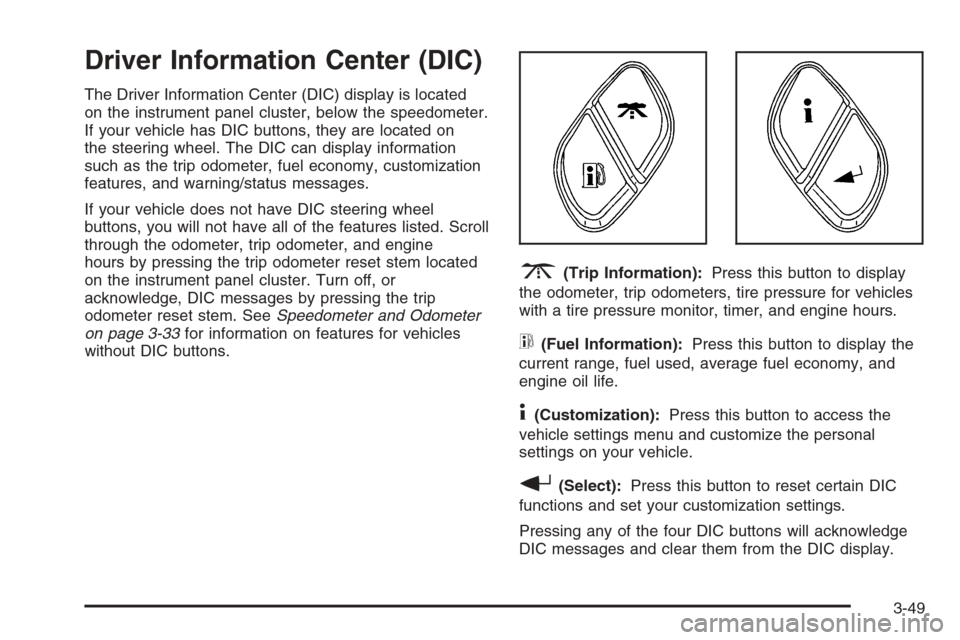
If your vehicle has DIC buttons, they are located on
the steering wheel. The DIC can display information
such as the trip odometer, fuel economy, customization
features, and warning/status messages.
If your vehicle does not have DIC steering wheel
buttons, you will not have all of the features listed. Scroll
through the odometer, trip odometer, and engine
hours by pressing the trip odometer reset stem located
on the instrument panel cluster. Turn off, or
acknowledge, DIC messages by pressing the trip
odometer reset stem. SeeSpeedometer and Odometer
on page 3-33for information on features for vehicles
without DIC buttons.
3(Trip Information):Press this button to display
the odometer, trip odometers, tire pressure for vehicles
with a tire pressure monitor, timer, and engine hours.
t(Fuel Information):Press this button to display the
current range, fuel used, average fuel economy, and
engine oil life.
4(Customization):Press this button to access the
vehicle settings menu and customize the personal
settings on your vehicle.
r(Select):Press this button to reset certain DIC
functions and set your customization settings.
Pressing any of the four DIC buttons will acknowledge
DIC messages and clear them from the DIC display.
3-49
Page 221 of 532
Always reset the engine oil life system after an oil
change. To reset the engine oil life system, seeEngine
Oil Life System on page 5-21.
In addition to the engine oil life system monitoring the oil
life, additional maintenance is recommended in the
Maintenance Schedule in this manual. SeeEngine Oil on
page 5-18andScheduled Maintenance on page 6-4.
Customization Button
4
(Customization):Press the customization button to
access the VEHICLE SETTINGS menu and customize
the settings to your vehicle. SeeDIC Vehicle
Customization on page 3-64for more information.
Select Button
r
(Select):Press the select button to reset certain
DIC functions and set your customization settings.
For example, this button will reset the trip odometers
and enables you to scroll through and select the
language in which the DIC information will appear.
DIC Warnings and Messages
Warning messages are displayed on the Driver
Information Center (DIC) to notify the driver that the
status of the vehicle has changed and that some action
may be needed by the driver to correct the condition.
If there is more than one message that needs to
be displayed, they will appear one after another. Some
messages may not require immediate action, but
you should press any of the four DIC buttons on the
steering wheel to acknowledge that you received
the messages and clear them from the display. If your
vehicle does not have DIC buttons on the steering
wheel, press the trip odometer reset stem located on
the instrument panel cluster to acknowledge messages
and to clear them from the display. Some messages
cannot be cleared from the display because they
are more urgent. These messages require action before
they can be removed from the DIC display. You
should take any messages that appear on the display
seriously and remember that clearing the messages will
only make the messages disappear, not correct the
problem. The following are the possible messages that
can be displayed and some information about them.
3-53
Page 222 of 532
BATTERY NOT CHARGING
On some vehicles, if the battery is not charging during
operation, this message will appear on the DIC.
Driving with this problem could drain your battery. Have
the electrical system checked by your GM dealer as
soon as possible. Pressing any of the four DIC buttons
will clear the message from the DIC display. If your
vehicle does not have the four DIC buttons, pressing the
trip odometer reset stem will clear the message from
the DIC display. SeeCharging System Light on
page 3-37andVoltmeter Gage on page 3-37.
BUCKLE PASSENGER
If your vehicle has the passenger sensing system, this
message reminds you to buckle the passenger’s
seat belt. SeePassenger Sensing System on page 1-63.
This message will display and a chime will sound when
the ignition is on, the driver’s seat belt is buckled, the
passenger’s seat belt is unbuckled with the passenger
airbag enabled, and the vehicle is in motion. You should
have the passenger buckle their seat belt.
This reminder will be repeated if the ignition is on, the
vehicle is in motion, the driver is buckled and the
passenger is still unbuckled, and the passenger airbag
is enabled. If the passenger’s seat belt is already
buckled, this message and chime will not come on.Pressing any of the four DIC buttons will acknowledge
the message and clear it from the DIC display. If
your vehicle does not have the four DIC buttons,
pressing the trip odometer reset stem will acknowledge
the message and clear it from the DIC display.
BUCKLE SEATBELT
If your vehicle has the passenger sensing system, this
message reminds you to buckle the driver’s seat
belt. SeePassenger Sensing System on page 1-63.
This message will display and a chime will sound when
the ignition is on, the driver’s seat belt is unbuckled,
and the vehicle is in motion. You should buckle
your seat belt.
If the driver remains unbuckled when the ignition is on
and the vehicle is in motion, the reminder will be
repeated. If the driver’s seat belt is already buckled, this
message and chime will not come on.
This message is an additional reminder to the Safety
Belt Reminder Light in the instrument panel cluster. See
Safety Belt Reminder Light on page 3-33.
Pressing any of the four DIC buttons will acknowledge
the message and clear it from the DIC display. If
your vehicle has the four DIC buttons, pressing the trip
odometer reset stem will acknowledge the message
and clear it from the DIC display.
3-54
Page 223 of 532
CHANGE ENGINE OIL
This message is displayed when the engine oil needs to
be changed and service is required for your vehicle.
See your GM dealer. SeeScheduled Maintenance
on page 6-4andEngine Oil on page 5-18for more
information. Also seeEngine Oil Life System on
page 5-21for information on how to reset the message.
This message will clear itself after 10 seconds until
the next ignition cycle.
CHARGING SYSTEM FAILURE
On some vehicles, if there is a problem with the
generator and battery charging system, this message
will appear on the DIC, a chime will sound and the
charging system light on the instrument panel cluster
will come on. SeeCharging System Light on page 3-37
andVoltmeter Gage on page 3-37for more information.
Driving with this problem could drain your battery.
Turn off all unnecessary accessories. Stop and turn off
the vehicle as soon as it is safe to do so. Have the
electrical system checked by your GM dealer
immediately.
CHECK OIL LEVEL
If the oil level in the vehicle is low, this message will
appear on the DIC. Check the oil level and correct it as
necessary. You may need to let the vehicle cool or
warm up and cycle the ignition to be sure this message
will clear. This message will clear itself after 10 seconds
until the next ignition cycle. SeeEngine Oil on
page 5-18for additional information.
CHECK TIRE PRESSURE
If a low tire pressure is detected in any of the vehicle’s
tires, this message will appear on the DIC, along
with a chime and a low tire pressure warning light. See
Low Tire Pressure Warning Light on page 3-40.
Pressing any of the four DIC buttons will clear the
message from the DIC display. If your vehicle does not
have the four DIC buttons, pressing the trip odometer
reset stem will clear the message from the DIC display.
It will appear at each ignition cycle until the tires are
inated to the correct ination pressure.
SeeTire Pressure Monitor System on page 5-72for
more information on tires and the correct ination
pressures.
3-55