lights CHEVROLET AVALANCHE 2007 2.G User Guide
[x] Cancel search | Manufacturer: CHEVROLET, Model Year: 2007, Model line: AVALANCHE, Model: CHEVROLET AVALANCHE 2007 2.GPages: 618, PDF Size: 3.25 MB
Page 171 of 618
Center Overhead Console
Your vehicle may have an overhead console
with reading lights and a small storage area.
Press the button next to the light to turn it
on and off.
Front Armrest Storage Area
Your vehicle may have a center armrest storage
compartment in the front bench seat.
To open it, fold down the armrest and press the
latch handle located at the front of the armrest.
Then, let the cover pop up and swing open.
Center Console Storage Area
Your vehicle may have a console compartment
with cupholders between the bucket seats.
To open it, press the button and lift the console
cover open.
The rear of the console has a cupholder that folds
down for the rear seat passenger to use.
Luggage Carrier
The vehicle may have a luggage carrier that can
be used to load things on top of the vehicle.
The luggage carrier has siderails attached to the
roof. It may also have crossrails which can be
moved back and forth to help secure cargo. Tie
the load to the siderails or siderail supports.
Notice:Loading cargo on the luggage carrier
that weighs more than 200 lbs (91 kg) or
hangs over the rear or sides of the vehicle
may damage your vehicle. Load cargo so
that it rests on the slats as far forward
as possible and against the side rails,
making sure to fasten it securely.
Do not exceed the maximum vehicle capacity
when loading your vehicle. For more information
on vehicle capacity and loading, seeLoading
Your Vehicle on page 402.
171
Page 201 of 618
Instrument Panel Overview........................ 204
Hazard Warning Flashers.......................... 206
Other Warning Devices............................. 206
Horn.......................................................... 206
Tilt Wheel.................................................. 207
Turn Signal/Multifunction Lever.................. 207
Turn and Lane-Change Signals................. 208
Headlamp High/Low-Beam Changer.......... 209
Flash-to-Pass............................................ 209
Windshield Wipers..................................... 209
Rainsense™ II Wipers............................... 210
Windshield Washer.................................... 211
Cruise Control........................................... 212
Exterior Lamps.......................................... 215
Headlamps on Reminder........................... 216
Daytime Running Lamps (DRL)................. 216
Automatic Headlamp System..................... 217
Fog Lamps................................................ 218
Exterior Cargo Lamps................................ 219
Instrument Panel Brightness...................... 219
Dome Lamps............................................. 220
Dome Lamp Override................................ 220
Entry/Exit Lighting...................................... 220
Reading Lamps......................................... 220
Electric Power Management...................... 220Battery Run-Down Protection..................... 221
Ultrasonic Rear Parking Assist (URPA)........ 222
Accessory Power Outlet(s)........................ 226
Ashtray(s) and Cigarette Lighter................ 226
Climate Controls......................................... 227
Dual Climate Control System..................... 227
Dual Automatic Climate Control System....... 230
Outlet Adjustment...................................... 238
Warning Lights, Gages, and Indicators..... 239
Instrument Panel Cluster........................... 240
Speedometer and Odometer...................... 241
Trip Odometer........................................... 241
Tachometer............................................... 241
Safety Belt Reminder Light........................ 241
Passenger Safety Belt Reminder Light......... 242
Airbag Readiness Light............................. 242
Passenger Airbag Status Indicator............. 243
Charging System Light.............................. 245
Voltmeter Gage......................................... 246
Brake System Warning Light..................... 246
Anti-Lock Brake System Warning Light........ 248
StabiliTrak
®Indicator Light......................... 248
Engine Coolant Temperature Gage............ 249
Tire Pressure Light.................................... 250
Section 3 Instrument Panel
201
Page 215 of 618
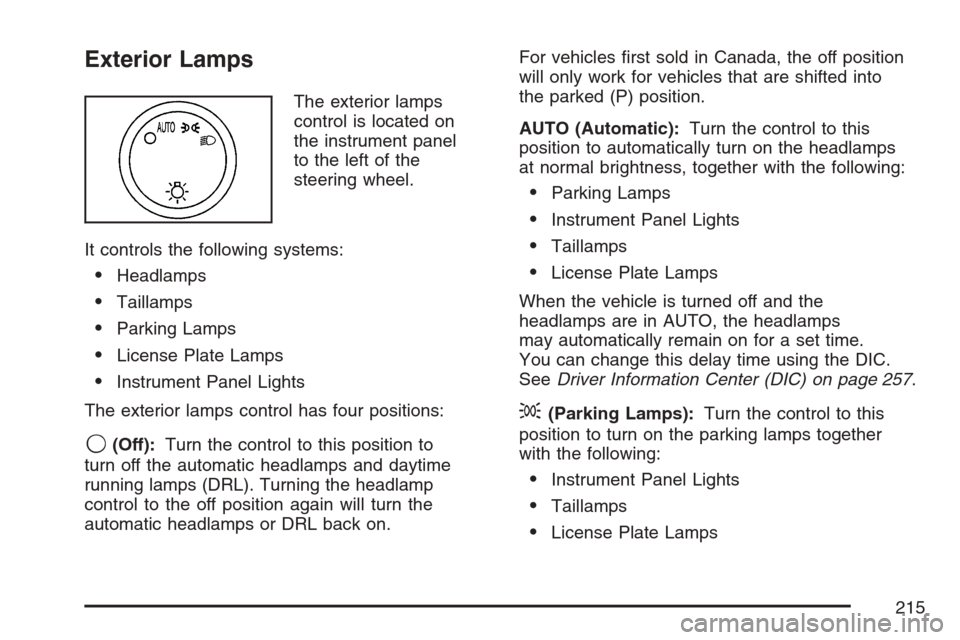
Exterior Lamps
The exterior lamps
control is located on
the instrument panel
to the left of the
steering wheel.
It controls the following systems:
Headlamps
Taillamps
Parking Lamps
License Plate Lamps
Instrument Panel Lights
The exterior lamps control has four positions:
9(Off):Turn the control to this position to
turn off the automatic headlamps and daytime
running lamps (DRL). Turning the headlamp
control to the off position again will turn the
automatic headlamps or DRL back on.For vehicles rst sold in Canada, the off position
will only work for vehicles that are shifted into
the parked (P) position.
AUTO (Automatic):Turn the control to this
position to automatically turn on the headlamps
at normal brightness, together with the following:
Parking Lamps
Instrument Panel Lights
Taillamps
License Plate Lamps
When the vehicle is turned off and the
headlamps are in AUTO, the headlamps
may automatically remain on for a set time.
You can change this delay time using the DIC.
SeeDriver Information Center (DIC) on page 257.
;(Parking Lamps):Turn the control to this
position to turn on the parking lamps together
with the following:
Instrument Panel Lights
Taillamps
License Plate Lamps
215
Page 216 of 618
2(Headlamps):Turn the control to this
position to turn on the headlamps together
with the following lamps listed below.
When the headlamps are turned on while the
vehicle is on, the headlamps will turn off
automatically 10 minutes after the ignition is
turned off. When the headlamps are turned
on while the vehicle is off, the headlamps will
continue to stay on. Turn the control to the
off position to turn the headlamps off or the
battery will be drained.
A warning chime will sound if you open the
driver’s door when the ignition switch is off
and the headlamps are on.
Parking Lamps
Instrument Panel Lights
Taillamps
License Plate Lamps
You can switch your headlamps from low to high
beam by pushing the turn signal/multifunction
lever toward the instrument panel.
Headlamps on Reminder
If a door is open, a reminder chime will sound
when your headlamps or parking lamps are
manually turned on and your key is out of the
ignition. To turn off the chime, turn the headlamp
switch to off or AUTO and then back on, or
close and re-open the door. In the AUTO mode,
the headlamps turn off once the ignition is in
LOCK or may remain on until the headlamp delay
ends (if enabled in the DIC). See “Exit Lighting”
underDIC Vehicle Customization (With DIC
Buttons) on page 278.
Daytime Running Lamps (DRL)
Daytime Running Lamps (DRL) can make it easier
for others to see the front of your vehicle during
the day. DRL can be helpful in many different
driving conditions, but they can be especially
helpful in the short periods after dawn and before
sunset. Fully functional daytime running lamps
are required on all vehicles rst sold in Canada.
216
Page 217 of 618

The DRL system will come on when the following
conditions are met:
The ignition is on.
The exterior lamps control is in AUTO.
The transmission is not in PARK (P).
The light sensor determines it is daytime.
When the DRL are on, only your DRL lamps will
be on. The taillamps, sidemarker, and other lamps
will not be on. The instrument panel will not be
lit up either.
When it begins to get dark, the automatic
headlamp system will switch from DRL to the
headlamps.
To turn off the DRL lamps, turn the exterior lamps
control to the OFF position and then release.
For vehicles rst sold in Canada, the transaxle
must be in the PARK (P) position, before the
DRL lamps can be turned off.
As with any vehicle, you should turn on the
regular headlamp system when you need it.
Automatic Headlamp System
When it is dark enough outside and the headlamp
switch is in AUTO, your automatic headlamp
system will turn on your headlamps at the normal
brightness along with other lamps such as the
taillamps, sidemarker, parking lamps, roof marker
lamps, and the instrument panel lights. The
radio lights will also be dim.
To turn off the automatic headlamp system,
turn the exterior lamps switch to the off position
and then release. For vehicles rst sold in Canada,
the transaxle must be in the PARK (P) position,
before the automatic headlamp system can
be turned off.
Your vehicle has a light sensor located on the
top of the instrument panel. Be sure it is not
covered, or the system will be on whenever the
ignition is on.
The system may also turn on your headlamps
when driving through a parking garage, heavy
overcast weather, or a tunnel. This is normal.
217
Page 218 of 618

There is a delay in the transition between
the daytime and nighttime operation of the
Daytime Running Lamps (DRL) and the
automatic headlamp systems so that driving
under bridges or bright overhead street lights
does not affect the system. The DRL and
automatic headlamp system will only be affected
when the light sensor sees a change in lighting
lasting longer than the delay.
If you start your vehicle in a dark garage,
the automatic headlamp system will come
on immediately. Once you leave the garage,
it will take approximately one minute for the
automatic headlamp system to change to DRL
if it is light outside. During that delay, your
instrument panel cluster may not be as bright
as usual. Make sure your instrument panel
brightness control is in the full bright position.
SeeInstrument Panel Brightness on page 219.Fog Lamps
If your vehicle has fog lamps you can use them
for better vision in foggy or misty conditions.
Your parking lamps and/or low-beam headlamps
must be on for your fog lamps to work.
The fog lamp button is located on the left side of
your instrument panel.
-(Fog Lamps):Press the button to turn the
fog lamps on. An indicator light will glow near
the button when the fog lamps are on. Press the
button again to turn them off.
Remember, fog lamps alone will not give off as
much light as your headlamps. Never use your
fog lamps in the dark without turning on the
headlamps.
218
Page 219 of 618
The fog lamps will go off whenever your high-beam
headlamps come on. When the high beams go
off, the fog lamps will come on again.
The fog lamps will be cancelled after the ignition is
turned off. If you still want to use the fog lamps
after you restart the vehicle, you will need to press
the fog lamp button again.
Some localities have laws that require the
headlamps to be on along with the fog lamps.
Exterior Cargo Lamps
You can use the cargo lamp if you need more
light in the cargo area of your vehicle or in
the top-box storage units. Some vehicles will only
have a cargo lamp in the driver side top box.
The cargo lamps come on by turning on the
interior dome lamps.
Instrument Panel Brightness
The knob for this feature is located next to the
exterior lamps control.
D(Instrument Panel Lights):Turn the knob
clockwise or counterclockwise to brighten or
dim the instrument panel lights and the radio
display. This will only work if the headlamps or
parking lamps are on.
To turn on the dome lamps, with the vehicle doors
closed, turn the knob all the way to the right.
219
Page 223 of 618
CAUTION: (Continued)
So if you do not use proper care before
backing up, you could hit a vehicle, child,
pedestrian, bicyclist, or pet, resulting in
vehicle damage, injury, or death. Even
though the vehicle has the URPA system,
always check carefully before backing up
by checking behind your vehicle.
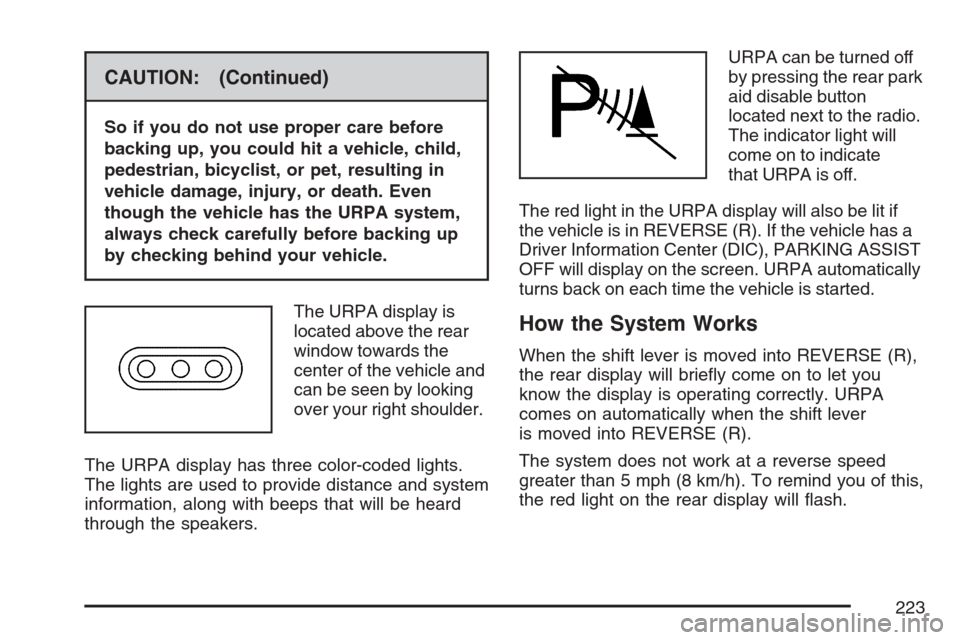
The URPA display is
located above the rear
window towards the
center of the vehicle and
can be seen by looking
over your right shoulder.
The URPA display has three color-coded lights.
The lights are used to provide distance and system
information, along with beeps that will be heard
through the speakers.URPA can be turned off
by pressing the rear park
aid disable button
located next to the radio.
The indicator light will
come on to indicate
that URPA is off.
The red light in the URPA display will also be lit if
the vehicle is in REVERSE (R). If the vehicle has a
Driver Information Center (DIC), PARKING ASSIST
OFF will display on the screen. URPA automatically
turns back on each time the vehicle is started.
How the System Works
When the shift lever is moved into REVERSE (R),
the rear display will briey come on to let you
know the display is operating correctly. URPA
comes on automatically when the shift lever
is moved into REVERSE (R).
The system does not work at a reverse speed
greater than 5 mph (8 km/h). To remind you of this,
the red light on the rear display will ash.
223
Page 224 of 618
How the System Works when Backing
If the shift lever is in REVERSE (R), URPA
detects objects close to the rear bumper. The
rst time an object is detected a single beep will
sound. If an object is detected at a REVERSE (R)
speed between 0 mph (0 km/h) and 5 mph
(8 km/h), the following describes what will occur
based on your distance to a detected object
located behind the vehicle:
At distances between 40 inches (1 m)
and 8 ft (2.5 m), a single amber light will
come on.
At distances between 23 inches (0.6 m)
and 40 inches (1 m), both amber lights
will be on.
At distances between 12 inches (0.3 m)
and 23 inches (0.6 m), all three lights
(amber/amber/red) will be on.
At distances less than 12 inches (0.3 m),
a beeping sound will repeat for a short
time and all three lights (amber/amber/red)
will ash.
When the System Does Not Seem to
Work Properly
If the URPA system will not activate due to a
temporary condition, the message PARKING
ASSIST OFF will be displayed on the DIC screen
and a red light will come on the URPA display
when the shift lever is moved into REVERSE (R).
This occurs under the following conditions:
The driver disables the system.
The parking brake pedal is depressed.
A trailer was attached to your vehicle, or a
bicycle or an object was hanging out of
your trunk during your last drive when you
turned off the vehicle. If the attached objects
are removed from your vehicle before the
start of your next drive, the system will return
to normal operation unless an object is
detected when the vehicle is shifted into
REVERSE (R). If this occurs, URPA assumes
the object is still attached, so you will have
to wait until the vehicle is driven forward
above 15 mph (25 km/h) before URPA will
return to normal operation.
224
Page 239 of 618
Warning Lights, Gages,
and Indicators
This part describes the warning lights and gages
on your vehicle. The pictures will help you
locate them.
Warning lights and gages can signal that
something is wrong before it becomes serious
enough to cause an expensive repair or
replacement. Paying attention to your warning
lights and gages could also save you or others
from injury.
Warning lights come on when there may be or
is a problem with one of your vehicle’s functions.
As you will see in the details on the next few
pages, some warning lights come on briey when
you start the engine just to let you know they
are working. If you are familiar with this section,
you should not be alarmed when this happens.Gages can indicate when there may be or is a
problem with one of your vehicle’s functions.
Often gages and warning lights work together
to let you know when there is a problem with your
vehicle.
When one of the warning lights comes on and
stays on when you are driving, or when one of
the gages shows there may be a problem, check
the section that tells you what to do about it.
Please follow this manual’s advice. Waiting to
do repairs can be costly — and even dangerous.
So please get to know your warning lights and
gages. They are a big help.
Your vehicle also has a Driver Information
Center (DIC) that works along with warning lights
and gages. SeeDIC Warnings and Messages
on page 267.
239