engine CHEVROLET AVALANCHE 2007 2.G Owner's Guide
[x] Cancel search | Manufacturer: CHEVROLET, Model Year: 2007, Model line: AVALANCHE, Model: CHEVROLET AVALANCHE 2007 2.GPages: 618, PDF Size: 3.25 MB
Page 234 of 618
The air delivery mode setting will be displayed
and the AUTO light will turn off. The fan will
remain under automatic control.
H(Vent):This setting will deliver air to the
instrument panel outlets.
)(Bi-Level):This mode directs half of the
air to the instrument panel outlets and to the
oor outlets. The ow can be divided between
vent and oor outlets depending upon where the
knob is placed between the settings. A little
air is directed towards the windshield and side
window outlets. Cooler air is directed to the
upper outlets and warmer air to the oor outlets.
6(Floor):This mode directs most of the air
to the oor outlets, with some of the air directed
to the windshield, side window outlets, and
second row oor outlets. In this mode, the system
will automatically select outside air.
-(Defog):See “Defogging and Defrosting” later
in this section.
@(Recirculation):Press this button to turn
the recirculation mode on. When the button
is pressed, an indicator light will come on.
This mode keeps outside air from entering the
vehicle. It can be used to reduce outside air
and prevent odors from entering your vehicle.
Recirculation may also help cool the air inside
your vehicle more quickly once the temperature
inside the vehicle is less than the outside
temperature.
The recirculation mode cannot be used with
oor, defrost, or defogging modes. If you try to
select recirculation in one of those modes,
the indicator will ash three times and turn off.
The air conditioning compressor will also come on
when this mode is activated. While in recirculation
mode the windows may fog when the weather
is cold and damp. To clear the fog, select either
the defog or defrost mode and increase the
fan speed. Recirculation mode can be turned off
by pressing the button again, or turning off
the engine.
234
Page 235 of 618
;(Outside Air):Press this button to turn
on the outside air mode. When this mode is
selected, air from outside the vehicle will circulate
throughout your vehicle. An indicator light on
the button will come on to let you know that it
is activated. The outside air mode can be
used with all modes, but it cannot be used with
the recirculation mode. Pressing this button
again will cancel the recirculation mode.
Air Conditioning
#
(Air Conditioning):Press this button to
turn the air conditioning (A/C) compressor on
and off. When air conditioning is selected,
an indicator light will come on to let you know
that the air conditioning has been activated.
Pressing this button when the outside
temperature is too cool for air conditioning
will make the air conditioning indicator ash
three times and then turn off to let you know
the air conditioning mode is not available.If the air conditioning is on and the outside
temperature drops below a temperature which
is too cool for air conditioning to be effective,
the air conditioning light will turn off to let
you know the air conditioning mode has been
canceled.
On hot days, open the windows long enough to
let hot inside air escape. This helps to reduce
the time it takes for your vehicle to cool down.
It also helps the system to operate more
efficiently.
The air conditioning system removes moisture
from the air, so you may sometimes notice a
small amount of water dripping underneath
your vehicle while idling or after turning off the
engine. This is normal.
235
Page 238 of 618
Rear Window Defogger
The rear window defogger uses a warming grid
to remove fog from the rear window.
<(Rear Window Defogger):Press this button
to turn on the rear window defogger. It will
automatically turn off several minutes after it
has been activated. The defogger can also be
turned off by pressing the button again or by
turning off the engine. Do not drive the vehicle
until all the windows are clear.
If your vehicle has heated outside rearview
mirrors, the mirrors will heat to help clear fog
or frost from the surface of the mirror when
the rear window defog button is pressed.
Notice:Do not use a razor blade or sharp
object to clear the inside rear window. Do not
adhere anything to the defogger grid lines
in the rear glass. These actions may damage
the rear defogger. Repairs would not be
covered by your warranty.
Outlet Adjustment
Your vehicle has air outlets located in the center
and on the side of your instrument panel that
allow you to adjust the direction and amount of
airow inside the vehicle. Move the louvers up or
down. Use the thumbwheel next to or underneath
the outlet to close the louvers. For the most
efficient airow and temperature control, keep
the outlet in the fully opened position.
Operation Tips
Keep the hood and front air inlets free of ice,
snow, or any other obstruction, such as
leaves. The heater and defroster will work far
better, reducing the chance of fogging the
inside of your windows.
Keep the air path under the front seats clear
of objects. This helps air to circulate
throughout your vehicle.
Adding outside equipment to the front of your
vehicle, such as hood-air deectors, etc.,
may affect the performance of the heating
and air conditioning system. Check with
your dealer before adding equipment to the
outside of your vehicle.
238
Page 239 of 618
Warning Lights, Gages,
and Indicators
This part describes the warning lights and gages
on your vehicle. The pictures will help you
locate them.
Warning lights and gages can signal that
something is wrong before it becomes serious
enough to cause an expensive repair or
replacement. Paying attention to your warning
lights and gages could also save you or others
from injury.
Warning lights come on when there may be or
is a problem with one of your vehicle’s functions.
As you will see in the details on the next few
pages, some warning lights come on briey when
you start the engine just to let you know they
are working. If you are familiar with this section,
you should not be alarmed when this happens.Gages can indicate when there may be or is a
problem with one of your vehicle’s functions.
Often gages and warning lights work together
to let you know when there is a problem with your
vehicle.
When one of the warning lights comes on and
stays on when you are driving, or when one of
the gages shows there may be a problem, check
the section that tells you what to do about it.
Please follow this manual’s advice. Waiting to
do repairs can be costly — and even dangerous.
So please get to know your warning lights and
gages. They are a big help.
Your vehicle also has a Driver Information
Center (DIC) that works along with warning lights
and gages. SeeDIC Warnings and Messages
on page 267.
239
Page 241 of 618
Speedometer and Odometer
Your speedometer lets you see your speed in
both miles per hour (mph) and kilometers per
hour (km/h). Your odometer shows how far
your vehicle has been driven, in either miles
(used in the United States) or kilometers
(used in Canada).
Trip Odometer
The trip odometer can tell you how far your
vehicle has been driven since you last set the
trip odometer to zero.
Press the reset button, located on the instrument
panel cluster next to the trip odometer display,
to toggle between the trip odometer and the
regular odometer. Holding the reset button for
approximately one second while the trip odometer
is displayed will reset it.
To display the odometer reading with the ignition
off, press the reset button.
Tachometer
Your tachometer displays the engine speed in
revolutions per minute (rpm).
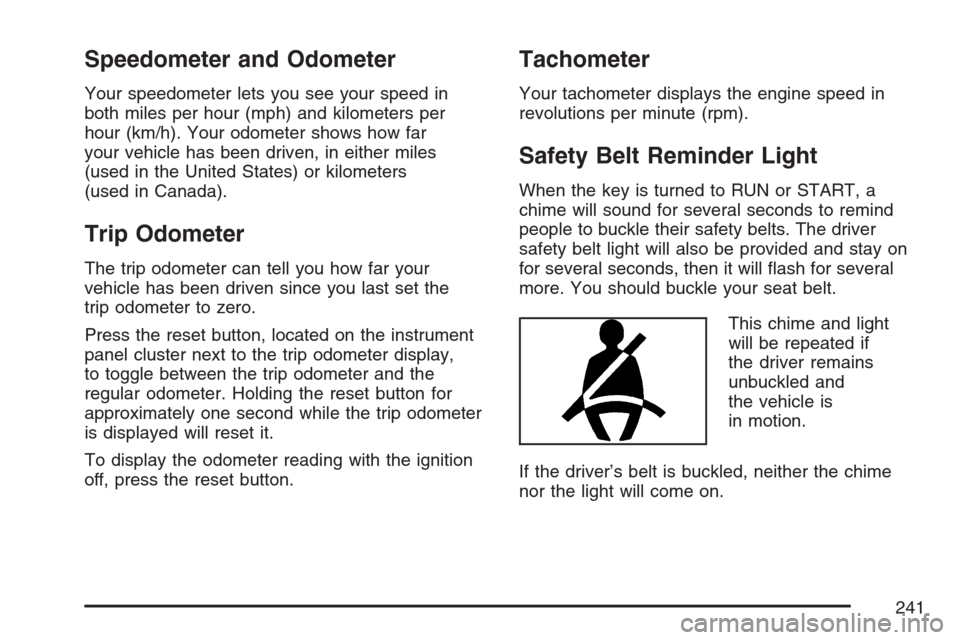
Safety Belt Reminder Light
When the key is turned to RUN or START, a
chime will sound for several seconds to remind
people to buckle their safety belts. The driver
safety belt light will also be provided and stay on
for several seconds, then it will ash for several
more. You should buckle your seat belt.
This chime and light
will be repeated if
the driver remains
unbuckled and
the vehicle is
in motion.
If the driver’s belt is buckled, neither the chime
nor the light will come on.
241
Page 245 of 618
If, after several seconds, all status indicator lights
remain on, or if there are no lights at all, there
may be a problem with the lights or the passenger
sensing system. See your dealer for service.
{CAUTION:
If the off indicator and the airbag
readiness light ever come on together,
it means that something may be wrong
with the airbag system. If this ever
happens, have the vehicle serviced
promptly, because an adult-size person
sitting in the right front passenger seat
may not have the protection of the frontal
airbag. SeeAirbag Readiness Light
on page 242.
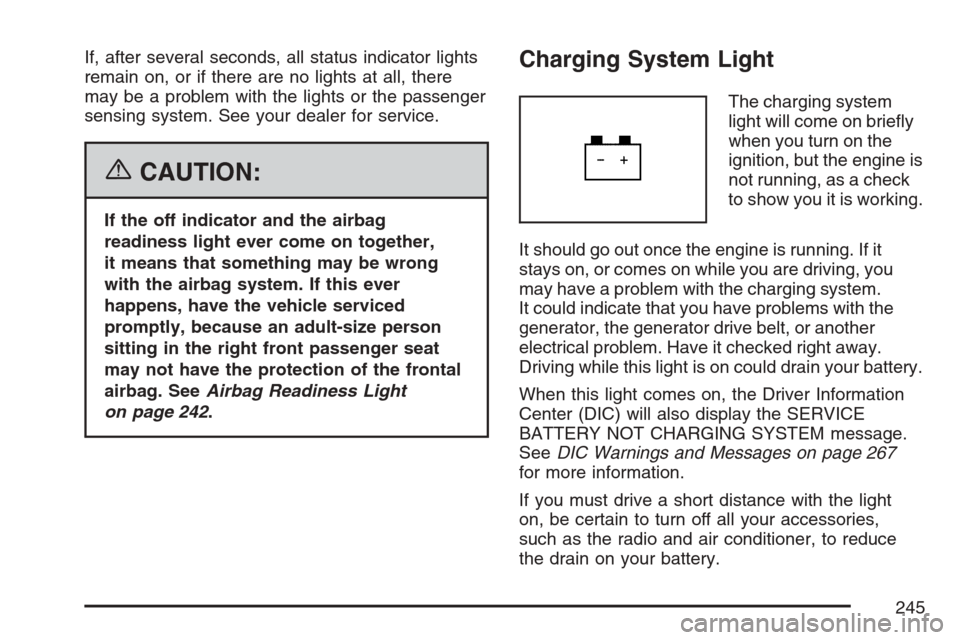
Charging System Light
The charging system
light will come on briey
when you turn on the
ignition, but the engine is
not running, as a check
to show you it is working.
It should go out once the engine is running. If it
stays on, or comes on while you are driving, you
may have a problem with the charging system.
It could indicate that you have problems with the
generator, the generator drive belt, or another
electrical problem. Have it checked right away.
Driving while this light is on could drain your battery.
When this light comes on, the Driver Information
Center (DIC) will also display the SERVICE
BATTERY NOT CHARGING SYSTEM message.
SeeDIC Warnings and Messages on page 267
for more information.
If you must drive a short distance with the light
on, be certain to turn off all your accessories,
such as the radio and air conditioner, to reduce
the drain on your battery.
245
Page 246 of 618
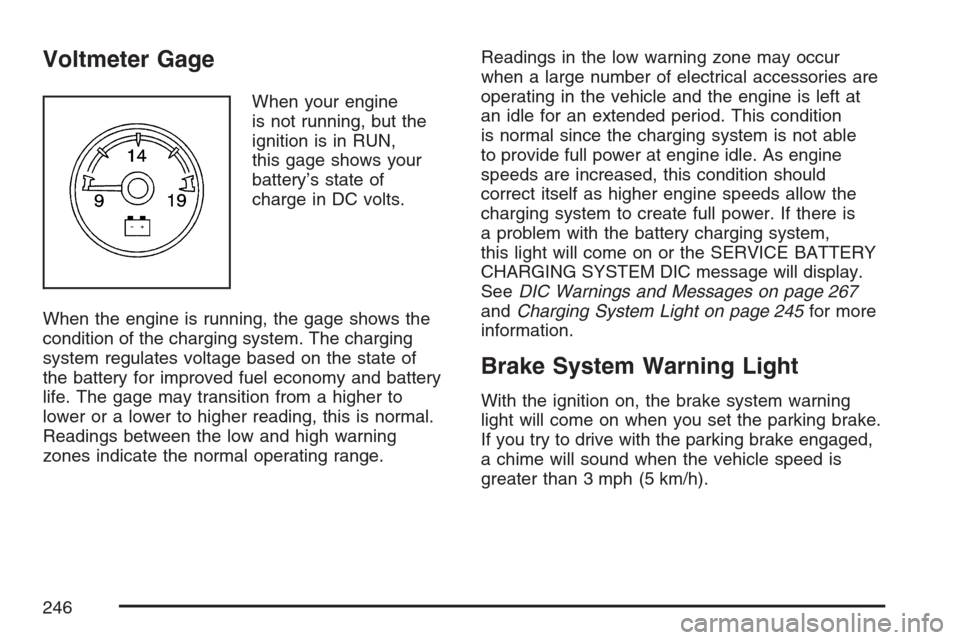
Voltmeter Gage
When your engine
is not running, but the
ignition is in RUN,
this gage shows your
battery’s state of
charge in DC volts.
When the engine is running, the gage shows the
condition of the charging system. The charging
system regulates voltage based on the state of
the battery for improved fuel economy and battery
life. The gage may transition from a higher to
lower or a lower to higher reading, this is normal.
Readings between the low and high warning
zones indicate the normal operating range.Readings in the low warning zone may occur
when a large number of electrical accessories are
operating in the vehicle and the engine is left at
an idle for an extended period. This condition
is normal since the charging system is not able
to provide full power at engine idle. As engine
speeds are increased, this condition should
correct itself as higher engine speeds allow the
charging system to create full power. If there is
a problem with the battery charging system,
this light will come on or the SERVICE BATTERY
CHARGING SYSTEM DIC message will display.
SeeDIC Warnings and Messages on page 267
andCharging System Light on page 245for more
information.
Brake System Warning Light
With the ignition on, the brake system warning
light will come on when you set the parking brake.
If you try to drive with the parking brake engaged,
a chime will sound when the vehicle speed is
greater than 3 mph (5 km/h).
246
Page 248 of 618
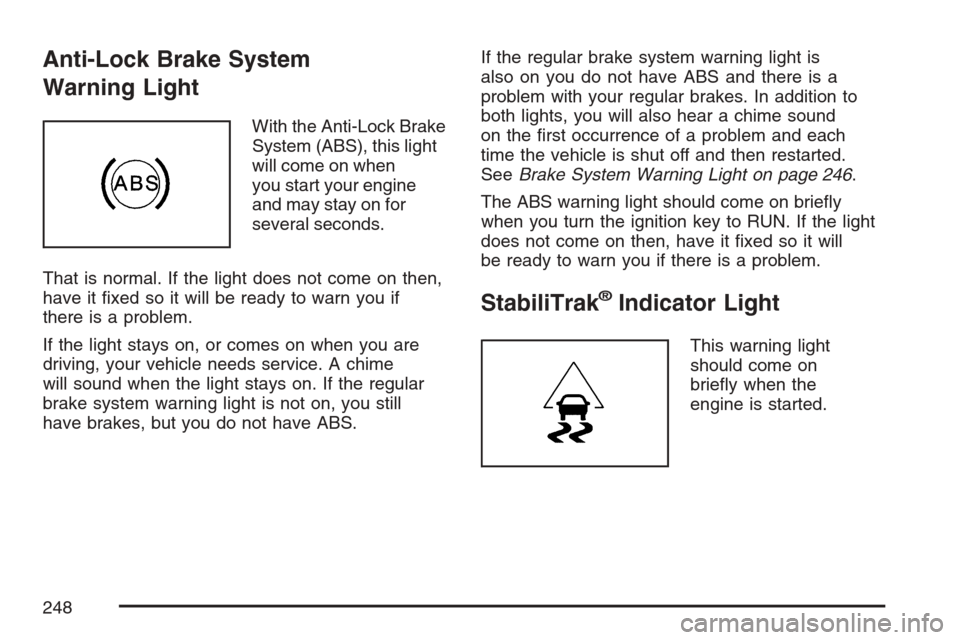
Anti-Lock Brake System
Warning Light
With the Anti-Lock Brake
System (ABS), this light
will come on when
you start your engine
and may stay on for
several seconds.
That is normal. If the light does not come on then,
have it xed so it will be ready to warn you if
there is a problem.
If the light stays on, or comes on when you are
driving, your vehicle needs service. A chime
will sound when the light stays on. If the regular
brake system warning light is not on, you still
have brakes, but you do not have ABS.If the regular brake system warning light is
also on you do not have ABS and there is a
problem with your regular brakes. In addition to
both lights, you will also hear a chime sound
on the rst occurrence of a problem and each
time the vehicle is shut off and then restarted.
SeeBrake System Warning Light on page 246.
The ABS warning light should come on briey
when you turn the ignition key to RUN. If the light
does not come on then, have it xed so it will
be ready to warn you if there is a problem.
StabiliTrak®Indicator Light
This warning light
should come on
briey when the
engine is started.
248
Page 249 of 618
If the warning light does not come on then, have
it xed so it will be ready to warn you if there
is a problem. If it stays on, or comes on when
you are driving, there may be a problem with your
StabiliTrak
®system and your vehicle may need
service. When this warning light is on, the system
is off and will not limit wheel spin. Adjust your
driving accordingly.
This light will also ash when the StabiliTrak
®
system is active.
If the StabiliTrak
®system warning light comes on
and stays on for an extended period of time when
the system is turned on, your vehicle needs service.
SeeStabiliTrak
®System on page 359for more
information.
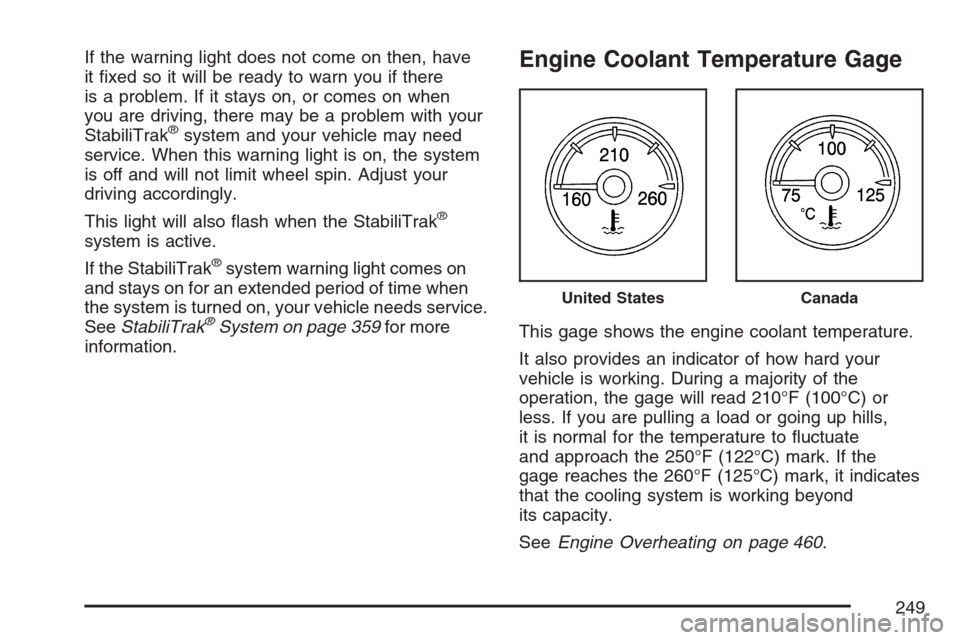
Engine Coolant Temperature Gage
This gage shows the engine coolant temperature.
It also provides an indicator of how hard your
vehicle is working. During a majority of the
operation, the gage will read 210°F (100°C) or
less. If you are pulling a load or going up hills,
it is normal for the temperature to uctuate
and approach the 250°F (122°C) mark. If the
gage reaches the 260°F (125°C) mark, it indicates
that the cooling system is working beyond
its capacity.
SeeEngine Overheating on page 460.
United StatesCanada
249
Page 250 of 618
Tire Pressure Light
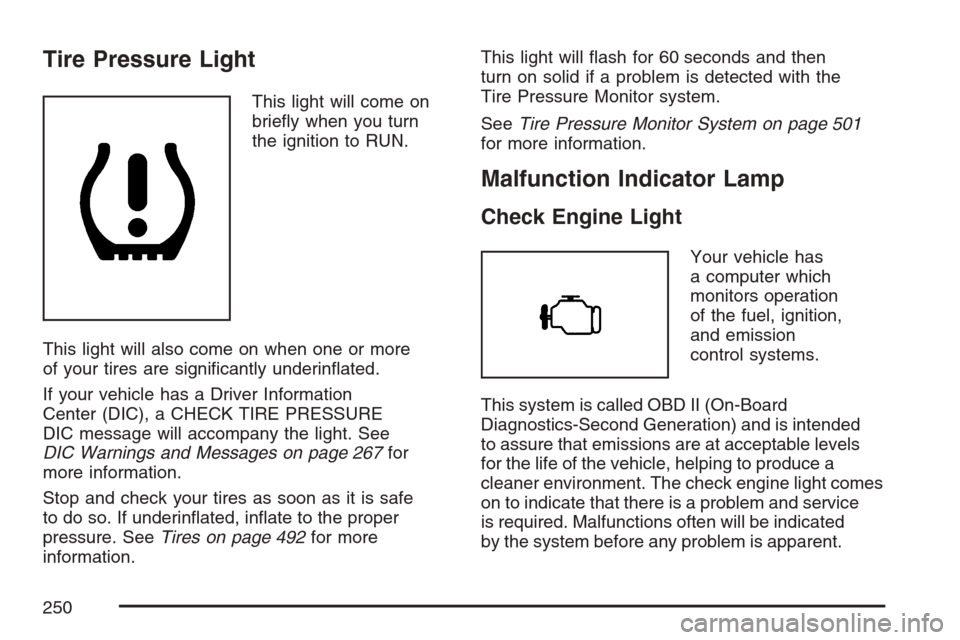
This light will come on
briey when you turn
the ignition to RUN.
This light will also come on when one or more
of your tires are signicantly underinated.
If your vehicle has a Driver Information
Center (DIC), a CHECK TIRE PRESSURE
DIC message will accompany the light. See
DIC Warnings and Messages on page 267for
more information.
Stop and check your tires as soon as it is safe
to do so. If underinated, inate to the proper
pressure. SeeTires on page 492for more
information.This light will ash for 60 seconds and then
turn on solid if a problem is detected with the
Tire Pressure Monitor system.
SeeTire Pressure Monitor System on page 501
for more information.
Malfunction Indicator Lamp
Check Engine Light
Your vehicle has
a computer which
monitors operation
of the fuel, ignition,
and emission
control systems.
This system is called OBD II (On-Board
Diagnostics-Second Generation) and is intended
to assure that emissions are at acceptable levels
for the life of the vehicle, helping to produce a
cleaner environment. The check engine light comes
on to indicate that there is a problem and service
is required. Malfunctions often will be indicated
by the system before any problem is apparent.
250