ignition CHEVROLET AVALANCHE 2011 2.G Owner's Manual
[x] Cancel search | Manufacturer: CHEVROLET, Model Year: 2011, Model line: AVALANCHE, Model: CHEVROLET AVALANCHE 2011 2.GPages: 528, PDF Size: 7.65 MB
Page 154 of 528
Black plate (8,1)Chevrolet Avalanche Owner Manual - 2011
5-8 Instruments and Controls
3. Press the set/reset button tostart the compass calibration.
Or, if the vehicle does not have
DIC buttons, press and hold the
trip odometer reset stem for
two seconds to start the
compass calibration.
4. The DIC will display CALIBRATING: DRIVE IN
CIRCLES. Drive the vehicle in
tight circles at less than
8 km/h (5 mph) to complete the
calibration. The DIC will display
CALIBRATION COMPLETE for
a few seconds when the
calibration is complete.
The DIC display will then
return to the previous menu.Clock
To set the time and date:
1. Turn the ignition key to ACC/ACCESSORY or ON/RUN, then
press the
Obutton to turn the
radio on.
2. Press the
Hbutton to display
HR, MIN, MM, DD, YYYY (hour,
minute, month, day, and year).
3. Press the softkey located under any one of the tabs to change
that setting.
4. To increase the time or date, do one of the following:
.Press the softkey below the
selected tab.
.Press the¨SEEK button.
.Press the\FWD button.
.Turn thefknob clockwise. 5. To decrease the time or date, do
one of the following:
.Press the©SEEK button.
.Press thesREV button.
.Turn thefknob
counterclockwise.
To change the time default setting
from 12 hour to 24 hour or to change
the date default setting from
month/day/year to day/month/year:
1. Press the
Hbutton and then
the softkey located below the
forward arrow tab. 12H, 24H, the
date MM/DD (month and day),
and DD/MM/ (day and month)
displays.
2. Press the softkey located below the desired option.
3. Press the
Hbutton again to
apply the desired option, or let
the screen time out.
Page 158 of 528
Black plate (12,1)Chevrolet Avalanche Owner Manual - 2011
5-12 Instruments and Controls
Speedometer
The speedometer shows the
vehicle's speed in both kilometers
per hour (km/h) and miles per
hour (mph).
Odometer
The odometer shows how far the
vehicle has been driven, in either
kilometers or miles.
Trip Odometer
The trip odometer can show how far
the vehicle has been driven since
the trip odometer was last set
to zero.
Press the reset button, located on
the instrument panel cluster next to
the trip odometer display, to toggle
between the trip odometer and the
regular odometer. Holding the reset
button for approximately one second
while the trip odometer is displayed
resets it.To display the odometer reading
with the ignition off, press the
reset button.
Tachometer
The tachometer displays the
engine speed in revolutions per
minute (rpm).
Page 159 of 528
Black plate (13,1)Chevrolet Avalanche Owner Manual - 2011
Instruments and Controls 5-13
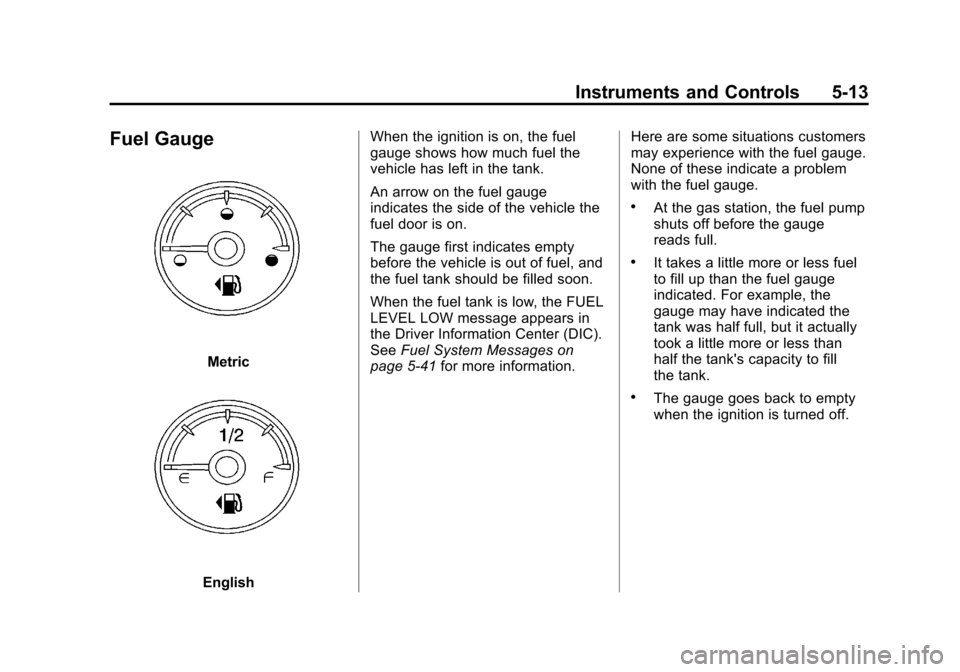
Fuel Gauge
Metric
EnglishWhen the ignition is on, the fuel
gauge shows how much fuel the
vehicle has left in the tank.
An arrow on the fuel gauge
indicates the side of the vehicle the
fuel door is on.
The gauge first indicates empty
before the vehicle is out of fuel, and
the fuel tank should be filled soon.
When the fuel tank is low, the FUEL
LEVEL LOW message appears in
the Driver Information Center (DIC).
See
Fuel System Messages on
page 5‑41 for more information. Here are some situations customers
may experience with the fuel gauge.
None of these indicate a problem
with the fuel gauge.
.At the gas station, the fuel pump
shuts off before the gauge
reads full.
.It takes a little more or less fuel
to fill up than the fuel gauge
indicated. For example, the
gauge may have indicated the
tank was half full, but it actually
took a little more or less than
half the tank's capacity to fill
the tank.
.The gauge goes back to empty
when the ignition is turned off.
Page 162 of 528
Black plate (16,1)Chevrolet Avalanche Owner Manual - 2011
5-16 Instruments and Controls
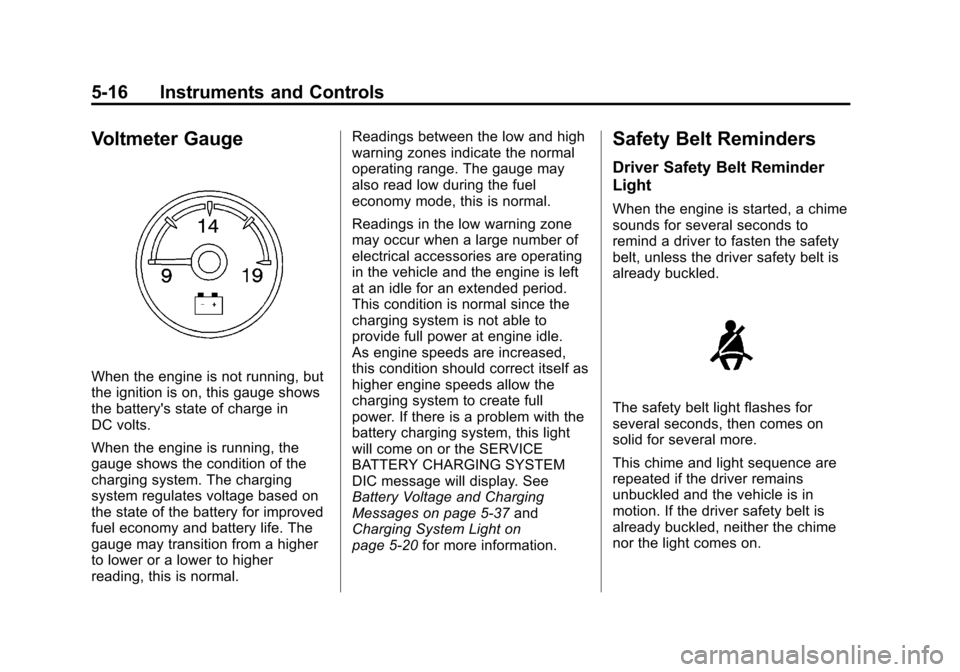
Voltmeter Gauge
When the engine is not running, but
the ignition is on, this gauge shows
the battery's state of charge in
DC volts.
When the engine is running, the
gauge shows the condition of the
charging system. The charging
system regulates voltage based on
the state of the battery for improved
fuel economy and battery life. The
gauge may transition from a higher
to lower or a lower to higher
reading, this is normal.Readings between the low and high
warning zones indicate the normal
operating range. The gauge may
also read low during the fuel
economy mode, this is normal.
Readings in the low warning zone
may occur when a large number of
electrical accessories are operating
in the vehicle and the engine is left
at an idle for an extended period.
This condition is normal since the
charging system is not able to
provide full power at engine idle.
As engine speeds are increased,
this condition should correct itself as
higher engine speeds allow the
charging system to create full
power. If there is a problem with the
battery charging system, this light
will come on or the SERVICE
BATTERY CHARGING SYSTEM
DIC message will display. See
Battery Voltage and Charging
Messages on page 5‑37
and
Charging System Light on
page 5‑20 for more information.
Safety Belt Reminders
Driver Safety Belt Reminder
Light
When the engine is started, a chime
sounds for several seconds to
remind a driver to fasten the safety
belt, unless the driver safety belt is
already buckled.
The safety belt light flashes for
several seconds, then comes on
solid for several more.
This chime and light sequence are
repeated if the driver remains
unbuckled and the vehicle is in
motion. If the driver safety belt is
already buckled, neither the chime
nor the light comes on.
Page 166 of 528
Black plate (20,1)Chevrolet Avalanche Owner Manual - 2011
5-20 Instruments and Controls
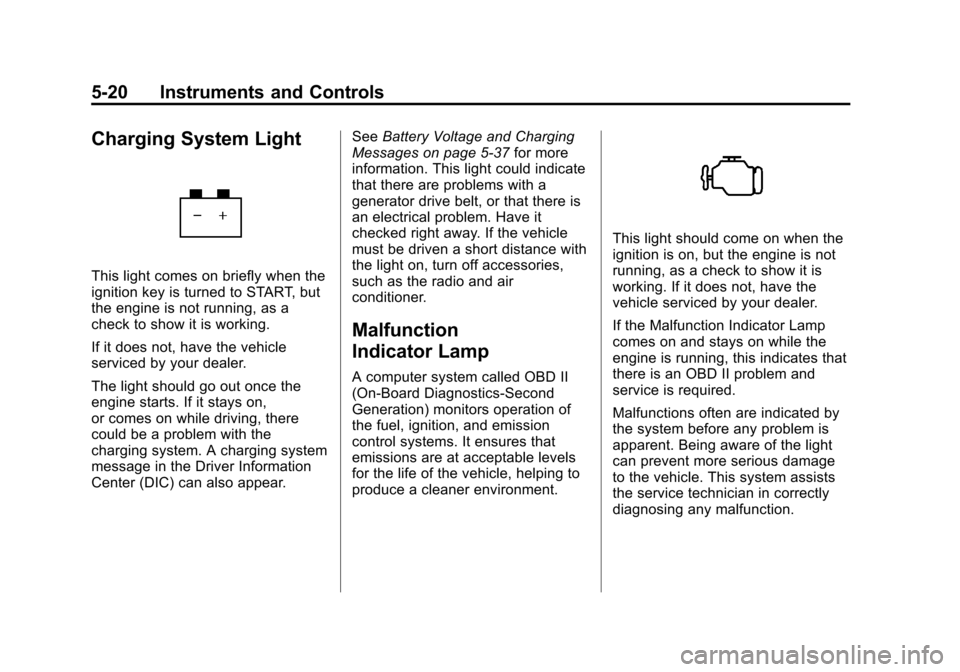
Charging System Light
This light comes on briefly when the
ignition key is turned to START, but
the engine is not running, as a
check to show it is working.
If it does not, have the vehicle
serviced by your dealer.
The light should go out once the
engine starts. If it stays on,
or comes on while driving, there
could be a problem with the
charging system. A charging system
message in the Driver Information
Center (DIC) can also appear.See
Battery Voltage and Charging
Messages on page 5‑37 for more
information. This light could indicate
that there are problems with a
generator drive belt, or that there is
an electrical problem. Have it
checked right away. If the vehicle
must be driven a short distance with
the light on, turn off accessories,
such as the radio and air
conditioner.
Malfunction
Indicator Lamp
A computer system called OBD II
(On-Board Diagnostics-Second
Generation) monitors operation of
the fuel, ignition, and emission
control systems. It ensures that
emissions are at acceptable levels
for the life of the vehicle, helping to
produce a cleaner environment.
This light should come on when the
ignition is on, but the engine is not
running, as a check to show it is
working. If it does not, have the
vehicle serviced by your dealer.
If the Malfunction Indicator Lamp
comes on and stays on while the
engine is running, this indicates that
there is an OBD II problem and
service is required.
Malfunctions often are indicated by
the system before any problem is
apparent. Being aware of the light
can prevent more serious damage
to the vehicle. This system assists
the service technician in correctly
diagnosing any malfunction.
Page 168 of 528
Black plate (22,1)Chevrolet Avalanche Owner Manual - 2011
5-22 Instruments and Controls
.Make sure to fuel the vehicle
with quality fuel. Poor fuel quality
causes the engine not to run as
efficiently as designed and can
cause: stalling after start-up,
stalling when the vehicle is
changed into gear, misfiring,
hesitation on acceleration,
or stumbling on acceleration.
These conditions might go away
once the engine is warmed up.
If one or more of these
conditions occurs, change the
fuel brand used. It will require at
least one full tank of the proper
fuel to turn the light off.
SeeRecommended Fuel on
page 9‑68.
If none of the above have made the
light turn off, your dealer can check
the vehicle. The dealer has the
proper test equipment and
diagnostic tools to fix any
mechanical or electrical problems
that might have developed.Emissions Inspection and
Maintenance Programs
Some state/provincial and local
governments may have programs to
inspect the on-vehicle emission
control equipment. For the
inspection, the emission system test
equipment is connected to the
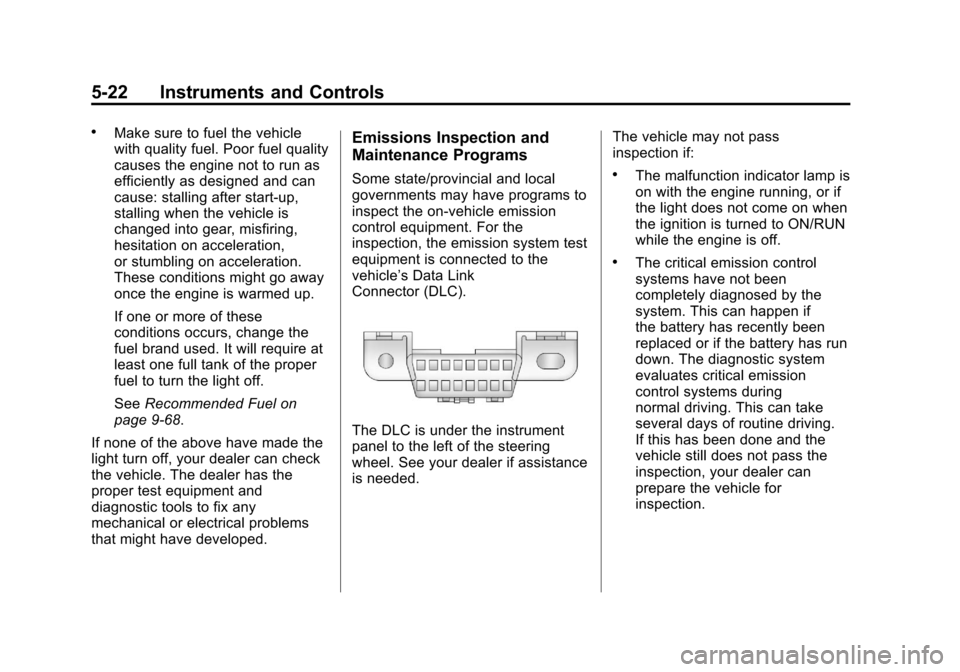
vehicle’s Data Link
Connector (DLC).
The DLC is under the instrument
panel to the left of the steering
wheel. See your dealer if assistance
is needed. The vehicle may not pass
inspection if:
.The malfunction indicator lamp is
on with the engine running, or if
the light does not come on when
the ignition is turned to ON/RUN
while the engine is off.
.The critical emission control
systems have not been
completely diagnosed by the
system. This can happen if
the battery has recently been
replaced or if the battery has run
down. The diagnostic system
evaluates critical emission
control systems during
normal driving. This can take
several days of routine driving.
If this has been done and the
vehicle still does not pass the
inspection, your dealer can
prepare the vehicle for
inspection.
Page 169 of 528
Black plate (23,1)Chevrolet Avalanche Owner Manual - 2011
Instruments and Controls 5-23
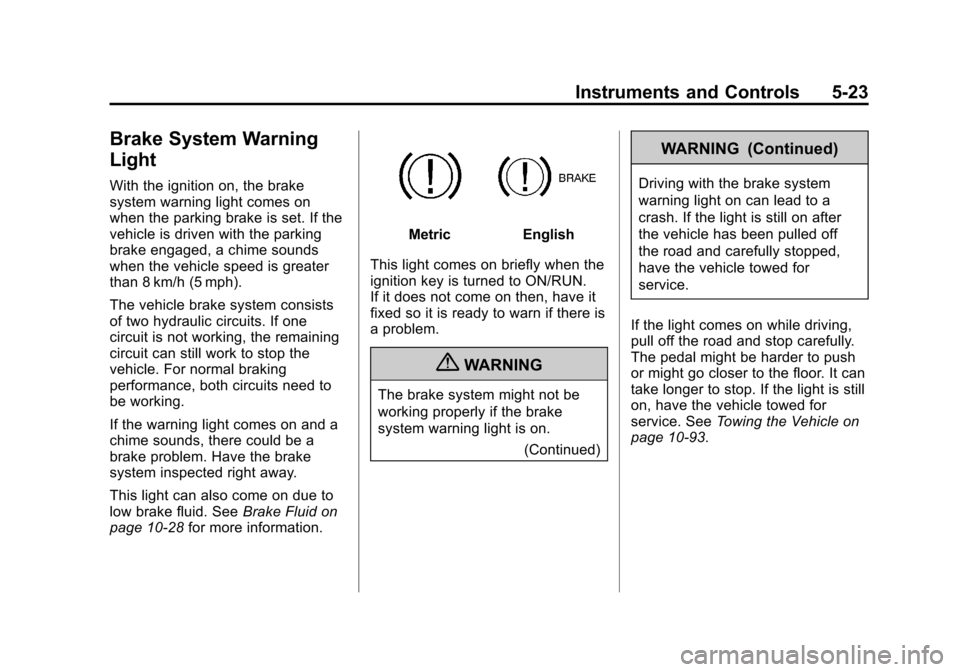
Brake System Warning
Light
With the ignition on, the brake
system warning light comes on
when the parking brake is set. If the
vehicle is driven with the parking
brake engaged, a chime sounds
when the vehicle speed is greater
than 8 km/h (5 mph).
The vehicle brake system consists
of two hydraulic circuits. If one
circuit is not working, the remaining
circuit can still work to stop the
vehicle. For normal braking
performance, both circuits need to
be working.
If the warning light comes on and a
chime sounds, there could be a
brake problem. Have the brake
system inspected right away.
This light can also come on due to
low brake fluid. SeeBrake Fluid on
page 10‑28 for more information.
MetricEnglish
This light comes on briefly when the
ignition key is turned to ON/RUN.
If it does not come on then, have it
fixed so it is ready to warn if there is
a problem.
{WARNING
The brake system might not be
working properly if the brake
system warning light is on. (Continued)
WARNING (Continued)
Driving with the brake system
warning light on can lead to a
crash. If the light is still on after
the vehicle has been pulled off
the road and carefully stopped,
have the vehicle towed for
service.
If the light comes on while driving,
pull off the road and stop carefully.
The pedal might be harder to push
or might go closer to the floor. It can
take longer to stop. If the light is still
on, have the vehicle towed for
service. See Towing the Vehicle on
page 10‑93.
Page 170 of 528
Black plate (24,1)Chevrolet Avalanche Owner Manual - 2011
5-24 Instruments and Controls
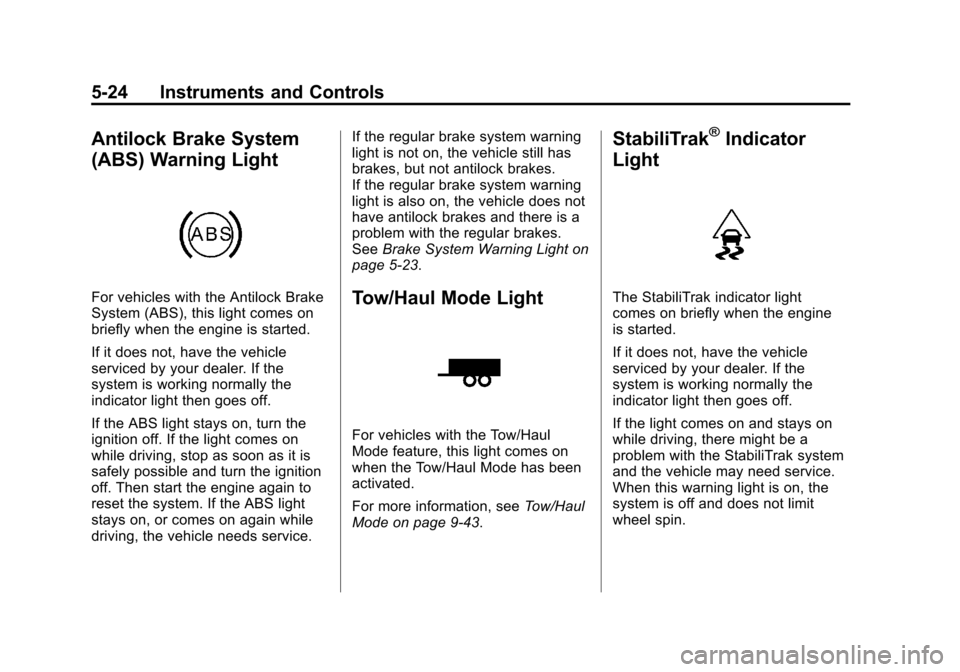
Antilock Brake System
(ABS) Warning Light
For vehicles with the Antilock Brake
System (ABS), this light comes on
briefly when the engine is started.
If it does not, have the vehicle
serviced by your dealer. If the
system is working normally the
indicator light then goes off.
If the ABS light stays on, turn the
ignition off. If the light comes on
while driving, stop as soon as it is
safely possible and turn the ignition
off. Then start the engine again to
reset the system. If the ABS light
stays on, or comes on again while
driving, the vehicle needs service.If the regular brake system warning
light is not on, the vehicle still has
brakes, but not antilock brakes.
If the regular brake system warning
light is also on, the vehicle does not
have antilock brakes and there is a
problem with the regular brakes.
See
Brake System Warning Light on
page 5‑23.Tow/Haul Mode Light
For vehicles with the Tow/Haul
Mode feature, this light comes on
when the Tow/Haul Mode has been
activated.
For more information, see Tow/Haul
Mode on page 9‑43.
StabiliTrak®Indicator
Light
The StabiliTrak indicator light
comes on briefly when the engine
is started.
If it does not, have the vehicle
serviced by your dealer. If the
system is working normally the
indicator light then goes off.
If the light comes on and stays on
while driving, there might be a
problem with the StabiliTrak system
and the vehicle may need service.
When this warning light is on, the
system is off and does not limit
wheel spin.
Page 171 of 528
Black plate (25,1)Chevrolet Avalanche Owner Manual - 2011
Instruments and Controls 5-25
The light flashes if the system is
active and is working to assist the
driver with directional control of the
vehicle in difficult driving conditions.
SeeStabiliTrak
®System on
page 9‑54 for more information.
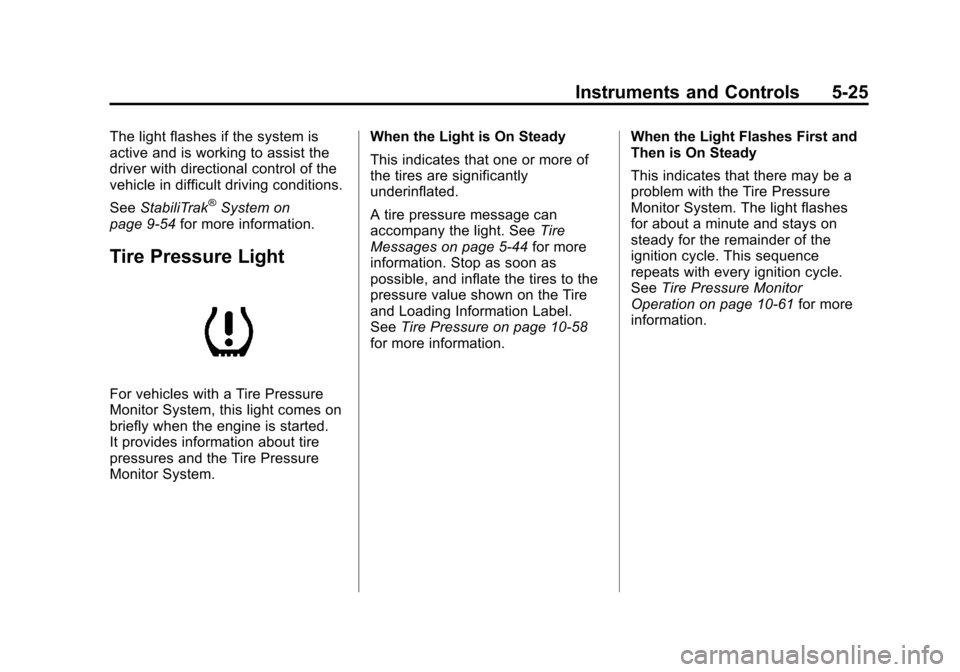
Tire Pressure Light
For vehicles with a Tire Pressure
Monitor System, this light comes on
briefly when the engine is started.
It provides information about tire
pressures and the Tire Pressure
Monitor System. When the Light is On Steady
This indicates that one or more of
the tires are significantly
underinflated.
A tire pressure message can
accompany the light. See
Tire
Messages on page 5‑44 for more
information. Stop as soon as
possible, and inflate the tires to the
pressure value shown on the Tire
and Loading Information Label.
See Tire Pressure on page 10‑58
for more information. When the Light Flashes First and
Then is On Steady
This indicates that there may be a
problem with the Tire Pressure
Monitor System. The light flashes
for about a minute and stays on
steady for the remainder of the
ignition cycle. This sequence
repeats with every ignition cycle.
See
Tire Pressure Monitor
Operation on page 10‑61 for more
information.
Page 174 of 528
Black plate (28,1)Chevrolet Avalanche Owner Manual - 2011
5-28 Instruments and Controls
Information Displays
Driver Information
Center (DIC)
Your vehicle has a Driver
Information Center (DIC).
The DIC displays information about
your vehicle. It also displays
warning messages if a system
problem is detected.
All messages will appear in the
DIC display located below the
tachometer in the instrument panel
cluster.
The DIC comes on when the ignition
is on. After a short delay, the DIC
will display the information that was
last displayed before the engine
was turned off.
Operation and Displays
The DIC has different displays
which can be accessed by pressing
the DIC buttons located on the
instrument panel, next to the
steering wheel. If the vehicle does
not have DIC buttons, the trip
odometer reset stem can be used to
access some of the menu items
The DIC displays trip, fuel, and
vehicle system information, and
warning messages if a system
problem is detected.
The DIC also allows some features
to be customized. SeeVehicle
Personalization (With DIC Buttons)
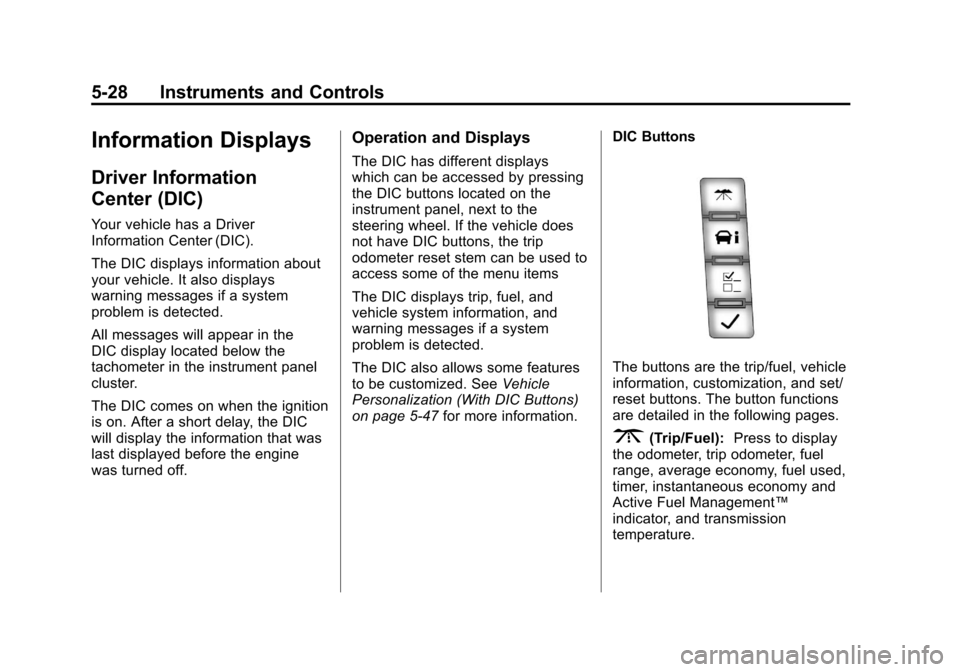
on page 5‑47 for more information. DIC Buttons
The buttons are the trip/fuel, vehicle
information, customization, and set/
reset buttons. The button functions
are detailed in the following pages.
3(Trip/Fuel):
Press to display
the odometer, trip odometer, fuel
range, average economy, fuel used,
timer, instantaneous economy and
Active Fuel Management™
indicator, and transmission
temperature.