instrument panel CHEVROLET AVEO 2004 1.G Owner's Manual
[x] Cancel search | Manufacturer: CHEVROLET, Model Year: 2004, Model line: AVEO, Model: CHEVROLET AVEO 2004 1.GPages: 334, PDF Size: 2.35 MB
Page 113 of 334
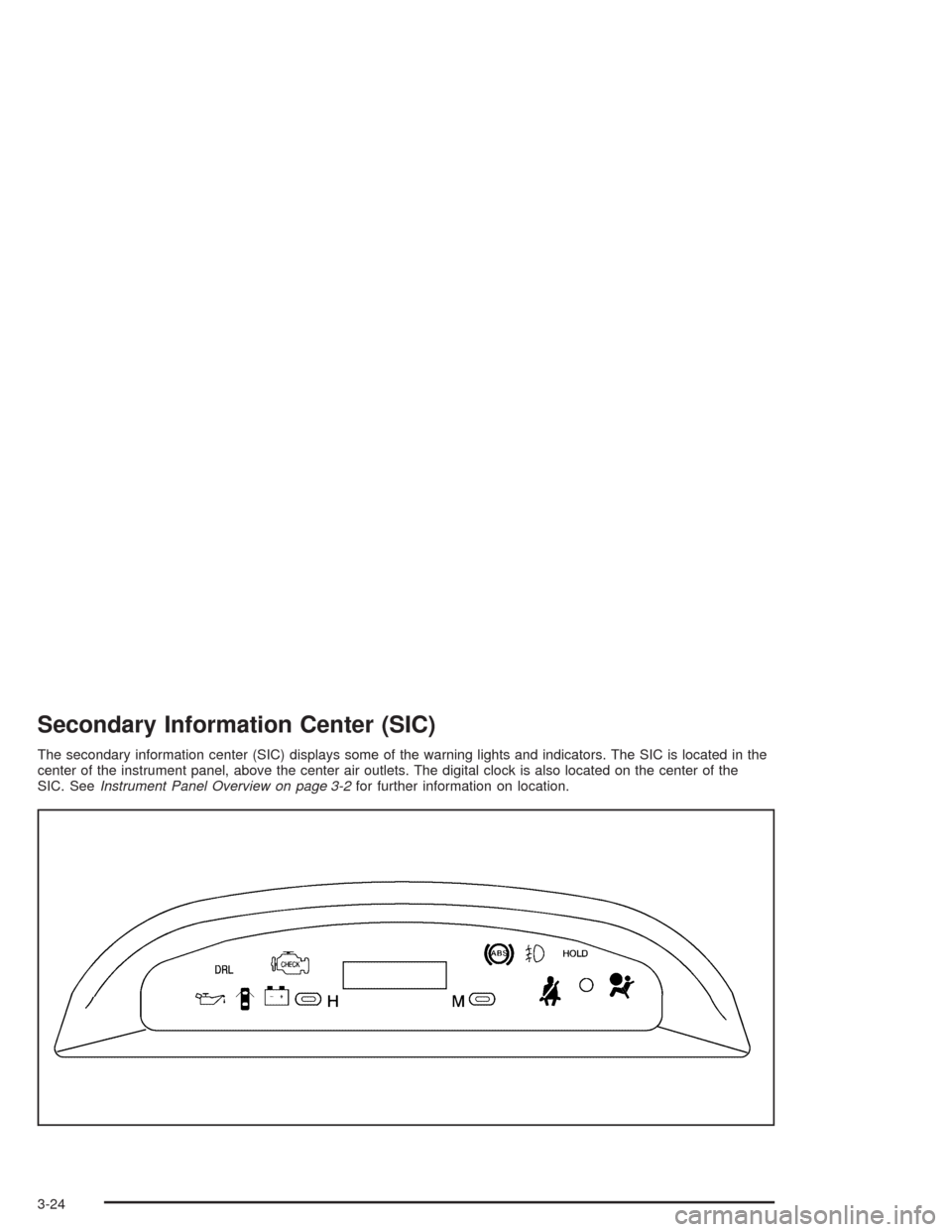
An indicator light on the secondary information center
will come on when the DRL system is on. SeeDaytime
Running Lamps Indicator Light on page 3-33.
When the DRL system is on, the taillamps, sidemarker
lamps, parking lamps and instrument panel lights
will not be illuminated unless you have turned the
exterior lamps control to the parking lamp or headlamp
position.
The DRL system will turn off when one of the following
conditions are met:
•The ignition is off.
•The parking brake is on.
•The high-beam headlamps are on.
•The low-beam headlamps are on.
•The flash-to-pass feature is used.
As with any vehicle, you should turn on the regular
headlamp system when you need it.
Fog Lamps
If your vehicle has this feature, the control for the fog
lamps is a band located on the middle of the turn
signal/multifunction lever.
While using the fog lamps, the ignition must be turned
to ON and the low-beam headlamps or parking
lamps must be on.
Turn the band to ON to turn the fog lamps on. An
indicator light on the secondary information center will
come on when the fog lamps are on. SeeFog Lamp
Light on page 3-32.
Turn the band to OFF to turn the fog lamps off. The fog
lamps will also turn off when the high-beam headlamps
are turned on. When the high-beam headlamps are
turned off, the fog lamps will turn on again.
3-9
Page 114 of 334
Interior Lamps
Instrument Panel Brightness
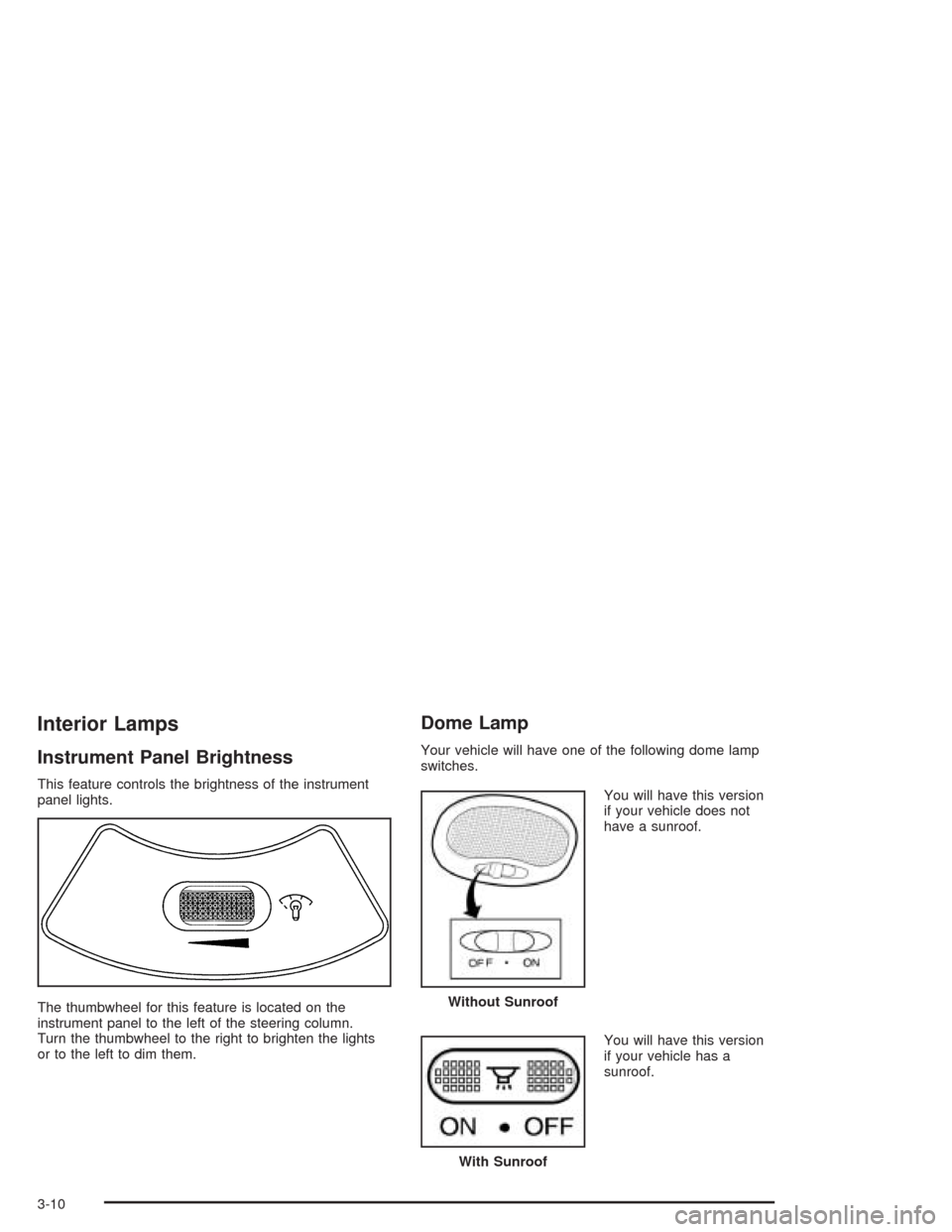
This feature controls the brightness of the instrument
panel lights.
The thumbwheel for this feature is located on the
instrument panel to the left of the steering column.
Turn the thumbwheel to the right to brighten the lights
or to the left to dim them.
Dome Lamp
Your vehicle will have one of the following dome lamp
switches.
You will have this version
if your vehicle does not
have a sunroof.
You will have this version
if your vehicle has a
sunroof.
Without Sunroof
With Sunroof
3-10
Page 116 of 334
Ashtrays and Cigarette Lighter
The ashtray is located at the lower part of the center
instrument panel. To remove the front ashtray for
cleaning, open the ashtray fully, press in the retaining
tab and pull the bin out.
Notice:If you put papers or other ammable items
in the ashtray, hot cigarettes or other smoking
materials could ignite them and possibly damage
your vehicle. Never put ammable items in the
ashtray.
The cigarette lighter is located to the right of the front
ashtray. To use it, turn the ignition to ACC or ON, push
the cigarette lighter in all the way and let go. When it
is ready, it will pop back out by itself.
Notice:Holding a cigarette lighter in while it is
heating will not allow the lighter to back away from
the heating element when it is hot. Damage from
overheating may occur to the lighter or heating
element. Do not hold a cigarette lighter in while it
is heating.
Climate Controls
Climate Control System
With this system you can control the heating, cooling
and ventilation for your vehicle.
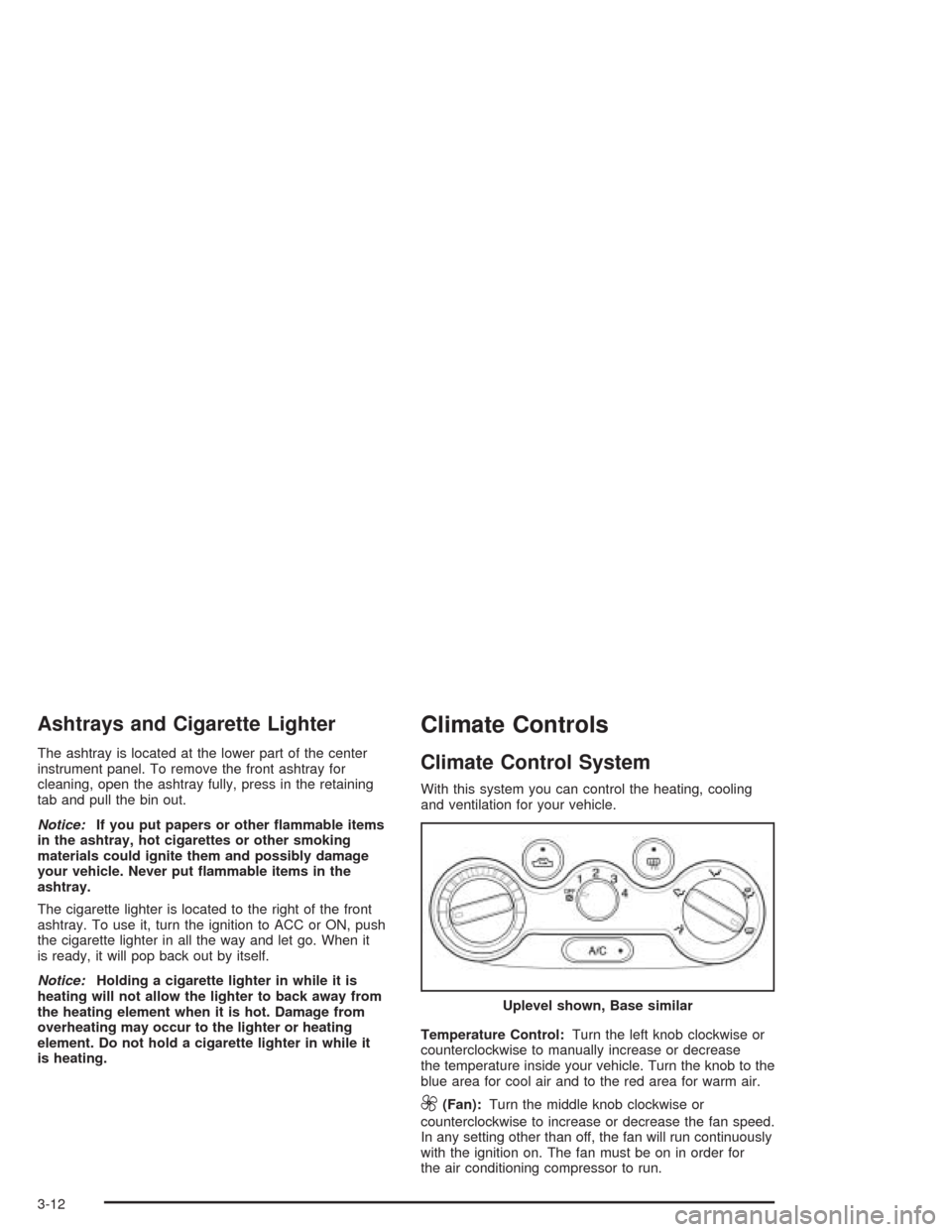
Temperature Control:Turn the left knob clockwise or
counterclockwise to manually increase or decrease
the temperature inside your vehicle. Turn the knob to the
blue area for cool air and to the red area for warm air.
9(Fan):Turn the middle knob clockwise or
counterclockwise to increase or decrease the fan speed.
In any setting other than off, the fan will run continuously
with the ignition on. The fan must be on in order for
the air conditioning compressor to run.Uplevel shown, Base similar
3-12
Page 117 of 334
To change the current mode, select one of the following
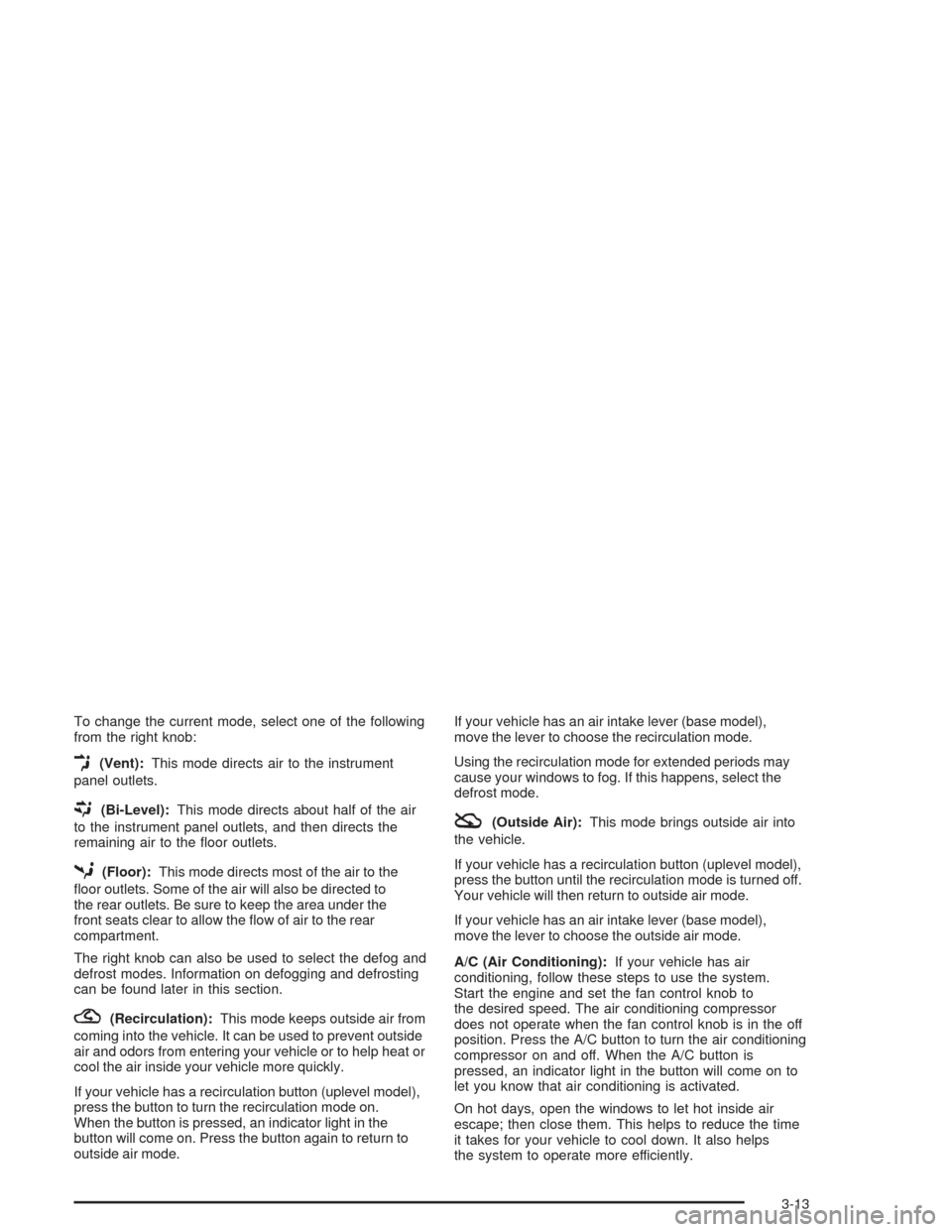
from the right knob:
E(Vent):This mode directs air to the instrument
panel outlets.
((Bi-Level):This mode directs about half of the air
to the instrument panel outlets, and then directs the
remaining air to the floor outlets.
5(Floor):This mode directs most of the air to the
floor outlets. Some of the air will also be directed to
the rear outlets. Be sure to keep the area under the
front seats clear to allow the flow of air to the rear
compartment.
The right knob can also be used to select the defog and
defrost modes. Information on defogging and defrosting
can be found later in this section.
?(Recirculation):This mode keeps outside air from
coming into the vehicle. It can be used to prevent outside
air and odors from entering your vehicle or to help heat or
cool the air inside your vehicle more quickly.
If your vehicle has a recirculation button (uplevel model),
press the button to turn the recirculation mode on.
When the button is pressed, an indicator light in the
button will come on. Press the button again to return to
outside air mode.If your vehicle has an air intake lever (base model),
move the lever to choose the recirculation mode.
Using the recirculation mode for extended periods may
cause your windows to fog. If this happens, select the
defrost mode.
:(Outside Air):This mode brings outside air into
the vehicle.
If your vehicle has a recirculation button (uplevel model),
press the button until the recirculation mode is turned off.
Your vehicle will then return to outside air mode.
If your vehicle has an air intake lever (base model),
move the lever to choose the outside air mode.
A/C (Air Conditioning):If your vehicle has air
conditioning, follow these steps to use the system.
Start the engine and set the fan control knob to
the desired speed. The air conditioning compressor
does not operate when the fan control knob is in the off
position. Press the A/C button to turn the air conditioning
compressor on and off. When the A/C button is
pressed, an indicator light in the button will come on to
let you know that air conditioning is activated.
On hot days, open the windows to let hot inside air
escape; then close them. This helps to reduce the time
it takes for your vehicle to cool down. It also helps
the system to operate more efficiently.
3-13
Page 122 of 334

Instrument Panel Cluster
Your instrument panel cluster is designed to let you know at a glance how your vehicle is running. You will know how fast
you are going, how much fuel you are using, and many other things you will need to drive safely and economically.
Your vehicle’s instrument panel cluster includes indicator warning lights and gages that are explained on the following
pages.
United States shown, Canada similar
3-18
Page 128 of 334
Secondary Information Center (SIC)
The secondary information center (SIC) displays some of the warning lights and indicators. The SIC is located in the
center of the instrument panel, above the center air outlets. The digital clock is also located on the center of the
SIC. SeeInstrument Panel Overview on page 3-2for further information on location.
3-24
Page 129 of 334
Clock
Your vehicle has a digital clock. The clock is located in
the secondary instrument cluster on the center of
the instrument panel, above the center air outlets.
When the ignition is turned to ACC or ON, the time is
displayed in the digital clock. There are two adjusting
buttons for the digital clock:
H (Hour):To go forward one hour, press the H button
once. To go forward more than one hour, press and hold
the button until the correct hour is reached.
M (Minute):To go forward one minute, press the
M button once. To go forward more than one minute,
press and hold the button until the correct minute
is reached.
After disconnecting the battery or replacing the fuse,
reset the clock.
Safety Belt Reminder Light
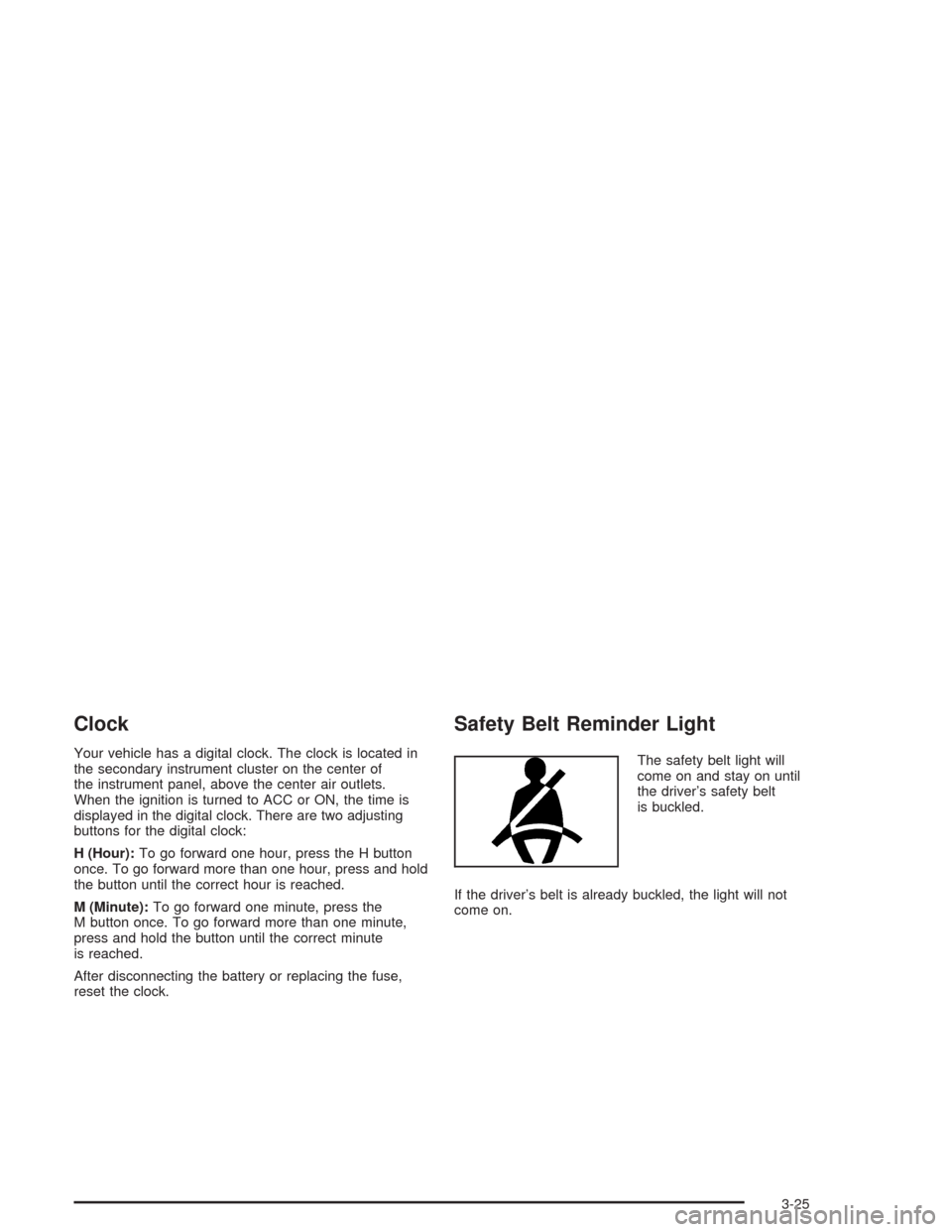
The safety belt light will
come on and stay on until
the driver’s safety belt
is buckled.
If the driver’s belt is already buckled, the light will not
come on.
3-25
Page 147 of 334
Theft-Deterrent Feature
The theft-deterrent system is designed to discourage
theft of your radio. When the radio and vehicle are
turned off, your radio has a blinking red light to indicate
that the theft-deterrent system is activated.
The theft-deterrent system also activates when the
audio system has been disconnected from the battery.
When this occurs, the AF code and security code
will have to be entered in order to operate your radio.
An identification card stamped with the AF code
and security code will be provided with the vehicle.
Keep it in a safe place, not in the vehicle.
To enter the security code do the following:
1. Turn the ignition to ACC or ON.
2. Turn the radio on. AF or COdE will flash on the
display. If AF flashes on the display, go to Step 2.
If COdE flashes on the display, go to Step 4.
3. Enter the AF code by using the preset pushbuttons.
COdE will flash on the display.
4. Enter the security code by using the preset
pushbuttons. When the complete security code is
entered, the code will flash three times.If the security code is not entered correctly, Err will
appear on the display for a few seconds. When
COdE appears back on the display, repeat Step 4.
If the incorrect AF code is entered, an incorrect
frequency level may be chosen and the radio
reception may be affected. If this occurs, reset the
audio system by removing and re-installing the
AUDIO fuse. See “Instrument Panel Fuse Block”
underFuses and Circuit Breakers on page 5-85for
more information. Then repeat Steps 1 through 4.
Radio Reception
AM
The range for most AM stations is greater than for FM,
especially at night. The longer range, however, can
cause stations to interfere with each other. AM can pick
up noise from things like storms and power lines.
Try reducing the treble to reduce this noise.
FM
FM stereo will give you the best sound, but FM signals
will reach only about 10 to 40 miles (16 to 65 km).
Tall buildings or hills can interfere with FM signals,
causing the sound to come and go.
3-43
Page 155 of 334
Avoid needless heavy braking. Some people drive
in spurts−heavy acceleration followed by heavy
braking — rather than keeping pace with traffic. This is
a mistake. Your brakes may not have time to cool
between hard stops. Your brakes will wear out much
faster if you do a lot of heavy braking. If you keep pace
with the traffic and allow realistic following distances,
you will eliminate a lot of unnecessary braking.
That means better braking and longer brake life.
If your engine ever stops while you are driving, brake
normally but do not pump your brakes. If you do,
the pedal may get harder to push down. If your engine
stops, you will still have some power brake assist.
But you will use it when you brake. Once the power
assist is used up, it may take longer to stop and
the brake pedal will be harder to push.Anti-lock Brake System (ABS)
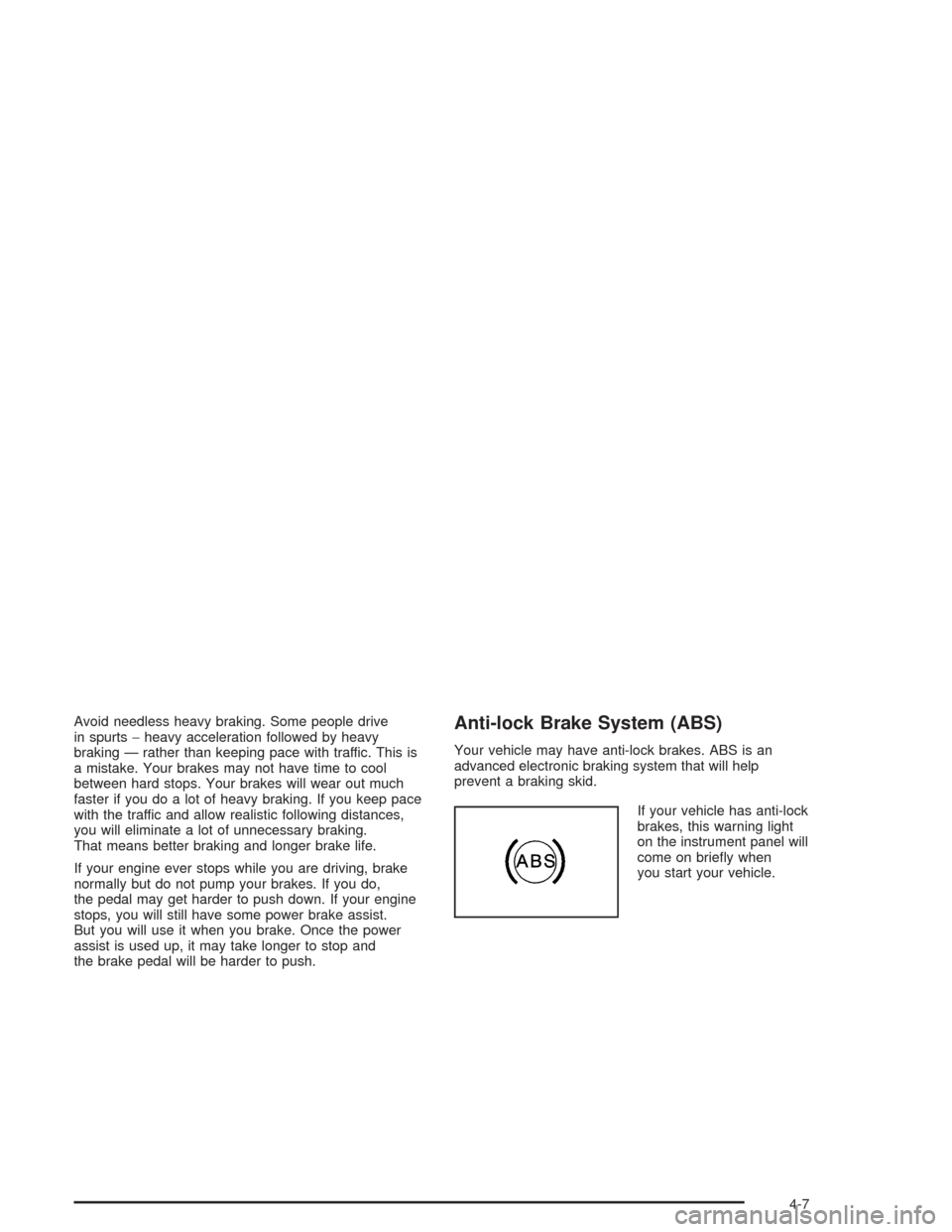
Your vehicle may have anti-lock brakes. ABS is an
advanced electronic braking system that will help
prevent a braking skid.
If your vehicle has anti-lock
brakes, this warning light
on the instrument panel will
come on briefly when
you start your vehicle.
4-7
Page 197 of 334
Checking Things Under
the Hood
{CAUTION:
An electric fan under the hood can start up
and injure you even when the engine is not
running. Keep hands, clothing and tools away
from any underhood electric fan.
{CAUTION:
Things that burn can get on hot engine parts
and start a re. These include liquids like fuel,
oil, coolant, brake uid, windshield washer
and other uids, and plastic or rubber. You or
others could be burned. Be careful not to drop
or spill things that will burn onto a hot engine.
Hood Release
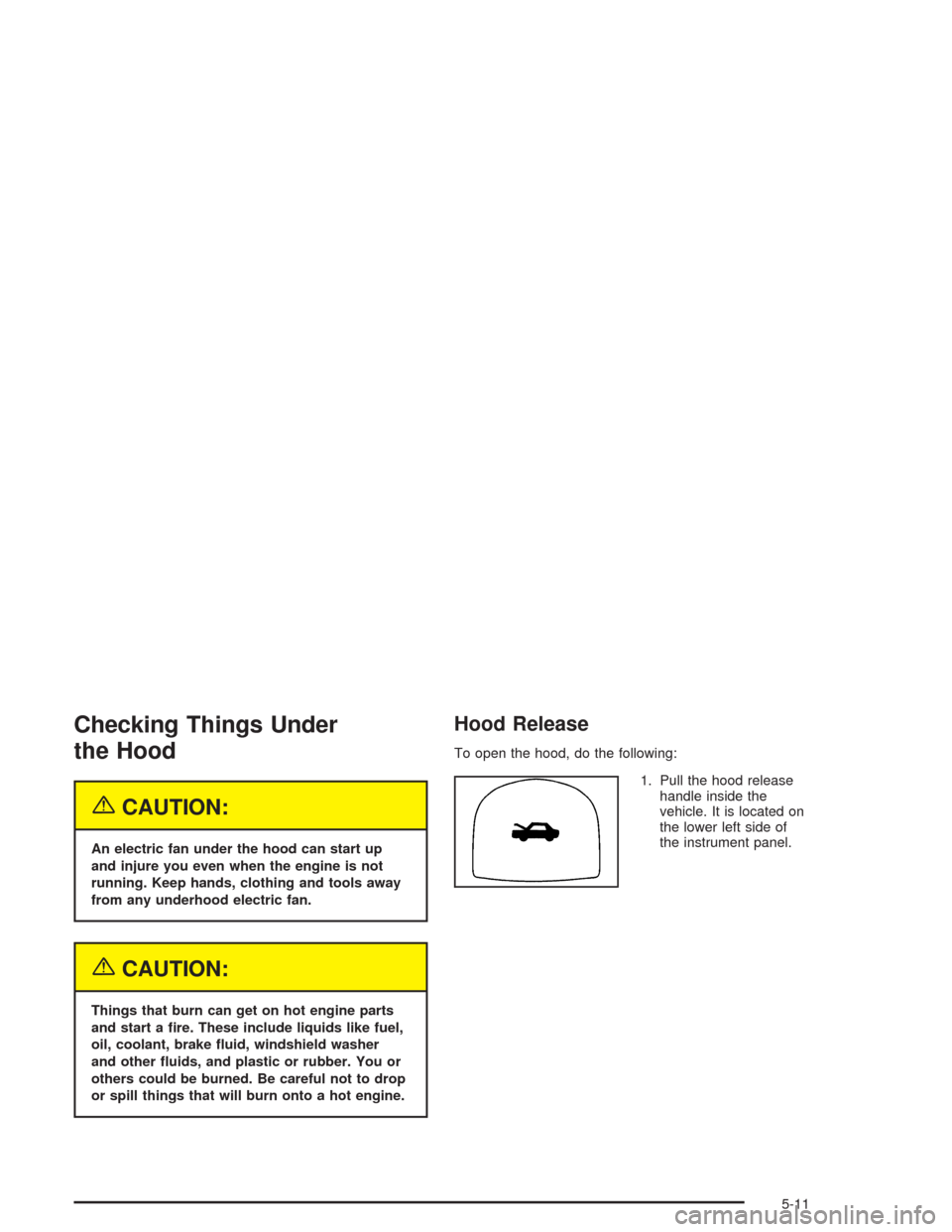
To open the hood, do the following:
1. Pull the hood release
handle inside the
vehicle. It is located on
the lower left side of
the instrument panel.
5-11