wheel CHEVROLET BLAZER 1993 Owner's Manual
[x] Cancel search | Manufacturer: CHEVROLET, Model Year: 1993, Model line: BLAZER, Model: CHEVROLET BLAZER 1993Pages: 386, PDF Size: 20.7 MB
Page 98 of 386

K2185
A tilt steering wheel")
K2319
To sound the horn, press the pad with the horn symbol on it. Th\
e pad is
located in the center
of the steering wheel.
Tilt Wheel (Option)
K2185
A tilt steering wheel allows you to adjust the steering wheel before you drive.
You can also raise
it to the highest level to give your legs more room when
you exit and enter the vehicle.
2-35
Page 99 of 386
Features & Contuvls
To tilt the wheel, hold the steering wheel and pull the lever. Move the
steering wheel
to a comfortable level, then release the lever to lock the wheel
in place.
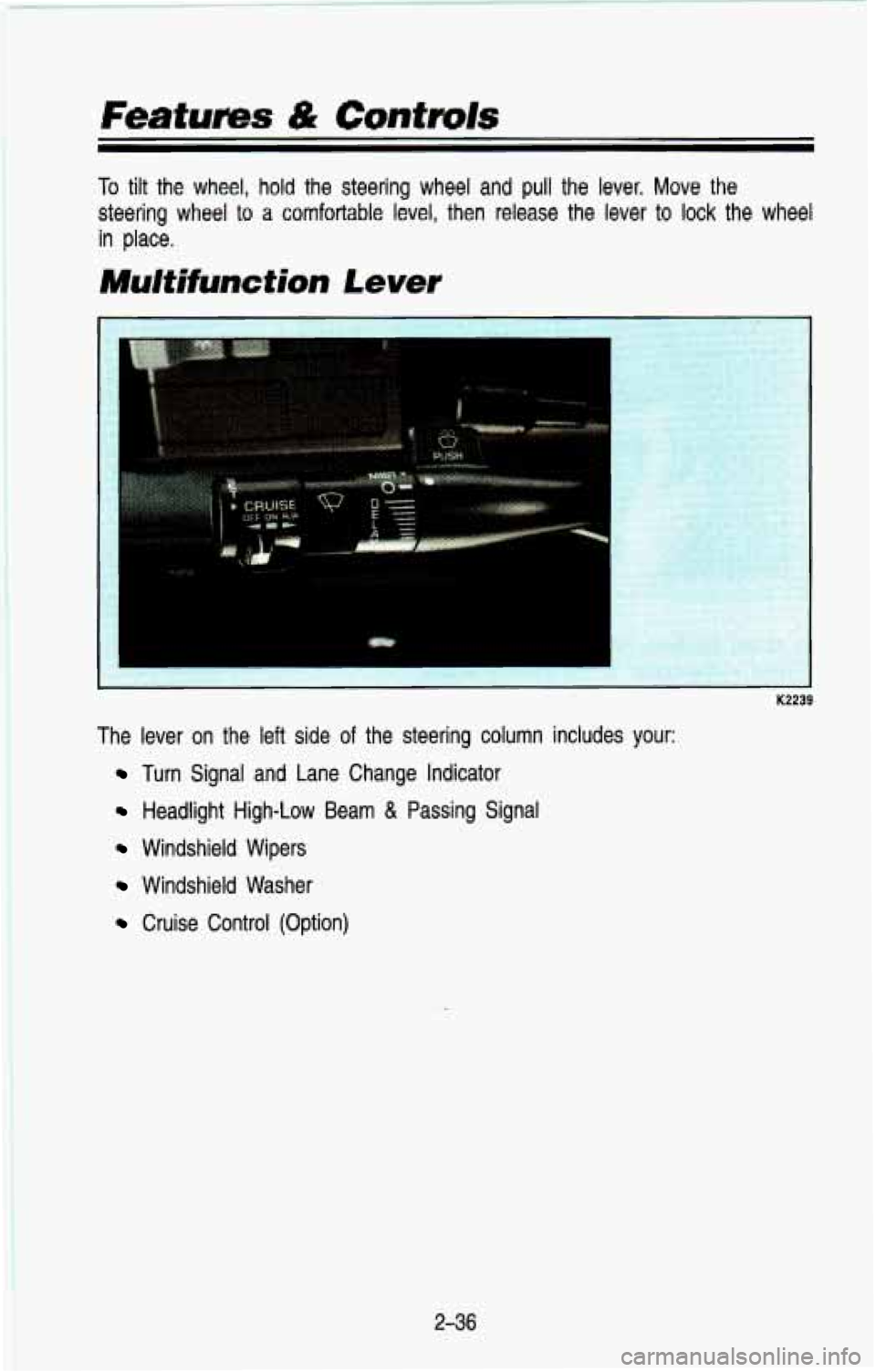
Multifunction Lever
K2239
The lever on the left side of the steering column includes your:
Turn Signal and Lane Change Indicator
Headlight High-Low Beam & Passing Signal
Windshield Wipers
Windshield Washer
Cruise Control (Option)
236
Page 105 of 386

CAUTION
I Cruise Control can be dangerous where you can’t drive safely\
at
I A a steady speed. So, don’t use your Cruise Control on winding
roads
or in heavy traffic.
Cruise Control can be dangerous on slippery roads. On such
roads, fast changes in tire traction can cause needless wheel
spinning, and you could lose control. Don’t
use Cruise Control
on slipPery roads.
To Set Cruise Control
A
K2248
Move the Cruise switch to ON.
I CAUTION
If you leave your Cruise Control switch on when you’re not using I
want to. You could be startled and even lose control. Keep the
Cruise Control switch OFF until vou want to use it. I
A Cruise, you might hit a button and go into Cruise when you don’t
I
Get up to the speed you want.
Push in the set button at the end of the lever and release \
it.
Take your foot off the accelerator pedal.
2-42
Page 117 of 386
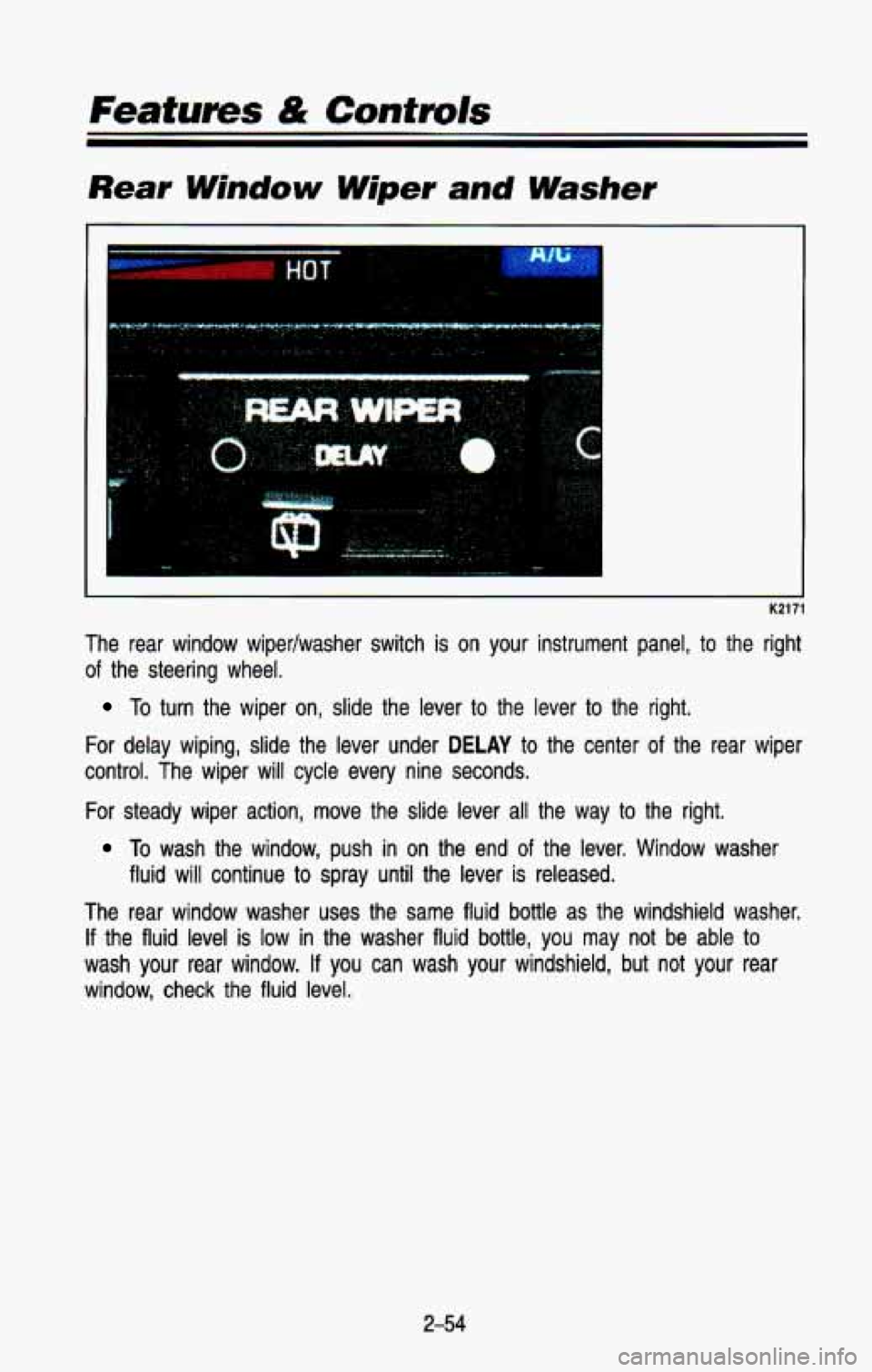
Rear Window Wiper and Washer
I K21:
The rear window wipedwasher switch is on your instrument panel, to the right
of the steering wheel.
To turn the wiper on, slide the lever to the lever to the right.
For delay wiping, slide the lever under
DELAY to the center of the rear wiper
control. The wiper will cycle every nine seconds.
For steady wiper action, move the slide lever all the way
to the right.
To wash the window, push in on the end of the lever. Window washer
The rear window washer uses the same fluid bottle
as the windshield washer.
If the fluid level is low in the washer fluid bottle, you may not be able to
wash your rear window. If you can wash your windshield, but not your rear
window, check the fluid level.
fluid
will continue to spray until the lever is released.
2-54
Page 144 of 386

NOTICE
Don’t exceed the maximum vehicle capacity when loading your \
vehicle. For
more information on vehicle capacity and loading, see “Loadin\
g Your Vehicle”
in the Index.
To prevent damage or loss of cargo as you’re driving, check now and then to
make sure the luggage carrier and cargo are still securely fastened.
Be sure the cargo is properly loaded.
If small heavy objects are placed on the roof, place the load in the area
over the rear wheels (behind the rear side door on wagon mod\
els).
If
you need to, cut a piece of 3/8 inch plywood to fit inside the cross rails
and side rails to spread the load.
If plywood is used, tie it to the side
rail supports.
Tie the load to the cross rails or the side rail supports. Use the cross
rails only to keep the load from sliding.
If you need to carry long items, move the cross rails as far\
apart as
they will go. Tie the load to the cross rails and the side \
rails or side rail supports. Also tie the load to the bumpers.
Do not tie the load so tightly
that the cross rails or side rails are damaged.
After moving the cross rails, be sure to tighten all the slider screws.
To reduce wind noise, the cross rails must be installed with the \
narrow edge
toward the front of the vehicle.
Also, the front cross rail should be about 8 inches (200 mm) behind the front
anchor on Utility models.
2-8 1
Page 168 of 386
Your Driving and the Road
Here you’ll find information about driving different kinds of roads and in
varying weather conditions . We’ve also included many other useful tips on
driving
.
Road Signs ........................................................................\
.................................... 4-2
Defensive Driving
........................................................................\
.......................... 4-9
Drunken Driving
........................................................................\
........................... 4-10
Control of a Vehicle
.................. ; ........................................................................\
. 4-13
Braking
........................................................................\
...................................... 4-13
Steering
........................................................................\
.................................... 4-18
Steering in Emergencies
........................................................................\
......... 4-19
Passing
........................................................................\
..................................... 4-21
Loss of Control ........................................................................\
........................ 4-23
Driving Guidelines (Utility
Models) ..................................................................... 4-24
Off-Road Driving With Your Four-wheel Drive Vehicle
.................................... 4-24
Driving at Night
........................................................................\
........................... 4-35
Driving in the Rain
........................................................................\
...................... 4-37
Driving in Fog, Mist and Haze
........................................................................\
.. 4-40
City Driving
........................................................................\
.................................. 4-42
Freeway Driving
........................................................................\
........................... 4-43
Driving
a Long Distance ........................................................................\
............. 4-44
Hill and Mountain Roads ........................................................................\
............ 4-47
Parking
on Hills ........................................................................\
........................... 4-49
Winter Driving
........................................................................\
.............................. 4-53
Towing a Trailer
........................................................................\
........................... 4-56
Power Winches
........................................................................\
............................ 4-64
4-1
Page 182 of 386
If your engine ever stops while you’re driving, brake normally but don’t
pump your brakes. If you do, the pedal may get harder to push down. If
your engine stops, you will still have some power brake assist. But you
will use it when you brake. Once the power assist is used up, it may
take longer
to stop and the brake pedal will be harder to push.
Anti-lock Brakes (ABS)
Your vehicle has an advanced electronic braking system that can help\
keep it
under control.
When you start your vehicle and begin to drive away, you may hear
a
momentary motor or clicking noise. This is the ABS system testing itself.
AM41 5006
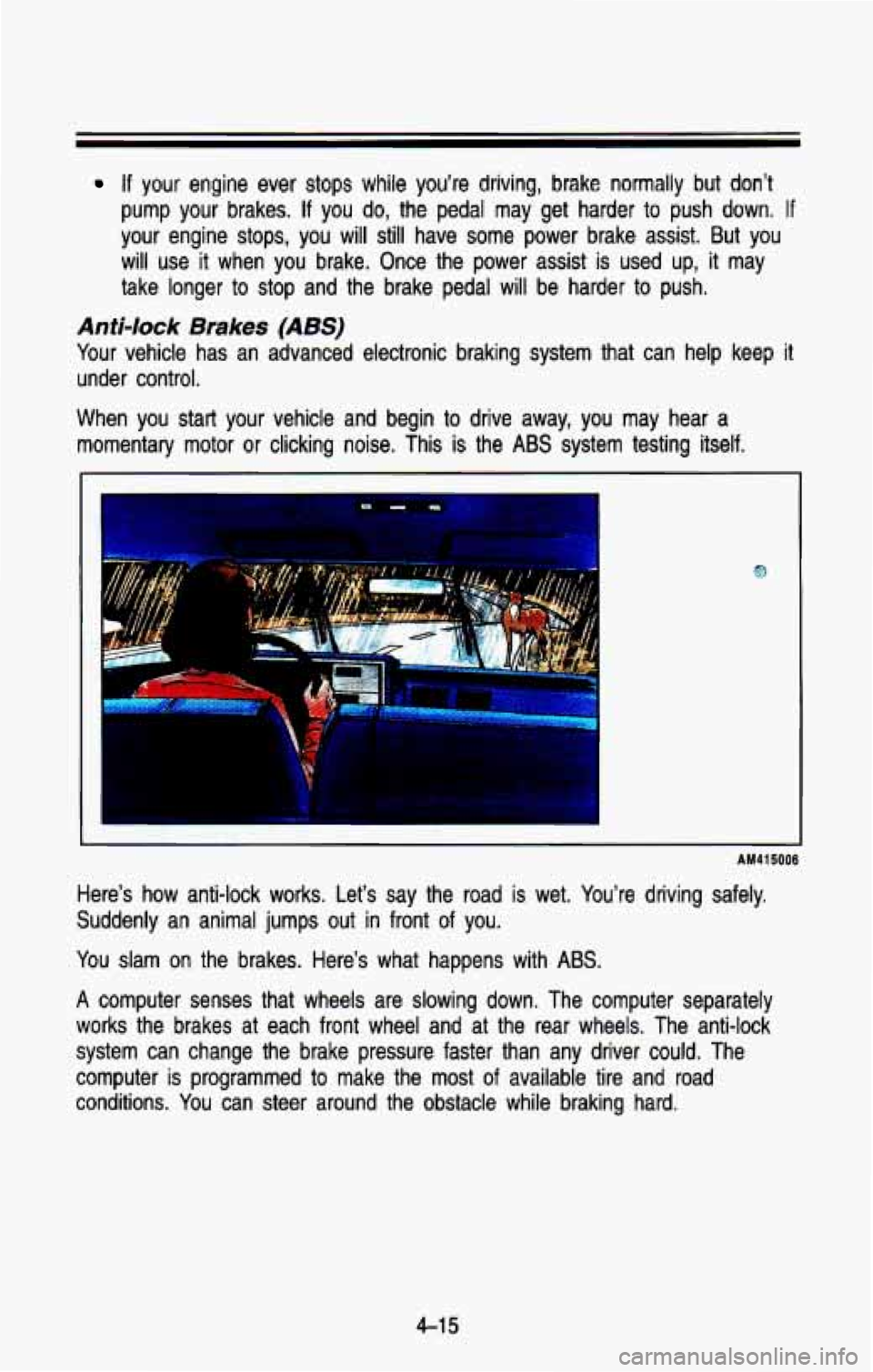
Here’s how anti-lock works. Let’s say the road is wet. Y\
ou’re driving safely.
Suddenly an animal jumps out in front of you.
You slam on the brakes. Here’s what happens with ABS.
A computer senses that wheels are slowing down. The computer sepa\
rately
works the brakes at each front wheel and at the rear wheels. \
The anti-lock
system can change the brake pressure faster than any driver co\
uld. The
computer is programmed to make the
most of available tire and road
conditions. You can steer around the obstacle while braking hard.
4-1 5
Page 183 of 386
Your Driving and fhe Road
AM41501 6
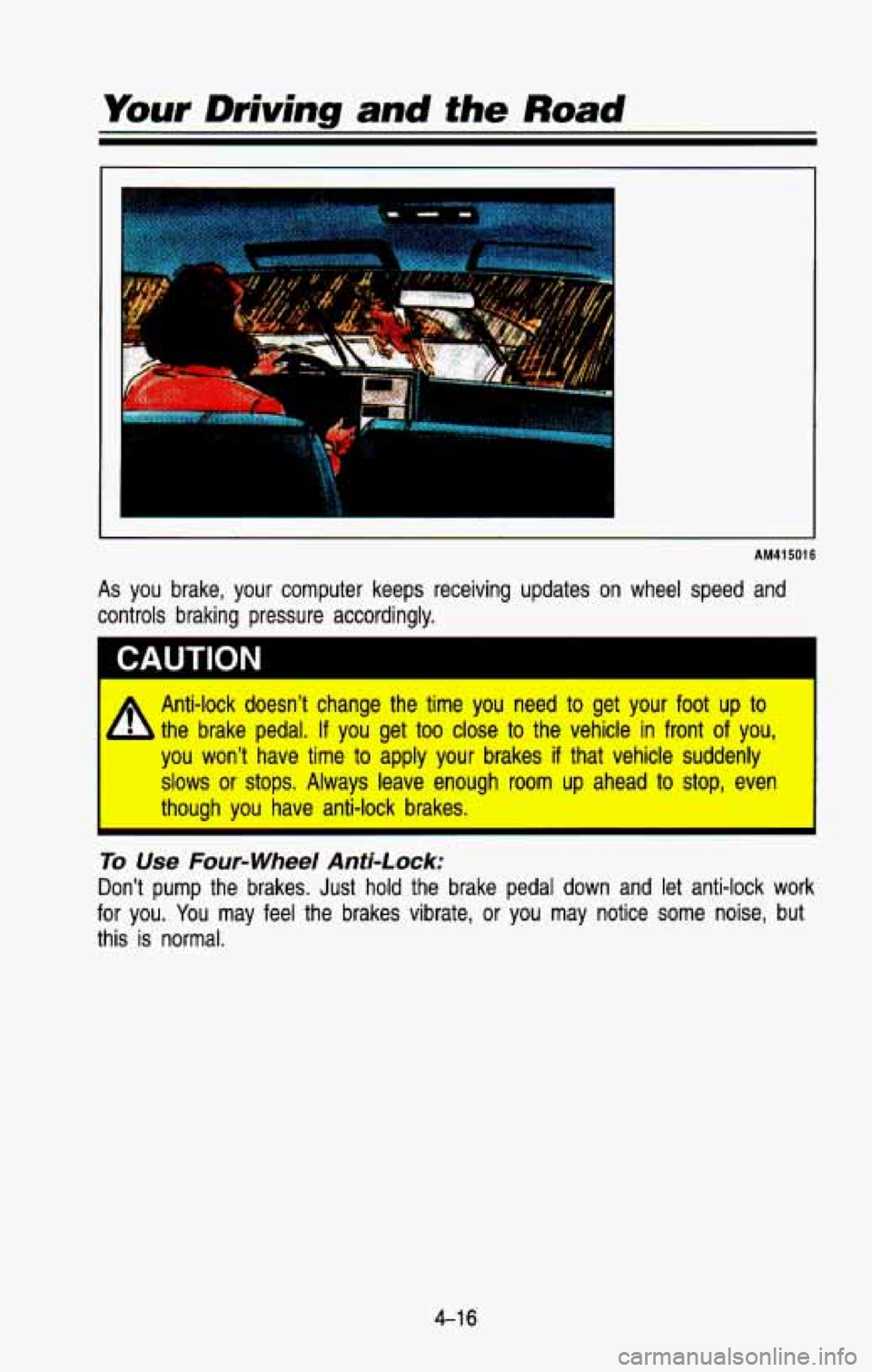
As you brake, your computer keeps receiving updates on wheel speed and
controls braking pressure accordingly.
CAUTION I
A Anti-lock doesn’t change the time you need to get your foot up to
- the brake pedal, If you get too close to the vehicle in front of you,
you won’t have time to apply your brakes if that vehicle suddenly
slows or stops. Always leave enough room up ahead to stop, even
I though you have anti-lock brakes. I
To Use Four-wheel Anti-Lock:
Don’t pump the brakes. Just hold the brake pedal down and let anti-lock work
for you.
You may feel the brakes vibrate, or you may notice some noise, but
this
is normal.
4-1 6
Page 185 of 386
Your Driving and the Road
Rear Drum Brakes
Your rear drum brakes don’t have the wear indicators, but if you ever hear a
rear brake rubbing noise, have the rear brake lining inspected.\
Also, the rear
brake drums should be removed and inspected each time the tire\
s are removed for rotation or changing. When you have the front brak\
es replaced,
have the rear brakes inspected, too.
Brake linings should always be replaced as complete axle sets. \
Brake Pedal Travel
See your dealer if the brake pedal does not return to normal height, or if
there is a rapid increase in pedal travel. This could be a sign of brake
trouble.
Brake Adjustment
Every time you make a brake stop, your disc brakes adjust for\
wear. If your
brake pedal goes down farther than normal, your rear drum brak\
es may need
adjustment. Adjust them by backing up and firmly applying the brakes a few
times.
Braking In Emergencies
Use your anti-lock braking system when you need to. With anti-lock, you \
can
steer and brake at the same time. In many emergencies, steerin\
g can help
you more than even the very best braking.
Steering
Power Steering
If you lose power steering assist because the engine stops or the\
system
fails to function, you can steer but it will take much more effort.
Steering Tips
Driving on Curves
It’s important to take curves at a reasonable speed.
A lot of the “driver lost control” accidents mentioned on the n\
ews happen on
curves. Here’s why:
Experienced driver
or beginner, each of us is subject to the same laws of
physics when driving on curves. The traction of the tires against the road
surface makes
it possible for the vehicle to change its path when you turn
the front wheels.
If there’s no traction, inertia will keep the vehicle going in
the same direction.
If you’ve ever tried to steer a vehicle on wet ice, you’ll \
understand this.
4-1 8
Page 186 of 386
The traction you can get in a curve depends on the condition of your tires
and the
road surface, the angle at which the curve is banked, and your
speed. While you’re in
a curve, speed is the one factor you can control.
Suppose you’re steering through a sharp curve. Then you suddenly
accelerate. Those two control systems-steering and acceleration-ca\
n
overwhelm those places where the tires meet the road and make \
you lose
control.
What should you do if this ever happens? Let up on the accel\
erator peaal,
steer the vehicle the way you want it
to go, and slow down.
Speed limit signs near curves warn that you should adjust your\
speed. Of
course, the posted speeds are based
on good weather and road conditions.
Under less favorable conditions you’ll want
to go slower.
If you need to reduce your speed as you approach a curve, do it before you
enter the curve, while your front wheels are straight ahead.
Try to adjust your speed so you can “drive” through the curve. Maintain a
reasonable, steady speed. Wait to accelerate until
you are out of the curve,
and then accelerate gently into the straightaway.
When you drive into
a curve at night, it’s harder to see the road ahead of
you because it bends away from the straight beams
of your lights. This is
one
good reason to drive slower.
Steering in Emergencies
There are times when steering can be more effective than braki\
ng. For
example, you come over a hill and find a truck stopped in your lane, or a
car suddenly pulls out from nowhere,
or a child darts out from between
parked cars and stops right in front of you. You can avoid these problems by
braking-if you can stop in time. But sometimes you can’t; there isn’t room.
That’s the time for evasive action-steering around the proble\
m.
Your vehicle can perform very well in emergencies like these. First \
apply your
brakes.
It is better
to remove as much speed as you can from a possible collision.
Then steer around the problem, to the left or right depending \
on the space
available.
An emergency like this requires close attention and a quick decision.
If you
are holding the steering wheel at the recommended
9 and 3 o’clock positions,
you can turn it a full
180 degrees very quickly without removing either hand.
But you have
to act fast, steer quickly, and just as quickly straighten the
4-1 9