brakes CHEVROLET BLAZER 1993 Owners Manual
[x] Cancel search | Manufacturer: CHEVROLET, Model Year: 1993, Model line: BLAZER, Model: CHEVROLET BLAZER 1993Pages: 386, PDF Size: 20.7 MB
Page 82 of 386
NOTICE
Damage to your transmission caused by shifting out of P (Park) or N
{Neutral) with the engine racing isn’t covered by your warranty.
OD (Automatic Overdrive)
This position is for normal driving.
If you need more power for passing, and
vou’re:
- Going less than about 35 mph (56 km/h), push your accelerator
pedal about halfway down
- Going about 35 mph (56 km/h) or more, push the accelerator all the
way down
You’ll shift down to the next gear and have more power.
OD should not be used when towing a trailer, carrying a heavy load, driving
on steep hills, or for off-road driving. Select
D (third gear) when operating the
vehicle under any of these conditions.
D (Third Gear)
This is like
OD, but you never go into Overdrive. You should use D when
towing a trailer, carrying a heavy load, driving on steep hills, or for off-road
driving.
2 (Second Gear)
This position gives you more power but lower fuel economy. You can use
2
on hills. It can help control your speed as you go down steep mountain
roads, but then you would also want
to use your brakes off and on.
If you manually select 2, the transmission will drive in second gear. You may
use this feature for reducing torque to the rear wheels when you are trying to
start your vehicle from a stop on slippery road surfaces.
1 (First Gear)
This position gives you even more power (but lower fuel economy) than
2.
You can use it on very steep hills, or in deep snow or mud. If the selector
lever is put
in 1, the transmission won’t shift into first gear until the vehicle is
going
‘slowly enough.
2-1 9
Page 83 of 386
. . -.
1
I lf your rear wheels can’t rotate, don’t try to drive, This might happen if
pu were stuck in very deep sand or mud or were up against a solid
-‘-’ect. You could damage your transmission. *?isgi%
so, if you stop when going uphill, don’t hold your vehicle there wi onl,
:he accelerator pedal. This could overheat and damage the transmission.
Jse your brakes or shift to P (?k) to hold your vehicle in position on a
?ill.
:,e%-=
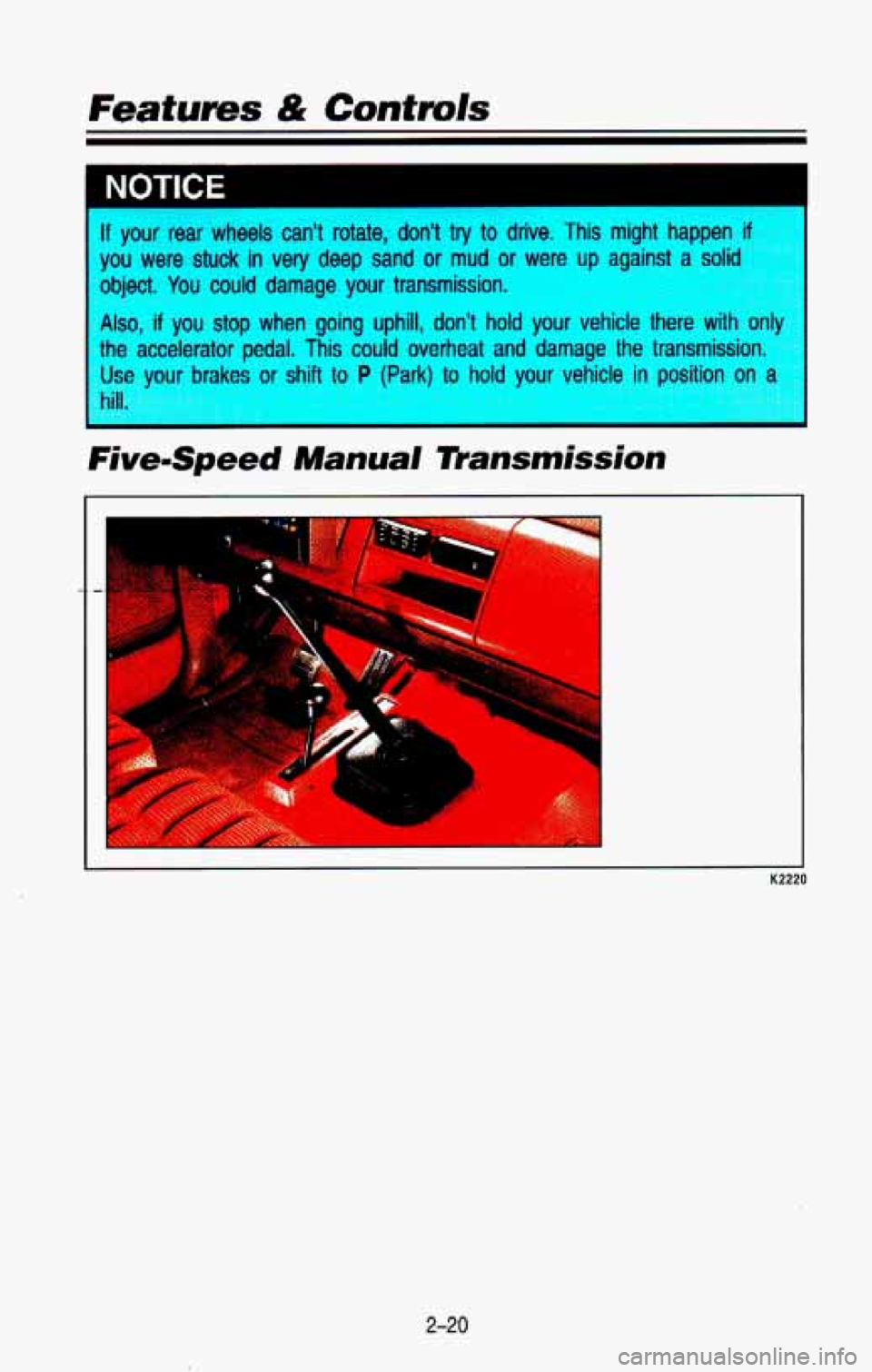
FivemSpeed Manual 7Pansmission
I
2-20
Page 104 of 386

K2247
With Cruise Control, you can maintain a speed of about 25 mph (40 km/h)
or more without keeping your foot on the accelerator. This can\")
I NOTICE
Cruise Control (Option)
K2247
With Cruise Control, you can maintain a speed of about 25 mph (40 km/h)
or more without keeping your foot on the accelerator. This can\
really help
on long trips. Cruise Control does not work at speeds below a\
bout
25 mph
(40 krn/h).
When you apply your brakes, or the clutch pedal,
if you have a manual
transmission, the Cruise Control shuts
off.
2-41
Page 133 of 386

Featums & Contmls
Anti-Lock Brake System Warning Light
I
PB005
With anti-lock, this light will go on when you start your eng\
ine and may stay
on for several seconds or
so. That’s normal.
If the light doesn’t come on, have it fixed so it will be ready to warn you if
there is a problem.
If the light stays on, or comes on when you’re driving, your vehicle needs
service. Unless the regular brake system warning light is also on, you will still
have brakes,
but not anti-lock brakes. If the regular brake system warning
light is also on, see “Brake System Warning
Light” earlier in this section.
2-70
Page 180 of 386
Control of a Vehicle
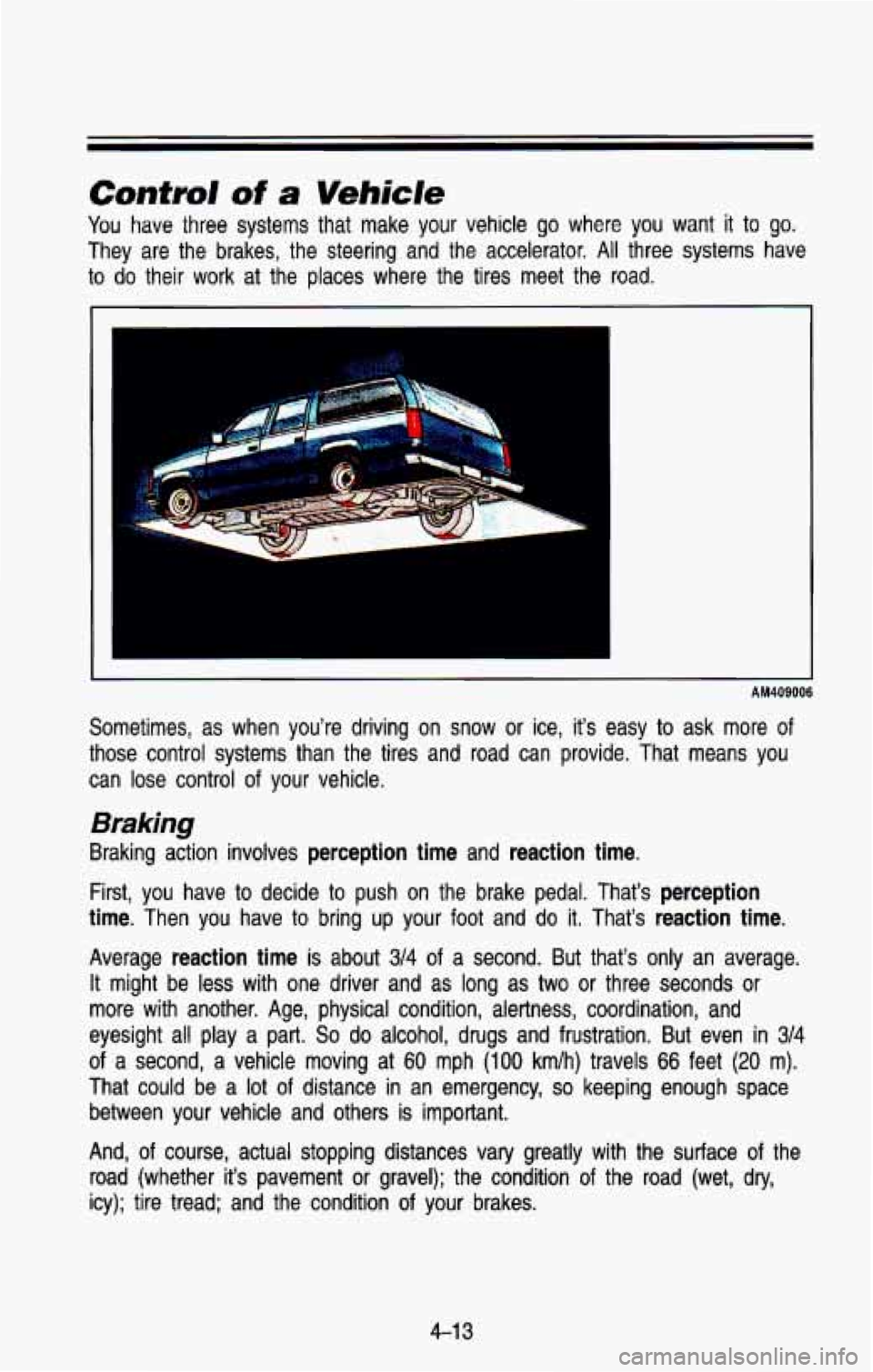
You have three systems that make your vehicle go where you want it to go.
They are the brakes, the steering and the accelerator. All three systems have
to
do their work at the places where the tires meet the road.
I
AM409006
Sometimes, as when you’re driving on snow or ice, it’s easy to ask more of
those control systems than the tires and road can provide. Tha\
t means you
can lose control of your vehicle.
Braking
Braking action involves perception time and reaction time.
First, you have to decide to push on the brake pedal. That’s perception
time.
Then you have to bring up your foot and do it. That’s reaction time.
Average reaction time is about 3/4 of a second. But that’s only an average.
It might be less with one driver and as long as two or thre\
e seconds
or
more with another. Age, physical condition, alertness, coordinati\
on, and
eyesight all play a part.
So do alcohol, drugs and frustration. But even in 314
of a second, a vehicle moving at 60 mph (100 kmlh) travels 66 feet (20 m).
That could be a lot of distance in an emergency, so keeping enough space
between your vehicle and others is important.
And, of course, actual stopping distances vary greatly with the surface of the
road (whether it’s pavement
or gravel); the condition of the road (wet, dry,
icy); tire tread; and the condition of your brakes.
4-1 3
Page 181 of 386

Your Driving and the Road
Most drivers treat their brakes with care. Some, however, overw\
ork the
braking system with poor driving habits.
Avoid needless heavy braking, Some people drive in spurts-heavy \
acceleration followed by heavy braking-rather than keeping pace \
with
traffic. This is a mistake. Your brakes may not have time to
cool
between hard stops. Your brakes will wear out much faster if you do a
lot of heavy braking.
Don’t “ride” the brakes by letting your left foot rest\
lightly on the brake
pedal while driving.
AM410001
“Riding” your brakes can cause them to overheat to the p\
oint that
h they won’t work well. You might not be able to stop your vehicle in
time to avoid an accident.
If you “ride” your brakes, they will get so
hot they will require a lot of pedal force to slow you down. Avoid
“riding” the brakes.
‘Riding” the brakes wears them
out much faster. You would need costly
wake replacement much sooner than normal, and it also reduces fuel
mnomy.
NOTICE
If you keep pace with the traffic and allow realistic following d\
istances, you
will eliminate a
lot of unnecessary braking. That means better braking and
longer brake life.
4-1 4
Page 182 of 386
If your engine ever stops while you’re driving, brake normally but don’t
pump your brakes. If you do, the pedal may get harder to push down. If
your engine stops, you will still have some power brake assist. But you
will use it when you brake. Once the power assist is used up, it may
take longer
to stop and the brake pedal will be harder to push.
Anti-lock Brakes (ABS)
Your vehicle has an advanced electronic braking system that can help\
keep it
under control.
When you start your vehicle and begin to drive away, you may hear
a
momentary motor or clicking noise. This is the ABS system testing itself.
AM41 5006
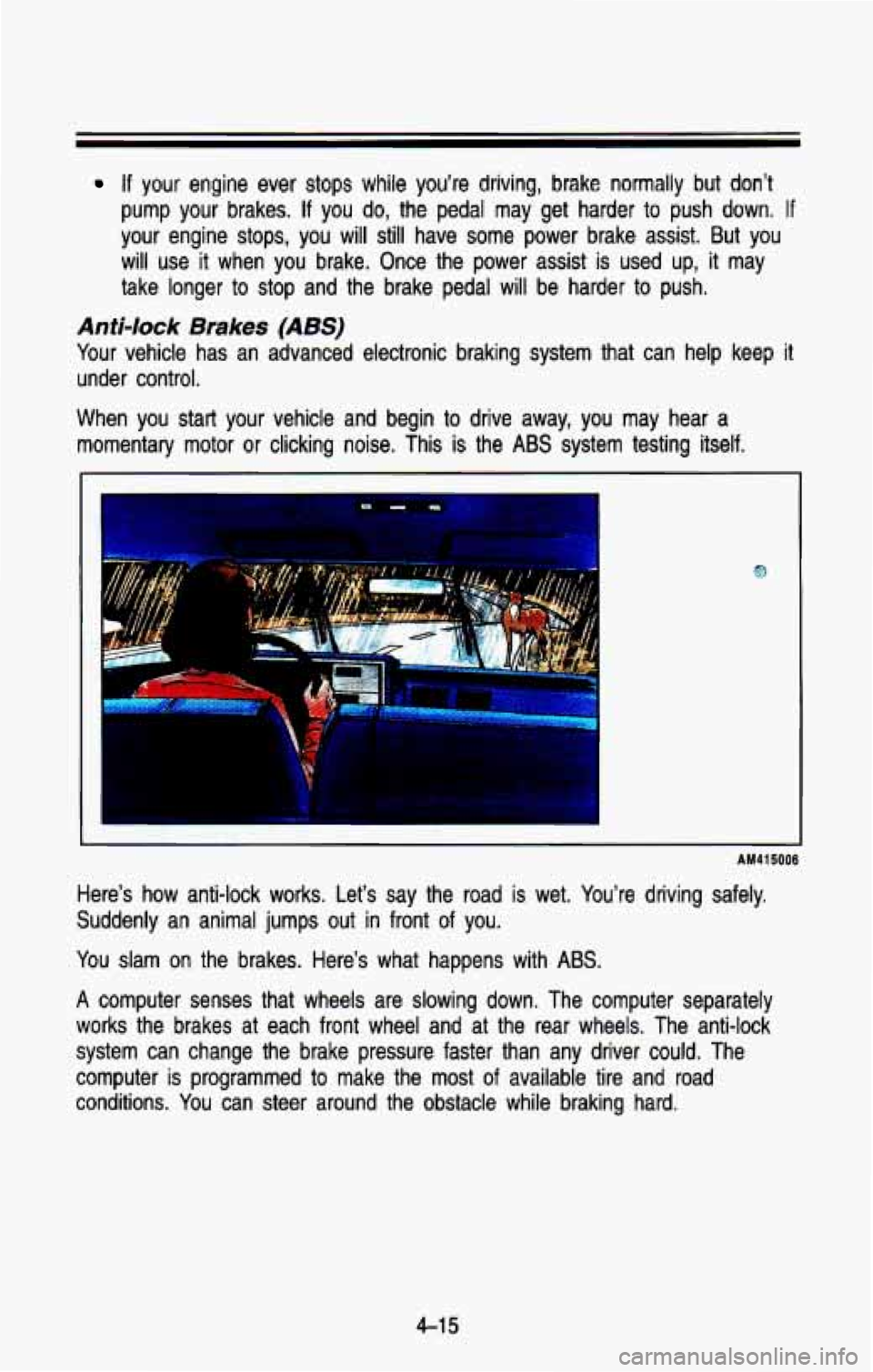
Here’s how anti-lock works. Let’s say the road is wet. Y\
ou’re driving safely.
Suddenly an animal jumps out in front of you.
You slam on the brakes. Here’s what happens with ABS.
A computer senses that wheels are slowing down. The computer sepa\
rately
works the brakes at each front wheel and at the rear wheels. \
The anti-lock
system can change the brake pressure faster than any driver co\
uld. The
computer is programmed to make the
most of available tire and road
conditions. You can steer around the obstacle while braking hard.
4-1 5
Page 183 of 386
Your Driving and fhe Road
AM41501 6
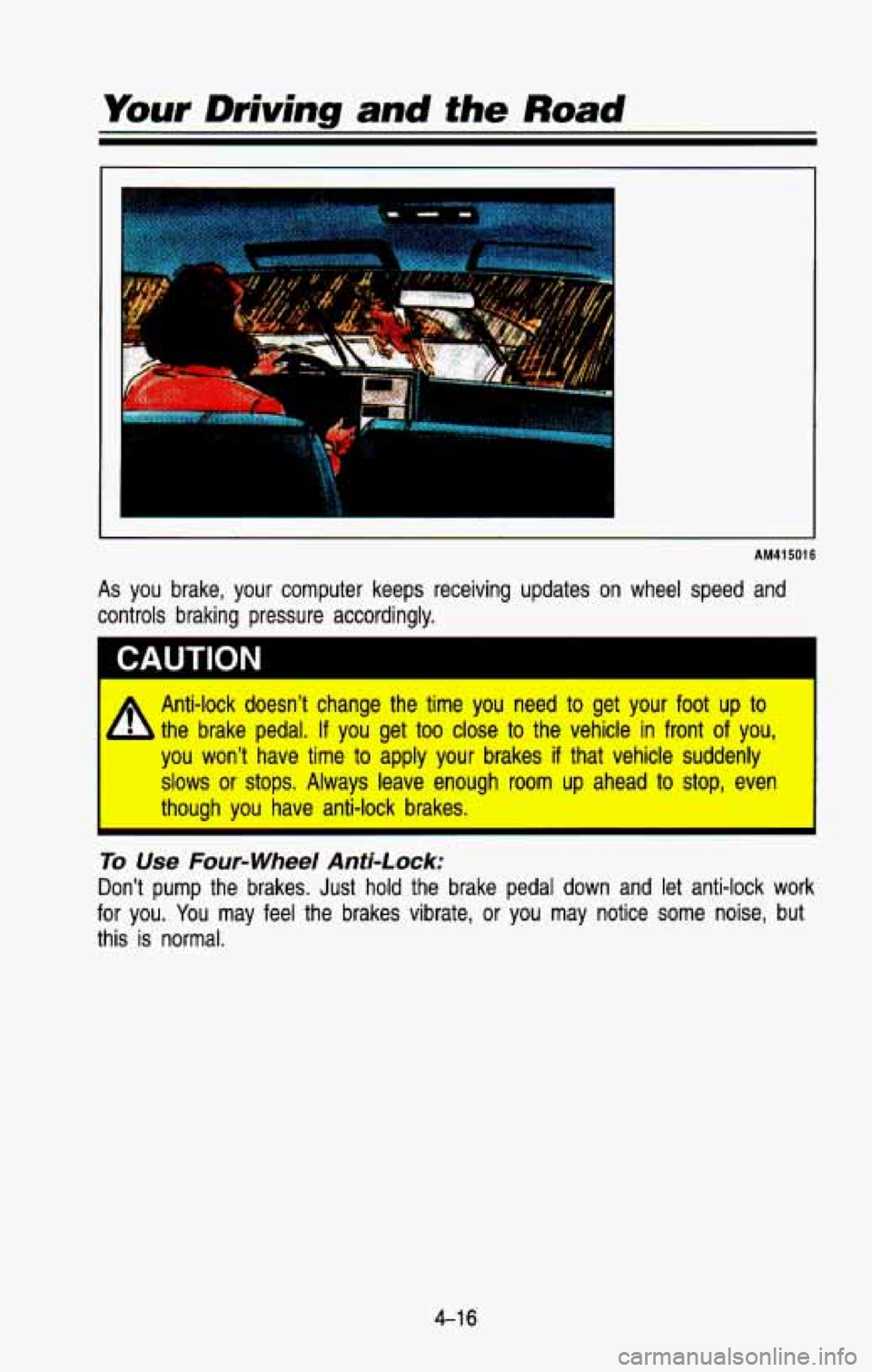
As you brake, your computer keeps receiving updates on wheel speed and
controls braking pressure accordingly.
CAUTION I
A Anti-lock doesn’t change the time you need to get your foot up to
- the brake pedal, If you get too close to the vehicle in front of you,
you won’t have time to apply your brakes if that vehicle suddenly
slows or stops. Always leave enough room up ahead to stop, even
I though you have anti-lock brakes. I
To Use Four-wheel Anti-Lock:
Don’t pump the brakes. Just hold the brake pedal down and let anti-lock work
for you.
You may feel the brakes vibrate, or you may notice some noise, but
this
is normal.
4-1 6
Page 184 of 386

Brake System Warning Light
K2325
This light appears on your instrument cluster to warn you if your regular
braking system needs service. See “Brake System Warning Light\
”
in the
Index.
Disc Brake Wear lndicators
Disc brake pads have built-in wear indicators that make a high\
-pitched
warning sound when the brake pads are worn and new pads are \
needed.
The sound may come and go or be heard all the time your veh\
icle is moving
(except when you are pushing on the brake pedal firmly).
I
CAUTION
The brake wear warning sound means that sooner or later your \
your
brakes won’t work well. That could lead to an accident. When you
hear the brake wear warning sound, have your vehicle serviced. \
I
NOTICE
Continuing to drive with worn-out brake pads could result in costly brakt
repair.
ome driving conditions
or climates may cause a brake squeal when the
brakes are first applied or lightly applied. This does
not mean something is
wrong with your brakes.
4-1 7
Page 185 of 386
Your Driving and the Road
Rear Drum Brakes
Your rear drum brakes don’t have the wear indicators, but if you ever hear a
rear brake rubbing noise, have the rear brake lining inspected.\
Also, the rear
brake drums should be removed and inspected each time the tire\
s are removed for rotation or changing. When you have the front brak\
es replaced,
have the rear brakes inspected, too.
Brake linings should always be replaced as complete axle sets. \
Brake Pedal Travel
See your dealer if the brake pedal does not return to normal height, or if
there is a rapid increase in pedal travel. This could be a sign of brake
trouble.
Brake Adjustment
Every time you make a brake stop, your disc brakes adjust for\
wear. If your
brake pedal goes down farther than normal, your rear drum brak\
es may need
adjustment. Adjust them by backing up and firmly applying the brakes a few
times.
Braking In Emergencies
Use your anti-lock braking system when you need to. With anti-lock, you \
can
steer and brake at the same time. In many emergencies, steerin\
g can help
you more than even the very best braking.
Steering
Power Steering
If you lose power steering assist because the engine stops or the\
system
fails to function, you can steer but it will take much more effort.
Steering Tips
Driving on Curves
It’s important to take curves at a reasonable speed.
A lot of the “driver lost control” accidents mentioned on the n\
ews happen on
curves. Here’s why:
Experienced driver
or beginner, each of us is subject to the same laws of
physics when driving on curves. The traction of the tires against the road
surface makes
it possible for the vehicle to change its path when you turn
the front wheels.
If there’s no traction, inertia will keep the vehicle going in
the same direction.
If you’ve ever tried to steer a vehicle on wet ice, you’ll \
understand this.
4-1 8