wiring CHEVROLET BLAZER 1995 2.G Owners Manual
[x] Cancel search | Manufacturer: CHEVROLET, Model Year: 1995, Model line: BLAZER, Model: CHEVROLET BLAZER 1995 2.GPages: 380, PDF Size: 20.04 MB
Page 90 of 380
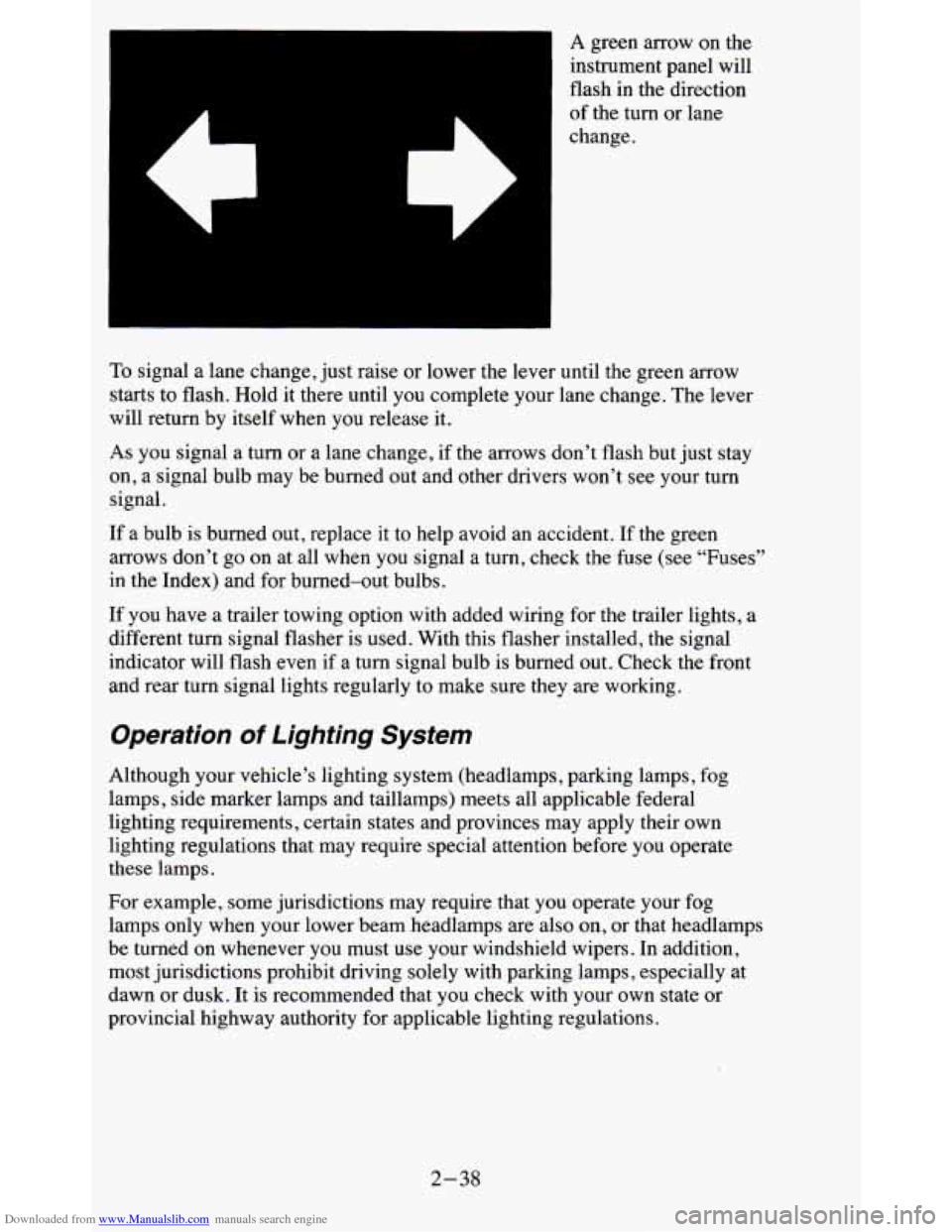
Downloaded from www.Manualslib.com manuals search engine A green arrow on the
instrument panel will
flash
in the direction
of the turn or lane
change.
To signal a lane change, just raise or lower the lever until the green arrow
starts to flash. Hold it there until you complete your lane change. The lever
will return by itself when you release it.
As you signal a turn or a lane change, if the arrows don’t flash but just stay
on, a signal bulb may be burned out and other drivers won’t see your turn
signal.
If a bulb is burned out, replace it to help avoid an accident. If the green
arrows don’t go on at all when
you signal a turn, check the fuse (see “Fuses”
in the Index) and for burned-out bulbs.
If you have a trailer towing option with added wiring for the trailer lights, a
different turn signal flasher is used. With this flasher instal\
led, the signal
indicator will flash even if
a turn signal bulb is burned out. Check the front
and rear turn signal lights regularly to make sure they are w\
orking.
Operation of Lighting System
Although your vehicle’s lighting system (headlamps, parking lamps, fog
lamps, side marker lamps and taillamps) meets all applicable federal
lighting requirements, certain states and provinces may apply their own
lighting regulations that may require special attention before you operate
these lamps.
For example, some jurisdictions may require that you operate your fog
lamps only when your lower beam headlamps are also on,
or that headlamps
be turned on whenever you must use your windshield wipers. In \
addition,
most jurisdictions prohibit driving solely with parking lamps, especially at
dawn or dusk. It is recommended that you check with your own state or
provincial highway authority for applicable lighting regulations.
2-38
Page 99 of 380
Downloaded from www.Manualslib.com manuals search engine Lamps
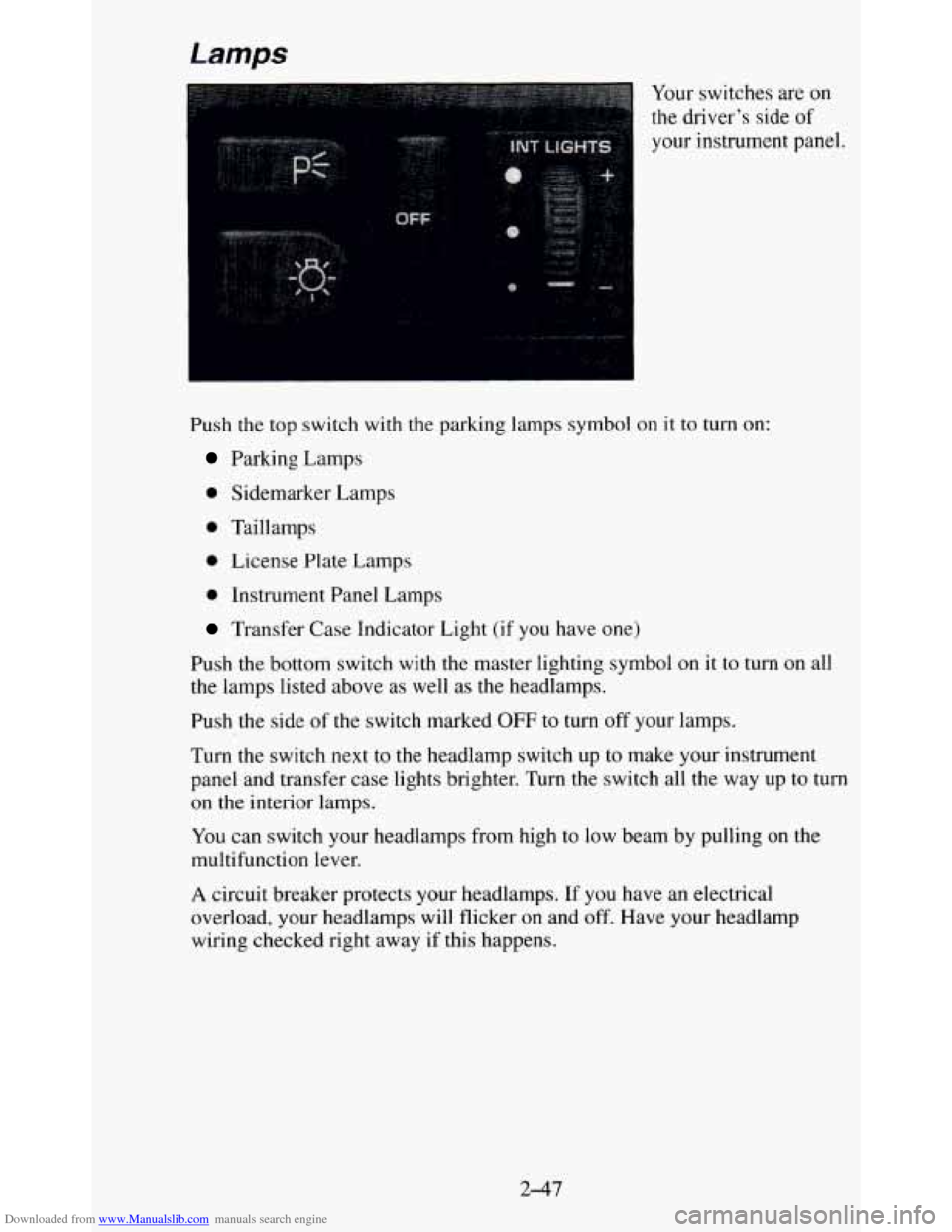
Push the top switch with the parking lamps symbol
Parking Lamps
0 Sidemarker Lamps
0 Taillamps
0 License Plate Lamps
0 Instrument Panel Lamps Your
switches are
on
the driver’s side of
your instrument panel.
on it
to turn on:
Transfer Case Indicator Light (if you have one)
Push the bottom switch with the master lighting symbol
on it to turn on all
the lamps listed above as well as the headlamps.
Push the side
of the switch marked OFF to turn off your lamps.
Turn the switch next to the headlamp switch up to make your \
instrument panel and transfer case lights brighter. Turn the switch all the way up to turn
on the interior lamps.
You can switch your headlamps from high to low beam by pulling on the
multifunction lever.
A circuit breaker protects your headlamps. If you have an electrical
overload, your headlamps will flicker on and
off. Have your headlamp
wiring checked right away if this happens.
2-47
Page 121 of 380
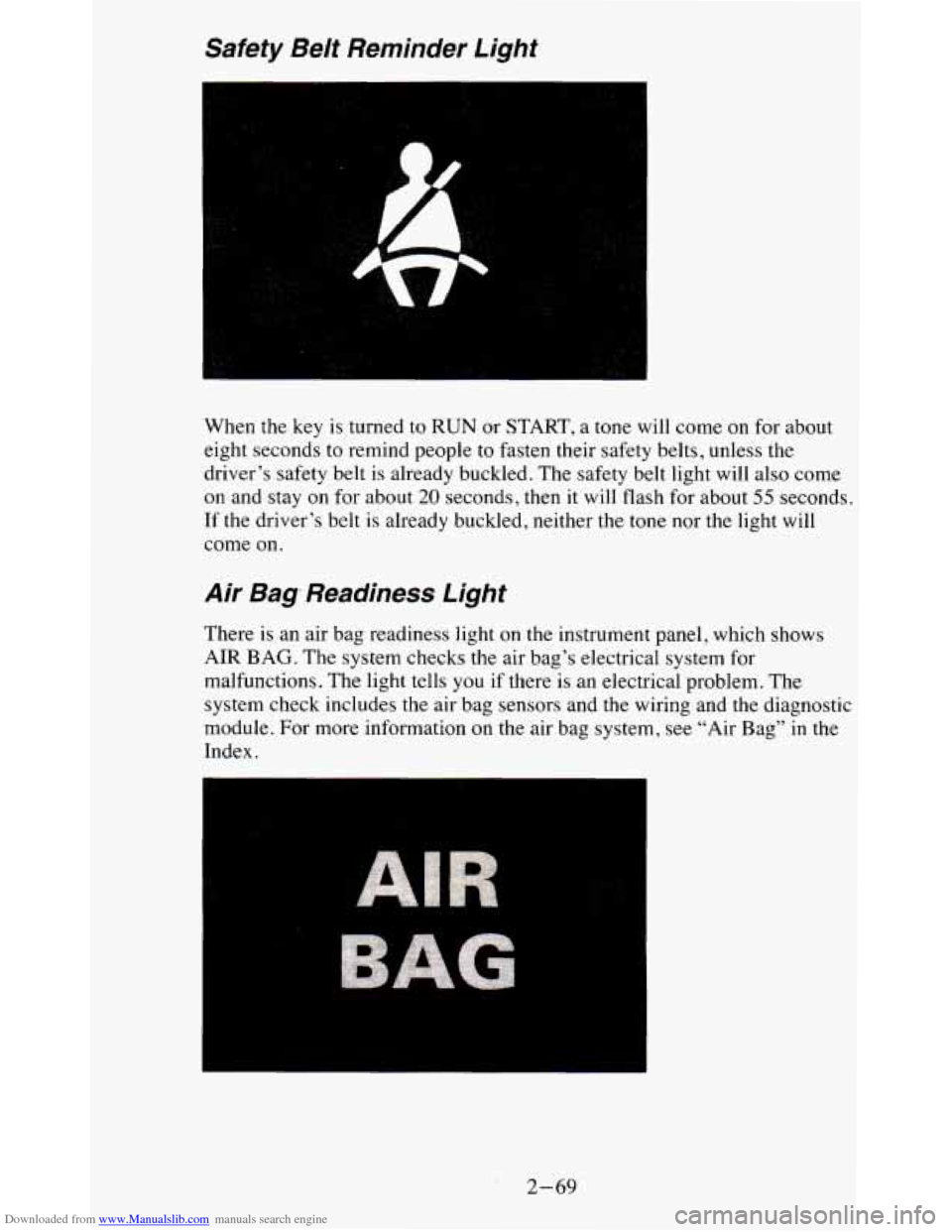
Downloaded from www.Manualslib.com manuals search engine Safety Be/t Reminder Light
When the key is turned to RUN or START, a tone will come on for about
eight seconds to remind people to fasten their safety belts, u\
nless the
driver’s safety belt is already buckled. The safety belt light
will also come
on and stay on for about
20 seconds, then it will flash for about 55 seconds.
If the driver’s belt
is already buckled, neither the tone nor the light will
come on.
Air Bag, Readiness Light
There is an air bag readiness light on the instrument panel, which shows
AIR BAG. The system checks the air bag’s electrical system for
malfunctions. The light tells you
if there is an electrical problem. The
system check includes the air bag sensors and
the wiring and the diagnostic
module. For more information on the air bag system, see “Air Bag”
in the
Index.
2-69
Page 133 of 380
Downloaded from www.Manualslib.com manuals search engine Don’t exceed the maximum vehicle capacity when loading your vehicle. For
more information on vehicle capacity and loading,
see “Loading Your
Vehicle’’ in the Index.
To prevent damage or loss of cargo as you’re driving, check
now and then to
make sure the luggage carrier and cargo are still securely fastened.
Trailer Wiring Harness
Your vehicle will have a 5-wire and may have a 7-wire harness.
The light duty trailer wiring is a 5-wire harness assembly taped and bundled
at the left corner
of the vehicle. The harness has no connector, and you
should have
a qualified service person wire your harness for you.
The heavy duty trailer wiring is
a 7-wire harness assembly. It is stored
under the vehicle, along the passenger-side frame crossmember on
two-door vehicles and on the driver-side corner frame crossmember on
four-door vehicles. It has a 30-amp feed wire with an inline fuse located by
the junction block. See “Fuses and Circuit Breakers” in
the Index.
Both the 5-wire harness and the 7-wire harness have no connector and
should be wired by a qualified service person. Attach the harness to the
trailer, then tape or strap
it to your vehicle’s frame rail. Be sure you leave it
loose enough
so the wiring doesn’t bend or break, but not so loose that it
drags on the ground.
Store the harness
in its original place. Wrap the harness together and tie it
neatly
so it won’t be damaged.
2-81
Page 199 of 380
Downloaded from www.Manualslib.com manuals search engine Passing
You’ll need more passing distance up ahead when you’re towing a trailer.
And, because you’re a good deal longer, you’ll need to go much farther
beyond the passed vehicle before you can return to your lane.
Backing Up
Hold the bottom of the steering wheel with one hand. Then, to move the
trailer to the left, just move that hand to the left. To move the trailer to the
right, move your hand to the right. Always back up slowly and, if possible,
have someone guide you.
Making Turns
NOTICE:
Making very sharp turns while trailering could cause the traile\
r
to come in contact with the vehicle. Your vehicle could be
damaged. Avoid making very sharp turns while trailering.
When you’re turning with a trailer, make wider turns than normal. Do this
so your trailer won’t strike soft shoulders, curbs, road signs, trees, or other
objects. Avoid jerky or sudden maneuvers. Signal well in advance.
Turn Signals When Towing a Trailer
When you tow a trailer, your vehicle has to have extra wiring and a
heavy-duty
turn signal flasher (included in the optional trailering package).
The green arrows on your instrument panel will flash whenever you signal a
turn or lane change. Properly hooked up, the trailer lamps will also flash,
telling other drivers you’re about to turn, change lanes or stop.
When towing a trailer, the green arrows on your instrument panel will flash
for turns even if the bulbs on the trailer are burned out. Thus, you may think
drivers behind you are seeing your signal when they are not. It’s important
to check occasionally to be sure the trailer bulbs are still working.
Driving On Grades
Reduce speed and shift to a lower gear before you start down a long or steep
downgrade. If you don’t shift down, you might have to use your brakes
so
much that they would get hot and no longer work well.
On a long uphill grade, shift down and reduce your speed to around 45 mph
(70 Wh) to reduce the possibility of engine and transmission overheating.
4-45
Page 201 of 380
Downloaded from www.Manualslib.com manuals search engine When You Are Ready to Leave After Parking on a Hill
1. Apply your regular brakes and hold the pedal down while you:
Start your engine;
0 Shift into a gear; and
Release the parking brake.
2. Let up on the brake pedal.
3. Drive slowly until the trailer is clear of the chocks.
4. Stop and have someone pick up and store the chocks.
Maintenance When Trailer Towing
Your vehicle will need service more often when you’re pulling a trailer. See
the Maintenance Schedule for more on this. Things that are especially
important
in trailer operation are automatic transmission fluid (don’t
overfill), engine oil, axle lubricant, belt, cooling system, and brake
adjustment. Each
of these is covered in this manual, and the Index will help
you find them quickly. If you’re trailering, it’s a good idea to review these
sections before you start your trip.
Check periodically to see that all hitch nuts and bolts are tight.
Trailer Lighting Systems Wiring
See “Trailer Wiring Harness” in the Index.
4-47
Page 300 of 380
Downloaded from www.Manualslib.com manuals search engine Service Parts Identification Label
You’ll find this label on the inside of the glove box.
It’s very helpful
if you ever need to order parts. On this label is:
your VIN,
the model designation,
0 paint information, and
a list of all production options and special equipment.
Be sure that this label is not removed from the vehicle.
Add-on Electrical Equipment
I NOTICE:
Don’t add anything electrical to your vehicle unless you che\
ck
with your dealer first. Some electrical equipment can damage
your vehicle and the damage wouldn’t be covered by your
warranty.
Some add-on electrical equipment can keep other
components from working as they should.
Your vehicle has an air bag system. Before attempting to add anything
electrical to your vehicle, see “Servicing Your Air Bag-Equipped Vehicle”
in the Index.
Fuses and Circuit Breakers
The wiring circuits in your vehicle are protected from short circuits by a
combination of fuses, circuit breakers, and fusible thermal links in the
wiring itself. This greatly reduces the chance
of fires caused by electrical
problems.
6-60
Page 301 of 380
Downloaded from www.Manualslib.com manuals search engine Headlamps
The headlamp wiring is protected by a circuit breaker in the light switch. An
electrical overload will cause the lights to go on and off, or in some cases to
remain
off. If this happens, have your headlamp wiring checked right away.
Windshield Wipers
The windshield wiper motor is protected by a circuit breaker and a fuse. If
the motor overheats due to heavy snow, etc., the wiper will stop until the
motor cools. If the overload is caused by some electrical problem and not
snow, etc., be sure to get it fixed.
Power Windows and Other Power Options
Circuit breakers in the fuse panel protect the power windows and other
power accessories. When the current load is too heavy, the cir\
cuit breaker
opens and closes, protecting the circuit until the problem is fixed.
Trailer Wiring Harness
The optional seven-wire trailer wiring harness is protected by an in-line
fuse in the battery feed wire. This fuse is near the junction block in the
front, driver’s side fender. See “Trailer Wiring Harness” in the
Features &
Controls section.
Fuse B/ock
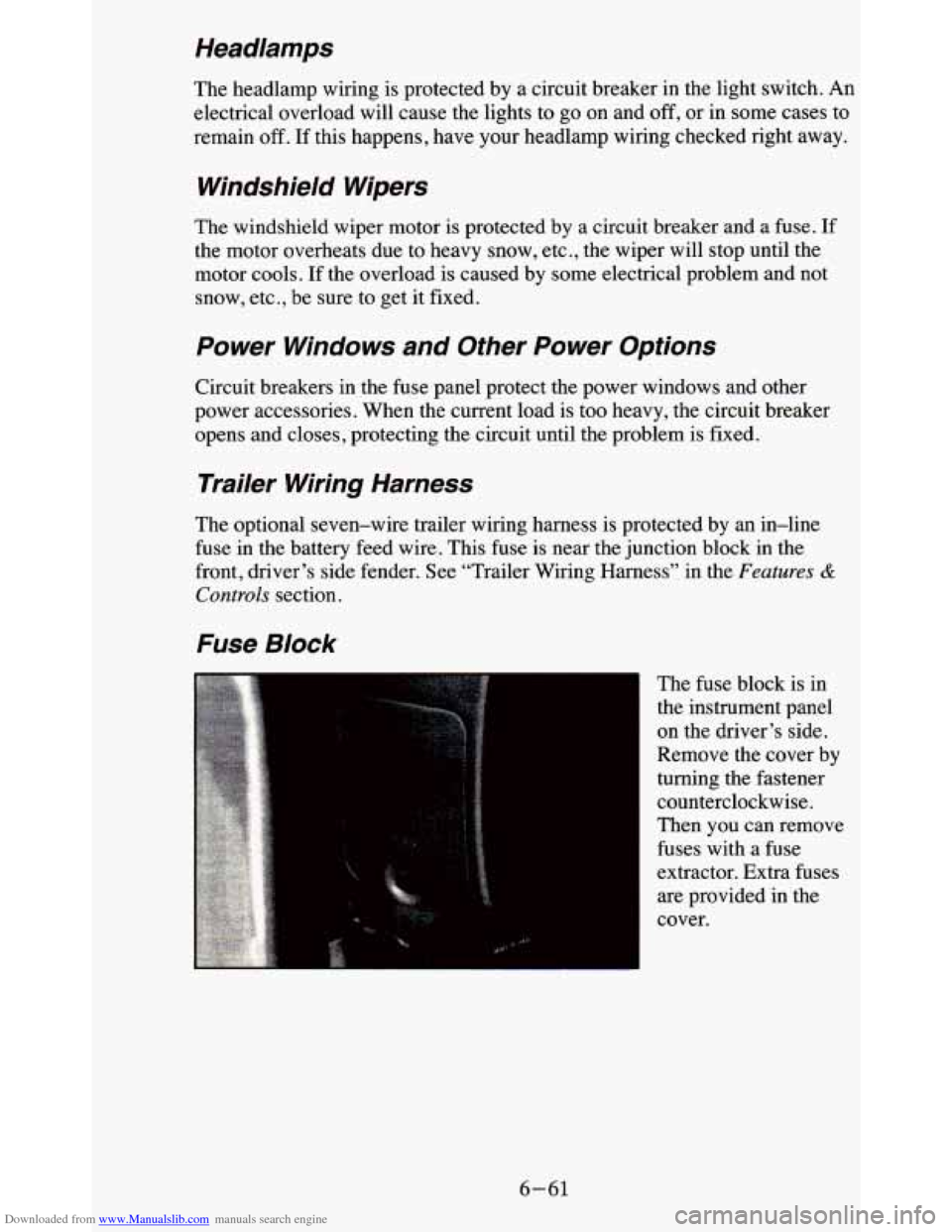
The fuse block is in
the instrument panel
on the driver’s side.
Remove the cover by
turning the fastener
counterclockwise.
Then you can remove
fuses with a fuse
extractor. Extra fuses
are provided in the
cover.
6-61
Page 377 of 380
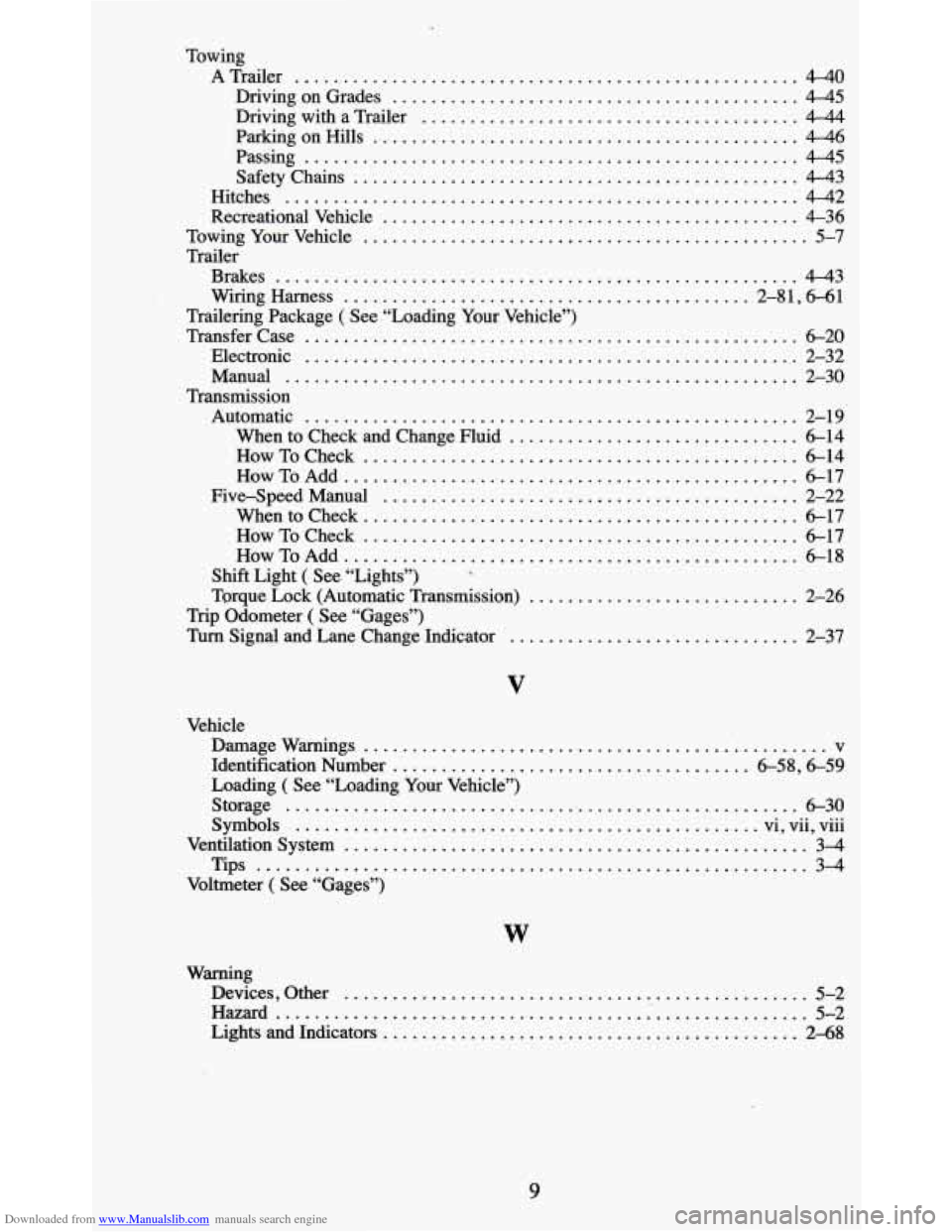
Downloaded from www.Manualslib.com manuals search engine Towing ATrailer
.................................................... 4-40
Driving on Grades .......................................... 4-45
Driving with a Trailer ....................................... 4-44
ParkingonHills ............................................ 4-46
Passing ................................................... 4-45
SafetyChains .............................................. 4-43
Hitches ..................................................... 4-42
Recreational Vehicle ........................................... 4-36
TowingYourVehicle .............................................. 5-7
Brakes ...................................................... 4-43
Wiring Harness .......................................... 2-81. 6-61
Trailering Package ( See “Loading Your Vehicle”)
Transfercase
................................................... 6-20
Electronic ................................................... 2-32
Manual ..................................................... 2-30
Automatic ................................................... 2-19
When to Check and Change Fluid .............................. 6-14
HowToCheck ............................................. 6-14
How To Add ................................................. 6-17
Five-SpeedManual ........................................... 2-22
When to Check ............................................. 6-17
How To Check ............................................. 6-17
How To Add ............................................... 6-18
Shift Light ( See “Lights”)
Torque Lock (Automatic Transmission)
............................ 2-26
Trip Odometer ( See “Gages”)
Turn Signal and Lane Change Indicator .............................. 2-37
Trailer
Transmission
*
V
Vehicle Damagewarnings
................................................ v
Identification Number ..................................... 6-58. 6-59
Loading ( See “Loading Your Vehicle”)
Storage
...................................................... 6-30
Symbols ................................................ vi, vu, vm
Ventilationsystem ................................................ 3-4
Tips ......................................................... 3-4
Voltmeter ( See “Gages”)
.....
W
Warning
Devices. Other
................................................ 5-2
Hazard ......................................................... 5-2
Lights and Indicators ........................................... 2-68
9