stop start CHEVROLET BLAZER 1996 2.G User Guide
[x] Cancel search | Manufacturer: CHEVROLET, Model Year: 1996, Model line: BLAZER, Model: CHEVROLET BLAZER 1996 2.GPages: 392, PDF Size: 20.35 MB
Page 145 of 392
Downloaded from www.Manualslib.com manuals search engine Setting the Tone
TONE ADJUSTMENT Set the bass, midrange and
treble by using
the levers in the upper middle left corner to
get the sound you want. The
60 and 250 levers adjust the
bass,
1 K is midrange, and 3.5K and IOK control the treble.
We suggest
you start with 1K in the midpoint position.
Then move the other levers up
until you get the amount
of bass and treble you like.
Adjusting the Speakers
BAL: This control ring behind the
PWR-VOL-PROG-RCL knob adjusts the balance
between the
left and right speakers.
FADE: This control ring behind the TUNE-AM-FM knob
adjusts
the balance between the front and rear speakers.
Playing a Cassette Tape
Your tape player is built to work best with tapes that are
30 to 45 minutes long on each side. Tapes longer than
that are
so thin they may not work well in this player.
Once the tape is playing, use the PWR-VOL-PROG-RCL
knob, just
as you do for radio. A lighted arrow will be
displayed to show tape play direction.
CrO2: This button lets you set the system for the type of
cassette being used. If you are using chrome or metal
tapes, press the button
in.
FORWARD: Press the arrow button in the direction that
the lighted arrow points to advance quickly to another
part
of the tape. Press STOP-EJECT lightly to stop
forwarding and play the tape.
REVERSE: Press the arrow button in the opposite
direction that the lighted arrow points
to reverse quickly
to another part
of the tape. Press STOP-EJECT lightly
to stop reversing and play the tape.
SEARCH: Press this button to the recessed position.
Press the lighted arrow to skip to the next selection. Press
the opposite direction arrow that is
not lighted to replay
the current selection or skip to the previous selection.
PWR-VOL-PROG-RCL: Press this knob to go from
one side
of the tape to the other.
STOP-EJECT Press this button to remove the tape or
stop playing the tape to play the radio.
Your Delco system may be able to receive C-QUAM@
stereo broadcasts. Many AM stations around the country
use C-QUAM to produce stereo, though some
do not.
C-QUAM is a registered trademark of Motorola, Inc.
If your Delco system can get C-QUAM signals,
your STEREO light will come on when you are
receiving stereo.
3-11
Page 148 of 392
Downloaded from www.Manualslib.com manuals search engine REV (4): Press and hold this button to return to a
passage quickly. Release it to play the passage. The
counter reading will appear
on the display while using
this control.
FWD (5): Press and hold this button to advance to a
passage quickly. Release
it to resume playing. Watch the
display to stop at a specific passage.
SCAN: Press this button to listen to each selection for
about
six seconds. The disc will go to the next selection,
stop for a few seconds, then
go to the next selection.
Press
RDM, SCAN or any other motion button again to
stop scanning.
PREV: Hold the backward arrow or press it more than
once to return the disc
to previous tracks.
NEXT Press the forward arrow to hear the next track
now instead of waiting
until the current track is finished.
If you hold this button or press it more than once, the
disc will advance further.
ST-PL: Press this button to stop the disc and play the
radio. Press it again
to restart the disc at the point where
it stopped. Press
the POWER-VOL knob
or turn the ignition key
off to stop the disc player. The disc stays in the player
and
will resume playing at the point where it stopped.
EJCT Press this button to eject the disc and play the
radio. The disc
will start at track one when you reinsert it.
Theft-Deterrent Feature
Delco LOC II@ is a theft-deterrent feature for the
compact disc player.
It can be used or ignored. If ignored,
the system plays normally.
If used, your player won’t be
usable
if it is ever stolen, because it won’t turn on.
The instructions below tell
you how to enter a secret
code into the system.
It is recommended that you read
through all
11 steps before starting the procedure. If
your vehicle loses battery power for any reason, you
must unlock the system
with your secret code before the
radio
will turn on.
NOTE: If you allow more than 15 seconds to elapse
between any steps, the radio automatically reverts to
time and you must start the procedure over at Step
4.
3-14
Page 160 of 392
Downloaded from www.Manualslib.com manuals search engine Avoid needless heavy braking. Some people drive
in spurts -- heavy acceleration followed by heavy
braking
-- rather than keeping pace with traffic. This
is a mistake. Your brakes may not have time to cool
between hard stops. Your brakes will wear out much
faster if you do a lot
of heavy braking. If you keep pace
with the traffic and allow realistic following distances,
you will eliminate a lot of unnecessary braking. That
means better braking and longer brake life.
If your engine ever stops while you’re driving, brake
normally but don’t pump your brakes. If
you do, the
pedal may get harder
to push down. If your engine
stops,
you will still have some power brake assist. But
you will use it when you brake. Once the power assist is
used up, it may take longer to stop and the brake pedal
will be harder to push.
Anti-Lock Brakes
Your vehicle has anti-lock brakes (ABS). ABS is an
advanced electronic braking system that will help
prevent a braking skid.
When
you start your engine and begin to drive away,
your anti-lock brake system will check itself.
You may
hear a momentary motor or clicking noise while this test
is going on. This
is normal.
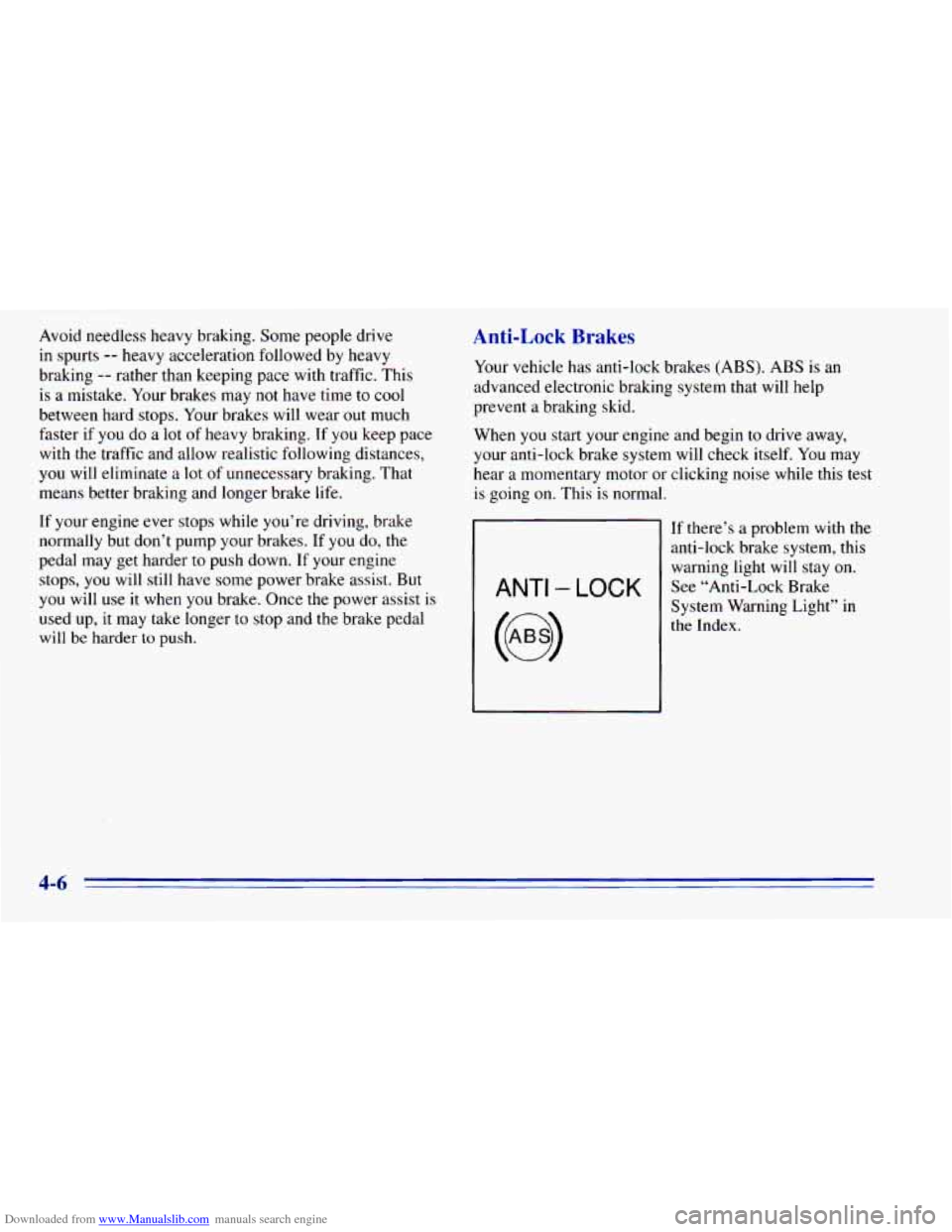
ANTI - LOCK
If there’s a problem with the
anti-lock brake system, this
warning light will stay on. See “Anti-Lock Brake
System Warning Light” in
the Index.
4-6
Page 167 of 392
Downloaded from www.Manualslib.com manuals search engine Loss of Control
Let’s review what driving experts say about what
happens when the three control systems (brakes, steering
and acceleration) don’t have enough friction where the
tires meet
the road to do what the driver has asked.
In any emergency, don’t give up. Keep trying to
steer and constantly seek
an escape route or area of
less danger.
Skidding
In a skid, a driver can lose control of the vehicle.
Defensive drivers avoid most skids by taking reasonable
care suited to existing conditions, and by not “overdriving”
those conditions. But skids are always possible.
The three types
of skids correspond to your vehicle’s
three control systems.
In the braking skid, your wheels
aren’t rolling. In
the steering or cornering skid, too
much speed or steering
in a curve causes tires to slip and
lose cornering force. And
in the acceleration skid, too
much throttle causes the driving wheels to spin.
A cornering skid and an acceleration skid are best
handled by easing your foot off
the accelerator pedal.
If your vehicle starts to slide, ease your foot off the
accelerator pedal and quickly steer the way you want the
vehicle to go.
If you start steering quickly enough, your
vehicle may straighten out. Always be ready for a
second
skid if it occurs.
Of course, traction is reduced when water, snow, ice,
gravel or other material is on the road. For safety, you’ll
want to slow down and adjust your driving to these
conditions. It is important to slow down on slippery
surfaces because stopping distance
will be longer and
vehicle control more limited.
While driving on
a surface with reduced traction, try your
best
to avoid sudden steering, acceleration or braking
(including engine braking
by shifting to a lower gear).
Any sudden changes could cause the tires to slide. You
may not realize
the surface is slippery until your vehicle
is skidding. Learn to recognize warning clues
-- such as
enough water, ice or packed snow on the road to make
a “mirrored surface” -- and slow down when you have
any doubt.
Remember:
Any anti-lock brake system (ABS) helps
avoid only the braking skid.
4-13
Page 171 of 392
Downloaded from www.Manualslib.com manuals search engine Controlling your vehicle is the key to successful
off-road driving. One of
the best ways to control your
vehicle is to control your speed. Here are some things to
keep in mind. At higher speeds:
0
0
0
0
you approach things faster and you have less time to
scan the terrain for obstacles.
you have less time
to react.
you have more vehicle bounce when you drive
over obstacles.
you’ll need more distance
for braking, especially
since you’re on an unpaved surface.
When you’re driving off-road, bouncing and
quick changes in direction can easily throw you
out of position. This could cause you to lose
control and crash.
So, whether you’re driving on
or off the road, you and your passengers should
wear safety belts.
Scanning the Terrain
Off-road driving can take you over many different kinds
of terrain. You need to be familiar with the terrain and
its
many different features. Here are some things to consider.
Surjizce Conditions. Off-roading can take you over
hard-packed
dirt, gravel, rocks, grass, sand, mud, snow or
ice. Each of these surfaces affects the steering, acceleration
and braking of your vehicle
in different ways. Depending
upon the kind of surface you are on,
you may experience
slipping, sliding, wheel spinning, delayed acceleration,
poor traction and longer braking distances.
Sutfkce Obstacles. Unseen or hidden obstacles can be
hazardous.
A rock, log, hole, rut or bump can startle you
if you’re not prepared for them. Often these obstacles are
hidden by grass, bushes, snow or even the rise and fall of
the terrain itself. Here are some things to consider:
Is the path ahead clear?
0 Will the surface texture change abruptly up ahead?
Does the travel take you uphill or downhill? (There’s
more discussion of these subjects later.)
0 Will you have to stop suddenly or change
direction quickly?
4-17
Page 175 of 392
Downloaded from www.Manualslib.com manuals search engine What should I do if my vehicle stalls, or is about
to stall, and
I can’t make it up the hill?
A: If this happens, there are some things you should
0
0
0
do, and there are some things you must not do.
First, here’s what
you should do:
Push the brake pedal to stop the vehicle and keep it
from rolling backwards. Also, apply the parking
brake.
If your engine is still running, shift the transmission
to REVERSE (R), release the parking brake, and
slowly back down the hill in REVERSE (R).
If your engine has stopped running, you’ll need to
restart it. With the brake pedal depressed and the
parking brake still applied, shift the transmission to
PARK (P) (or, shift
to NEUTRAL (N) if your
vehicle has a manual transmission) and restart the
engine. Then, shift
to REVERSE (R), release the
parking brake, and slowly back down the hill as
straight as possible in REVERSE
(R).
As you are backing down the hill, put your left hand
on the steering wheel at the 12 o’clock position. This
way,
you’ll be able to tell if your wheels are straight
and maneuver as
you back down. It’s best that you
back down the hill with your wheels straight rather
than in the
left or right direction. Turning the wheel
too far to
the left or right will increase the possibility
of a rollover.
Here are some things
you must not do if you stall, or are
about to stall, when going up a hill.
0 Never attempt to prevent a stall by shifting into
NEUTRAL (N) (or depressing the clutch, if
you
have a manual transmission) to “rev-up” the engine
and regain forward momentum. This won’t work.
Your vehicle will roll backwards very quickly and
you could go
out of control.
Instead, apply the regular brake
to stop the vehicle.
Then apply the parking brake.
Shift to REVERSE (R),
release the parking brake,
and slowly back straight down.
0 Never attempt to turn around if you are about to stall
when going up a hill. If the hill is steep enough
to
stall your vehicle, it’s steep enough to cause you to
roll over if you turn around. If you can’t make it up
the
hill, you must back straight down the hill.
Page 178 of 392
Downloaded from www.Manualslib.com manuals search engine Q: Are there some things I should not do when
A: Yes! These are important because if you
driving down a hill?
0
ignore them you could lose control and have a
serious accident.
When driving downhill, avoid turns that take you
across the incline
of the hill. A hill that’s not too
steep to drive down may be too steep to drive across.
You could roll over if you don’t drive straight down.
Never go downhill with
the transmission in
NEUTRAL (N), or with the clutch pedal depressed
in
a manual shift. This is called “free-wheeling.”
Your brakes will have to
do all the work and could
overheat and fade.
@’ Am I likely to stall when going downhill?
A: It’s much more likely to happen going uphill.
But if it happens going downhill, here’s what to do.
Stop your vehicle by applying the regular brakes.
0 Shift to PARK (P) (or to NEUTRAL (N) with the
Apply the parking brake.
manual transmission) and, while still braking, restart
the engine.
0 Shift back to a low gear, release the parking brake,
If the engine won’t start, get out and get help.
and
drive straight down,
4-24
Page 180 of 392
Downloaded from www.Manualslib.com manuals search engine &: What if I’m driving across an incline that’s not
too steep, but
I hit some loose gravel and start to
slide downhill. What should
I do?
A: If you feel your vehicle starting to slide sideways,
turn downhill. This should help straighten out the
vehicle and prevent the side slipping. However, a
much better way to prevent this is to get out and
“walk the course”
so you know what the surface is
like before you drive it.
Stalling on an Incline
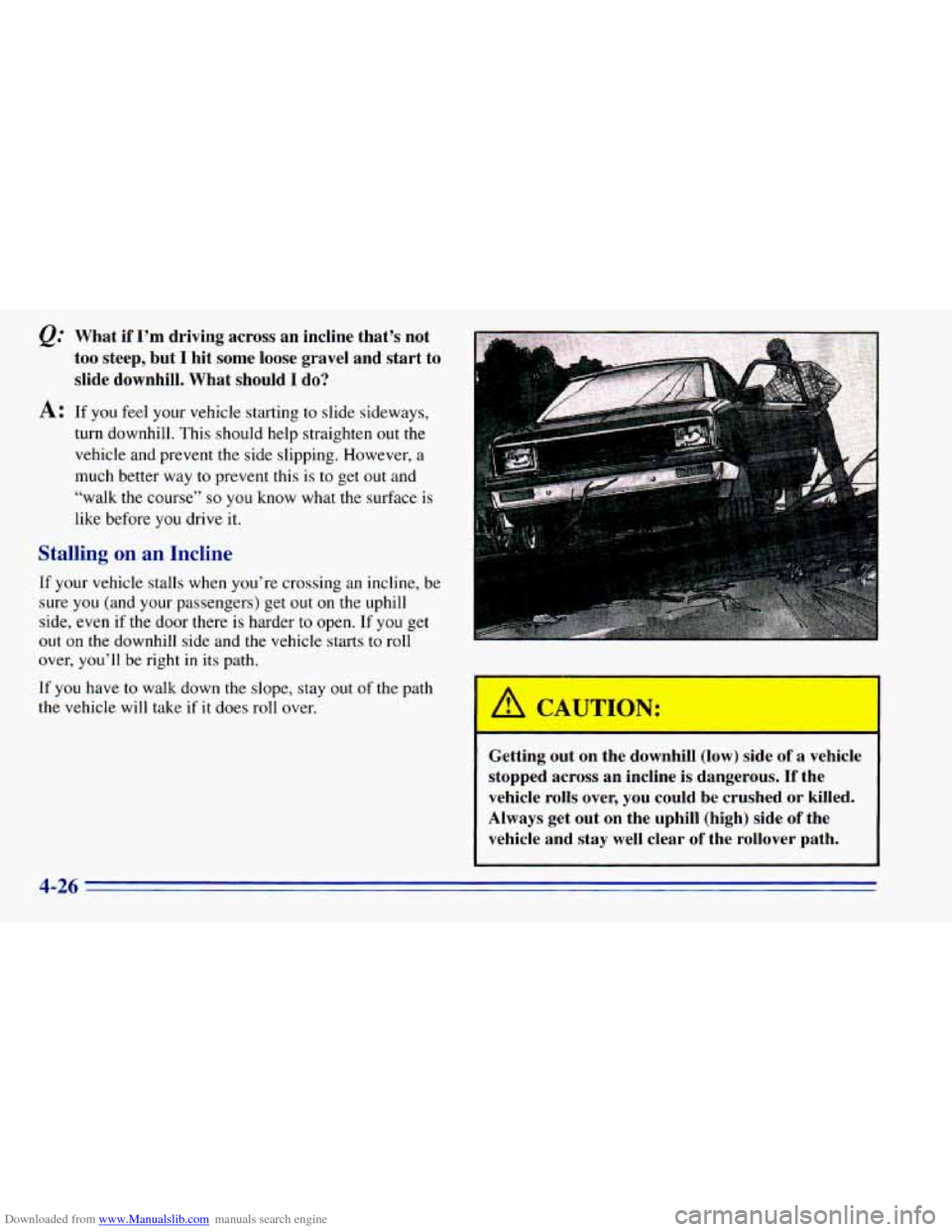
If your vehicle stalls when you’re crossing an incline, be
sure you (and your passengers) get out
on the uphill
side, even if the door there is harder to open.
If you get
out on the downhill side and the vehicle starts to roll
over, you’ll be right in its path.
If you have to walk down the slope, stay out of the path
the vehicle will take if it does roll over.
- . ,. .. ,,
A CAUTION:
.. .. .. , . ’_ ..:.
Getting out on the downhill (low) side of a vehicle
stopped across an incline is dangerous.
If the
vehicle rolls over, you could be crushed
or killed.
Always get out on the uphill (high) side of the
vehicle and stay well clear
of the rollover path.
Page 182 of 392
Downloaded from www.Manualslib.com manuals search engine Driving in Water
Light rain causes no special off-road driving problems.
But heavy rain can mean flash flooding, and flood
waters demand extreme caution.
Find out how deep the water is before you drive through
it. If it’s deep enough to cover your wheel hubs, axles or
exhaust pipe, don’t
try it -- you probably won’t get
through. Also, water that deep can damage your axle
and other vehicle parts.
If the water isn’t too deep, then drive through
it slowly.
At fast speeds, water splashes on your ignition system
and your vehicle can stall. Stalling can also occur if you
get
your tailpipe under water. And, as long as your
tailpipe is under water, you’ll never be able to start your\
engine. When you go through water, remember that when
your brakes get wet,
it may take you longer to stop.
I
A CAUTION:
~ Driving through rushing water can be dangerous.
Deep
water can sweep your vehicle downstream
and you and your passengers could drown.
If it’s
only shallow water, it can still wash away the ground from under your tires, and you could lose
traction and roll the vehicle over. Don’t drive
through rushing water.
See “Driving Through Water”
in the Index for more
information on driving through water.
4-28
Page 185 of 392
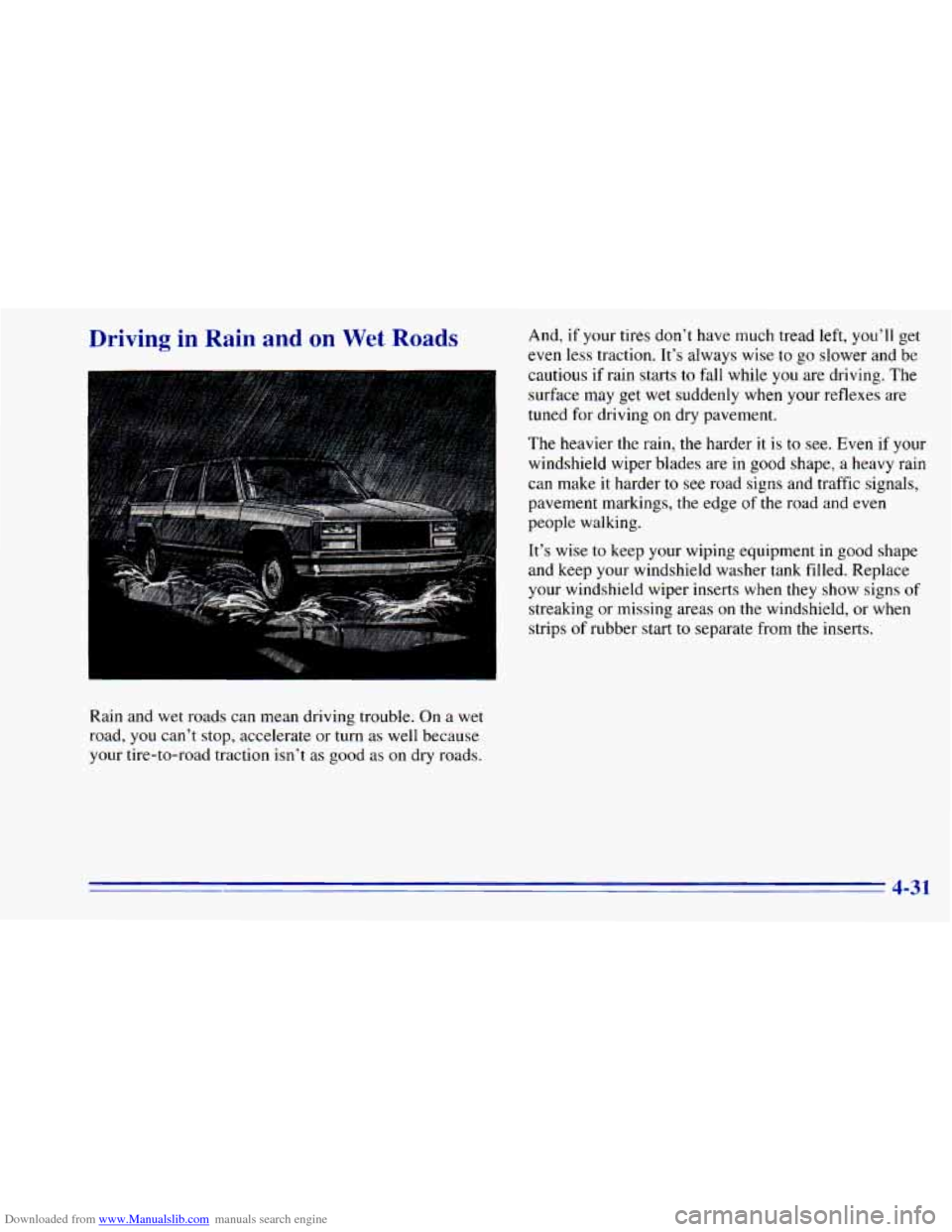
Downloaded from www.Manualslib.com manuals search engine Driving in Rain and on Wet Roads
I
Rain and wet roads can mean driving trouble. On a wet
road, you can't stop, accelerate or turn as well because
your tire-to-road traction isn't as good as
on dry roads. And,
if your tires don't have much tread left, you'll get
even less traction. It's always wise to go slower and be
cautious
if rain starts to fall while you are driving. The
surface may
get wet suddenly when your reflexes are
tuned for driving
on dry pavement.
The heavier the rain,
the harder it is to see. Even if your
windshield wiper blades are in
good shape, a heavy rain
can make
it harder to see road signs and traffic signals,
pavement markings, the edge
of the road and even
people walking.
It's wise
to keep your wiping equipment in good shape
and keep your windshield washer tank filled. Replace
your windshield wiper inserts when they show signs
of
streaking or missing areas on the windshield, or when
strips
of rubber start to separate from the inserts.
4-3 1