ignition CHEVROLET BLAZER 1996 2.G Owner's Manual
[x] Cancel search | Manufacturer: CHEVROLET, Model Year: 1996, Model line: BLAZER, Model: CHEVROLET BLAZER 1996 2.GPages: 392, PDF Size: 20.35 MB
Page 109 of 392
Downloaded from www.Manualslib.com manuals search engine Temperature and Compass Display Turn the display on or off by pressing the ON/OFF
switch. Display the temperature in either degrees
Fahrenheit (English) or Celsius (metric) by pressing
the USMET switch.
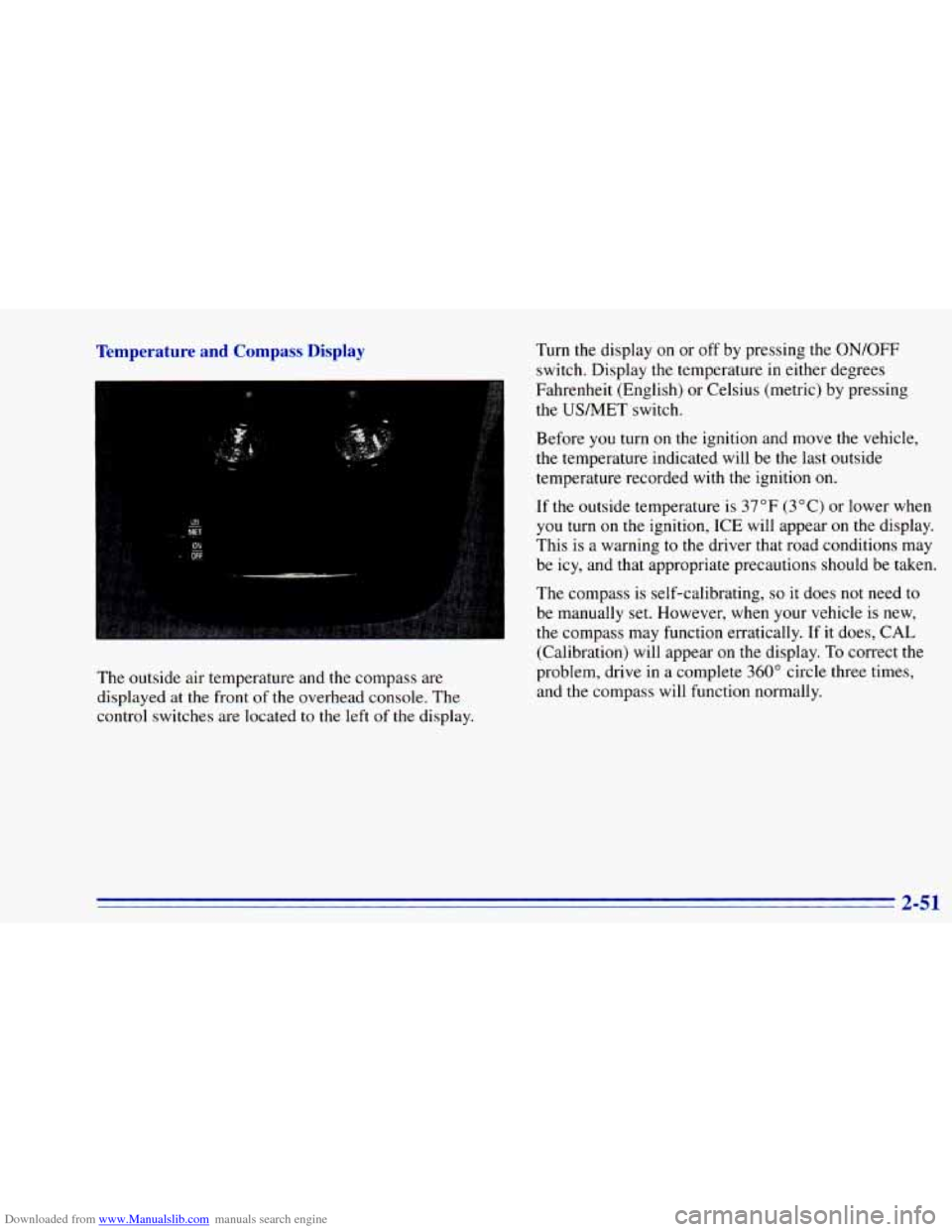
The outside air temperature and the compass are
displayed at the front of the overhead console. The
control switches are located
to the left of the display. Before
you turn on the
ignition and move the vehicle,
the temperature indicated will be the last outside
temperature recorded with the ignition
on.
If the outsidl- -3mperarure is 37°F (3°C) or lower when
you turn on
me ignition, ICE will appear on the display.
This is a warning to the driver that road conditions may
be icy, and that appropriate precautions should be taken.
The compass is self-calibrating,
so it does not need to
be manually set. However, when your vehicle is new,
the compass may function erratically.
If it does, CAL
(Calibration) will appear
on the display. To correct the
problem, drive
in a complete 360" circle three times,
and the compass will function normally.
Page 124 of 392
Downloaded from www.Manualslib.com manuals search engine Air Bag Readiness Light
There is an air bag readiness light on the instrument
panel, which shows AIR
BAG. The system checks the
air bag’s electrical system for malfunctions. The light
tells you if there is an electrical problem. The system
check includes the air bag sensors, the air bag module,
the wiring and the diagnostic module. For more
information
on the air bag system, see “Air Bag” in
the Index.
AIR
BAG
You will see this light flash
for a few seconds when you
turn your ignition to RUN
or START. Then the light
should go
out. This means
the system is ready.
If the air bag readiness light doesn’t come on when you
start your vehicle, or stays on,
or comes on when you
are driving, your air bag system may not work properly.
Have your vehicle serviced right away.
Charging System Indicator Light
The charging system light
will come on briefly when
you turn on the ignition,
but the engine is not
running, as a check to
show you it is working.
It should go
out once the engine is running. If it stays
on, or comes on while you are driving, you may have a
problem with the charging system. It could indicate that
you have problems with a generator drive belt, or
another electrical problem. Have it checked right away.
Driving while
this light is on could drain your battery.
If you must drive a short distance with the light on, be
certain
to turn off all your accessories, such as the radio
and air conditioner.
2-66
Page 125 of 392
Downloaded from www.Manualslib.com manuals search engine Voltmeter Gage
I
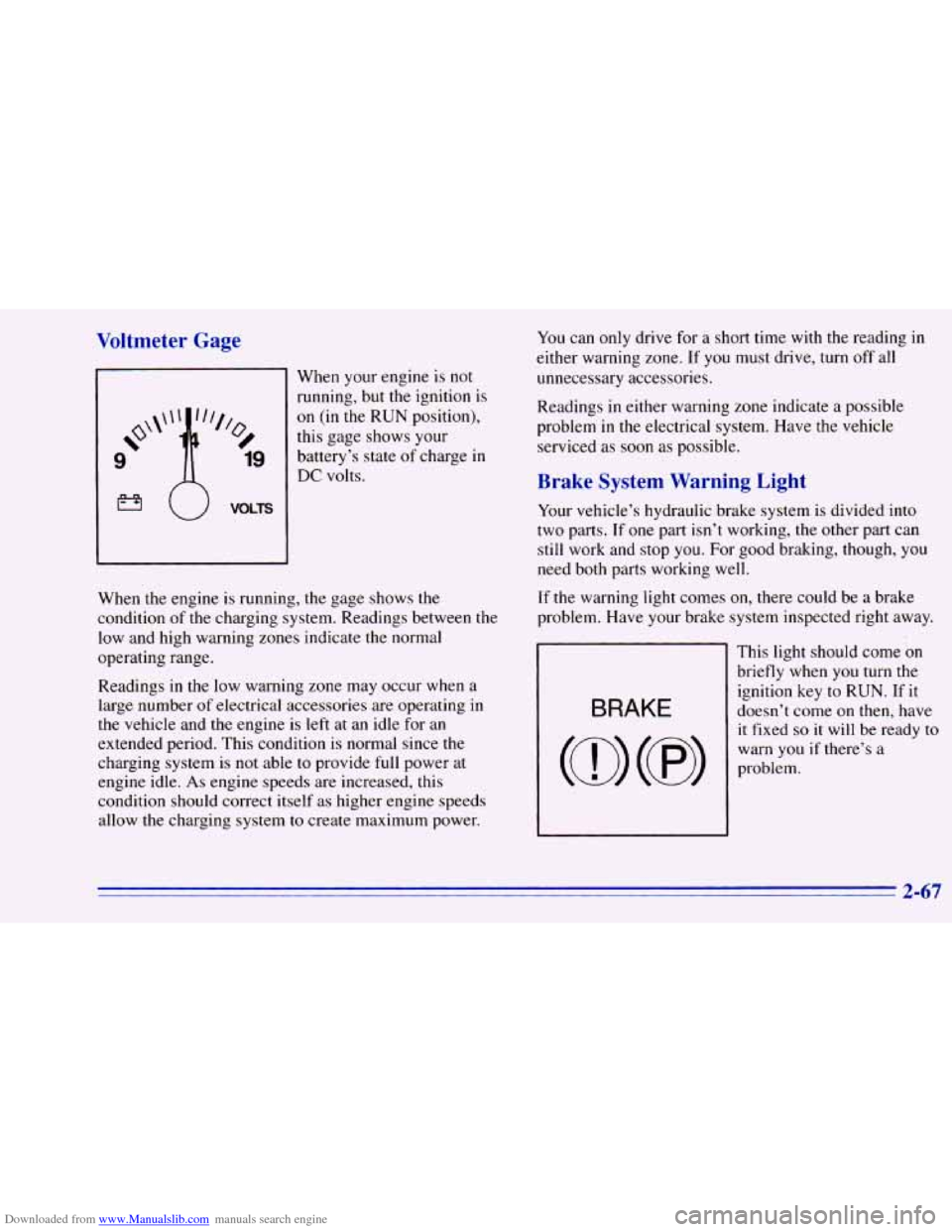
When your engine is not
running, but the ignition is
on (in the RUN position),
this gage shows your
battery’s state
of charge in
DC volts.
When the engine is running, the gage shows the
condition of the charging system. Readings between the
low and high warning zones indicate the normal
operating range.
Readings in the low warning zone may occur when a.
large number
of electrical accessories are operating in
the vehicle and the engine is left at an idle for an
extended period. This condition is normal since the
charging system is
not able to provide full power at
engine idle.
As engine speeds are increased, this
condition should correct itself as higher engine speeds
allow the charging system
to create maximum power.
You can only drive for a short time with the reading in
either warning zone.
If you must drive, turn off all
unnecessary accessories.
Readings
in either warning zone indicate a possible
problem
in the electrical system. Have the vehicle
serviced as soon as possible.
Brake System Warning Light
Your vehicle’s hydraulic brake system is divided into
two parts. If one part isn’t working, the other part can
still work and stop you. For good braking, though, you
need both parts working well.
If the warning light comes on, there could be a brake
problem. Have your brake system inspected right away.
This light should come
on
briefly when you turn the
ignition key to RUN. If it
doesn’t come on then, have
it fixed
so it will be ready to
warn you if there’s a
problem.
2-67
Page 126 of 392
Downloaded from www.Manualslib.com manuals search engine If the light comes on while you are driving, pull off the
road and stop carefully.
You may notice that the pedal is
harder to push. Or, the pedal
may go closer to the floor.
It may take longer to stop. If the light is still on, have the
vehicle towed for service. (See “Towing Your Vehicle”
,
in the Index.)
’ A CAUTIOI-
I
Anti-Lock Brake System Warning Light
Your brake system may not be working properly
if the brake system warning light is on. Driving
with the brake system warning light on
can lead
to an accident. If the light
is still on after you’ve
pulled off the road and stopped carefully, have
the vehicle towed for service.
When the ignition is on, the brake system warning light
will also come
on when you set your parking brake. The
light will stay
on if your parking brake doesn’t release
fully. If it stays
on after your parking brake is fully
released, it means you have a brake problem.
ANTI - LOCK
With the anti-lock brake
system, this light will
come
on when you start
your engine and may stay
on for several seconds.
That’s normal.
If the light stays
on, or comes on when you’re driving,
your vehicle needs service. If the regular brake system
warning light isn’t
on, you still have brakes, but you
don’t have anti-lock brakes. If the regular brake system
warning light is
also on, you don’t have anti-lock brakes
and there’s
a problem with your regular brakes. See
“Brake System Warning Light” earlier
in this part.
The anti-lock brake system warning light should come
on briefly when
you turn the ignition key to RUN. If the
light doesn’t come
on then, have it fixed so it will be
ready to warn
you if there is a problem.
2-68
Page 127 of 392
Downloaded from www.Manualslib.com manuals search engine Engine Coolant Temperature Gage
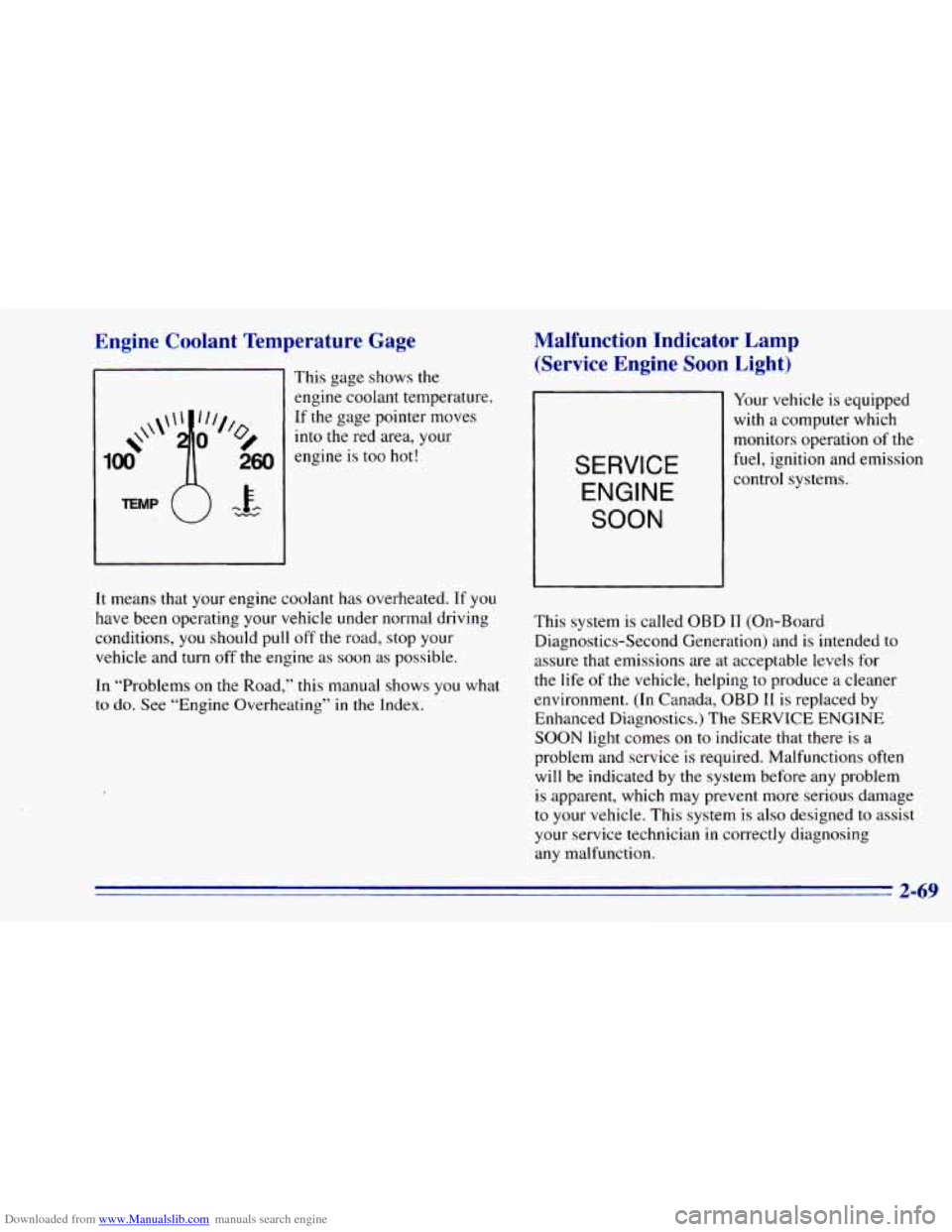
This gage shows the
engine coolant temperature.
If the gage pointer moves
into the red area, your
engine is too hot!
Malfunction Indicator Lamp
(Service Engine Soon Light)
SERVICE
ENGINE
SOON
Your vehicle is equipped
with a computer which
monitors operation
of the
fuel, ignition and emission
control systems.
It means that your engine coolant has overheated. If
you
have been operating your vehicle under normal driving
conditions,
you should pull off the road, stop your
vehicle and turn
off the engine as soon as possible.
In “Problems
on the Road,” this manual shows you what
to do. See “Engine Overheating” in the Index. This
system is called OBD I1 (On-Board
Diagnostics-Second Generation) and is intended to
assure that emissions are at acceptable levels for
the life
of the vehicle, helping to produce a cleaner
environment. (In Canada, OBD
I1 is replaced by
Enhanced Diagnostics.) The SERVICE ENGINE
SOON light comes on to indicate that there is a
problem and service is required. Malfunctions often
will be indicated by
the system before any problem
is apparent, which may prevent more serious damage
to your vehicle. This system is also designed to assist
your service technician
in correctly diagnosing
any malfunction.
2-69
Page 128 of 392
Downloaded from www.Manualslib.com manuals search engine NOTICE:
If you keep driving your vehicle with this light
on, after a while, your emission controls may not work as well, your fuel economy may not be. as
good and your engine may not run as smoothly.
This could lead to costly repairs that may not be
covered by your warranty.
This light should come on, as a check to show you it is
working, when the ignition is
on and the engine is not
running. If the light doesn’t come on, have
it repaired.
This light will
also come on during a malfunction in one
of two ways:
0
0
Light Flashing -- A misfire condition has been
detected. A misfire increases vehicle emissions and
may damage the emission control system on your
vehicle. Dealer or qualified service center diagnosis
and service is required.
Light On Steady -- An emission control system
malfunction has been detected
on your vehicle.
Dealer or qualified service center diagnosis and
service may be required.
If the Light Is Flashing
The following may prevent more serious damage to
your vehicle:
Reduce vehicle speed.
Avoid hard accelerations.
0 Avoid steep uphill grades.
0 If towing a trailer, reduce the amount of cargo being
hauled as soon as it
is possible.
If the light stops flashing and remains
on steady, see “If
the Light Is On Steady” following.
If the light continues to flash, when it
is safe to do so,
stop the vehicle. Put your vehicle in PARK (P). Turn the
key off, wait at least
10 seconds and restart the engine.
If the light remains on steady, see
“If the Light Is On
Steady” following. If the light is still flashing follow the
previous steps, and drive the vehicle
to your dealer or
qualified service center for service.
2-70
Page 131 of 392
Downloaded from www.Manualslib.com manuals search engine Shift Light
SHIFT
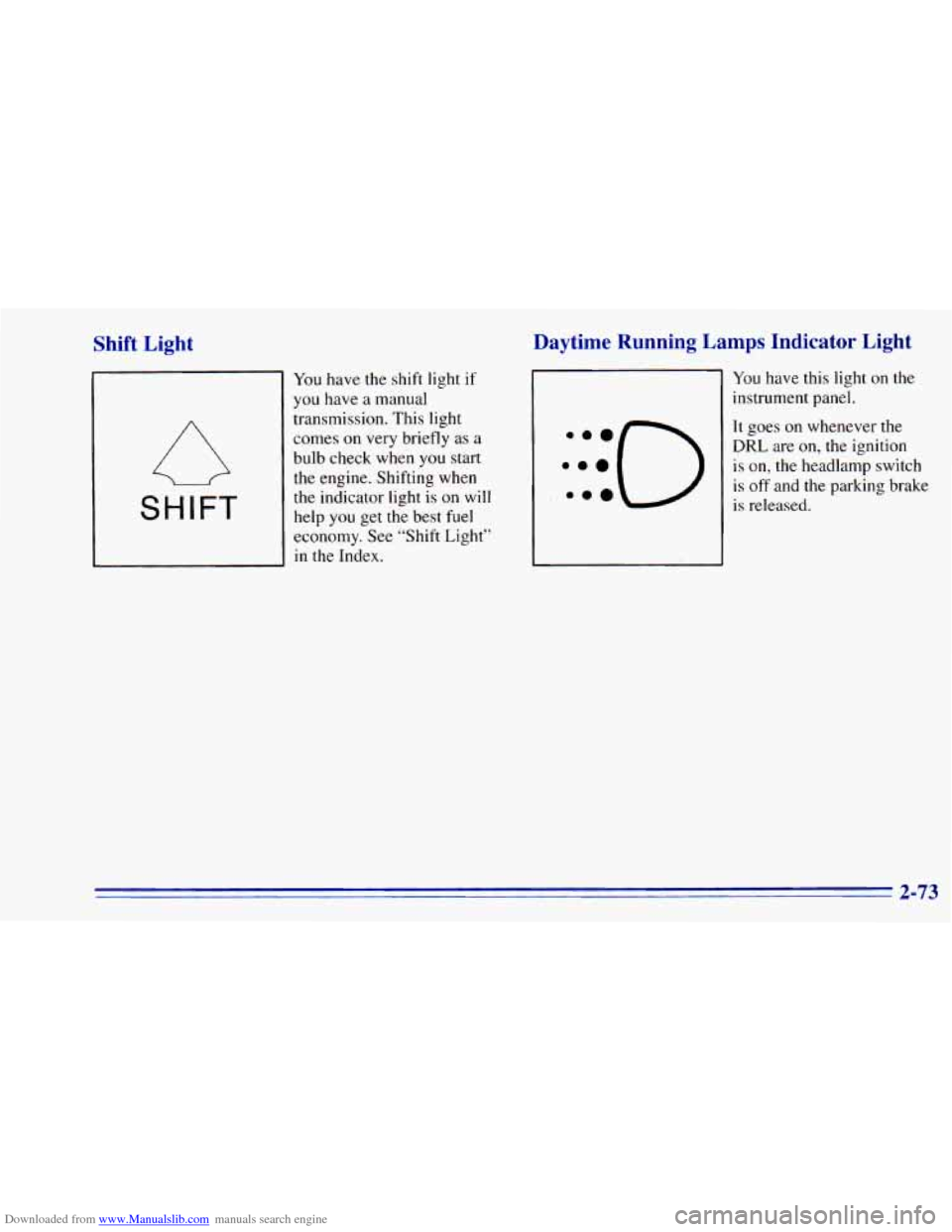
You have the shift light if
you have a manual
transmission. This light
comes on very briefly as
a
bulb check when you start
the engine. Shifting when
the indicator light
is on will
help you get the best fuel
economy. See “Shift Light”
in the Index.
Daytime Running Lamps Indicator Light
You have this light on the
instrument panel.
It goes on whenever the
DRL are
on, the ignition
is on, the headlamp switch
is
off and the parking brake
is released.
2-73
Page 132 of 392
Downloaded from www.Manualslib.com manuals search engine Check Gages Light
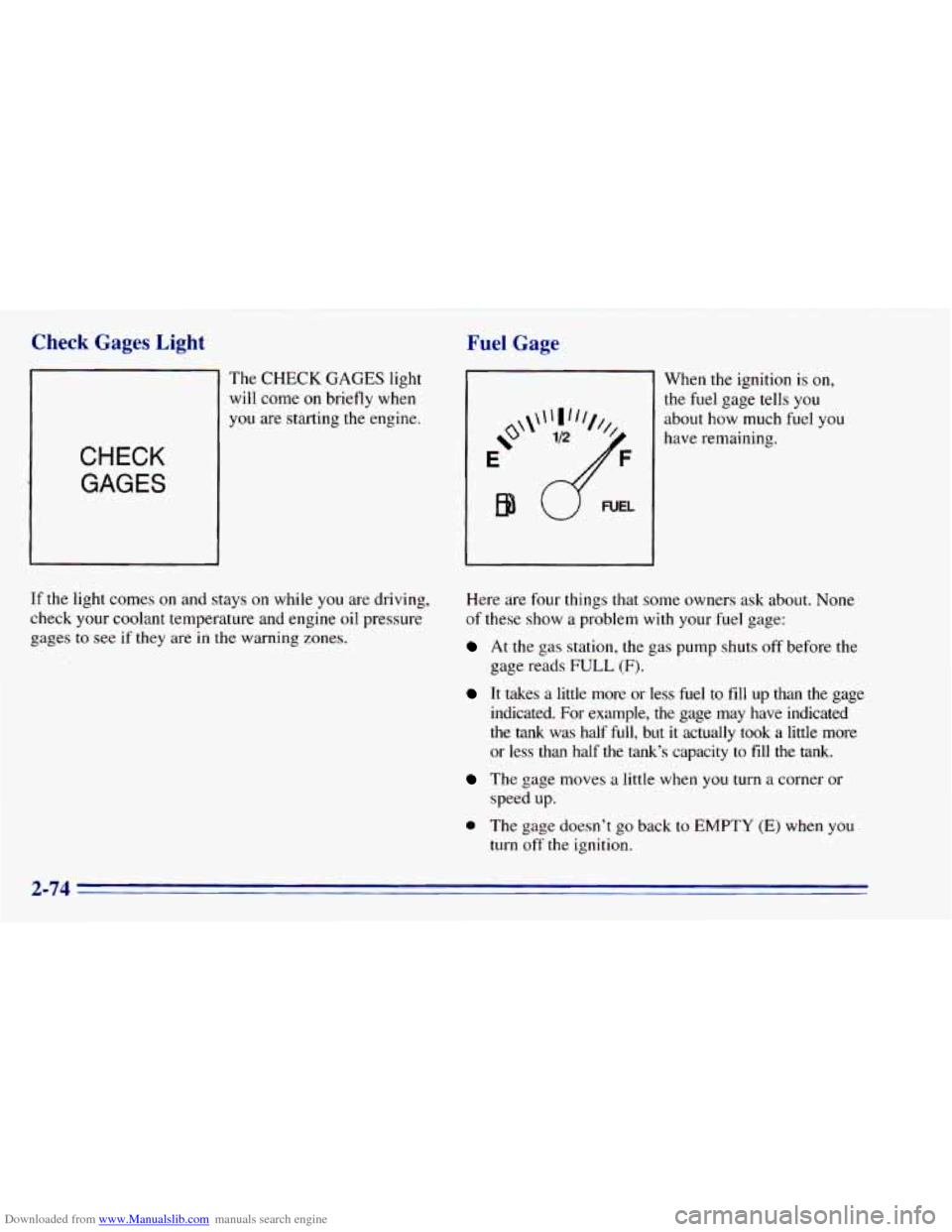
The CHECK GAGES light
will
come on briefly when
you are starting the engine.
CHECK
GAGES
If the light comes on and stays on while you are driving,
check your coolant temperature and engine oil pressure
gages to
see if they are in the warning zones.
Fuel Gage
e'
E
B9
When the ignition is on,
the fuel gage tells you
about how much fuel you
have remaining,
Here are four things that some owners ask about. None
of these show a problem with
your fuel gage:
At the gas station, the gas pump shuts off before the
gage reads
FULL (F).
It takes a little more or less fuel to fill up than the gage
indicated.
For example, the gage may have indicated
the tank was half
full, but it actually took a little more
or less than half the tank's capacity to fill the tank.
The gage moves a little when you turn a corner or
speed up.
0 The gage doesn't go back to EMPTY (E) when you
turn off the ignition,
2-74
Page 138 of 392
Downloaded from www.Manualslib.com manuals search engine Ventilation Tips
a
0
0
Keep the hood and front air inlet free of ice, snow or
any
other obstruction (such as leaves). The heater
and defroster will work far better, reducing the
chance
of fogging the inside of your windows.
When
you enter a vehicle in cold weather, turn the
blower fan to
HI for a few moments before driving
off. This helps clear the intake ducts of snow and
moisture, and reduces the chance
of fogging the
inside of your windows.
Keep
the air path under the front seats clear of
objects. This helps air
to circulate throughout
your vehicle.
Defogging and Defrosting
On cool, humid days, use BLEND to keep the
windshield and side windows clear.
Use DEFROST to remove fog or ice from the
windshield quickly in extremely humid or cold
conditions. Turn the temperature knob clockwise and move
the fan control toward HI.
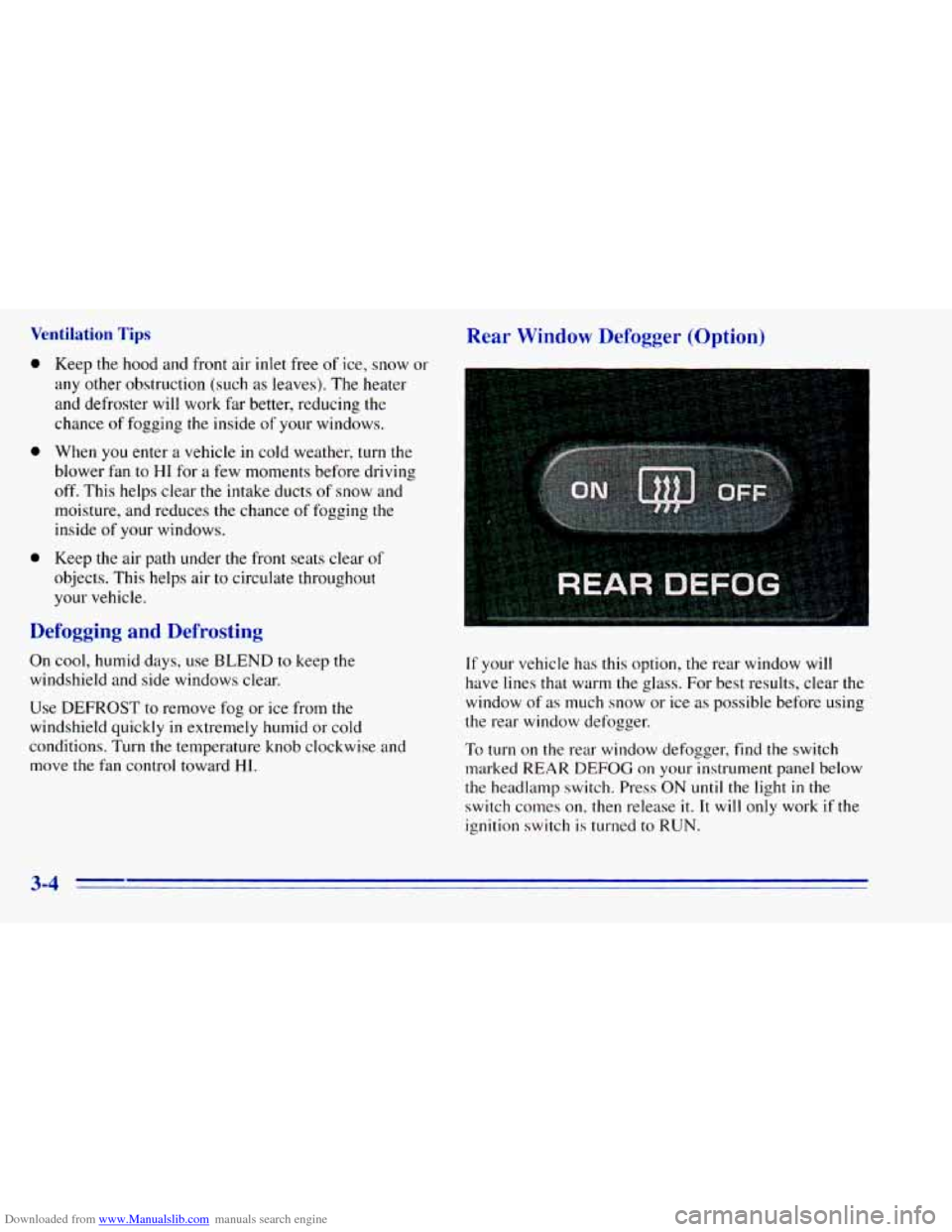
Rear Window Defogger (Option)
1
If your vehicle has this option, the rear window will
have lines that warm the glass. For best results, clear the
window of
as much snow or ice as possible before using
the rear window defogger.
To turn on the rear window defogger, find
the switch
marked REAR
DEFOG on your instrument panel below
the headlamp switch. Press ON
until the light in the
switch conles on, then release
it. It will only work if the
ignition switch
is turned to RUN.
3-4
Page 140 of 392
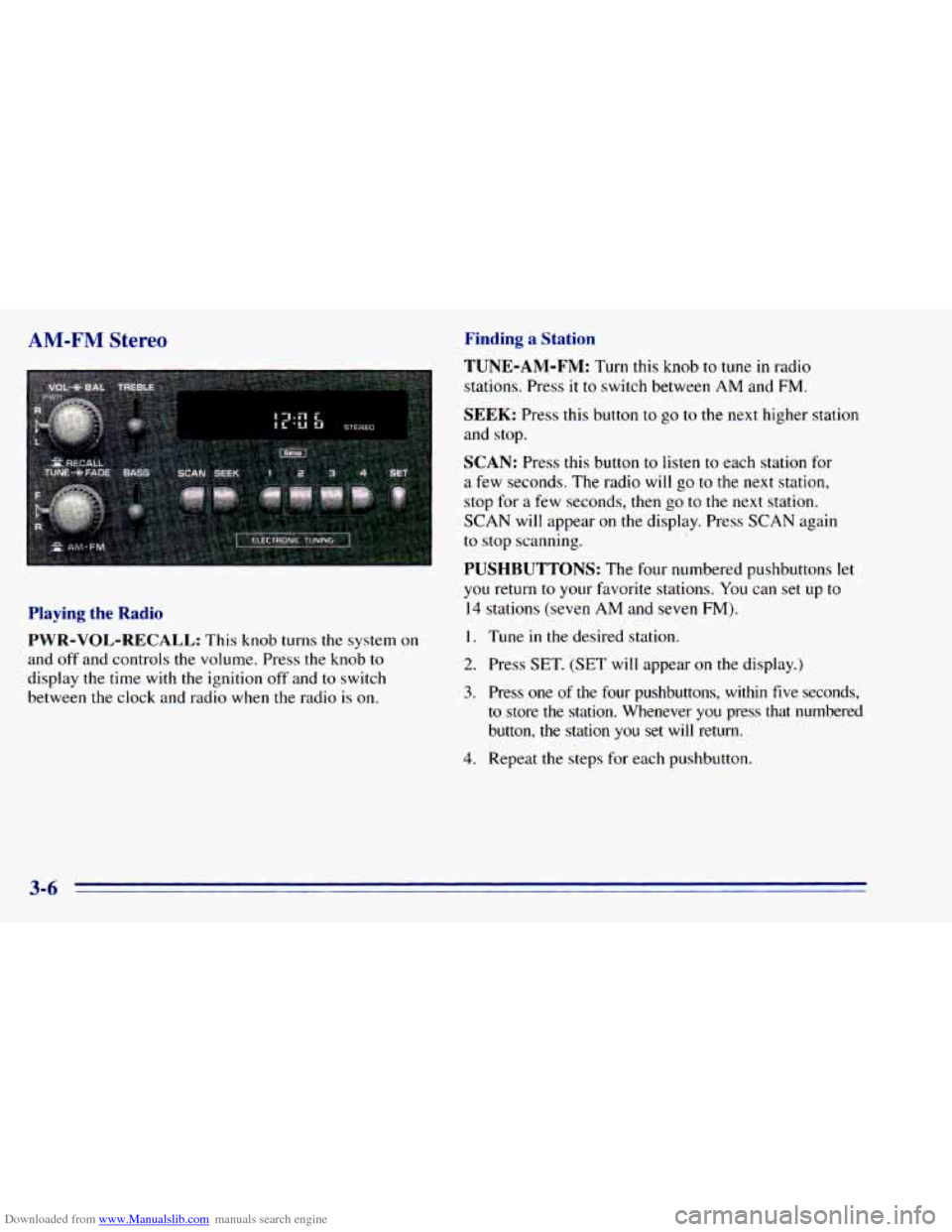
Downloaded from www.Manualslib.com manuals search engine AM-FM Stereo
Playing the Radio
PWR-VOL-RECALL:
This knob turns the system on
and off and controls the volume. Press the knob
to
display the time with the ignition off and to switch
between the clock and radio when the radio
is on.
Finding a Station
TUNE-AM-FM:
Turn this knob to tune in radio
stations. Press
it to switch between AM and FM.
SEEK: Press this button to go to the next higher station
and stop.
SCAN: Press this button to listen to each station for
a few seconds. The radio will go to the next station,
stop for
a few seconds, then go to the next station.
SCAN will appear on the display. Press SCAN again
to stop scanning.
PUSHBUTTONS: The four numbered pushbuttons let
you return to your fmorite stations. You can set up to
14 stations (seven AM and seven FM).
I. Tune in the desired station.
2. Press SET. (SET will appear on the display.)
3. Press one of the four pushbuttons, within five seconds,
to store
the station. Whenever you press that numbered
button,
the station you set will return.
4. Repeat the steps for each pushbutton.
3-6