light CHEVROLET BLAZER 1996 2.G Owner's Manual
[x] Cancel search | Manufacturer: CHEVROLET, Model Year: 1996, Model line: BLAZER, Model: CHEVROLET BLAZER 1996 2.GPages: 392, PDF Size: 20.35 MB
Page 104 of 392
Downloaded from www.Manualslib.com manuals search engine ‘I
Front Map Lamps (Option) ’. I Dome Lamps
If your vehicle has optional front map lamps, they The
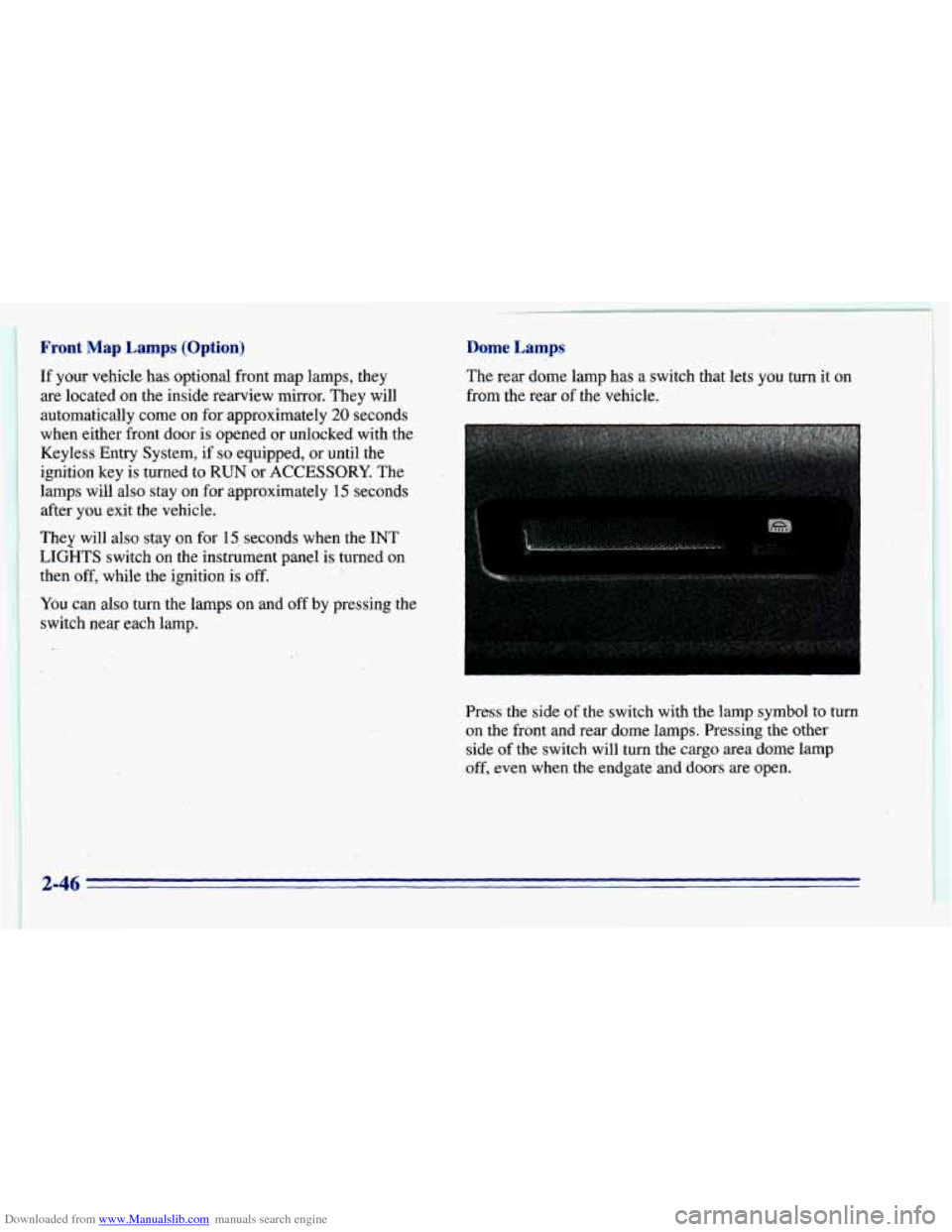
rear dome lamp has a switch that lets you turn it on
are located on the inside rearview mirror. They will from the
rear of the vehicle.
automatically come on for approximately
20 seconds
when either front door is opened or unlocked with the
Keyless Entry System, if
so equipped, or until the
ignition key is turned to RUN or
ACCESSORY. The
lamps will also stay on for approximately 15 seconds
after you exit the vehicle.
They will also stay on for 15, seconds when the INT
LIGHTS switch
on the instiument panel is turned on
then off, while the ignition
is off.
You can also turn the lamps on and off by pressing the
switch near each lamp.
I
Press the side of the switch with the lamp symbol to turn
on the front and rear dome lamps. Pressing the other
side of the switch will turn the cargo area dome lamp
off, even when the endgate and doors’are open.
c
2-46
Page 108 of 392
Downloaded from www.Manualslib.com manuals search engine F
.....
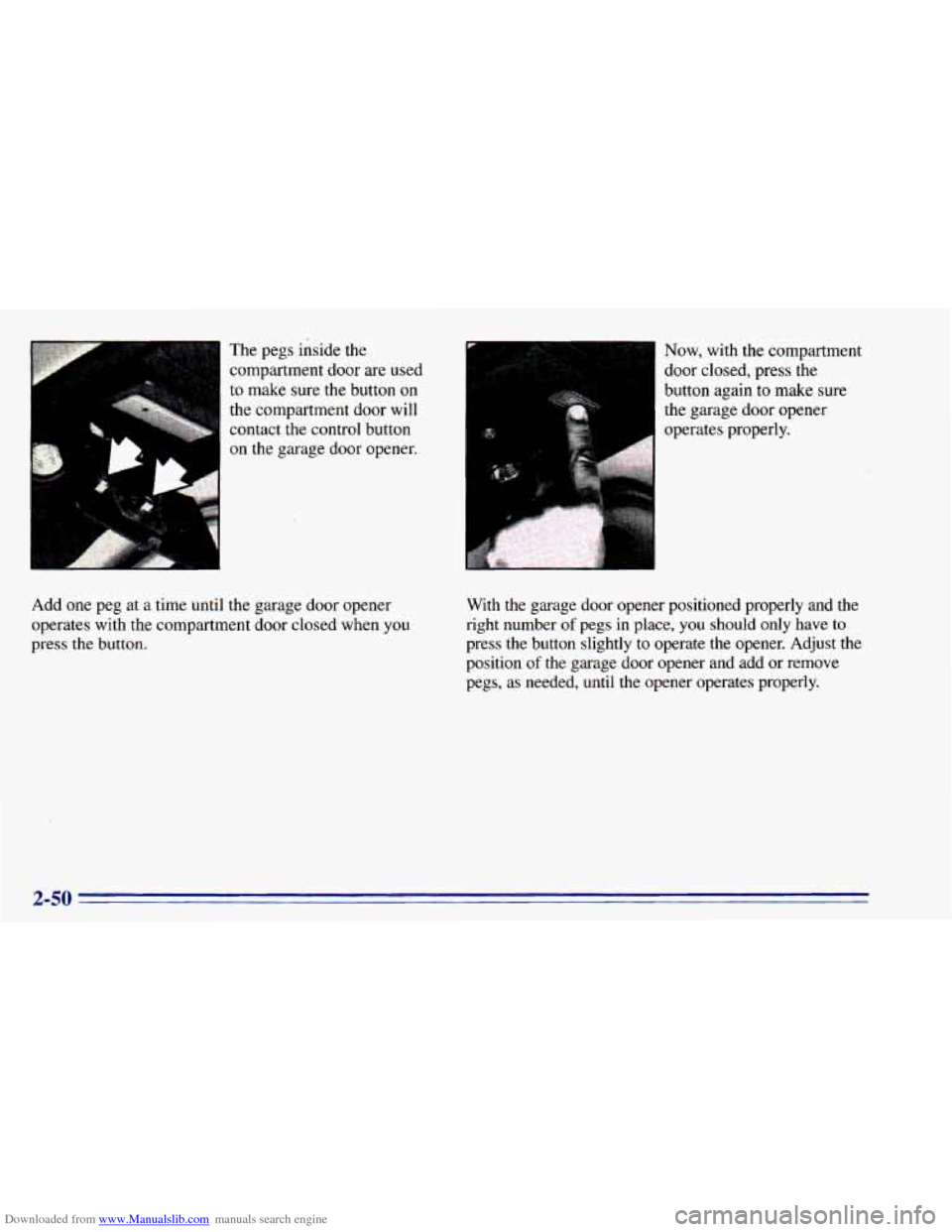
Add one peg at a time until The
pegs inside the
compartment door are used
to make sure the button
on
the compartment door will
contact the control button
on
the garage door opener.
the garage door opener
operates with the compartment door closed when
you
press the button. Now, with the compartment
door
closed, press the
button again to make sure
the garage door opener
operates properly.
With the garage door opener positioned properly and the
right number
of pegs in place, you should only have to
press the button slightly to operate the opener. Adjust the
position
of the garage door opener and add or remove
pegs, as needed, until the opener operates properly.
2-50
Page 112 of 392
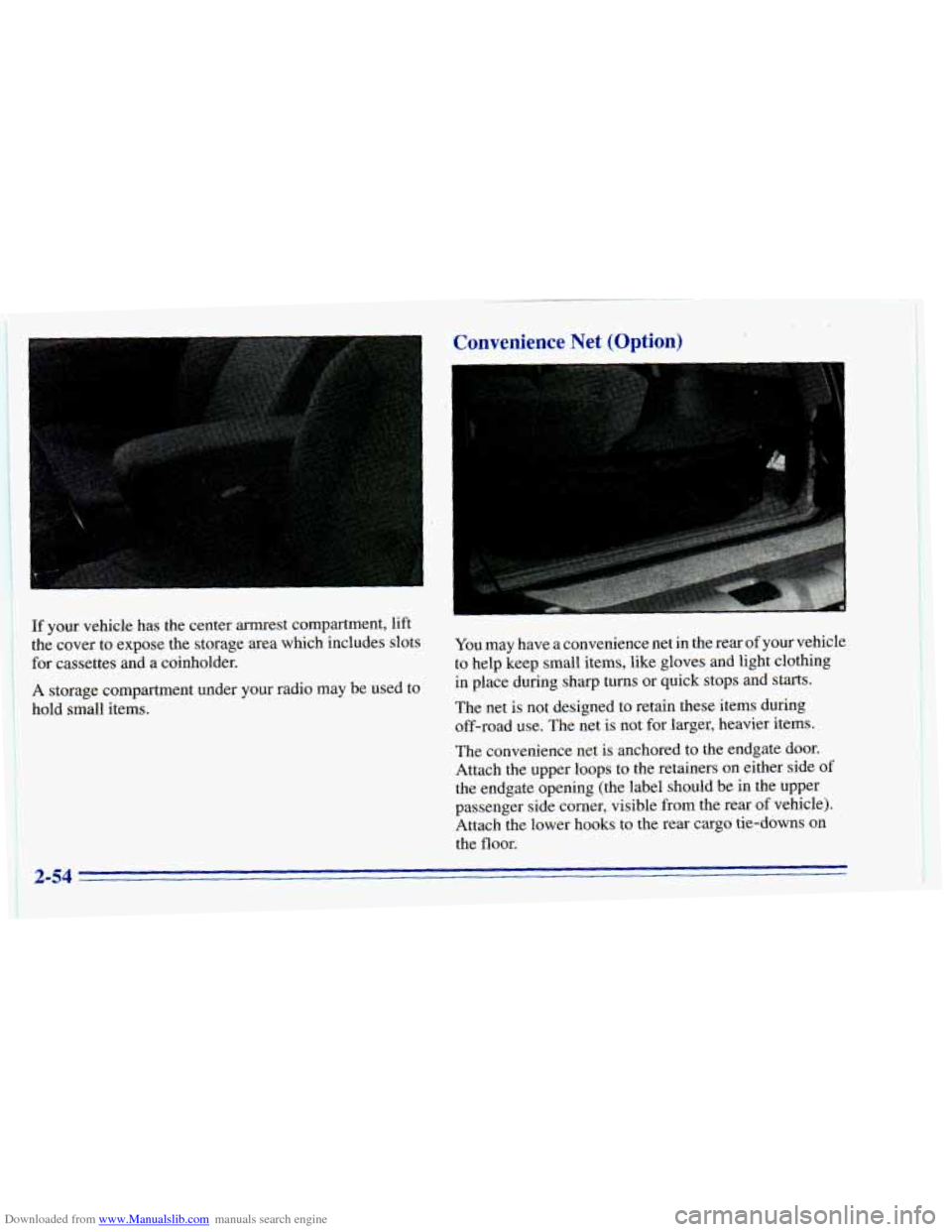
Downloaded from www.Manualslib.com manuals search engine If your vehicle has the center armrest compartment, lift
the cover to expose the storage area which includes slots
for cassettes and a coinholder.
A storage compartment under your radio may be used to
hold small items.
Convenience Net (Option) L
You may have a convenience net in the rear of your vehicle
to help keep small items, like gloves and light clothing
in place during sharp turns
or quick stops and starts.
The net
is not designed to retain these items during
off-road use. The net is not for larger, heavier items.
The convenience net is anchored to the endgate door.
Attach the upper loops
to the retainers on either side of
the endgate opening (the label should be in the upper
passenger side corner,. visible from the rear
of vehicle).
Attach the lower hooks to the rear cargo tie-downs on
the
floor.
2-54
Page 116 of 392
Downloaded from www.Manualslib.com manuals search engine Ashtrays and Cigarette Lighter
To use the lighter, press it in all the way, and let go.
When it’s ready, it will pop back by itself.
NOTICE:
Don’t hold a cigarette lighter in with your hand
while it is heating.
If you do, it won’t be able to
back
away from the heating element when it’s
ready. That can make it overload, damaging the
lighter and the heating element.
The front ashtray must be completely pulled out to the
open position before the ashtray cover opens and
smoking material can be deposited.
NOTICE:
Don’t put papers and other things that burn
into your ashtray.
If you do, cigarettes or other
smoking materials could set them on fire
causing damage.
To nove the front ashtray, lift the release tab as high
as possible, then remove the tray.
Four-door vehicles have smaller ashtrays inside the rear
doors. Press
PUSH to turn the ashtray around for use.
Sun Visors
To block out glare, you can swing down the top and
bottom visors. You can also swing the bottom visor from
side
to side. Your visors may have an extension that can
be pulled out for additional glare protection and a strap
for holding small items, such as maps.
2-58
Page 117 of 392
Downloaded from www.Manualslib.com manuals search engine Visor Vanity ,Mirror
Pull the sun visor down and lift the cover to expose the
vanity mirror.
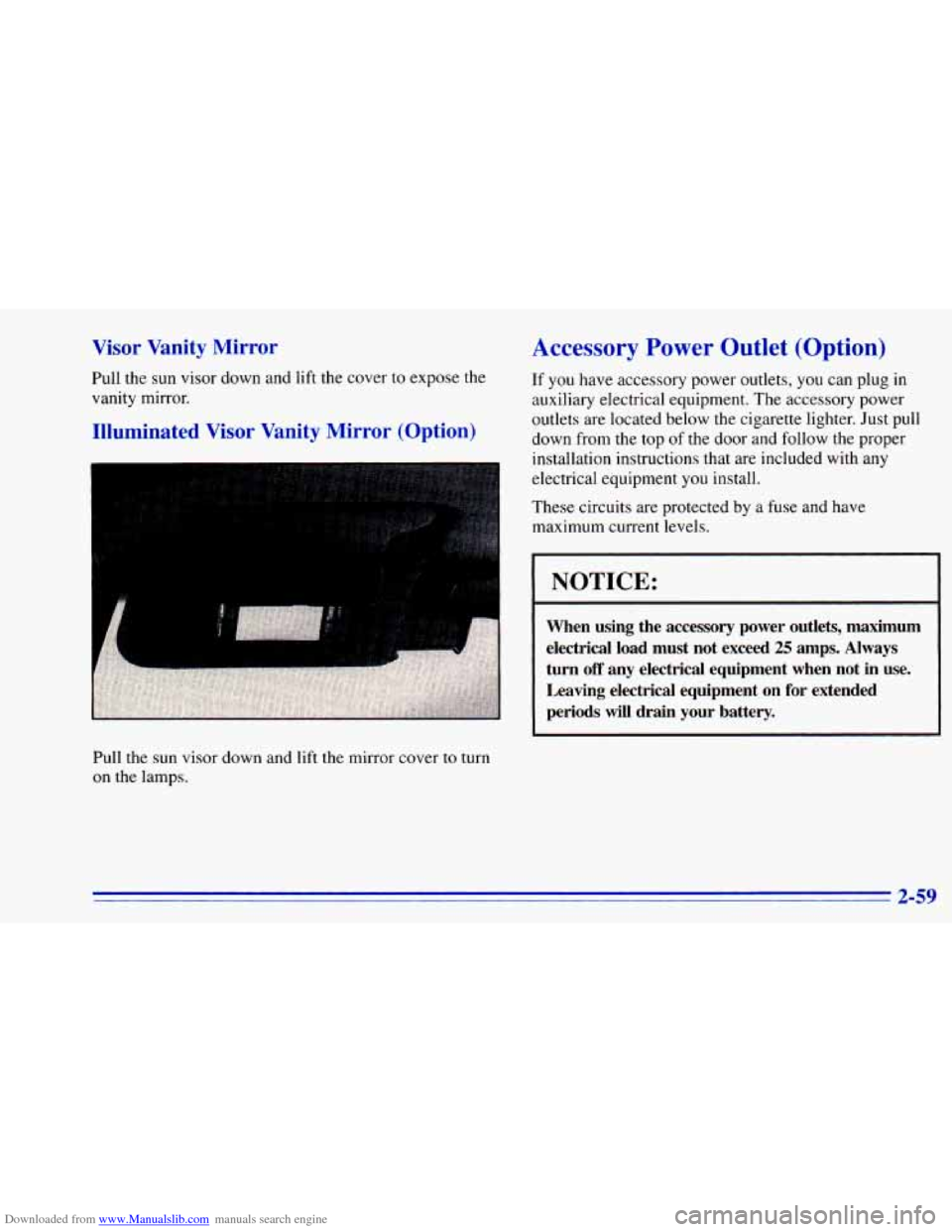
Illuminated Visor Vanity Mirror (Option)
Pull the sun visor down and lift the mirror cover to turn
on the lamps.
Accessory Power Outlet (Option)
If you have accessory power outlets, you can plug in
auxiliary electrical equipment. The accessory power
outlets are located below the cigarette lighter. Just pull
down from the top
of the door and follow the proper
installation instructions that are included with any
electrical equipment you install.
These circuits are protected by a fuse and have
maximum current levels.
1 NOTICE:
When using the accessory power outlets, maximum
electrical load must not exceed
25 amps. Always
turn
off any electrical equipment when not in use.
Leaving electrical equipment on for extended
periods will drain your battery.
2-59
Page 119 of 392
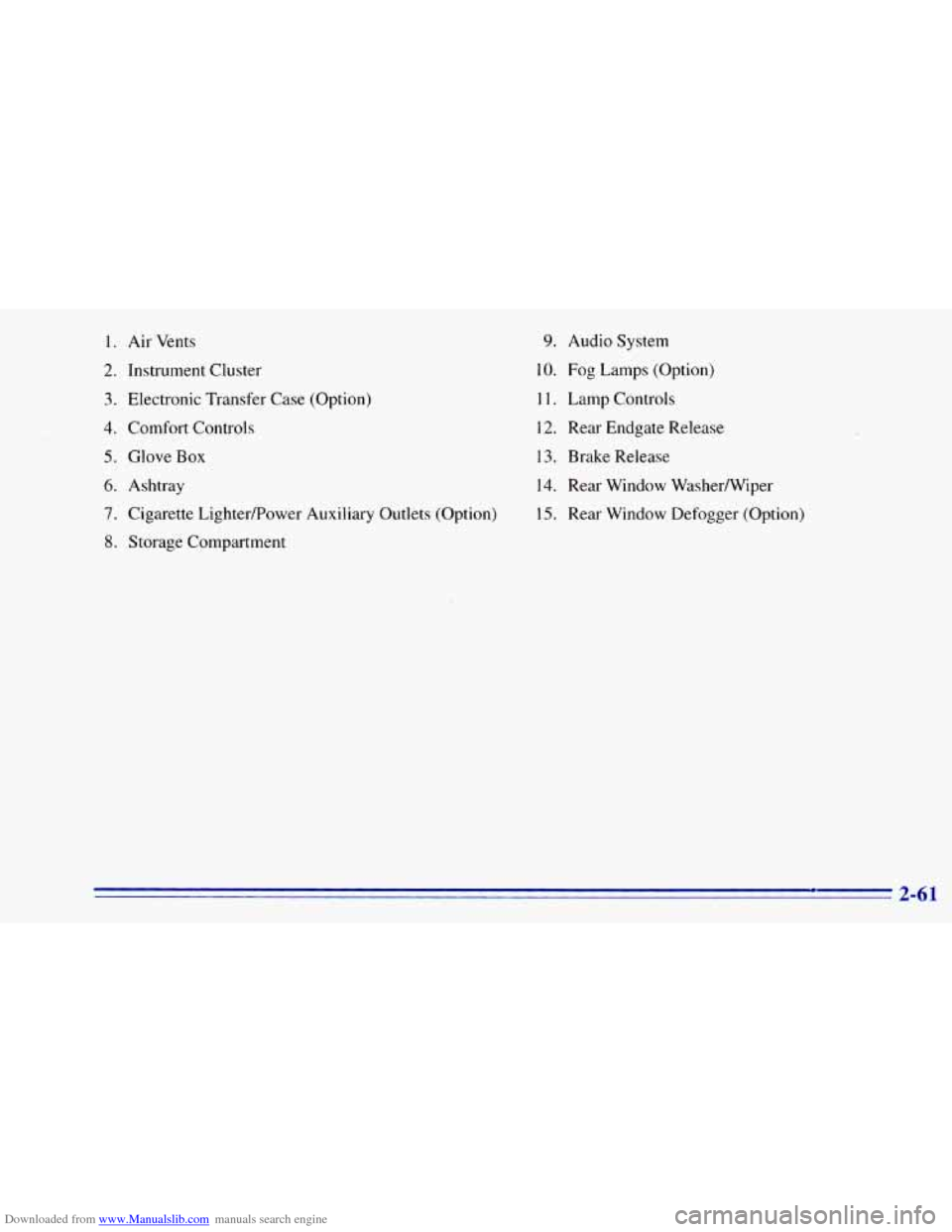
Downloaded from www.Manualslib.com manuals search engine 1. Air Vents
2. Instrument Cluster
3. Electronic Transfer Case (Option)
4. Comfort Controls
5. Glove Box
6. Ashtray
7. Cigarette Lighterpower Auxiliary Outlets (Option)
8. Storage Compartment
9. Audio System
10. Fog Lamps (Option)
1 1. Lamp Controls
12. Rear Endgate Release
13. Brake Release
14. Rear Window Washermiper
15. Rear Window Defogger (Option)
2-61
Page 123 of 392
Downloaded from www.Manualslib.com manuals search engine Warning Lights, Gages
and Indicators
This part describes the warning lights and gages that
may be
on your vehicle. The pictures will help you
locate them.
Warning lights and gages can signal that something is
wrong before it becomes serious enough
to cause an
expensive repair or replacement. Paying attention
to
your warning lights and gages could also save you or
others from injury.
Warning lights come
on when there may be or is a
problem with one
of your vehicle’s functions. As you
will
see in the details on the next few pages, some
warning lights come
on briefly when you start the
engine just
to let you know they’re working. If you are
familiar with this section,
you should not be alarmed
when this happens.
Gages can indicate when there may be or is a problem
with one of your vehicle’s functions. Often gages and
warning lights work together
to let you know when
there’s
a problem with your vehicle. When
one
of the warning lights comes on and stays on
when
you are driving, or when one of the gages shows
there may be
a problem, check the section that tells you
what
to do about it. Please follow this manual’s advice.
Waiting to do repairs can be costly
-- and even
dangerous.
So please get to know your warning lights
and gages. They’re
a big help.
Safety Belt Reminder Light
When the key is turned to RUN or START, a tone will
come on for about eight seconds to remind people to
fasten their safety belts, unless the driver’s safety belt
is
already buckled.
The safety belt light will
also come on and stay on
for about
20 seconds,
then it will flash for about
55 seconds. If the driver’s
belt
is already buckled,
neither the tone nor the
light will come on.
2-65
Page 124 of 392
Downloaded from www.Manualslib.com manuals search engine Air Bag Readiness Light
There is an air bag readiness light on the instrument
panel, which shows AIR
BAG. The system checks the
air bag’s electrical system for malfunctions. The light
tells you if there is an electrical problem. The system
check includes the air bag sensors, the air bag module,
the wiring and the diagnostic module. For more
information
on the air bag system, see “Air Bag” in
the Index.
AIR
BAG
You will see this light flash
for a few seconds when you
turn your ignition to RUN
or START. Then the light
should go
out. This means
the system is ready.
If the air bag readiness light doesn’t come on when you
start your vehicle, or stays on,
or comes on when you
are driving, your air bag system may not work properly.
Have your vehicle serviced right away.
Charging System Indicator Light
The charging system light
will come on briefly when
you turn on the ignition,
but the engine is not
running, as a check to
show you it is working.
It should go
out once the engine is running. If it stays
on, or comes on while you are driving, you may have a
problem with the charging system. It could indicate that
you have problems with a generator drive belt, or
another electrical problem. Have it checked right away.
Driving while
this light is on could drain your battery.
If you must drive a short distance with the light on, be
certain
to turn off all your accessories, such as the radio
and air conditioner.
2-66
Page 125 of 392
Downloaded from www.Manualslib.com manuals search engine Voltmeter Gage
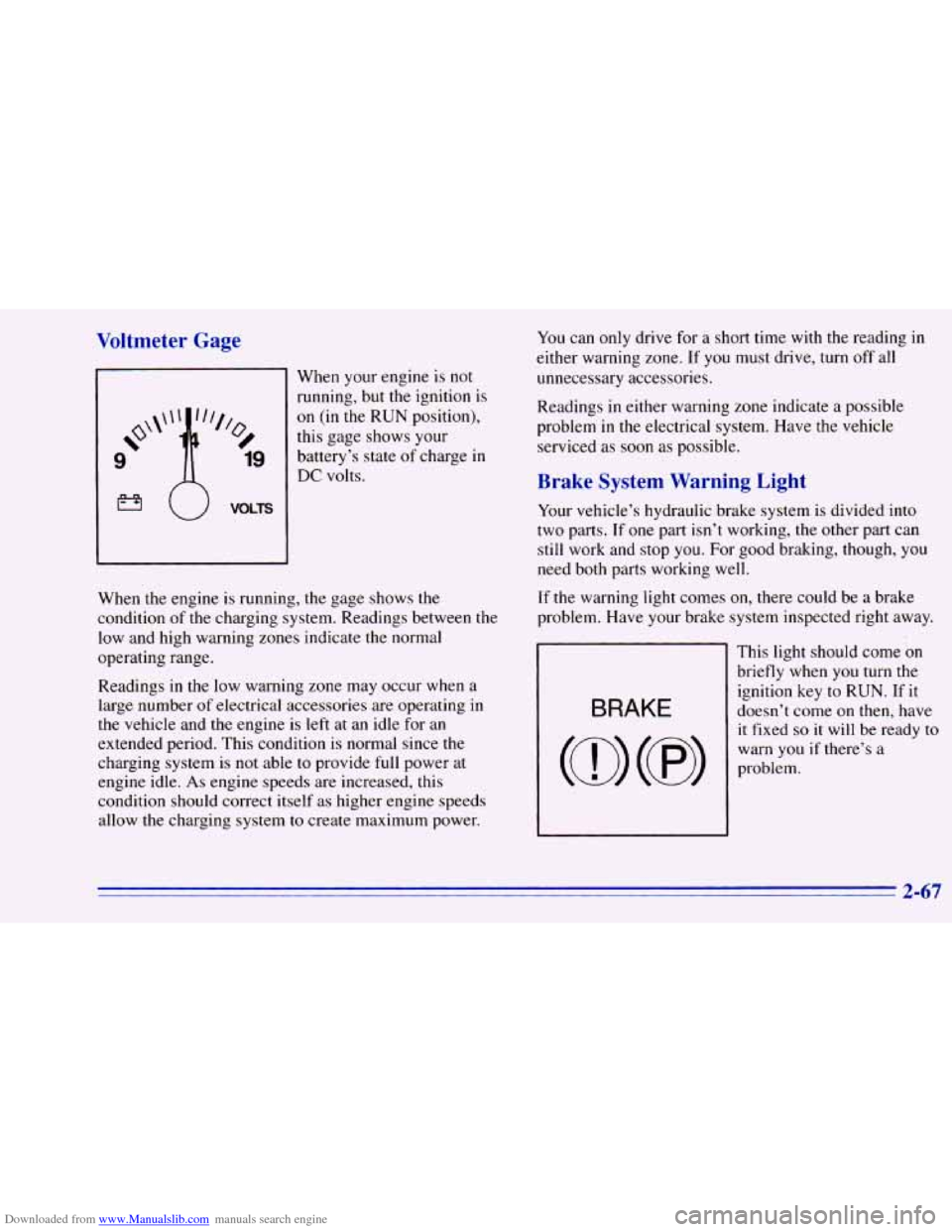
I
When your engine is not
running, but the ignition is
on (in the RUN position),
this gage shows your
battery’s state
of charge in
DC volts.
When the engine is running, the gage shows the
condition of the charging system. Readings between the
low and high warning zones indicate the normal
operating range.
Readings in the low warning zone may occur when a.
large number
of electrical accessories are operating in
the vehicle and the engine is left at an idle for an
extended period. This condition is normal since the
charging system is
not able to provide full power at
engine idle.
As engine speeds are increased, this
condition should correct itself as higher engine speeds
allow the charging system
to create maximum power.
You can only drive for a short time with the reading in
either warning zone.
If you must drive, turn off all
unnecessary accessories.
Readings
in either warning zone indicate a possible
problem
in the electrical system. Have the vehicle
serviced as soon as possible.
Brake System Warning Light
Your vehicle’s hydraulic brake system is divided into
two parts. If one part isn’t working, the other part can
still work and stop you. For good braking, though, you
need both parts working well.
If the warning light comes on, there could be a brake
problem. Have your brake system inspected right away.
This light should come
on
briefly when you turn the
ignition key to RUN. If it
doesn’t come on then, have
it fixed
so it will be ready to
warn you if there’s a
problem.
2-67
Page 126 of 392
Downloaded from www.Manualslib.com manuals search engine If the light comes on while you are driving, pull off the
road and stop carefully.
You may notice that the pedal is
harder to push. Or, the pedal
may go closer to the floor.
It may take longer to stop. If the light is still on, have the
vehicle towed for service. (See “Towing Your Vehicle”
,
in the Index.)
’ A CAUTIOI-
I
Anti-Lock Brake System Warning Light
Your brake system may not be working properly
if the brake system warning light is on. Driving
with the brake system warning light on
can lead
to an accident. If the light
is still on after you’ve
pulled off the road and stopped carefully, have
the vehicle towed for service.
When the ignition is on, the brake system warning light
will also come
on when you set your parking brake. The
light will stay
on if your parking brake doesn’t release
fully. If it stays
on after your parking brake is fully
released, it means you have a brake problem.
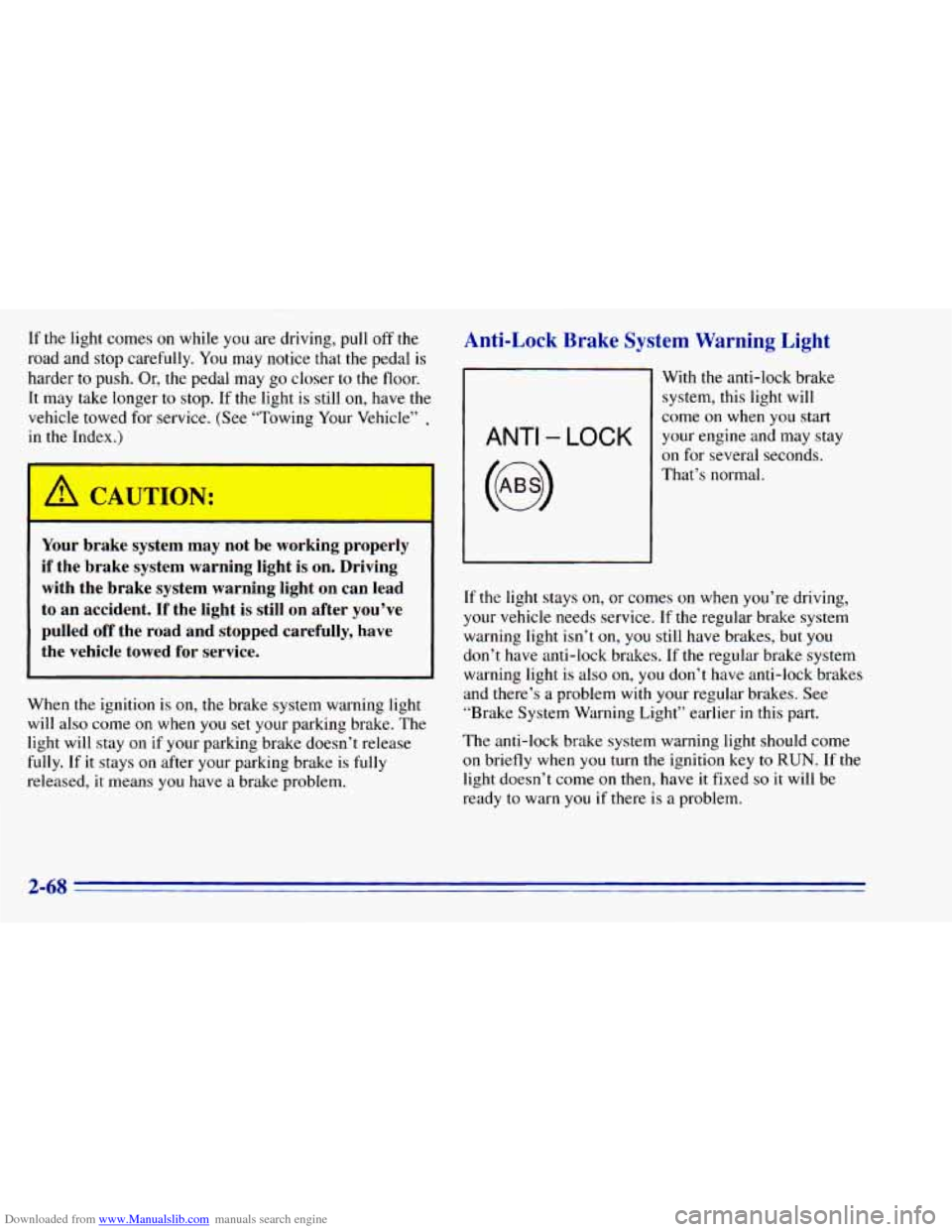
ANTI - LOCK
With the anti-lock brake
system, this light will
come
on when you start
your engine and may stay
on for several seconds.
That’s normal.
If the light stays
on, or comes on when you’re driving,
your vehicle needs service. If the regular brake system
warning light isn’t
on, you still have brakes, but you
don’t have anti-lock brakes. If the regular brake system
warning light is
also on, you don’t have anti-lock brakes
and there’s
a problem with your regular brakes. See
“Brake System Warning Light” earlier
in this part.
The anti-lock brake system warning light should come
on briefly when
you turn the ignition key to RUN. If the
light doesn’t come
on then, have it fixed so it will be
ready to warn
you if there is a problem.
2-68