lock CHEVROLET BLAZER 1996 2.G Service Manual
[x] Cancel search | Manufacturer: CHEVROLET, Model Year: 1996, Model line: BLAZER, Model: CHEVROLET BLAZER 1996 2.GPages: 392, PDF Size: 20.35 MB
Page 135 of 392
Downloaded from www.Manualslib.com manuals search engine Section 3 Comfort Controls and Audio Systems
In this section you'll find out how to operate the comfort
control and audio systems offered with your vehicle. Be
sure to read about the particular systems supplied with
your vehicle.
Comfort Controls
With this system you can control the heating, cooling
and ventilation
in your vehicle.
Climate Control System
L
a
83
HI
I
to
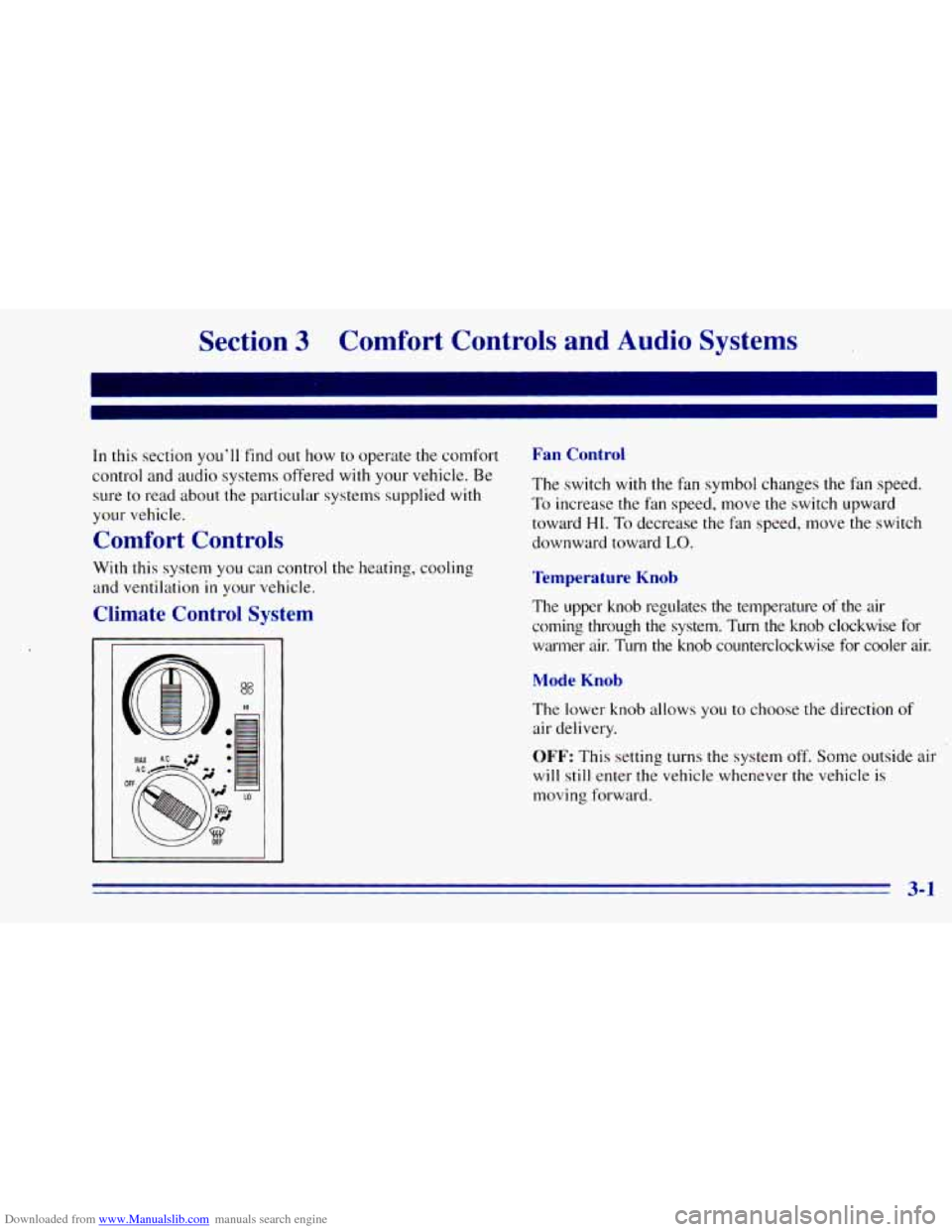
Fan Control
The switch with the fan symbol changes the fan speed.
To increase the fan speed, move the switch upward
toward
HI. To decrease the fan speed, move the switch
downward toward
LO.
Temperature Knob
The upper knob regulates the temperature of the air
coming through the system. Turn the knob clockwise for warmer air. Turn the knob counterclockwise for cooler air.
Mode Knob
The lower knob allows you to choose the direction of
air delivery.
OFF: This setting turns the system off. Some outside air
will still enter the vehicle whenever the vehicle is
moving forward.
3-1
Page 136 of 392
Downloaded from www.Manualslib.com manuals search engine MAX A/C: This setting provides maximum cooling
with the
least amount of work. MAX A/C recirculates
much
of the air inside your vehicle so it cools quickly.
A/C: This setting cools the air entering your vehicle and
directs it through the instrument panel outlets.
+' BI-LEVEL A/C: Air is delivered through the
heater floor outlets as well as the instrument panel
outlets.
/J VENT: This setting directs airflow through the
instrument panel outlets. The air conditioning
compressor is
not working when VENT is selected.
+' HEATER: This setting directs warmed air through
the heater floor outlets and windshield defroster outlets.
+, BLEND: Airflow is divided equally between the
heater floor outlet and
the windshield defroster outlets.
'sw DEFROST This setting directs most air through
the windshield defroster outlets and some through the
heater outlets.
I,.
+.
0
w0
Air Conditioning
On hot days, open the windows long enough to let hot
inside air escape. This reduces the time it takes
for your
vehicle to cool down. Then keep your windows closed
for the air conditioner
to work its best.
For quick cool-down
on very hot days, use MAX A/C
with the temperature knob turned counterclockwise.
This setting should be used
to keep odors and/or dust
from entering the vehicle. For normal cooling on
hot
days, use A/C with the temperature knob turned
counterclockwise.
On cool but sunny days, use BI-LEVEL
A/C to deliver
warm air to the floor and cooler air to the instrument
panel outlets.
When the air conditioner is
on, you may sometimes notice
slight changes
in your vehicle's engine speed and power.
This is normal because the system is designed to cycle the
compressor
on and off to keep the desired temperature.
Page 137 of 392
Downloaded from www.Manualslib.com manuals search engine Heating
The heater works best if you keep your windows closed
while using it. On cold days, use
HEATER with the
temperature knob turned clockwise.
BLEND is useful in
cool weather when
you have fog or ice on the
windshield or side windows.
If
you use the optional engine coolant heater before
starting your engine, your heating system will produce
warmer air faster to heat the passenger compartment in
cold weather. See “Engine Coolant Heater” in the Index.
I
Ventilation System
For mild outside temperatures when little heating or
cooling
is needed, use VENT to direct outside air
through your vehicle. Airflow is through the instrument
panel outlets.
Your vehicle’s ventilation system supplies outside air to
the inside
of your vehicle when it is moving. When the
vehicle is not moving, you can get outside air to
flow
through by selecting any mode and any fan speed. You
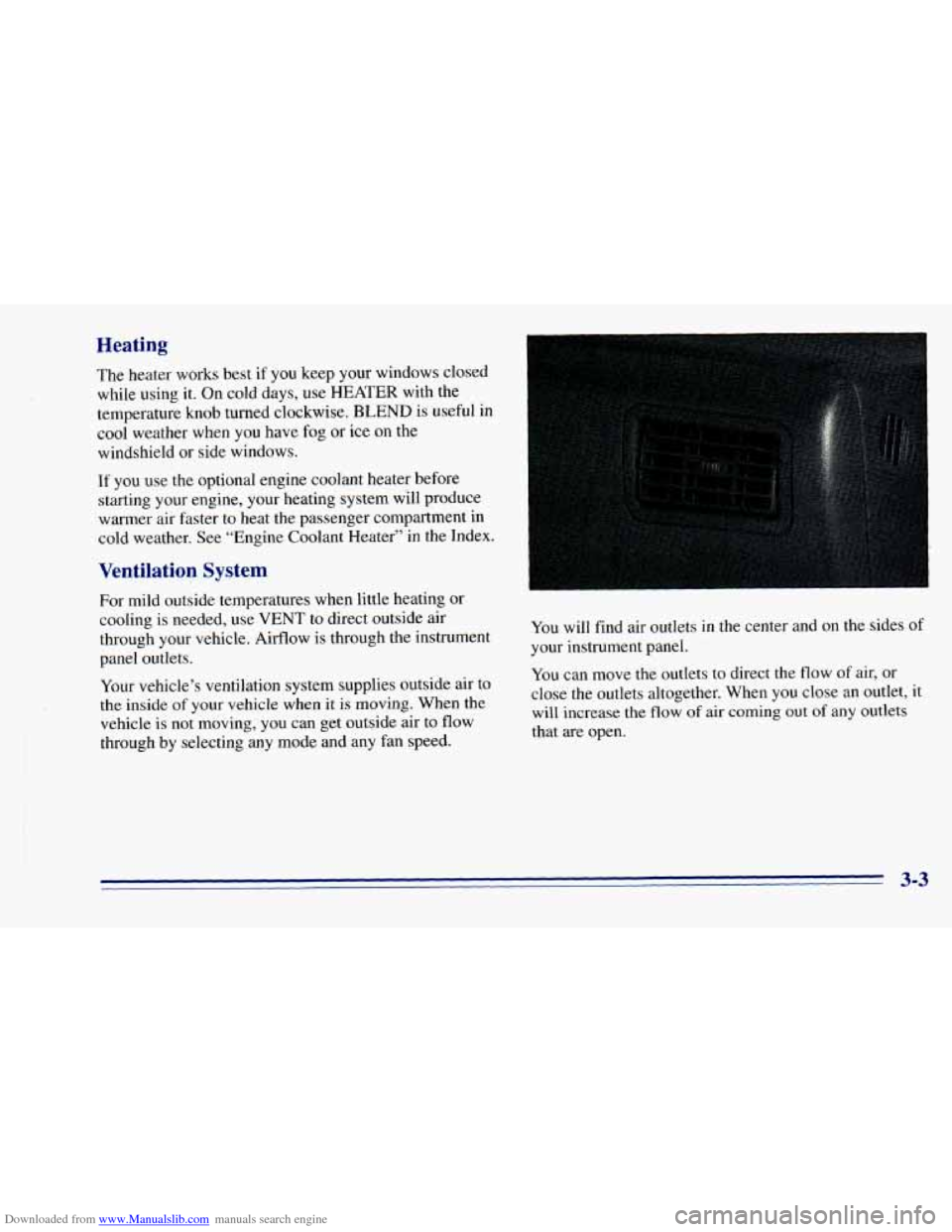
will find air outlets in the center and on the sides
of
your instrument panel.
You can move the outlets to direct the flow of air, or
close the outlets altogether. When you close an outlet, it
will increase the flow
of air coming out of any outlets
that are open.
3-3
Page 138 of 392
Downloaded from www.Manualslib.com manuals search engine Ventilation Tips
a
0
0
Keep the hood and front air inlet free of ice, snow or
any
other obstruction (such as leaves). The heater
and defroster will work far better, reducing the
chance
of fogging the inside of your windows.
When
you enter a vehicle in cold weather, turn the
blower fan to
HI for a few moments before driving
off. This helps clear the intake ducts of snow and
moisture, and reduces the chance
of fogging the
inside of your windows.
Keep
the air path under the front seats clear of
objects. This helps air
to circulate throughout
your vehicle.
Defogging and Defrosting
On cool, humid days, use BLEND to keep the
windshield and side windows clear.
Use DEFROST to remove fog or ice from the
windshield quickly in extremely humid or cold
conditions. Turn the temperature knob clockwise and move
the fan control toward HI.
Rear Window Defogger (Option)
1
If your vehicle has this option, the rear window will
have lines that warm the glass. For best results, clear the
window of
as much snow or ice as possible before using
the rear window defogger.
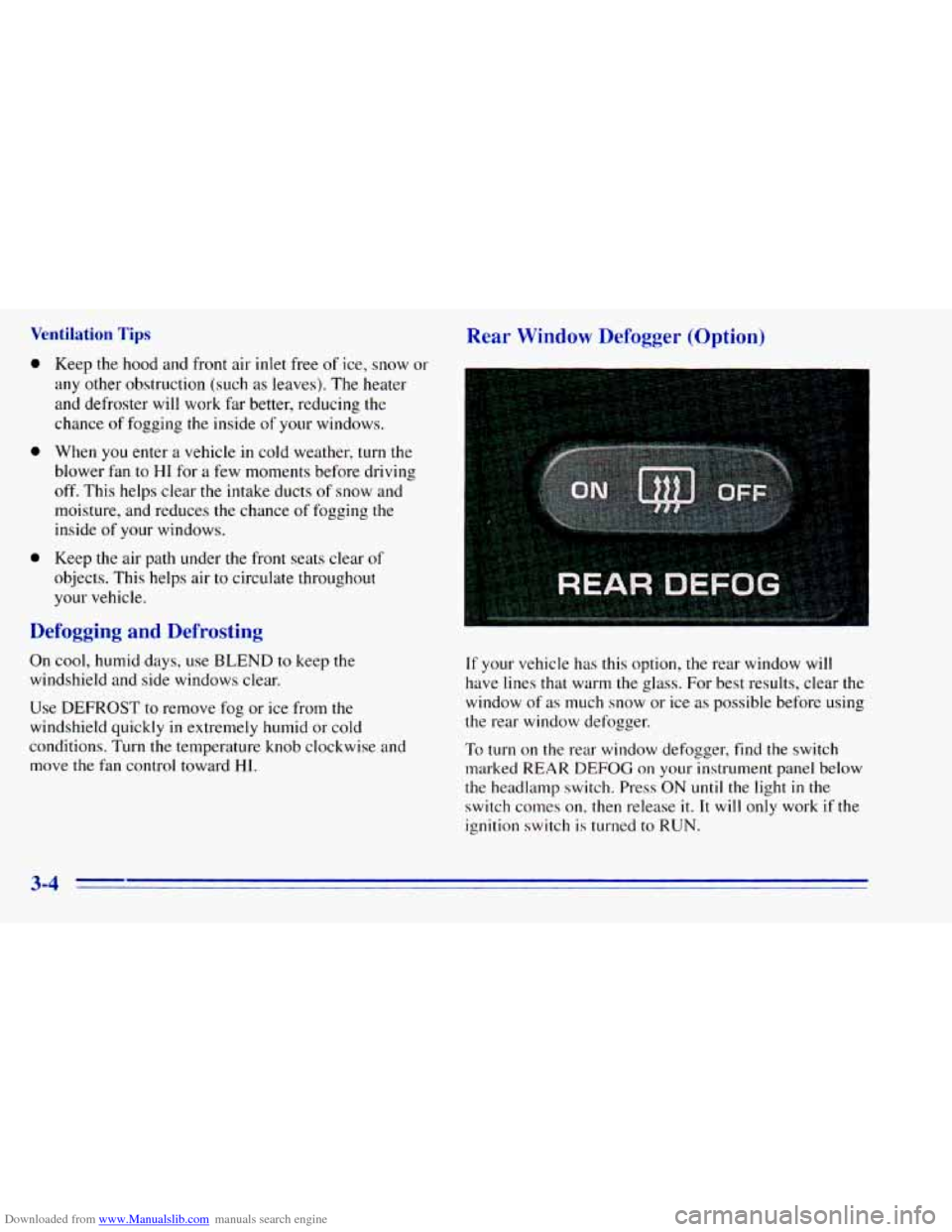
To turn on the rear window defogger, find
the switch
marked REAR
DEFOG on your instrument panel below
the headlamp switch. Press ON
until the light in the
switch conles on, then release
it. It will only work if the
ignition switch
is turned to RUN.
3-4
Page 139 of 392
Downloaded from www.Manualslib.com manuals search engine The rear window defogger will stay on for five to seven
minutes, then turn off. If you need additional warming
time, turn
it on again. You can turn the defogger off at
any time by pressing OFF.
Do not attach a temporary vehicle license, tape or decals
across the defogger grid
on the rear window.
NOTICE:
Don’t use a razor blade or something else sharp
on the inside
of the rear window. If you do, you
could cut or damage the warming grid, and the
repairs wouldn’t be covered by your warranty.
Audio Systems
Your Deb@ audio system has been designed to operate
easily and give years
of listening pleasure. You will get
the most enjoyment out of it
if you acquaint yourself
with
it first. Find out what your Delco system can do
and how to operate all its controls, to be sure you’re
getting the most out
of the adyanced engineering that
went into
it.
Setting the Clock for All Systems Except
AM-FM Stereo with Compact Disc Player
Press SET. Within five seconds, press and hold SEEK
until the correct minute appears on the display. Press and
hold
SCAN until the correct hour appears on the display.
Setting the Clock for AM-FM Stereo with
Compact Disc Player
Press SET. (The radio may be on or off.) Within five
seconds, press
the SEEK right or left arrow until the
correct minute appears on the display. Press and hold
SCAN until the correct hour appears on the display.
3-5
Page 140 of 392
Downloaded from www.Manualslib.com manuals search engine AM-FM Stereo
Playing the Radio
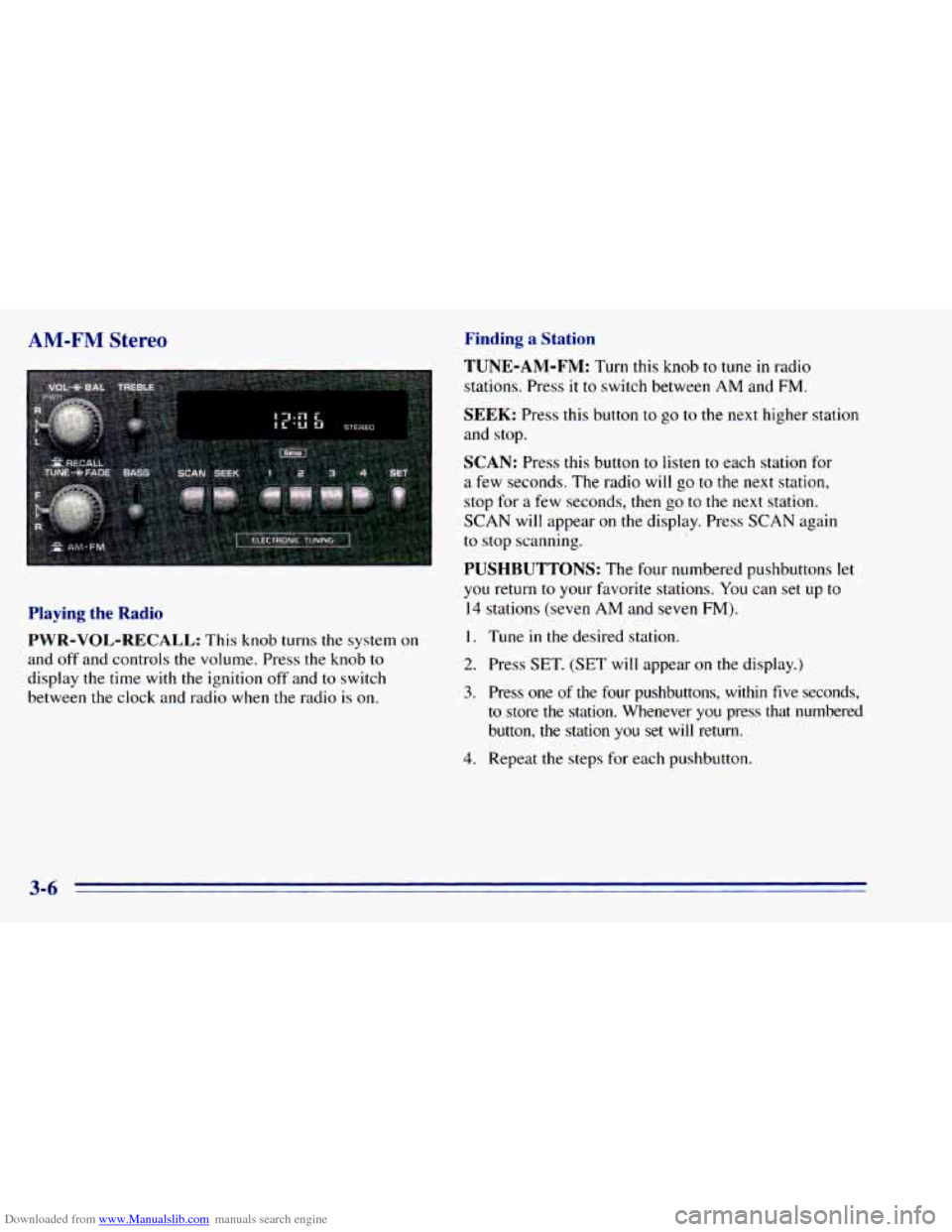
PWR-VOL-RECALL:
This knob turns the system on
and off and controls the volume. Press the knob
to
display the time with the ignition off and to switch
between the clock and radio when the radio
is on.
Finding a Station
TUNE-AM-FM:
Turn this knob to tune in radio
stations. Press
it to switch between AM and FM.
SEEK: Press this button to go to the next higher station
and stop.
SCAN: Press this button to listen to each station for
a few seconds. The radio will go to the next station,
stop for
a few seconds, then go to the next station.
SCAN will appear on the display. Press SCAN again
to stop scanning.
PUSHBUTTONS: The four numbered pushbuttons let
you return to your fmorite stations. You can set up to
14 stations (seven AM and seven FM).
I. Tune in the desired station.
2. Press SET. (SET will appear on the display.)
3. Press one of the four pushbuttons, within five seconds,
to store
the station. Whenever you press that numbered
button,
the station you set will return.
4. Repeat the steps for each pushbutton.
3-6
Page 141 of 392
Downloaded from www.Manualslib.com manuals search engine In addition to the four stations set as above, up to three
additional stations may be preset
on each band by
pressing two adjoining buttons at
the same time. Just:
AM-FM Stereo with Cassette Tape
Player (Option)
1. Tune in the desired station.
2. Press
SET. (SET will appear on the display.)
3. Press two adjoining pushbuttons at the same time,
within five seconds. Whenever you press
the same
two buttons, the station you set will return.
4. Repeat these steps for each pair of buttons.
Setting the Tone
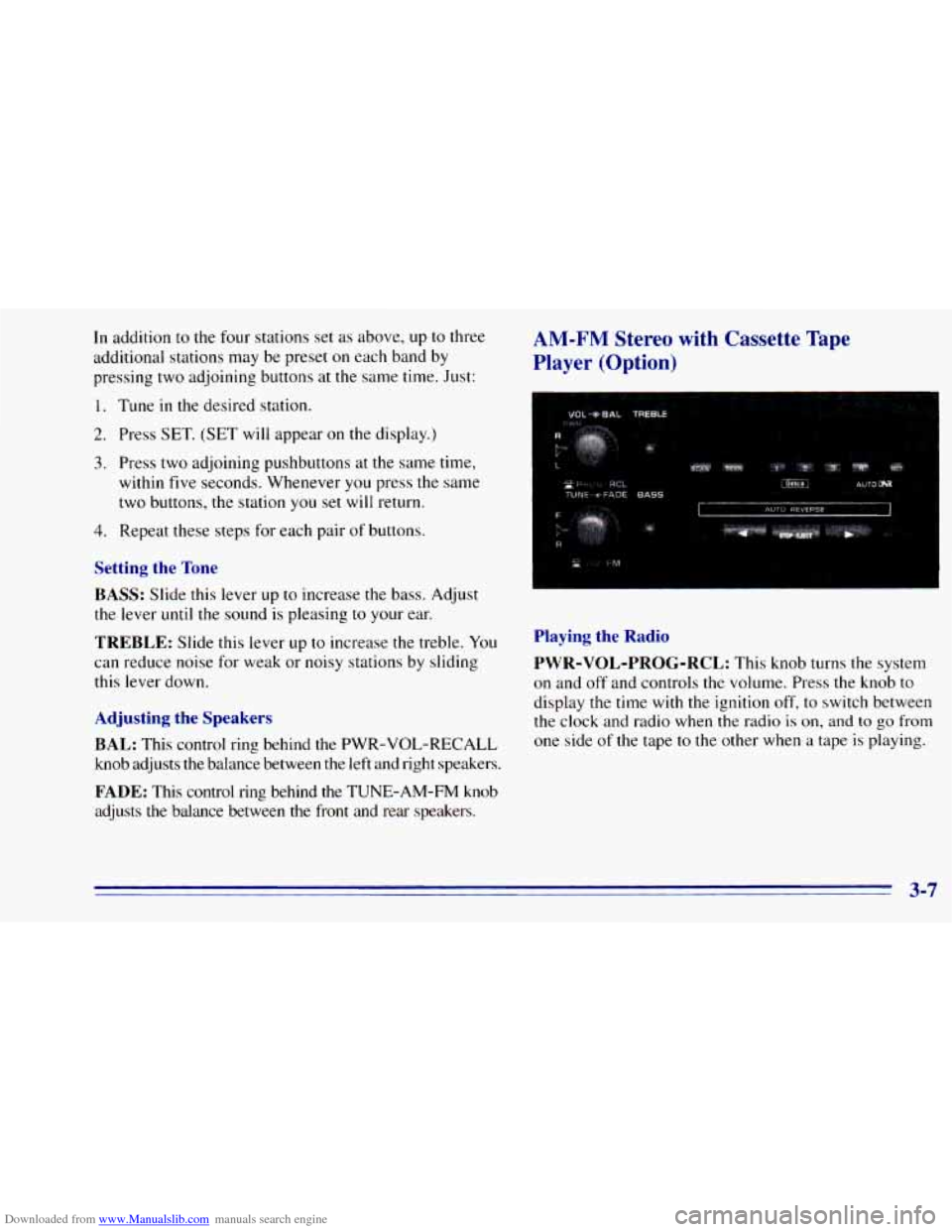
BASS:
Slide this lever up to increase the bass. Adjust
the lever
until the sound is pleasing to your ear.
TREBLE: Slide this lever up to increase the treble. You
can reduce noise for weak or noisy stations by sliding
this lever down.
Adjusting the Speakers
BAL:
This control ring behind the PWR-VOL-RECALL
knob adjusts the balance between the left and right speakers.
FADE: This control ring behind the TUNE-AM-FM knob
adjusts the balance between the front and rear speakers.
Playing the Radio
PWR-VOL-PROG-RCL:
This knob turns the system
on and
off and controls the volume. Press the knob to
display the time with the ignition off,
to switch between
the clock and radio when the radio
is on, and to go from
one side
of the tape to the other when a tape is playing.
3-7
Page 143 of 392
Downloaded from www.Manualslib.com manuals search engine FADE: This control ring behind the TUNE-AM-FM knob
adjusts
the balance between the front and rear speakers.
Playing a Cassette Tape
Your tape player is built to work best with tapes that are
30 to 45 minutes long on each side. Tapes longer than
that are so thin they may not work well in this player.
Once the tape is playing, use
the PWR-VOL-PROG-RCL
knob, just
as you do for radio. A lighted arrow will be
displayed to show tape play direction.
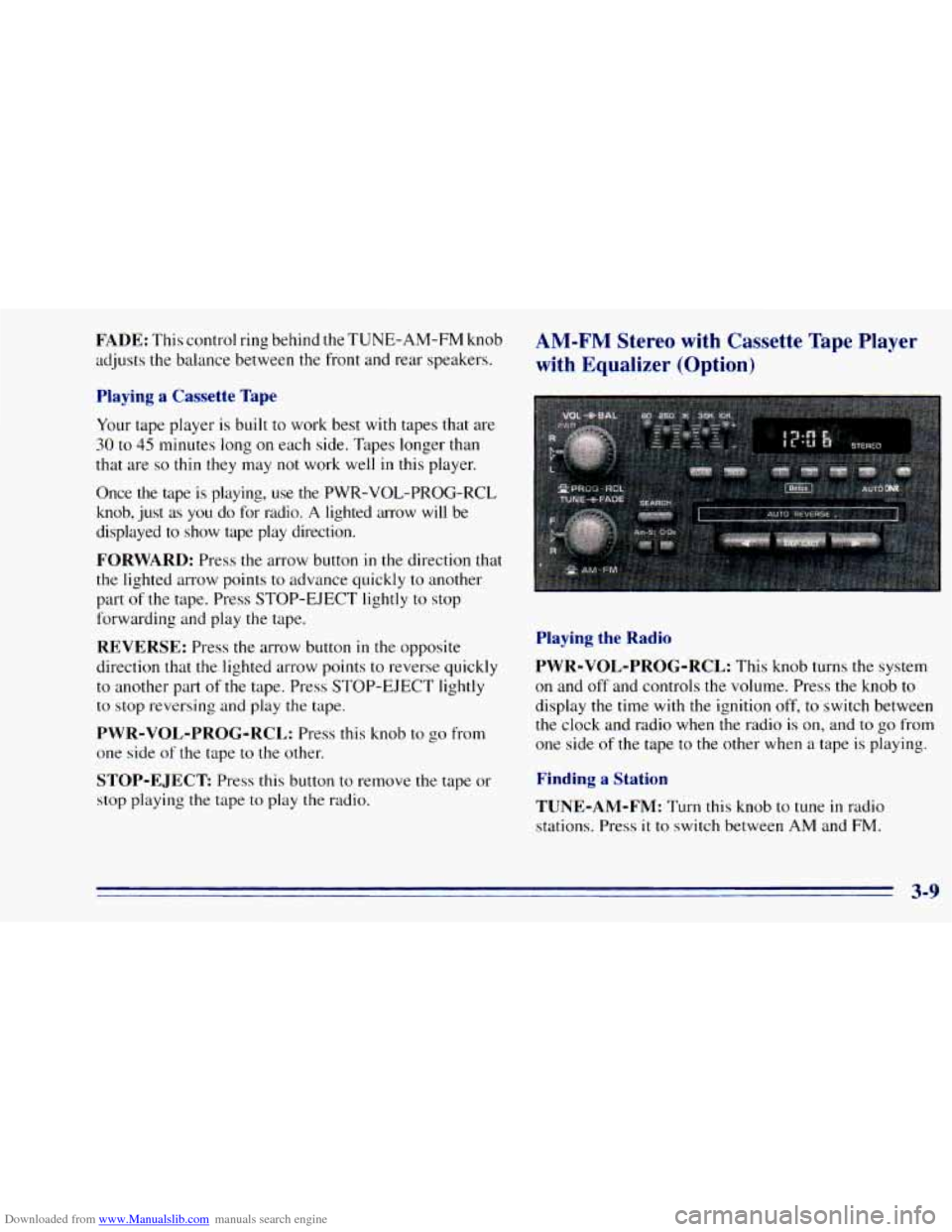
FORWARD: Press the arrow button in the direction that
the lighted arrow points to advance quickly
to another
part
of the tape. Press STOP-EJECT lightly to stop
forwarding and play the tape.
REVERSE: Press the arrow button in the opposite
direction that the lighted arrow points
to reverse quickly
to another part of the tape. Press STOP-EJECT lightly
to stop reversing and play the tape.
PWR-VOL-PROG-RCL: Press this knob to go from
one side
of the tape to the other.
STOP-EJECT Press this button to remove the tape or
stop playing the tape to play the radio.
AM-FM Stereo with Cassette Tape Player
with Equalizer (Option)
Playing the Radio
PWR-VOL-PROG-RCL:
This knob turns the system
on and off and controls the volume. Press the knob to
display the time with the ignition off, to switch between
the clock and radio when the radio is on, and to go from
one side of the tape to the other when a tape is playing.
Finding a Station
TUNE-AM-FM:
Turn this knob to tune in radio
stations. Press it
to switch between AM and FM.
Page 146 of 392
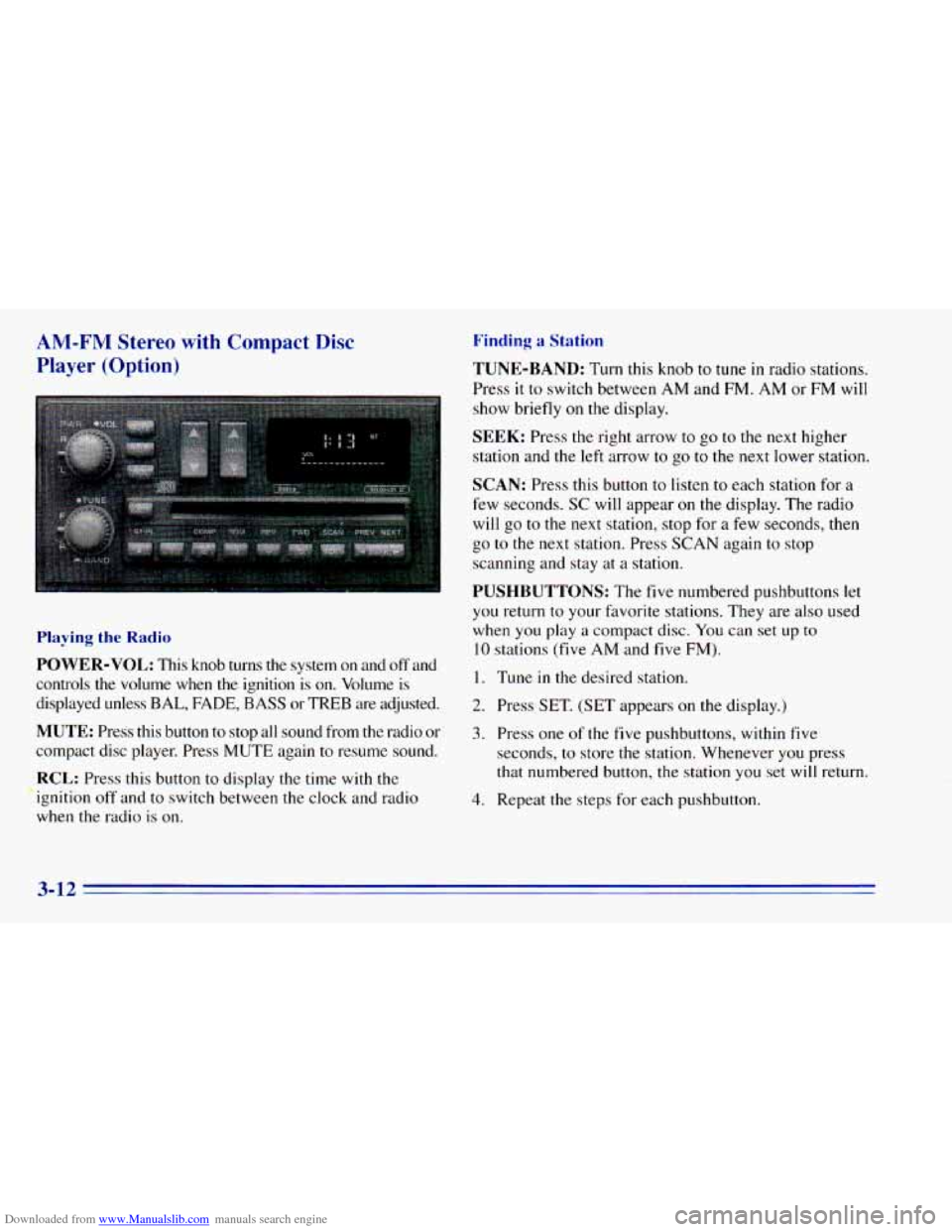
Downloaded from www.Manualslib.com manuals search engine AM-FM Stereo with Compact Disc
Player (Option)
Playing the Radio
POWER-VOL: This knob turns the system on and off and
controls
the volume when the ignition is on. Volume is
displayed unless
BAL, FADE, BASS or TREB are adjusted.
MUTE: Press this button to stop all sound from the radio or
compact disc player. Press MUTE again to resume sound.
RCL: Press this button to display the time with the
ignition off and to switch between the clock and radio
when the radio
is on.
Finding a Station
TUNE-BAND: Turn this knob to tune in radio stations.
Press
it to switch between AM and FM. AM or FM will
show briefly on the display.
SEEK: Press the right arrow to go to the next higher
station and
the left arrow to go to the next lower station.
SCAN: Press this button to listen to each station for a
few seconds.
SC will appear on the display. The radio
will go to the next station, stop for a few seconds, then
go
to the next station. Press SCAN again to stop
scanning and stay at
a station.
PUSHBUTTONS: The five numbered pushbuttons let
you return to your favorite stations. They are also used
when you play
a compact disc. You can set up to
10 stations (five AM and five FM).
I. Tune in the desired station.
2. Press SET. (SET appears on the display.)
3. Press one of the five pushbuttons, within five
seconds, to store the station. Whenever you press
that numbered button, the station you set
will return.
4. Repeat the steps for each pushbutton.
3-12
Page 148 of 392
Downloaded from www.Manualslib.com manuals search engine REV (4): Press and hold this button to return to a
passage quickly. Release it to play the passage. The
counter reading will appear
on the display while using
this control.
FWD (5): Press and hold this button to advance to a
passage quickly. Release
it to resume playing. Watch the
display to stop at a specific passage.
SCAN: Press this button to listen to each selection for
about
six seconds. The disc will go to the next selection,
stop for a few seconds, then
go to the next selection.
Press
RDM, SCAN or any other motion button again to
stop scanning.
PREV: Hold the backward arrow or press it more than
once to return the disc
to previous tracks.
NEXT Press the forward arrow to hear the next track
now instead of waiting
until the current track is finished.
If you hold this button or press it more than once, the
disc will advance further.
ST-PL: Press this button to stop the disc and play the
radio. Press it again
to restart the disc at the point where
it stopped. Press
the POWER-VOL knob
or turn the ignition key
off to stop the disc player. The disc stays in the player
and
will resume playing at the point where it stopped.
EJCT Press this button to eject the disc and play the
radio. The disc
will start at track one when you reinsert it.
Theft-Deterrent Feature
Delco LOC II@ is a theft-deterrent feature for the
compact disc player.
It can be used or ignored. If ignored,
the system plays normally.
If used, your player won’t be
usable
if it is ever stolen, because it won’t turn on.
The instructions below tell
you how to enter a secret
code into the system.
It is recommended that you read
through all
11 steps before starting the procedure. If
your vehicle loses battery power for any reason, you
must unlock the system
with your secret code before the
radio
will turn on.
NOTE: If you allow more than 15 seconds to elapse
between any steps, the radio automatically reverts to
time and you must start the procedure over at Step
4.
3-14