wheel CHEVROLET BLAZER 1997 2.G Owner's Manual
[x] Cancel search | Manufacturer: CHEVROLET, Model Year: 1997, Model line: BLAZER, Model: CHEVROLET BLAZER 1997 2.GPages: 402, PDF Size: 21.93 MB
Page 90 of 402
Downloaded from www.Manualslib.com manuals search engine Shifting Out of PARK (P)
(Automatic Transmission)
Your vehicle has a brake-transmission shift interlock.
You have
to fully apply your regular brake before you
can shift from PARK (P) when the ignition is in the
RUN position. See “Automatic Transmission Operation”
in the Index.
If
you cannot shift out of PARK (P), ease pressure on
the shift lever
-- push the shift lever all the way into
PARK (P) as you maintain brake application. Then
move the shift lever into the gear
you want (you must
press the shift lever button if
you have the console
shift lever).
If you ever hold the brake pedal down but still can’t
shift out
of PARK (P), try this:
1. Turn the key to OFF.
2. Apply and hold the brake until the end of Step 4.
3. Shift to NEUTRAL (N).
4. Start the vehicle and then shift to the drive gear
you want.
5. Have the vehicle fixed as soon as you can.
Parking Your Vehicle (Manual
Transmission Models Only)
Before you get out of your vehicle, turn off your engine,
put your manual transmission in
REVERSE (R) and
firmly apply the parking brake.
If you have four-wheel drive with a manual transfer case
shift lever,
be sure your transfer case is in a drive gear.
Your vehicle could roll
if it isn’t.
If
you are parking on a hill, or if your vehicle is pulling
a trailer, see “Towing
a Trailer” in the Index.
2-33
Page 92 of 402
Downloaded from www.Manualslib.com manuals search engine Running Your Engine While You’re
Parked (Automatic Transmission)
It’s better not to park with the engine running. But if
ever have
to, here are some things to know.
A CAUTION:
Idling the engine with the air system control
off could allow dangerous exhaust into
your vehicle (see the earlier Caution under
“Engine Exhaust”).
Also, idling in
a closed-in place can let deadly
carbon monoxide
(CO) into your vehicle even if
the fan switch is at the highest setting. One place
this can happen is
a garage. Exhaust 9- with
CO -- can come in easily. NEVER park in a
garage
with the engine running.
Another closed-in place can be a blizzard.
(See “Blizzard” in the Index.)
I A CAUTION:
It can be dangerous to get out of your vehicle if
the shift lever
is not fully in PARK (P) with the
parking brake firmly set. Your vehicle can roll.
Don’t leave your vehicle when the engine
is
running unless you have to. If you’ve left the
engine running, the vehicle can move suddenly.
You or others could be injured.
To be sure your
vehicle won’t move, even when you’re on fairly
level ground, always set your parking brake and
move the shift lever to PARK
(P).
If you have four-wheel drive with a manual transfer case
shift lever and your transfer case
is in NEUTRAL (N),
your vehicle will be free to roll, even if your shift lever
is
in PARK (P). So, be sure the transfer case is in a drive
gear
-- not in NEUTRAL (N). Always set your parking
brake. Follow the proper steps
to be sure your vehicle
won’t move. See “Shifting Into PARK
(P)” in the Index.
If you’re pulling a trailer, see ”Towing a Trailer”
in
the Index.
2-35
Page 94 of 402
Downloaded from www.Manualslib.com manuals search engine Lockout Switch
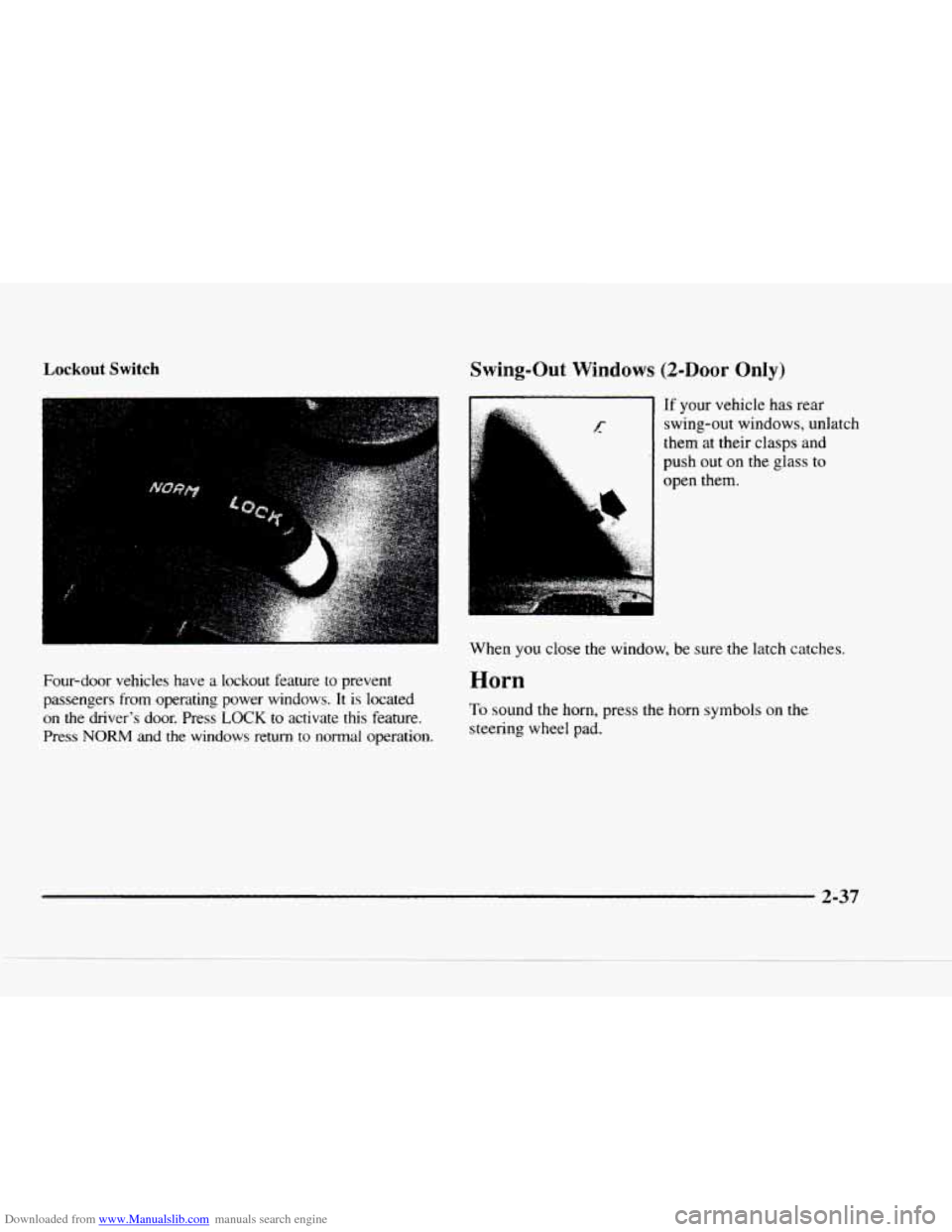
Four-door vehicles have a lockout feature to prevent
passengers from operating power windows.
It is located
on
the driver's door. Press LOCK to activate this feature.
Press NORM and the windows return to normal operation.
Swing-Out Windows (2-Door Only)
If your vehicle has rear
swing-out windows, unlatch
them at their
clasps and
push out
on the glass to
open them.
When you close
the window, be sure the latch catches.
Horn
To sound the horn, press the horn symbols on the
steering wheel pad.
2-37
Page 95 of 402
Downloaded from www.Manualslib.com manuals search engine Tilt Wheel (If Equipped)
I
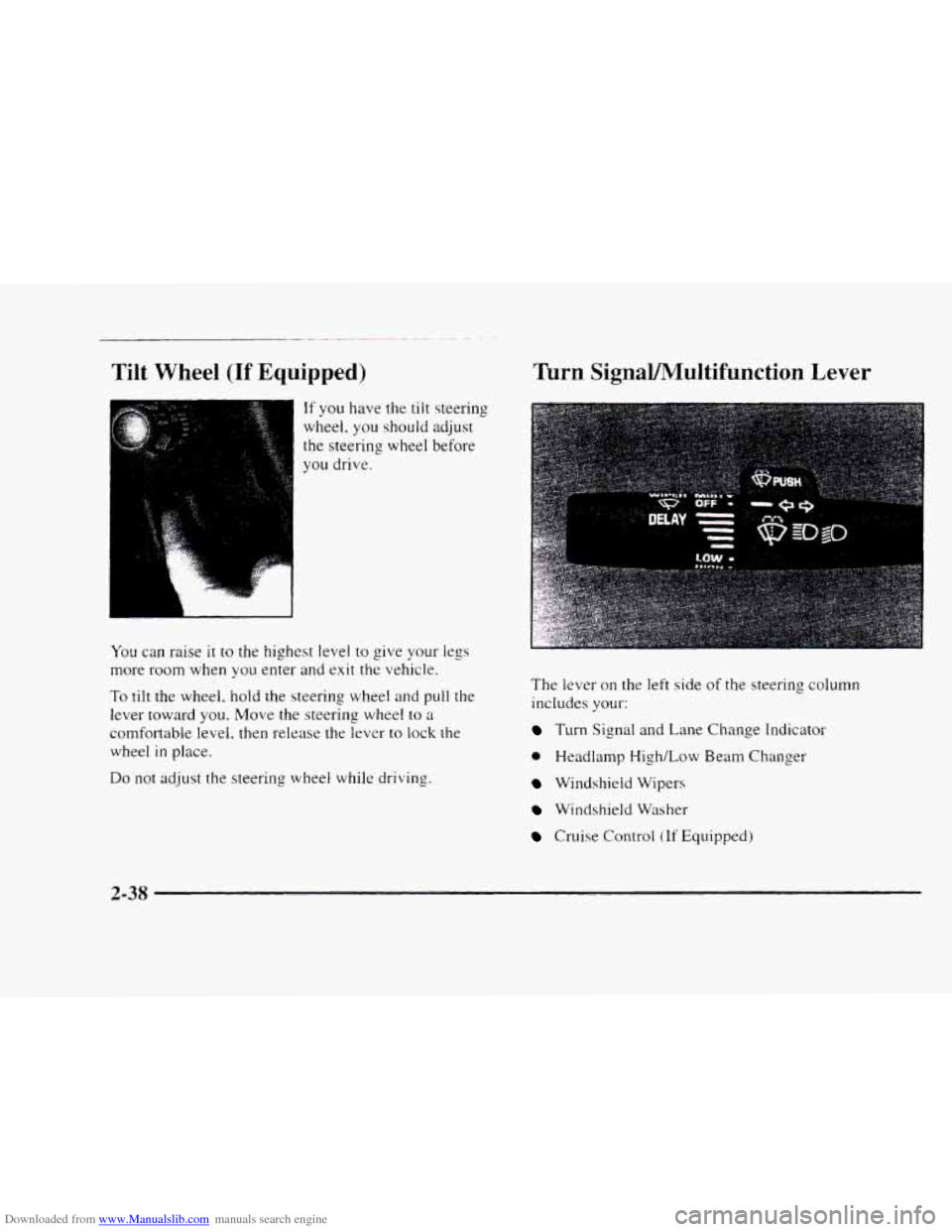
If you have the tilt steering
wheel.
you should adjust
the steering wheel before
you drive.
You can raise it to the highest level to give your legs
more room when you enter and exit the vehicle.
To tilt the wheel, hold the steering wheel and pull the
lever toward
you. Move the steering wheel to a
comfortable level. then release the lever to lock the
wheel
in place.
Do not adjust the steering wheel while driving.
Turn SignaVMultifunction Lever
The level- on the left side of the steering column
includes
your:
Turn Signal and Lane Change Indicator
0 Headlamp High/Low Beam Changer
Windshield Wipers
Windshield Washer
Cruise Control (If Equipped)
2-38
Page 99 of 402
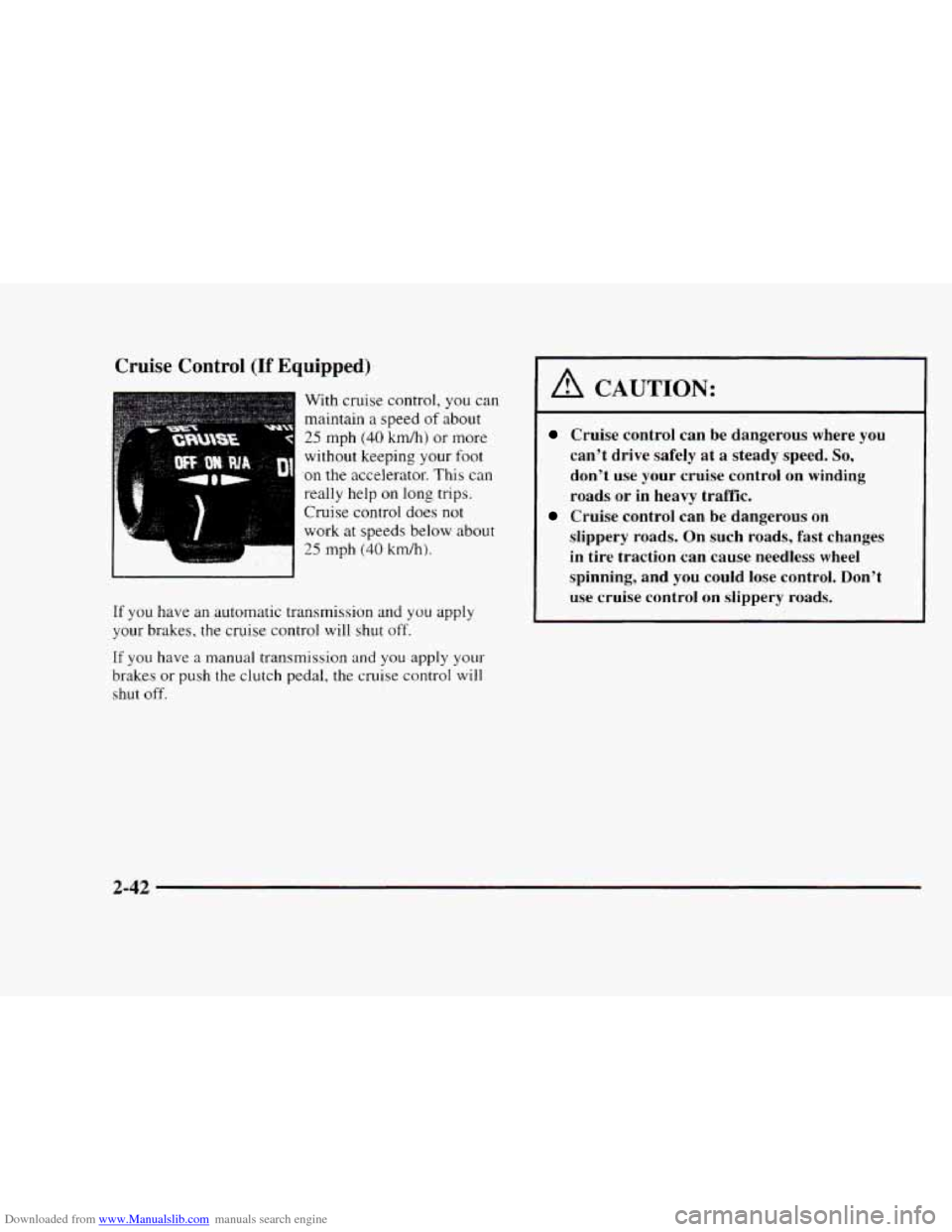
Downloaded from www.Manualslib.com manuals search engine Cruise Control (If Equipped)
With cruise control, you can
maintain a speed
of about
25 mph (40 km/h) or more
without keeping
your foot
on the accelerator. This can
really help on long trips.
Cruise control does
not
work at speeds below about
25 mph (40 krdh).
If you have an automatic transmission and you apply
your brakes, the cruise control
will shut off.
If you have a manual transmission and you apply your-
brakes or push the clutch pedal, the cruise control will
shut off.
A CAUTION:
Cruise control can be dangerous where you
can't drive safely at a steady speed.
So,
don't use your cruise control on winding
roads
or in heavy traffic.
slippery roads. On
such roads, fast changes
in tire traction can cause needless wheel
spinning, and you could lose control. Don't
use cruise control on siippery roads.
Cruise control can be dangerous on
2-42
Page 162 of 402
Downloaded from www.Manualslib.com manuals search engine Section 4 Your Driving and the Road
Here you’ll find information about driving on different kinds of roads and in varying weather conditions. We’ve also
included many other useful tips on driving.
4- 2
4-3
4-6
4-6
4-9
4-1
1
4- 12
4-13
4- 14
4-28
4-29
4-32
4-3 3
Defensive Driving
Drunken Driving
Control of
a Vehicle
Braking
Steering
Off-Road Recovery
Passing
Loss
of Control
Driving Guidelines
Driving at Night
Driving
in Rain and on Wet Roads
City Driving
Freeway Driving Before
Leaving
on a Long Trip
Highway Hypnosis
Hill and Mountain Roads
Winter Driving
Recreational Vehicle Towing
(Four-wheel Drive with the
Manual Shift Transfer Case Only)
Recreational Vehicle Towing (Except
Four-wheel Drive with
the Manual Shift
Transfer Case)
Loading Your Vehicle
Towing a Trailer
4-34
4-3
5
4-35
4-37 4-4
1
4-42
4-42
4-45
4- 1
Page 169 of 402
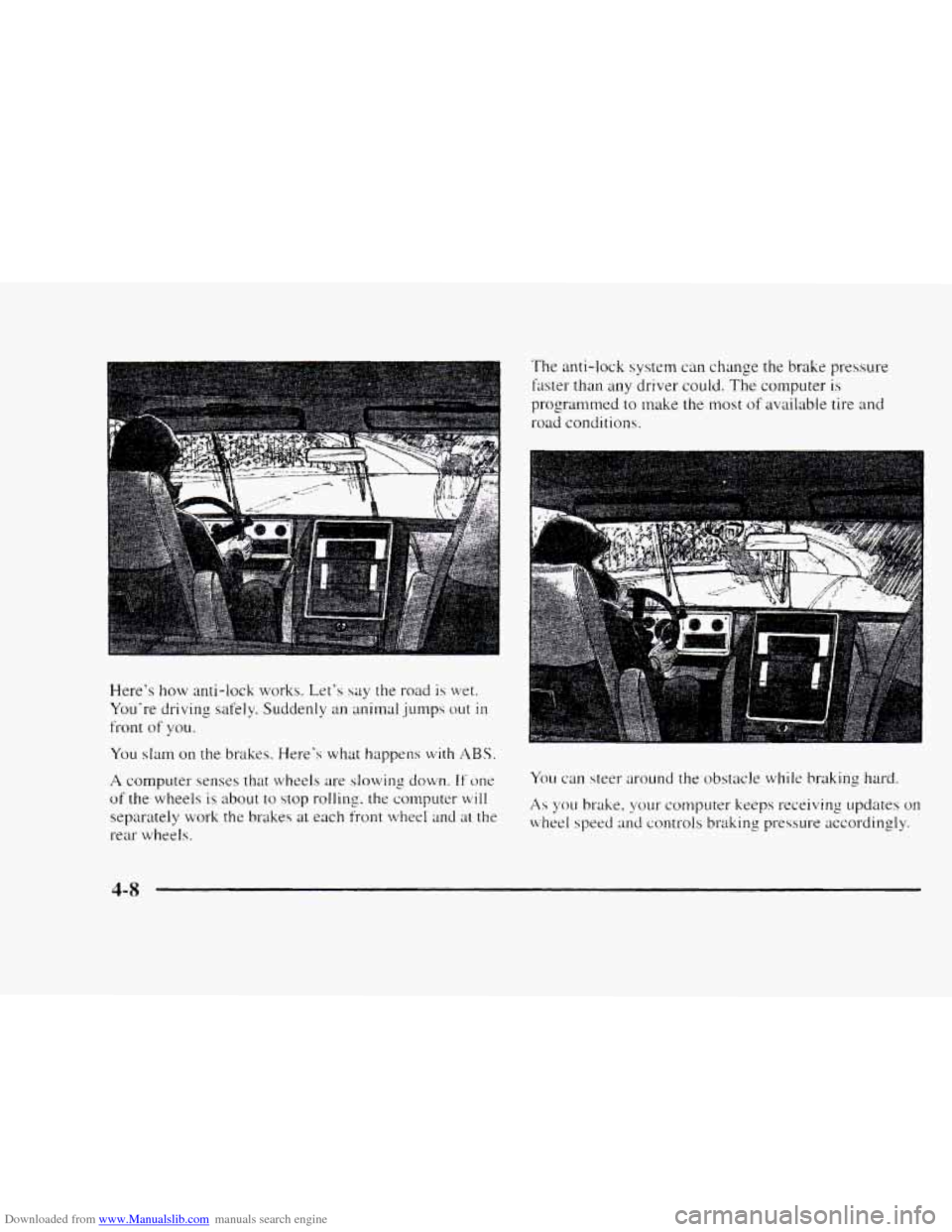
Downloaded from www.Manualslib.com manuals search engine Here's how anti-lock works. Let's say the road is wet.
You're driving safely. Suddenly an animal
jumps out in
front of you.
You slam on the brakes. Here's what happens with ABS.
A computer senses that wheels are slowing down. If one
of the wheels is about to stop rolling. the computer will
separately work the brakes at each front wheel and at the
rear wheels.
The anti-lock system can change the brake pressure
lister than any driver could.
The computer is
programmed to make the most of available tire and
road conditions.
You can steer around the obstacle while braking hard.
As you brake. your computer keeps receiving updates on
wheel speed and controls braking pressure accordingly.
4-8
Page 170 of 402
Downloaded from www.Manualslib.com manuals search engine Remember: Anti-lock doesn’t change the time you need
to get your foot up to the brake pedal or always decrease
stopping distance.
If you get too close to the vehicle in
front of you‘ you won’t have time to apply your brakes
if that vehicle suddenly slows or stops. Always leave
enough room up ahead to stop, even though you have
anti-lock brakes.
Using Anti-Lock
Don’t pump the brakes. Just hold the brake pedal down
and let anti-lock work for you. You may feel the brakes
vibrate, or you may notice some noise, but this is
normal. On vehicles
with four-wheel drive, your
anti-lock brakes work at all times
-- whether you are in
two-wheel drive or four-wheel drive.
Braking in Emergencies
With anti-lock, you can steer and brake at the same
time.
In many emergencies, steering can help you more
than even the very best braking.
Steering
Power Steering
If you lose power steering assist because the engine
stops
or the system is not functioning, you can steer but
it will take much more effort.
Steering Tips
Driving on Curves
It’s important to take curves at a reasonable speed.
A lot of the “driver lost control” accidents mentioned on
the news happen on curves. Here’s why:
Experienced driver or beginner, each
of us is subject to
the same laws
of physics when driving on curves. The
traction of the tires against the road surface makes
it
possible for the vehicle to change its path when you turn
the
front wheels. If there’s no traction, inertia will keep
the vehicle going
in the same direction. If you’ve ever
tried to steer
a vehicle on wet ice, you‘ll understand this.
The traction you can get in a curve depends on the
condition
of your tires and the road surface, the angle at
which the curve
is banked, and your speed. While you’re
in a curve, speed is the one factor you can control.
4-9
Page 171 of 402
Downloaded from www.Manualslib.com manuals search engine Suppose you‘re steering through a sharp curve. Then you
suddenly accelerate.
Both control systems -- steering and
acceleration
-- have to do their work where the tires meet
the road. Adding the sudden acceleration can demand too
much of those places. You can lose control.
What should
YOLI do if this ever happens‘? Ease up on the
accelerator pedal. steer the vehicle the way you want
it
to go. and slow down.
Speed
limit signs near curves warn that you should
adjust your speed.
Of course. the posted speeds are
based on good weather and road conditions. Under less
favorable conditions you’ll want
to go slower.
If you need to reduce your speed as you approach it
curve. do it befhre you enter the curve, while your front
wheels are straight ahead.
Try
to adjust your speed so you can “drive” through the
CLII-ut. klaintain ;I reasonable, steady speed. Wait to
acwlcrate
llntil >.ou are out of the curve. and then
accclcrate gcntlv into the straightaway.
Steering in Emergencies
There are times when steering can be more effective
than braking. For example, you come over
a hill and
find
a truck stopped in your lane, or a car suddenly pulls
out from nowhere. or a child darts out from between
parked cars and stops
right in front of you. You can
avoid these problems
by braking -- if you can stop in
time. But sometimes you can’t: there isn’t room. That’s
the time
for evasive action -- steering around
the problem.
Your vehicle can perform very well in emergencies like
these. First apply your brakes. (See ”Braking
in
Emergencies” earlier in this section.) It is better to
remove as much speed as you can from a possible
collision. Then steer around the problem.
to the left or
right depending on the space available.
3- 10
Page 172 of 402
Downloaded from www.Manualslib.com manuals search engine An emergency like this requires close attention and a
quick decision. If you are holding the steering wheel at
the recommended
9 and 3 o'clock positions, you can
turn
it a tull 180 degrees very quickly without removing
either
hand. Bur you hrt\*e to act fast, steer quickly, and
just ah quickly straighten the wheel once you have
avoided
the ob-jcct.
The fact that wch clncrgcncy situations are always
possible ih ;I good reason to practice defensive driving at
all
times and NYN satety belts properly.
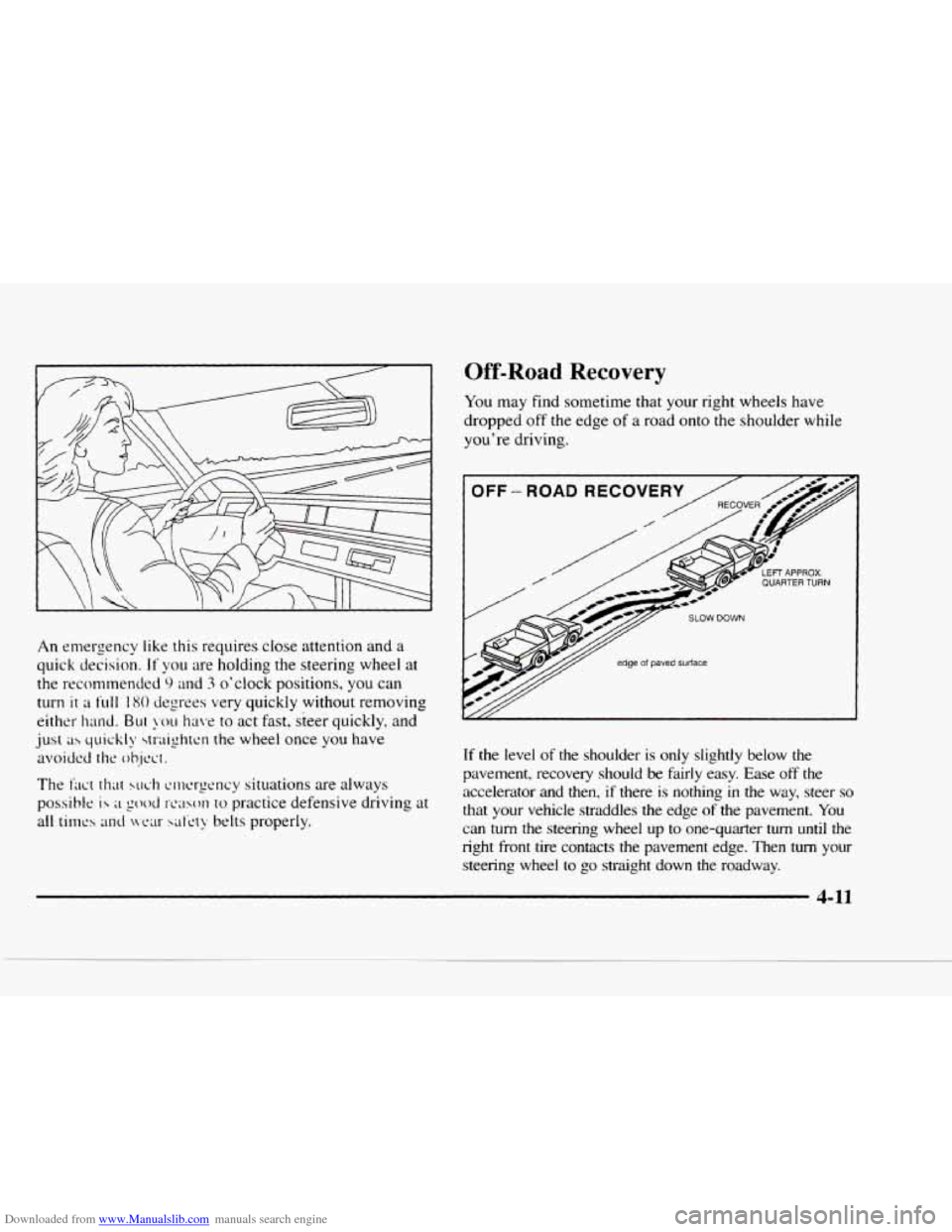
Off-Road Recovery
You may find sometime that your right wheels have
dropped off
the edge of a road onto the shoulder while
you're driving.
I OFF - ROA
v/// edge of paved surface
If the level of the shoulder is only slightly below the
pavement, recovery should be
fairly easy. Ease off the
accelerator and then, if there is nothing in the way, steer so
that your vehicle straddles the edge of the pavement. You
can turn the steering wheel up to one-quarter turn until the
right front tire contacts the pavement
edge. Then turn your
steering wheel to go straight down the roadway.
4-11