radio controls CHEVROLET BOLT EV 2022 User Guide
[x] Cancel search | Manufacturer: CHEVROLET, Model Year: 2022, Model line: BOLT EV, Model: CHEVROLET BOLT EV 2022Pages: 316, PDF Size: 11.45 MB
Page 136 of 316
Chevrolet BOLT EV Owner Manual (GMNA-Localizing-U.S./Canada-
15082216) - 2022 - CRC - 6/25/21
Infotainment System 135
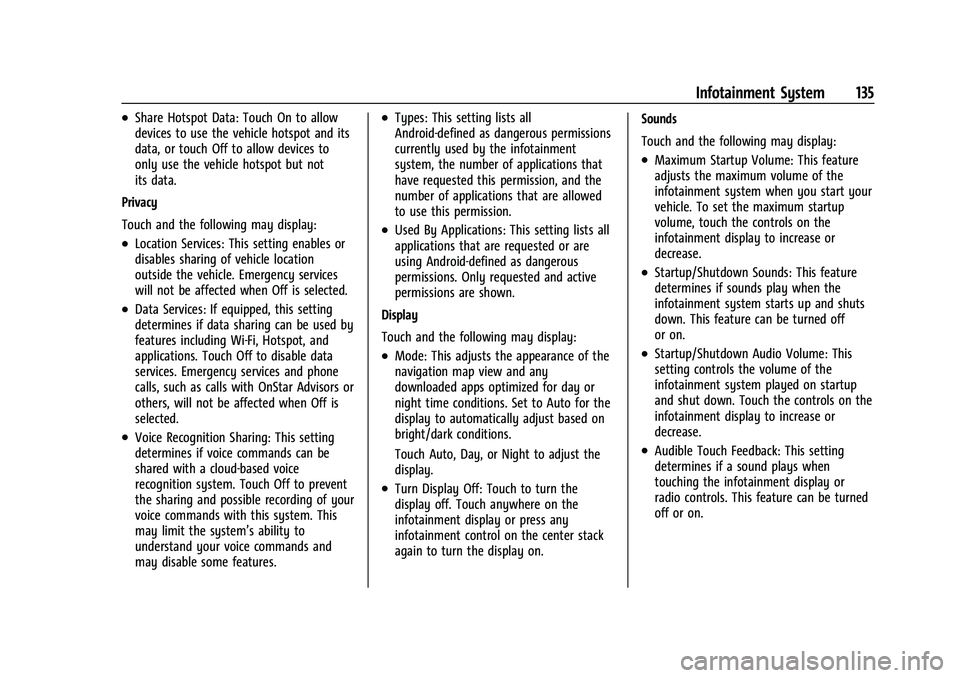
.Share Hotspot Data: Touch On to allow
devices to use the vehicle hotspot and its
data, or touch Off to allow devices to
only use the vehicle hotspot but not
its data.
Privacy
Touch and the following may display:
.Location Services: This setting enables or
disables sharing of vehicle location
outside the vehicle. Emergency services
will not be affected when Off is selected.
.Data Services: If equipped, this setting
determines if data sharing can be used by
features including Wi-Fi, Hotspot, and
applications. Touch Off to disable data
services. Emergency services and phone
calls, such as calls with OnStar Advisors or
others, will not be affected when Off is
selected.
.Voice Recognition Sharing: This setting
determines if voice commands can be
shared with a cloud-based voice
recognition system. Touch Off to prevent
the sharing and possible recording of your
voice commands with this system. This
may limit the system’s ability to
understand your voice commands and
may disable some features.
.Types: This setting lists all
Android-defined as dangerous permissions
currently used by the infotainment
system, the number of applications that
have requested this permission, and the
number of applications that are allowed
to use this permission.
.Used By Applications: This setting lists all
applications that are requested or are
using Android-defined as dangerous
permissions. Only requested and active
permissions are shown.
Display
Touch and the following may display:
.Mode: This adjusts the appearance of the
navigation map view and any
downloaded apps optimized for day or
night time conditions. Set to Auto for the
display to automatically adjust based on
bright/dark conditions.
Touch Auto, Day, or Night to adjust the
display.
.Turn Display Off: Touch to turn the
display off. Touch anywhere on the
infotainment display or press any
infotainment control on the center stack
again to turn the display on. Sounds
Touch and the following may display:
.Maximum Startup Volume: This feature
adjusts the maximum volume of the
infotainment system when you start your
vehicle. To set the maximum startup
volume, touch the controls on the
infotainment display to increase or
decrease.
.Startup/Shutdown Sounds: This feature
determines if sounds play when the
infotainment system starts up and shuts
down. This feature can be turned off
or on.
.Startup/Shutdown Audio Volume: This
setting controls the volume of the
infotainment system played on startup
and shut down. Touch the controls on the
infotainment display to increase or
decrease.
.Audible Touch Feedback: This setting
determines if a sound plays when
touching the infotainment display or
radio controls. This feature can be turned
off or on.
Page 138 of 316
Chevrolet BOLT EV Owner Manual (GMNA-Localizing-U.S./Canada-
15082216) - 2022 - CRC - 6/25/21
Infotainment System 137
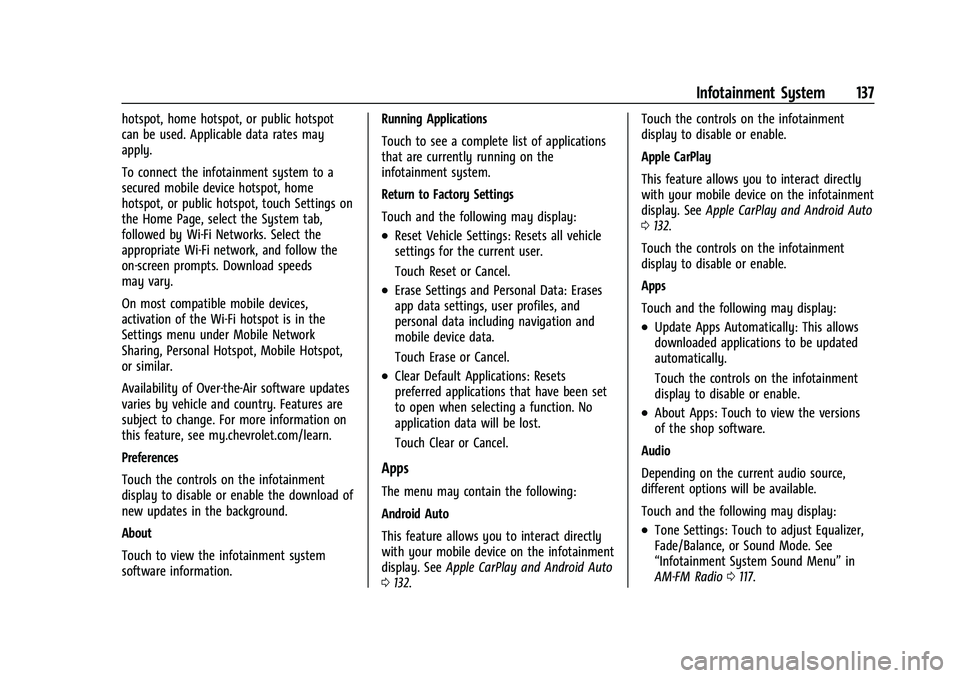
hotspot, home hotspot, or public hotspot
can be used. Applicable data rates may
apply.
To connect the infotainment system to a
secured mobile device hotspot, home
hotspot, or public hotspot, touch Settings on
the Home Page, select the System tab,
followed by Wi-Fi Networks. Select the
appropriate Wi-Fi network, and follow the
on-screen prompts. Download speeds
may vary.
On most compatible mobile devices,
activation of the Wi-Fi hotspot is in the
Settings menu under Mobile Network
Sharing, Personal Hotspot, Mobile Hotspot,
or similar.
Availability of Over-the-Air software updates
varies by vehicle and country. Features are
subject to change. For more information on
this feature, see my.chevrolet.com/learn.
Preferences
Touch the controls on the infotainment
display to disable or enable the download of
new updates in the background.
About
Touch to view the infotainment system
software information.Running Applications
Touch to see a complete list of applications
that are currently running on the
infotainment system.
Return to Factory Settings
Touch and the following may display:
.Reset Vehicle Settings: Resets all vehicle
settings for the current user.
Touch Reset or Cancel.
.Erase Settings and Personal Data: Erases
app data settings, user profiles, and
personal data including navigation and
mobile device data.
Touch Erase or Cancel.
.Clear Default Applications: Resets
preferred applications that have been set
to open when selecting a function. No
application data will be lost.
Touch Clear or Cancel.
Apps
The menu may contain the following:
Android Auto
This feature allows you to interact directly
with your mobile device on the infotainment
display. See
Apple CarPlay and Android Auto
0 132. Touch the controls on the infotainment
display to disable or enable.
Apple CarPlay
This feature allows you to interact directly
with your mobile device on the infotainment
display. See
Apple CarPlay and Android Auto
0 132.
Touch the controls on the infotainment
display to disable or enable.
Apps
Touch and the following may display:
.Update Apps Automatically: This allows
downloaded applications to be updated
automatically.
Touch the controls on the infotainment
display to disable or enable.
.About Apps: Touch to view the versions
of the shop software.
Audio
Depending on the current audio source,
different options will be available.
Touch and the following may display:
.Tone Settings: Touch to adjust Equalizer,
Fade/Balance, or Sound Mode. See
“Infotainment System Sound Menu” in
AM-FM Radio 0117.
Page 139 of 316
Chevrolet BOLT EV Owner Manual (GMNA-Localizing-U.S./Canada-
15082216) - 2022 - CRC - 6/25/21
138 Infotainment System
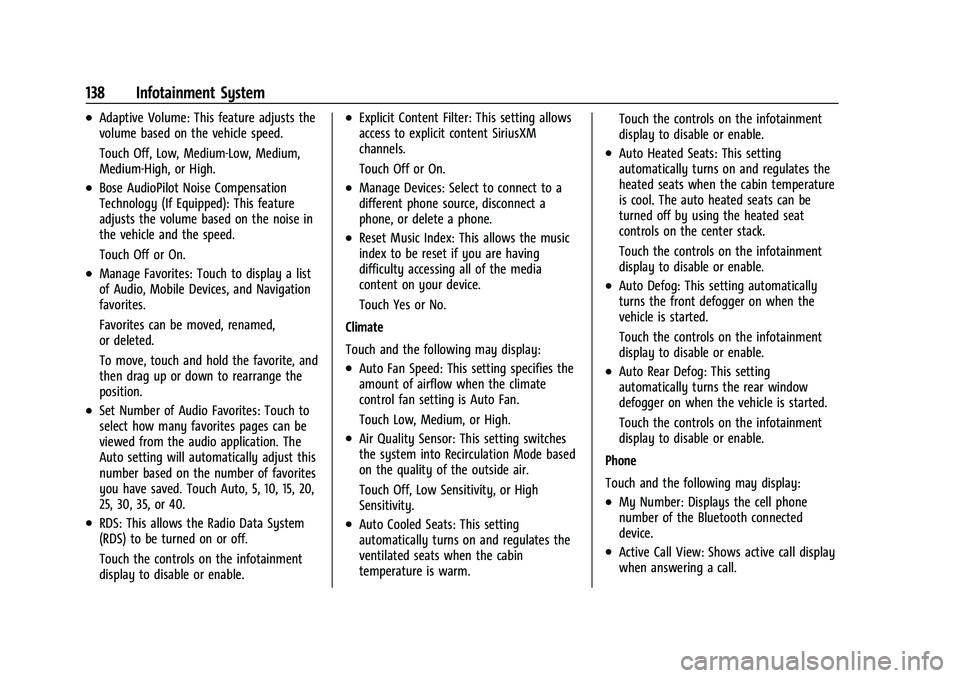
.Adaptive Volume: This feature adjusts the
volume based on the vehicle speed.
Touch Off, Low, Medium-Low, Medium,
Medium-High, or High.
.Bose AudioPilot Noise Compensation
Technology (If Equipped): This feature
adjusts the volume based on the noise in
the vehicle and the speed.
Touch Off or On.
.Manage Favorites: Touch to display a list
of Audio, Mobile Devices, and Navigation
favorites.
Favorites can be moved, renamed,
or deleted.
To move, touch and hold the favorite, and
then drag up or down to rearrange the
position.
.Set Number of Audio Favorites: Touch to
select how many favorites pages can be
viewed from the audio application. The
Auto setting will automatically adjust this
number based on the number of favorites
you have saved. Touch Auto, 5, 10, 15, 20,
25, 30, 35, or 40.
.RDS: This allows the Radio Data System
(RDS) to be turned on or off.
Touch the controls on the infotainment
display to disable or enable.
.Explicit Content Filter: This setting allows
access to explicit content SiriusXM
channels.
Touch Off or On.
.Manage Devices: Select to connect to a
different phone source, disconnect a
phone, or delete a phone.
.Reset Music Index: This allows the music
index to be reset if you are having
difficulty accessing all of the media
content on your device.
Touch Yes or No.
Climate
Touch and the following may display:
.Auto Fan Speed: This setting specifies the
amount of airflow when the climate
control fan setting is Auto Fan.
Touch Low, Medium, or High.
.Air Quality Sensor: This setting switches
the system into Recirculation Mode based
on the quality of the outside air.
Touch Off, Low Sensitivity, or High
Sensitivity.
.Auto Cooled Seats: This setting
automatically turns on and regulates the
ventilated seats when the cabin
temperature is warm. Touch the controls on the infotainment
display to disable or enable.
.Auto Heated Seats: This setting
automatically turns on and regulates the
heated seats when the cabin temperature
is cool. The auto heated seats can be
turned off by using the heated seat
controls on the center stack.
Touch the controls on the infotainment
display to disable or enable.
.Auto Defog: This setting automatically
turns the front defogger on when the
vehicle is started.
Touch the controls on the infotainment
display to disable or enable.
.Auto Rear Defog: This setting
automatically turns the rear window
defogger on when the vehicle is started.
Touch the controls on the infotainment
display to disable or enable.
Phone
Touch and the following may display:
.My Number: Displays the cell phone
number of the Bluetooth connected
device.
.Active Call View: Shows active call display
when answering a call.
Page 140 of 316
Chevrolet BOLT EV Owner Manual (GMNA-Localizing-U.S./Canada-
15082216) - 2022 - CRC - 6/25/21
Infotainment System 139
Touch the controls on the infotainment
display to disable or enable.
.Privacy: Only show call alerts in the
instrument cluster.
Touch Off or On.
.Sort Contacts: Touch to sort by first or
last name.
.Re-sync Device Contacts:
This allows the device contacts to re-sync
if you are having difficulty accessing all of
the contacts on your cell phone.
.Delete All Vehicle Contacts: Touch to
delete all vehicle stored contacts.
.OnStar Phone TTY Mode: This enables
OnStar cell phone TTY mode.
Touch Disable or Enable.
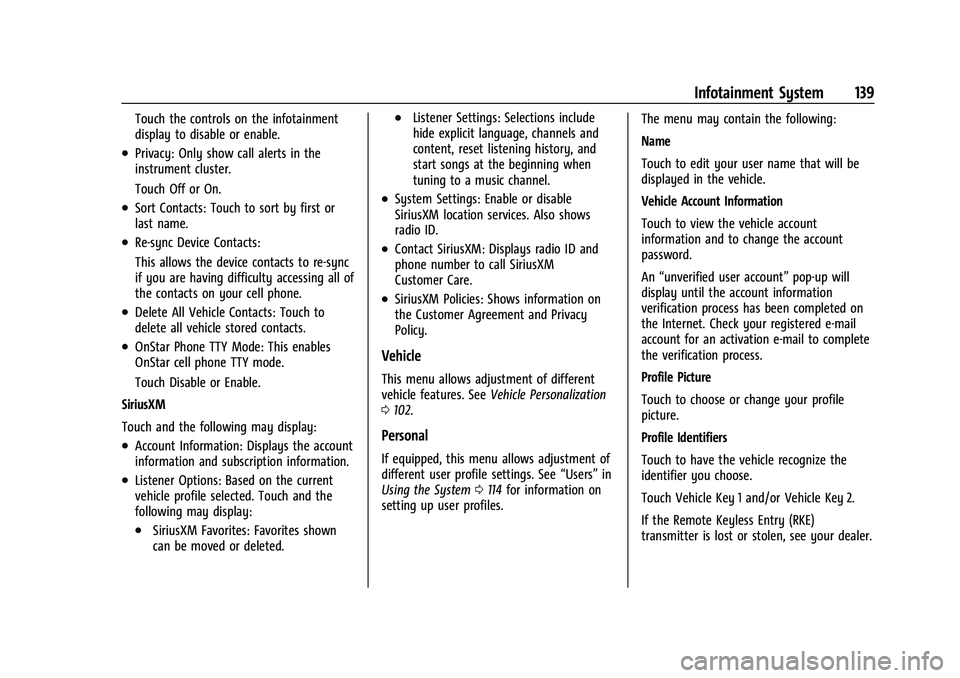
SiriusXM
Touch and the following may display:
.Account Information: Displays the account
information and subscription information.
.Listener Options: Based on the current
vehicle profile selected. Touch and the
following may display:
.SiriusXM Favorites: Favorites shown
can be moved or deleted.
.Listener Settings: Selections include
hide explicit language, channels and
content, reset listening history, and
start songs at the beginning when
tuning to a music channel.
.System Settings: Enable or disable
SiriusXM location services. Also shows
radio ID.
.Contact SiriusXM: Displays radio ID and
phone number to call SiriusXM
Customer Care.
.SiriusXM Policies: Shows information on
the Customer Agreement and Privacy
Policy.
Vehicle
This menu allows adjustment of different
vehicle features. See Vehicle Personalization
0 102.
Personal
If equipped, this menu allows adjustment of
different user profile settings. See “Users”in
Using the System 0114 for information on
setting up user profiles. The menu may contain the following:
Name
Touch to edit your user name that will be
displayed in the vehicle.
Vehicle Account Information
Touch to view the vehicle account
information and to change the account
password.
An
“unverified user account” pop-up will
display until the account information
verification process has been completed on
the Internet. Check your registered e-mail
account for an activation e-mail to complete
the verification process.
Profile Picture
Touch to choose or change your profile
picture.
Profile Identifiers
Touch to have the vehicle recognize the
identifier you choose.
Touch Vehicle Key 1 and/or Vehicle Key 2.
If the Remote Keyless Entry (RKE)
transmitter is lost or stolen, see your dealer.
Page 152 of 316
Chevrolet BOLT EV Owner Manual (GMNA-Localizing-U.S./Canada-
15082216) - 2022 - CRC - 6/25/21
Climate Controls 151
The defogger only works when the vehicle is
on. The defogger will turn off if the vehicle
is turned off.
Caution
Do not try to clear frost or other material
from the inside of the front windshield
and rear window with a razor blade or
anything else that is sharp. This may
damage the rear window defogger grid
and affect the radio's ability to pick up
stations clearly. The repairs would not be
covered by the vehicle warranty.
Heated Seats (If Equipped)
Liftxoryto heat the driver or
passenger seat cushion. See Heated Front
Seats 029.
Auto Heated Seats
When the vehicle is on, this feature will
automatically activate the heated seats at
the level required by the vehicle's interior
temperature. The active high, medium, low,
or off heated eat level will be indicated by
the manual heated seat buttons on the
center stack. Use the manual heated seat
buttons on the center stack to turn auto
heated seats off. If the passenger seat is unoccupied, the auto heated seats feature
will not activate that seat. The auto heated
seats feature can be programmed to always
be enabled when the vehicle is on. See
Heated Front Seats
029 and
Vehicle Personalization 0102.
Remote Start Climate Control Operation
If equipped with the remote start feature,
the climate control system may run when
the vehicle is started remotely. The system
uses the driver’s previous settings to heat or
cool the inside of the vehicle. The rear defog
may come on during remote start based on
cold ambient conditions. The rear defog
indicator light does not come on during a
remote start.
If equipped, the heated seats will turn on if
it is cold outside. The heated seat indicator
lights may not come on during a remote
start. See Heated Front Seats 029 and
Vehicle Personalization 0102.
Remote Start : The climate control system
may be started by using the Remote Keyless
Entry (RKE) transmitter. The climate control
system will default to an appropriate
heating or cooling mode. See Remote Start
0 13. The rear window defogger turns on if it is
cold outside.
Sensors
Indicator Light and Solar Sensor (ILSS)
The ILSS is on top of the instrument panel,
near the windshield, where it monitors solar
intensity.
The climate control system uses the sensor
information to adjust the temperature, fan
speed, recirculation, and air delivery mode
for best comfort.
Do not cover the sensor; otherwise the
automatic climate control system may not
work properly.
Humidity Sensor
The humidity sensor is near the base of the
inside rearview mirror. The climate control
system uses the sensor information to
adjust the temperature and recirculation for
best comfort.
Outside Air Temperature Sensor
The outside air temperature sensor is behind
the front grille of the vehicle. The vehicle
uses the sensor information to display
Page 296 of 316
Chevrolet BOLT EV Owner Manual (GMNA-Localizing-U.S./Canada-
15082216) - 2022 - CRC - 6/25/21
Customer Information 295
Reporting Safety Defects to
General Motors
In addition to notifying NHTSA (or Transport
Canada) in a situation like this, notify
General Motors.
In the U.S., call 1-800-222-1020, or write:
Chevrolet Motor Division
Chevrolet Customer Assistance Center
P.O. Box 33170
Detroit, MI 48232-5170
In Canada, call 1-800-263-3777 (English) or
1-800-263-7854 (French), or write:
General Motors of Canada Company
Customer Care Centre, Mail Code:
CA1-163-005
1908 Colonel Sam Drive
Oshawa, Ontario L1H 8P7
In Mexico, call 800-466-0811 or
800-508-0000.
In other Central America and Caribbean
Countries, call 52-555-901-2369.
Vehicle Data Recording and
Privacy
The vehicle has a number of computers that
record information about the vehicle’s
performance and how it is driven or used.
For example, the vehicle uses computer
modules to monitor and control electric
drive unit performance, to monitor the
conditions for airbag deployment and to
deploy them in a crash, and, if equipped, to
provide antilock braking to help the driver
control the vehicle. These modules may
store data to help the dealer technician
service the vehicle or to help GM improve
safety or features. Some modules may also
store data about how the vehicle is
operated, such as rate of energy
consumption or average speed. These
modules may retain personal preferences,
such as radio presets, seat positions, and
temperature settings.
Cybersecurity
GM collects information about the use of
your vehicle including operational and safety
related information. We collect this
information to provide, evaluate, improve,
and troubleshoot our products and servicesand to develop new products and services.
The protection of vehicle electronics systems
and customer data from unauthorized
outside electronic access or control is
important to GM. GM maintains appropriate
security standards, practices, guidelines and
controls aimed at defending the vehicle and
the vehicle service ecosystem against
unauthorized electronic access, detecting
possible malicious activity in related
networks, and responding to suspected
cybersecurity incidents in a timely,
coordinated and effective manner. Security
incidents could impact your safety or
compromise your private data. To minimize
security risks, please do not connect your
vehicle electronic systems to unauthorized
devices or connect your vehicle to any
unknown or untrusted networks (such as
Bluetooth, WIFI or similar technology). In
the event you suspect any security incident
impacting your data or the safe operation of
your vehicle, please stop operating your
vehicle and contact your dealer.Event Data Recorders
This vehicle is equipped with an event data
recorder (EDR). The main purpose of an EDR
is to record, in certain crash or near
crash-like situations, such as an air bag
Page 309 of 316
Chevrolet BOLT EV Owner Manual (GMNA-Localizing-U.S./Canada-
15082216) - 2022 - CRC - 6/25/21
308 Index
E
Electric Drive Unit . . . . . . . . . . . . . . . . . . . . . . . 169
Electric Parking Brake . . . . . . . . . . . . . . . . . . . . . 172
Electric Parking Brake Light . . . . . . . . . . . . . . . 85
Electrical Equipment, Add-On . . . . . . . . . . . . . 215
Electrical Requirements for BatteryCharging . . . . . . . . . . . . . . . . . . . . . . . . . . . . . . . .214
Electrical System Fuses and Circuit Breakers . . . . . . . . . . . . . 232
Instrument Panel Fuse Block . . . . . . . . . . . 236
Overload . . . . . . . . . . . . . . . . . . . . . . . . . . . . . . . 231
Emergency OnStar . . . . . . . . . . . . . . . . . . . . . . . . . . . . . . . . . 298
Energy Efficiency
Driving . . . . . . . . . . . . . . . . . . . . . . . . . . . . . . . . 156
Energy Information . . . . . . . . . . . . . . . . . . . . . . . 97
Engine Cooling System . . . . . . . . . . . . . . . . . . . . . . . . 221
Entry Lighting . . . . . . . . . . . . . . . . . . . . . . . . . . . .110
Event Data Recorders . . . . . . . . . . . . . . . . . . . . 295
Exit Lighting . . . . . . . . . . . . . . . . . . . . . . . . . . . . . . 111
Extended Parking . . . . . . . . . . . . . . . . . . . . . . . . 168
Extender, Seat Belt . . . . . . . . . . . . . . . . . . . . . . . .37
Exterior Lamp Controls . . . . . . . . . . . . . . . . . . . 106
Exterior Lamps Off Reminder . . . . . . . . . . . . 107
Exterior Lighting Battery Saver . . . . . . . . . . . 111
F
Flash-to-Pass . . . . . . . . . . . . . . . . . . . . . . . . . . . . . 108
Flashers, Hazard Warning . . . . . . . . . . . . . . . . 109
Flat Tire . . . . . . . . . . . . . . . . . . . . . . . . . . . . . . . . . 254
Floor Mats . . . . . . . . . . . . . . . . . . . . . . . . . . . . . . . 273
Fluid
Brakes . . . . . . . . . . . . . . . . . . . . . . . . . . . . . . . . . 223
Washer . . . . . . . . . . . . . . . . . . . . . . . . . . . . . . . . 222
Folding Mirrors . . . . . . . . . . . . . . . . . . . . . . . . . . . . 21
Forward Collision Alert (FCA) System . . . . 192
Frequency Statement Radio . . . . . . . . . . . . . . . . . . . . . . . . . . . . . . . . . . 294
Front Pedestrian Braking (FPB) System . . . . . . . . . . . . . . . . . . . . . . . . . . . . . . . . 195
Front Seats Adjustment . . . . . . . . . . . . . . . . . . . . . . . . . . . . . 27
Heated . . . . . . . . . . . . . . . . . . . . . . . . . . . . . . . . . 29
Fuses Fuses and Circuit Breakers . . . . . . . . . . . . . 232
Instrument Panel Fuse Block . . . . . . . . . . . 236
Underhood Compartment . . . . . . . . . . . . . . 233
G
Gas Strut(s) . . . . . . . . . . . . . . . . . . . . . . . . . . . . . . 227
Gauges
Battery . . . . . . . . . . . . . . . . . . . . . . . . . . . . . . . . . 81
Driver Efficiency . . . . . . . . . . . . . . . . . . . . . . . . 82
Odometer . . . . . . . . . . . . . . . . . . . . . . . . . . . . . . 81 Gauges (cont'd)
Power Indicator . . . . . . . . . . . . . . . . . . . . . . . . . 82
Speedometer . . . . . . . . . . . . . . . . . . . . . . . . . . . 81
Trip Odometer . . . . . . . . . . . . . . . . . . . . . . . . . . 81
Warning Lights and Indicators . . . . . . . . . . 79
General Information Service and Maintenance . . . . . . . . . . . . . . 275
Towing . . . . . . . . . . . . . . . . . . . . . . . . . . . . . . . . 215
Vehicle Care . . . . . . . . . . . . . . . . . . . . . . . . . . . . 217
Glove Box . . . . . . . . . . . . . . . . . . . . . . . . . . . . . . . . 69
GM Mobility Reimbursement Program . . . . . . . . . . . . . . . . . . . . . . . . . . . . . . . 288
H
Halogen Bulbs . . . . . . . . . . . . . . . . . . . . . . . . . . . 229
Hazard Warning Flashers . . . . . . . . . . . . . . . . 109
Head Restraints . . . . . . . . . . . . . . . . . . . . . . . . . . . .25
Headlamps
Aiming . . . . . . . . . . . . . . . . . . . . . . . . . . . . . . . . 228
Automatic . . . . . . . . . . . . . . . . . . . . . . . . . . . . . 108
Bulb Replacement . . . . . . . . . . . . . . . . . . . . . . 228
Daytime Running Lamps (DRL) . . . . . . . . . 108
Flash-to-Pass . . . . . . . . . . . . . . . . . . . . . . . . . . . 108
High-Beam On Light . . . . . . . . . . . . . . . . . . . . 89
High/Low Beam Changer . . . . . . . . . . . . . . 107
Lamps On Reminder . . . . . . . . . . . . . . . . . . . . 89
Heated Steering Wheel . . . . . . . . . . . . . . . . . . . . . . . . . 73
Page 313 of 316
Chevrolet BOLT EV Owner Manual (GMNA-Localizing-U.S./Canada-
15082216) - 2022 - CRC - 6/25/21
312 Index
RequirementsElectrical Battery Charging . . . . . . . . . . . . . 214
Restraints Where to Put . . . . . . . . . . . . . . . . . . . . . . . . . . . 54
Retained Accessory Power (RAP) . . . . . . . . . 167
Roads Driving, Wet . . . . . . . . . . . . . . . . . . . . . . . . . . . 160
Roadside Assistance Program . . . . . . . . . . . . 289
Rotation, Tires . . . . . . . . . . . . . . . . . . . . . . . . . . . 249
S
Safety Defects Reporting Canadian Government . . . . . . . . . . . . . . . . . 294
General Motors . . . . . . . . . . . . . . . . . . . . . . . . 295
U.S. Government . . . . . . . . . . . . . . . . . . . . . . . 294
Safety Locks . . . . . . . . . . . . . . . . . . . . . . . . . . . . . . . 17
Safety Signal Pedestrian . . . . . . . . . . . . . . . . . . . . . . . . . . . . . . 73
Safety System Check . . . . . . . . . . . . . . . . . . . . . .37
Satellite Radio . . . . . . . . . . . . . . . . . . . . . . . . . . . . 119
Scheduling Appointments . . . . . . . . . . . . . . . . 290
Sealant Kit, Tire . . . . . . . . . . . . . . . . . . . . . . . . . . 255
Seat Belts . . . . . . . . . . . . . . . . . . . . . . . . . . . . . . . . . .32 Care . . . . . . . . . . . . . . . . . . . . . . . . . . . . . . . . . . . . 38
Extender . . . . . . . . . . . . . . . . . . . . . . . . . . . . . . . . 37
How to Wear Seat Belts Properly . . . . . . . 33
Lap-Shoulder Belt . . . . . . . . . . . . . . . . . . . . . . . 35
Reminders . . . . . . . . . . . . . . . . . . . . . . . . . . . . . . 82 Seat Belts (cont'd)
Replacing after a Crash . . . . . . . . . . . . . . . . . 38
Use During Pregnancy . . . . . . . . . . . . . . . . . . 37
Seats Adjustment, Front . . . . . . . . . . . . . . . . . . . . . . 27
Head Restraints . . . . . . . . . . . . . . . . . . . . . . . . . 25
Heated Front . . . . . . . . . . . . . . . . . . . . . . . . . . . 29
Lumbar Adjustment, Front . . . . . . . . . . . . . . 29
Power Adjustment, Front . . . . . . . . . . . . . . . 28
Rear . . . . . . . . . . . . . . . . . . . . . . . . . . . . . . . . . . . . . 31
Reclining Seatbacks . . . . . . . . . . . . . . . . . . . . . 28
Securing Child Restraints . . . . . . . . . . . . . . 64, 66
Security
Light . . . . . . . . . . . . . . . . . . . . . . . . . . . . . . . . . . . . 88
OnStar . . . . . . . . . . . . . . . . . . . . . . . . . . . . . . . . . 298
Vehicle . . . . . . . . . . . . . . . . . . . . . . . . . . . . . . . . . 18
Vehicle Alarm . . . . . . . . . . . . . . . . . . . . . . . . . . . 18
Self-Sealing Tires . . . . . . . . . . . . . . . . . . . . . . . . . 239
Service . . . . . . . . . . . . . . . . . . . . . . . . . . . . . . . . . . . .154 Accessories and Modifications . . . . . . . . . . 217
Doing Your Own Work . . . . . . . . . . . . . . . . . . 217
Maintenance Records . . . . . . . . . . . . . . . . . . 283
Maintenance, General Information . . . . . 275
Parts Identification . . . . . . . . . . . . . . . . . . . . . 284
Scheduling Appointments . . . . . . . . . . . . . . 290
Vehicle Soon Light . . . . . . . . . . . . . . . . . . . . . . 85
Service Electric Parking Brake Light . . . . . . . 85
Servicing the Airbag . . . . . . . . . . . . . . . . . . . . . . 47 Settings . . . . . . . . . . . . . . . . . . . . . . . . . . . . . . . . . . . 133
Shifting
Into Park . . . . . . . . . . . . . . . . . . . . . . . . . . . . . . 167
Out of Park . . . . . . . . . . . . . . . . . . . . . . . . . . . . 168
Side Blind Zone Alert (SBZA) . . . . . . . . . . . . . 197
Signals, Turn and Lane-Change . . . . . . . . . . . 109
Software Updates . . . . . . . . . . . . . . . . . . . . . . . . . 117
Specifications and Capacities . . . . . . . . . . . . . 285
Speedometer . . . . . . . . . . . . . . . . . . . . . . . . . . . . . .81
Sport Mode Light . . . . . . . . . . . . . . . . . . . . . . . . . 86
StabiliTrak OFF Light . . . . . . . . . . . . . . . . . . . . . . . . . . . . . . . 87
Start Remote . . . . . . . . . . . . . . . . . . . . . . . . . . . . . . . . . . 13
Start Assist, Hill . . . . . . . . . . . . . . . . . . . . . . . . . . .174
Starting and Stopping the Vehicle . . . . . . . 166
Status Screens Charging . . . . . . . . . . . . . . . . . . . . . . . . . . . . . . . 204
Steering . . . . . . . . . . . . . . . . . . . . . . . . . . . . . . . . . .158 Heated Wheel . . . . . . . . . . . . . . . . . . . . . . . . . . 73
Wheel Adjustment . . . . . . . . . . . . . . . . . . . . . . 73
Wheel Controls . . . . . . . . . . . . . . . . . . . . . . . . . 73
Steering Wheel Controls . . . . . . . . . . . . . . . . . . 114
Storage Areas Cargo Cover . . . . . . . . . . . . . . . . . . . . . . . . . . . . 70
Cargo Management System . . . . . . . . . . . . . 71
Center Console . . . . . . . . . . . . . . . . . . . . . . . . . 69
Glove Box . . . . . . . . . . . . . . . . . . . . . . . . . . . . . . 69