brake CHEVROLET CAMARO 1993 User Guide
[x] Cancel search | Manufacturer: CHEVROLET, Model Year: 1993, Model line: CAMARO, Model: CHEVROLET CAMARO 1993Pages: 358, PDF Size: 15.6 MB
Page 75 of 358
If you are on a hill: See “Parking on
Hills” in the Index. That section shows
how to turn your front wheels.
If you are towing a trailer and are
parking on any
hill: See “Towing a
Trailer”
in the Index. That section shows
what
to do first to keep the trailer from
moving.
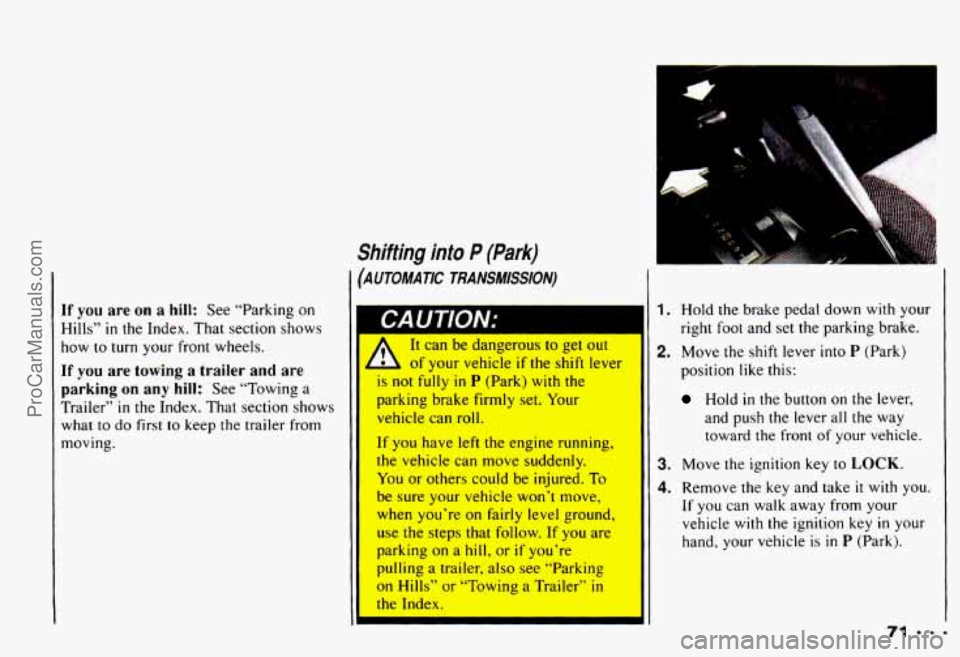
Shifting into P (Park)
(AUTOMATIC TRANSMISSION)
It can IX aangerous to get out
- of your vehicle if the shift lever
is not fully in P (Park) with the
parking brake firmly set. Your
vehicle can roll.
If you have left the engine running,
the vehicle can move suddenly.
You
or others could be injured. To
be sure your vehicle won’t move,
when you’re on fairly level ground,
use the steps that follow. If you are
parking on a hill, or if you’re
pulling
a trailer, also see “Parking
on Hills” or “Towing a Trailer” in
the Index.
1. Hold the brake pedal down with your
2. Move the shift lever into P (Park)
right foot and set the parking brake.
position like this:
Hold in the button on the lever,
and push the lever all the way toward the front
of your vehicle.
3. Move the ignition key to LOCK.
4. Remove the key and take it with you.
If you can walk away from your
vehicle
with the ignition key in your
hand, your vehicle is
in P (Park).
ProCarManuals.com
Page 76 of 358
Features & Controls
.eaving Your Vehicle with the
rngine Running
AUTOMATIC TRANSMISSION)
A It can be dangerous to leave
,A your vehicle with the engine
running. Your vehicle could move
suddenly
if the shift lever is not
fully in P (Park) with the parking
brake firmly set. And, if you leave
the vehicle with the engine running,
it could overheat and even catch
fire. You or others could be injured.
Don’t leave your vehicle
with the
I I engine running unless you have to.
If you have to leave your vehicle with the
engine running, be sure your vehicle
is in
P (Park) and your parking brake is firmly
set before you leave it. After you’ve
moved the shift lever into the
P (Park)
position, hold the regular brake pedal
down. Then, see
if you can move the shift
lever away from
P (Park) without first
pushing the button. If you can, it means
that the shift lever wasn’t fully locked
into
P (Park).
Shifting out of P (Park)
(AUTOMATIC TRANSMISSION)
Your Chevrolet has a brake-transmission
shift interlock. You have
to fully apply
your regular brake before you can shift
from
P (Park) when the ignition is in
the Run position. See “Automatic
Transmission”
in the Index.
ProCarManuals.com
Page 77 of 358
I
If you cannot shift out of P (Park), ease
pressure
on the shift lever - push the
shift lever all the way into
P (Park) and
also release the shift lever button on
floor shift console models as you
maintain brake application. Then move the
shift lever into the gear you wish.
(Press the shift lever button before
moving the shift lever.)
If you ever hold the brake pedal down but
still can’t shift
out of P (Park), try this:
1. Turn the key to Off.
2. Apply and hold the brake until the end
3. Shift to N (Neutral).
4. Start the vehicle and then shift to the
drive gear
you want.
5. Have the vehicle fixed as soon as you
of
Step 4.
can.
Parking Your Vehicle
(MANUAL TRANSMISSION)
Before
you get out of your vehicle, put
your manual transmission
in R (Reverse)
and
firmly apply the parking brake.
If you are parking on a
hill, or if your
vehicle is equipped to tow a trailer, see
“Parking on Hills”
or “Towing a Trailer”
in the Index.
ProCarManuals.com
Page 79 of 358
Running Your Engine While You’re Parked (AUTOMATIC TRANsMIssIoN)
It’s better not to park with the engine running. But if you ever have to, here are some
things
to know.
1 CAUTION:
umg tne engme wltn tne alr system control OII coula allow aangerous
L exhaust into your vehicle (see the earlier Caution under “Engine Exhaust”).\
Also, idling in a closed-in place can let deadly carbon monoxide
(CO) into your
vehicle even if the fan switch is at the highest setting. One place this can \
happen
is a garage. Exhaust - with CO - can come in easily. NEVER park in a garage
with the engine running.
Another closed-in place can
be a blizzard. (See “Blizzard” in the Index.)
11 can oe udngeruus LO gel out 01 yuur veriiue 11 lhe sriill lever is riui rully in
I L P (Park) with the parking brake firmly set. Your vehicle can roll. Don’t leave
your vehicle when the engine is running unless you have
to. If you’ve left the
engine running, the vehicle can move suddenly. You
or others could be injured.
To be sure your vehicle won’t move, even when you’re on fairly level ground,
always set your parking brake and move the shift lever
to P (Park).
C you are parking on a hill, or if you’re pulling a trailer, also see “Parking on Hills” or
Towing a Trailer”
in the Index.
Windows
Manual Windows
Use the window crank
to open and close
each
door window.
ProCarManuals.com
Page 84 of 358
Features & Controls
II
washer fluid, follow the
manufacturer’? instructiopc
fnr
adding water.
Don’t mix warGI with
ready-to-use washer
fluic..
Water can cause the solutinn tn
freeze and damage your
washer
fluid tank and other
parts of the washer systen
Also, water doesn’t clean as
well as washer fluid.
Fill your washer fluid tank
only
3/4 full when it’s ver
cold. This allows
fo
expansion, which COUI(
damage the tank if it is
completely full.
Don’t use radiator anurreeze In
your windshield washer. It can
and paint. damage yolw
wacher cvctpm
-=-8O I
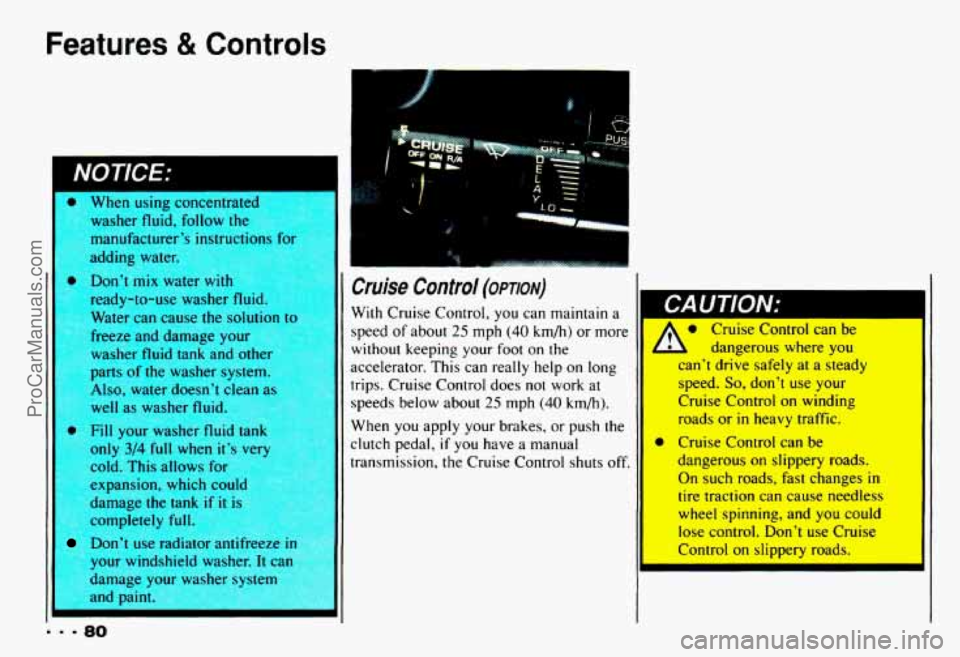
Cruise Control (opmv)
With Cruise Control, you can maintain a
speed of about
25 mph (40 km/h) or more
without keeping your foot on the
accelerator. This can really help on long
trips. Cruise Control does not work
at
speeds below about 25 mph (40 km/h).
When
you apply your brakes, or push the
clutch pedal,
if you have a manual
transmission, the Cruise Control shuts off.
Cruise Control can be
1 L dangerous where you
can’t drive safely at a steady
speed.
So, don’t use your
Cruise Control
on winding
roads or
in heavy traffic.
dangerous
on slippery roads.
On such roads, fast changes in
tire traction can cause needless
wheel spinning, and you
could
lese control. hn’t use Cruise
* Cruise Control can be
ProCarManuals.com
Page 85 of 358
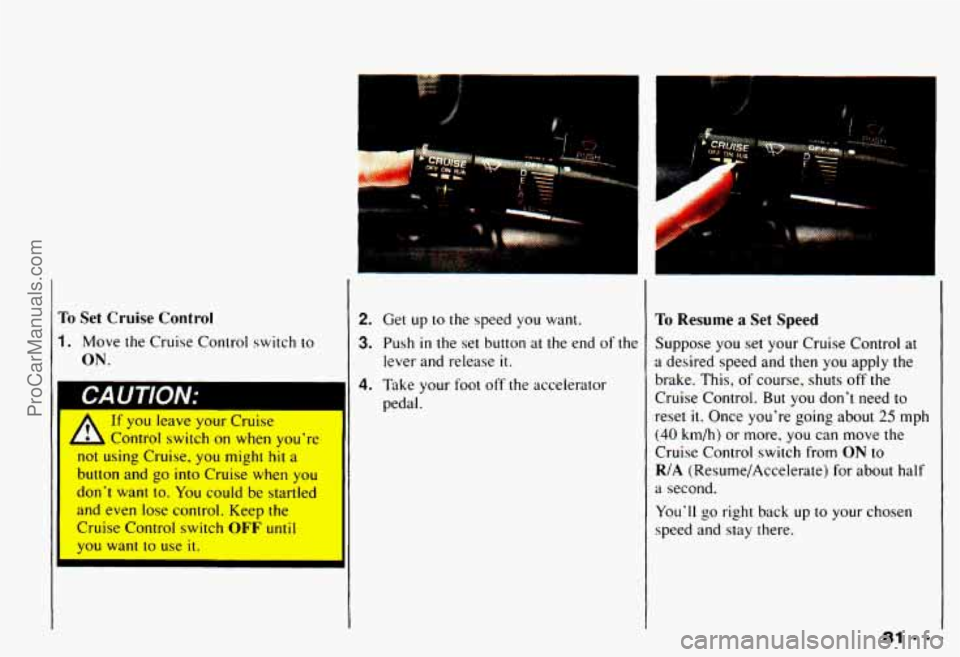
To Set Cruise Control
1. Move the Cruise Control switch to
ON.
A
If you leave your Cruise
Control switch on when you're
not using Cruise, you might
hit a
button and go into Cruise when you
don't want
to. You could be startled
and even lose control. Keep the
Cruise Control switch
OFF until
you want to use it.
!m .I
%'
2. Get up to the speed you want.
3. Push in the set button at the end of the
lever and release it.
To Resume a Set Speed
Suppose you set your Cruise Control at
a desired speed and then you apply the
brake. This, of course, shuts off the
Cruise Control.
But you don't need to
reset it. Once you're going about 25 mph
(40 km/h) or more, you can move the
Cruise Control switch from
ON to
R/A (Resume/Accelerate) for about half
a second.
You'll go right back up to your chosen
speed and stay there.
ProCarManuals.com
Page 86 of 358
Features & Controls
1
longer than ha'f a the 11 There are two ways to go to
a higher
.,hicle will keep going faster until
you release the switch or apply the
brake.
You could be startled and
even lose control.
So unless you
want to go faster, don't hold the
switch at
R/A.
.=982
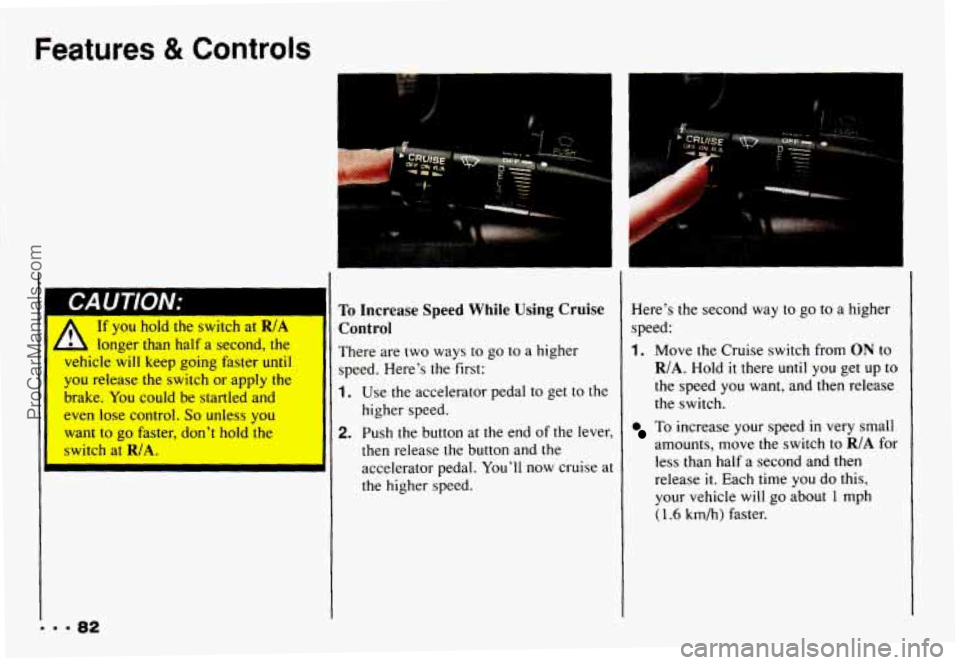
speed. Here's the first:
1. Use the accelerator pedal to get to the
higher speed.
2. Push the button at the end of the lever,
then release the button and the
accelerator pedal.
You'll now cruise at
the higher speed. Here's
the second way to
go to a higher
speed:
1. Move the Cruise switch from ON to
R/A. Hold it there until you get up to
the speed you want, and
then release
the switch.
To increase your speed in very small
amounts, move the switch to
R/A for
less than half a second and then
release
it. Each time you do this,
your vehicle will go about
1 mph
(1.6 km/h) faster.
ProCarManuals.com
Page 87 of 358
P
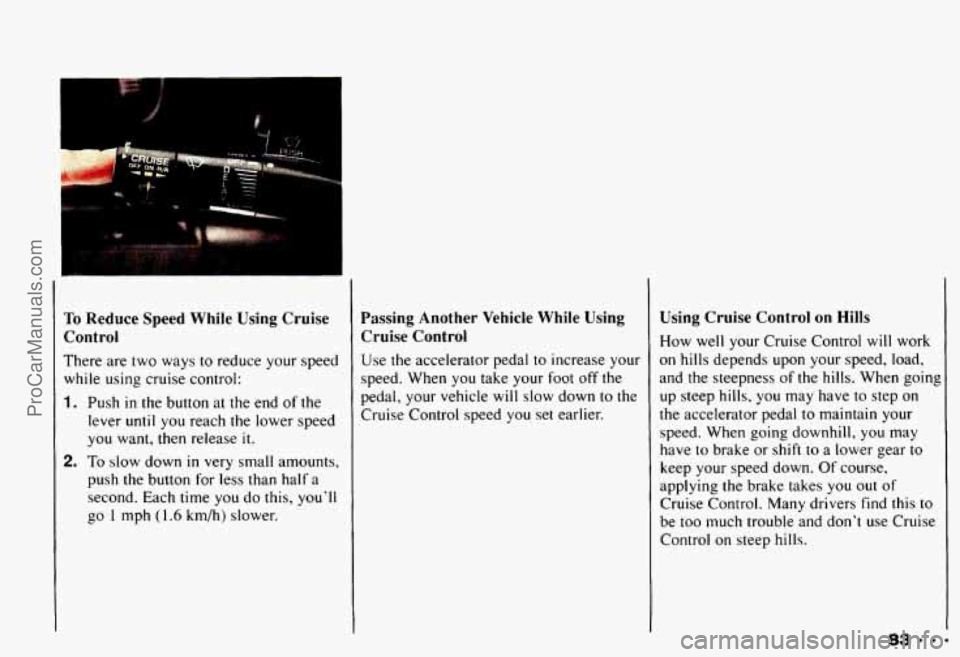
To Reduce Speed While Using Cruise
Control
There are two ways to reduce your speed
while using cruise control:
1. Push in the button at the end of the
lever
until you reach the lower speed
you want, then release it.
2. To slow down in very small amounts,
push the button for less than half a
second. Each time you do this, you’ll
go
1 mph (1.6 km/h) slower.
Passing Another Vehicle While Using
Cruise Control
Use the accelerator pedal to increase your
speed. When you take your foot off the
pedal, your vehicle
will slow down to the
Cruise Control speed you set earlier.
Using Cruise Control on Hills
How well your Cruise Control will work
on hills depends upon your speed, load,
and the steepness
of the hills. When going
up steep hills, you may have
to step on
the accelerator pedal to maintain your
speed. When going downhill, you may
have to brake or shift
to a lower gear to
keep your speed down. Of course,
applying the brake takes you out of
Cruise Control. Many drivers find this
to
be too much trouble and don’t use Cruise
Control on steep hills.
839 9 9 ProCarManuals.com
Page 88 of 358
Features & Controls
I
I
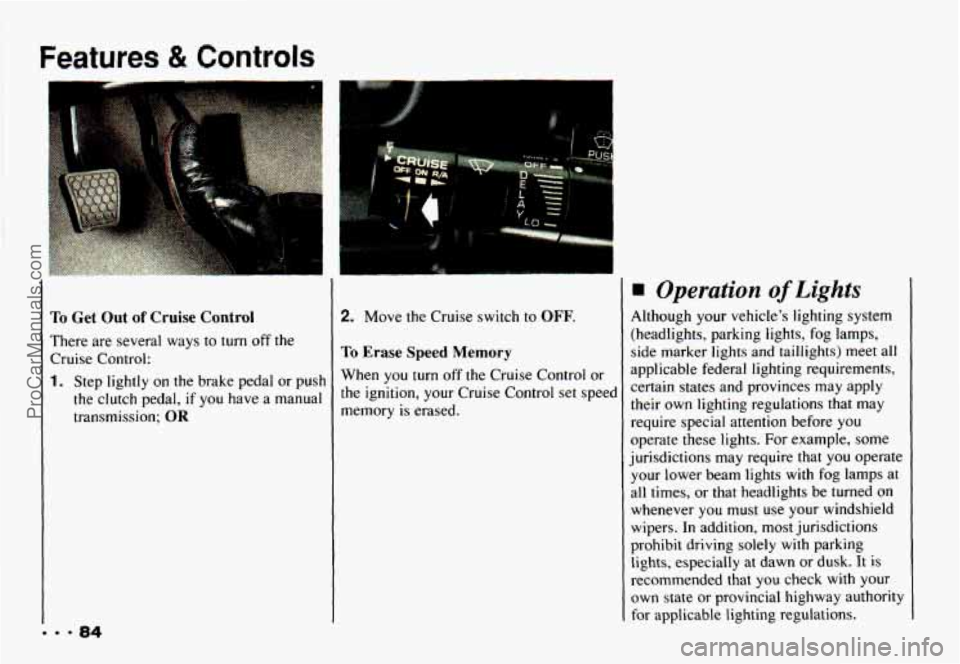
I'o Get Out of Cruise Control
There are several ways to turn off the
Cruise Control:.
1. Step lightly on the brake pedal or push
the clutch pedal,
if you have a manual
transmission:
OR
2. Move the Cruise switch to OFF.
To Erase Speed Memory
When you turn off the Cruise Control or
the ignition, your Cruise Control set speed
memory
is erased.
Operation of Lights
Although your vehicle's lighting system
(headlights, parking lights,
fog lamps,
side marker lights and taillights) meet all
applicable federal lighting requirements,
certain states and provinces may apply
their own lighting regulations that may
require special attention before you
operate these lights. For example, some
jurisdictions may require that
you operate
your lower beam lights with fog lamps at
all times, or that headlights be turned on
whenever you must use your windshield
wipers.
In addition, most jurisdictions
prohibit driving solely with parking
lights, especially at dawn or dusk. It is
recommended that you check with your
own state or provincial highway authority
for applicable lighting regulations.
ProCarManuals.com
Page 89 of 358
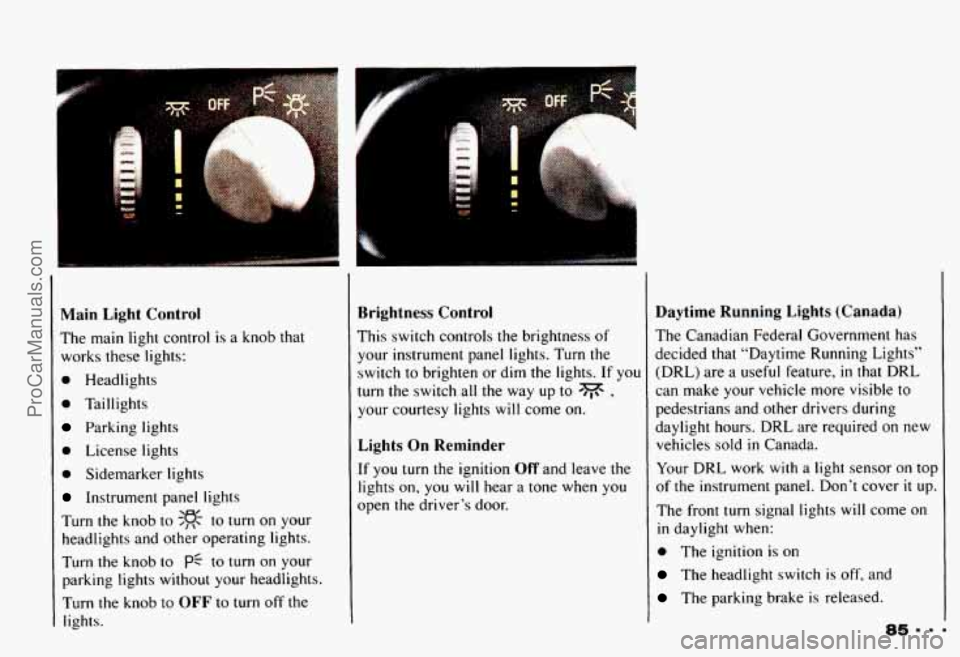
Main Light Control
The main light control is a knob that
works these lights:
0 Headlights
0 Taillights
Parking lights
0 License lights
0 Sidemarker lights
Instrument panel lights
Turn the knob
to SF- to turn on your
headlights and other operating lights.
Turn
the knob to pf to turn on your
parking lights without your headlights,
Turn the knob to
OFF to turn off the
lights.
. .....
Brightness Control
This switch controls the brightness of
your instrument panel lights. Turn the switch to brighten or dim the lights.
If you
turn the switch all the way up to
dv ,
your courtesy lights will come on.
Lights On Reminder
If you turn the ignition Off and leave the
lights on, you
will hear a tone when you
open the driver’s door.
Daytime Running Lights (Canada)
The Canadian Federal Government has
decided that “Daytime Running Lights”
(DRL) are a useful feature,
in that DRL
can make your vehicle more visible to
pedestrians and other drivers during
daylight hours.
DRL are required on new
vehicles sold
in Canada.
Your DRL work
with a light sensor on top
of the instrument panel. Don’t cover
it up.
The front
turn signal lights will come on
in daylight when:
0 The ignition is on
The headlight switch is off, and
The parking brake is released.
ProCarManuals.com