brakes CHEVROLET CAMARO 1993 Owner's Manual
[x] Cancel search | Manufacturer: CHEVROLET, Model Year: 1993, Model line: CAMARO, Model: CHEVROLET CAMARO 1993Pages: 358, PDF Size: 15.6 MB
Page 182 of 358
Your Driving and the Road
178
weight of the trailer. And always keep in
mind that the vehicle you are driving is
now a good deal longer and not nearly so
responsive as your vehicle is by itself,
Before you start, check the trailer hitch
and platform, safety chains, electrical
connector, lights, tires and mirror
adjustment. If the trailer has electric
brakes, start your vehicle and trailer
moving and then apply the trailer brake
controller by hand
to be sure the brakes
are working. This lets you check your
electrical connection
at the same time.
During your trip, check occasionally to be
sure that the load is secure, and that the
lights and any trailer brakes are still
working.
Following Distance
Stay at least twice as far behind the
vehicle ahead as you would when driving
your vehicle without a trailer. This can
help you avoid situations that require
heavy braking and sudden turns.
Passing
You’ll need more passing distance up
ahead when you’re towing a trailer. And,
because you’re a good deal longer, you’ll
need to go much farther beyond the
passed vehicle before you can return
to
your lane.
Backing Up
Hold the bottom of the steering wheel
with one hand. Then, to move the trailer
to the left, just move that hand
to the left.
To move the trailer to the right, move
your hand
to the right. Always back up
slowly and,
if possible, have someone
guide you.
Making Turns
When you’re turning with a trailer, make
wider turns than normal.
Do this so your
trailer won’t strike
soft shoulders, curbs,
road signs, trees, or other objects. Avoid
jerky or sudden maneuvers. Signal well
in
advance.
ProCarManuals.com
Page 183 of 358
Turn Signals When Towing a Trailer
When you tow a trailer, your vehicle has to
have a different turn signal flasher and
extra wiring. The green arrows on your
instrument panel will flash whenever you
signal a turn or lane change. Properly
hooked up, the trailer lights will also flash,
telling other drivers you’re about to
turn,
change lanes or stop.
When towing a trailer, the green arrows on
your instrument panel will flash for turns
even if the bulbs on the trailer are burned
out. Thus,
you may think drivers behind
you are seeing your signal when they are
not. It’s important to check occasionally to
be sure the trailer bulbs are still working.
Driving on Grades
Reduce speed and shift to a lower gear
before you start down a long or steep
downgrade. If
you don’t shift down, you
might have to use your brakes
so much
that they would get hot and no longer work well.
On a long uphill grade, shift down and
reduce your speed to around
45 mph
(70 km/h) to reduce the possibility of
engine and transmission overheating. If you
are towing a trailer and you
have an automatic transmission with
Overdrive, you may prefer to drive
in D
instead of Overdrive (or, as you need to,
a lower gear). Or, if you have a manual
transmission
with fifth (or sixth) gear
and you are towing a trailer, it’s better
not to use
fifth (or sixth) gear. Just drive
in fourth gear (fifth gear
if you have
a six-speed manual transmission)
(or, as you need to, a lower gear.
ProCarManuals.com
Page 184 of 358
Your Driving and the Road
I
180
Parking on Hills
You really should not park your vehicle,
with a trailer attached, on a hill. If
something goes wrong, your rig could
start to move. People can be injured, and
both your vehicle and the trailer can be
damaged.
But if you ever have to park your rig on a
hill, here's how to do it:
1. Apply your regular brakes, but don't
shift into
P (Park) yet, or into gear for
a manual transmission.
2. Have someone place chocks under the
trailer wheels.
3. When the wheel chocks are in place,
release the regular brakes-until the
chocks absorb the load.
4. Reapply the regular brakes. Then
apply your parking brake, and then shift to
P (Park), or R (Reverse) for
a manual transmission.
5. Release the regular brakes.
When You Are Ready to Leave after
Parking on
a Hill
1. Apply your regular brakes and hold
the pedal down while you:
0 Start your engine;
0 Shift into a gear; and
0 Release the parking brake.
2. Let up on the brake pedal.
3. Drive slowly until the trailer is clear
4. Stop and have someone pick up and
of the chocks.
store the chocks.
ProCarManuals.com
Page 248 of 358
Service & Appearance Care
When using concentrated washer fluid, follow the
manufacturer’s instructions fo
adding water.
ready-to-use washer id.
Water can cause the solution
tc
freeze and damage your washer fluid tank and other
parts
of the washer system.
Also, water doesn’t clean a,
well as washer fluid.
0 Fill your washer fluid tank
only 314 full when it’s very
cold. This allows for
expansion, which could
damage the
tank if it is
completely full.
0 Don’t use radiator antifreeze ir
your windshield washer. It can
damage your washer systen
and pz
Don’t mix water with
- = - 244
Brake Master Cylinder
Your brake master cylinder is here. It is
filled
with DOT-3 brake fluid.
There are
only two reasons why the brake
fluid level
in your master cylinder might
go down. The first is that the brake fluid
goes down to an acceptable level during
normal brake lining wear. When new
linings are put
in, the fluid level goes
back up. The other reason is that fluid is
leaking out of
the brake system. If it is,
you should have your brake system fixed,
since a leak means that sooner or later
your brakes won’t work well, or won’t
work at all.
So, it isn’t a good idea to “top off’ your
brake fluid. Adding brake fluid won’t
correct a leak. If you add fluid when your
linings are worn, then you’ll have
too
much fluid when you get new brake
linings. You should add (or remove)
brake fluid, as necessary, only when work
is done on the brake hydraulic system.
ProCarManuals.com
Page 250 of 358
Service & Appearance Care
I
246
Replacing Brake System Parts
The braking system on a modern vehicle is complex. Its many parts have to be
of
top quality and work well together if the
vehicle is to have really good braking.
Vehicles we design and test have
top-quality
GM brake parts in them, as
your Chevrolet does when it is
new.
When you replace parts of your braking
system
- for example, when your brake
linings wear down and you have to have
new ones put in
- be sure you get new
genuine GM replacement parts. If you
don’t, your brakes may no longer work
properly. For example, if someone puts
in
brake linings that are wrong for your
vehicle, the balance between your front
and rear brakes
can change, for the worse.
The braking performance you’ve come to
expect can change in many other ways if
someone puts
in the wrong replacement
brake parts.
Battery
Every new Chevrolet has a Delco
Freedoma battery.
You never have to add
water to one of these. When it’s time for a
new battery, we recommend a Delco
Freedom@ battery. Get one that has the
catalog number shown
on the original
battery’s label.
ProCarManuals.com
Page 308 of 358
Maintenance Schedule
Section C: Periodic Maintenance Inspections (Cont.)
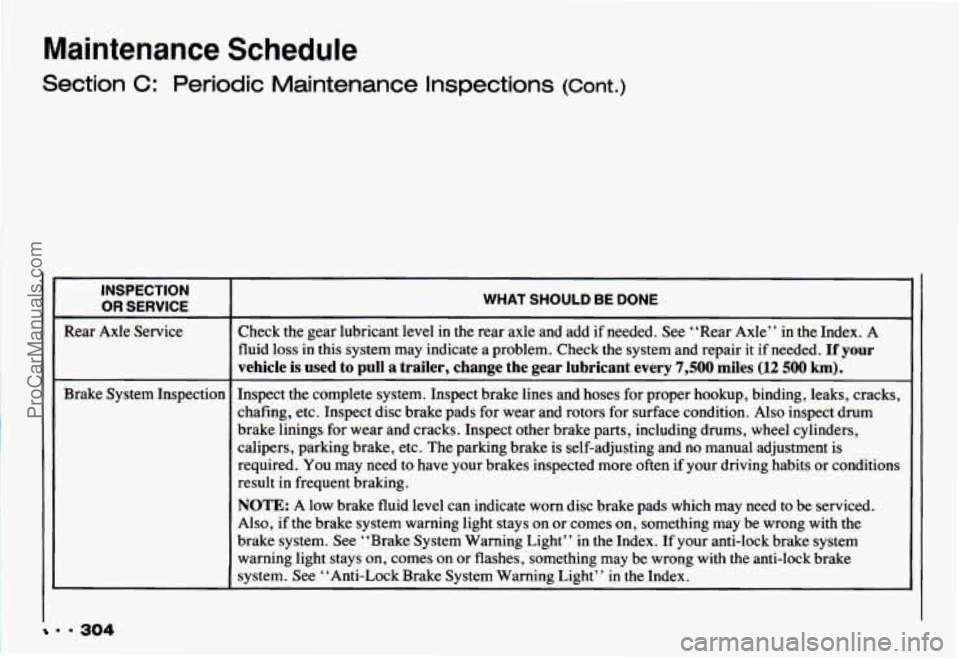
INSPECTION
OR SERVICE
Rear Axle Service
Brake System Inspection
WHAT SHOULD BE DONE
Check the gear lubricant level in the rear axle and add if needed. See “Rear Axle” in the Index. A
fluid
loss in this system may indicate a problem. Check the system and repair it if needed. If your
vehicle
is used to pull a trailer, change the gear lubricant every 7,500 miles (12 500 km).
Inspect the complete system. Inspect brake lines and hoses for proper hookup, binding, leaks, cracks,
chafing, etc. Inspect disc brake pads for wear and rotors for surface condition. Also inspect drum
brake linings for wear and cracks. Inspect other brake parts, including drums, wheel cylinders,
calipers, parking brake, etc. The parking brake is self-adjusting and no manual adjustment is
required. You may need to have your brakes inspected more often if your driving habits or conditions
result in frequent braking.
NOTE: A low brake fluid level can indicate worn disc brake pads which may need to be serviced.
Also, if the brake system warning light stays on
or comes on, something may be wrong with the
brake system. See “Brake System Warning Light” in
the Index. If your anti-lock brake system
warning light stays on, comes on or flashes, something may be wrong with the anti-lock brake
system. See “Anti-Lock Brake System Warning Light” in
the Index.
~~
. * 304
ProCarManuals.com
Page 327 of 358
1993 CHEVROLET SERVICE PUBLICATIONS ORDERING INFORMATION
The following publications covering the operation and servicing of pur vehicle can be purchased by filling out the Service Publications Order Form
in this book and mailing it with your check, money order or credit card information to Helm, Incorporated (address listed below).
CURRENT PUBLICATIONS FOR 1993 CHEVROLET CAMARO
PRODUCT SERVICE PUBLICATIONS
Product Service Publications (PSP’s), are bulletins, letters \
and articles
published for trained dealer service personnel. See Service Publica-
tions listed previously in this section.
A cumulative index is published quarterly during the current model
year. The indexes list all PSP’s published by Chevrolet in the model year.
PSP Index and Summaries
Year Form Number Price
1992 PSPI-92 ............................... Free
1991 PSPI-91
................................ Free
1990 PSPI-90
............................... Free
1989 PSPI-89
............................... Free
NOTE: Form Numbers for individual Product Service Publications may
be found in the PSP Index. Prices are $4.00 for the first PSP and $2.00
for each additional PSP on the same order.
PSP Bound Bulletin Book (Complete Year Bulletins)
Year Description Form Number Price
1991 All PSP’S .................... PSP-91-4 40.00
1990
All PSP’S .................... PSP-90-4 40.00
For subscription information call Helm, Incorporated. SERVICE
MANUALS
Service Manuals have the diagnosis, repair and overhaul informat\
ion
on engines, transmission, axle, suspension, brakes, electrical, s\
teer-
ing, body, etc.
Model Form Number Price
1993 Chevrolet Camaro
............. ST-368-93 $43.00
‘Please specify special body or engine types on order form. Write
information in the Form Number column. For example: Turbo,
Convertible.
OWNER’S INFORMATION
Owner publications are written directly for owners and intended \
to pro-
vide basic operational information about the vehicle. The Owner’\
s Manual includes the Maintenance Schedule for all models.
1993 Chevrolet Camaro Owner’s Manual
In Portfolio:
Includes Portfolio, Owner’s Manual and Warranty Booklet.
1993 Chevrolet Camaro In-Portfolio
..... .lo201494 $15.00
Without Portfolio: Includes Owner’s Manual.
1993 Chevrolet Camaro Without Portfolio. .lo193571 $11.00
CURRENT & PAST MODEL ORDER FORMS
Service Publications are available for current and past model C\
hevrolet
vehicles. To request an order form, please specify year and model
name
of vehicle.
Address all inquiries to: HELM, INCORPORATED
PO. Box 07130
Detroit, MI 48207
Credit Card Orders ONLY: 1-800-782-4356
For information and inquiries call: (313) 883-1430
323 9 9
ProCarManuals.com
Page 333 of 358
Index
Adding Coolant .............. 240
Add-on Electrical Equipment
.... 275
AirBags
...................... 25
How the System Works
........ 27
Servicing Your Chevrolet with
the System
................ 30
System Light
................ 26
Air Cleaner
................... 230
Air Conditioner Controls
......... 11 2
Air Control Knob
............... 110
Air Filter Replacement
.......... 231
Alignment and Tire Balance.
Wheel
..................... 262
Aluminum Wheels
............. 271
AM ......................... 127 AM/FM Stereo
With Cassette Tape Player
...... 1 17
With Compact Disc Player.
Delco-Base@ ............. 12 1
AM Stereo ................... 128
Antenna. Fixed Mast
........... 129
Anti-lock Brakes (ABS)
......... 143
System Warning Light
........ 101
To Use
.................... 144
Appearance Care
.............. 265
Appearance Care and Maintenance Materials
........ 274
Appearance Care. Service and
.... 217
Ashtray and Lighter
............. 94
Ashtray. Front
................. 94
Audio Systems
................. 11 5
Audio Systems. Comfort Controls and
................ 109 Automatic Transmission
......... 62
Automatic Transmission Fluid
.... 233
Axle. Limited-Slip Rear
.......... 70
Axle. Rear
................... 237
Backing Up (with a Trailer)
..... 178
Balance. Wheel Alignment
and Tire
................... 262
Battery
...................... 246
Beams. High
.................. 154
Before Leaving on a Long Trip
... 163
Belt. Lap-Shoulder
.............. 21
Better Business Bureau MediatiodArbitration Program
GM Participation
in ........ 316
Bi-Level Heating
............... 111
Blizzard. If You’re Caught in a ... 172
Box. Glove .................... 92
329 . .
ProCarManuals.com
Page 334 of 358
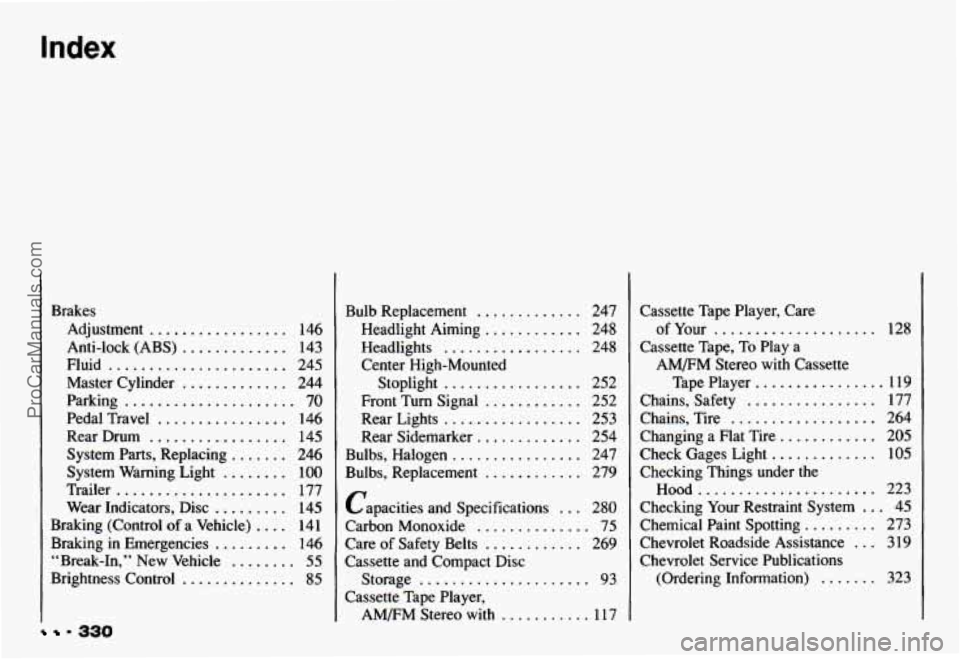
9 330
Brakes Adjustment
................. 146
Anti-lock (ABS)
............. 143
Fluid
...................... 245
Master Cylinder
............. 244
Parking
..................... 70
Pedal Travel
................ 146
Rear Drum
................. 145
System Parts. Replacing
....... 246
System Warning Light
........ 100
Trailer
..................... 177
Wear Indicators. Disc
......... 145
Braking (Control
of a Vehicle) .... 141
Braking
in Emergencies ......... 146
“Break.1n.
.. New Vehicle ........ 55
Brightness Control .............. 85
Bulb Replacement ............. 247
Headlight Aiming
............ 248
Headlights
................. 248
Center High-Mounted
Stoplight
................. 252
Front Turn Signal
............ 252
Rear Lights
................. 253
Rear Sidemarker
............. 254
Bulbs. Replacement
............ 279
Bulbs. Halogen
................ 247
Capacities and Specifications
... 280
Carbon Monoxide
.............. 75
Care of Safety Belts
............ 269
Cassette and Compact Disc
Storage
..................... 93
Cassette Tape Player.
AM/FM Stereo with ........... 11 7 Cassette Tape Player. Care
Cassette Tape.
To Play a
of Your .................... 128
AM/FM Stereo with Cassette
Tape Player
................ 119
Chains. Safety
................ 177
Chains. Tire
.................. 264
Changing
a Flat Tire ............ 205
Check Gages Light
............. 105
Checking Things under the
Hood ...................... 223
Checking Your Restraint System
... 45
Chemical Paint Spotting
......... 273
Chevrolet Roadside Assistance
... 319
Chevrolet Service Publications (Ordering Information)
....... 323
ProCarManuals.com
Page 343 of 358
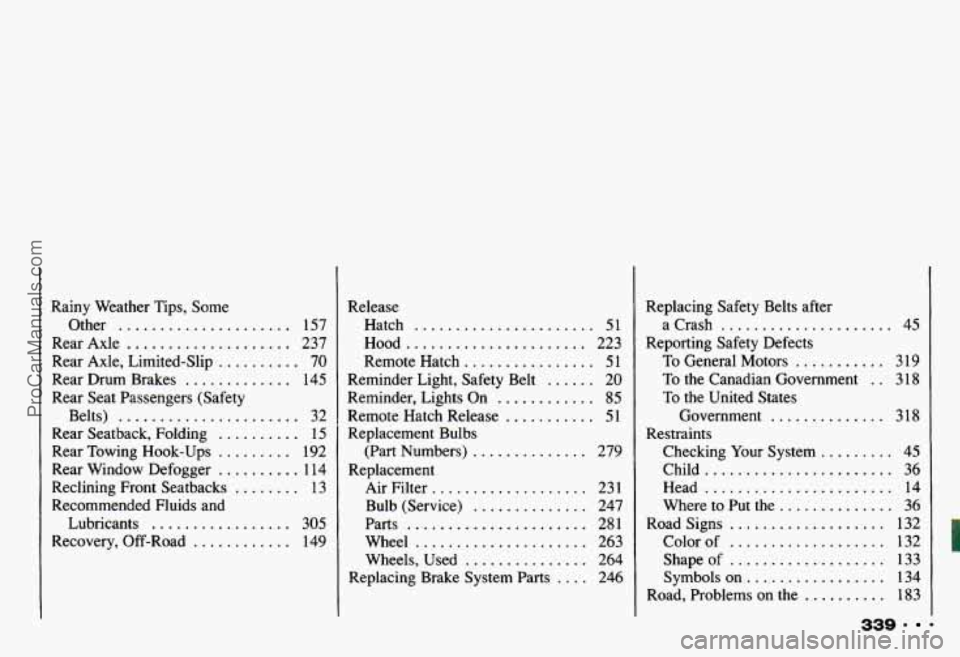
Rainy Weather Tips. Some Other
..................... 157
Rear Axle
.................... 237
Rear Axle. Limited-Slip
.......... 70
Rear Drum Brakes
............. 145
Rear Seat Passengers (Safety Belts)
...................... 32
Rear Seatback. Folding
.......... 15
Rear Towing Hook-Ups
......... 192
Rear Window Defogger
.......... 1 14
Reclining Front Seatbacks
........ 13
Recommended Fluids and Lubricants
................. 305
Recovery. Off-Road
............ 149 Release
Hatch
...................... 51
Hood
...................... 223
Remote Hatch
................ 51
Reminder. Lights On
............ 85
Remote Hatch Release ........... 51
Replacement Bulbs
(Part Numbers)
.............. 279
Replacement Air Filter
................... 231
Bulb (Service)
.............. 247
Parts
...................... 281
Wheel
..................... 263
Wheels. Used
............... 264
Reminder Light. Safety Belt
...... 20
Replacing Brake System Parts .... 246 Replacing Safety Belts after
Reporting Safety Defects a Crash
..................... 45
To General Motors ........... 319
To the Canadian Government . . 3 18
To the United States
Government
.............. 318
Checking Your System
......... 45
Child
....................... 36
Head
....................... 14
Where to Put the
.............. 36
Road Signs
................... 132
Color of
................... 132
Shapeof
................... 133
Symbols
on ................. 134
Road. Problems
on the .......... 183
339 .
Restraints
ProCarManuals.com