stop start CHEVROLET CAMARO 1996 4.G User Guide
[x] Cancel search | Manufacturer: CHEVROLET, Model Year: 1996, Model line: CAMARO, Model: CHEVROLET CAMARO 1996 4.GPages: 402, PDF Size: 21.38 MB
Page 139 of 402
Downloaded from www.Manualslib.com manuals search engine If the Light Is Flashing
The following may prevent more serious damage to
your vehicle:
Reduce vehicle speed.
0 Avoid hard accelerations.
0 Avoid steep uphill grades.
If towing a trailer, reduce the amount of cargo being
hauled as soon as it is possible.
If the light stops flashing and remains on steady, see “If
the Light Is On Steady” following.
If the light continues to flash, when it is safe
to do so,
stop the vehicle. Put your vehicle in PARK (P). Turn the
key
off, wait at least 10 seconds and restart the engine.
If the light remains on steady, see
“If the Light Is On
Steady” following. If the light is still flashing follow the
previous steps, and drive the vehicle to your dealer or
qualified service center for service.
If the Light Is On Steady
You may be able to correct the emission system
malfunction by considering the following:
Did you just put fuel into your vehicle?
If
so, reinstall the fuel cap, making sure to fully install
the cap. The diagnostic system
can determine if the fuel
cap has been left off or improperly installed. This will
allow fuel
to evaporate into the atmosphere. A few
driving trips should turn the light off.
Did you just drive through a deep puddle of water?
If
so, your electrical system may be wet. The condition
will usually be corrected when the electrical system
dries out.
A few driving trips should turn the light off.
Are
you low on fuel?
As your engine starts to run out of fuel, your engine may
not run as efficiently as designed since small amounts of
air are sucked into the fuel line causing a misfire. The
system can detect this. Adding fuel should correct this
condition. Make sure to install the fuel cap properly. It
will take a few driving trips to turn the light off.
2-84
Page 142 of 402
Downloaded from www.Manualslib.com manuals search engine Check Gages Light
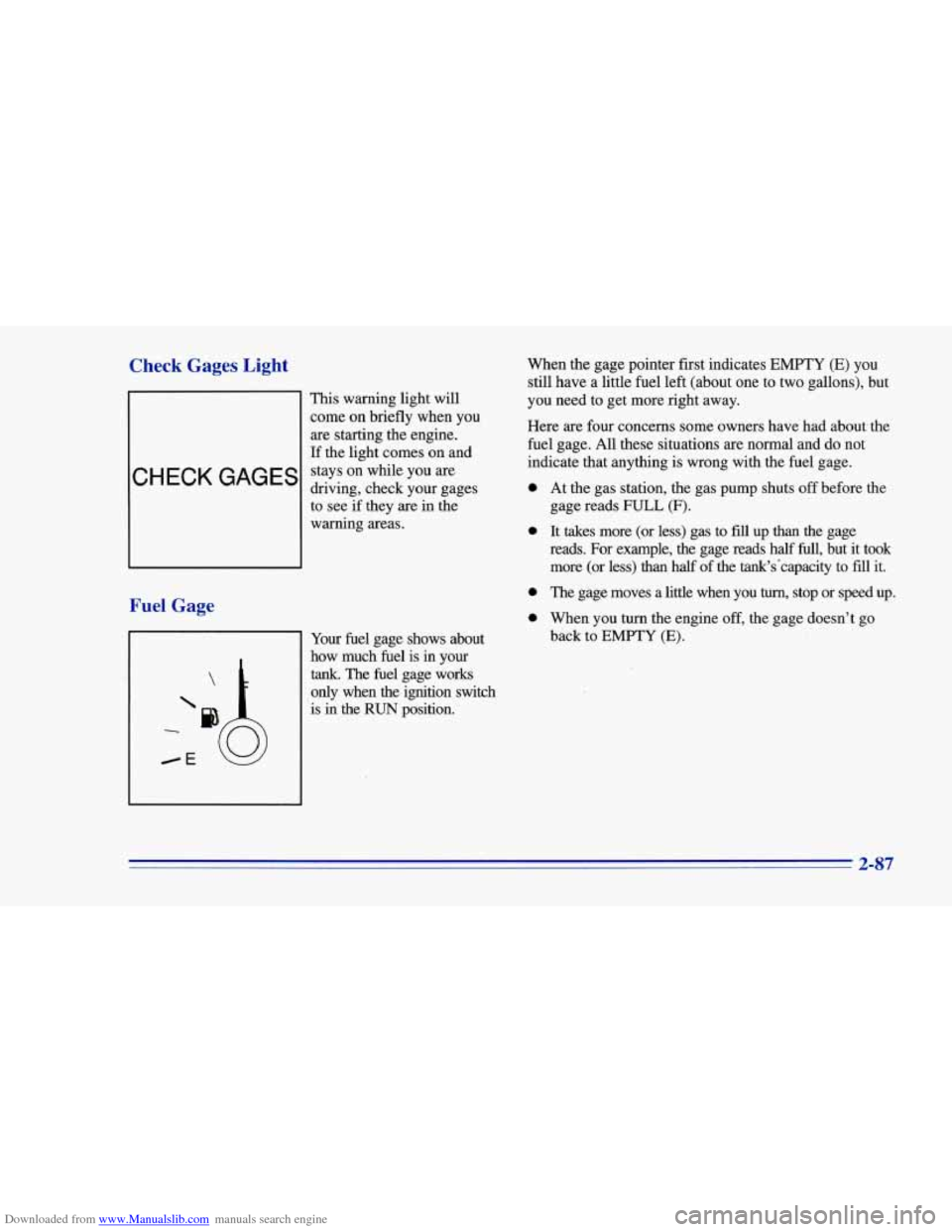
This warning light will
come on briefly when you
are starting the engine.
If the light comes on and
stays on while you are
driving, check your gages
to see if they are in the
warning areas.
Fuel Gage
When the gage pointer first indicates EMPTY (E) you
still have a little fuel left (about one to two gallons), but
you need to get more right away.
Here are four concerns some owners have had about the
fuel gage. All these situations are normal and do not
indicate that anything is wrong with the fuel gage.
0
0
0
0
Your fuel gage shows about
how much fuel is in your
tank. The fuel gage works
only when
the ignition switch
is in the
RUN position. At
the gas station, the gas pump shuts
off before me
gage reads FULL (F).
It takes more (or less) gas to fill up than the gage
reads. For example, the gage reads half
full, but it took
more (or less) than half of the tank's'capacity to
fill it.
The gage moves a little when you
turn, stop or speed up.
When you turn the engine
off, the gage doesn't go
back to
EMPTY (E).
2-87
Page 154 of 402
Downloaded from www.Manualslib.com manuals search engine If you’re driving on a very rough road or if it’s very hot,
the disc may not play and ERR (error) may appear on
the display. Press RECALL to take ERR off the display.
When things get back to normal, the disc should play.
If
the disc comes out, it could be that:
0 The disc is upside down.
0 It is dirty, scratched or wet.
0 It is very humid. (If so, wait about an hour and
RCL: Press this button to see which track is playing.
Press it again within five seconds to see how long it has
been playing. The track number will also appear on the
display when you change volume or when a new track
starts playing.
try again.)
COMP: Press this button to make loud and soft
passages more nearly equal in volume. COMP will
appear on the display.
RDM: Press this button to hear the tracks in
random, rather than sequential, order. RDM will
appear on the display. Press this button again to return
to normal sequence.
REV: Press and hold this button to return to a
previously played passage rapidly. Release the button to
play the passage. The counter reading will appear on
the display.
FWD: Press and hold this button to fast forward or
advance through passages. Release the button to play
the passage.
SCAN: Press this button to listen to each track for about
10 seconds. Press RDM or SCAN to stop scanning.
PREV: Press this button to hear a track again. If you
press and hold this button or press
it more than once, the
disc will return to previous tracks.
NEXT: Press this button to hear the next track
now instead of waiting until
the current track is
finished playing.
Stopping the Disc Player
Turn the power off or turn the ignition key off. The disc
stays
in the player and will resume playing at the point
where
it stopped.
ST-PL: Press this button to stop playing the disc and
switch to the radio. Press
it again to restart the disc at
the point where it stopped.
EJCT: Press this button to eject the disc and switch to
the radio. The disc will start playing track one when you
reinsert
it.
3-11
Page 160 of 402
Downloaded from www.Manualslib.com manuals search engine FWD: Press and hold this button to fast forward or
advance through passages. Release the button
to play
the passage.
SCAN: Press this button to listen to each track for about
10 seconds. Press RDM or SCAN to stop scanning.
PREV: Press this button to hear a track again. If you
press and hold this button or press it more than once, the
disc will return to previous tracks.
NEXT Press this button to hear the next track
now instead of waiting until the current track is
finished playing.
Stopping the Disc Player
Turn the power off or turn the ignition key off. The disc
stays in the player and will resume playing at the point
where it stopped.
ST-PL: Press this button to stop playing the disc and
switch to the radio. Press
it again to restart the disc at
the point where it stopped.
EJCT Press this button to eject the disc and switch to
the radio. The disc will start playing track one when
you
reinsert it.
Theft-Deterrent Feature
Delco-Loc II@ is a security feature for the compact disc
player. It may be used or ignored. If ignored, the system
plays normally and the radio is not protected by the
feature, If Delco-Loc
I1 is activated, your radio will not
operate if stolen.
If your vehicle loses battery power for any reason, you
must enter your secret code again before the system will
turn on.
Activating the Theft-Deterre::* Feature
The instructions which follow explain how to enter your
secret code
to activate the Delco-Loc I1 system. It is
recommended that
you read through all of the steps
before starting the procedure.
NOTE: If you allow more than 15 seconds to elapse
between
any steps, the radio automatically reverts to
time and you must start the procedure over at Step 4.
1. Write down any six-digit number and keep it in a
safe place separate from the vehicle.
2. Turn the ignition to the ACC or RUN position.
3-17
Page 171 of 402
Downloaded from www.Manualslib.com manuals search engine Avoid needless heavy braking. Some people drive in
spurts -- heavy acceleration followed by heavy
braking
-- rather than keeping pace with traffic. This is a
mistake. Your brakes may not have time
to cool between
hard stops. Your brakes will wear out much faster if you
do a lot
of heavy braking. If you keep pace with the
traffic and allow realistic following distances, you will
eliminate a lot of unnecessary braking. That means
better braking and longer brake life.
If your engine ever stops while you’re driving, brake
normally but don’t pump your brakes. If
you do, the
pedal may get harder to push down. If your engine
stops, you will still have some power brake assist. But
you will use it when you brake. Once the power assist is
used up, it may take longer
to stop and the brake pedal
will be harder
to push.
Anti-Lock Brakes
Your vehicle has anti-lock brakes (ABS). ABS is an
advanced electronic braking system that will help
prevent a braking skid.
When
you start your engine, or when you begin to drive
away, your anti-lock brake system will check itself. You
may hear a momentary motor or clicking
noise while
this
test is going on, and you may even notice that your
brake pedal moves a little. This is normal.
ABS
INOP
If there’s a problem with the
anti-lock brake system, this
warning light will stay on or
flash. See “Anti-Lock
Brake System Warning
Light” in the Index.
4-6
Page 178 of 402
Downloaded from www.Manualslib.com manuals search engine The driver of a vehicle about to pass another on a
two-lane highway waits for just the right moment,
accelerates, moves around the vehicle ahead, then goes
back into
the right lane again. A simple maneuver?
Not necessarily! Passing another vehicle on a two-lane
highway is a potentially dangerous move, since the
passing vehicle occupies the same lane as oncoming
traffic for several seconds.
A miscalculation, an error in
judgment, or
a brief surrender to frustration or anger can
suddenly put the passing driver face to face with the
worst
of all traffic accidents -- the head-on collision.
So here are some tips for passing:
0 “Drive ahead.” Look down the road, to the sides and to
crossroads for situations that might affect your passing
patterns. If you have any doubt whatsoever about
making a successful pass, wait for a better time.
0 Watch for traffic signs, pavement markings and lines.
If you can see a sign up ahead that might indicate a
turn or an intersection, delay your pass. A broken
center line usually indicates it’s all right to pass
(providing the road ahead is clear). Never cross a solid
line on your side of the lane or a double solid line,
even if the road seems empty of approaching traffic.
0 Do not get too close to the vehicle you want to
pass while you’re awaiting an opportunity. For
one thing, following too closely reduces your
area of vision, especially if you’re following a larger
vehicle. Also, you won’t have adequate space if the
vehicle ahead suddenly slows or stops. Keep back
a
reasonable distance.
0 When it looks like a chance to pass is coming up,
start to accelerate but stay in the right lane and don’t
get too close. Time your move
so you will be
increasing speed as the time comes to move into the
other lane. If the way is clear
to pass, you will have a
“running start” that more than makes up for the
distance you would lose by dropping back. And if
something happens to cause you to cancel your pass,
you need only slow down and drop back again and
wait for another opportunity.
If other cars are lined up to pass a slow vehicle, wait
your turn. But take care that
someone isn’t trying to
pass you as you pull out to pass the slow vehicle.
Remember to glance over your shoulder and check
the blind spot.
4-13
Page 182 of 402
Downloaded from www.Manualslib.com manuals search engine Keep your windshield and all the glass on your vehicle
clean
-- inside and out. Glare at night is made much
worse by dirt on the glass. Even the inside of the glass
can build up
a film caused by dust. Dirty glass makes
lights dazzle and flash more than clean glass would,
making the pupils of your eyes contract repeatedly.
Remember that your headlamps light
up far less of a
roadway when you are in a turn or curve. Keep your
eyes moving; that way, it’s easier to pick out dimly
lighted objects. Just as your headlamps should be
checked regularly for proper aim,
so should your eyes
be examined regularly. Some drivers suffer from night
blindness
-- the inability to see in dim light -- and
aren’t even aware
of it.
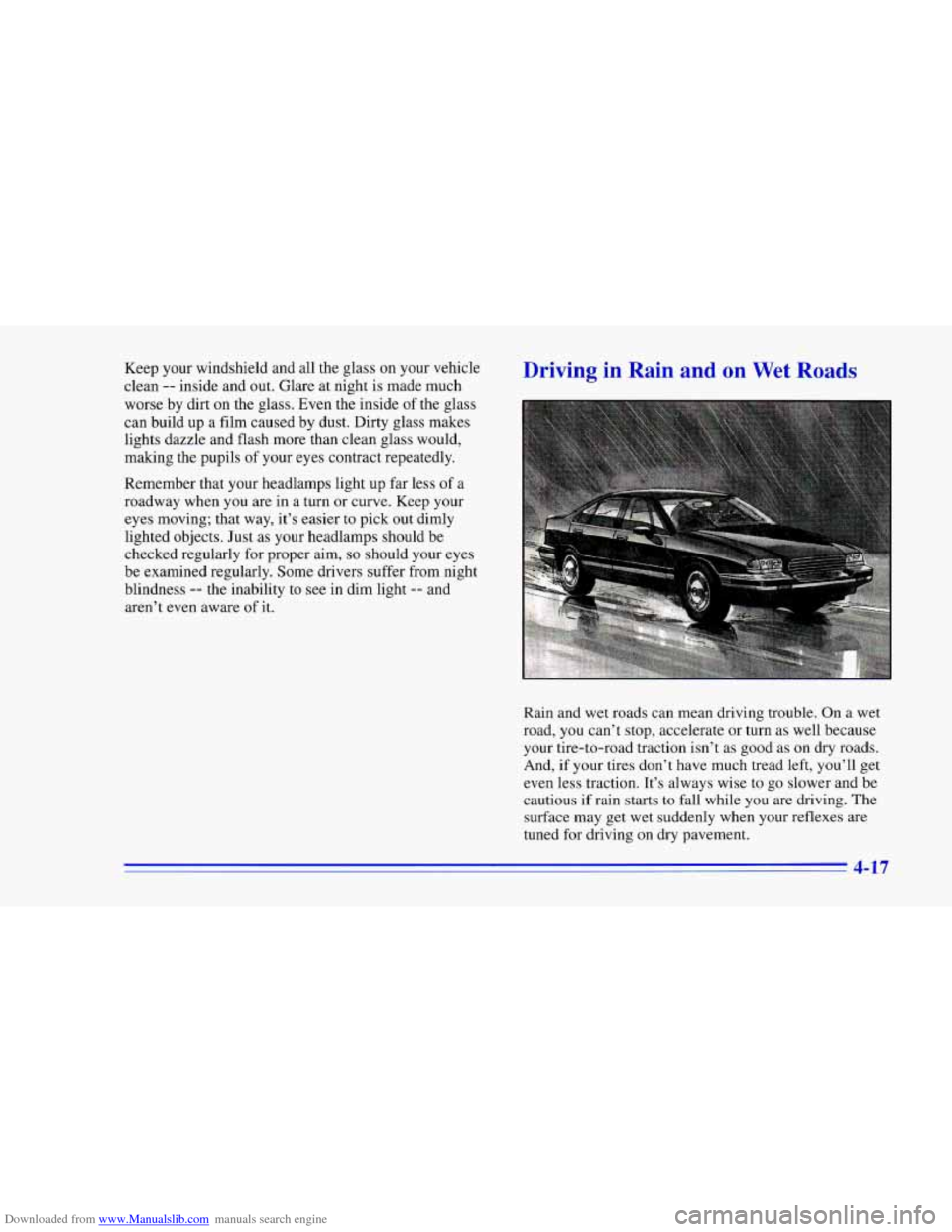
Driving in Rain a I Wet
Rain and wet roads can mean driving trouble. On a wet
road, you can’t stop, accelerate or turn as well because
your tire-to-road traction isn’t as good
as on dry roads.
And, if your tires don’t have much tread left, you’ll get
even less traction. It’s always wise to go slower and be
cautious if rain starts to fall while you are driving. The
surface may get wet suddenly when your reflexes are
tuned for driving on dry pavement.
4-
Page 183 of 402
Downloaded from www.Manualslib.com manuals search engine The heavier the rain, the harder it is to see. Even if your
windshield wiper blades are in good shape, a heavy rain
can make it harder to see road signs and traffic signals,
pavement markings, the edge of the road and even
people walking.
It's wise to keep your windshield wiping equipment
in
good shape and keep your windshield washer tank filled
with washer fluid. Replace your windshield wiper
inserts when they show signs of streaking or missing
areas on the windshield,
or when strips of rubber start to
separate from the inserts. Driving
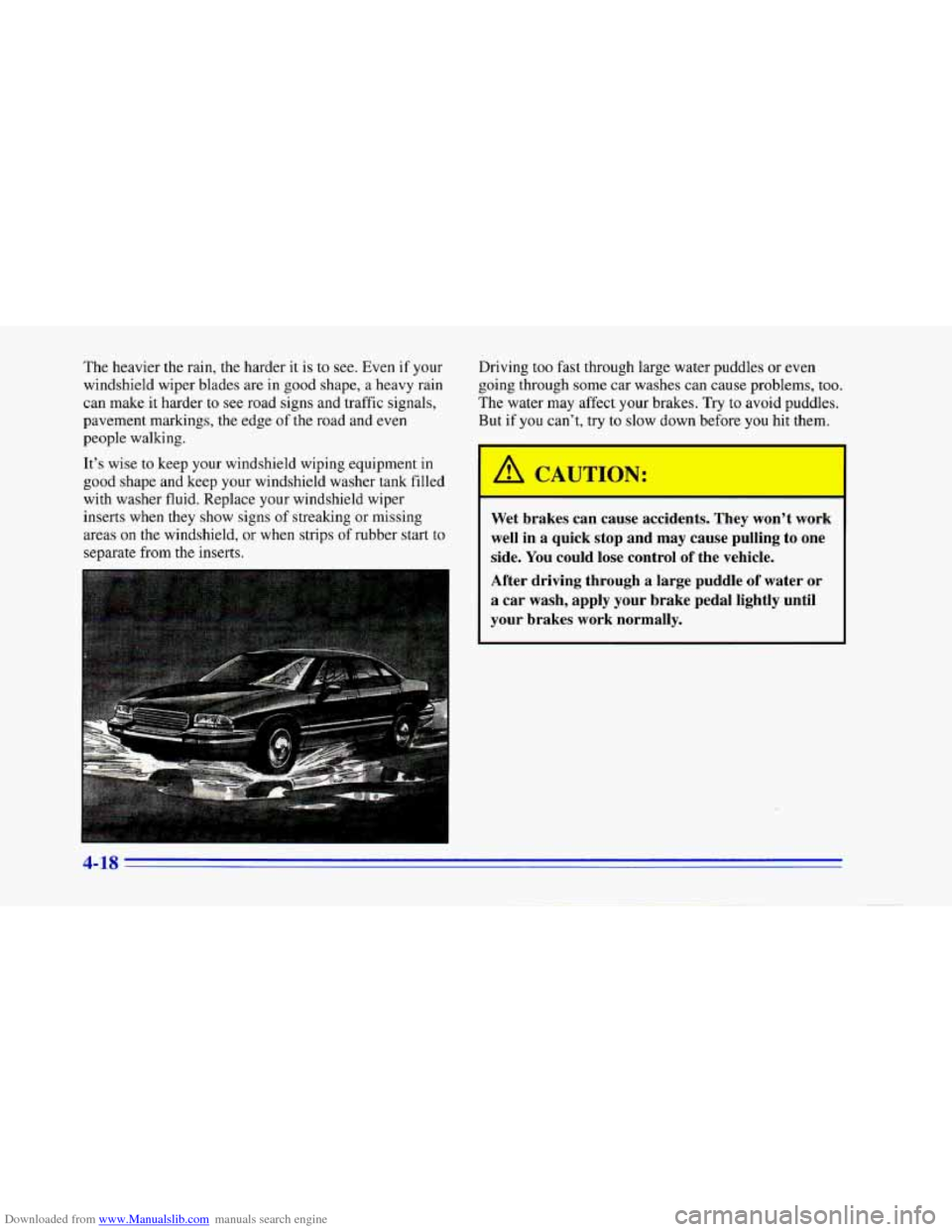
too fast through large water puddles
or even
going through some car washes can cause problems, too.
The water may affect your brakes. Try to avoid puddles.
But
if you can't, try to slow down before you hit them.
Wet brakes can cause accidents. They won't work
well in a quick stop and may cause pulling to one
side. You could lose control of the vehicle.
After driving through a large puddle
of water or
a car wash, apply your brake pedal lightly until
your brakes work normally.
A 10
Page 204 of 402
Downloaded from www.Manualslib.com manuals search engine When You Are Ready to Leave After
Parking on a Hill
1. Apply your regular brakes and hold the pedal down
while you:
Start your engine;
Shift into a gear; and
Release the parking brake.
2. Let up on the brake pedal.
3. Drive slowly until the trailer is clear of the chocks.
4. Stop and have someone pick up and store the chocks.
Maintenance When Trailer Towing
Your vehicle will need service more often when you’re
pulling a trailer. See the Maintenance Schedule for more
on this. Things that are especially important in trailer
operation are automatic transmission fluid (don’t
overfill), engine oil, axle lubricant, belt, cooling system
and brake adjustment. Each
of these is covered in this
manual, and the Index will help
you find them quickly.
If you’re trailering, it’s a good idea to review these
sections before you start your trip.
Check periodically to see that all hitch nuts and bolts
are tight.
4-39
Page 246 of 402
Downloaded from www.Manualslib.com manuals search engine Compact Spare Tire
Although the compact spare tire was fully inflated
when your vehicle was new,
it can lose air after a time.
Check the inflation pressure regularly. It should be
60 psi (420 kPa).
After installing the compact spare on your vehicle, you
should stop as
soon as possible and make sure your
spare tire is correctly inflated. The compact spare is
made
to perform well at posted speed limits for
distances up to
3,000 miles (5 000 km), so you can
finish your trip and have your full-size tire repaired or
replaced where you want.
Of course, it’s best to replace
your spare with a full-size tire as soon as you can. Your
spare will last longer and be in good shape in case you
need it again.
When the compact spare is on the rear axle, the optional
ASR system will cycle and limit acceleration for about
the first
15 seconds of driving after each engine start.
I NOTICE:
~~ ~~~ ~~~
When the compact spare is installed, don’t take
your vehicle through an automatic car wash with
guide rails. The compact spare can get caught on
the rails. That can damage the tire and wheel,
and maybe other parts of your vehicle.
NOTICE:
If the compact spare is used as a rear tire, do not
drive faster than
50 mph (80 km/h). Damage to
the rear axle may occur if the compact spare is
driven faster than
50 mph (80 kmk). This speed
limitation does not apply when the compact spare
is used as a front tire.
5-39