engine CHEVROLET CAPTIVA SPORT 2014 Owner's Guide
[x] Cancel search | Manufacturer: CHEVROLET, Model Year: 2014, Model line: CAPTIVA SPORT, Model: CHEVROLET CAPTIVA SPORT 2014Pages: 382, PDF Size: 4.12 MB
Page 129 of 382
Black plate (31,1)Chevrolet Captiva Sport Owner Manual (GMNA-Localizing-U.S./Mexico-
6014141) - 2014 - crc - 8/13/13
Instruments and Controls 5-31
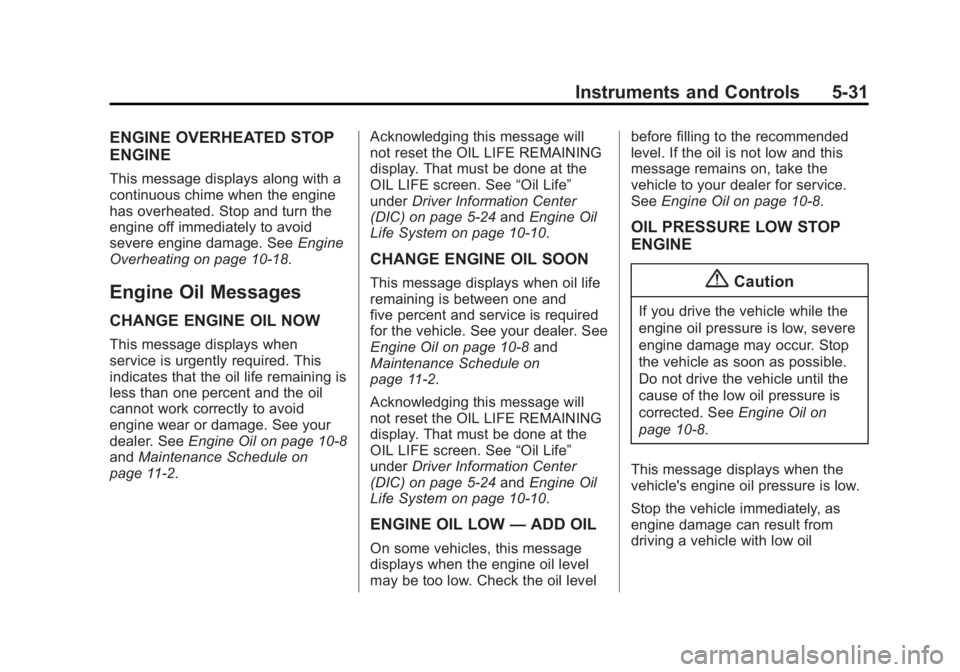
ENGINE OVERHEATED STOP
ENGINE
This message displays along with a
continuous chime when the engine
has overheated. Stop and turn the
engine off immediately to avoid
severe engine damage. SeeEngine
Overheating on page 10-18.
Engine Oil Messages
CHANGE ENGINE OIL NOW
This message displays when
service is urgently required. This
indicates that the oil life remaining is
less than one percent and the oil
cannot work correctly to avoid
engine wear or damage. See your
dealer. See Engine Oil on page 10-8
and Maintenance Schedule on
page 11-2. Acknowledging this message will
not reset the OIL LIFE REMAINING
display. That must be done at the
OIL LIFE screen. See
“Oil Life”
under Driver Information Center
(DIC) on page 5-24 andEngine Oil
Life System on page 10-10.
CHANGE ENGINE OIL SOON
This message displays when oil life
remaining is between one and
five percent and service is required
for the vehicle. See your dealer. See
Engine Oil on page 10-8 and
Maintenance Schedule on
page 11-2.
Acknowledging this message will
not reset the OIL LIFE REMAINING
display. That must be done at the
OIL LIFE screen. See “Oil Life”
under Driver Information Center
(DIC) on page 5-24 andEngine Oil
Life System on page 10-10.
ENGINE OIL LOW —ADD OIL
On some vehicles, this message
displays when the engine oil level
may be too low. Check the oil level before filling to the recommended
level. If the oil is not low and this
message remains on, take the
vehicle to your dealer for service.
See
Engine Oil on page 10-8.
OIL PRESSURE LOW STOP
ENGINE
{Caution
If you drive the vehicle while the
engine oil pressure is low, severe
engine damage may occur. Stop
the vehicle as soon as possible.
Do not drive the vehicle until the
cause of the low oil pressure is
corrected. See Engine Oil on
page 10-8.
This message displays when the
vehicle's engine oil pressure is low.
Stop the vehicle immediately, as
engine damage can result from
driving a vehicle with low oil
Page 130 of 382
Black plate (32,1)Chevrolet Captiva Sport Owner Manual (GMNA-Localizing-U.S./Mexico-
6014141) - 2014 - crc - 8/13/13
5-32 Instruments and Controls
pressure. Have the vehicle serviced
by your dealer as soon as possible
when this message is displayed.
Engine Power Messages
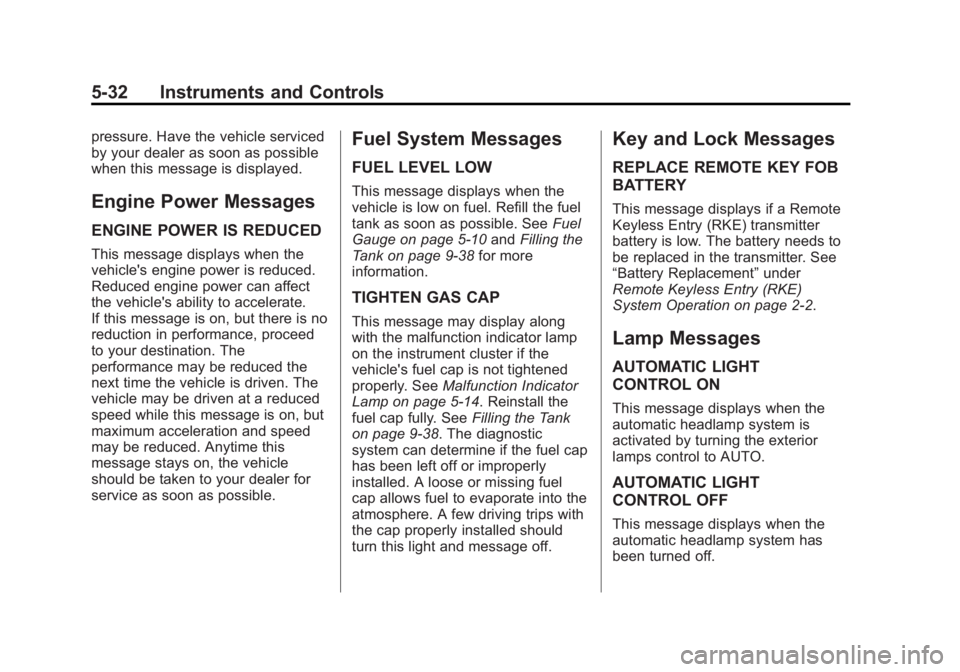
ENGINE POWER IS REDUCED
This message displays when the
vehicle's engine power is reduced.
Reduced engine power can affect
the vehicle's ability to accelerate.
If this message is on, but there is no
reduction in performance, proceed
to your destination. The
performance may be reduced the
next time the vehicle is driven. The
vehicle may be driven at a reduced
speed while this message is on, but
maximum acceleration and speed
may be reduced. Anytime this
message stays on, the vehicle
should be taken to your dealer for
service as soon as possible.
Fuel System Messages
FUEL LEVEL LOW
This message displays when the
vehicle is low on fuel. Refill the fuel
tank as soon as possible. SeeFuel
Gauge on page 5-10 andFilling the
Tank on page 9-38 for more
information.
TIGHTEN GAS CAP
This message may display along
with the malfunction indicator lamp
on the instrument cluster if the
vehicle's fuel cap is not tightened
properly. See Malfunction Indicator
Lamp on page 5-14. Reinstall the
fuel cap fully. See Filling the Tank
on page 9-38. The diagnostic
system can determine if the fuel cap
has been left off or improperly
installed. A loose or missing fuel
cap allows fuel to evaporate into the
atmosphere. A few driving trips with
the cap properly installed should
turn this light and message off.
Key and Lock Messages
REPLACE REMOTE KEY FOB
BATTERY
This message displays if a Remote
Keyless Entry (RKE) transmitter
battery is low. The battery needs to
be replaced in the transmitter. See
“Battery Replacement” under
Remote Keyless Entry (RKE)
System Operation on page 2-2.
Lamp Messages
AUTOMATIC LIGHT
CONTROL ON
This message displays when the
automatic headlamp system is
activated by turning the exterior
lamps control to AUTO.
AUTOMATIC LIGHT
CONTROL OFF
This message displays when the
automatic headlamp system has
been turned off.
Page 134 of 382
Black plate (36,1)Chevrolet Captiva Sport Owner Manual (GMNA-Localizing-U.S./Mexico-
6014141) - 2014 - crc - 8/13/13
5-36 Instruments and Controls
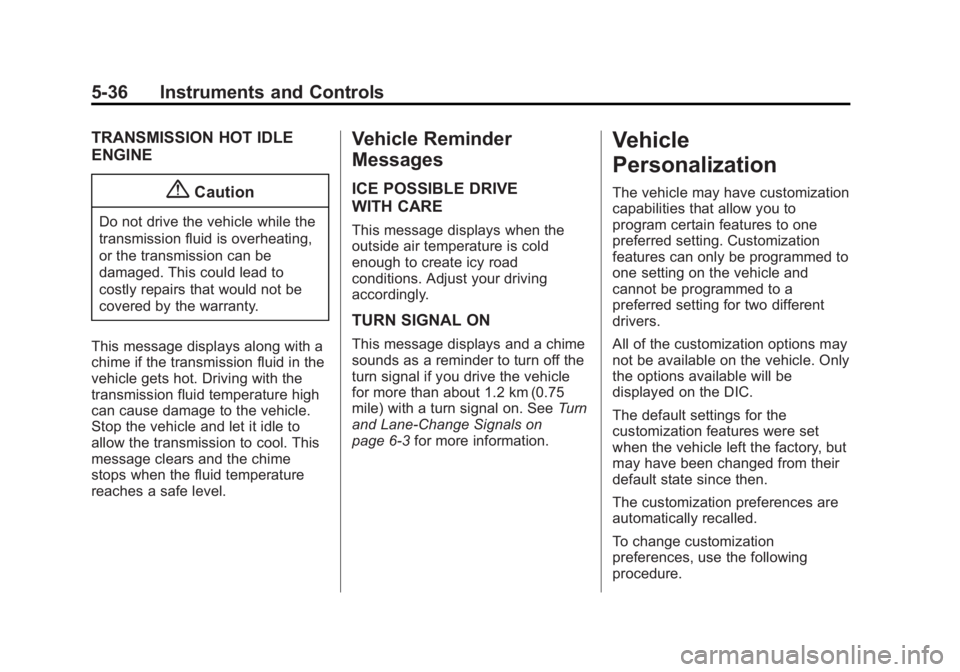
TRANSMISSION HOT IDLE
ENGINE
{Caution
Do not drive the vehicle while the
transmission fluid is overheating,
or the transmission can be
damaged. This could lead to
costly repairs that would not be
covered by the warranty.
This message displays along with a
chime if the transmission fluid in the
vehicle gets hot. Driving with the
transmission fluid temperature high
can cause damage to the vehicle.
Stop the vehicle and let it idle to
allow the transmission to cool. This
message clears and the chime
stops when the fluid temperature
reaches a safe level.
Vehicle Reminder
Messages
ICE POSSIBLE DRIVE
WITH CARE
This message displays when the
outside air temperature is cold
enough to create icy road
conditions. Adjust your driving
accordingly.
TURN SIGNAL ON
This message displays and a chime
sounds as a reminder to turn off the
turn signal if you drive the vehicle
for more than about 1.2 km (0.75
mile) with a turn signal on. See Turn
and Lane-Change Signals on
page 6-3 for more information.
Vehicle
Personalization
The vehicle may have customization
capabilities that allow you to
program certain features to one
preferred setting. Customization
features can only be programmed to
one setting on the vehicle and
cannot be programmed to a
preferred setting for two different
drivers.
All of the customization options may
not be available on the vehicle. Only
the options available will be
displayed on the DIC.
The default settings for the
customization features were set
when the vehicle left the factory, but
may have been changed from their
default state since then.
The customization preferences are
automatically recalled.
To change customization
preferences, use the following
procedure.
Page 139 of 382
Black plate (41,1)Chevrolet Captiva Sport Owner Manual (GMNA-Localizing-U.S./Mexico-
6014141) - 2014 - crc - 8/13/13
Instruments and Controls 5-41
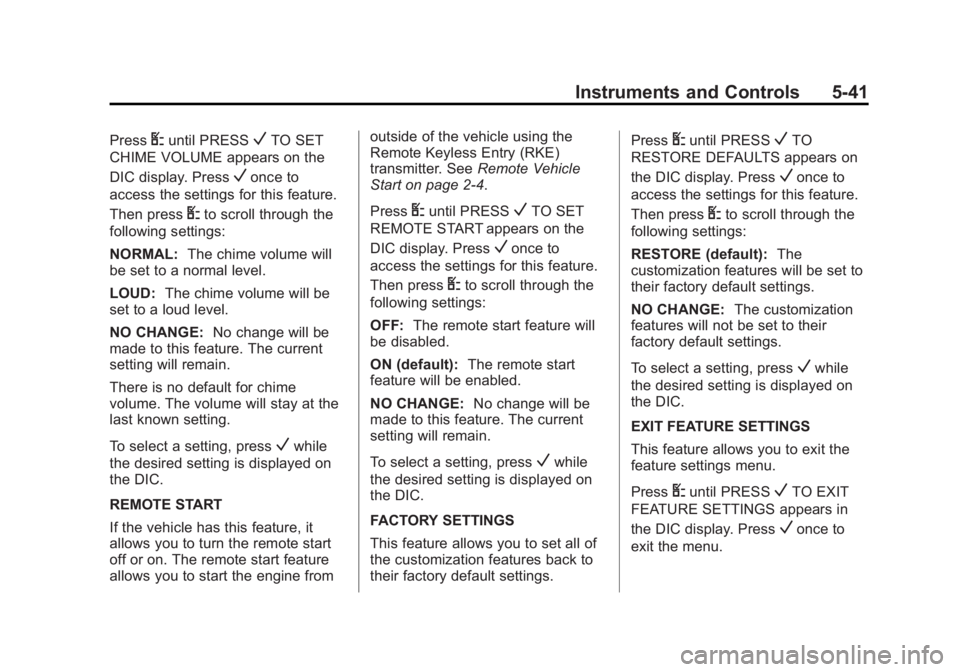
PressUuntil PRESSVTO SET
CHIME VOLUME appears on the
DIC display. Press
Vonce to
access the settings for this feature.
Then press
Uto scroll through the
following settings:
NORMAL: The chime volume will
be set to a normal level.
LOUD: The chime volume will be
set to a loud level.
NO CHANGE: No change will be
made to this feature. The current
setting will remain.
There is no default for chime
volume. The volume will stay at the
last known setting.
To select a setting, press
Vwhile
the desired setting is displayed on
the DIC.
REMOTE START
If the vehicle has this feature, it
allows you to turn the remote start
off or on. The remote start feature
allows you to start the engine from outside of the vehicle using the
Remote Keyless Entry (RKE)
transmitter. See
Remote Vehicle
Start on page 2-4.
Press
Uuntil PRESSVTO SET
REMOTE START appears on the
DIC display. Press
Vonce to
access the settings for this feature.
Then press
Uto scroll through the
following settings:
OFF: The remote start feature will
be disabled.
ON (default): The remote start
feature will be enabled.
NO CHANGE: No change will be
made to this feature. The current
setting will remain.
To select a setting, press
Vwhile
the desired setting is displayed on
the DIC.
FACTORY SETTINGS
This feature allows you to set all of
the customization features back to
their factory default settings. Press
Uuntil PRESSVTO
RESTORE DEFAULTS appears on
the DIC display. Press
Vonce to
access the settings for this feature.
Then press
Uto scroll through the
following settings:
RESTORE (default): The
customization features will be set to
their factory default settings.
NO CHANGE: The customization
features will not be set to their
factory default settings.
To select a setting, press
Vwhile
the desired setting is displayed on
the DIC.
EXIT FEATURE SETTINGS
This feature allows you to exit the
feature settings menu.
Press
Uuntil PRESSVTO EXIT
FEATURE SETTINGS appears in
the DIC display. Press
Vonce to
exit the menu.
Page 146 of 382
Black plate (2,1)Chevrolet Captiva Sport Owner Manual (GMNA-Localizing-U.S./Mexico-
6014141) - 2014 - crc - 8/13/13
6-2 Lighting
When the ignition is turned off, the
wiper-activated headlamps
immediately turn off. They also turn
off if the windshield wiper control is
turned off.
Headlamp High/
Low-Beam Changer
2 3
(Headlamp High/Low-Beam
Changer): Push the turn signal
lever away from you to turn the high
beams on.
Pull the lever toward you to return to
low beams.
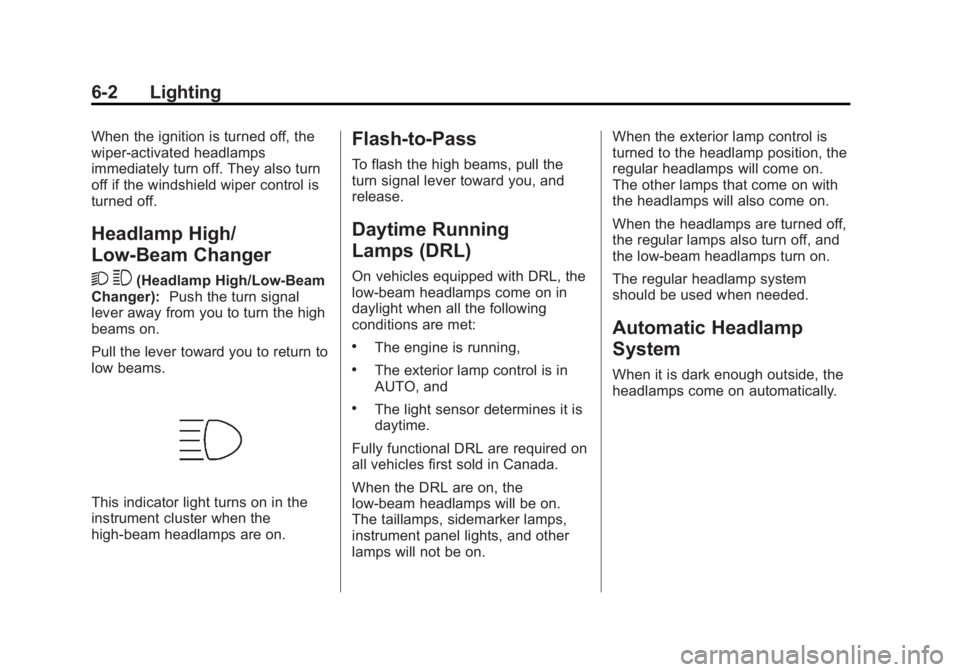
This indicator light turns on in the
instrument cluster when the
high-beam headlamps are on.
Flash-to-Pass
To flash the high beams, pull the
turn signal lever toward you, and
release.
Daytime Running
Lamps (DRL)
On vehicles equipped with DRL, the
low-beam headlamps come on in
daylight when all the following
conditions are met:
.The engine is running,
.The exterior lamp control is in
AUTO, and
.The light sensor determines it is
daytime.
Fully functional DRL are required on
all vehicles first sold in Canada.
When the DRL are on, the
low-beam headlamps will be on.
The taillamps, sidemarker lamps,
instrument panel lights, and other
lamps will not be on. When the exterior lamp control is
turned to the headlamp position, the
regular headlamps will come on.
The other lamps that come on with
the headlamps will also come on.
When the headlamps are turned off,
the regular lamps also turn off, and
the low-beam headlamps turn on.
The regular headlamp system
should be used when needed.
Automatic Headlamp
System
When it is dark enough outside, the
headlamps come on automatically.
Page 147 of 382
Black plate (3,1)Chevrolet Captiva Sport Owner Manual (GMNA-Localizing-U.S./Mexico-
6014141) - 2014 - crc - 8/13/13
Lighting 6-3
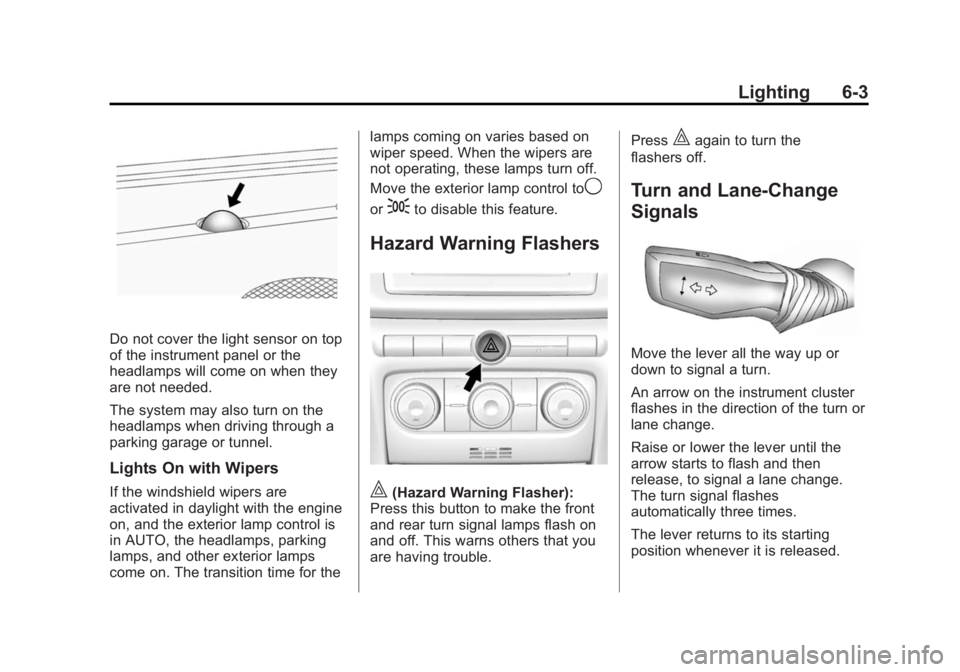
Do not cover the light sensor on top
of the instrument panel or the
headlamps will come on when they
are not needed.
The system may also turn on the
headlamps when driving through a
parking garage or tunnel.
Lights On with Wipers
If the windshield wipers are
activated in daylight with the engine
on, and the exterior lamp control is
in AUTO, the headlamps, parking
lamps, and other exterior lamps
come on. The transition time for thelamps coming on varies based on
wiper speed. When the wipers are
not operating, these lamps turn off.
Move the exterior lamp control to
9
or;to disable this feature.
Hazard Warning Flashers
|(Hazard Warning Flasher):
Press this button to make the front
and rear turn signal lamps flash on
and off. This warns others that you
are having trouble. Press
|again to turn the
flashers off.
Turn and Lane-Change
Signals
Move the lever all the way up or
down to signal a turn.
An arrow on the instrument cluster
flashes in the direction of the turn or
lane change.
Raise or lower the lever until the
arrow starts to flash and then
release, to signal a lane change.
The turn signal flashes
automatically three times.
The lever returns to its starting
position whenever it is released.
Page 150 of 382
Black plate (6,1)Chevrolet Captiva Sport Owner Manual (GMNA-Localizing-U.S./Mexico-
6014141) - 2014 - crc - 8/13/13
6-6 Lighting
Lighting Features
Entry Lighting
If the dome lamp override button is
in the out position, the lamps inside
the vehicle automatically come on
when any door is opened, or when
Kis pressed on the Remote
Keyless Entry (RKE) transmitter.
After the door is opened, the lamps
remain on and stay on for
20 seconds after the doors are
closed, or until the key is put into
the ignition and turned to the ACC/
ACCESSORY position. The lamps
will then gradually dim until they are
no longer lit.
Battery Load
Management
The vehicle has Electric Power
Management (EPM) that estimates
the battery's temperature and state
of charge. It then adjusts the voltage
for best performance and extended
life of the battery. When the battery's state of charge
is low, the voltage is raised slightly
to quickly bring the charge back up.
When the state of charge is high,
the voltage is lowered slightly to
prevent overcharging. The voltage
may move up or down on the
voltmeter gauge or the voltage
display on vehicles with the Driver
Information Center. This is normal.
If there is a problem, an alert will be
displayed.
The battery can be discharged at
idle if the electrical loads are very
high. This is true for all vehicles.
This is because the generator
(alternator) may not be spinning fast
enough at idle to produce all the
power that is needed for very high
electrical loads.
A high electrical load occurs when
several of the following are on, such
as: headlamps, high beams, fog
lamps, rear window defogger,
climate control fan at high speed,
heated seats, engine cooling fans,
trailer loads, and loads plugged into
accessory power outlets.EPM works to prevent excessive
discharge of the battery. It does this
by balancing the generator's output
and the vehicle's electrical needs.
It can increase engine idle speed to
generate more power, whenever
needed. It can temporarily reduce
the power demands of some
accessories. Normally, these actions
occur in steps or levels, without
being noticeable.
Battery Power Protection
The battery saver feature is
designed to protect the vehicle's
battery.
If any interior or exterior lamp is left
on and the ignition is turned off, the
battery rundown protection system
automatically turns the lamp off after
10 minutes.
Page 151 of 382
Black plate (1,1)Chevrolet Captiva Sport Owner Manual (GMNA-Localizing-U.S./Mexico-
6014141) - 2014 - crc - 8/13/13
Infotainment System 7-1
Infotainment
System
Introduction
Infotainment . . . . . . . . . . . . . . . . . . . 7-1
Theft-Deterrent Feature . . . . . . . 7-2
Overview . . . . . . . . . . . . . . . . . . . . . . 7-2
Operation . . . . . . . . . . . . . . . . . . . . . 7-4
Radio
AM-FM Radio . . . . . . . . . . . . . . . . . 7-5
Satellite Radio . . . . . . . . . . . . . . . . 7-6
Radio Reception . . . . . . . . . . . . . 7-10
Fixed Mast Antenna . . . . . . . . . 7-10
Satellite Radio Antenna . . . . . . 7-10
Audio Players
CD Player . . . . . . . . . . . . . . . . . . . . 7-11
MP3 . . . . . . . . . . . . . . . . . . . . . . . . . 7-16
Auxiliary Devices . . . . . . . . . . . . 7-20
Phone
Bluetooth . . . . . . . . . . . . . . . . . . . . 7-24
Introduction
Infotainment
Read the following pages to
become familiar with the
infotainment system features.
{Warning
Taking your eyes off the road for
extended periods could cause a
crash resulting in injury or death
to you or others. Do not give
extended attention to infotainment
tasks while driving.
This system provides access to
many audio and non-audio listings.
To minimize taking your eyes off the
road while driving, do the following
while the vehicle is parked:
.Become familiar with the
operation and controls of the
audio system.
.Set up the tone, speaker
adjustments, and preset radio
stations.
For more information, see Defensive
Driving on page 9-3.
{Caution
Contact your dealer before adding
any equipment.
Adding audio or communication
equipment could interfere with the
operation of the engine, radio,
or other systems, and could
damage them. Follow federal
rules covering mobile radio and
telephone equipment.
The vehicle has Retained
Accessory Power (RAP). With RAP,
the infotainment system can play
even after the ignition is turned off.
See Retained Accessory Power
(RAP) on page 9-18 for more
information.
Page 185 of 382
Black plate (3,1)Chevrolet Captiva Sport Owner Manual (GMNA-Localizing-U.S./Mexico-
6014141) - 2014 - crc - 8/13/13
Climate Controls 8-3
For quick cool down on hot days,
select the following settings
together:
1. Select
Hmode.
2. Select
8.
3. Turn the
#on.
4. Select the coolest temperature and highest fan speed.
5. Once the vehicle's interior temperature is below the outside
temperature, select recirculation
mode for enhanced cooling.
Using these settings together for
long periods of time may cause the
air inside the vehicle to become too
dry. To prevent this from happening,
after the air inside of the vehicle has
cooled, turn the recirculation
mode off.
The air conditioning system
removes moisture from the air, so a
small amount of water might drip
under the vehicle while idling or
after turning off the engine. This is
normal.
8(Outside Air): Press to turn
the outside air mode on. An
indicator light comes on to show
that outside air is on. Air from
outside the vehicle will circulate
throughout the vehicle. The outside
air mode can be used with all
modes, but it cannot be used with
the recirculation mode. Pressing this
button will cancel the
recirculation mode.
@ (Recirculation): Press to turn
on the recirculation mode. An
indicator light comes on to show
that recirculation is on. This mode
recirculates and helps to quickly
cool or heat the air inside the
vehicle. It can be used to prevent
outside air and odors from entering
the vehicle. Avoid using the
recirculation mode during high
periods of humidity and cool outside
temperatures since this may result
in increased window fogging.
If window fogging is experienced,
select the defrost mode. Recirculation mode is not available
in floor, defog, or defrost modes and
will shut off automatically and
change to outside air. The indicator
will flash if the button is selected in
any of these modes. This helps
prevent window fogging and
moisture building up inside the
vehicle.
Rear Window Defogger
The rear window defogger uses a
warming grid to remove fog from the
rear window.
The rear window defogger only
works when the ignition is in
ON/RUN.
1
(Rear Window Defogger):
Press to turn the rear window
defogger on or off. An indicator light
on the button comes on to show that
the rear window is activated.
The rear window defogger stays on
for approximately 10 minutes after
the button is pressed, unless the
ignition is turned to ACC/
ACCESSORY or LOCK/OFF.
Page 186 of 382
Black plate (4,1)Chevrolet Captiva Sport Owner Manual (GMNA-Localizing-U.S./Mexico-
6014141) - 2014 - crc - 8/13/13
8-4 Climate Controls
If turned on again, the defogger only
runs for approximately five minutes
before turning off again. At higher
vehicle speeds, the defogger may
stay on continuously. The defogger
can also be turned off by turning off
the engine.
{Caution
Using a razor blade or sharp
object on the inside rear window
can damage the antenna or
defogger. Repairs would not be
covered by the vehicle warranty.
Do not stick anything to the rear
window.
LorM(Heated Front Seats, If
Equipped): Press to heat the driver
or passenger seat cushion and
seatback. To turn off, press the
button until the indicator lights turn
off. See Heated Front Seats on
page 3-6. Remote Start Climate Control
Operation
For vehicles with the remote start
feature, when it is activated, the
climate control system heats and
cools the inside of the vehicle using
the modes that were set before the
vehicle was turned off.