clutch CHEVROLET CAVALIER 1993 1.G Owners Manual
[x] Cancel search | Manufacturer: CHEVROLET, Model Year: 1993, Model line: CAVALIER, Model: CHEVROLET CAVALIER 1993 1.GPages: 308, PDF Size: 15.62 MB
Page 59 of 308
Downloaded from www.Manualslib.com manuals search engine Automatic Transaxle
1. Move your shift lever to P (Park) or
N (Neutral). Your engine won’t start
in any other position-that’s a safety
feature. To restart when you’re
already moving, use
N (Neutral)
only.
,1 I^
~‘::, Don’t try to sl,~ to P (Park) if
your Chevrolet is moving. If
yo
do, you could damage ;
’’, transaxle. Shift to P (Park) only
when your vehicle
is stopped. _x,, ,I ~wl
Manual Transaxle
1. Shift your gear selector to N (Neutral)
and hold the clutch pedal to the
floor
while starting the engine. Your
vehicle won’t
start if the clutch pedal
is not all the way down-that’s a
safety feature.
Both Transaxles
2. Don’t push the accelerator pedal before starting your engine. In some other vehicles you might need to do
this, but because
of your vehicle’s
computer systems, you don’t.
3. Turn your ignition key to Start.
When the engine starts, let go of the
key. The idle speed will
go down as
your engine gets warm.
Holding your key in
Start for
longer than 15 seconds at a til
will cause your battery to be
drained much sooner. And the excessive heat can damage your
starter motor.
Page 66 of 308
Downloaded from www.Manualslib.com manuals search engine Features & Controls
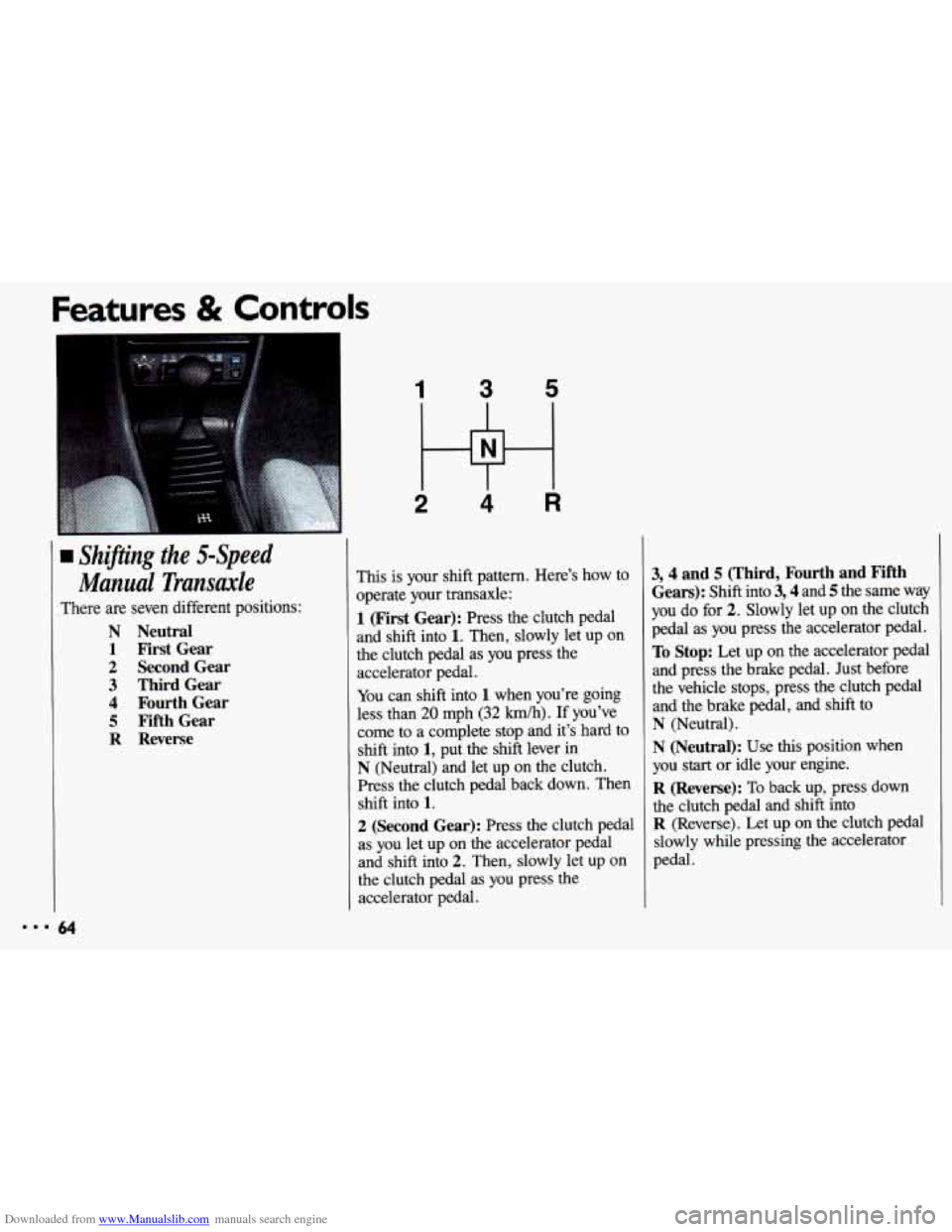
1 Shifting the 5-Speed
Manual Transude
There are seven different positions:
N Neutral
1 First Gear
2 Second Gear
3 Third Gear
4 Fourth Gear
5 Fifth Gear
R Reverse
1 3 5
2 Hi 4 R
This is your shift pattern. Here’s how to
operate your transaxle:
1 (First Gear): Press the clutch pedal
and shift into
1. Then, slowly let up on
the clutch pedal as you press the
accelerator pedal.
You can shift into 1 when you’re going
less than
20 mph (32 km/h). If you’ve
come to a complete stop and it’s hard to
shift into
1, put the shift lever in
N (Neutral) and let up on the clutch.
Press the clutch pedal back down. Then
shift into
1.
2 (Second Gear): Press the clutch pedal
as you let up on the accelerator pedal
and shift into
2. Then, slowly let up on
the clutch pedal as you press the
accelerator pedal.
3,4 and 5 (Third, Fourth and Fifth
Gears):
Shift into 3,4 and 5 the same way
you do for
2. Slowly let up on the clutch
pedal as you press the accelerator pedal.
To Stop: Let up on the accelerator pedal
and press the brake pedal. Just before
the vehicle stops, press the clutch pedal
and the brake pedal, and shift to
N (Neutral).
N (Neutral): Use this position when
you
start or idle your engine.
R (Reverse): To back up, press down
the clutch pedal and shift into
R (Reverse). Let up on the clutch pedal
slowly while pressing the accelerator
pedal.
Page 68 of 308
Downloaded from www.Manualslib.com manuals search engine Features & Controls
ShiiT Speeds (COPIT.)
If you skip more than one
4 1 gear when you downshift, you
could lose control of your vehicle.
And you could injure yourself
or
others. Don’t shift from 5 to 2, or
4 to 1.
I
I b
66
when you downshift, or if you
the engine when you downshift,
you
can damage the clutch or
transaxle.
i
Parking Brake
The parking brake lever is located
between
the bucket seats.
To Set the Parking Brake:
Hold the brake pedal down and pull up
on the parking brake lever.
If the ignition is on, the brake system
warning
light will come on.
Page 76 of 308
Downloaded from www.Manualslib.com manuals search engine Features & Controls
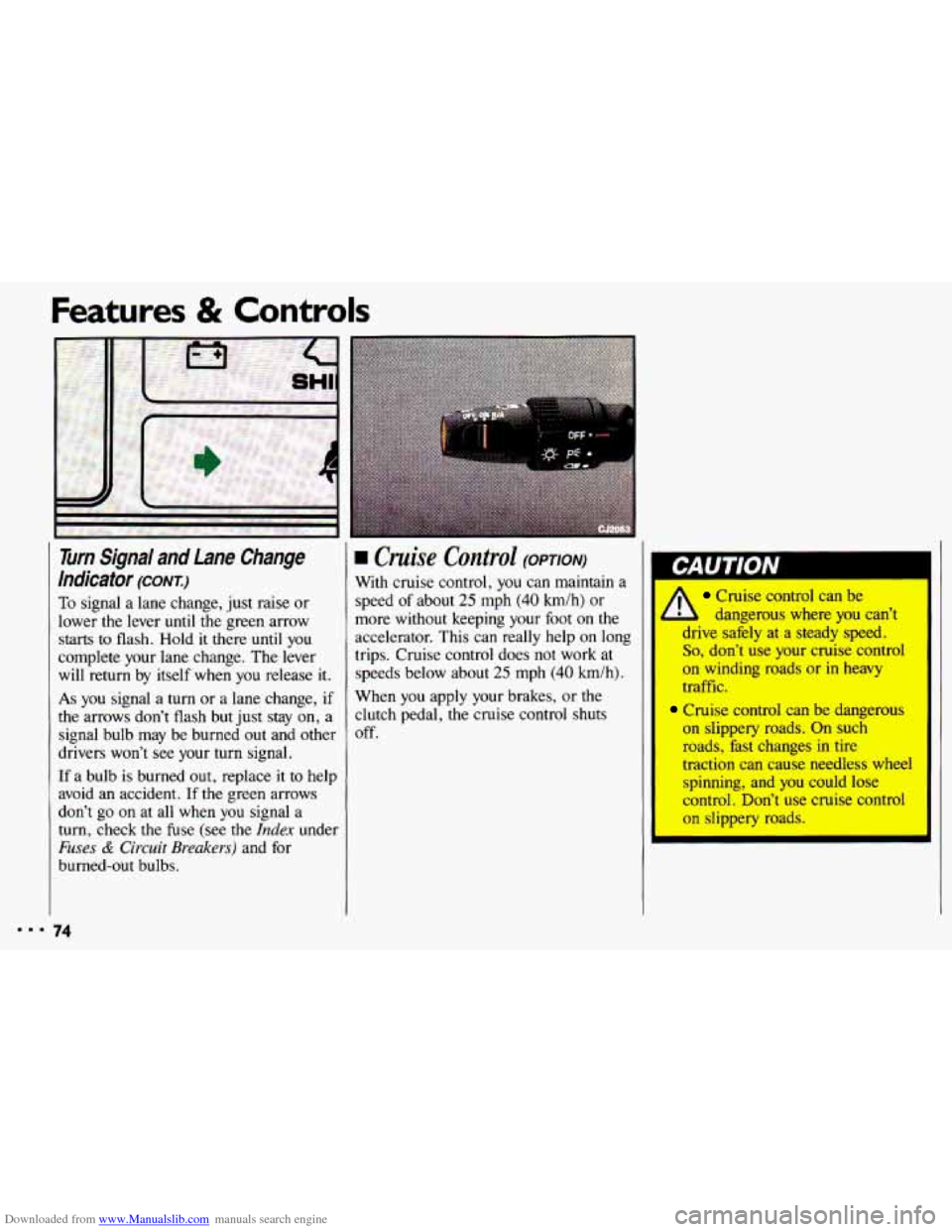
Turn Signal and Lane Change
Indicator
(CONI)
To signal a lane change, just raise or
lower the lever
until the green arrow
starts to flash. Hold it there until you
complete your lane change. The lever
will return by itself when you release it.
As you signal a turn or a lane change, if
the arrows don’t flash but just stay on, a
signal bulb may be burned out and other
drivers won’t see your turn signal.
If a bulb is burned out, replace it to help
avoid an accident.
If the green arrows
don’t go
on at all when you signal a
turn, check the fuse (see
the Index under
Fuses & Circuit Breakers) and for
burned-out bulbs.
74
rn Cruise Control (OPTION)
With cruise control, you can maintain a
speed of about
25 mph (40 h/h) or
more without keeping your foot on the
accelerator. This can really help on long
trips. Cruise control does not work at
speeds below about
25 mph (40 km/h).
When you apply your brakes, or the
clutch pedal, the cruise control shuts
off.
Cruise control can be
l dangerous where you can’t
drive safely at a steady speed.
So, don’t use your cruise control
on winding roads or-in heavy
traffic.
Cruise control can be dangerous
on slippery roads. On such
roads, hst changes in
tire
traction can cause needless wheel
spinning, and you could
lose
control. Don’t use cruise control
on slippery roads.
Page 77 of 308
Downloaded from www.Manualslib.com manuals search engine To Set Cruise Control
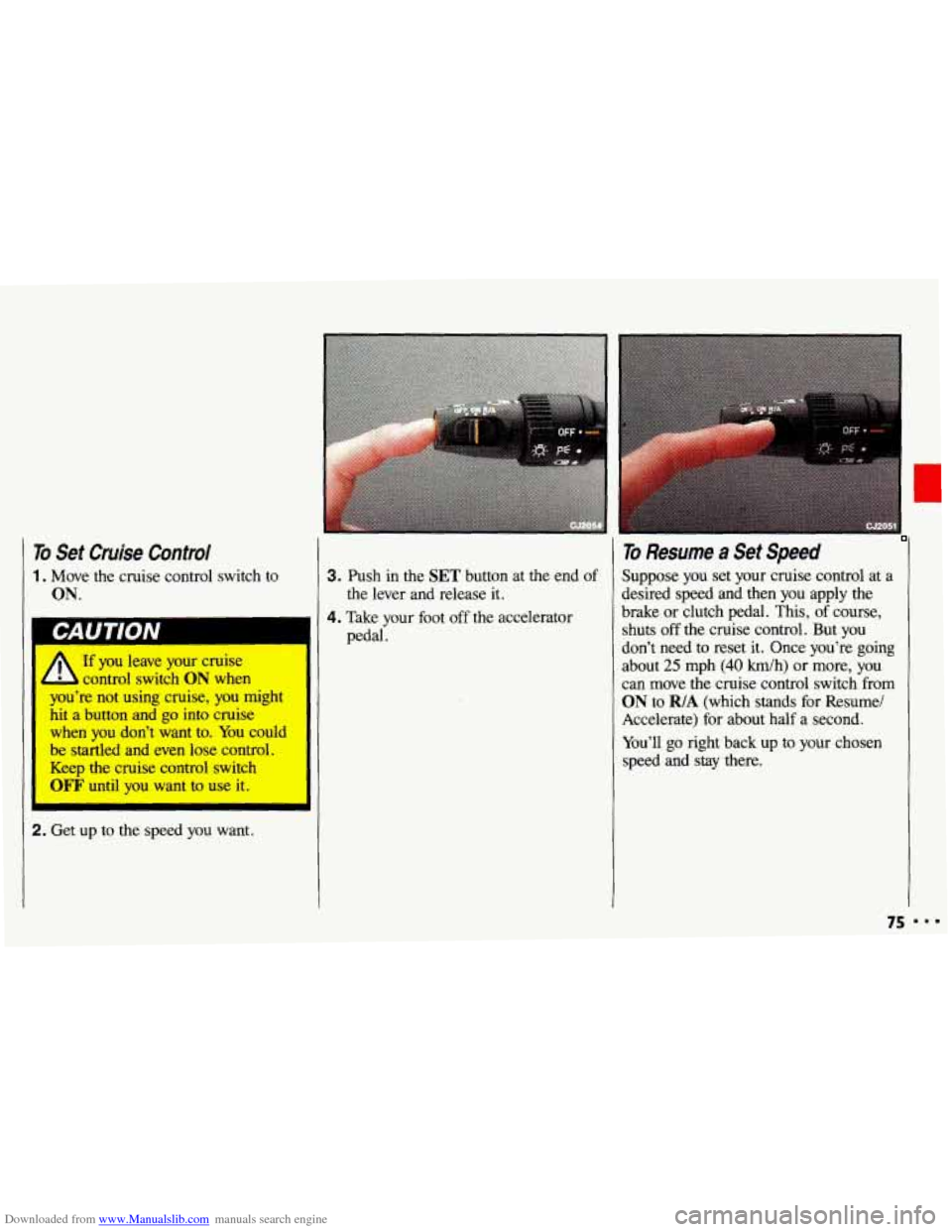
1. Move the cruise control switch to
ON.
If you leave your cruise
control switch
ON when I
I you're not using cruise, you might
hit
a button and go into cruise I
I when you don't .want to. You could
be startled and even lose control.
I Keep the cruise control switch
WF' until you want to use it. I
2. Get up to the speed you want.
3. Push in the SET button at the end of
4. Take your foot off the accelerator the lever and release
it.
pedal.
To Resume a Set Speed
Suppose you set your cruise control at a
desired speed and then you apply the
brake or clutch pedal. This, of course,
shuts off the cruise control. But you
don't need to reset it. Once you're going
about
25 mph (40 h/h) or more, you
can move the cruise control switch from
ON to R/A (which stands for Resume/
Accelerate) for about half a second.
You'll
go right back up to your chosen
speed and stay there.
75 I..
Page 78 of 308
Downloaded from www.Manualslib.com manuals search engine Features & Controls
‘0 Resume a Set Speed (CONT.)
I
A
If you hold the switch at RIA
longer than half a second, the
vehicle will keep going faster until
you release the switch or apply the
brake or clutch pedal. You could
be startled and even lose control.
So unless you want to go faster,
don’t hold the switch at
RIA.
To Increase Speed While Using
Cruise Control
There are two ways to go to a higher
speed. Here’s
the first:
1. Use the accelerator pedal to get to the
2. Push the button at the end of the
higher
speed.
lever, then release
the button and the
accelerator pedal. You’ll now cruise
at the higher speed. Here’s
the second way to go to a higher
speed:
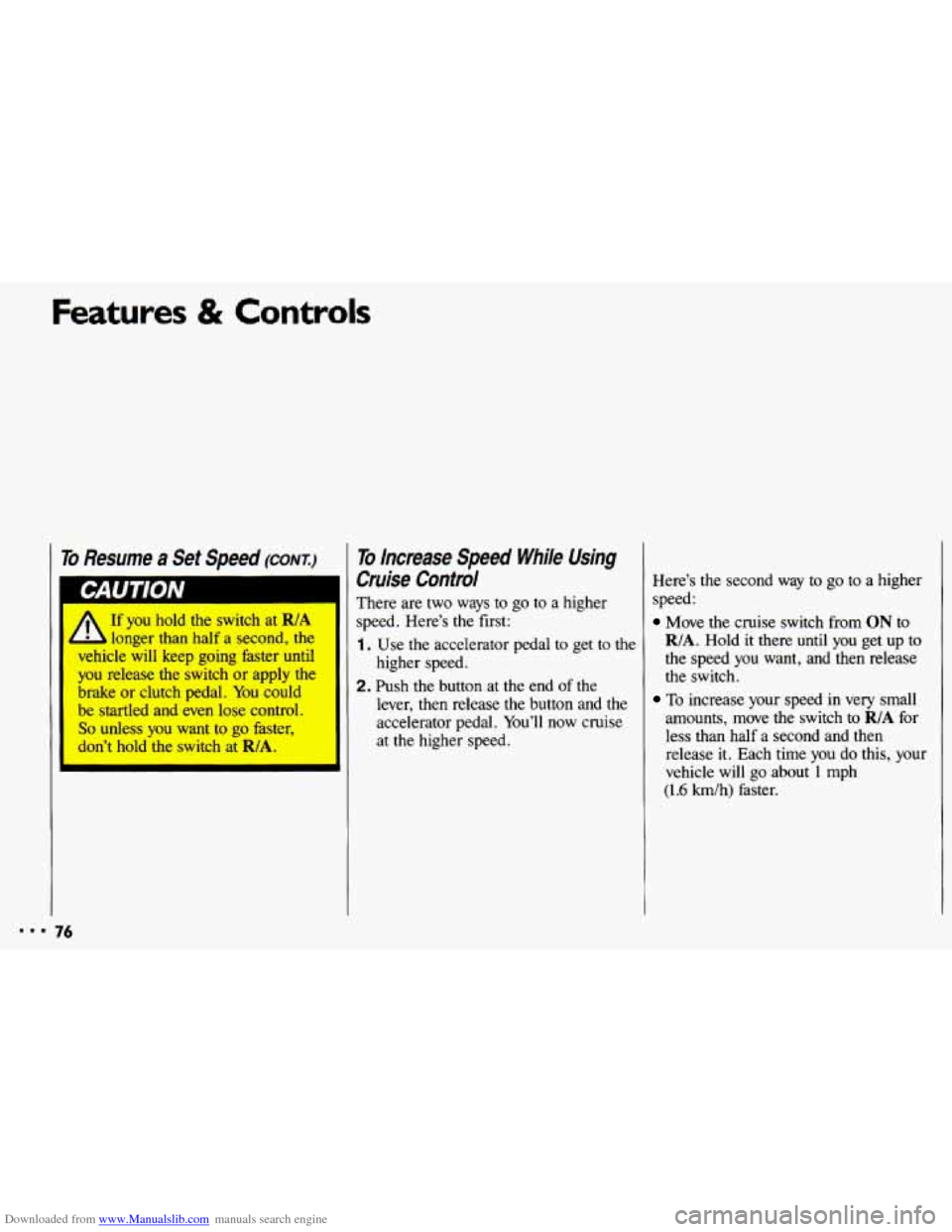
Move the cruise switch from ON to
R/A. Hold it there until you get up to
the speed
you want, and then release
the switch.
To increase your speed in very small
amounts, move
the switch to RIA for
less than half a second and then release
it. Each time you do this, your
vehicle will go about
1 mph
(1.6 km/h) faster.
Page 79 of 308
Downloaded from www.Manualslib.com manuals search engine To Reduce Speed While Using
Cruise Control
There are two ways to reduce your
speed while using cruise control:
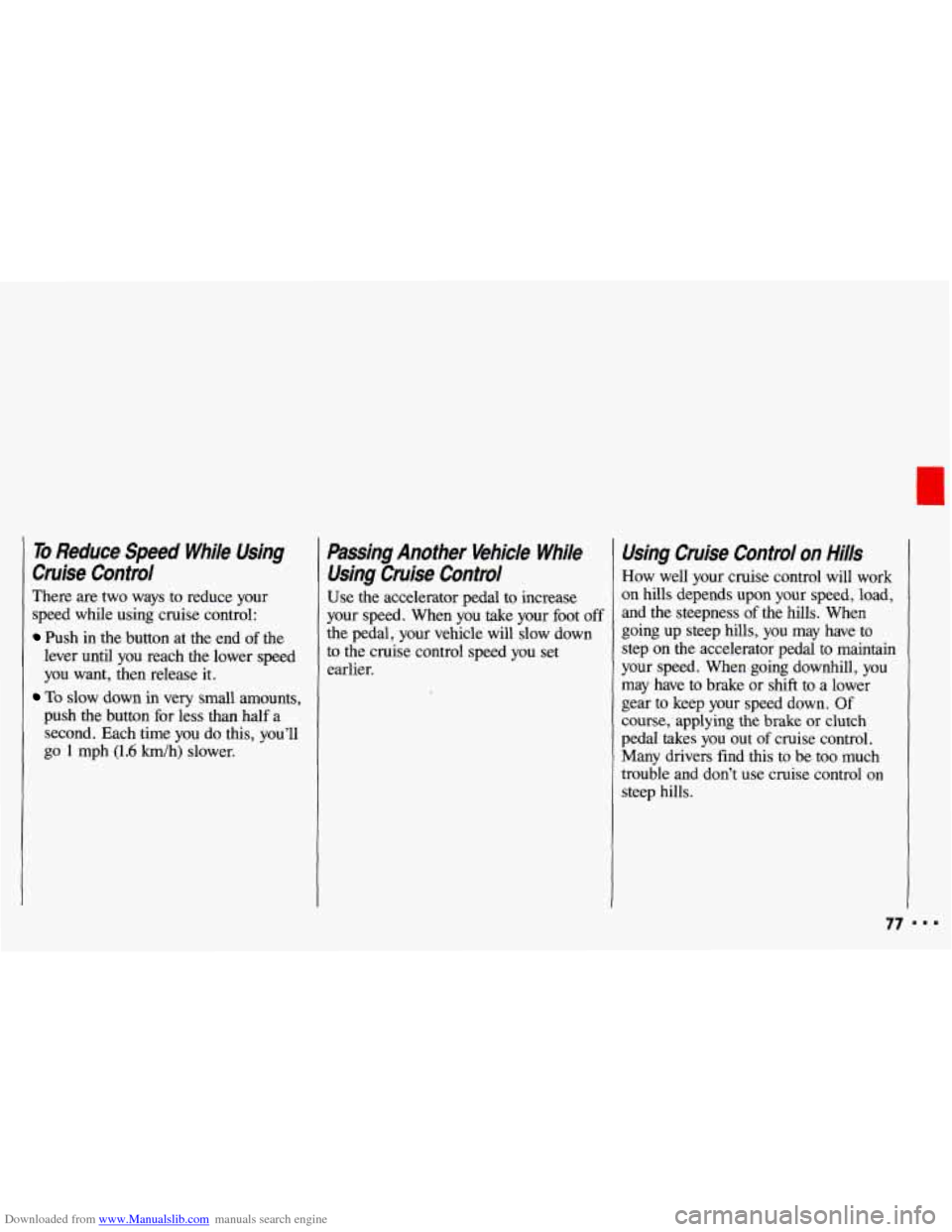
Push in the button at the end of the
lever until you reach the lower speed
you want, then release it.
To slow down in very small amounts,
push the button for less than half a
second. Each time
you do this, you’ll
go
1 mph (1.6 km/h) slower.
Passing Another Vehicle While
Using Cruise Control
Use the accelerator pedal to increase
your speed. When
you take your foot off
the pedal, your vehicle will slow down
to the cruise control speed you set
earlier.
Using Cruise Control on Hills
How well your cruise control will work
on hills depends upon your speed, load,
and the steepness of the hills. When
going
up steep hills, you may have to
step on
the accelerator pedal to maintain
your speed. When going downhill, you
may have to brake or shift to a lower
gear to keep your speed down. Of
course, applying the brake
or clutch
pedal takes you out
of cruise control.
Many drivers find this to be too much
trouble and don’t use cruise control on
steep hills.
77
Page 80 of 308
Downloaded from www.Manualslib.com manuals search engine Features & Controls
To Get Out of Cruise Control
There are several ways to turn off the
cruise control:
Step lightly on the brake pedal, or
push the clutch pedal,
if you have a
manual transaxle; OR
Move the cruise switch to OFF.
To Erase Cruise Speed Memory
When you turn off the cruise control or
the ignition, your cruise control set
speed memory
is erased.
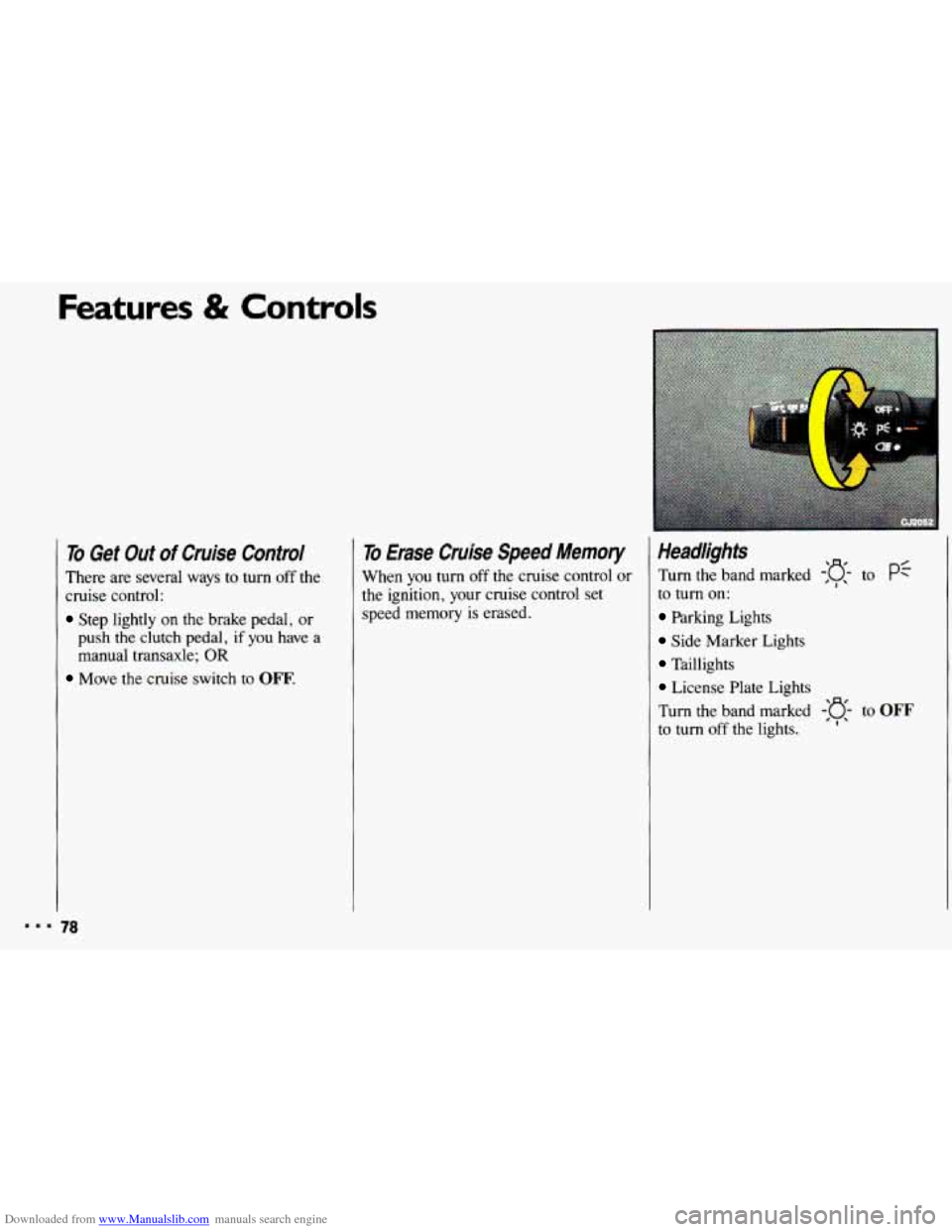
Headlights
Turn the band marked -:g- to pf
to turn on:
Parking Lights
Side Marker Lights
Taillights
License Plate Lights
Turn the band marked
-'o- to OFF
to turn off the lights. 'I'
Page 205 of 308
Downloaded from www.Manualslib.com manuals search engine d
56053
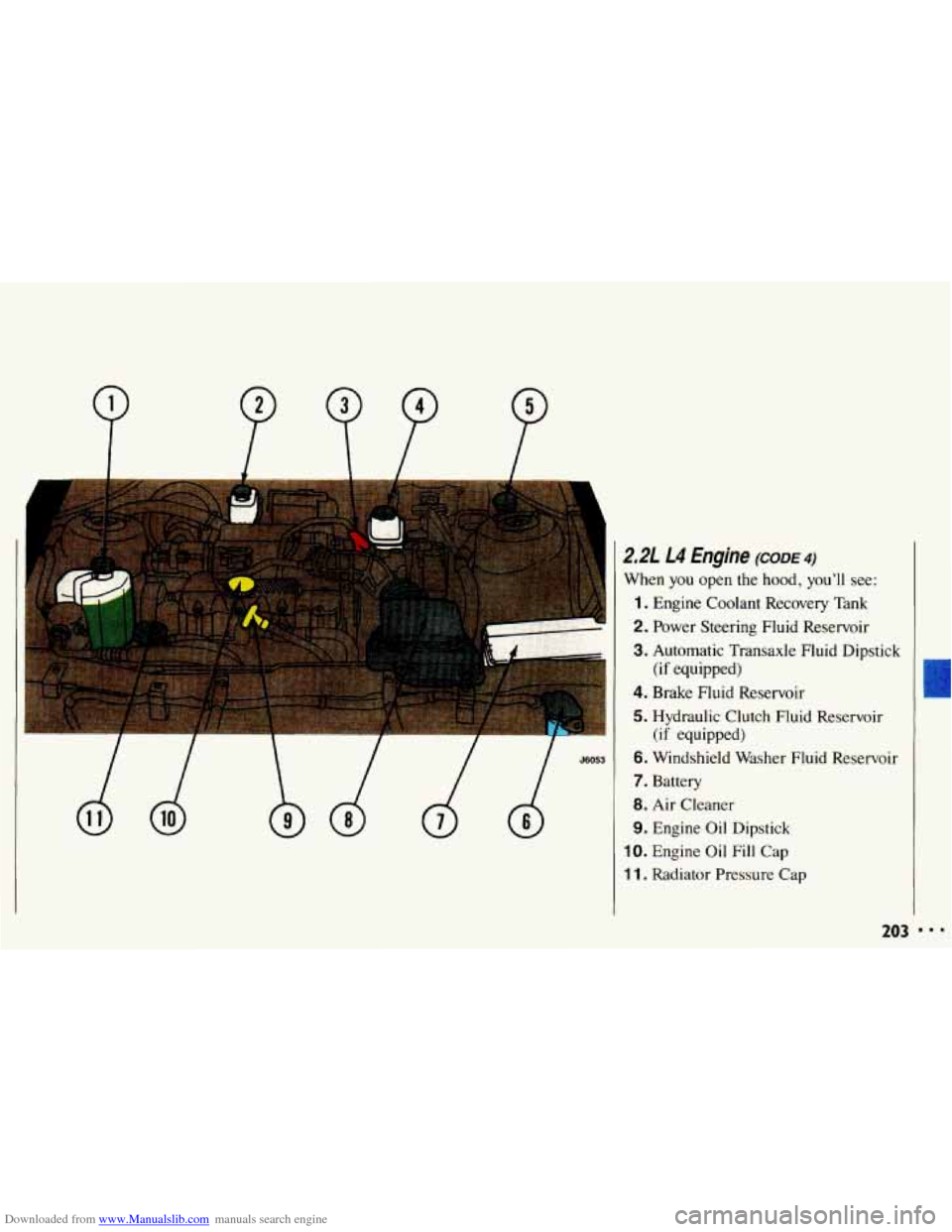
2.21 L4 Engine (CODE 4)
When you open the hood, you’ll see:
1. Engine Coolant Recovery Tank
2. Power Steering Fluid Reservoir
3. Automatic Transaxle Fluid Dipstick
4. Brake Fluid Reservoir
5. Hydraulic Clutch Fluid Reservoir
6. Windshield Washer Fluid Reservoir
7. Battery
8. Air Cleaner
9. Engine Oil Dipstick
IO. Engine Oil Fill Cap
1 1. Radiator Pressure Cap
(if equipped)
(if equipped)
203
Page 206 of 308
Downloaded from www.Manualslib.com manuals search engine Service & Appearance Care
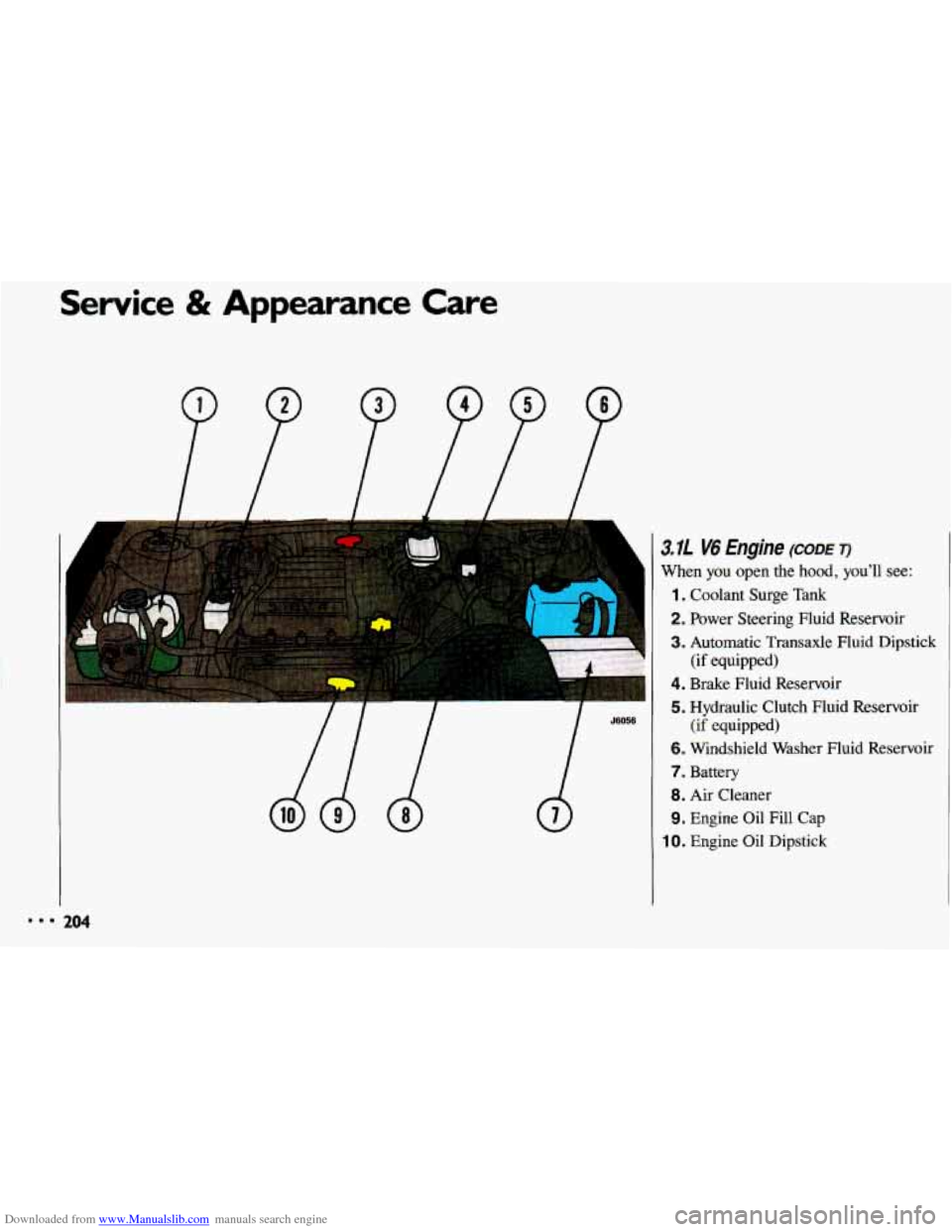
' 3.11 V6 Engine (CODE T)
1
When you open the hood, you'll see:
1. Coolant Surge Tank
2. Power Steering Fluid Reservoir
3. Automatic Transaxle Fluid Dipstick
4. Brake Fluid Reservoir
5. Hydraulic Clutch Fluid Reservoir
6. Windshield Washer Fluid Reservoir
7. Battery
8. Air Cleaner
9. Engine Oil Fill Cap
10. Engine Oil Dipstick
(if equipped)
(if equipped)
rn 204