lock CHEVROLET CAVALIER 1994 1.G User Guide
[x] Cancel search | Manufacturer: CHEVROLET, Model Year: 1994, Model line: CAVALIER, Model: CHEVROLET CAVALIER 1994 1.GPages: 243, PDF Size: 15.06 MB
Page 43 of 243
Downloaded from www.Manualslib.com manuals search engine Features & Controls
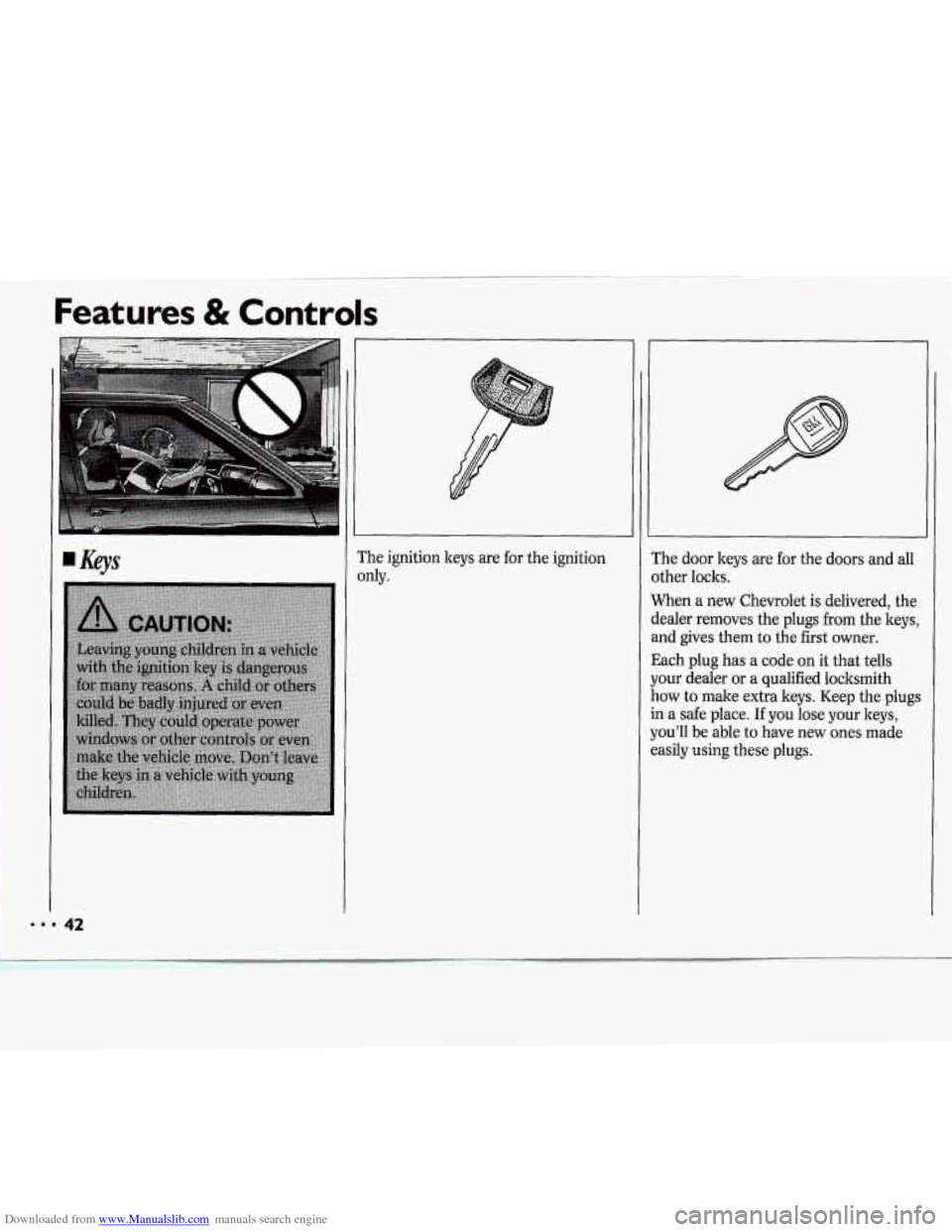
?he ignition keys are for the ignition
IdY.
:he door keys are for the doors and all
Ither locks.
Vhen a new Chevrolet is delivered, the
lealer removes the plugs
from the keys,
nd gives them to the first owner.
Iach plug has
a code on it that tells
our dealer or a qualified locksmith
.ow to male extra keys. Keep the plugs
I a safe place. If you lose your keys,
ou'll be able to have new ones made
asily using these plugs.
Page 44 of 243
Downloaded from www.Manualslib.com manuals search engine NOTICE:
Your Chevrolet has a number of new
features that can help prevent theft.
But you can have a lot
of trouble
getting into your vehicle if you ever
lock your keys inside.
You may even
have
to damage your vehicle to get
in.
So be sure you have extra keys. ~
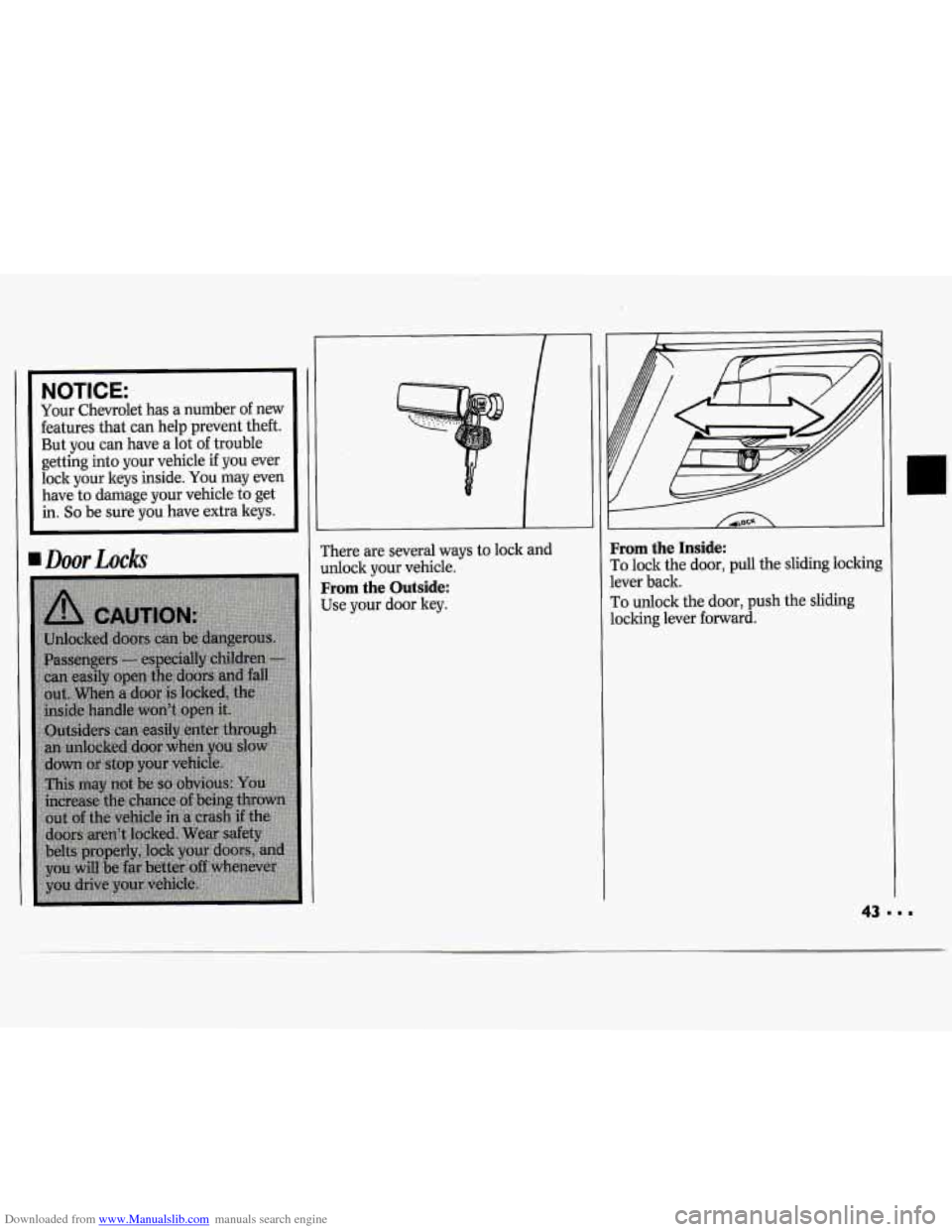
rhere are several ways to lock and
dock your vehicle.
From the Outside:
Use your door ley.
From the Inside:
To lock the door, pull the sliding lockin$
lever back.
To unlock the door, push the sliding
locking lever forward.
Page 45 of 243
Downloaded from www.Manualslib.com manuals search engine Power Door Locks
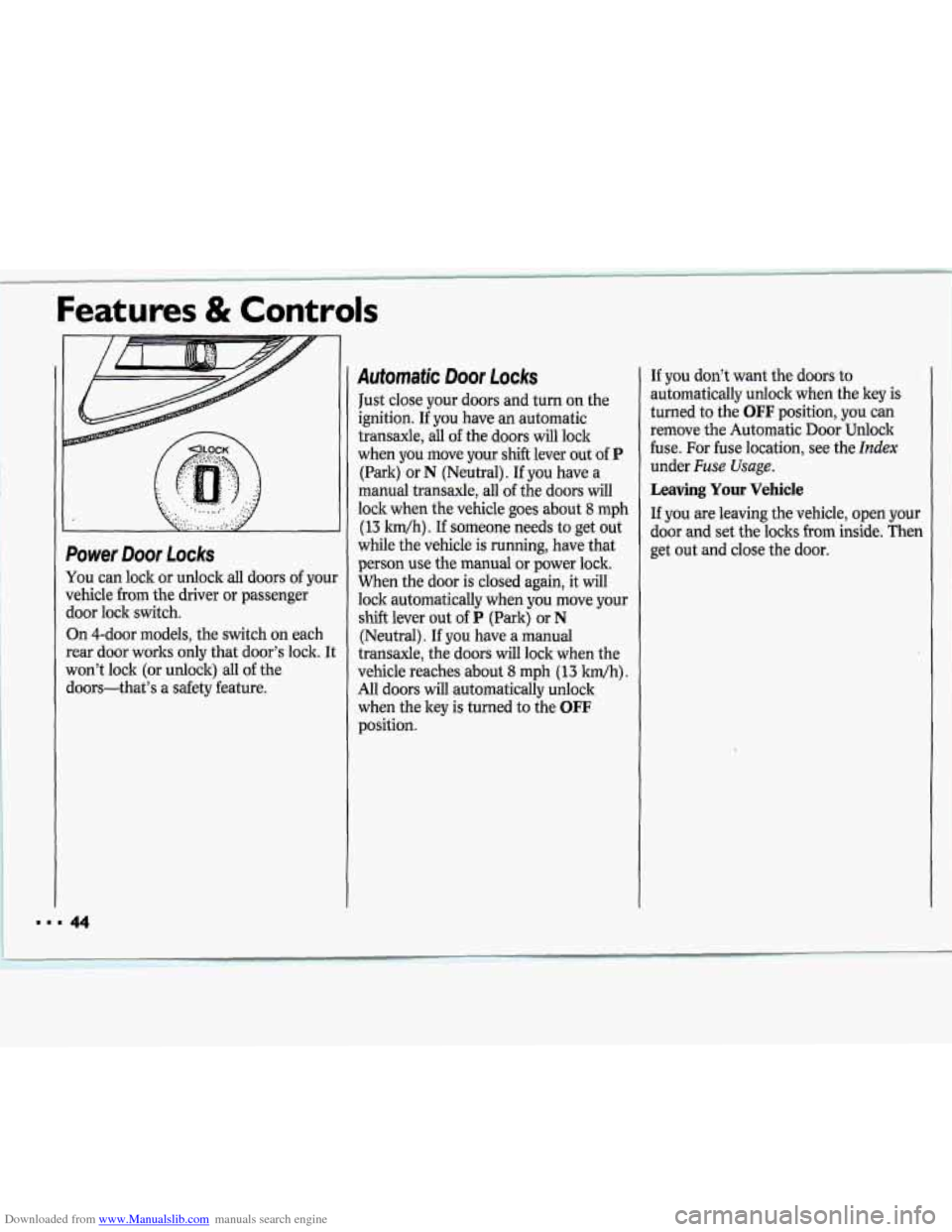
You can lock or unlock all doors of your
vehicle from the driver or passenger
door lock switch.
On 4-door models, the switch on each
rear door works only that door’s lock. It
won’t lock (or unlock) all of the
doors-that’s a safety feature.
www 44
Automatic Door Locks
Just close your doors and turn on the
ignition. If
you have an automatic
transaxle, all
of the doors will lock
when you move your shift lever out of
P
(Park) or N (Neutral). If you have a
manual transaxle, all of the doors will
lock when the vehicle goes about
8 mph
(13 ldh) . If someone needs to get out
while the vehicle is running, have that
person use the manual or power lock.
When the door is closed again,
it will
lock automatically when you move your
shift lever out
of P (Park) or N
(Neutral). If you have a manual
transaxle, the doors will lock when the
vehicle reaches about
8 mph (13 Mh).
All doors will automatically unlock
when the key is turned to the
OFF
position. If
you don’t want
the doors to
automatically unlock when the key
is
turned to the OFF position, you can
remove the Automatic Door Unlock
fuse. For fuse location, see the
Index
under Fuse Usage.
Leaving Your Vehicle
If you are leaving the vehicle, open your
door and set the locks from inside. Then
get out and close the door.
Page 46 of 243
Downloaded from www.Manualslib.com manuals search engine Features & Controls
Remote Trunk Release (OPTION)
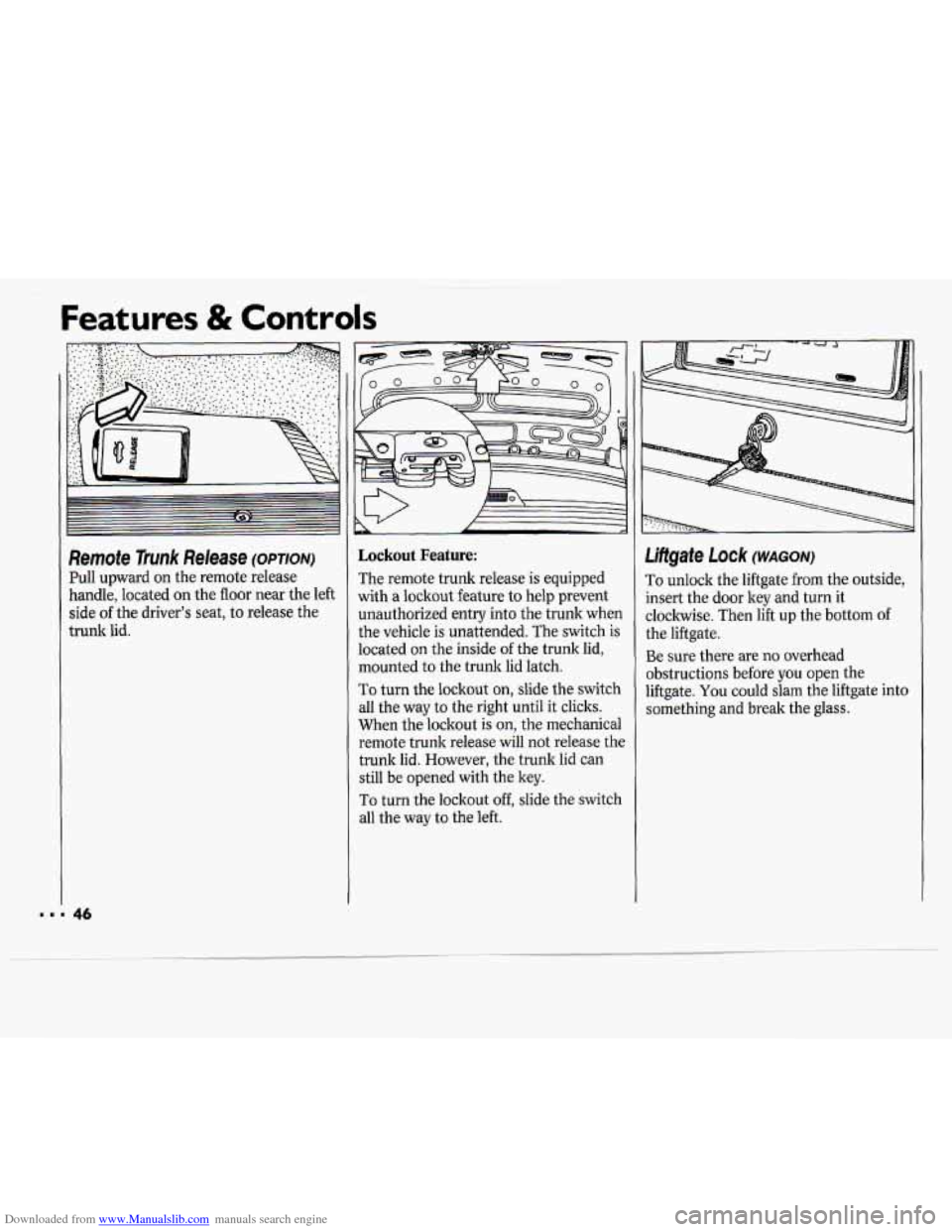
Pull upward on the remote release
handle, located on the floor near the left
side
of the driver’s seat, to release the
trunk lid.
Lockout Feature:
The remote trunk release is equipped
with
a lockout feature to help prevent
unauthorized entry into the trunk when
the vehicle is unattended. The switch
is
located on the inside of the trunk lid,
mounted to the trunk lid latch.
To turn the lockout on, slide the switch
all the way to the right until it clicks.
When the lockout is on, the mechanical
remote trunk release will not release the
trunk lid. However, the trunk lid can
still be opened with the key.
To turn the lockout off, slide the switch
all the way to the left.
Liftgate Lock (WAGON)
To unlock the liftgate from the outside,
insert the door
ley and turn it
clockwise. Then lift up the bottom of
the liftgate.
Be sure there are no overhead
obstructions before
you open the
liftgate.
You could slam the liftgate into
something and break the glass.
Page 47 of 243
Downloaded from www.Manualslib.com manuals search engine Remote Liltgate Release (WAGON)
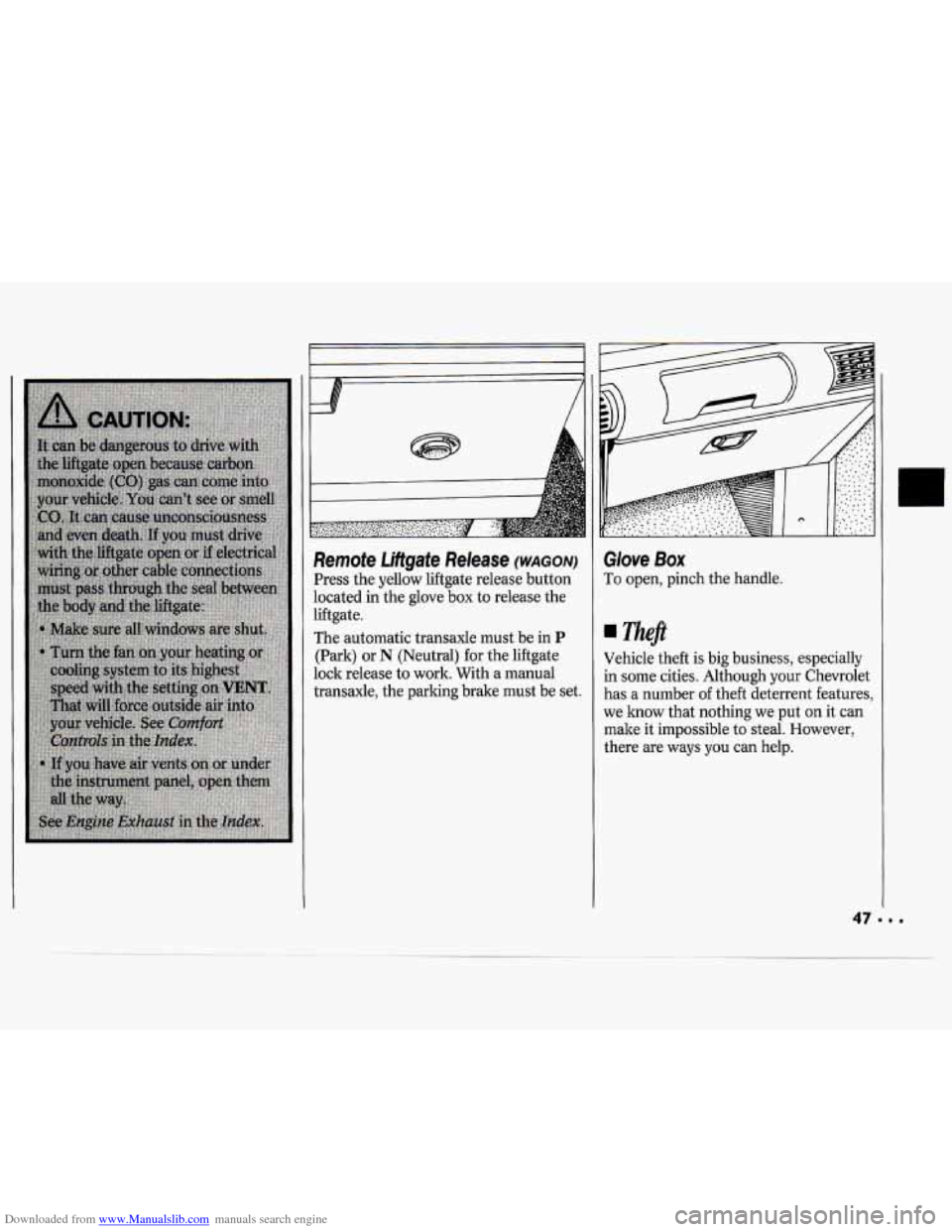
Press the yellow liftgate release button
located in the glove
box to release the
liftgate.
The automatic transaxle must be in
P
(Park) or N (Neutral) for the liftgate
lock release to work. With a manual
transaxle, the parking brake must be set.
Glove Box
To open, pinch the handle.
neft
Vehicle theft is big business, especially
in some cities. Although your Chevrolet
has a number
of theft deterrent features,
we know that nothing we put on it can
make it impossible to steal. However,
there are ways you can help.
Page 48 of 243
Downloaded from www.Manualslib.com manuals search engine Illuminated EntryExit System
When you lift the handle of either front
door, the lights inside your vehicle will
go on. (On the wagon, the rear
compartment light will not
go on when
the doors are opened.) These lights will
go
off after about 40 seconds, or when
the ignition is turned on.
For two minutes after you remove the
key from the ignition, the lights inside
your vehicle will stay on for about
15
seconds to provide an illuminated exit.
The illuminated entry/exit system is
deactivated when the dome light lever is
moved to the
OFF position.
I
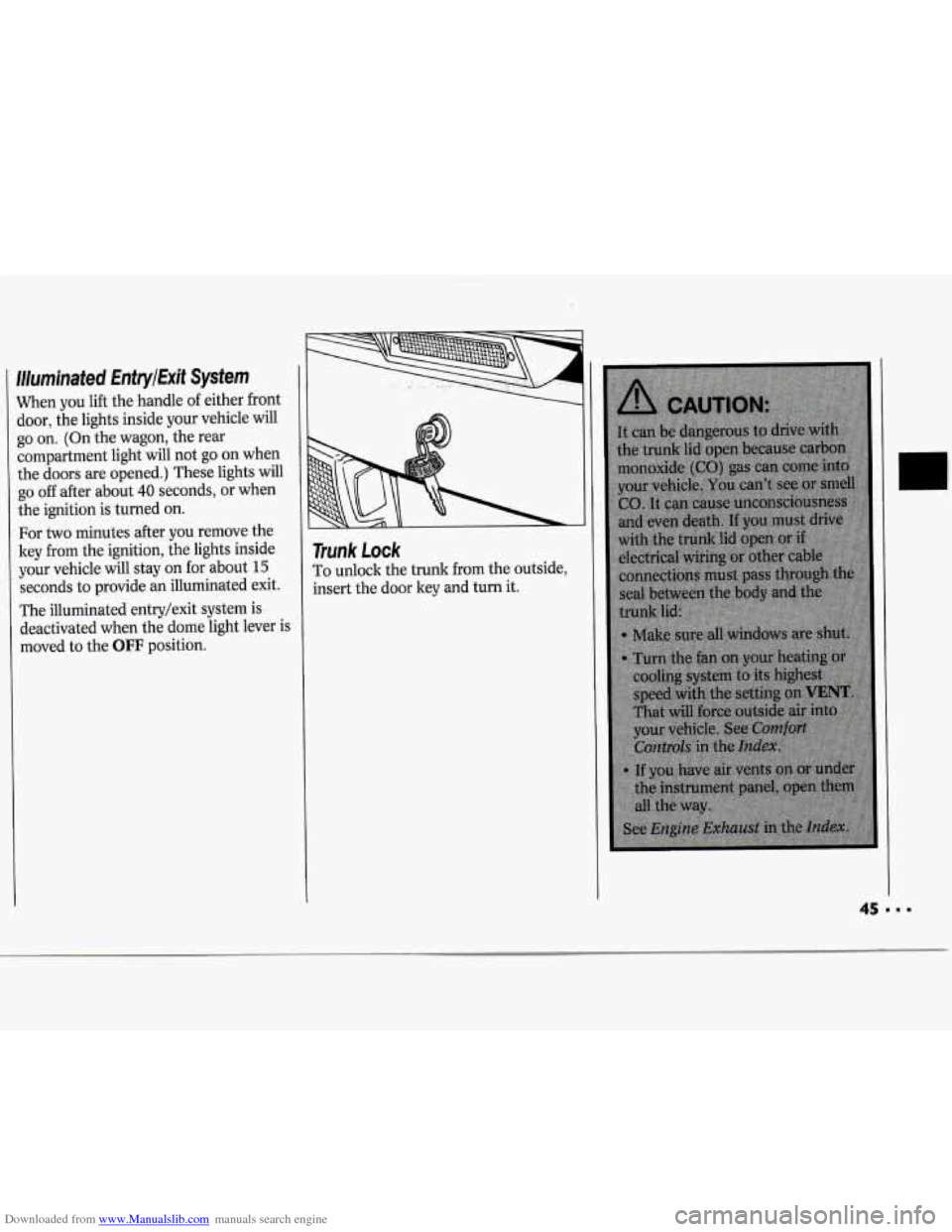
Trunk Lock
To unlock the trunk from the outside,
insert the door key and turn it.
45---
Page 49 of 243
Downloaded from www.Manualslib.com manuals search engine Features & Controls
Key in the rgnition
If you walk away from your vehicle with
the keys inside, it’s an easy target for
joy riders or professional thieves
- so
don’t do it.
When you park your Chevrolet and
open the driver’s door, you’ll hear a
chime reminding you to remove your
ley from the ignition and take it with
you. Always do this. Your steering
wheel will be locked, and
so will your
ignition. If you have an automatic
transaxle, taking your key out also locks
your transaxle. And remember to lock
the doors.
Parking at Night
Park in a lighted spot, close all windows
and lock your vehicle. Remember to keep
your valuables out
of sight. Put them in
a storage area, or take them with you.
Parking Lots
If you park in a lot where someone will
be watching your vehicle, it’s best to
lock it up and take your keys. But what
if you have to leave your ignition key?
What if you have to leave something
valuable in your vehicle?
Put your valuables in a storage area,
Lock all the doors except the driver’s.
Then take the door key with you.
like your
trunk or glove
box.
48
Page 51 of 243
Downloaded from www.Manualslib.com manuals search engine Features & Controls
RUN
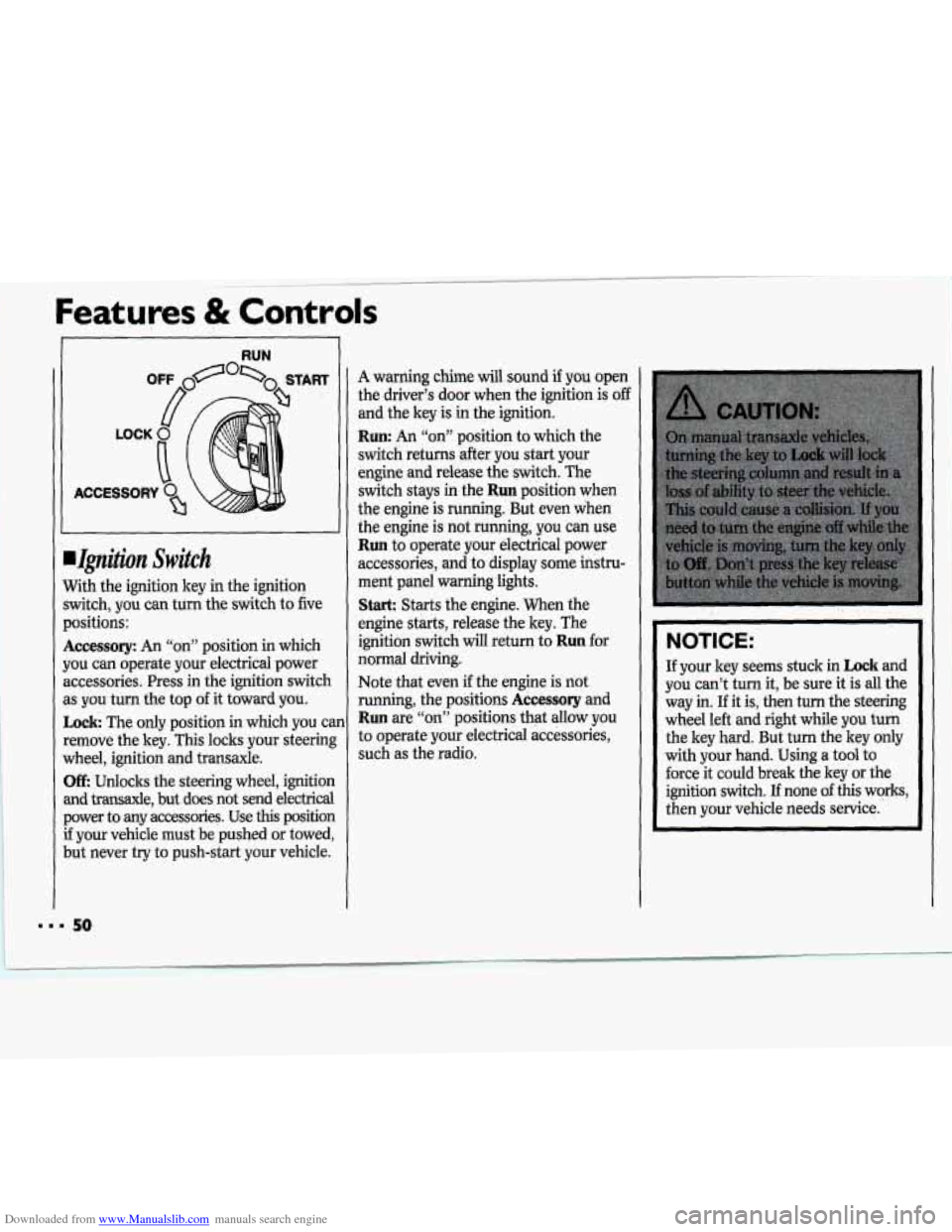
.Ignition Switch
With the ignition key in the ignition
switch, you can turn
the switch to five
positions:
Accessory: An “on” position in which
you cm operate your electrical power
accessories. Press
in the ignition switch
as you turn the top
of it toward you.
Lock The only positiop in which you can
remove the key. This locks your steering
wheel, ignition and transaxle.
Off: ,Unlocks the steering wheel, ignition
and transaxle, but does not send electrical power to any accessories. Use
this position
if your vehicle must be pushed or towed,
but never try to push-start your vehicle.
A warning chime will sound if you open
the driver’s door when the ignition
is off
and the key is in the ignition.
Run: An “on” position to which the
switch returns .after you start your
engine and release’the syitch. The
switch stays
in the Run position when
the engine
is running. But even when
the engine is
not running, you can use
Run to operate your electrical power
accessories, and
to display some histru-
ment panel WarningJights.
Stark Starts the engine. When the
engine starts, release the key. The
ignition switch will return to
Run for
normal driving.
Note that even
if the engine is not
running, the positions
Accessory and
Run are “qd’ positions’that allow you
to operate your electrical accessories,
such as .the radio.
NOTICE:
I.
If your key seems stuck in Lock and
you can’t turn it, be sure
it is all the
way
in. If it is, then turn the steering
wheel le&’and right while you
iurh
the key hard. But turn the key only
with your hand. Using
a tool to
force it could break the key or the
ignition switch.
If none of this works,
then your vehicle needs service.
50
Page 52 of 243
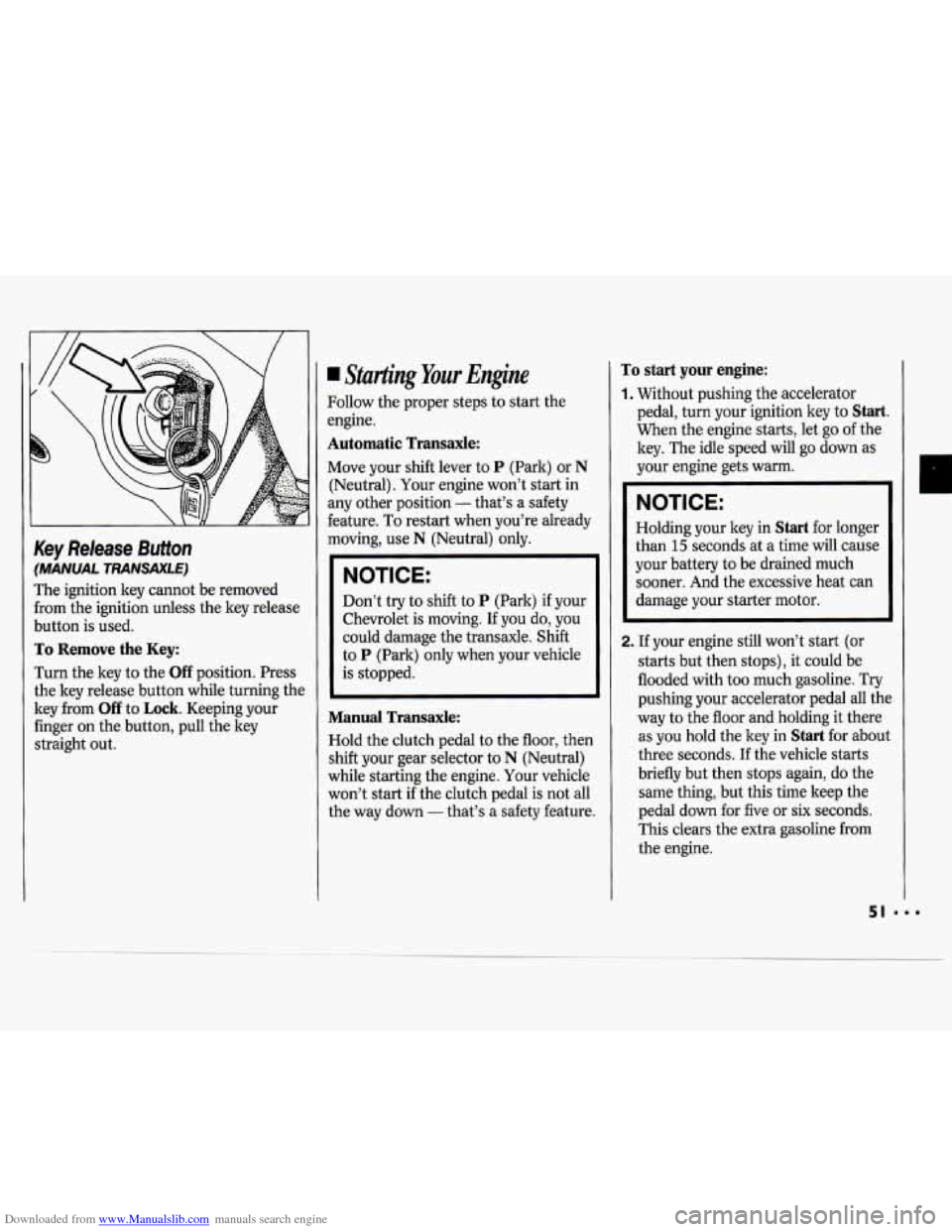
Downloaded from www.Manualslib.com manuals search engine Key Release Button
(MANUAL TRANSAXLE)
The ignition key cannot be removed
from the ignition unless the key release
button is used.
To Remove the Key:
Turn the key to the Off position. Press
the key release button while turning the
key from
Off to Lock. Keeping your
finger
on the button, pull the key
straight out.
Starting Your Engine
Follow the proper steps to start the
engine.
Automatic Transaxle:
Move your shift lever to P (Park) or N
(Neutral). Your engine won’t start in
any other position
- that’s a safety
feature.
To restart when you’re already
moving, use
N (Neutral) only.
NOTICE:
Don’t try to shift to P (Park) if your
Chevrolet is moving. If you do, you
could damage the transaxle.
Shift
to P (Park) only when your vehicle
is stopped.
Manual Transaxle:
Hold the clutch pedal to the floor, then
shift your gear selector to
N (Neutral)
while starting the engine. Your vehicle
won’t start if the clutch pedal is not all
the way down
- that’s a safety feature.
To start your engine:
1. Without pushing the accelerator
pedal, turn your ignition key to
Start.
When the engine starts, let go of the
key. The idle speed will go down as
your engine gets warm.
NOTICE:
Holding your key in Start for longer
than
15 seconds at a time will cause
your battery to be drained much
sooner. And the excessive heat can
damage your starter motor.
2. If your engine still won’t start (or
starts but then stops), it could be
flooded with too much gasoline. Try
pushing your accelerator pedal all the
way to the floor and holding it there
as you hold the key in
Start for about
three seconds.
If the vehicle starts
briefly but then stops again, do the
same thing, but this time keep the
pedal down for five or
six seconds.
This clears the extra gasoline from
the engine.
n
Page 53 of 243
Downloaded from www.Manualslib.com manuals search engine Features & Controls
NOTICE:
Your engine is designed to work
with the electronics in your vehicle.
If you add electrical parts or
accessories, you could change the
way the fuel injection system
operates. Before adding electrical
equipment, check with your dealer.
If you don’t, your engine might not
perform properly. If you ever have to
have your vehicle towed, see the part
of this manual that tells how to do
it without damaging your vehicle. See
Towing Your Vehicle in the Index.
Driving Through Deep
Standing Water
NOTICE:
If you drive too quickly through
deep puddles or standing water,
water can come in through your
engine’s air intake and badly damage
your engine. If you can’t avoid deep
puddles or standing water, drive
through them very slowly.
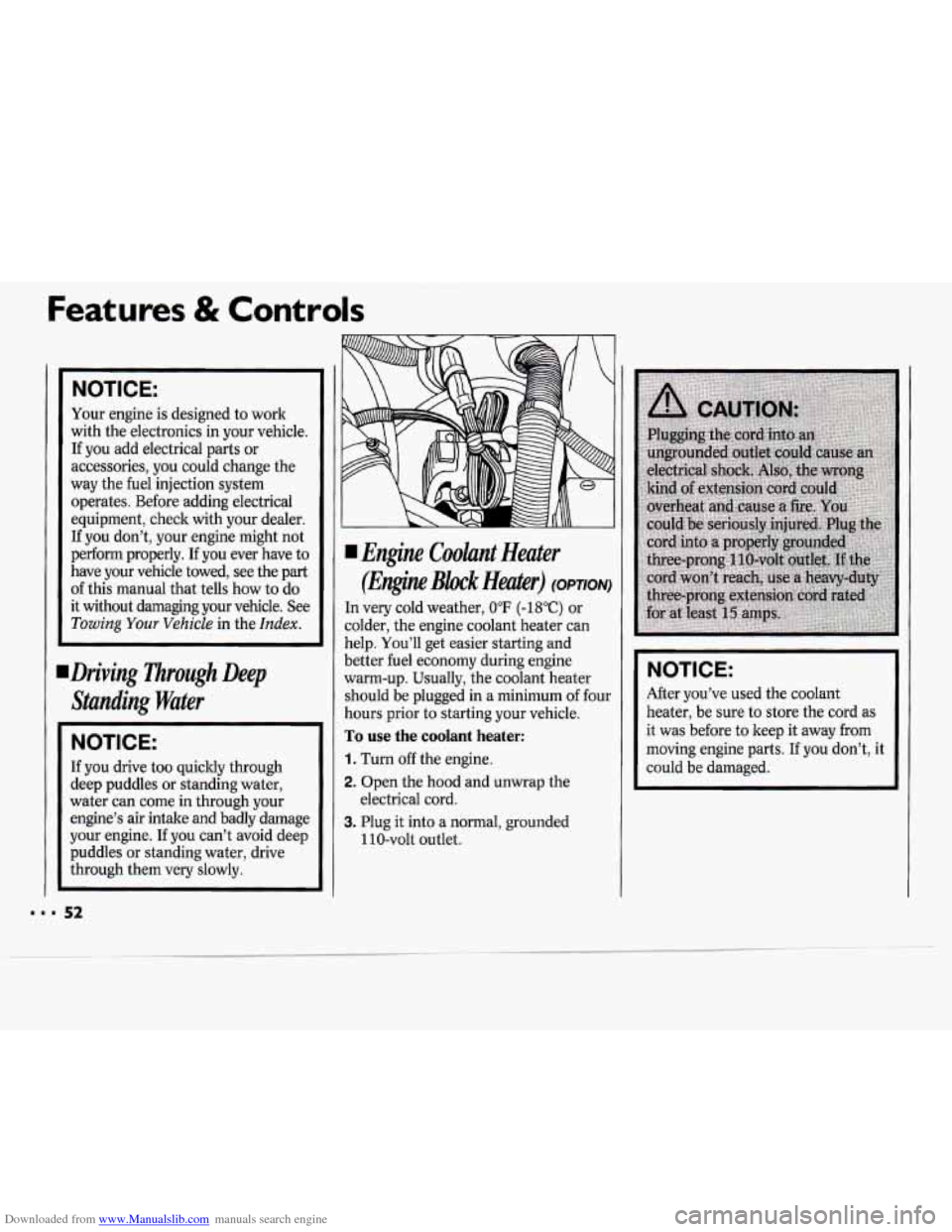
I Engine Coolant Heater
(Engine Block Heater) (OPTION)
In very cold weather, 0°F (-18°C) or
colder, the engine coolant heater can
help. You’ll get easier starting and
better fuel economy during engine
warm-up. Usually, the coolant heater
should be plugged in a minimum
of four
hours prior to starting your vehicle.
To use the coolant heater:
1. Turn off the engine.
2. Open the hood and unwrap the
3. Plug it into a normal, grounded
electrical cord.
110-volt outlet.
NOTICE:
After you’ve used the coolant
heater, be sure to store the cord as
it was before to keep it away from
moving engine parts. If you don’t, it
could be damaged.