instrument panel CHEVROLET CAVALIER 1997 3.G User Guide
[x] Cancel search | Manufacturer: CHEVROLET, Model Year: 1997, Model line: CAVALIER, Model: CHEVROLET CAVALIER 1997 3.GPages: 388, PDF Size: 20 MB
Page 93 of 388
Downloaded from www.Manualslib.com manuals search engine Headlamp High/Low Beam Changer
To change the headlamps from low beam to high or high
beam to low, pull the
turn signal lever all the way
toward you. Then release it.
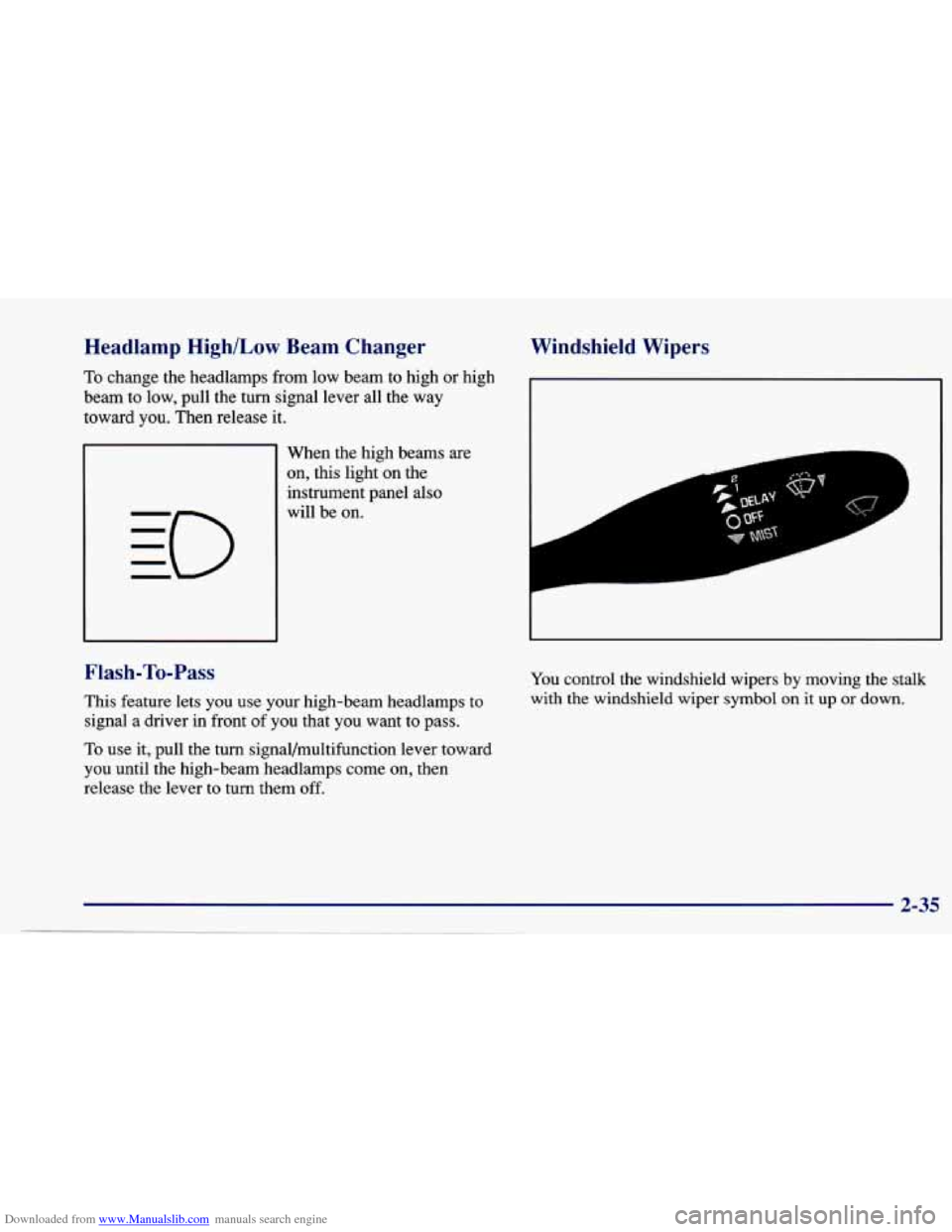
When the high beams are
on, this light on the
instrument panel also
will be on.
Flash-To-Pass
This feature lets you use your high-beam headlamps to
signal a driver in front
of you that you want to pass.
To use it, pull the turn signal/multifunction lever toward
you until the high-beam headlamps come on, then
release the lever to turn them off.
Windshield Wipers
You control the windshield wipers by moving the stalk
with the windshield wiper
symbol on it up or down.
2-35
Page 100 of 388
Downloaded from www.Manualslib.com manuals search engine Parking Lamps
PC This position will turn on the following:
0 Parking Lamps
0 Sidemarker Lamps
0 Taillamps
0 Instrument Panel Lights
Headlamps
0: This position will turn on the following:
0 Headlamps
0 Parking Lamps
Sidemarker Lamps
Taillamps
0 Instrument Panel Lights
Turn the band clockwise all the way to turn the lamps off.
Lamps On Reminder
If you open the driver’s door with the ignition off and
the lamps on, you will hear a warning chime.
Daytime Running Lamps/Automatic
Light Control
Daytime Running Lamps (DRL) can make it easier for
others to
see the front of your vehicle during the day.
DRL can be helpful in many different driving
conditions, but they can be especially helpful in the
short periods after dawn and before sunset.
The DRL system will make your high-beam headlamps
come on at reduced brightness in daylight when:
The ignition is on with the engine running,
0 The headlamp switch is OFF,
0 The parking brake is released and
0 The transaxle is not in PARK (P) on models with an
automatic transaxle.
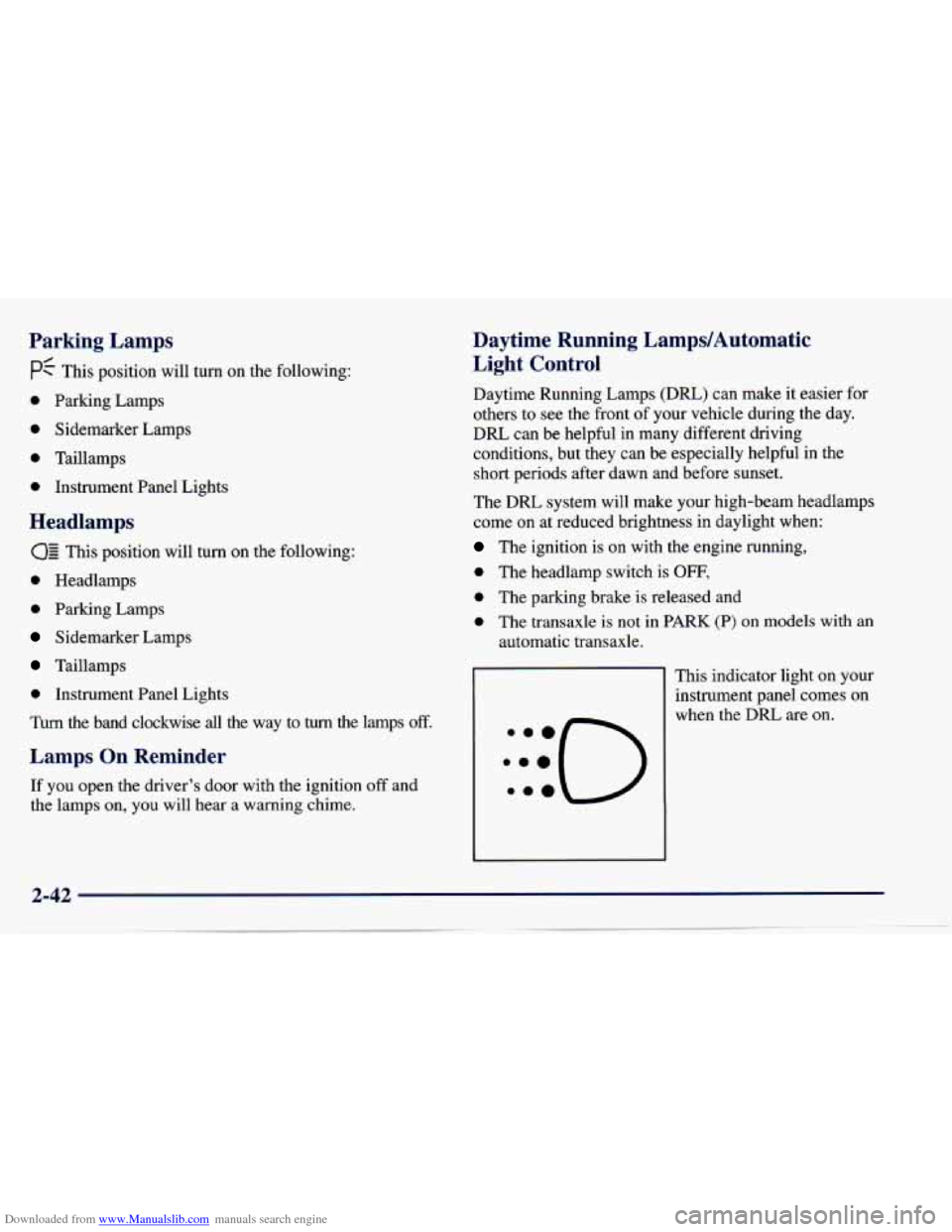
This indicator light on your
instrument panel comes on
when the DRL are on.
Page 101 of 388
Downloaded from www.Manualslib.com manuals search engine A flashing DRL telltale indicates a possible burned out
headlamp, or that the vehicle may need service to repair
a stuck DRL relay.
When the
DRL are on, only your high-beam headlamps
will be
on at reduced brightness. The taillamps,
sidemarker and other lamps won’t be on. Your
instrument panel won’t be lit up either.
When you turn on the headlamp switch, your high-beam
headlamps will go out, and your headlamps will come
on. The other lamps that come on with your headlamps
will also come on.
When you turn
off the headlamp switch, the regular
lamps will go
off, and your high-beam headlamps will
come on at reduced brightness.
To idle your vehicle with the DRL off, set the parking
brake. The DRL will stay off until you release the
parking brake.
As with any vehicle, you should turn on the regular
headlamp system when
you need it.
Fog Lamps (If Equipped)
Use your fog lamps for better vision in foggy or
misty conditions.
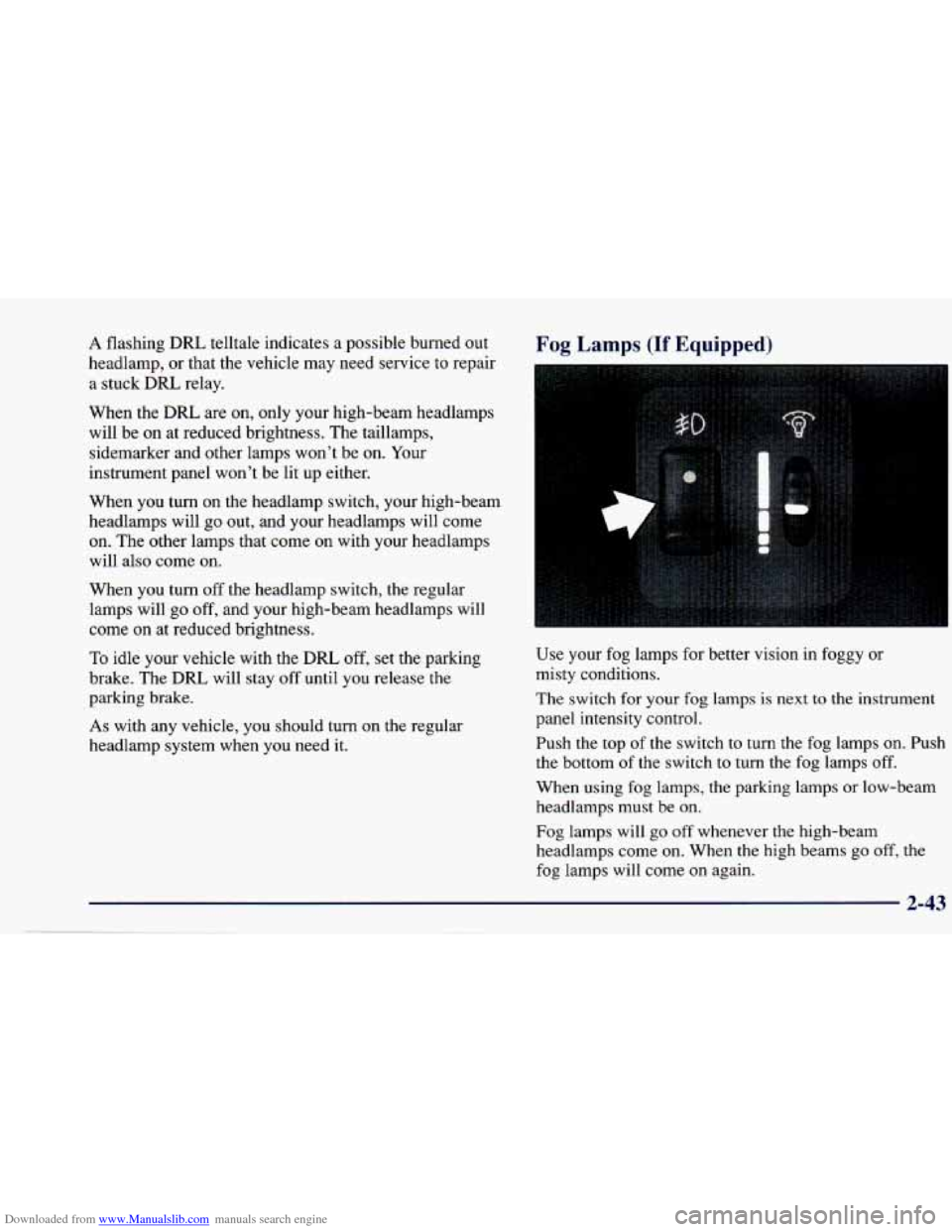
The switch for
your fog lamps is next to the instrument
panel intensity control.
Push the top
of the switch to turn the fog lamps on. Push
the bottom of the switch
to turn the fog lamps off.
When using fog lamps, the parking lamps or low-beam
headlamps must be on.
Fog lamps will go off whenever the high-beam
headlamps come on. When the high beams go off, the
fog lamps will come
on again.
2-43
Page 102 of 388
Downloaded from www.Manualslib.com manuals search engine Interior Lamps
Instrument Panel Intensity Control
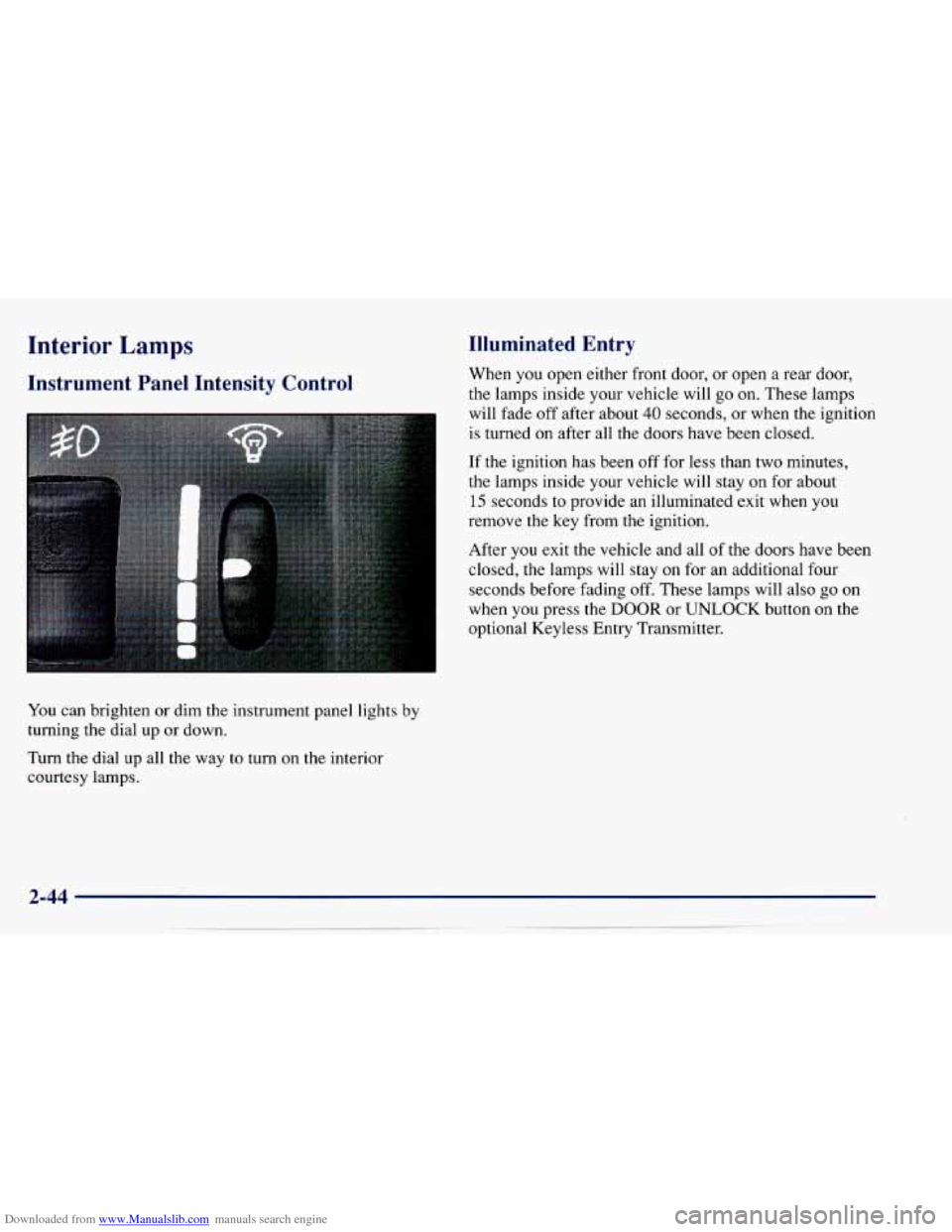
You can brighten or dim the instrument panel lights by
turning the dial up or down.
Turn the dial up all the way to turn on the interior
courtesy lamps.
Illuminated Entry
When you open either front door, or open a rear door,
the lamps inside your vehicle will
go on. These lamps
will fade off after about
40 seconds, or when the ignition
is turned on after all the doors have been closed.
If the ignition has been off for less than two minutes,
the lamps inside your vehicle will stay on for about
15 seconds to provide an illuminated exit when you
remove the key from the ignition.
After
you exit the vehicle and all of the doors have been
closed,
the lamps will stay on for an additional four
seconds before fading
off. These lamps will also go on
when you press the
DOOR or UNLOCK button on the
optional Keyless Entry Transmitter.
Page 120 of 388
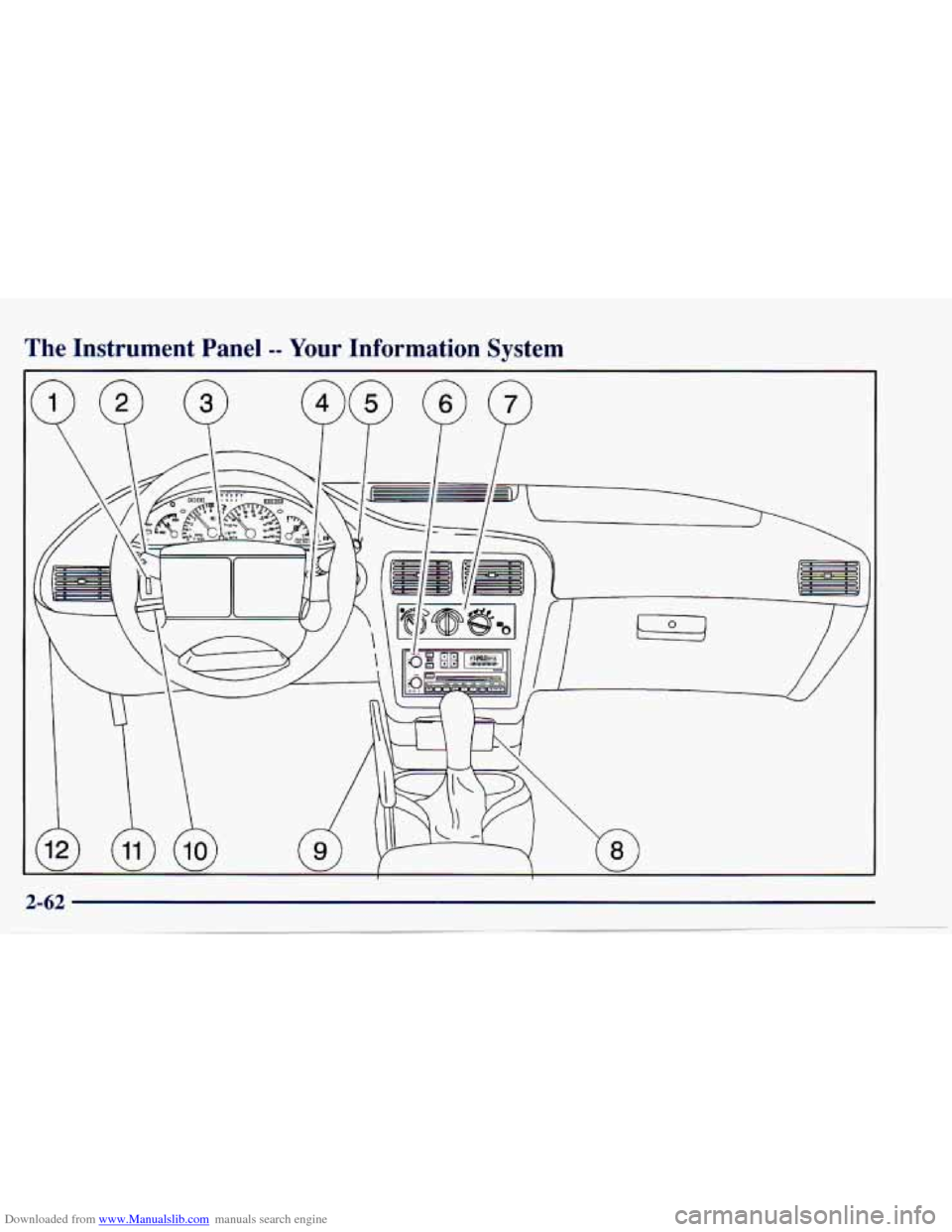
Downloaded from www.Manualslib.com manuals search engine The Instrument Panel -- Your Information System
h W W I W I
Page 121 of 388
Downloaded from www.Manualslib.com manuals search engine Your instrument panel is designed to let you know at a glance how your vehicle is running. You’ll know how fast
you’re going, how much fuel is left
in the tank, and many other things you’ll need to drive safely and economically.
The main components
of your instrument panel are:
1. Instrument Panel Intensity Control
2. Turn Signal/Multifunction Lever
3. Hazard Warning Flashers Switch
4. Ignition Switch
5. Windshield Wipermasher Controls
6. Audio System
7. Climate Controls and Rear Window Defogger
8. Ashtray
9. Parking Brake Lever
10. Tilt Steering Wheel Lever (If Equipped)
1 1. Hood Release Lever
12. Fuse Panel
Page 122 of 388

Downloaded from www.Manualslib.com manuals search engine Instrument Panel Clusters
Your Chevrolet is equipped with one of these instrument panel clusters, which include indicator warning \
lights and
gages that are explained
on the following pages. Be sure to read about those that apply to the instrument panel cluster
for your vehicle.
Standard Cluster
Page 126 of 388
Downloaded from www.Manualslib.com manuals search engine Safety Belt Reminder Light
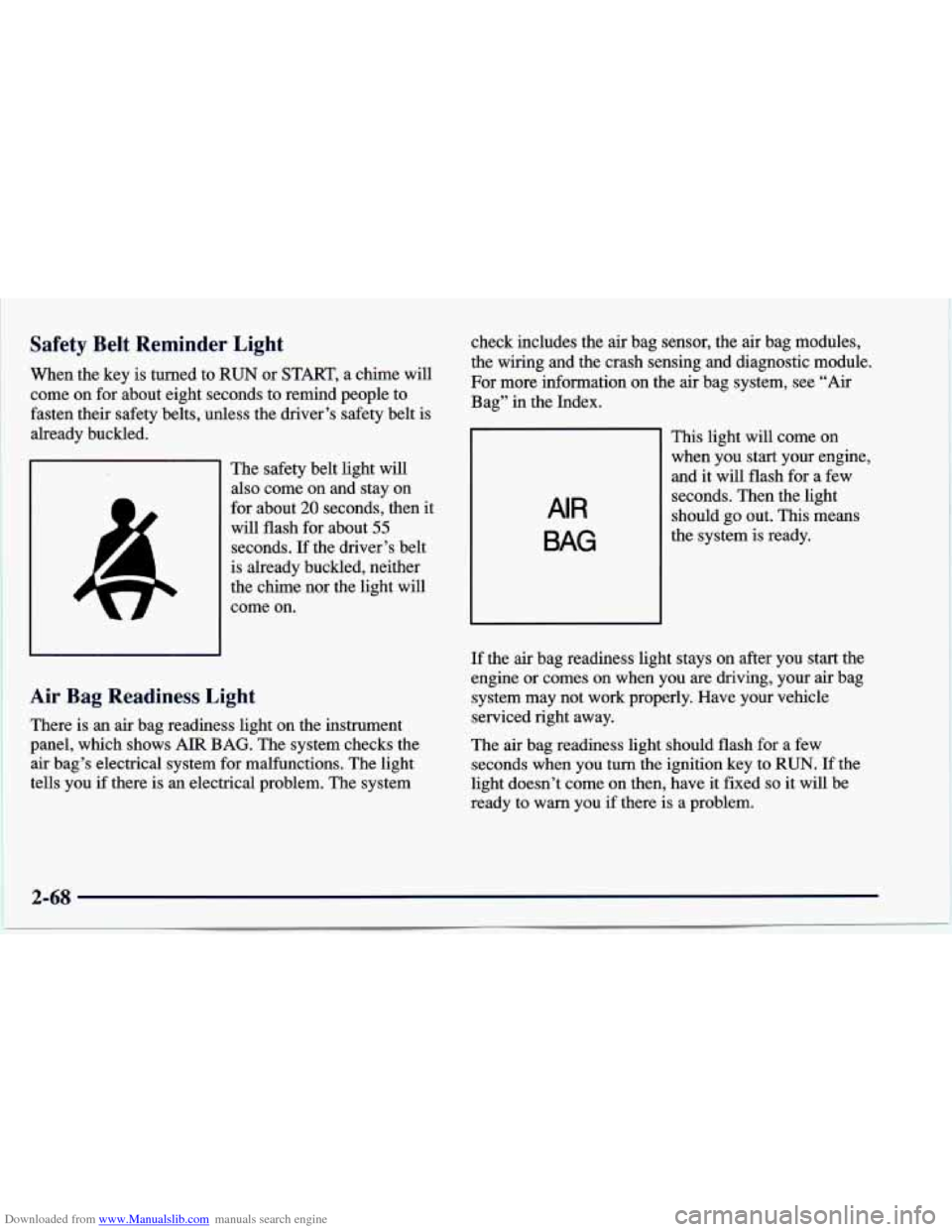
When the key is turned to RUN or START, a chime will
come on for about eight seconds to remind people to
fasten their safety belts, unless the driver’s safety belt is
already buckled.
I The safety belt light will
also come on and stay on
for about
20 seconds, then it
will flash for about
55
seconds. If the driver’s belt
is already buckled, neither
the chime nor the light will
come on.
Air Bag Readiness Light
There is an air bag readiness light on the instrument
panel, which shows AIR BAG. The system checks the
air bag’s electrical system for malfunctions. The light
tells you if there
is an electrical problem. The system check includes
the air bag sensor, the
air bag modules,
the wiring and the crash sensing and diagnostic module.
For more information on the
air bag system, see “Air
Bag” in the Index.
AIR
BAG
This light will come on
when you start your engine,
and it will flash for a few
seconds. Then the light
should go out. This means
the system is ready.
~~~~
If the air bag readiness light stays on after you start the
engine
or comes on when you are driving, your air bag
system may not work properly. Have your vehicle
serviced right away.
The air bag readiness light should flash for a few
seconds when you turn the ignition key to RUN. If the
light doesn’t come on then, have it fixed
so it will be
ready to warn you if there
is a problem.
2-68
Page 138 of 388
Downloaded from www.Manualslib.com manuals search engine Comfort Controls
This section tells you how to make your air system work
for you. The optional climate control system with air
conditioning uses ozone-friendly
R- 134a refrigerant.
With these systems, you can control the ventilation and heating in your vehicle. Your vehicle also has the
flow-through ventilation system described later in
this section.
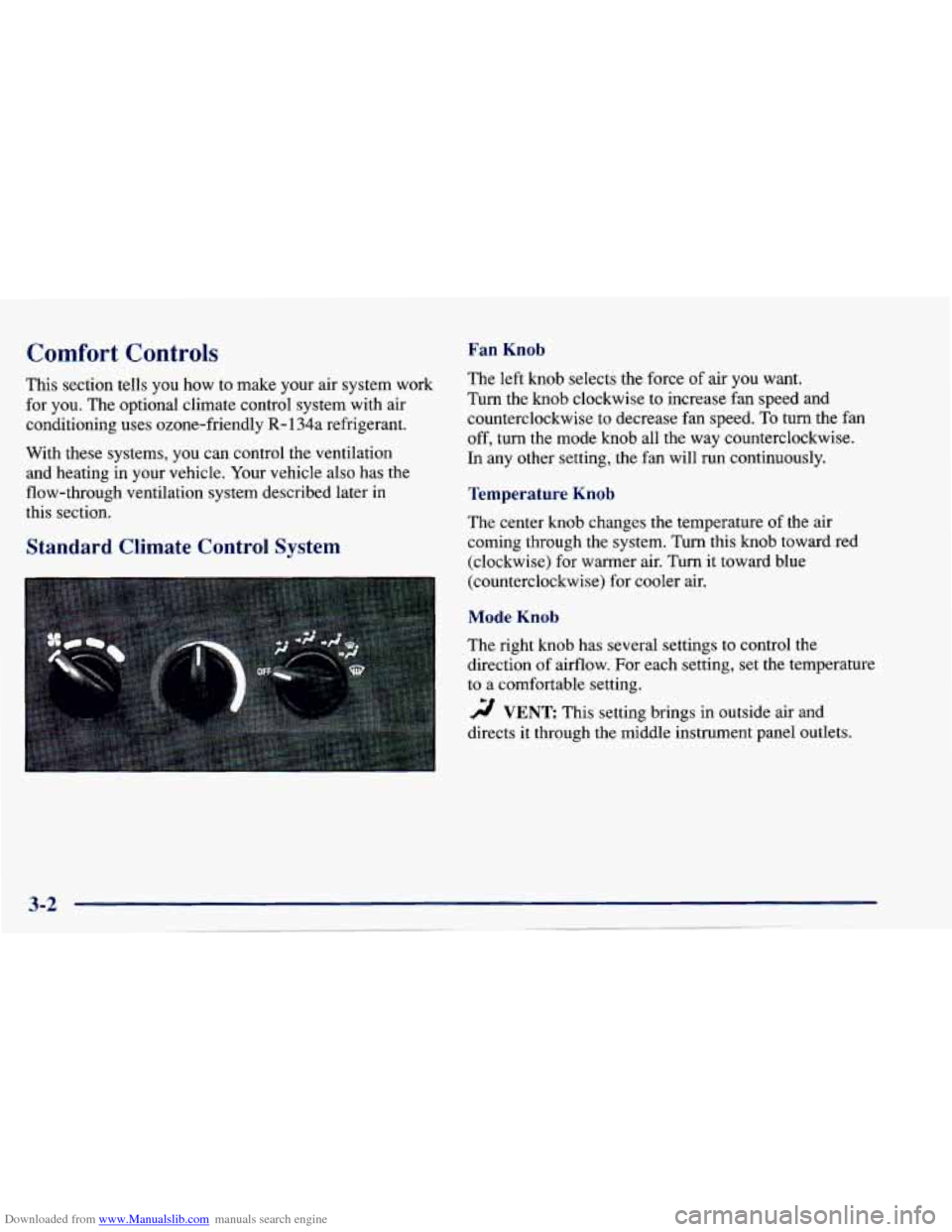
Fan Knob
The left knob selects the force of air you want.
Turn the
knob clockwise to increase fan speed and
counterclockwise to decrease fan speed.
To turn the fan
off, turn the mode knob all the way counterclockwise.
In any other setting, the fan will run continuously.
Temperature Knob
The center knob changes the temperature of the air
coming through the system. Turn this knob toward red
(clockwise) for warmer air. Turn it toward blue
(counterclockwise) for cooler air.
Standard Climate Control System
Mode Knob
The right knob has several settings to control the
direction of airflow. For each setting, set the temperature
to a comfortable setting.
2 VENT This setting brings in outside air ana
directs
it through the middle instrument panel outlets.
Page 139 of 388
Downloaded from www.Manualslib.com manuals search engine '!! BI-LEVEL: This setting brings in outside air and
directs it two ways. Some air is directed through the
instrument panel outlets. Most of the air is directed
through the floor ducts and a little to the defrost and side
window vents.
'!! FLOOR: This setting sends most of the air through
the ducts near the
floor. The rest comes out of the
defroster and side window vents.
9 DEFOG: This setting allows half of the air to go
to the floor ducts and half to the defroster and side
window vents.
DEFROST This setting directs most of the air
through the defroster and side window vents. Some of
the air goes to the floor ducts.
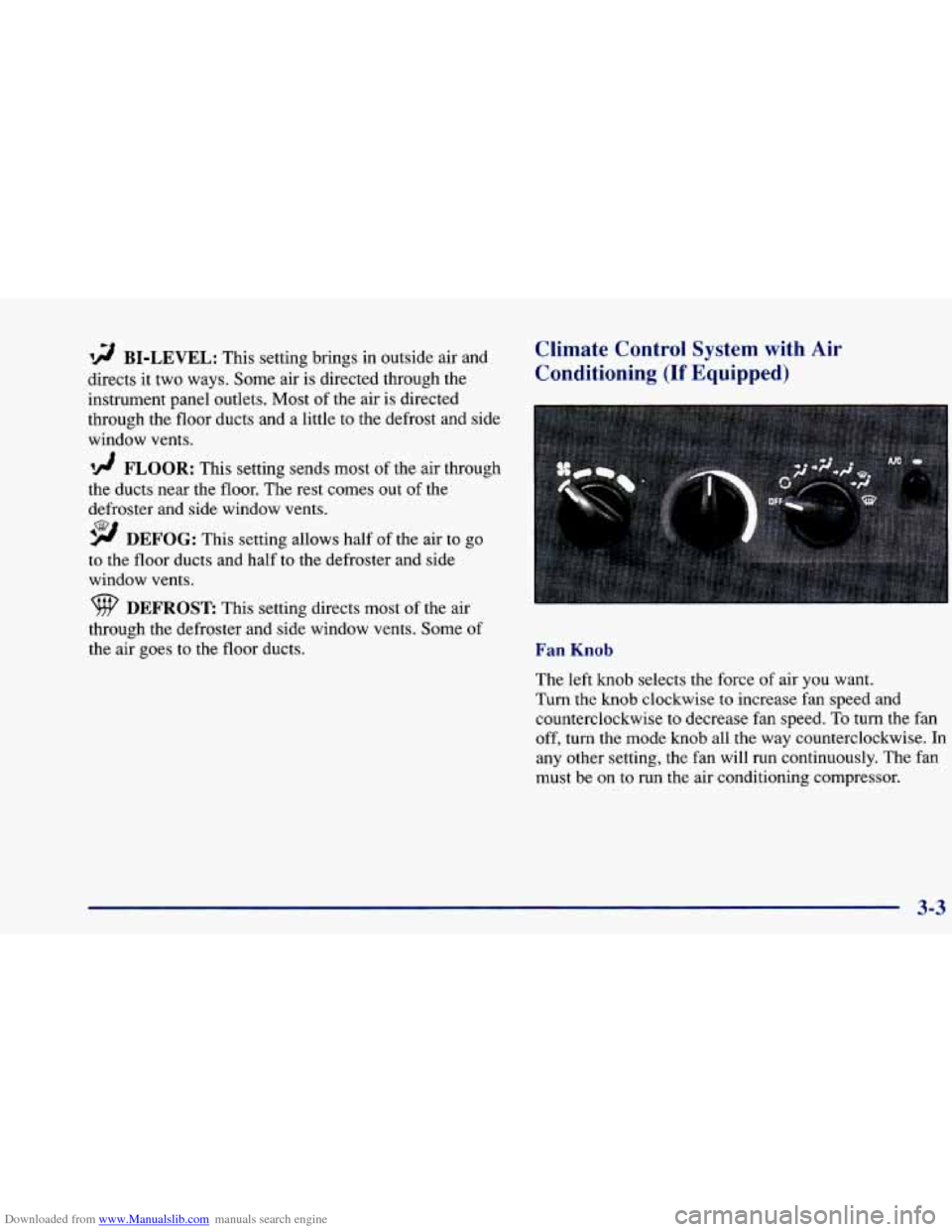
Climate Control System with Air
Conditioning (If Equipped)
Fan Knob
The left knob selects the force of air you want.
Turn the knob clockwise to increase fan speed and
counterclockwise to decrease fan speed.
To turn the fan
off, turn the mode knob all the way counterclockwise.
In
any other setting, the fan will run continuously. The fan
must be on
to run the air conditioning compressor.
3-3