instrument panel CHEVROLET CAVALIER 1998 3.G User Guide
[x] Cancel search | Manufacturer: CHEVROLET, Model Year: 1998, Model line: CAVALIER, Model: CHEVROLET CAVALIER 1998 3.GPages: 400, PDF Size: 20.74 MB
Page 90 of 400
Downloaded from www.Manualslib.com manuals search engine OFF (C): This position unlocks the steering wheel,
ignition and transaxle, but does not send electrical
power to any accessories. The instrument cluster and the
automatic transaxle gear shift indicator have electrical
power while in
OFF. Use this position if your vehicle
must be pushed or towed, but never try to push-start
your vehicle. A warning chime will sound if you open
the driver’s door when the ignition is
off and the key is
in the ignition.
RUN (D): This is a position to which the switch returns
after you start your engine and release the switch. The
switch stays in
RUN when the engine is running. But
even when the engine is not running, you can use
RUN
to operate your electrical power accessories, and to
display some instrument panel warning lights.
START (E): This position starts the engine. When the
engine starts, release the key. The ignition switch will
return to
RUN for normal driving.
Note that even if the engine is not running, the positions
ACCESSORY and RUN are on positions that allow
you
to operate your electrical accessories, such as the radio.
On manual transaxle vehicles, turning the key to
LOCK will lock the steering column and result in
a loss of ability to steer the vehicle. This could
cause a collision.
If you need to turn the engine
off while the vehicle
is moving, turn the key only
to
OFF. Don’t press the key release button while
the vehicle is moving.
I NOTICE:
If your key seems stuck in LOCK and you can’t
turn
it, be sure you are using the correct key; if
so, is it all the way in? If it is, then turn the
steering wheel left and right while you turn the
key hard. But turn the key only
with your hand.
Using a tool to force it could break the key or the
ignition switch.
If none of this works, then your
vehicle needs service.
2-14
Page 110 of 400
Downloaded from www.Manualslib.com manuals search engine lhrn Signal and Lane Change Indicator
The turn signal has two upward (for right) and two
downward (for left) positions. These positions allow
you
to signal a turn or a lane change.
To signal a turn, move the lever all the way up or down.
When the turn is finished, the lever will return
automatically.
I I
Q
An arrow on the instrument
panel will flash in the
direction of the turn or
lane change.
To signal a lane change, just raise or lower the lever
until the arrow starts to flash. Hold it there until you
complete your lane change. The lever will return by
itself when you release it.
As you signal a turn or a lane change, if the arrows don’t
flash rapidly, a signal bulb may be burned out and other
drivers won’t see your turn signal.
If a bulb is burned out, replace it to help avoid an
accident. If the arrows don’t go on at all when you
signal a
turn, check the fuse (see “Fuses and Circuit
Breakers” in the Index) and
for burned-out bulbs.
Headlamp High/Low Beam Changer
To change the headlamps from low beam to high or high
beam to low, pull the turn signal lever all the way
toward you. Then release it.
When the high beams
are on, this light on the
instrument panel will
also be on.
Flash-To-Pass
This feature lets you use your high-beam headlamps to
signal a driver in front of
you that you want to pass.
To use it, pull the turn signal/multifunction lever toward
you until the high-beam headlamps come on, then
release the lever to turn them off.
2-34
Page 116 of 400
Downloaded from www.Manualslib.com manuals search engine Exterior Lamps
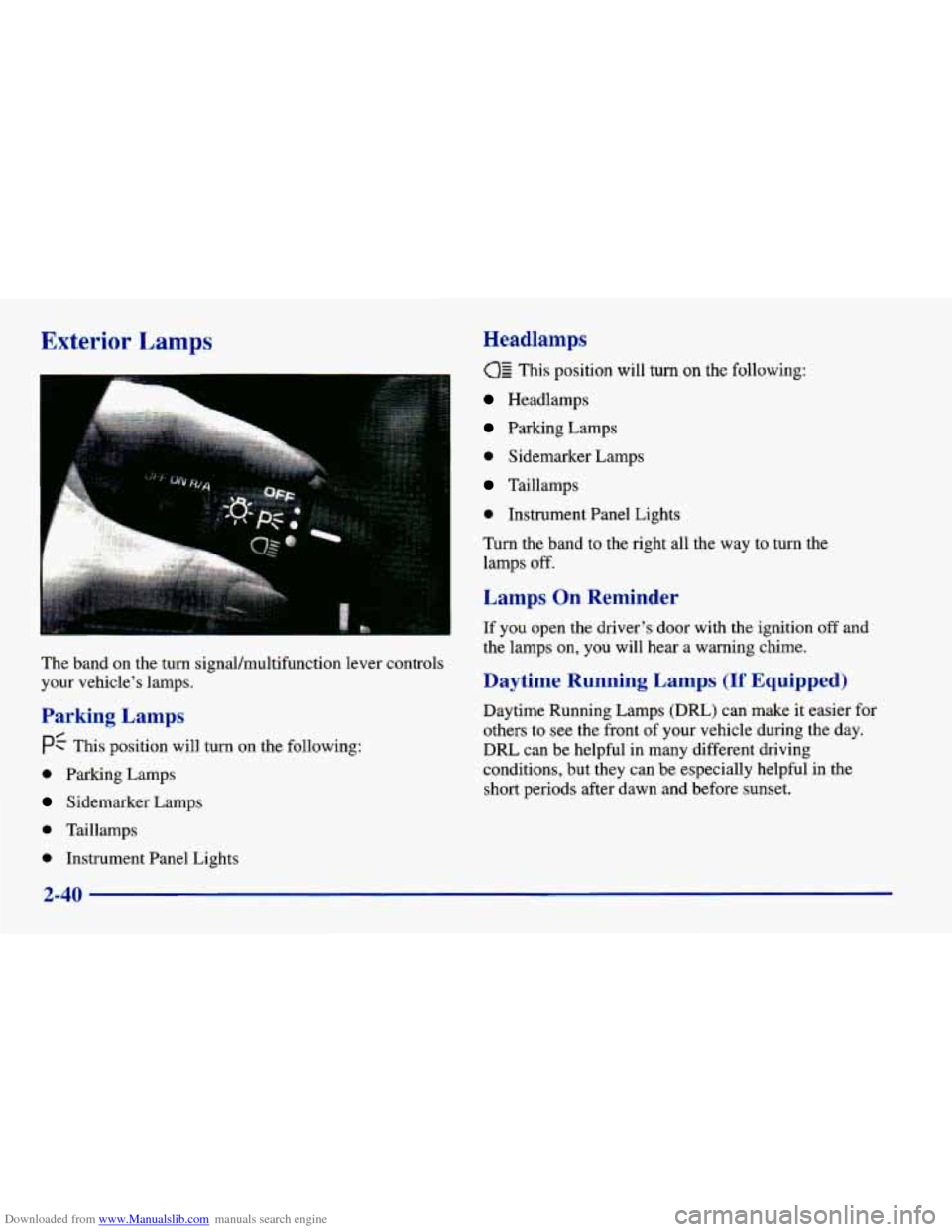
The band on the turn signal/multifunction lever controls
your vehicle’s lamps.
Parking Lamps
PC This position will turn on the following:
0 Parking Lamps
Sidemarker Lamps
0 Taillamps
0 Instrument Panel Lights
Headlamps
This position will turn on the following:
Headlamps
Parking Lamps
0 Sidemarker Lamps
Taillamps
0 Instrument Panel Lights
Turn the band to the right all the way to turn the
lamps
off.
Lamps On Reminder
If you open the driver’s door with the ignition off and
the lamps on, you will hear a warning chime.
Daytime Running Lamps (If Equipped)
Daytime Running Lamps (Dm) can make it easier for
others to
see the front of your vehicle during the day.
DRL can be helpful in many different driving
conditions, but they can be especially helpful in the
short periods after dawn and before sunset.
2-40
Page 117 of 400
Downloaded from www.Manualslib.com manuals search engine The DRL system will make your high-beam headlamps
come on at reduced brightness in daylight when:
0 The ignition is on with the engine running,
The headlamp switch is OFF,
0 The parking brake is released and
0 The transaxle is not in PARK (P) on models with an
automatic transaxle.
This indicator light on your
instrument panel comes on when the DRL are on.
A flashing DRL telltale indicates a possible burned out
headlamp, or that the vehicle may need service
to repair
a stuck DRL relay. When the DRL
are on,
only your high-beam headlamps
will be on at reduced brightness. The taillamps,
sidemarker
and other lamps won’t be on. Your
instrument panel won’t be lit up either.
When you
turn on the headlamp switch, your high-beam
headlamps will
go out, and your headlamps will come
on. The other lamps that come on with your headlamps
will also come on.
When you turn
off the headlamp switch, the regular
lamps will
go off, and your high-beam headlamps will
come on at reduced brightness.
To idle your vehicle with the DRL
off, set the parking
brake. The
DRL will stay off until you release the
parking brake.
As with any vehicle, you should turn on the regular
headlamp system when you need it.
2-41
Page 118 of 400
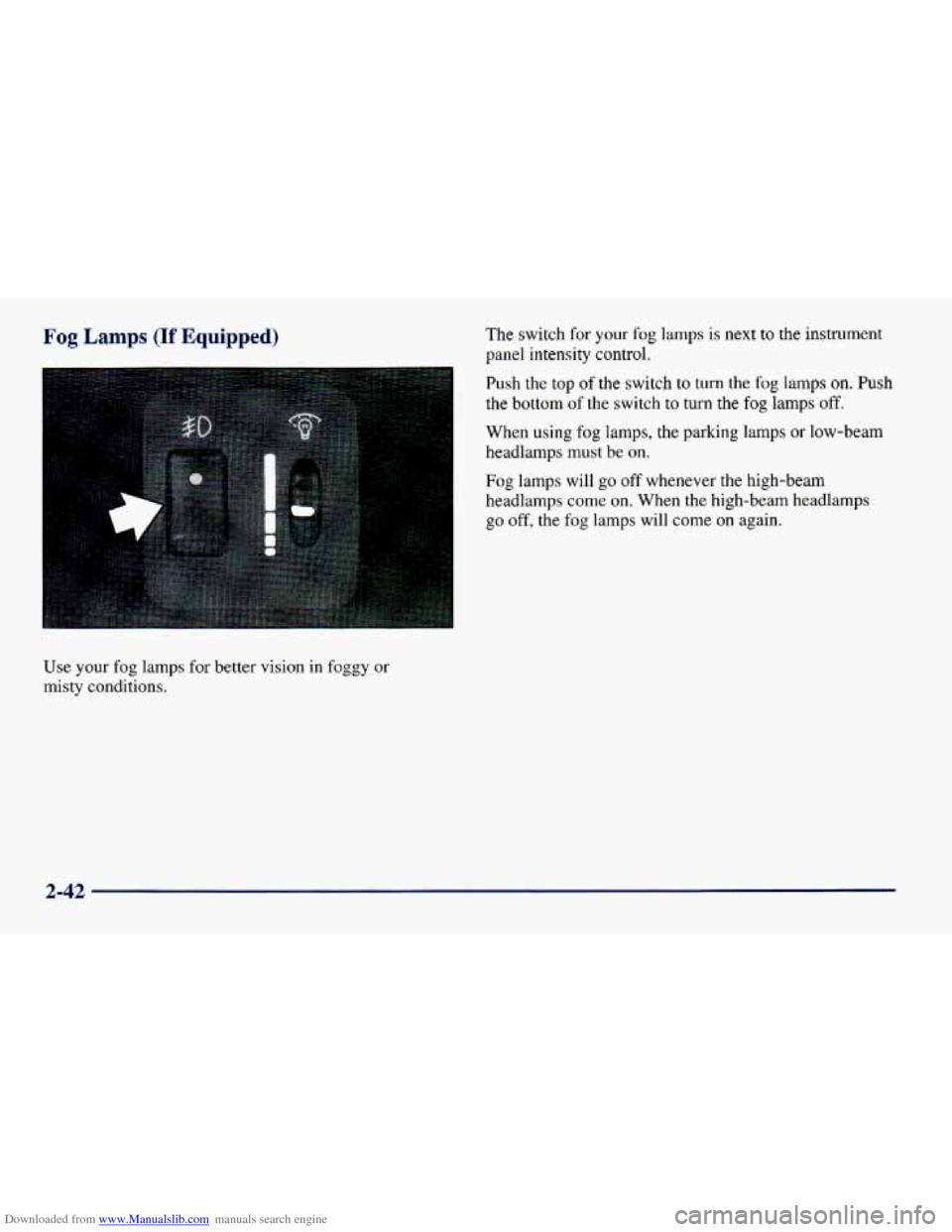
Downloaded from www.Manualslib.com manuals search engine Fog Lamps (If Equipped)
Use your fog lamps for better vision in foggy or
misty conditions. The
switch
for your fog lamps is next to the instrument
panel intensity control.
Push the top
of the switch to turn the fog lamps on. Push
the bottom
of the switch to turn the fog lamps off.
When using fog lamps, the parking lamps or low-beam
headlamps must be on.
Fog lamps will go off whenever the high-beam
headlamps
come on. When the high-beam headlamps
go
off, the fog lamps will come on again.
2-42
Page 119 of 400
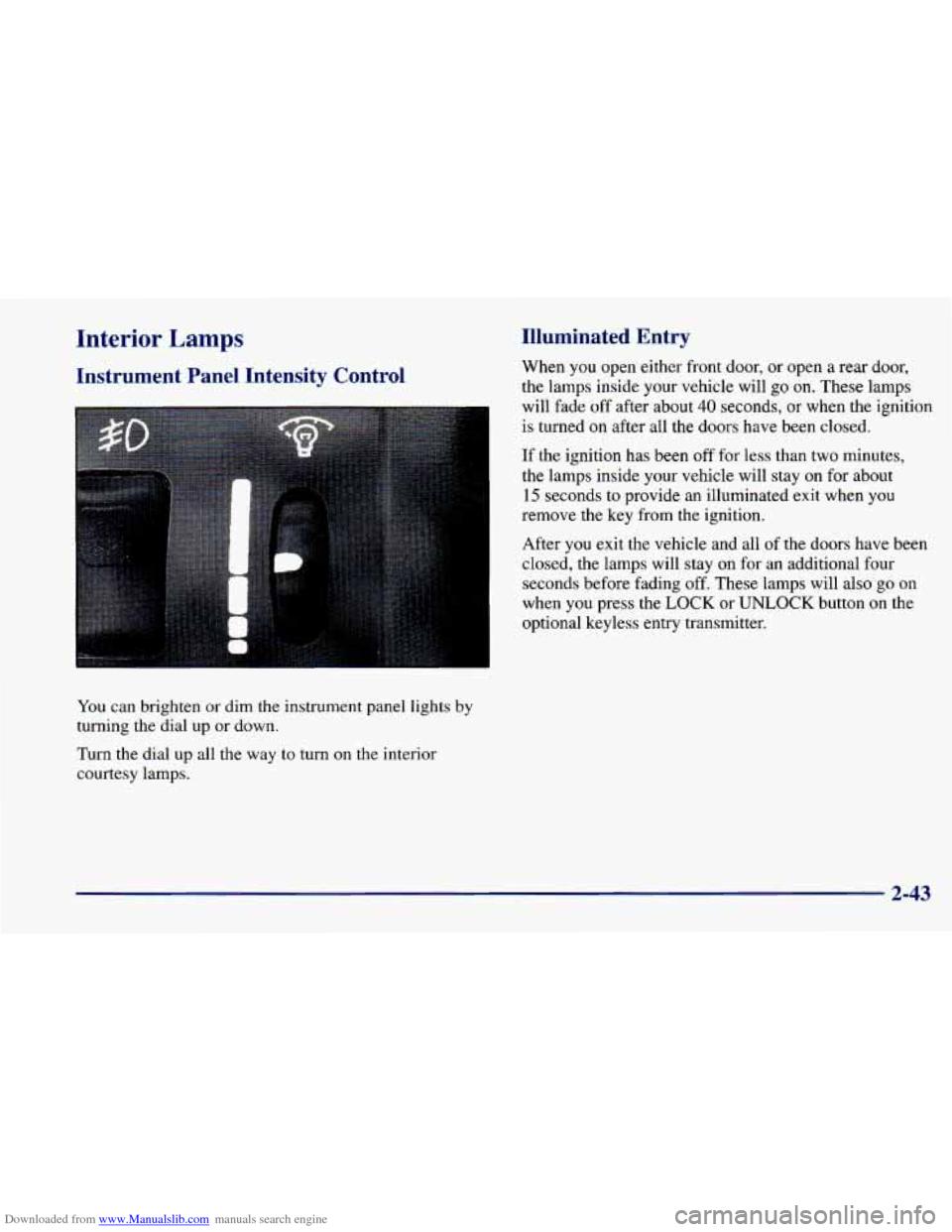
Downloaded from www.Manualslib.com manuals search engine Interior Lamps
Instrument Panel Intensity Control
You can brighten or dim the instrument panel lights by
turning the dial up or down.
Turn the dial up all the way to turn on the interior
courtesy lamps.
Illuminated Entry
When you open either front door, or open a rear door,
the lamps inside your vehicle will go on. These lamps
will fade
off after about 40 seconds, or when the ignition
is turned on after all the
doors have been closed.
If the ignition has been
off for less than two minutes,
the lamps inside your vehicle will stay
on for about
15 seconds to provide an illuminated exit when you
remove the key from the ignition.
After
you exit the vehicle and all of the doors have been
closed, the lamps will stay on for an additional four
seconds before fading off. These lamps will also go on
when you press the LOCK or UNLOCK button
on the
optional keyless entry transmitter.
2-43
Page 137 of 400
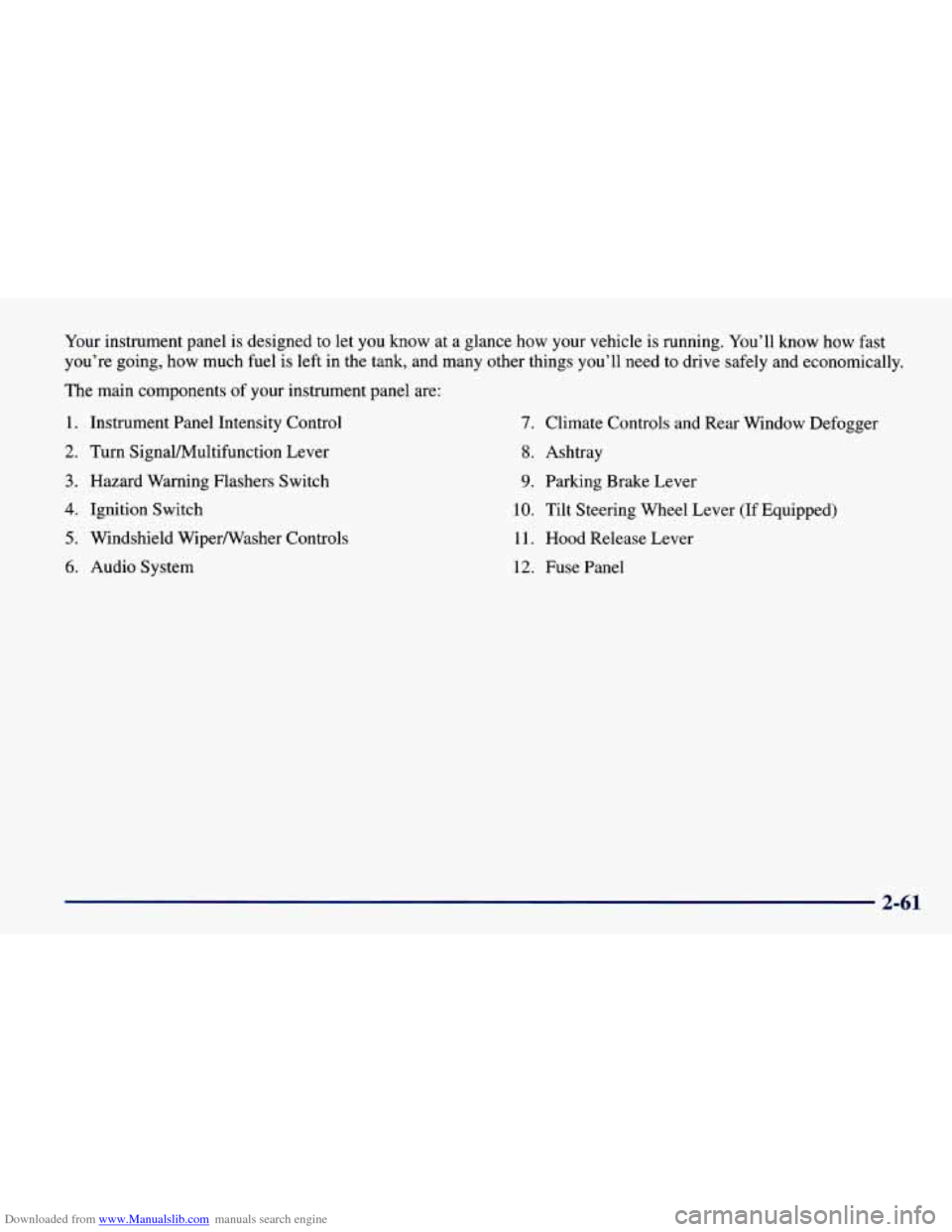
Downloaded from www.Manualslib.com manuals search engine Your instrument panel is designed to let you know at a glance how your vehicle is running. You’ll know how fast
you’re going, how much fuel is left in the tank, and many other things you’ll need to drive sa\
fely and economically,
The main components
of your instrument panel are:
1. Instrument Panel Intensity Control
2. Turn SignaVMultifunction Lever
3. Hazard Warning Flashers Switch
4. Ignition Switch
5. Windshield Wiperwasher Controls
6. Audio System
7. Climate Controls and Rear Window Defogger
8. Ashtray
9. Parking Brake Lever
10. Tilt Steering Wheel Lever (If Equipped)
11. Hood Release Lever
12. Fuse Panel
2-61
Page 138 of 400
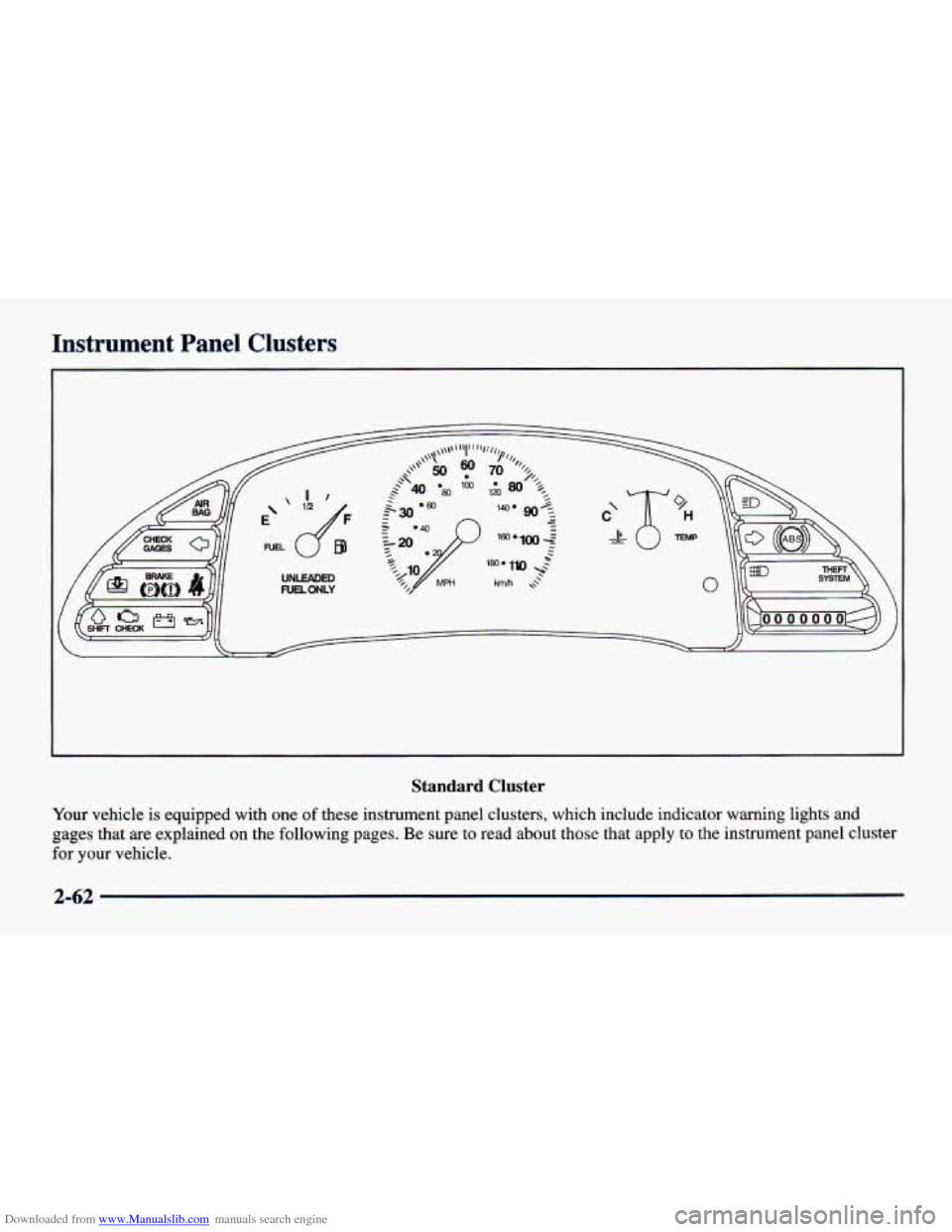
Downloaded from www.Manualslib.com manuals search engine Instrument Panel Clusters
Standard Cluster
Your vehicle is equipped with one of these instrument panel clusters, which include indicator warning lights and
gages
that are explained on the following pages. Be sure to read about those that apply to the instrument panel cluster
for your vehicle.
2-62
Page 142 of 400
Downloaded from www.Manualslib.com manuals search engine Safety Belt Reminder Light
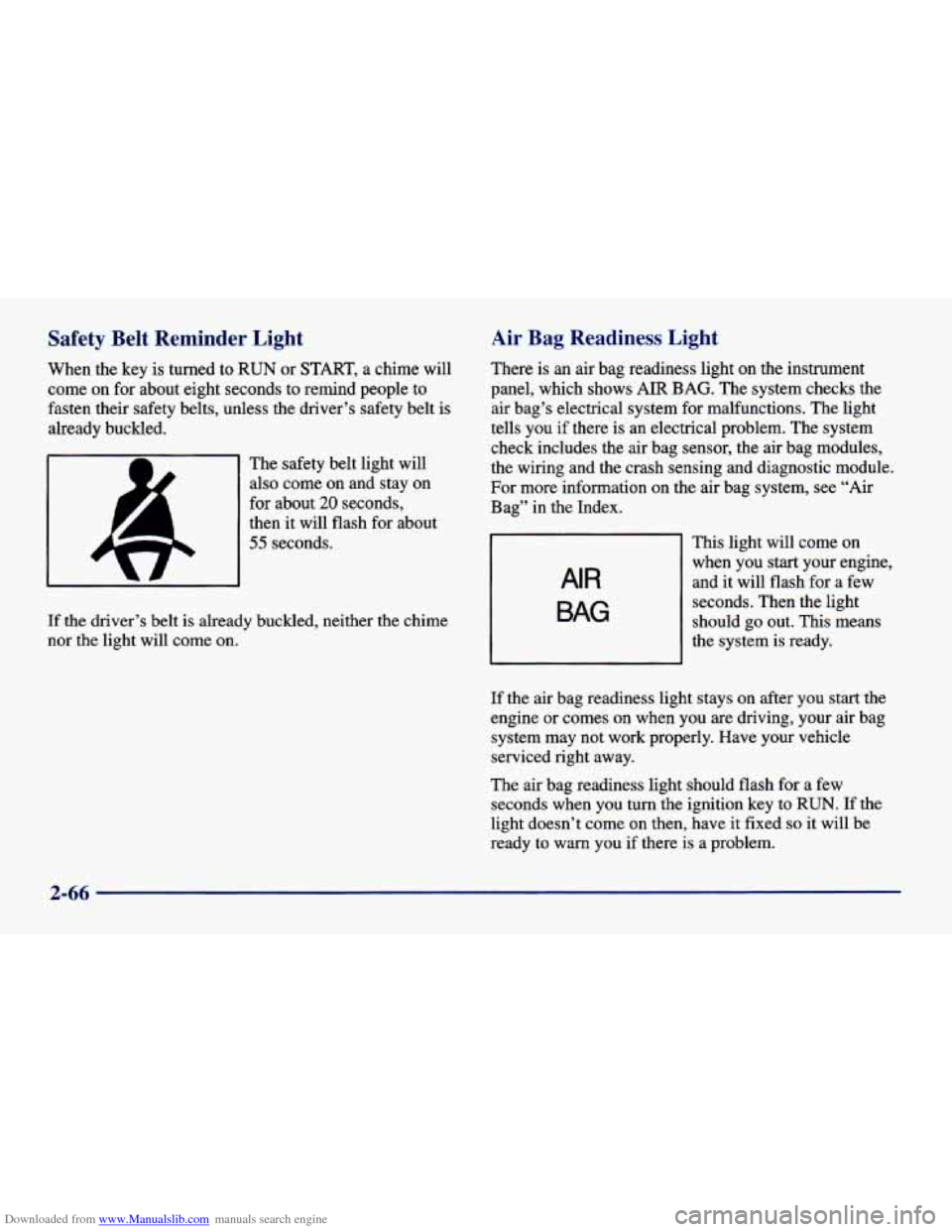
When the key is turned to RUN or START, a chime will
come on for about eight seconds to remind people to
fasten their safety belts, unless the driver’s safety belt is
already buckled.
The safety belt light will
also come on and stay on
for about
20 seconds,
then it
will flash for about
55 seconds.
If the driver’s belt is already buckled, neither the chime
nor the light will come on.
Air Bag Readiness Light
There is an air bag readiness light on the instrument
panel, which shows
AIR BAG. The system checks the
air bag’s electrical system for malfunctions. The light
tells you if there is an electrical problem. The system
check includes the air bag sensor, the air bag modules,
the wiring and the crash sensing and diagnostic module.
For more information on the air bag system, see
“Air
Bag” in the Index.
AIR
BAG
This light will come on
when you start your engine,
and it will flash
for a few
seconds. Then the light
should go out. This means
the system is ready.
If the air bag readiness light stays on after you start the
engine or comes on when you are driving, your air bag
system may not work properly. Have your vehicle
serviced right away.
The air bag readiness light should flash for a few
seconds when you turn the ignition key to
RUN. If the
light doesn’t come
on then, have it fixed so it will be
ready to
warn you if there is a problem.
2-66
Page 156 of 400
Downloaded from www.Manualslib.com manuals search engine Comfort Controls Fan Knob
This section tells you how to make your air system work
for
you. The optional climate control system with air
conditioning
uses ozone-friendly R- 134a refrigerant.
With these systems,
you can control the ventilation
and heating in your vehicle. Your vehicle also has the
flow-through ventilation system described later in
this section.
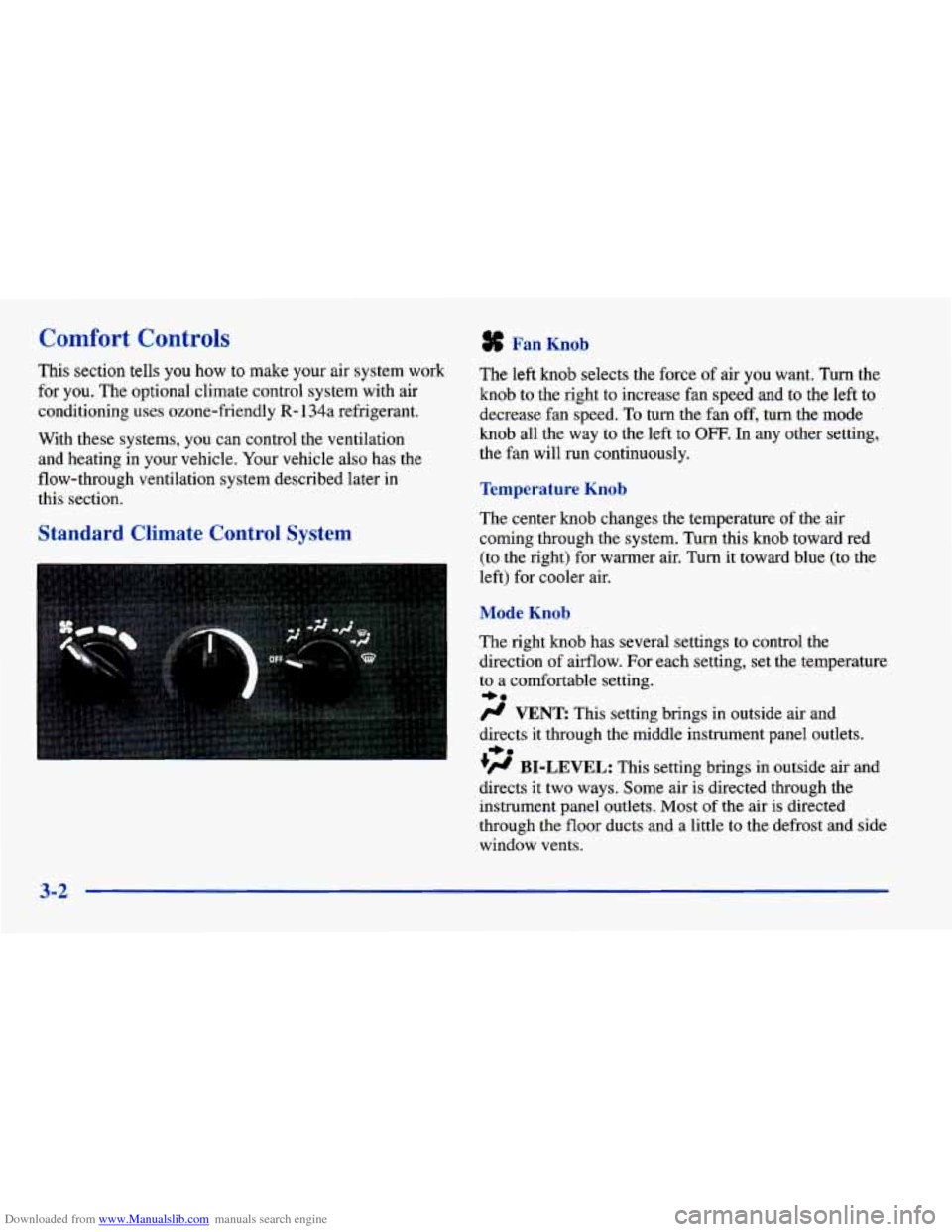
Standard Climate Control System
The left knob selects the force of air you want. Turn the
knob to the right to increase fan speed
and to the left to
decrease fan speed.
To turn the fan off, turn the mode
knob all the way
to the left to OFF. In any other setting,
the fan will run continuously.
Temperature Knob
The center knob changes the temperature of the air
coming through the system. Turn this knob toward red (to the right) for warmer air. Turn it toward blue (to the
left) for cooler air.
Mode Knob
The right knob has several settings to control the
direction of airflow. For each setting, set the temperature
to
a comfortable setting.
# VENT This setting brings in outside air and
directs it through the middle instrument panel outlets.
+’ BI-LEVEL: This setting brings in outside air and
directs
it two ways. Some air is directed through the
instrument panel outlets. Most of the air is directed
through the floor ducts and a little to
the defrost and side
window vents.
+e
+e
3-2