tow CHEVROLET CAVALIER 1998 3.G Owner's Manual
[x] Cancel search | Manufacturer: CHEVROLET, Model Year: 1998, Model line: CAVALIER, Model: CHEVROLET CAVALIER 1998 3.GPages: 400, PDF Size: 20.74 MB
Page 148 of 400
Downloaded from www.Manualslib.com manuals search engine This light should come on, as a check to show you it is
working, when the ignition is on and the engine is not
running. If the light doesn’t come on, have it repaired.
This light will also come on during a malfunction in one
of two ways:
0
0
Light Flashing -- A misfire condition has been
detected. A misfire increases vehicle emissions and may damage the emission control system
on your
vehicle. Dealer or qualified service center diagnosis
and service may be required.
Light On Steady -- An emission control system
malfunction has been detected
on your vehicle.
Dealer or qualified service center diagnosis and service may be required.
If the Light Is Flashing
The following may prevent more serious damage to
your vehicle:
Reducing vehicle speed.
0 Avoiding hard accelerations.
0 Avoiding steep uphill grades.
If you are towing a trailer, reduce the amount of
cargo being hauled as soon as it is possible.
If the light stops flashing and remains
on steady, see “If
the Light Is On Steady” following.
If the light continues to flash, when
it is safe to do so,
stop the vehicle. Find a safe place to park your vehicle.
Turn the key
off, wait at least 10 seconds and restart the
engine. If the light remains on steady, see
“If the Light
Is On Steady” following. If
the light is still flashing,
follow the previous steps, and drive the vehicle to your
dealer or qualified service center for service.
2-72
Page 151 of 400
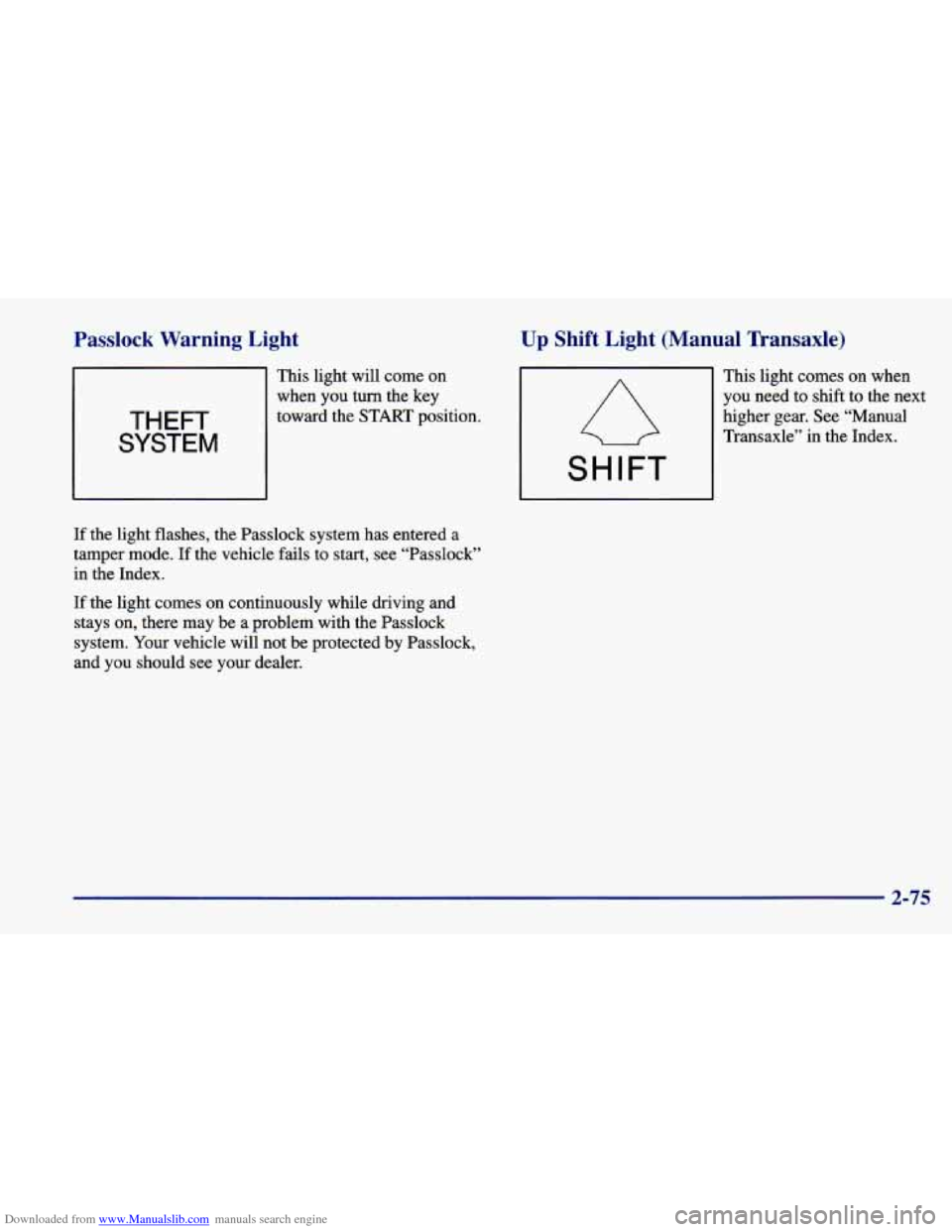
Downloaded from www.Manualslib.com manuals search engine Passlock Warning Light
THEFT
SYSTEM
This light will come on
when you
turn the key
toward the
START position.
If the light flashes, the Passlock system has entered a
tamper mode. If the vehicle fails to start, see “Passlock”
in the Index.
If the light comes on continuously while driving and
stays on, there may be a problem with the Passlock
system. Your vehicle will not be protected by Passlock,
and you should see your dealer.
Up Shift Light (Manual Transaxle)
This light comes on when
you need to shift to the next
higher gear. See “Manual
Transaxle” in the Index.
SHIFT
2-75
Page 156 of 400
Downloaded from www.Manualslib.com manuals search engine Comfort Controls Fan Knob
This section tells you how to make your air system work
for
you. The optional climate control system with air
conditioning
uses ozone-friendly R- 134a refrigerant.
With these systems,
you can control the ventilation
and heating in your vehicle. Your vehicle also has the
flow-through ventilation system described later in
this section.
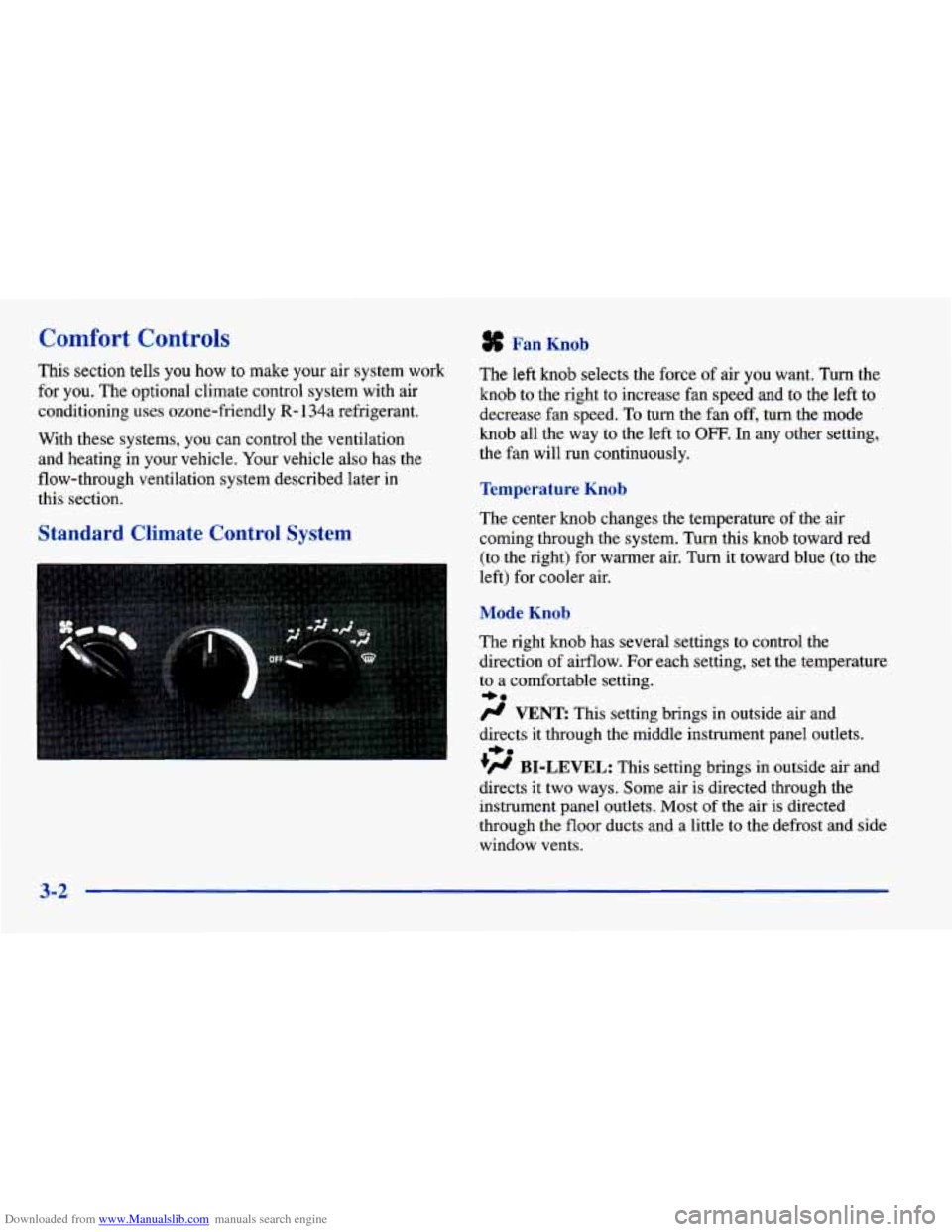
Standard Climate Control System
The left knob selects the force of air you want. Turn the
knob to the right to increase fan speed
and to the left to
decrease fan speed.
To turn the fan off, turn the mode
knob all the way
to the left to OFF. In any other setting,
the fan will run continuously.
Temperature Knob
The center knob changes the temperature of the air
coming through the system. Turn this knob toward red (to the right) for warmer air. Turn it toward blue (to the
left) for cooler air.
Mode Knob
The right knob has several settings to control the
direction of airflow. For each setting, set the temperature
to
a comfortable setting.
# VENT This setting brings in outside air and
directs it through the middle instrument panel outlets.
+’ BI-LEVEL: This setting brings in outside air and
directs
it two ways. Some air is directed through the
instrument panel outlets. Most of the air is directed
through the floor ducts and a little to
the defrost and side
window vents.
+e
+e
3-2
Page 157 of 400
Downloaded from www.Manualslib.com manuals search engine 0
+’ FLOOR: This setting sends most of the air
through the ducts near the floor. The rest comes out
of
the defroster and side window vents.
+# DEFOG: This setting allows half of the air to
go to the floor ducts and half to the defroster and side
window vents.
w.
DEFROST: This setting directs most of the air
through the defroster and side window vents. Some
of
the air goes to the floor ducts.
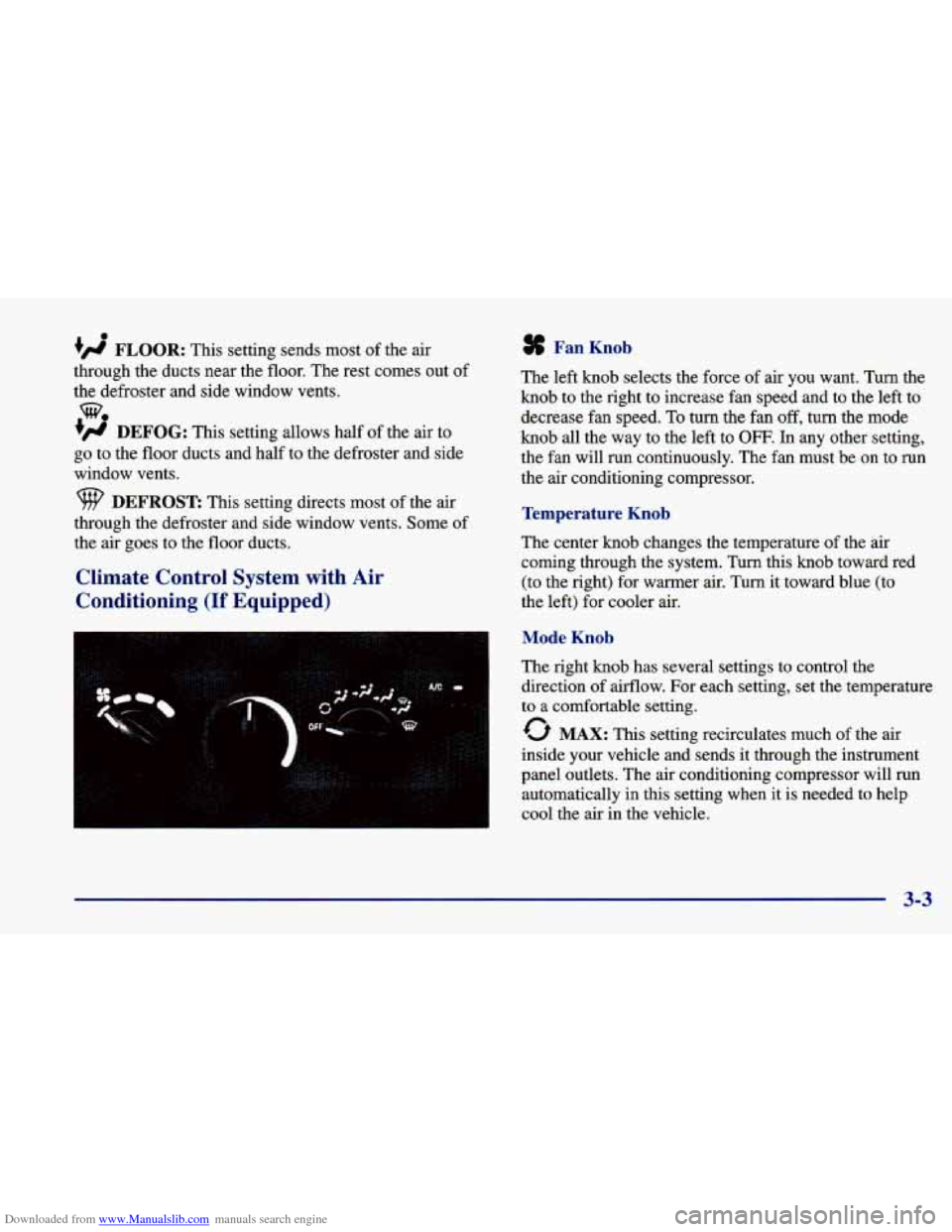
Climate Control System with Air
Conditioning
(If Equipped)
Fan Knob
The left knob selects the force of air you want. Turn the
knob to the right to increase fan speed and to the left to
decrease fan speed.
To turn the fan off, turn the mode
knob all the way to the left to OFF. In any other setting,
the fan will run continuously. The fan must be
on to run
the
air conditioning compressor.
Temperature Knob
The center knob changes the temperature of the air
coming through the system. Turn this
knob toward red
(to the right) for warmer air. Turn it toward blue
(to
the left) for cooler air.
Mode Knob
The right knob has several settings to control the
direction of airflow. For each setting, set the temperature
to a comfortable setting.
0 MAX: This setting recirculates much of the air
inside your vehicle and sends it through the instrument
panel outlets. The air conditioning compressor will run
automatically in this setting when it is needed to help
cool the air in the vehicle.
3-3
Page 159 of 400
Downloaded from www.Manualslib.com manuals search engine Heating
On cold days, use FLOOR with the temperature knob all
the way in the red area. The system will bring in outside
air, heat it and send it to the floor ducts.
Your vehicle has heat ducts that are directed toward
the rear seat. Keep the area under the front seats clear
of obstructions
so the heated air can reach the rear
seat passengers.
If your vehicle has an engine coolant heater, you can use
it to help your system provide warm air faster when it’s
cold outside
(0°F (-18°C) or lower). An engine coolant
heater warms the coolant your engine and heating
system use to provide heat. See “Engine Coolant
Heater” in the Index.
Ventilation System
For mild outside temperatures when little heating or
cooling
is needed, use VENT to direct outside air
through your vehicle. Your vehicle also has
the
flow-through ventilation system described later in
this section.
Your vehicle’s flow-through ventilation system supplies
outside
air into the vehicle when it is moving. Outside
air will also enter the vehicle when the air conditioning
fan is running. Ventilation
Tips
Keep the hood and
front air inlet free of ice, snow or
any other obstruction, such as leaves. The heater and
defroster will work far better, reducing the chance of
fogging the inside of your windows.
When you enter a vehicle in cold weather, adjust the
mode knob to
FLOOR and the fan to the highest
speed for a few moments before driving
off. This
helps clear the intake ducts of snow and moisture
and reduces the chance
of fogging the inside of
your windows.
Keep the air path under the front seats clear of
objects. This helps air circulate throughout
your vehicle.
3-5
Page 160 of 400
Downloaded from www.Manualslib.com manuals search engine Defogging and Defrosting
Your system has two settings for clearing the front and
side windows.
To defrost the windows quickly, use
DEFROST with the temperature knob all
the way in the
red area.
To warm passengers while keeping the
windows clean, use DEFOG.
To defog the side windows, set the right control to
BI-LEVEL and the fan control to the highest setting.
To defog the side windows while using the air
conditioner, set the right control to BI-LEVEL, the fan
control to the highest setting, and press the
A/C button.
For both systems, aim the side vents toward the side
windows. For increased airflow to the side vents, close
the center
vents.
Rear Window Defogger (If Equipped)
The rear window defogger
uses a warming grid
to remove fog from the
rear window.
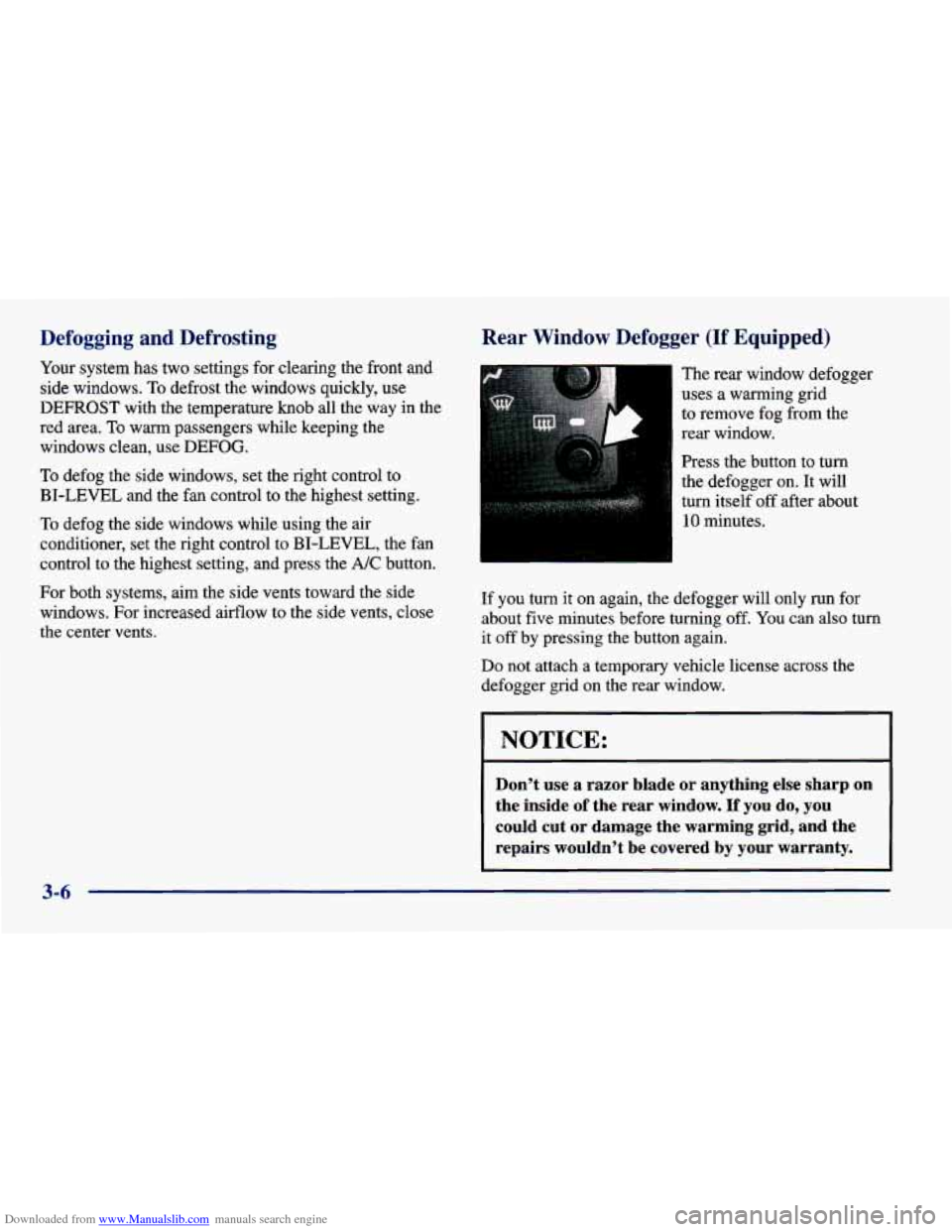
Press the button
to turn
the defogger on. It will
turn itself off after about
10 minutes.
If you turn it on again, the defogger will only run for
about five minutes before turning off.
You can also turn
it off by pressing the button again.
Do not attach a temporary vehicle license across the
defogger grid on the rear window.
I NOTICE:
Don’t use a razor blade or anything else sharp on
the inside
of the rear window. If you do, you
could cut or damage the warming grid, and the
repairs wouldn’t be covered by
your warranty.
3-6
Page 181 of 400

Downloaded from www.Manualslib.com manuals search engine a Section 4 Your Driving and the Road
Here you’ll find information about driving on different kinds\
of roads and in varying weather conditions. We’ve also
included many other useful tips on driving.
4-2
4-3
4-5 4-6
4- 10
4-12
4- 12
4-
14
4-15
4- 16
4- 19
4-20 Defensive Driving
Drunken Driving
Control
of a Vehicle
Braking Steering
Off-Road Recovery
Passing
Loss of Control
Driving at Night Driving in Rain and on Wet Roads
City Driving
Freeway Driving 4-2 1
4-22
4-22
4-24
4-28
4-3
1
4-33
4-40 Before Leaving on
a Long Trip
Highway Hypnosis
Hill and Mountain Roads
Winter Driving
Recreational Vehicle Towing
Loading Your Vehicle
Towing a Trailer (Models with 2.4L Engine
and 4-Speed Automatic Transaxle)
Towing a Trailer (Except Models
with 2.4L Engine and 4-Speed
Automatic Transaxle)
Page 208 of 400
Downloaded from www.Manualslib.com manuals search engine Run your engine only as long as you must. This saves
fuel. When you run the engine, make it
go a little faster
than just idle. That is, push the accelerator slightly.
This
uses less fuel for the heat that you get and it keeps the
battery charged. You will need a well-charged battery to
restart the vehicle, and possibly for signaling later on with your headlamps. Let
the heater run for a while.
Then, shut the engine
off and close the window almost
all the way to preserve the heat. Start the engine again
and repeat this only when you feel really uncomfortable
from the cold. But do it as little as possible. Preserve the
fuel as long as you can. To help keep warm, you can get
out
of the vehicle and do some fairly vigorous exercises
every half hour or
so until help comes.
Recreational Vehicle Towing
You can tow your vehicle behind another vehicle for use
at your destination. Be sure to use the proper towing
equipment designed for recreational towing. Follow the instructions for the towing equipment.
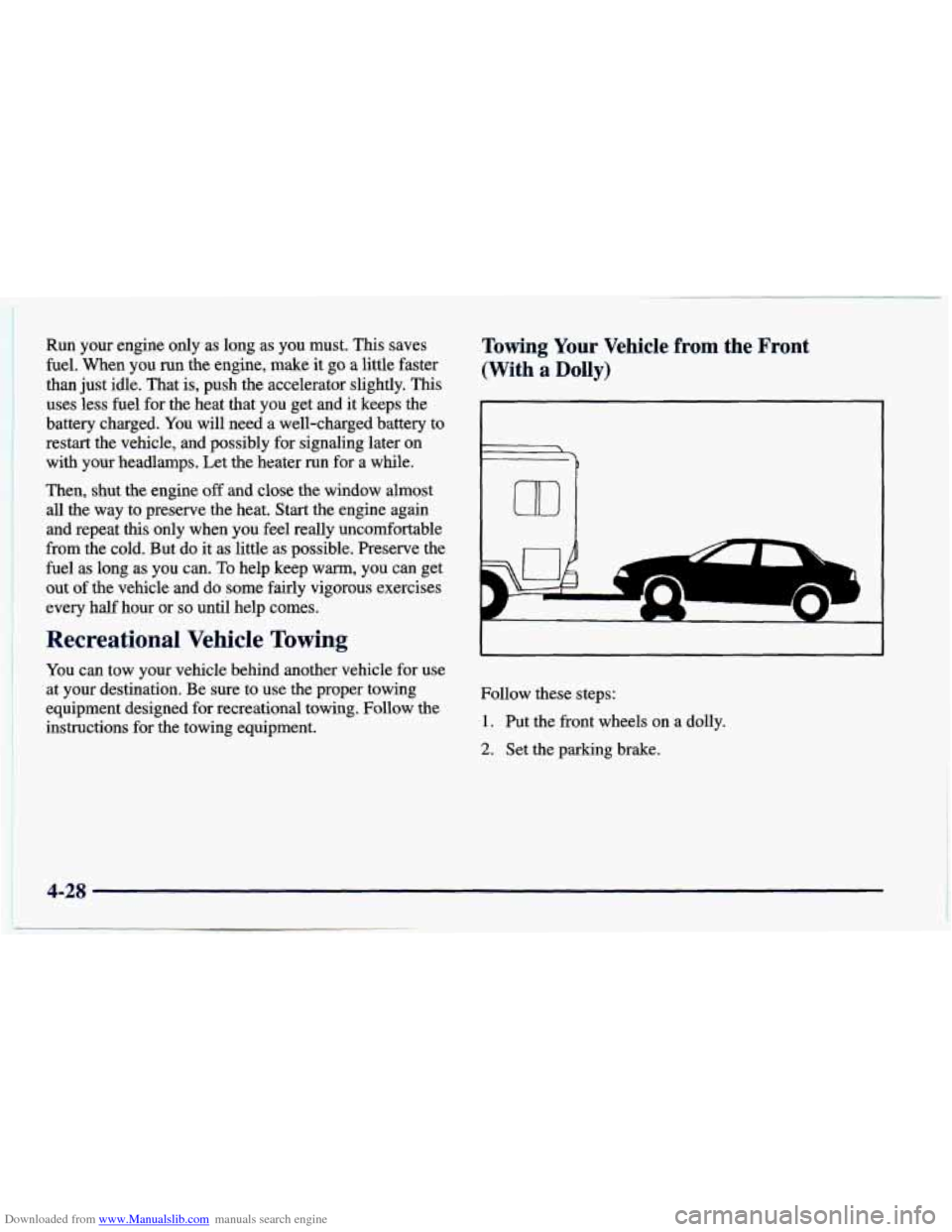
Towing Your Vehicle fr--m the Front
(With
a Dolly)
Follow these steps:
1. Put the front wheels on a dolly.
2. Set the parking brake.
4-28
Page 209 of 400
Downloaded from www.Manualslib.com manuals search engine 3. Open the fuse panel on the driver’s side of the
instrument panel. Remove the fuse labeled
CLSPCM. This will keep your battery from
draining while towing.
4. Turn the ignition key to OFF to unlock the steering
5. Clamp the steering wheel in a straight-ahead position
6. Release the parking brake.
When
you are finished towing, make sure you replace
the
CLSPCM fuse in the instrument panel fuse block.
wheel.
See “Ignition Positions” in the Index.
with a clamping device designed for towing.
an
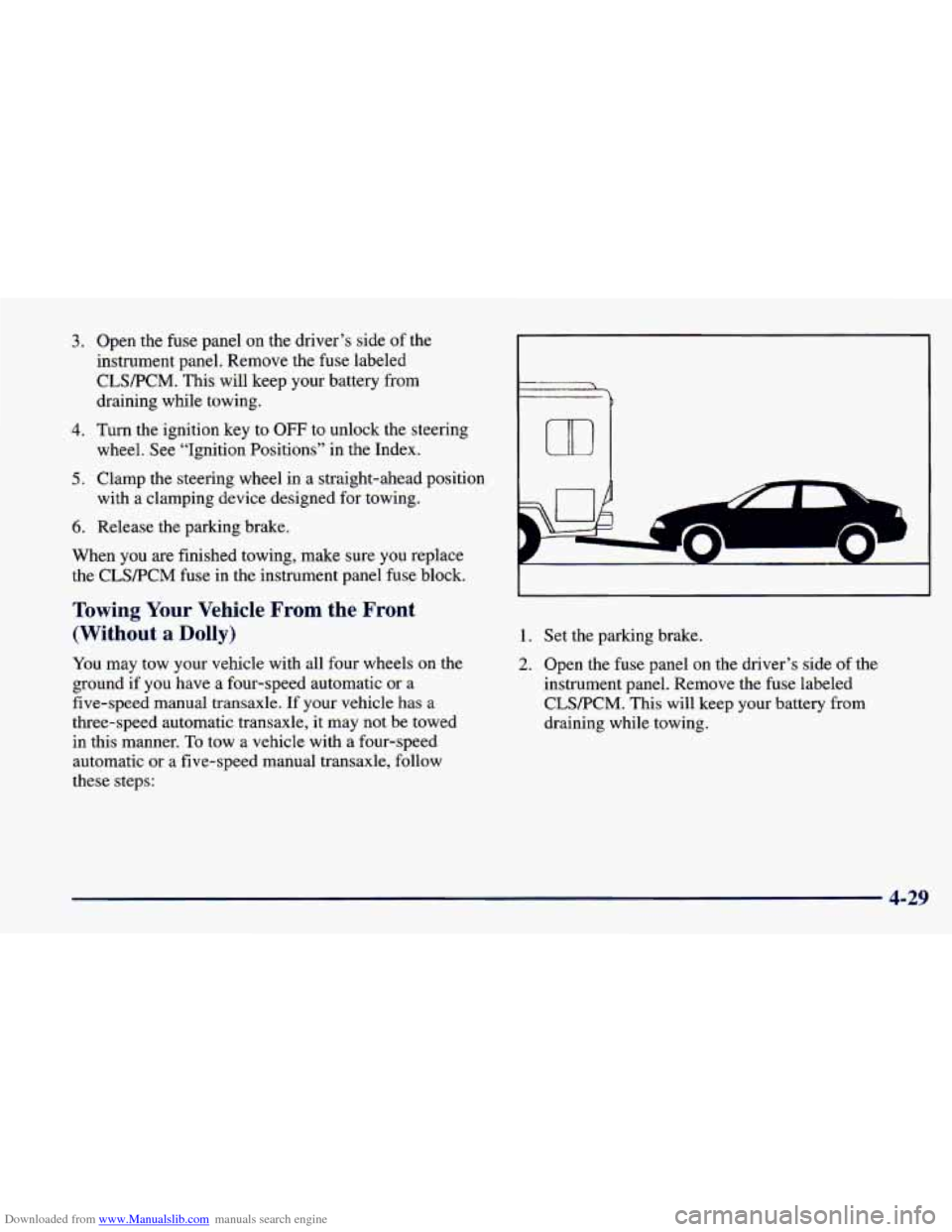
Towing Your Vehicle From the Front
(Without
a Dolly)
You may tow your vehicle with all four wheels on the
ground if you have a four-speed automatic or a
five-speed manual transaxle.
If your vehicle has a
three-speed automatic transaxle, it may not be towed
in this manner.
To tow a vehicle with a four-speed
automatic
or a five-speed manual transaxle, follow
these steps:
1. Set the parking brake.
2. Open the fuse panel on the driver’s side of the
instrument panel. Remove the fuse labeled
CLSPCM. This will keep your battery from
draining while towing.
4-29
Page 210 of 400
Downloaded from www.Manualslib.com manuals search engine 3. Turn me ignition key to OFF to unlock the
4. Shift your transaxle to NEUTRAL (N).
5. Release the parking brake.
When you are finished towing, make sure you replace
the CLWPCM fuse in the instrument panel fuse block.
steering wheel.
NOTICE:
Make sure that the towing speed does not exceed
65 mph (110 km/h), or your vehicle could be
badly damaged.
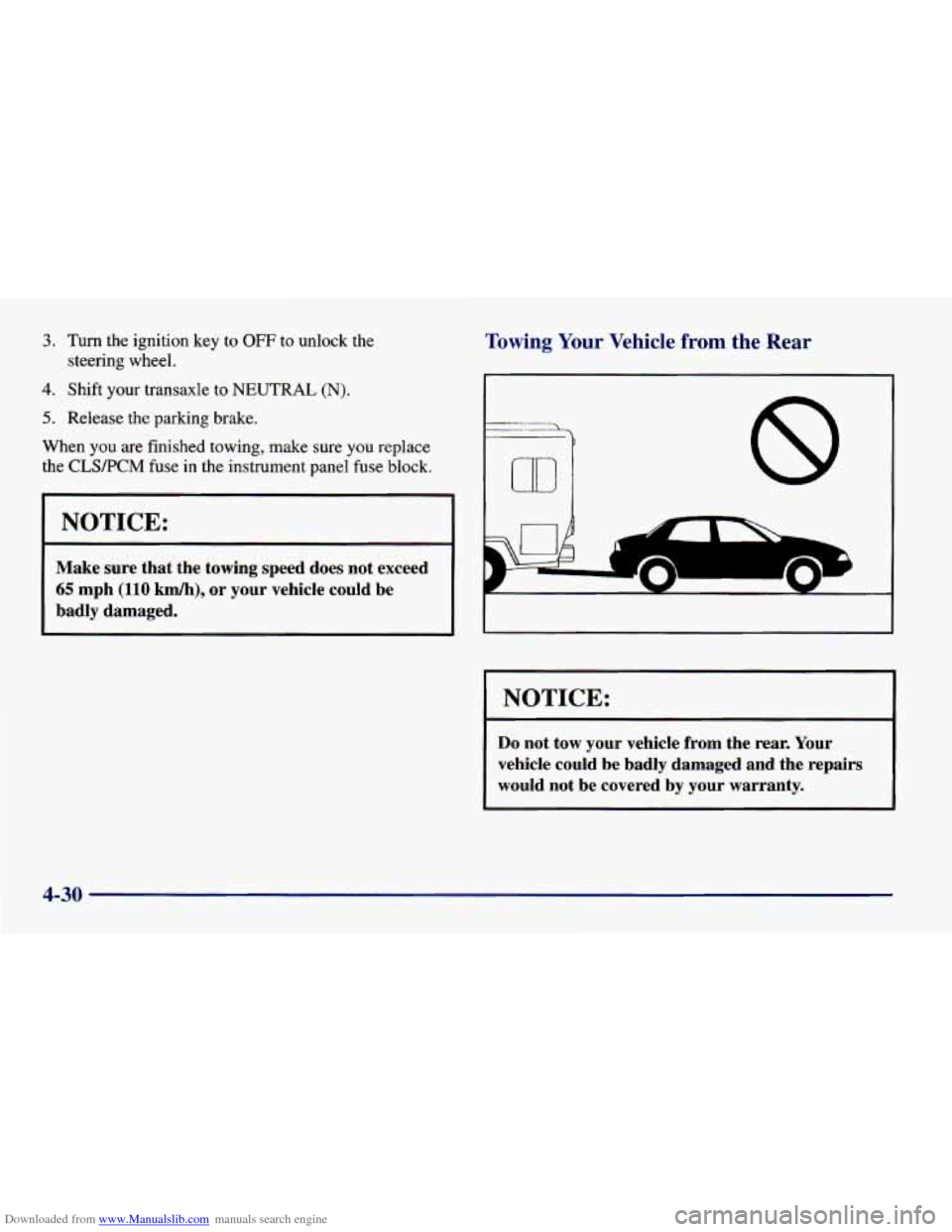
Towing Your Vehicle from the Rear
r
'b
UD 8
I NOTICE:
Do not tow your vehicle from the rear. Your
vehicle could be badly damaged and the repairs
would not be covered by your warranty.
4-30