audio CHEVROLET CLASSIC 2004 User Guide
[x] Cancel search | Manufacturer: CHEVROLET, Model Year: 2004, Model line: CLASSIC, Model: CHEVROLET CLASSIC 2004Pages: 348, PDF Size: 5.32 MB
Page 148 of 348
Using RDS
Your audio system is equipped with a Radio Data
System (RDS). RDS features are available for use only
on FM stations that broadcast RDS information.
With RDS, your radio can do the following:
•Seek to stations broadcasting the selected type of
programming
•Receive announcements concerning local and
national emergencies
•Display messages from radio stations
•Seek to stations with traffic announcements
The system relies upon receiving specific information
from these stations and will only work when the
information is available. In rare cases, a radio station
may broadcast incorrect information that will cause
the radio features to work improperly. If this happens,
contact the radio station.
While you are tuned to an RDS station, the station name
or the call letters will appear on the display instead of the
frequency. RDS stations may also provide the time of
day, a program type (PTY) for current programming, and
the name of the program being broadcast.DISPL (Display):Press this knob to change what
appears on the display while using RDS. The display
options are station name, RDS station frequency, PTY
and the name of the program (if available). Pressing and
holding this knob will activate the RDS default display.
Finding Program Type (PTY) Stations
To select and find a desired PTY perform the following:
1. Turn the P-TYPE knob to activate program type
select mode. TYPE and a PTY will appear on the
display.
2. Turn the P-TYPE knob to select a PTY.
3. Once the desired PTY is displayed, press the SEEK
TYPE button to select the PTY and take you to the
PTY’s first station.
4. If you want to go to another station within that PTY
and the PTY is displayed, press the SEEK TYPE
button once. If the PTY is not displayed, press the
SEEK TYPE button twice to display the PTY and
then to go to another station.
5. Press P-TYPE to exit program type select mode.
If PTY times out and is no longer on the display,
go back to Step 1.
If both PTY and TRAF are on, the radio will search for
stations with the selected PTY and traffic
announcements.
3-46
Page 151 of 348
While the tape is playing, use the VOL, AUDIO and
SEEK controls just as you do for the radio. The display
will show TAPE and an arrow showing which side of
the tape is playing.
If you want to insert a tape while the ignition is off, first
press EJT or DISPL.
If an error appears on the display, see “Cassette Tape
Messages” later in this section.
1 PREV (Previous):Your tape must have at least three
seconds of silence between each selection for previous
to work. Press this pushbutton to go to the previous
selection on the tape if the current selection has been
playing for less than three seconds. If pressed when the
current selection has been playing from 3 to 13 seconds,
it will go to the beginning of the previous selection or
the beginning of the current selection, depending upon
the position on the tape. If pressed when the current
selection has been playing for more than 13 seconds, it
will go to the beginning of the current selection.
SEEK and a negative number will appear on the display
while the cassette player is in the previous mode.
Pressing this pushbutton multiple times or holding it will
increase the number of selections to be searched
back, up to−9.2 NEXT:Your tape must have at least three seconds of
silence between each selection for next to work. Press
this pushbutton to go to the next selection on the tape. If
you press the pushbutton more than once, the player will
continue moving forward through the tape. SEEK and a
positive number will appear on the display.
3 REV (Reverse):Press this pushbutton to reverse the
tape rapidly. Press it again to return to playing speed.
The radio will play while the tape reverses. The
station frequency and REV will appear on the display.
You may select stations during reverse operation
using TUNE, SEEK, or PSCAN.
4 FWD (Forward):Press this pushbutton to advance
the tape rapidly. Press it again to return to playing
speed. The radio will play while the tape advances. The
station frequency and FWD will appear on the display.
You may select stations during forward operation
by using TUNE, SEEK, or PSCAN.
5
XSIDE:Press this pushbutton to play the other side
of the tape.
3-49
Page 153 of 348
CD Adapter Kits
It is possible to use a portable CD player adapter kit
with your cassette tape player after disabling the
tight/loose tape sensing feature on your tape player.
To disable the feature, use the following steps:
1. Turn the ignition on.
2. Turn the radio off.
3. Press and hold the TAPE CD button. The radio will
display READY and flash the cassette symbol.
4. Insert the adapter into the cassette slot. It will
power up the radio and begin playing.
The override feature will remain active until EJT is
pressed.
Playing a CD
With the ignition on, insert a CD partway into the slot,
label side up. The player will pull it in and the CD should
begin playing. The CD symbol will appear on the
display. If you want to insert a CD with the ignition off,
first press the EJT or the DISPL button.If you turn off the ignition or radio with a CD in the
player, it will stay in the player. When you turn on the
ignition or radio the CD will start playing where it
stopped, if it was the last selected audio source.
As each new track starts to play, the track number will
appear on the display.
The CD player can play the smaller 8 cm single CDs
with an adapter ring. Full-size CDs and the smaller CDs
are loaded in the same manner.
If playing a CD-R the sound quality may be reduced
due to CD-R quality, the method of recording, the quality
of the music that has been recorded, and the way the
CD-R has been handled. You may experience an
increase in skipping, difficulty in finding tracks and/or
difficulty in loading and ejecting. If these problems occur
try a known good CD.
Do not add paper labels to CDs, they could get caught
in the CD player.
Do not play 3 inch CDs without a standard adapter CD.
If an error appears on the display, see “CD Messages”
later in this section.
3-51
Page 240 of 348
Battery
Your new vehicle comes with a maintenance free
ACDelco®battery. When it is time for a new battery, get
one that has the replacement number shown on the
original battery’s label. We recommend an ACDelco
®
battery. SeeEngine Compartment Overview on
page 5-12for battery location.
Warning:Battery posts, terminals and related
accessories contain lead and lead compounds,
chemicals known to the State of California to cause
cancer and reproductive harm. Wash hands after
handling.
Vehicle Storage
If you are not going to drive your vehicle for 25 days
or more, remove the black, negative (−) cable from
the battery. This will help keep your battery from
running down.
{CAUTION:
Batteries have acid that can burn you and gas
that can explode. You can be badly hurt if you
are not careful. SeeJump Starting on
page 5-39for tips on working around a battery
without getting hurt.
Contact your dealer to learn how to prepare your
vehicle for longer storage periods.
Also, for your audio system, seeTheft-Deterrent
Feature (Non-RDS Radios) on page 3-54or
Theft-Deterrent Feature (RDS Radios) on page 3-54.
5-38
Page 314 of 348
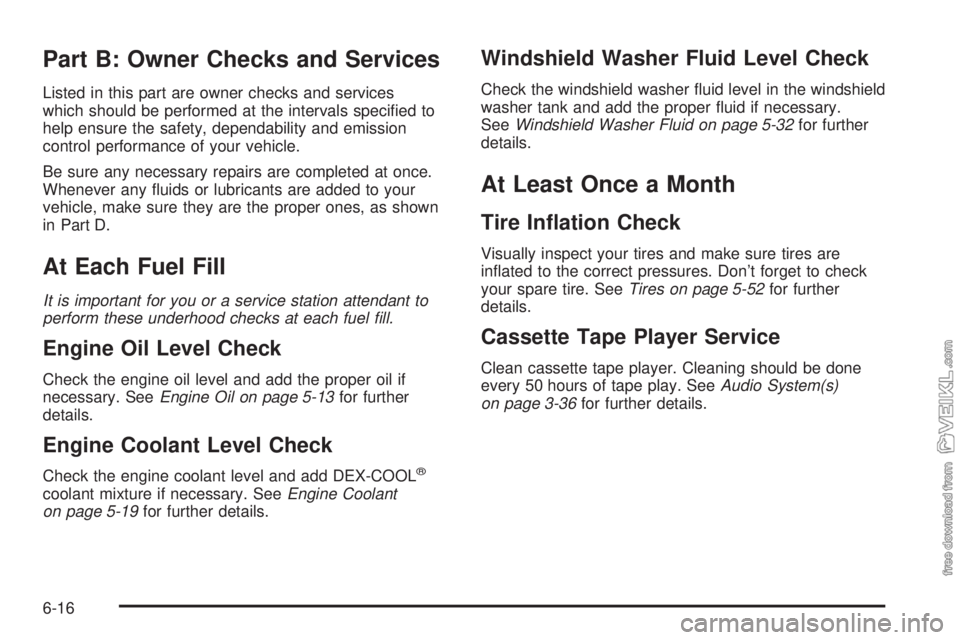
Part B: Owner Checks and Services
Listed in this part are owner checks and services
which should be performed at the intervals specified to
help ensure the safety, dependability and emission
control performance of your vehicle.
Be sure any necessary repairs are completed at once.
Whenever any fluids or lubricants are added to your
vehicle, make sure they are the proper ones, as shown
in Part D.
At Each Fuel Fill
It is important for you or a service station attendant to
perform these underhood checks at each fuel ll.
Engine Oil Level Check
Check the engine oil level and add the proper oil if
necessary. SeeEngine Oil on page 5-13for further
details.
Engine Coolant Level Check
Check the engine coolant level and add DEX-COOL®
coolant mixture if necessary. SeeEngine Coolant
on page 5-19for further details.
Windshield Washer Fluid Level Check
Check the windshield washer fluid level in the windshield
washer tank and add the proper fluid if necessary.
SeeWindshield Washer Fluid on page 5-32for further
details.
At Least Once a Month
Tire Ination Check
Visually inspect your tires and make sure tires are
inflated to the correct pressures. Don’t forget to check
your spare tire. SeeTires on page 5-52for further
details.
Cassette Tape Player Service
Clean cassette tape player. Cleaning should be done
every 50 hours of tape play. SeeAudio System(s)
on page 3-36for further details.
6-16
Page 335 of 348
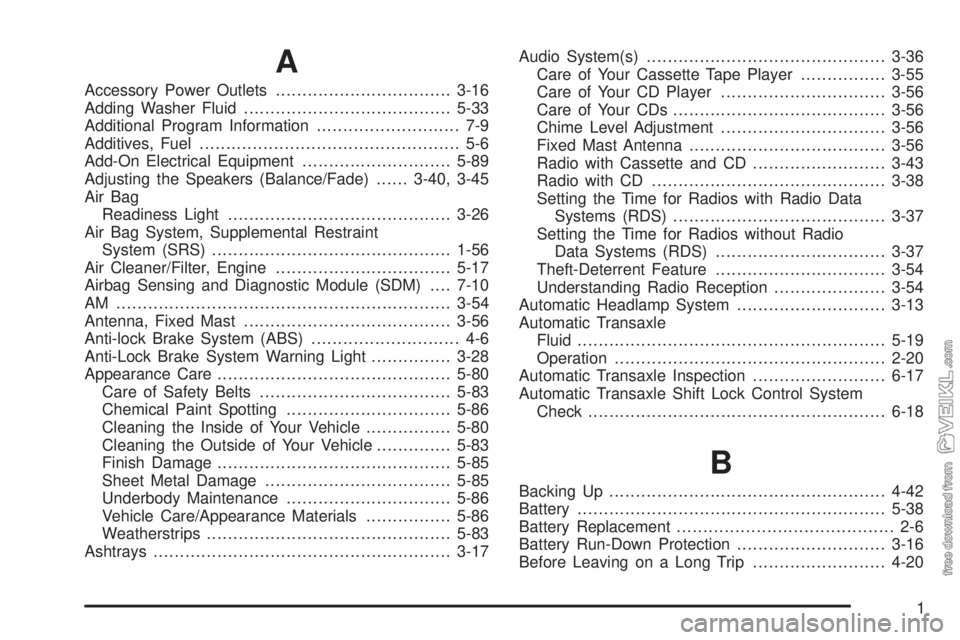
A
Accessory Power Outlets.................................3-16
Adding Washer Fluid.......................................5-33
Additional Program Information........................... 7-9
Additives, Fuel................................................. 5-6
Add-On Electrical Equipment............................5-89
Adjusting the Speakers (Balance/Fade)......3-40, 3-45
Air Bag
Readiness Light..........................................3-26
Air Bag System, Supplemental Restraint
System (SRS).............................................1-56
Air Cleaner/Filter, Engine.................................5-17
Airbag Sensing and Diagnostic Module (SDM)....7-10
AM ...............................................................3-54
Antenna, Fixed Mast.......................................3-56
Anti-lock Brake System (ABS)............................ 4-6
Anti-Lock Brake System Warning Light...............3-28
Appearance Care............................................5-80
Care of Safety Belts....................................5-83
Chemical Paint Spotting...............................5-86
Cleaning the Inside of Your Vehicle................5-80
Cleaning the Outside of Your Vehicle..............5-83
Finish Damage............................................5-85
Sheet Metal Damage...................................5-85
Underbody Maintenance...............................5-86
Vehicle Care/Appearance Materials................5-86
Weatherstrips..............................................5-83
Ashtrays........................................................3-17Audio System(s).............................................3-36
Care of Your Cassette Tape Player................3-55
Care of Your CD Player...............................3-56
Care of Your CDs........................................3-56
Chime Level Adjustment...............................3-56
Fixed Mast Antenna.....................................3-56
Radio with Cassette and CD.........................3-43
Radio with CD............................................3-38
Setting the Time for Radios with Radio Data
Systems (RDS)........................................3-37
Setting the Time for Radios without Radio
Data Systems (RDS)................................3-37
Theft-Deterrent Feature................................3-54
Understanding Radio Reception.....................3-54
Automatic Headlamp System............................3-13
Automatic Transaxle
Fluid..........................................................5-19
Operation...................................................2-20
Automatic Transaxle Inspection.........................6-17
Automatic Transaxle Shift Lock Control System
Check........................................................6-18
B
Backing Up....................................................4-42
Battery..........................................................5-38
Battery Replacement......................................... 2-6
Battery Run-Down Protection............................3-16
Before Leaving on a Long Trip.........................4-20
1