traction control CHEVROLET COLORADO 2011 1.G User Guide
[x] Cancel search | Manufacturer: CHEVROLET, Model Year: 2011, Model line: COLORADO, Model: CHEVROLET COLORADO 2011 1.GPages: 392, PDF Size: 6.37 MB
Page 183 of 392
Black plate (9,1)Chevrolet Colorado Owner Manual - 2011
Driving and Operating 9-9
Controlling the vehicle is the key to
successful off-road driving. One of
the best ways to control the vehicle
is to control the speed. At higher
speeds:
.You approach things faster and
have less time to react.
.There is less time to scan the
terrain for obstacles.
.The vehicle has more bounce
when driving over obstacles.
.More braking distance is
needed, especially on an
unpaved surface.
{WARNING
When you are driving off-road,
bouncing and quick changes in
direction can easily throw you out
of position. This could cause you
to lose control and crash. So,
whether you are driving on or
off the road, you and your
passengers should wear safety
belts.
Scanning the Terrain
Off-road driving can take you over
many different kinds of terrain. Be
familiar with the terrain and its many
different features.
Surface Conditions:Off-roading
surfaces can be hard-packed dirt,
gravel, rocks, grass, sand, mud,
snow, or ice. Each of these surfaces
affects the vehicle's steering,
acceleration, and braking in different
ways. Depending on the surface,
slipping, sliding, wheel spinning,
delayed acceleration, poor traction,
and longer braking distances can
occur.
Surface Obstacles: Unseen or
hidden obstacles can be hazardous.
A rock, log, hole, rut, or bump can
startle you if you are not prepared
for them. Often these obstacles are
hidden by grass, bushes, snow,
or even the rise and fall of the
terrain itself. Some things to consider:.Is the path ahead clear?
.Will the surface texture change
abruptly up ahead?
.Does the travel take you uphill or
downhill?
.Will you have to stop suddenly
or change direction quickly?
When driving over obstacles or
rough terrain, keep a firm grip on
the steering wheel. Ruts, troughs,
or other surface features can jerk
the wheel out of your hands.
When driving over bumps, rocks,
or other obstacles, the wheels can
leave the ground. If this happens,
even with one or two wheels, you
cannot control the vehicle as well or
at all.
Because you will be on an unpaved
surface, it is especially important to
avoid sudden acceleration, sudden
turns, or sudden braking.
Page 184 of 392
Black plate (10,1)Chevrolet Colorado Owner Manual - 2011
9-10 Driving and Operating
Off-roading requires a different kind
of alertness from driving on paved
roads and highways. There are no
road signs, posted speed limits,
or signal lights. Use good judgment
about what is safe and what is not.
Driving on Hills
Off-road driving often takes you up,
down, or across a hill. Driving safely
on hills requires good judgment and
an understanding of what the
vehicle can and cannot do. There
are some hills that simply cannot be
driven, no matter how well built the
vehicle.
{WARNING
Many hills are simply too steep
for any vehicle. If you drive up
them, you will stall. If you drive
down them, you cannot control
your speed. If you drive across
them, you will roll over. You could(Continued)
WARNING (Continued)
be seriously injured or killed.
If you have any doubt about the
steepness, do not drive the hill.
Approaching a Hill
When you approach a hill, decide if
it is too steep to climb, descend,
or cross. Steepness can be hard to
judge. On a very small hill, for
example, there may be a smooth,
constant incline with only a small
change in elevation where you can
easily see all the way to the top. On
a large hill, the incline may get
steeper as you near the top, but you
might not see this because the crest
of the hill is hidden by bushes,
grass, or shrubs. Consider this as you approach a hill:
.Is there a constant incline,
or does the hill get sharply
steeper in places?
.Is there good traction on the
hillside, or will the surface cause
tire slipping?
.Is there a straight path up or
down the hill so you will not
have to make turning
maneuvers?
.Are there obstructions on the hill
that can block your path, such
as boulders, trees, logs, or ruts?
.What is beyond the hill? Is there
a cliff, an embankment, a
drop-off, a fence? Get out and
walk the hill if you do not know.
It is the smart way to find out.
.Is the hill simply too rough?
Steep hills often have ruts,
gullies, troughs, and exposed
rocks because they are more
susceptible to the effects of
erosion.
Page 189 of 392
Black plate (15,1)Chevrolet Colorado Owner Manual - 2011
Driving and Operating 9-15
accelerating, and braking. Drive at a
reduced speed and avoid sharp
turns or abrupt maneuvers.
Hard packed snow and ice offer the
worst tire traction. On these
surfaces, it is very easy to lose
control. On wet ice, for example, the
traction is so poor that you will have
difficulty accelerating. And, if the
vehicle does get moving, poor
steering and difficult braking can
cause it to slide out of control.
{WARNING
Driving on frozen lakes, ponds,
or rivers can be dangerous.
Underwater springs, currents
under the ice, or sudden thaws
can weaken the ice. Your vehicle
could fall through the ice and you
and your passengers could
drown. Drive your vehicle on safe
surfaces only.
Driving in Water
{WARNING
Driving through rushing water can
be dangerous. Deep water can
sweep your vehicle downstream
and you and your passengers
could drown. If it is only shallow
water, it can still wash away the
ground from under your tires, and
you could lose traction and roll
the vehicle over. Do not drive
through rushing water.
Heavy rain can mean flash flooding,
and flood waters demand extreme
caution.
Find out how deep the water is
before driving through it. Do not try
it if it is deep enough to cover the
wheel hubs, axles, or exhaust
pipe —you probably will not get
through. Deep water can damage
the axle and other vehicle parts. If the water is not too deep, drive
slowly through it. At faster speeds,
water splashes on the ignition
system and the vehicle can stall.
Stalling can also occur if you get the
tailpipe under water. If the tailpipe is
under water, you will never be able
to start the engine. When going
through water, remember that when
the brakes get wet, it might take
longer to stop. See
Driving on Wet
Roads on page 9‑16.
After Off-Road Driving
Remove any brush or debris that
has collected on the underbody,
chassis, or under the hood. These
accumulations can be a fire hazard.
After operation in mud or sand,
have the brake linings cleaned and
checked. These substances can
cause glazing and uneven braking.
Check the body structure, steering,
suspension, wheels, tires, and
exhaust system for damage and
check the fuel lines and cooling
system for any leakage.
Page 190 of 392
Black plate (16,1)Chevrolet Colorado Owner Manual - 2011
9-16 Driving and Operating
The vehicle requires more frequent
service due to off-road use. Refer to
the Maintenance Schedule for
additional information.
Driving on Wet Roads
Rain and wet roads can reduce
vehicle traction and affect your
ability to stop and accelerate.
Always drive slower in these types
of driving conditions and avoid
driving through large puddles and
deep‐standing or flowing water.
{WARNING
Wet brakes can cause crashes.
They might not work as well in a
quick stop and could cause
pulling to one side. You could
lose control of the vehicle.(Continued)
WARNING (Continued)
After driving through a large
puddle of water or a car/vehicle
wash, lightly apply the brake
pedal until the brakes work
normally.
Flowing or rushing water creates
strong forces. Driving through
flowing water could cause your
vehicle to be carried away. If this
happens, you and other vehicle
occupants could drown. Do not
ignore police warnings and be
very cautious about trying to drive
through flowing water.
Hydroplaning
Hydroplaning is dangerous. Water
can build up under the vehicle's
tires so they actually ride on the
water. This can happen if the road is
wet enough and you are going fast
enough. When the vehicle is
hydroplaning, it has little or no
contact with the road. There is no hard and fast rule about
hydroplaning. The best advice is to
slow down when the road is wet.
Other Rainy Weather Tips
Besides slowing down, other wet
weather driving tips include:
.Allow extra following distance.
.Pass with caution.
.Keep windshield wiping
equipment in good shape.
.Keep the windshield washer fluid
reservoir filled.
.Have good tires with proper
tread depth. See
Tires on
page 10‑46.
.Turn off cruise control.
Highway Hypnosis
Always be alert and pay attention to
your surroundings while driving.
If you become tired or sleepy, find a
safe place to park the vehicle
and rest.
Page 192 of 392
Black plate (18,1)Chevrolet Colorado Owner Manual - 2011
9-18 Driving and Operating
Drive with caution, whatever the
condition. Accelerate gently so
traction is not lost. Accelerating too
quickly causes the wheels to spin
and makes the surface under the
tires slick, so there is even less
traction.
Try not to break the fragile traction.
If you accelerate too fast, the drive
wheels will spin and polish the
surface under the tires even more.
TheAntilock Brake System (ABS)
on page 9‑43 improves vehicle
stability during hard stops on
slippery roads, but apply the brakes
sooner than when on dry pavement.
Allow greater following distance on
any slippery road and watch for
slippery spots. Icy patches can
occur on otherwise clear roads in
shaded areas. The surface of a
curve or an overpass can remain icy
when the surrounding roads are
clear. Avoid sudden steering
maneuvers and braking while
on ice. Turn off cruise control on slippery
surfaces.
Blizzard Conditions
Being stuck in snow can be a
serious situation. Stay with the
vehicle unless there is help nearby.
If possible, use the
Roadside
Assistance Program (U.S. and
Canada) on page 13‑7 orRoadside
Assistance Program (Mexico) on
page 13‑9. To get help and keep
everyone in the vehicle safe:
.Turn on the hazard warning
flashers.
.Tie a red cloth to an outside
mirror.
{WARNING
Snow can trap engine exhaust
under the vehicle. This may
cause exhaust gases to get
inside. Engine exhaust contains
Carbon Monoxide (CO) which
(Continued)
WARNING (Continued)
cannot be seen or smelled. It can
cause unconsciousness and even
death.
If the vehicle is stuck in the snow:
.Clear away snow from around
the base of your vehicle,
especially any that is blocking
the exhaust pipe.
.Check again from time to
time to be sure snow does
not collect there.
.Open a window about 5 cm
(2 in) on the side of the
vehicle that is away from the
wind to bring in fresh air.
.Fully open the air outlets on
or under the instrument
panel.(Continued)
Page 193 of 392
Black plate (19,1)Chevrolet Colorado Owner Manual - 2011
Driving and Operating 9-19
WARNING (Continued)
.Adjust the climate control
system to a setting that
circulates the air inside the
vehicle and set the fan speed
to the highest setting. See
Climate Control System in the
Index.
For more information about
carbon monoxide, see Engine
Exhaust on page 9‑33.
Snow can trap exhaust gases
under your vehicle. This can
cause deadly CO (Carbon
Monoxide) gas to get inside. CO
could overcome you and kill you.
You cannot see it or smell it, so
you might not know it is in your
vehicle. Clear away snow from
around the base of your vehicle,
especially any that is blocking the
exhaust. Run the engine for short periods
only as needed to keep warm, but
be careful.
To save fuel, run the engine for only
short periods as needed to warm
the vehicle and then shut the engine
off and close the window most of
the way to save heat. Repeat this
until help arrives but only when you
feel really uncomfortable from the
cold. Moving about to keep warm
also helps.
If it takes some time for help to
arrive, now and then when you run
the engine, push the accelerator
pedal slightly so the engine runs
faster than the idle speed. This
keeps the battery charged to restart
the vehicle and to signal for help
with the headlamps. Do this as little
as possible to save fuel.
If the Vehicle is Stuck
Slowly and cautiously spin the
wheels to free the vehicle when
stuck in sand, mud, ice, or snow.
See
“Rocking Your vehicle to get It
Out” later in this section.
If stuck too severely for the traction
system to free the vehicle, turn the
traction system off and use the
rocking method.
{WARNING
If the vehicle's tires spin at high
speed, they can explode, and you
or others could be injured. The
vehicle can overheat, causing an
engine compartment fire or other
damage. Spin the wheels as little
as possible and avoid going
above 55 km/h (35 mph).
For information about using tire
chains on the vehicle, see Tire
Chains on page 10‑68.
Page 214 of 392
Black plate (40,1)Chevrolet Colorado Owner Manual - 2011
9-40 Driving and Operating
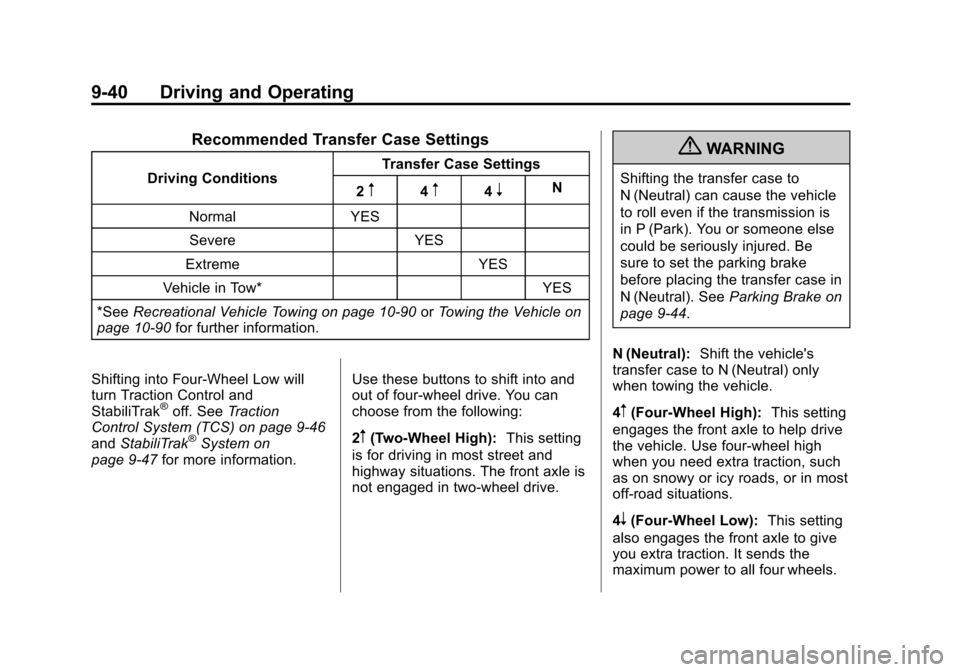
Recommended Transfer Case Settings
Driving ConditionsTransfer Case Settings
2m4m4nN
Normal YES Severe YES
Extreme YES
Vehicle in Tow* YES
*See Recreational Vehicle Towing on page 10‑90 orTowing the Vehicle on
page 10‑90 for further information.
Shifting into Four‐Wheel Low will
turn Traction Control and
StabiliTrak
®off. See Traction
Control System (TCS) on page 9‑46
and StabiliTrak
®System on
page 9‑47 for more information. Use these buttons to shift into and
out of four-wheel drive. You can
choose from the following:
2m(Two-Wheel High):
This setting
is for driving in most street and
highway situations. The front axle is
not engaged in two-wheel drive.
{WARNING
Shifting the transfer case to
N (Neutral) can cause the vehicle
to roll even if the transmission is
in P (Park). You or someone else
could be seriously injured. Be
sure to set the parking brake
before placing the transfer case in
N (Neutral). See Parking Brake on
page 9‑44.
N (Neutral): Shift the vehicle's
transfer case to N (Neutral) only
when towing the vehicle.
4
m(Four-Wheel High): This setting
engages the front axle to help drive
the vehicle. Use four-wheel high
when you need extra traction, such
as on snowy or icy roads, or in most
off-road situations.
4
n(Four-Wheel Low): This setting
also engages the front axle to give
you extra traction. It sends the
maximum power to all four wheels.
Page 215 of 392
Black plate (41,1)Chevrolet Colorado Owner Manual - 2011
Driving and Operating 9-41
You might choose four-wheel low if
you were driving off-road in sand,
mud, or deep snow and while
climbing or descending steep hills.
Shifting into Four‐Wheel Low will
turn Traction Control and
StabiliTrak
®off. SeeTraction
Control System (TCS) on page 9‑46
and StabiliTrak
®System on
page 9‑47 for more information.
Indicator lights in the buttons show
you which setting you are in. The
indicator lights will come on briefly
when you turn on the ignition and
one will stay on the selected setting.
If the lights do not come on, you
should take the vehicle in for
service. An indicator light will flash
while shifting. It will stay on when
the shift is completed.
If the transfer case does not shift, it
will return to the last chosen setting. Shifting from Two-Wheel High to
Four-Wheel High
Press and release the Four-Wheel
High button. This can be done at
any speed, and the front axle will
lock automatically.
Shifting from Four-Wheel High to
Two-Wheel High
Press and release the Two-Wheel
High button. This can be done at
any speed, and the front axle will
unlock automatically.
It is normal to hear and feel the
vehicle's transfer case shift into
Four-Wheel High. If you shift with
the vehicle stopped, the indicator
light may still flash slowly. It may be
necessary to shift the transmission
momentarily into R (Reverse) and
D (Drive), for an automatic
transmission, or R (Reverse) and
1 (First) for a manual transmission
to have the light stop flashing.Shifting from Two-Wheel High or
Four-Wheel High to
Four-Wheel Low
To shift from Two-Wheel High or
Four-Wheel High to Four-Wheel
Low, the vehicle must be stopped or
moving less than 5 km/h (3 mph)
with the transmission in N (Neutral)
for an automatic transmission or the
clutch pedal pressed for a manual
transmission. The preferred method
for shifting into Four-Wheel Low is
to have your vehicle moving
1.6 to 3.2 km/h (1 to 2 mph).
Press and release the Four-Wheel
Low button. You must wait for the
Four-Wheel Low indicator light to
stop flashing and stay on before
shifting the transmission into gear or
releasing the clutch pedal.
If the Four-Wheel Low button is
pressed when the vehicle is in gear
and/or moving faster than 5 km/h
(3 mph), the Four-Wheel Low
indicator light will flash for
30 seconds and not complete the
shift.
Page 220 of 392
Black plate (46,1)Chevrolet Colorado Owner Manual - 2011
9-46 Driving and Operating
Ride Control Systems
Traction Control
System (TCS)
The Traction Control System (TCS)
is part of StabiliTrak. TCS limits
wheel slip which is especially useful
in slippery road conditions. The
system operates only if it senses
that any of the wheels are spinning
or beginning to lose traction. When
this happens, TCS applies the
brakes to limit wheel spin and also
reduces engine power. The system
may be heard or felt while it is
working. This is normal and does
not mean there is a problem with
the vehicle.
Notice:If the wheel(s) of one axle
is allowed to spin excessively
while the StabiliTrak
®, ABS, brake
warning lights, and any relevant
DIC messages are displayed, the
transfer case could be damaged.
The repairs would not be covered
by the vehicle warranty. Reduce
engine power and do not spin the wheel(s) excessively while these
lights and messages are
displayed.
TCS can operate on dry roads
under some conditions. When
this happens, the system may be
heard working or a reduction in
acceleration may be noticed. This
is normal and does not mean there
is a problem with the vehicle.
Examples of these conditions
include hard acceleration in a turn,
an abrupt upshift or downshift of the
transmission or driving on rough
roads.
If cruise control is being used when
TCS begins to limit wheel spin, the
cruise control automatically
disengages. The cruise control can
be re-engaged when road
conditions allow. See
Cruise Control
on page 9‑49.
The message TRACTION FAULT
appears in the Driver Information
Center (DIC) when a TCS or
Antilock Brake System (ABS)
problem has been detected and the vehicle needs service. When this
message is on, the system will not
limit wheel spin. Adjust your driving
accordingly. See
Ride Control
System Messages on page 5‑25.
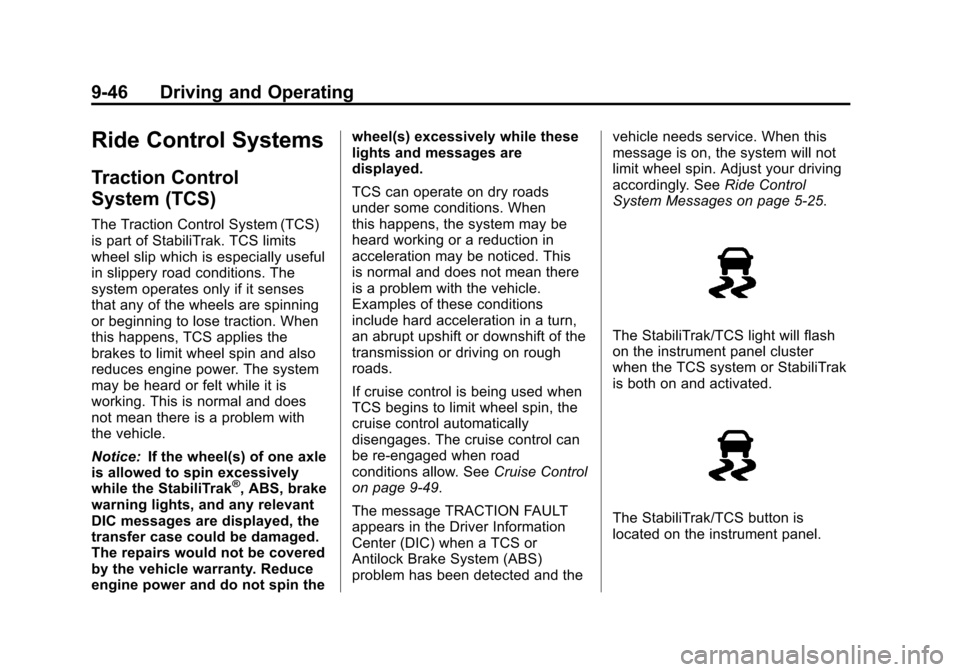
The StabiliTrak/TCS light will flash
on the instrument panel cluster
when the TCS system or StabiliTrak
is both on and activated.
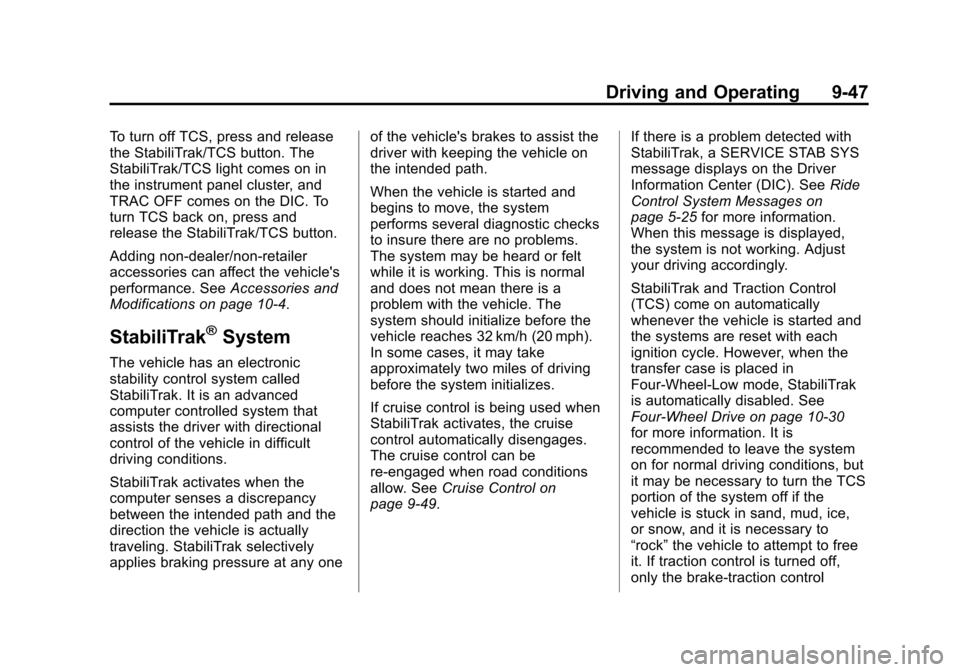
The StabiliTrak/TCS button is
located on the instrument panel.
Page 221 of 392
Black plate (47,1)Chevrolet Colorado Owner Manual - 2011
Driving and Operating 9-47
To turn off TCS, press and release
the StabiliTrak/TCS button. The
StabiliTrak/TCS light comes on in
the instrument panel cluster, and
TRAC OFF comes on the DIC. To
turn TCS back on, press and
release the StabiliTrak/TCS button.
Adding non-dealer/non-retailer
accessories can affect the vehicle's
performance. SeeAccessories and
Modifications on page 10‑4.
StabiliTrak®System
The vehicle has an electronic
stability control system called
StabiliTrak. It is an advanced
computer controlled system that
assists the driver with directional
control of the vehicle in difficult
driving conditions.
StabiliTrak activates when the
computer senses a discrepancy
between the intended path and the
direction the vehicle is actually
traveling. StabiliTrak selectively
applies braking pressure at any one of the vehicle's brakes to assist the
driver with keeping the vehicle on
the intended path.
When the vehicle is started and
begins to move, the system
performs several diagnostic checks
to insure there are no problems.
The system may be heard or felt
while it is working. This is normal
and does not mean there is a
problem with the vehicle. The
system should initialize before the
vehicle reaches 32 km/h (20 mph).
In some cases, it may take
approximately two miles of driving
before the system initializes.
If cruise control is being used when
StabiliTrak activates, the cruise
control automatically disengages.
The cruise control can be
re-engaged when road conditions
allow. See
Cruise Control on
page 9‑49. If there is a problem detected with
StabiliTrak, a SERVICE STAB SYS
message displays on the Driver
Information Center (DIC). See
Ride
Control System Messages on
page 5‑25 for more information.
When this message is displayed,
the system is not working. Adjust
your driving accordingly.
StabiliTrak and Traction Control
(TCS) come on automatically
whenever the vehicle is started and
the systems are reset with each
ignition cycle. However, when the
transfer case is placed in
Four-Wheel-Low mode, StabiliTrak
is automatically disabled. See
Four-Wheel Drive on page 10‑30
for more information. It is
recommended to leave the system
on for normal driving conditions, but
it may be necessary to turn the TCS
portion of the system off if the
vehicle is stuck in sand, mud, ice,
or snow, and it is necessary to
“rock” the vehicle to attempt to free
it. If traction control is turned off,
only the brake-traction control