ignition CHEVROLET CORVETTE 1993 4.G Service Manual
[x] Cancel search | Manufacturer: CHEVROLET, Model Year: 1993, Model line: CORVETTE, Model: CHEVROLET CORVETTE 1993 4.GPages: 370, PDF Size: 21.43 MB
Page 117 of 370
Downloaded from www.Manualslib.com manuals search engine Features & Controls
'I
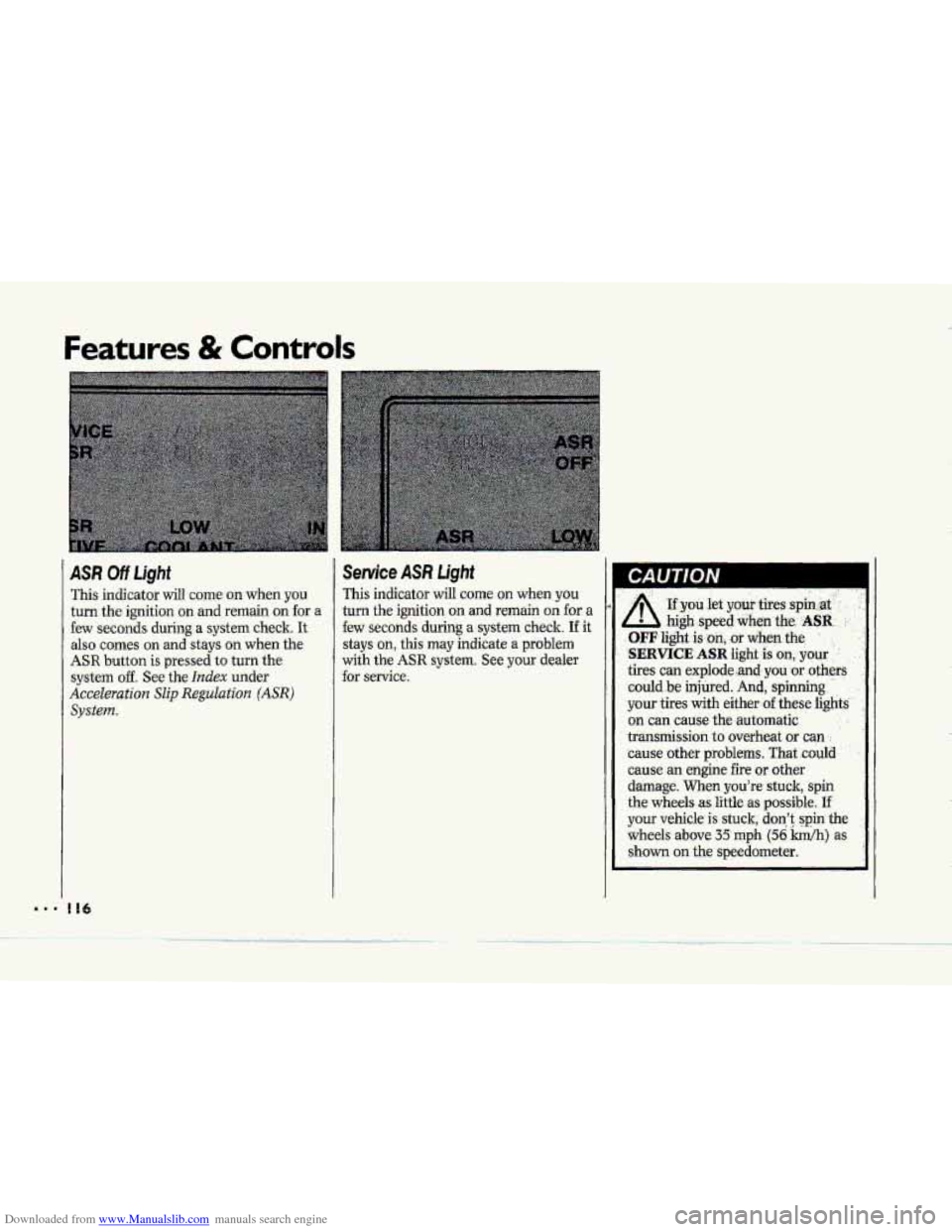
ASR Off Ught
This indicator will coine on when you
turn the ignition on and remain on for a
few seconds during a system check. It
also comes on and stays on when the
ASR button is pressed to turn the
system off. See the Index under
Acceleration Slip Reguluat'a'on (ASR)
system.
I16
Seruice ASR Light
This indicator will come on when you
turn the ignition on and remain on for a
few seconds during a.system check.
If it
stays on, this may indicate a problem
with the ASR system. See your dealer
for
service.
A .'
. .. ..
~f you let ymi tires :spin at-
- high .speed when.~e.. .ASR. ..
.OFF light is.:on, :or dieg-the :
',SERVICE ASR Iight ,is on, .your . .'
tires can pplode,.and, you 'or others
could .be injured. And, spinning
your tires
with either- of -these light2
on can cause the-automatic . ;
transmission to overheat or can .:
'cause other problems. That .could
cause an engine fire or other
damage.
When you're stuck, spin
the wheels as little
as possible. If'
your vehicle is stuck; don't: .spin the
wheels above 35 mph (56 Wh) as
shown on the speedometer,
Page 118 of 370
Downloaded from www.Manualslib.com manuals search engine NOTICE i I 1 ABS Active Light
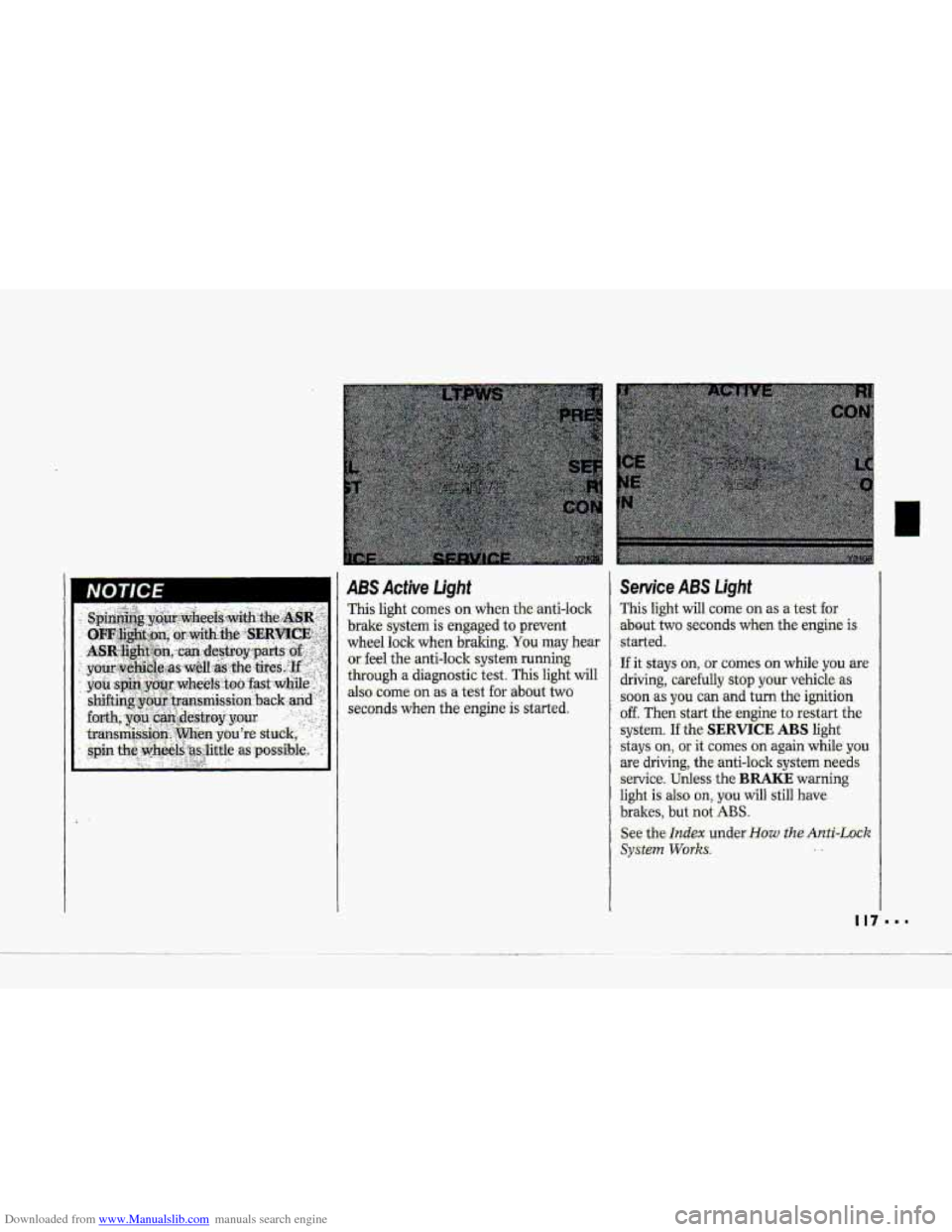
This light c0me.s on when the-anti-lo-clr
brake system is engaged to prevent
wheel lock when
braking. You may hear
or. feel the-anti-lock system running
through a diagnostic test. This light will
also
come on as a test for .about two
seconds
when the engine is ‘started.
Service ABS Light
This light will come on as a test for
.about- two seconds when the engine is
.started.
If it stays on, - or comes an while you are
driving, carefully stop your vehicle as
.soon as you can and turn the ignition
off. Then start the engine to restart the
system.
If the SERVICE ABS light
stays
on, or it comes on again while you
are driving; the anti-lock system needs
service. Unless the BRAKE warning
light is also on,. you will still have
brakes, but not ABS.
See the Index under-How the Anti-Lock
SyStePn Works. ..
Page 119 of 370
Downloaded from www.Manualslib.com manuals search engine Features & Controls
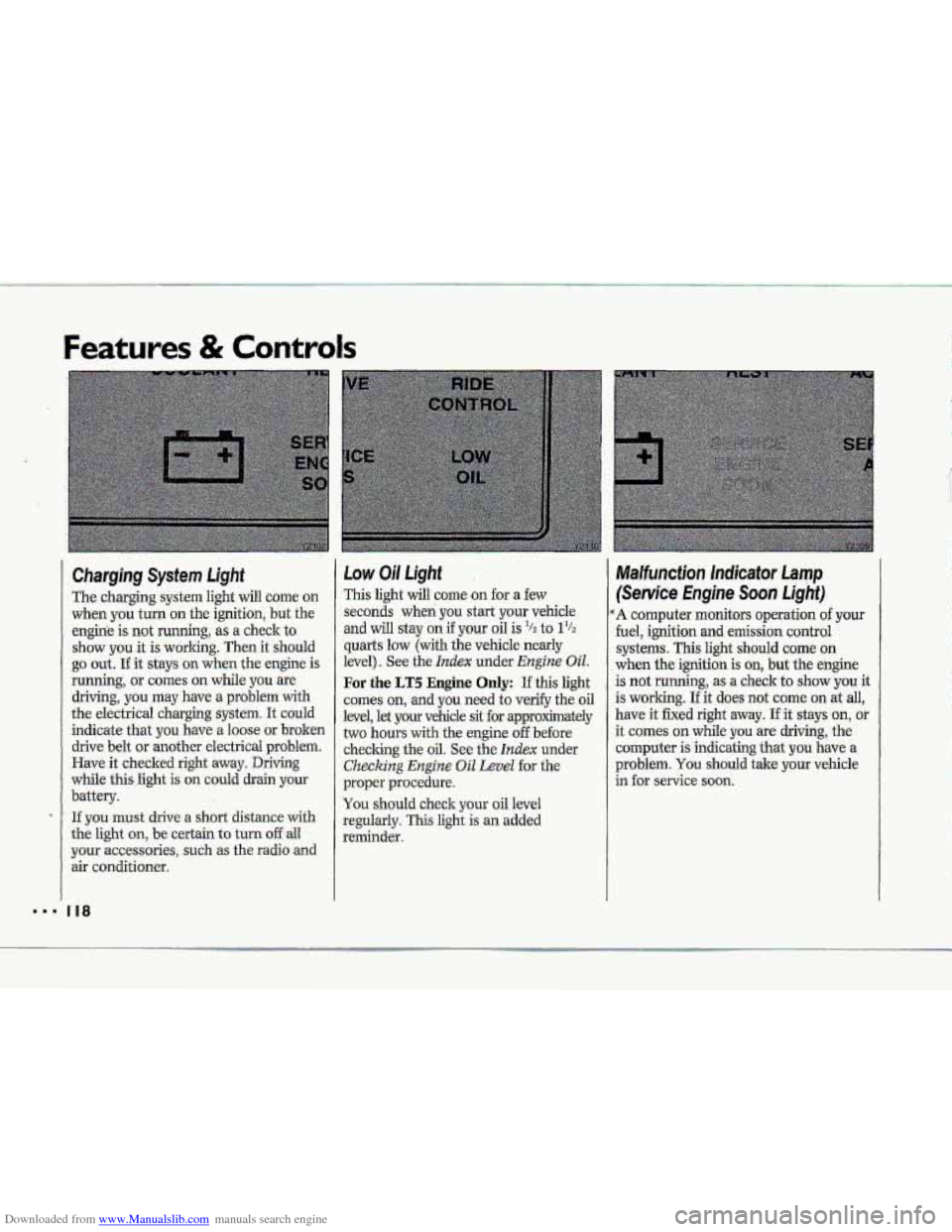
Charging System Light
The charging system light will come on when
you turn on the ignition, but the
engine
is not running, as a check to
show you it is working. Then it should
go out. If it stays on when the engine is
running; or comes on while you are
driving,
you may have a problem with
the electrical charging system. It could
indicate that you have. a loose or broken
drive
belt or another electrical problem.
Have it checked right away. Driving
while thisJight
is. on could drain your
battery.
If you must drive a short distance with
the lght un, be certain to turn of€ aU.
your accessories, such as the radio and
air conditioner.
Low Oil Light
This light will come on for a few
seconds wheri
you start your vehicle
and
will stay on if your oil is '/z to 1%
quarts low (with the vehicle nearly
level).
See the Index under Engine UiE.
For the LT5 Engine Only: If this light
comes on, and you need to verify the oil
level, let
your vehicle sit for approximately
two hours
with the engine off before
checlung the
oil, See the Index under
Checking Engine Oil Level for the
proper procedure.
You should check your oil level
regulariy.
This light is an added
reminder.
Malfuncfion Indicator Lamp
(Senrice hghe Soon Light)
A computer monitors operation of your
fuel, ignition and emission control
systems. This light should
come on
when the ignition is on, but the engine
is not running,
as a check to show you it
is working. If
it does not come on at all,
have it fixed right away. If it stays on, or
it comes on while you
are driving, the
computer is indicating th,at you have a
problem.
You should take your vehicle
in for service soon.
Page 121 of 370
Downloaded from www.Manualslib.com manuals search engine Features & Controls
Passive Keyless Entry Light
If the.Passive Keyless Entry system is
on, this light comes on for two seconds
whenyou put the key in the ignition
and turn it to the Run position. If the
Passive -Keyless Entry .system is off, the
light will not cume on. This light also
comes on .md flashes when you we
programming~ one or more transmitters.
See
the- Index under. Passive Keyless
Entry System.
System Problems
The Central Control Module (CCM)
controls several electronic systems on
your Corvette. SYS will flash three
times every
15 seconds on the display
near the he1 gage if there is a problem
with one of the CCM-cantrolled
systems. Have your vehicle checked
by
a. Chevrolet dealer if SYS keeps
appearing.
If the SECURITY light flashes at the
same the SYS flashes on the
instrument panel, a ,problem has been
detected in your the& deterrent system.
If this OCCUTS, have YQW vehicle
serviced.
Roof Panel ~XWE)
Removing the Roof Panel:
' 1. Be sure your vehicle is on a level
2. Set the parking brake.
3. Shift your automatic transmission
into P (Park). Or, if you have the
manual
transmission, shift it into
R {Reverse).
4. Lower the side windows all the'way
down.
5. Turn your ignition key to the Lock
position.
6. Move both sun visors to the side to
uncover the
.front bolt access holes.
place.
k p*
.&
"' 120
Page 130 of 370
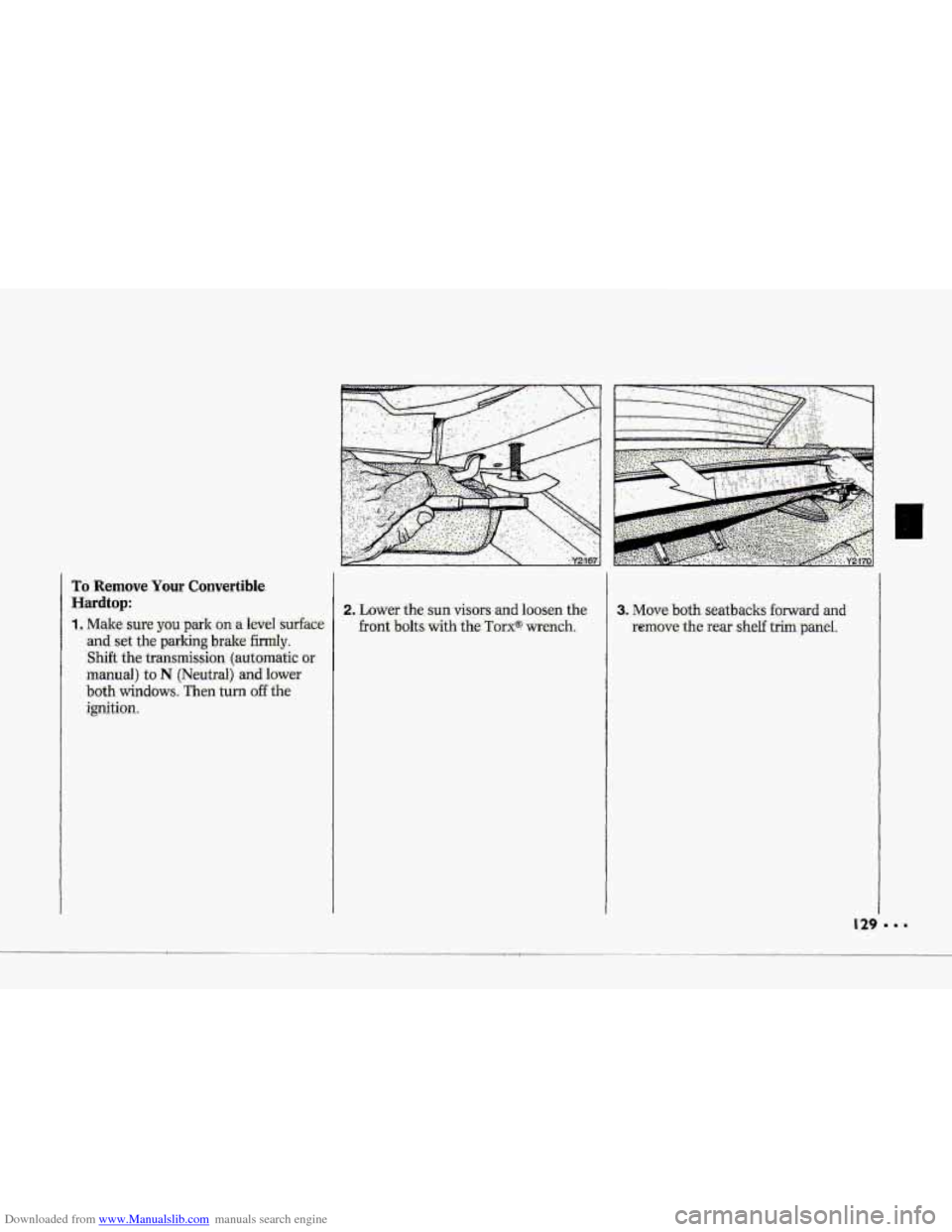
Downloaded from www.Manualslib.com manuals search engine To 'Remove Your Convertible.
Hardt0.p:
1,. Make:.sure you ppk -on a he1 surface
-and set the parking bpalce firmly.
Shift the transmission, (:auttmatic or.
rriiaiual) to N (Neutral) and lo-wer
bot-h windows: Then turil off -the
ignition.
Page 132 of 370
Downloaded from www.Manualslib.com manuals search engine .-
c
.
NOTICE
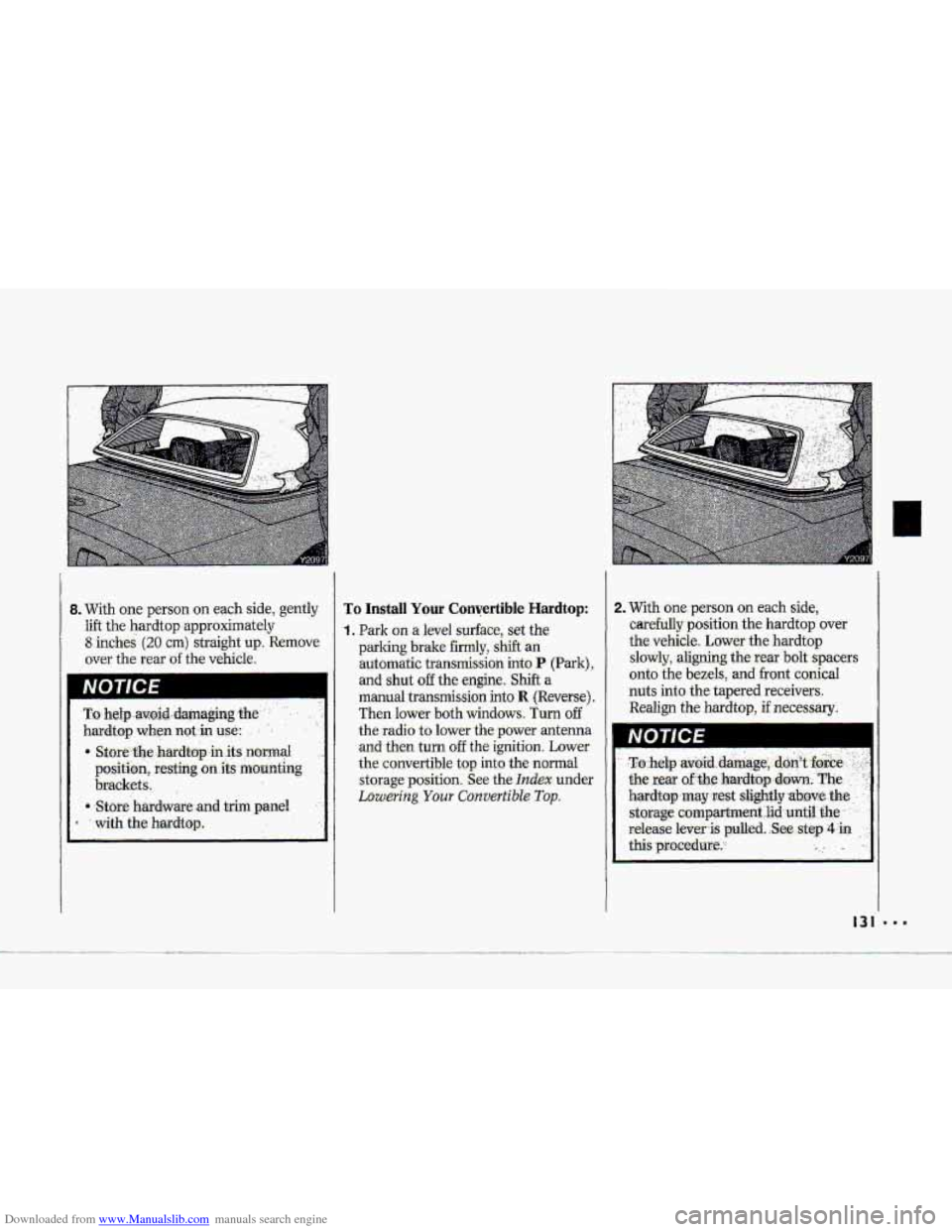
To Install Your Convertible Hardtop:
'1. Park on a level surface, set the
parking brake fimily, shift an
automatic transmission into
P (Park),
and shut off the engine. Shift a
manual transmission into R (Reverse),
Then lower both windows. Turn off
the.radio to lower
the power antenna
and then turn off the ignition. Laww
the- convertible top into the normal
st.orage-position.. See the Index under
Lowering Your Cowertib1.e Top.
2. T&h one. person on each side,
carefully position the. hardtop .over
the vehicle. Lower, the hardtop
slowly, aligning the rear bolt spacers
onto the bezels,
and front .conical
nuts into the tapered receivers.
Realign the hardtop, if necessary.
I31
Page 139 of 370
Downloaded from www.Manualslib.com manuals search engine Comfort Controls & Audio Systems
Defogging and Defrosting (cow
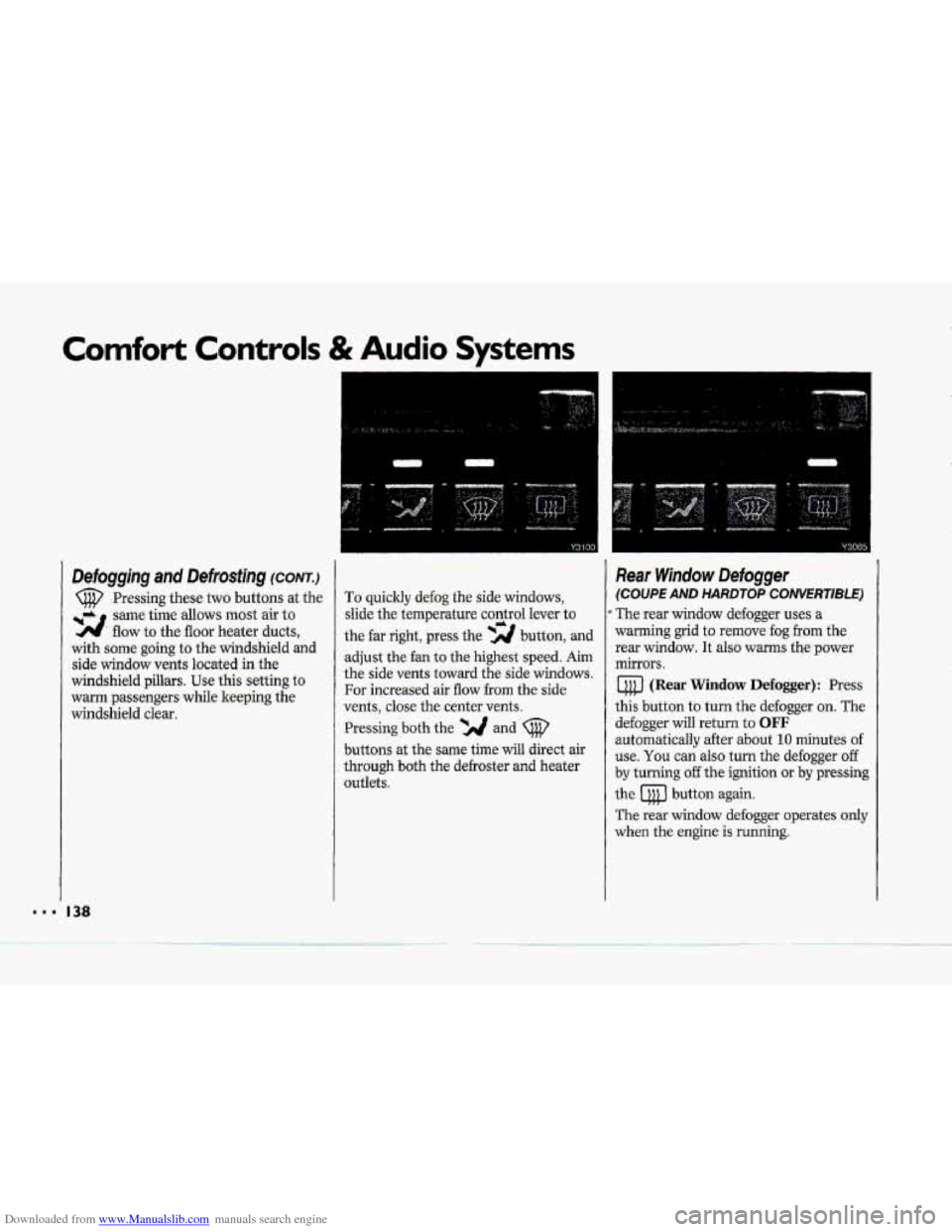
Pressing these two buttons at the
same time
allows most air to
flow to the floor heater ducts, -2.
with some going to the windshield and
side window vents located in the
windshield pillars. Use this setting
to
warm passengers while keeping the
windshield clear.
I38
To quickly defog the side windows,
slide the temperature control lever
to
the far right, press the -2 button, and
adjust the fan to the highest speed. Aim
the side vents toward the
side windows.
For increased air flow from the side
vents, close the center
vents.
Pressing both the *A and
buttons at the same time will direct air
through both the defroster and heater
outlets.
Rear Window Defogger
(COUPE AND HARDTOP CONVERTIBLE)
The rear window defogger uses a
warming grid to remove fog from the
rear window.
It also warms the power
mirrors.
(Rear Window Defogger): Press
this button to turn the defogger on. The
defogger
will return to OFF
automatically after about 10 minutes of
use. You can
also turn the defogger off
by turning off the ignition or by pressing
the button again.
The rear window defogger operates only
when the engine is running.
c
Page 140 of 370
Downloaded from www.Manualslib.com manuals search engine a
Do not attach a temporary vehicle
ficense across the defogger
grid .on the
rear window.
Power Mirror Defogger
(COW€RT/BLE WITHOUT HARDTOP)
4 (Power ,Mirror Defogger): Press
this buttqn to warm and defog the
power mirrors.
The power
mirror defugger will turn off
automatically after about 10 minutes .of
usei You can also turn the defogger off
by turning off the-ignition or by pressing
the
4 but'ton again.
The power mirror defogger operates
only-when the engine is running.
SpecMy Tieated Windshield
(ZR- 7)
Yolar ZR-1 windshield is specially
treated
to reduce the amount of solar
heat entering your vehicle. This makes
it easier for your air conilitioning
system to keep you comfortable.
The specially treated windshield will
decrease the effective
distance of some
add-on electronic devices, such as
garage
door openers. If you use such a
device, aim it through the opening at
the bottom
center of the windshield.
Page 142 of 370
Downloaded from www.Manualslib.com manuals search engine 4
$"
i i
I i
?- i
i
i I
r I
r"
!
The outside ternperatufe sensor reading
is filtered (to minimize false readings)
as follows:
If- the outside temperature decreases,
the -&splayed temperature
will update
immediately.
I€- the outside temperature increases
(such as when stopped in traffic), the
displayed temperature will not update
until one
of the following eonditiom
is met:
Vehicle speed is above 25 mph
Vehicle speed 'is above 45 mph
Updates will occur continuously as long
as the vehicle speed remains above
25 mph (40 Wh).
zf the ignition is turned off for more
than three hours, the current outside air
tempepature when the vehicle is restarted
will be stored in the system immediately.
The third sensor
is the in-vehicle
tempefature sensor, located
in-the
center air outlet on the passenger side.
If you block or cover either interior
sensor, the sensor
will give your system
a false reading.
(40 ,nn/h) for at least 3 minutes, or
(72 krn/h) for 1% minutes.
AUTO (Automatic): This system
autmnatically
adjusts to the
temperature range you select.
rt stays
at. this temperature
with the least
possible noise level
and it will select
the best mode (Heater,
Air
Conditioning or Bi-Level) and fm
speed to keep you comfortable. The
fan blower
will vary its speed
automatically unless you ovenide
it
with theVqrAbutton,
1 .I Set the temperature you want with
2. Press AUTO. An indicator light will
3. Press A (Vent) to allow outside. air
the
TEMP SET switch.
glow above
this.hutton.
to
flaw into the vehicle.
d
Page 143 of 370
Downloaded from www.Manualslib.com manuals search engine Comfort Controls & Audio Systems
Automutic Electrunic
Climate Cuntvul (C0nt.j
Use These Settings to Set Your Fan
Speed
V (Lqw.Ean): 'This. setting overrides.
the automatic fan speed. To decrease
fan speed, press the
V button and
hold until
you see the fan speed you
want.
AUTO # (Automatic Fan): when
you use this setting, the controller
chooses the fan speed based on the
input signals.
In the AUTO mode
during hot weather (after the vehicle
has not been running for a period of
time) the-fan speed will be
low when
the vehicle is initially
started. This
I42
initial low fan speed is used to purge
the vehicle of hot interior air. In the
AUTO 3f mode during cold weather,
the
fan speed will be delayed. in the
heat
mode until the engine coolant
reaches
an adequate temperature to
provide heat.
A (High .Fan) : This setting overrides
the automatic fan speed. To increase
fan speed, press the A button and
hold until you see the fan speed you
want. There is no €an blower delay.
Fan speeds wil1 range from 1 (lowest
setting)
to 10 (highest setting). When
any fan speed is selected, it will appear
on the digital screen briefly and the
ot~tside temperature will also appear.
Air Conditioning System
If a light above a button flashes when
you turn
on the ignition, it may indicate
an electrical problem with your air
conditioning system. The flashing will
continue for one minute, then go but. It
means you should have your system
checked
and serviced if needed.
It may
also mean the rekigerant level is
too low in your air conditioner system.
The. light will still flash after rebigerant
is added. This means your system will
not cool the air until it is reset.