stop start CHEVROLET CORVETTE 1993 4.G Owners Manual
[x] Cancel search | Manufacturer: CHEVROLET, Model Year: 1993, Model line: CORVETTE, Model: CHEVROLET CORVETTE 1993 4.GPages: 370, PDF Size: 21.43 MB
Page 64 of 370
Downloaded from www.Manualslib.com manuals search engine f
r i
i
p
i
F"L.
!
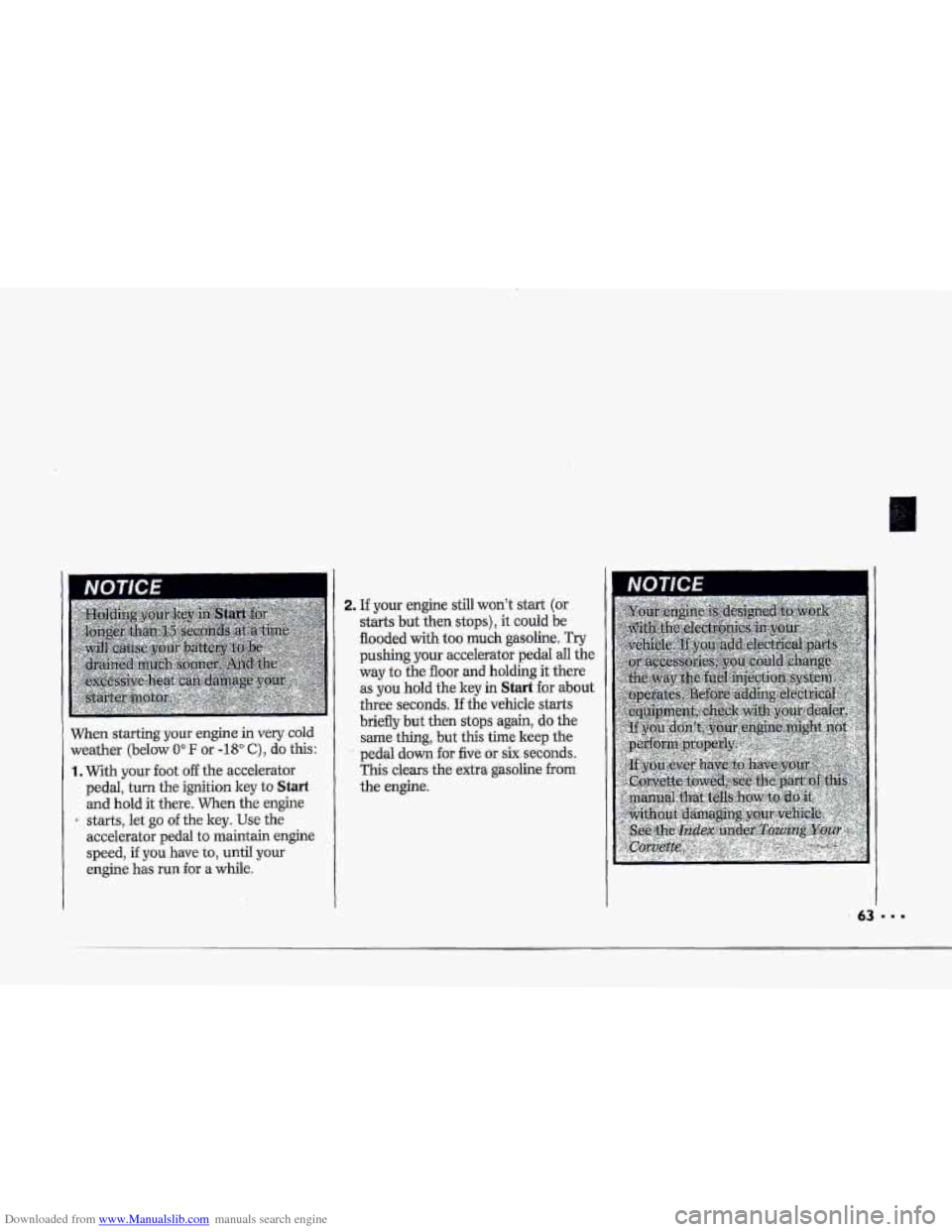
When starting your engine in very cold
weather (below 0" IF or -18" C), do this:
1. With your foot off the accelerator
pedal, turn
the ignition key to Start
and hold it there. When the engine
starts, let go
of the key. Use the
accelerator pedal to maintain engine
speed, if
you have to, until your
i
~ engine has mn €or a while.
2. If your engine still won't start (or
starts but then stops), it could be
flooded
with too much gasoline. Try
pushing your accelerator pedal all the
way
to the floor and holding it there
as you hold the key in
Start €or about
three seconds. If the vehicle starts
briefly but then stops again, do the
same thing, but this time keep the
pedal down for five or six seconds.
This clears the extra gasoline from
the engine.
Page 66 of 370
Downloaded from www.Manualslib.com manuals search engine f
i
i d
2. If your engine still won't start (or
starts but then stops), it could be
flooded'with
too much gasoline. Try
pushing your accelerator pedal all the
way to the floor and holding it there
as you hold the key in Start for about
three seconds. If the vehicle starts
briefly
but then stops again, do the
same thing, but this time keep the
pedal down for
five or six seconds.
This clears the extra gasoline from
the engine.
Driving Through Deep Standing
Wafer
65
Page 72 of 370
Downloaded from www.Manualslib.com manuals search engine c
Y 2- (Second Gear): Press the clutch
pedal as
you let up on t.he accelerator
pedal and
shift into 2. Then, slowly let
up on the clutch pedal .as you -press the
accelerator pedal.
3,4,!5 and 6 (Third, Fourth, E.i€th and
Sixth Gears): Shift ihto 3,4,5 and 6
the same way you do for 2. Slowly let
up on the clutch pedal as you press the
accelerator
pedal;
To stop
Let up an the acceleraTor pedal and
press the-brake pedal. Just before the
vehicle
stops, press the clutch pedal
:and.the brake pedal, and shift to
N (Neutral).
N (Neutral): Use this position when
you .startor idle your engine.
R (Reverse): To back up, press down
the clutch pedal-and shift into R (Reverse).
.Let up on the clutch pedal slowly while
pressing the, accelerator pedal.
I-f you shift €ram.
placed
in the N (Neutral) position
centered between
2 and 5 prior to
shifting into .R (Reverse).
Your 6-speed
manual transmission has
a
feature that allows you to s-afely.shift
into-R (Reverse) while the vehicle is
rolling (at
less than 5 mph) . You will be
%clred-out” if you try to shift into
R (Reverse) while y0u.r vehicle is
moving faster than
5. rhph.
If you haveturned your ignition off and
wish to park your car iii R (Reverse),
you wlil have to move the shift leyer
quickly to the right, “crashing” through
the high load spring and then into gear.
71
Page 107 of 370
Downloaded from www.Manualslib.com manuals search engine Features & Controls
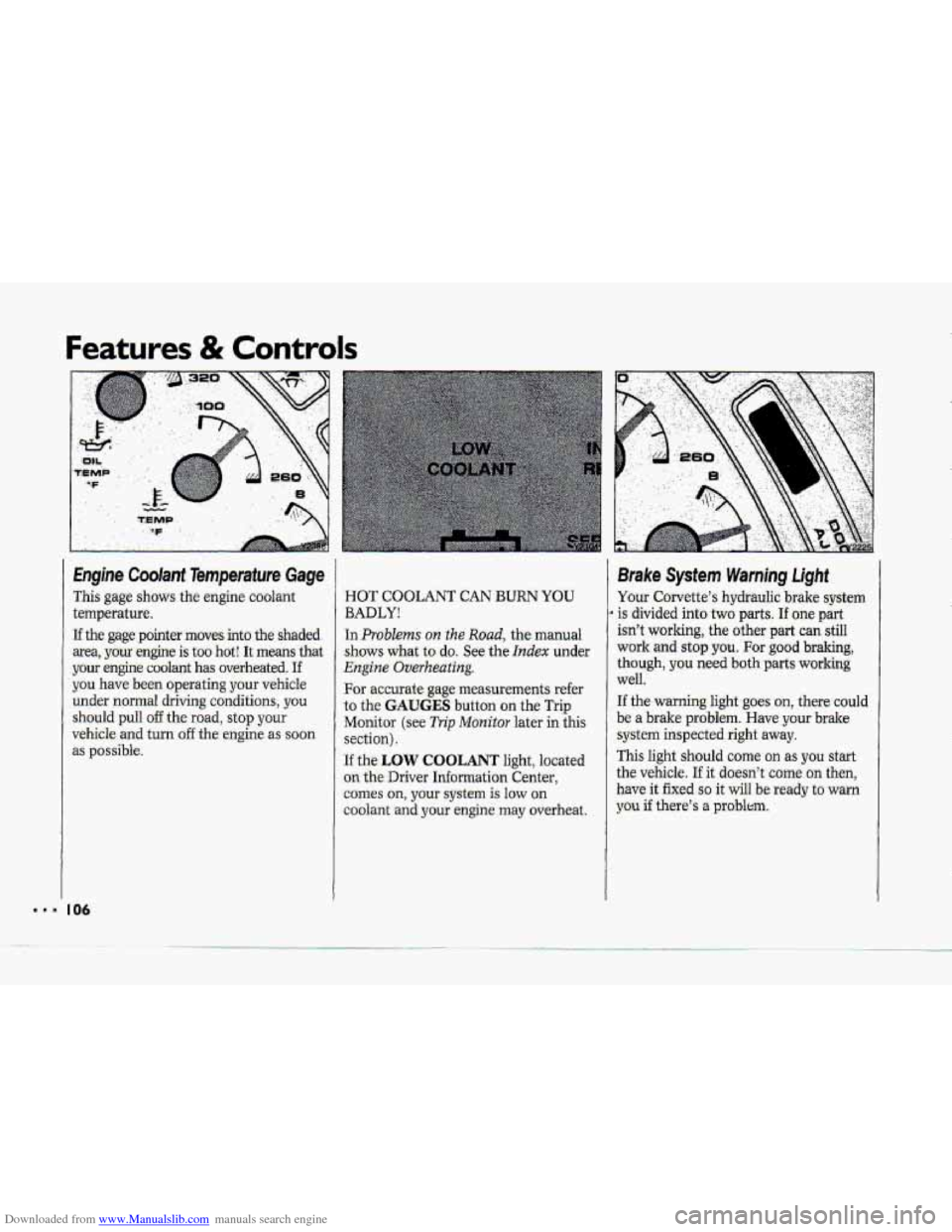
This gage shows the engine coolant
temperature,
I If the gage pointer moves-into the shaded
area, yow-engine is too
hot! It meamthat
your engine coolant
has overheated. If
you have, been operating your vehicle
under-
normal driving. conditions, you
should pull off the road, stop your
vehicle and turn off the engine as soon
as possible.
HOT COOLANT CAN BURN YOU
BADLY!
In Problems on the Road, the- manual
shows what to do. See the Ifidex under
Engine Overheating.
For -accurate gage measurements refer
to the
GAUGES button on the Trip
Monitor
(see Trip Monitov later in this
section).
If the LOW COOLANT light, located
-on the Driver Information Center,
comes on, your system is low on
coolant -and your engine may overheat.
Brake System Warning Light
Your Corvette’s hydraulic brake system
is divided.into two parts. If one part
isn’t working, the other part can still
work
and stop you. For good braking,
though,
you need both parts working
well.
If the warning light goes on, there could
be a brake problem. Have-your bralce
system inspected right away.
This light should come on as you start
the vehicle. If it doesn’t come on then,
have it
fixed.so it will be ready to warn
you if there’s a problem.
.-
Page 109 of 370
Downloaded from www.Manualslib.com manuals search engine Features & Controls
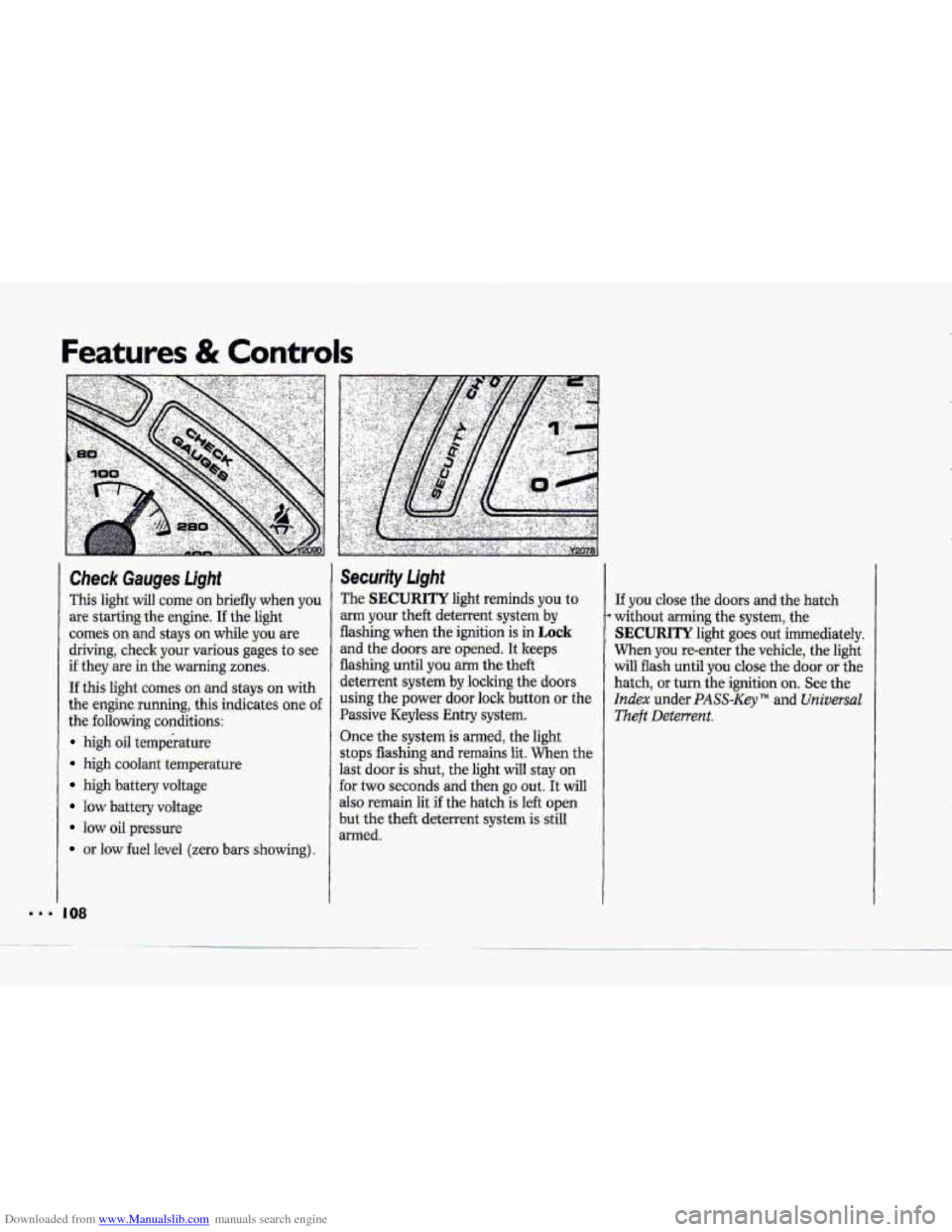
Check Gauges Light
This light will come on briefly whien y6u
are starting the engine. I€ the light
comes on and stays on while you are
driving, check your various gages to see
if they are in the warning zones.
If this light comes on and stays on with
the engine running, this indicates one of
the following conditions:
high oil temperature
high coolant temperattiE’
high battery voltage
low battery voltage
IOW oil pressure
or low fuel level (zero bars showing).
I 08
Security Light
The SECURITY light reminds you to
arm your theft deterrent system by
flashing when the ignition is in Lock-
and the doors are opened. It keeps
flashing until
you arm the theft
deterrent system
by locking the doors
using the power door lock button or the
Passive Keyless Entry system.
Once the system
is armed, the light
stops flashing
and remains lit. When the
last
door is shut, the light will stay on
for two seconds and then
go out. It will
also remain lit if the hatch is left open
but the theft deterrent system is still
armed.
If you close the doors and the hatch
without arming the system, the
SECURITY light goes out immediately.
When you re-enter the vehicle, the light
w.ill flash until
you close the door or the
hatch,
or turn the ignition .on. See the
Index under PASS-Key TM and Universal
.Theft Deterrent.
Page 110 of 370
Downloaded from www.Manualslib.com manuals search engine i F
I
/+
!
i
r" I' J
1 Engine ~e. oni it or
The Engine Oil Life Monitor us&&
engine oil temperature and engine
revolutions
to 'determine when the oil is
nearly worn out.
There ,is a CHANGE OIL light on the
left side ,of the- instrument cluster. It
comes
on for a fkw seconds as a bulb
check when you sta-rtyour vehicle. It
mrnes on and stays on when it is time
to change yuur oil.
The CHANGE OIL light is only a
reminder.
You should change, your oil at
$he intervals recommended in your
Maintersance- Schedule menif the
CHANGE OIL 1-ight hasn't come on.
Resetting the Engine Oil Life
Monitor:
1, %LEU the key to the Run pasition, but
don't
start the engine.
2. Press the ENG MET button .on the
Trip Monitor. Within five seconds,
press the ENG MET button again.
3. Within five seconds of step 2, press
and hold the GAUGES button on
the Trip Monitor. The CHANGE
OIL light d flash.
4..Hold the GAUGES button until the.
CHANGE OIL light stops flashing
and goes out; This should take about
ten seconds. When the light goes out,
the Engine Oil Life Monitor is reset.
If it doesn't reset, tum the- ignition to
Of€ and repeat the procedure.
Page 115 of 370
Downloaded from www.Manualslib.com manuals search engine Features & Contro1.s
point more than 90" from the valve stem
may damage the LTPWS sensors..
If this light stays on after the tire pressure
is properly adjusted, see your dealer.
I14
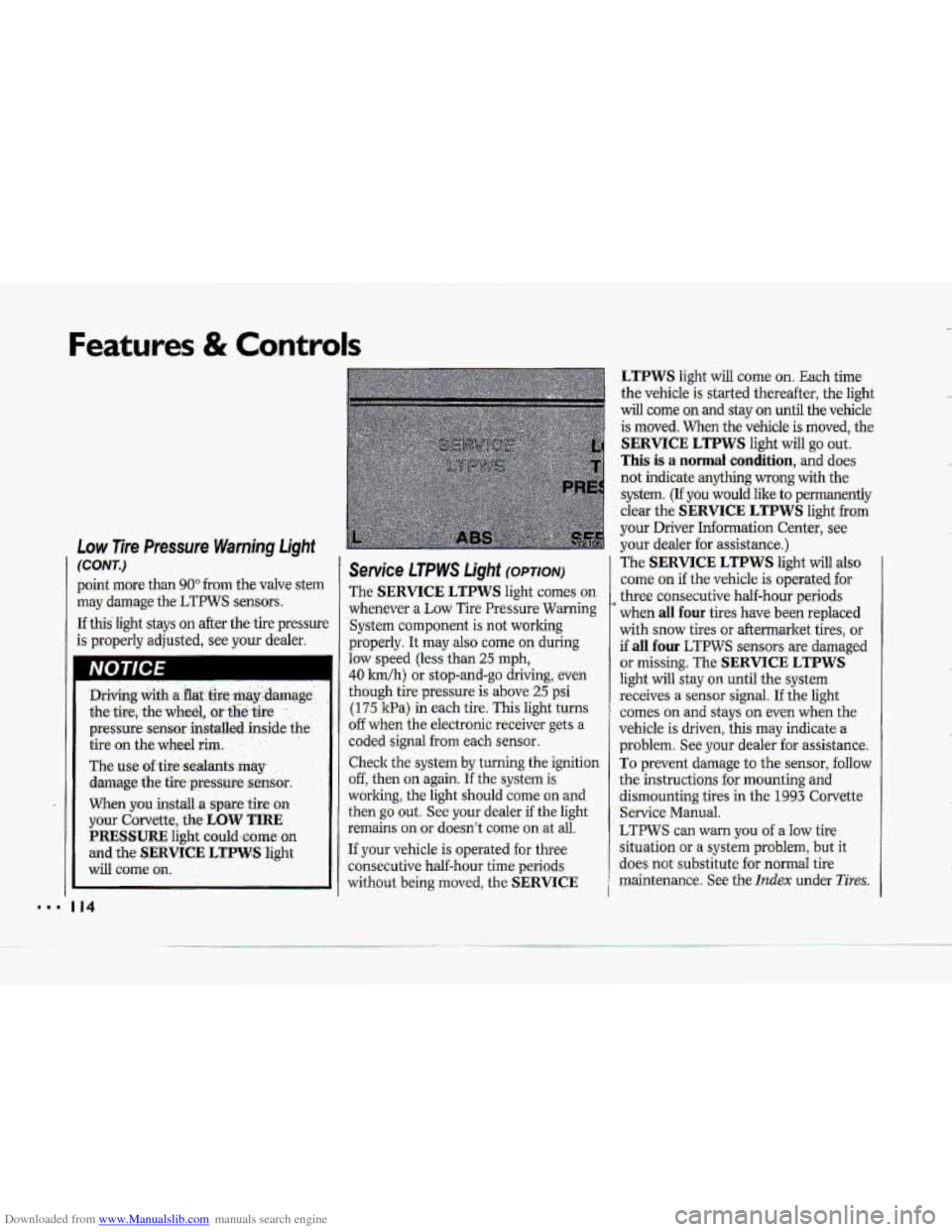
Service LTPWS Light (OPTION)
The SERVICE LTPWS light comes on
whenever a Low Tire PressureWrtming
System component is not working
properly. It
may also come on during
law speed (less than 25 rnph,
40 Idh) or. stop-and-go driving, even
though tire pressure is above 25 psi
(175 kPa-) in each tire. This light turns
o€f when the electronic receiver gets a
coded signal
from each sensor..
.Check the system
by turning the ignition
off, then on again. If'lhe system is
worling, the light should come on-and
then go out. See your dealer if the light
remains on
or doesn'.t come on .at ail.
If your vehicle is operated for three
consecutive half-hour time periods
without being moved,
the .. SERVICE
LTPWS light will come on. Each time
the vehicle
is started thereafter, the light
will come mand stay on until the vehicle.
is moved. When the vehicle
is moved, the-
SERVICE LTPWS light will go out.
This is a normal condition, and does
not indicate
anything-wrong with the
system.
(If you would Iilre to permanently
clear the
SERVICE LTPWS light from
your Driver Information Center, see
your dealer for assistance.)
The
SERVICE LTPWS light will also
corne. on if.the vehicle is operated for
three consecutive half-hour periods-
when
,dl four tires- have been replaced
with
snow tires or aftermarket tires, or
if all four LT-PWS sensors. are damaged
or missing. The SERVICE LTPWS
light will stay o.n until the system
receives
a sensor signal. I€ the light
'comes on and stays on even when the
vehicle is driven, this may .indicate
a
problem. See your dealer for assistance.
To prevent damage to the sensor, follow
the instructions
for mounting and
dismounting tires in
the 1993 Corvette,
Service Manua.1.
LTPWS can warn you of a Idw tire
situation-or
a system problem, but it
-does not substitute .foT.norrnal tire
maintenance. See the
Itzdex under Tires;
Page 118 of 370
Downloaded from www.Manualslib.com manuals search engine NOTICE i I 1 ABS Active Light
This light c0me.s on when the-anti-lo-clr
brake system is engaged to prevent
wheel lock when
braking. You may hear
or. feel the-anti-lock system running
through a diagnostic test. This light will
also
come on as a test for .about two
seconds
when the engine is ‘started.
Service ABS Light
This light will come on as a test for
.about- two seconds when the engine is
.started.
If it stays on, - or comes an while you are
driving, carefully stop your vehicle as
.soon as you can and turn the ignition
off. Then start the engine to restart the
system.
If the SERVICE ABS light
stays
on, or it comes on again while you
are driving; the anti-lock system needs
service. Unless the BRAKE warning
light is also on,. you will still have
brakes, but not ABS.
See the Index under-How the Anti-Lock
SyStePn Works. ..
Page 142 of 370
Downloaded from www.Manualslib.com manuals search engine 4
$"
i i
I i
?- i
i
i I
r I
r"
!
The outside ternperatufe sensor reading
is filtered (to minimize false readings)
as follows:
If- the outside temperature decreases,
the -&splayed temperature
will update
immediately.
I€- the outside temperature increases
(such as when stopped in traffic), the
displayed temperature will not update
until one
of the following eonditiom
is met:
Vehicle speed is above 25 mph
Vehicle speed 'is above 45 mph
Updates will occur continuously as long
as the vehicle speed remains above
25 mph (40 Wh).
zf the ignition is turned off for more
than three hours, the current outside air
tempepature when the vehicle is restarted
will be stored in the system immediately.
The third sensor
is the in-vehicle
tempefature sensor, located
in-the
center air outlet on the passenger side.
If you block or cover either interior
sensor, the sensor
will give your system
a false reading.
(40 ,nn/h) for at least 3 minutes, or
(72 krn/h) for 1% minutes.
AUTO (Automatic): This system
autmnatically
adjusts to the
temperature range you select.
rt stays
at. this temperature
with the least
possible noise level
and it will select
the best mode (Heater,
Air
Conditioning or Bi-Level) and fm
speed to keep you comfortable. The
fan blower
will vary its speed
automatically unless you ovenide
it
with theVqrAbutton,
1 .I Set the temperature you want with
2. Press AUTO. An indicator light will
3. Press A (Vent) to allow outside. air
the
TEMP SET switch.
glow above
this.hutton.
to
flaw into the vehicle.
d
Page 160 of 370
Downloaded from www.Manualslib.com manuals search engine c
COMP (Compres,sion): Pressing this
button makes soft -and
loud passages
more
,equal in volume. An indicator
light
will come on when the button is
pres-sed. Press again to resume normal
Play.
SCAN: Press this-to sample the
beginning
of each track or passage. An
indicator light will
come on when. the
button is pressed. Press again
to stop
scanning,
REFT (Repeat): Press to return to
the beginning of a selection aftex' 10
seconds or more of play. After 10
seconds or less of play, the player will
return to the beginning of the previom
selection.
When. Finished with the Compact
Disc Player:
If you rotate the SCV/V-OL hob to
OFF or turn. off the ignition, the disc
will stay in the player :and- start again
when
you turn on the ignition or power
switch, The disc will. begin playing at
the point where it had been stopped.
STOP/PLAY: Press to stop the disc
player; the radio
will play. Press again
to play the disc (the player will start
playing the disc where it was stopped
earlier).
EJCT (Eject) : Press to eject the disc;
the
radio will play. This button will
also work when the radio or ignitidn is
o€€. The disc will be automatically
pul1e.d
back into. the CD pl-ayer if it is
not. removed from the CD opening
after 30 seconds, when the ignitioni--s
off or the SCV/VOL knob is rotated to
OFF.
Undersfandjng-Radio Reception
FM Stereo
FM stereo will give you the best sound,
but
FM-. signals will reach only about 10
to 40 miles (16 to. 65 lm) . Tall buildings
or hills can interfere with
FM signals,
causing the sound tocome-and go.
AM
The range for -most AM stations, is
greater
than for FM, especially ahight.
The longer range, however, can cause
statbns to interfere with each other.
AM can also pick up noise from things
like: storms and power lines. To lower
this noise,
try reducing the-treble level.
159 8.