wheel CHEVROLET CORVETTE 1994 4.G User Guide
[x] Cancel search | Manufacturer: CHEVROLET, Model Year: 1994, Model line: CORVETTE, Model: CHEVROLET CORVETTE 1994 4.GPages: 274, PDF Size: 15.61 MB
Page 54 of 274
Downloaded from www.Manualslib.com manuals search engine NOTICE:
Don’t drive in “2” (Second Gear) for
more than
5 miles (8 km), or at
speeds over
55 mph (88 km/h), or
you can damage your transmission.
Use or “D” as much as possible.
Don’t shift into
“2” unless you are
going slower than
65 mph (1 05
km/h), or you can damage your
engine.
0 1 (First Gear)
This position gives you even more power
(but lower fuel economy) than
“2.” You
can use it on very steep hills, or in deep
snow or mud. If the selector lever is put
ir
“1,” the transmission won’t shift into first
gear until the vehicle is going slowly
enough.
NOTICE:
If your rear wheels can’t rotate, don’t
try to drive. This might happen if you
were stuck in very deep sand or mud
or were up against a solid object. You
could damage your transmission.
Also, if you stop when going uphill,
don’t hold your vehicle there with
only the accelerator pedal. This
could overheat and damage the
transmission. Use your brakes or
shift into
“P” (Park) to hold your
vehicle in position on a hill.
Maximum engine speed is limited to
protect driveline components from
improper operation.
1 3 5
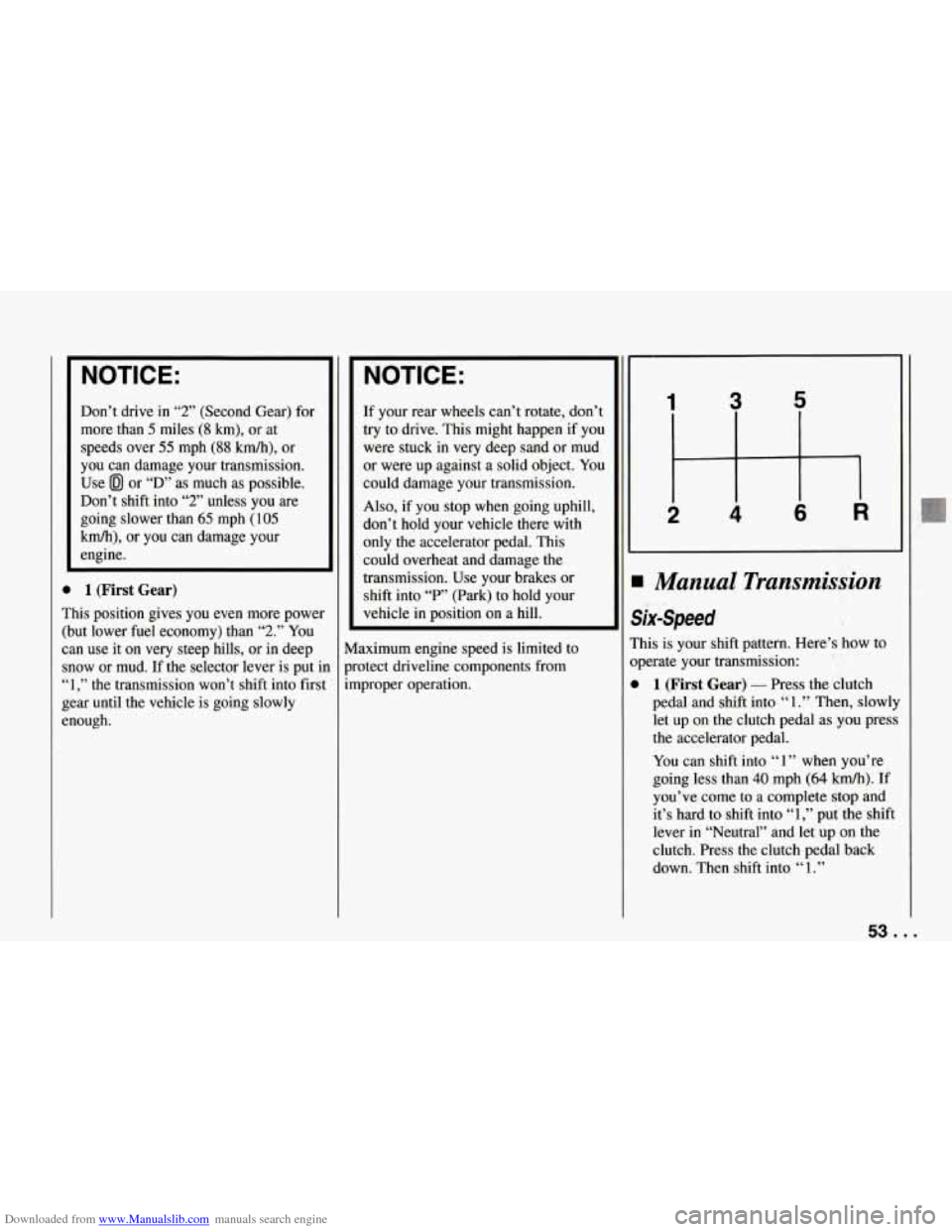
I Manual Transmission
six-Speed
?his is your shift pattern. Here’s how to
bperate your transmission:
1 (First Gear) - Press the clutch
pedal and shift into
“ 1 .” Then, slowly
let up on the clutch pedal as
you press
the accelerator pedal.
You can shift into
‘‘ 1 ” when you’re
going less than
40 mph (64 km/h). If
you’ve come to a complete stop and
it’s hard to shift into
“1,” put the shift
lever in “Neutral” and let up on the
clutch. Press the clutch pedal back
down. Then shift into
“1.”
53 ...
Page 57 of 274
Downloaded from www.Manualslib.com manuals search engine Features and Controls
RIDE CONTROL
SPORT
To@F
fl
-
PS c
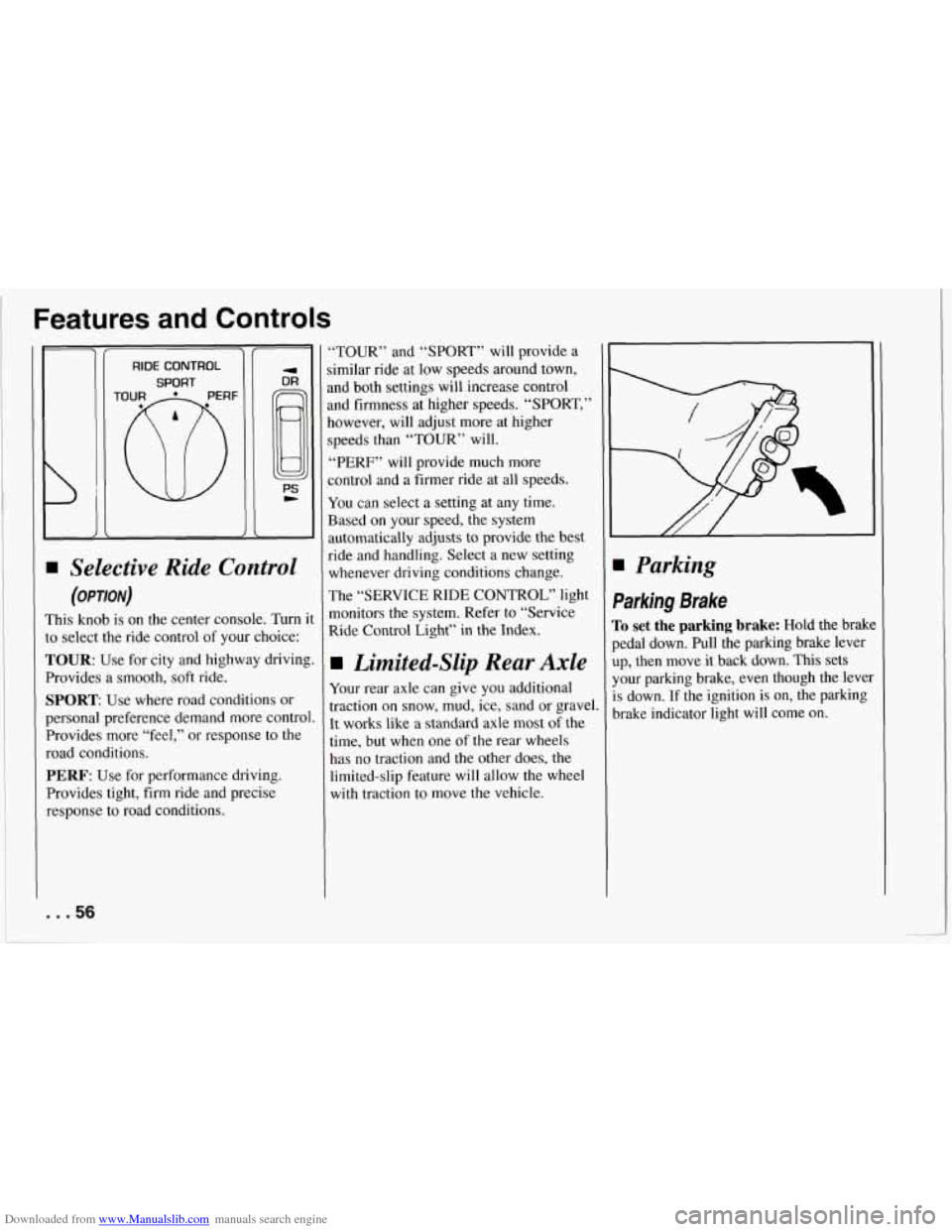
Selective Ride Control
(OPTION)
This knob is on the center console. Turn i
to select the ride control of your choice:
TOUR: Use for city and highway driving
Provides a smooth, soft ride.
SPORT: Use where road conditions or
personal preference demand more control
Provides more “feel,” or response to the
road conditions.
PERF: Use for performance driving.
Provides tight, firm ride and precise
response to road conditions. ‘TOUR” and “SPORT” will
provide a
imilar ride at low speeds around town,
md both settings will increase control
tnd firmness at higher speeds. “SPORT,”
lowever, will adjust more at ‘higher
;peeds than “TOUR” will.
,‘PERF” will provide much more
Zontrol and a firmer ride at all speeds.
You can select a setting at any time.
Based on your speed,
the system
wtomatically adjusts to provide the best
aide and handling. Select a new setting
whenever driving conditions change.
The “SERVICE
RIDE CONTROL” light
monitors the system. Refer to “Service
Ride Control Light” in the Index.
Limited-Slip Rear Axle
Your rear axle can give you additional
traction on snow, mud, ice, sand or gravel.
It works like a standard axle most
of the
time, but when one of the rear wheels
has no traction and the other does,
the
limited-slip feature will allow the wheel
with traction to move the vehicle.
Parking
Parking Brake
To set the parking brake: Hold the brak
pedal down. Pull the parking brake lever
up, then move it back down. This sets
your parking brake, even though the leve
is down. If the ignition is on, the parking
brake indicator light will come on.
... 56
Page 61 of 274
Downloaded from www.Manualslib.com manuals search engine Features and Controls
Follow the proper steps to be sure your
vehicle won’t move. See “Shifting into
‘P’ (Park)” in the Index.
... 60
Windows
Power Windows
With power windows, switches on the
door control each window when the
ignition is on or when DAB is present.
(See “Delayed Accessory Bus”
in the
Index.)
The switch for the driver’s window has ai
Express Down feature. Press the switch
for at least one third
of a second, and the
window will lower completely.
To stop
Express Down, press the switch again.
You can also open this window any
amount by quickly pressing and releasint
the switch.
I Horn
:o sound the horn, press either horn
ymbol
on your steering wheel.
Page 62 of 274
Downloaded from www.Manualslib.com manuals search engine Tilt Wheel
A tilt steering wheel allows you to adjust
the steering wheel before you drive.
You can also raise it to the highest level to
give your legs more room
when you exit
and enter
the vehicle.
To tilt the wheel, hold the steering wheel
and pull the lever. Move the steering
wheel to a comfortable level, then release
the lever to lock the wheel
in place.
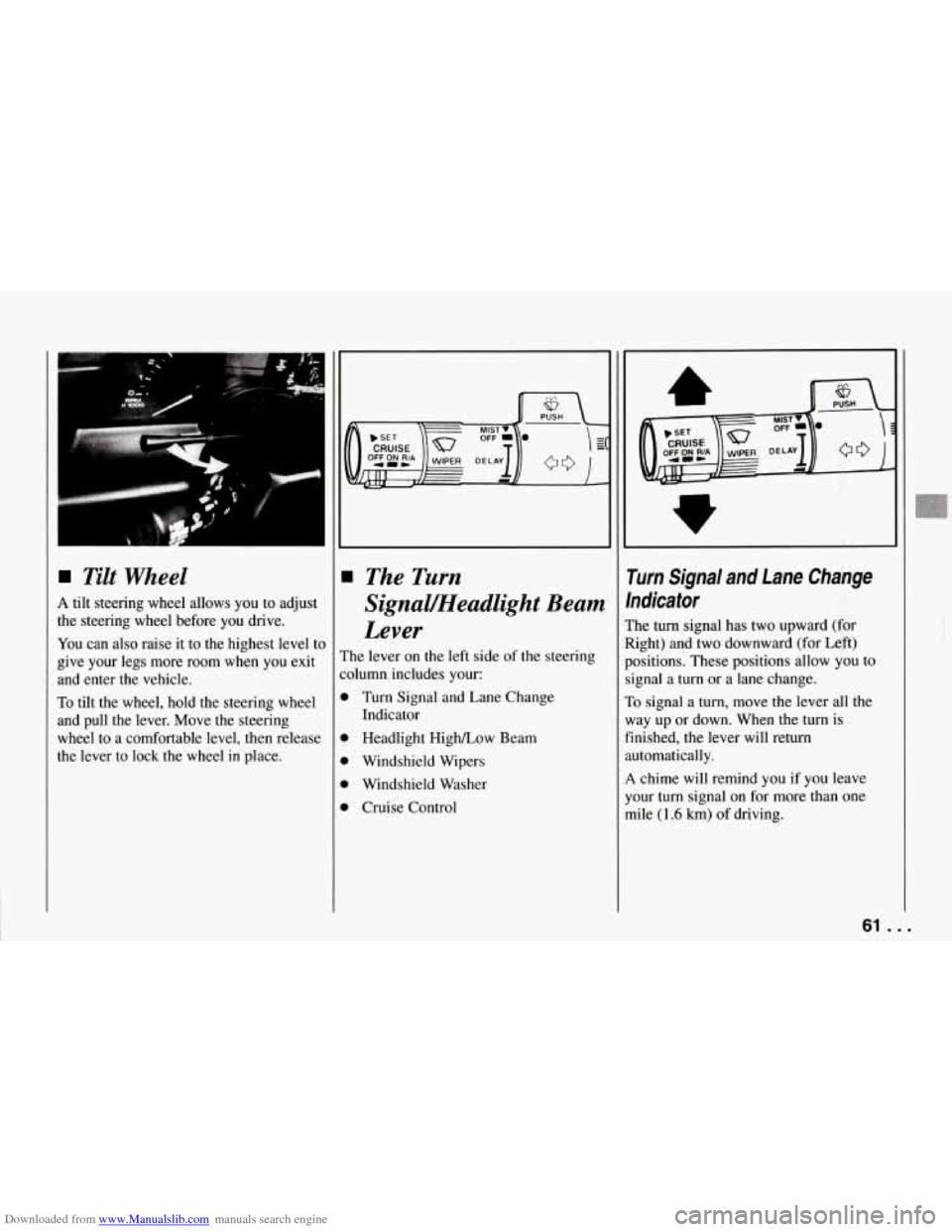
The Turn
Signal/Headlight Beam
Lever
The lever on the left side of the steering
:olumn includes your:
D Turn Signal and Lane Change
D Headlight High/Low Beam
D Windshield Wipers
D Windshield Washer
D Cruise Control Indicator
rurn Signal and Lane Change
ndicator
:he
turn signal has two upward (for
tight) and two downward (for Left)
kositions. These positions allow you to
ignal a
turn or a lane change.
10 signal a turn, move the lever all the
vay up or down. When the turn
is
inished, the lever will return
.utomatically.
4 chime will remind you if you leave
'our turn signal on for more than one
nile
(1.6 km) of driving.
61 . .
r
Page 74 of 274
Downloaded from www.Manualslib.com manuals search engine i
-l
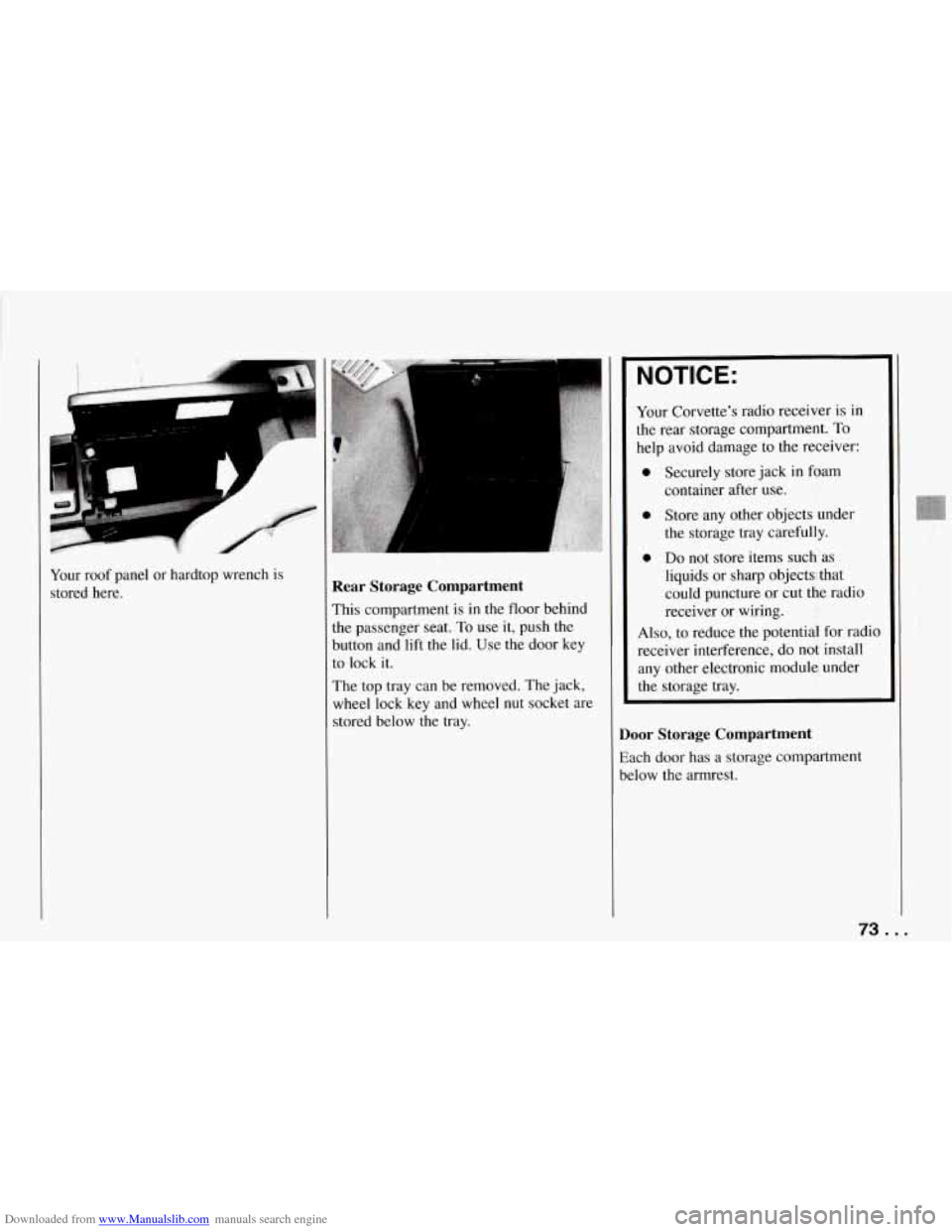
Your roof panel or hardtop wrench is
stored here. Rear Storage Compartment
This compartment is in the floor behind
the passenger seat.
To use it, push the
button and lift the lid. Use the door key
to lock it.
The top tray can be removed. The jack,
wheel lock key and wheel
nut socket are
stored below the tray.
NOTICE:
Your Corvette’s radio receiver is in
the rear storage compartment.
To
help avoid damage to the receiver:
0 Securely store jack in foam
0 Store any other objects under
the storage tray carefully.
0 Do not store items such as
liquids or sharp objects that
could puncture or cut the radio
receiver or wiring.
container
after use.
Also, to reduce the potential for radio
receiver interference, do not install
any other electronic module under
the storage tray.
Door Storage Compartment
Each door has a storage compartment
below the armrest.
73 ...
Page 87 of 274
Downloaded from www.Manualslib.com manuals search engine Features and Controls
ABS
ACTIVE
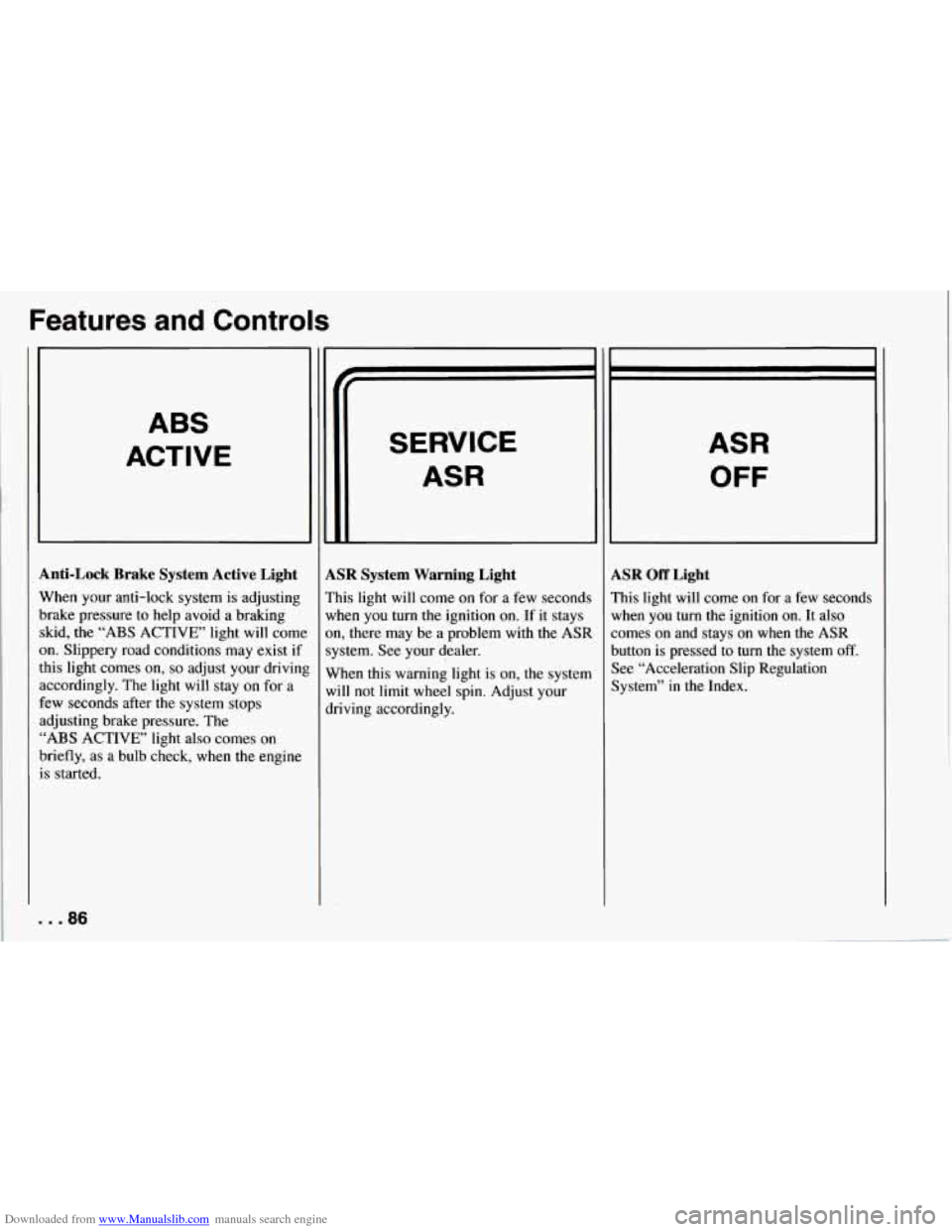
Anti-Lock Brake System Active Light
When your anti-lock system is adjusting
brake pressure to help avoid a braking skid, the
“ABS ACTIVE’ light will come
on. Slippery road conditions may exist if
this light comes
on, so adjust your drivinl
accordingly. The light will stay on for a
few seconds after the system stops
adjusting brake pressure. The
“ABS ACTIVE’ light also comes on
briefly, as a bulb check, when the engine
is started.
. . .86
SERVICE
ASR
LSR System Warning Light
’his light will come on for a few seconds
vhen you turn the ignition on. If it stays
m, there may be a problem with
the ASR
ystem. See your dealer.
Vhen this warning light is on, the system
vi11 not limit
wheel spin. Adjust your
lriving accordingly.
ASR
OFF
LSR Off Light
’his light will come on for a few seconds
lrhen you turn the ignition
on. It also
omes on and stays on when the ASR
lutton is pressed to turn the system
off.
lee “Acceleration Slip Regulation
lystem” in the Index.
Page 88 of 274
Downloaded from www.Manualslib.com manuals search engine ASR
ACTIVE
ASR Active Light
When your ASR system is limiting wheel
spin, the “ASR ACTIVE’ light will come
on. Slippery road conditions may exist if
this light comes
on, so adjust your driving
accordingly. The light will stay on for a
few seconds after the ASR system stops
limiting wheel spin. The “ASR ACTIVE’
light also comes
on briefly, as a bulb
check, when the engine is started.
Low Tire Pressure Warning Light
(Option)
The LTPWS has a sensor on each road
wheel that transmits to a receiver
on the
instrument panel. The system operates on
a radio frequency subject to Federal
Communications Commission (FCC)
Rules.
This device complies with Part
15 of the
FCC Rules. Operation
is subject to the
following two conditions:
1. This device may not cause harmful
2. This device must accept any
interference,
and
interference received, including
interference that may cause undesired
operation.
Changes or modifications to this system
by other than an authorized service
facility could void authorization to use
this equipment.
LOWIFLAT
TIRE
..
The Low Tire Pressure Warning System
(LTPWS) monitors air pressure in each
road tire while you’re driving your
Corvette. The “LOW/FLAT TIRE” light
will come
on whenever tire pressure in
any road tire goes below
25 psi (175 kPa)
and it will stay
on until you turn off the
ignition. The light may come on if any
LTPWS parts aren’t working properly.
..
8
87 ...
Page 89 of 274
Downloaded from www.Manualslib.com manuals search engine Features and Controls
For LTPWS to work properly, you must
drive your Corvette faster than
25 mph
(40 km/h) and for more than
2 miles
(4 km). The system will not warn you
before
you begin to drive that a tire is flat.
When the “LOW/FLAT TIRE’ light
comes on, check
the tire pressure in all
four road tires as soon as you can. Adjust
the tire pressure as needed to those shown
on the Tire-Loading Information label on
the driver’s door. If the light stays on after
the tire pressure is adjusted, see your
dealer.
NOTICE:
Driving with a flat tire may damage
the tire,
the wheel or the tire pressure
sensor installed inside the tire on the
wheel rim. Using tire sealants may
also damage
the sensor.
If you have EMTs, see “Extended
Mobility Tires”
in the Index. The
LTPWS sensor is directly opposite
the valve stem on the tire. Take care when
servicing or having your tires serviced.
The sensors may not work properly if
damaged. To prevent damage to the
sensors, see the 1994 Corvette Service
Manual for correct tire mounting and
dismounting procedures.
The “LOWRLAT TIRE” light may come
on if your vehicle is close to another
vehicle that has LTPWS and has a tire
with low pressure.
LTPWS can
warn you about a low tire,
but it does not replace normal tire
maintenance. See “Tires” in the Index.
. . .88
Page 90 of 274
Downloaded from www.Manualslib.com manuals search engine I
S
T
P
Y
U
0
0
si
C
0:
01
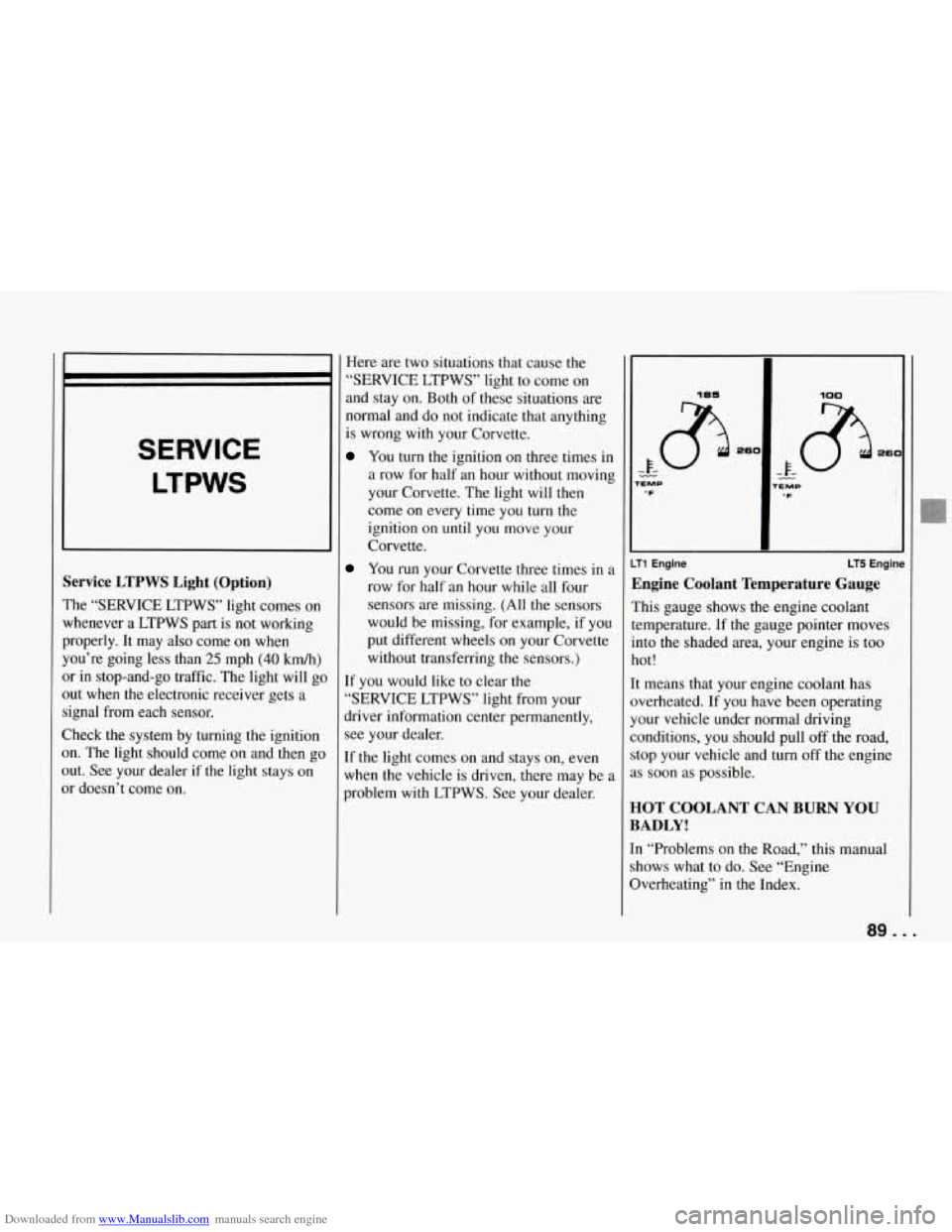
SERVICE
LTPWS
‘ervice LTPWS Light (Option)
‘he “SERVICE LTPWS” light comes on
rhenever a LTPWS part is not working
roperly. It may also come on when
ou’re going less than
25 mph (40 kmk)
r in stop-and-go traffic. The light will go
ut when the electronic receiver gets a
ignal from each sensor.
lheck the system by turning the ignition
n. The light should come on and then go
ut. See your dealer if the light stays on
r doesn’t come on. Here
are two situations that cause the
“SERVICE LTPWS” light to come on
and stay on. Both
of these situations are
normal and do not indicate that anything
is wrong with your Corvette.
You turn the ignition on three times in
a row for half an hour without moving
your Corvette. The light will then
come on every time you
turn the
ignition on until you move your
Corvette.
You run your Corvette three times in a
row for half an hour while all four
sensors are missing. (All the sensors
would be missing, for example, if yo,u
put different wheels on your Corvette
without transferring the sensors.)
If you would like to clear the
”SERVICE LTPWS” light from your
driver information center permanently,
see your dealer.
[f the light comes on and stays on, even
when the vehicle is driven, there may be a
problem with LTPWS. See your dealer.
185
- k- $3 26C
- TEMP .F
100
rEMP “F
LT5 Engine LT1 Engine
Engine Coolant Temperature Gauge
This gauge shows the engine coolant
temperature. If the gauge pointer moves
into the shaded area, your engine is too
hot!
It means that your engine coolant has
overheated. If you have been operating
your vehicle under normal driving
conditions, you should pull off the road,
stop your vehicle and turn off the engine
as soon as possible.
HOT COOLANT CAN BURN YOU
BADLY!
In “Problems on the Road,” this manual
shows what to do. See “Engine
Overheating” in the Index.
89 ...
Page 126 of 274
Downloaded from www.Manualslib.com manuals search engine This is a mistake. Your brakes may not
have time to cool between hard stops.
Your brakes will wear out much faster if
you do a lot
of heavy braking. If you keep
pace with the traffic and allow realistic
following distances, you will eliminate a
lot of unnecessary braking. That means
better braking and longer brake life.
If your engine ever stops while you’re
driving, brake normally but don’t pump
your brakes. If you do, the pedal may get
harder to push down. If your engine stops,
you will still have some power brake
assist. But you will use it
when you brake.
Once the power assist is used up, it may
take longer to stop and the brake pedal
will be harder to push.
SERVICE
I
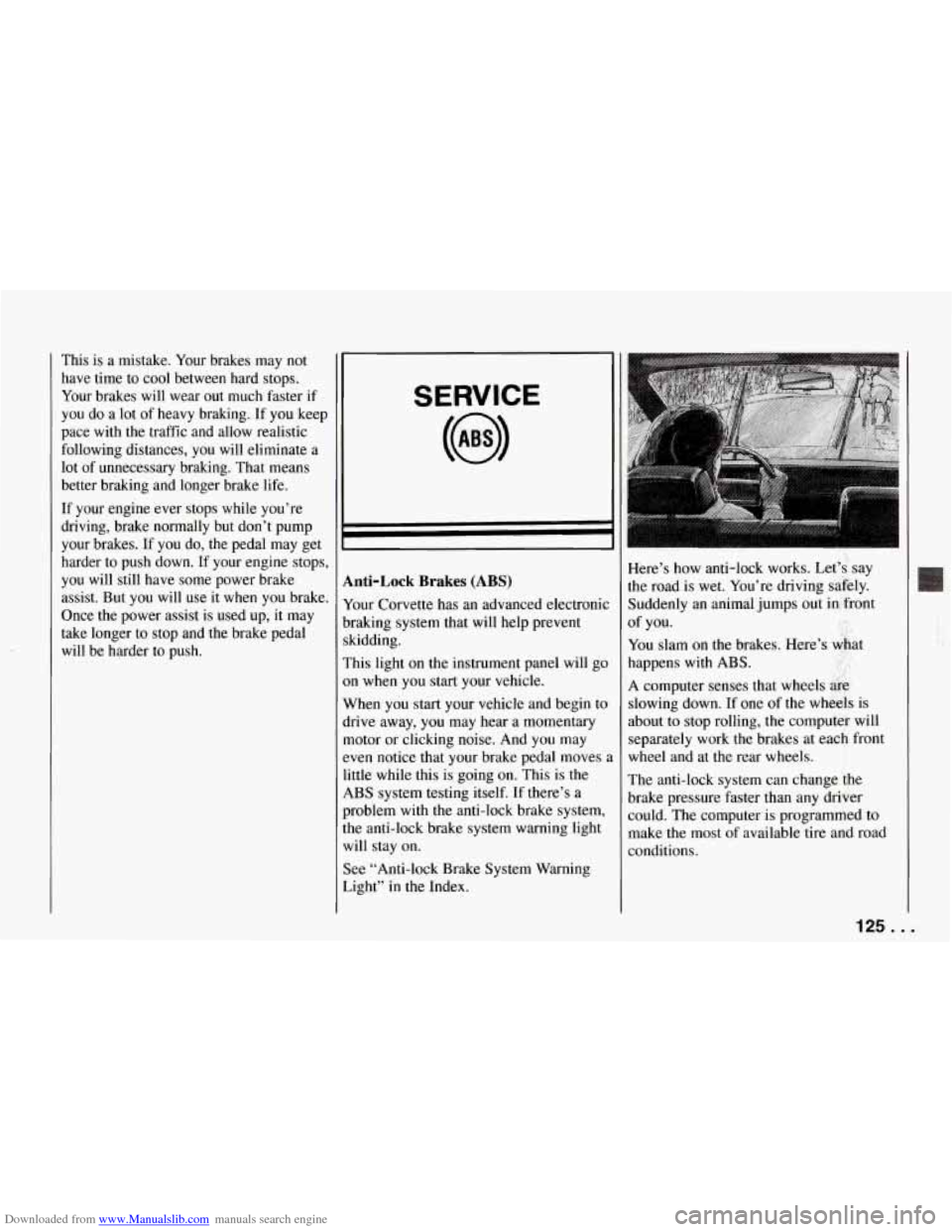
Anti-Lock Brakes (ABS)
Your Corvette has an advanced electronic
braking system that will help prevent
skidding.
This light on the instrument panel will go
on when you start your vehicle.
When you start your vehicle and begin to
drive away, you may hear a momentary
motor or clicking noise. And you may
even notice that your brake pedal moves
,
little while this is going on. This is the
ABS system testing itself. If there’s a
problem with the anti-lock brake system,
the anti-lock brake system warning light
will stay on.
See “Anti-lock Brake System Warning
Light” in the Index. Here’s how anti-lock works. Let’s, say
the road
is wet. You’re driving safely.
Suddenly an animal jumps out in front
You slam on the brakes. Here’s &at
happens with
ABS. ..
A computer senses that wheels &g,
slowing down. If one of the wheels is
about to stop rolling, the computer will
separately work the brakes at each front
wheel and at the rear wheels.
The anti-lock system can change
the
brake pressure faster than any driver
could. The computer is programmed to
make the most of available tire and road
conditions. of
you.
125..,