brakes CHEVROLET CORVETTE 1995 4.G Owners Manual
[x] Cancel search | Manufacturer: CHEVROLET, Model Year: 1995, Model line: CORVETTE, Model: CHEVROLET CORVETTE 1995 4.GPages: 386, PDF Size: 20.15 MB
Page 68 of 386
Downloaded from www.Manualslib.com manuals search engine If you cannot shift out of PARK (P), ease pressure on
the shift lever
-- push the shift lever all the way into
PARK (P) and release the shift lever button
as you
maintain brake application. Then press the shift lever
button and move the shift lever into the gear you wish.
See “Shifting Out of PARK
(P)” in the Index.
REVERSE (R): Use this gear to back up.
NOTICE:
Shifting to REVERSE (R) while your vehicle is
moving forward could damage your transmission.
Shift
to REVERSE (R) only after your vehicle is
stopped.
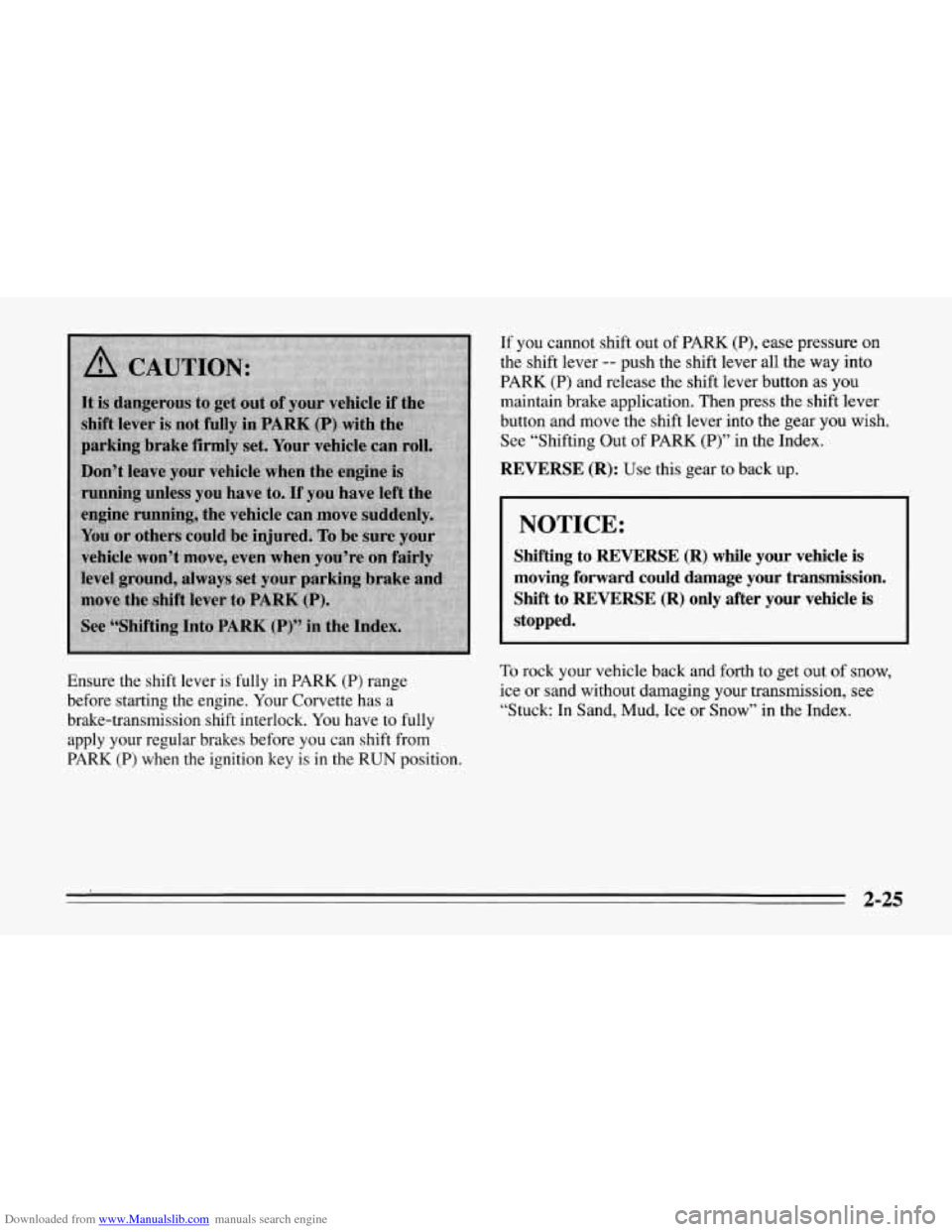
Ensure the shift lever is fully in PARK (P) range
before starting the engine. Your Corvette has a
brake-transmission shift interlock. You have to fully
apply your regular brakes before you can shift from
PARK (P) when the ignition key is in the RUN position. To rock your vehicle back and forth to get out of snow,
ice or sand without damaging your transmission, see
“Stuck: In Sand, Mud, Ice or Snow” in the Index.
2-25
Page 70 of 386
Downloaded from www.Manualslib.com manuals search engine SECOND (2): This position gives you more power but
lower fuel economy. You can use SECOND
(2) on hills.
It can help control your speed as you go down steep
mountain roads, but then you would also want to use
your brakes off and on.
FIRST (1): This position gives you even more power
(but lower fuel economy) than SECOND
(2). You can
use
it on very steep hills, or in deep snow or mud. If the
selector lever is put in FIRST
(l), the transmission
won’t shift into first gear until the vehicle
is going
slowly enough.
NOTICE:
If your rear wheels can’t rotate, don’t try to
drive. This might happen if you were stuck in
very deep sand or mud or were up against
a solid
object. You could damage your transmission.
Also, if you stop when going uphill, don’t hold
your vehicle there with only the accelerator
pedal. This could overheat and damage the
transmission. Use your brakes or shift into
PARK
(P) to hold your vehicle in position on a
hill.
Maximum engine speed is limited to protect driveline
components from improper operation.
2-27
Page 75 of 386
Downloaded from www.Manualslib.com manuals search engine Parking Brake
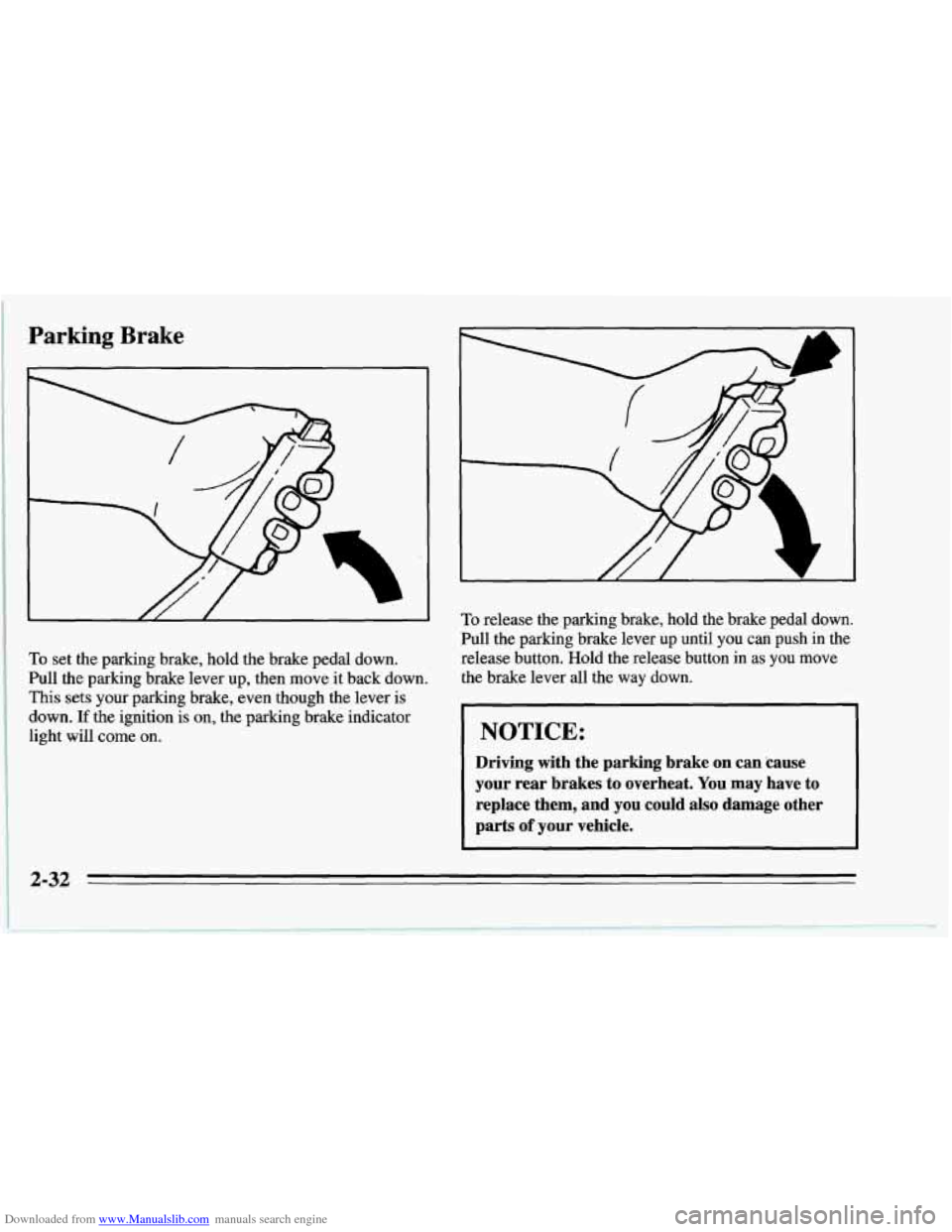
To set the parking brake, hold the brake pedal down.
Pull the parking brake lever up, then move it back down.
This sets your parking brake, even though the lever is
down.
If the ignition is on, the parking brake indicator
light will come on.
To release the parking brake, hold the brake pedal down.
Pull the parking brake lever up until you can push in the
release button. Hold the release button in
as you move
the brake lever all the way down.
NOTICE:
Driving with the parking brake on can 'cause
your rear brakes to overheat. You may have to
replace them, and you could also damage other
parts
of your vehicle.
2-32
Page 86 of 386
Downloaded from www.Manualslib.com manuals search engine Cruise Control
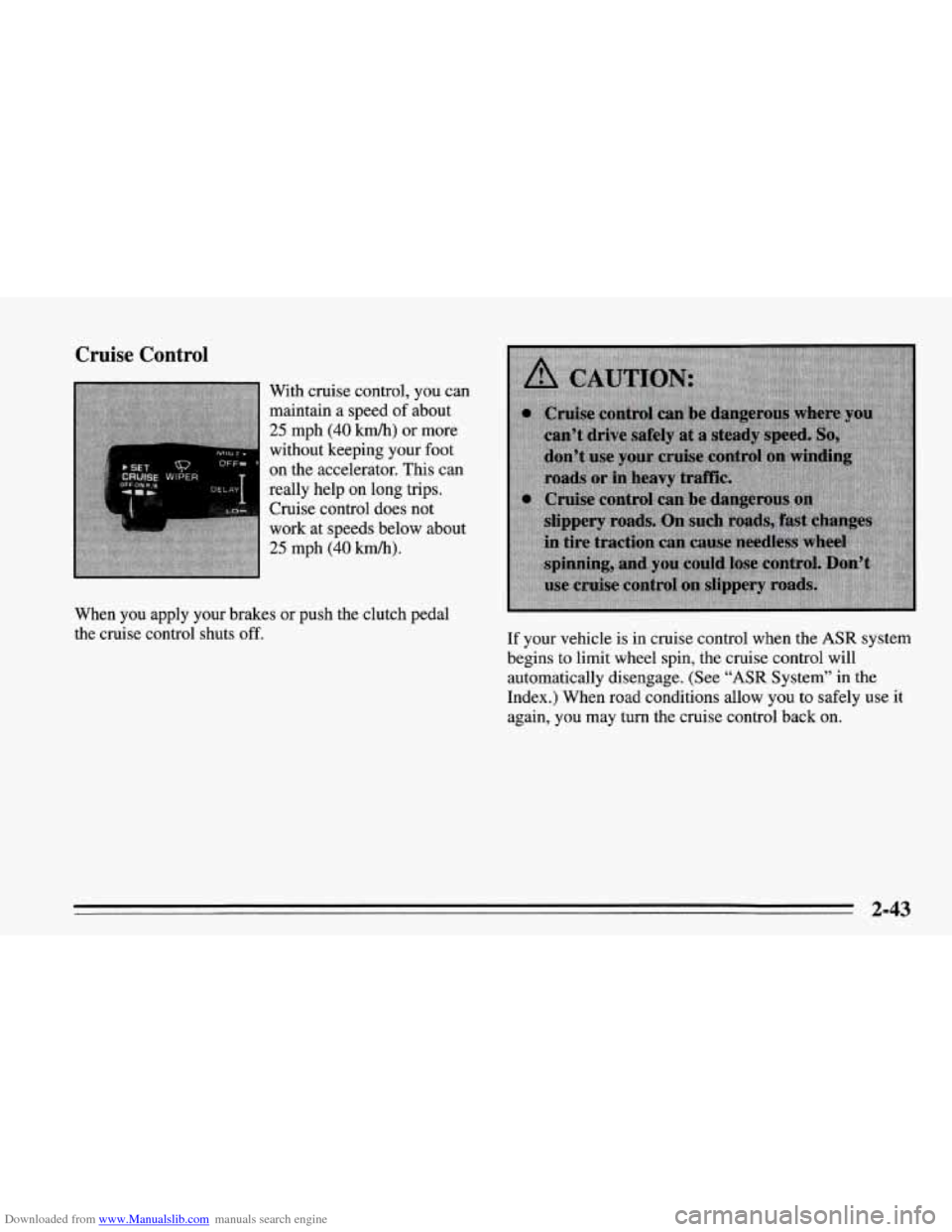
With cruise control, you can
maintain a speed of about
25 mph (40 km/h) or more
without keeping your foot
on the accelerator.
This can
really help on long trips. Cruise control does not
work at speeds below about
25 mph (40 km/h).
When you apply your brakes or push the clutch pedal
the cruise control shuts off.
If your vehicle is in cruise control when the
ASR system
begins to limit wheel spin, the cruise control will
automatically disengage. (See
"ASR System'' in the
Index.) When road conditions allow you to safely use it
again, you may turn the cruise control back on.
2-43
Page 115 of 386
Downloaded from www.Manualslib.com manuals search engine Anti-Lock Brake System Warning Light
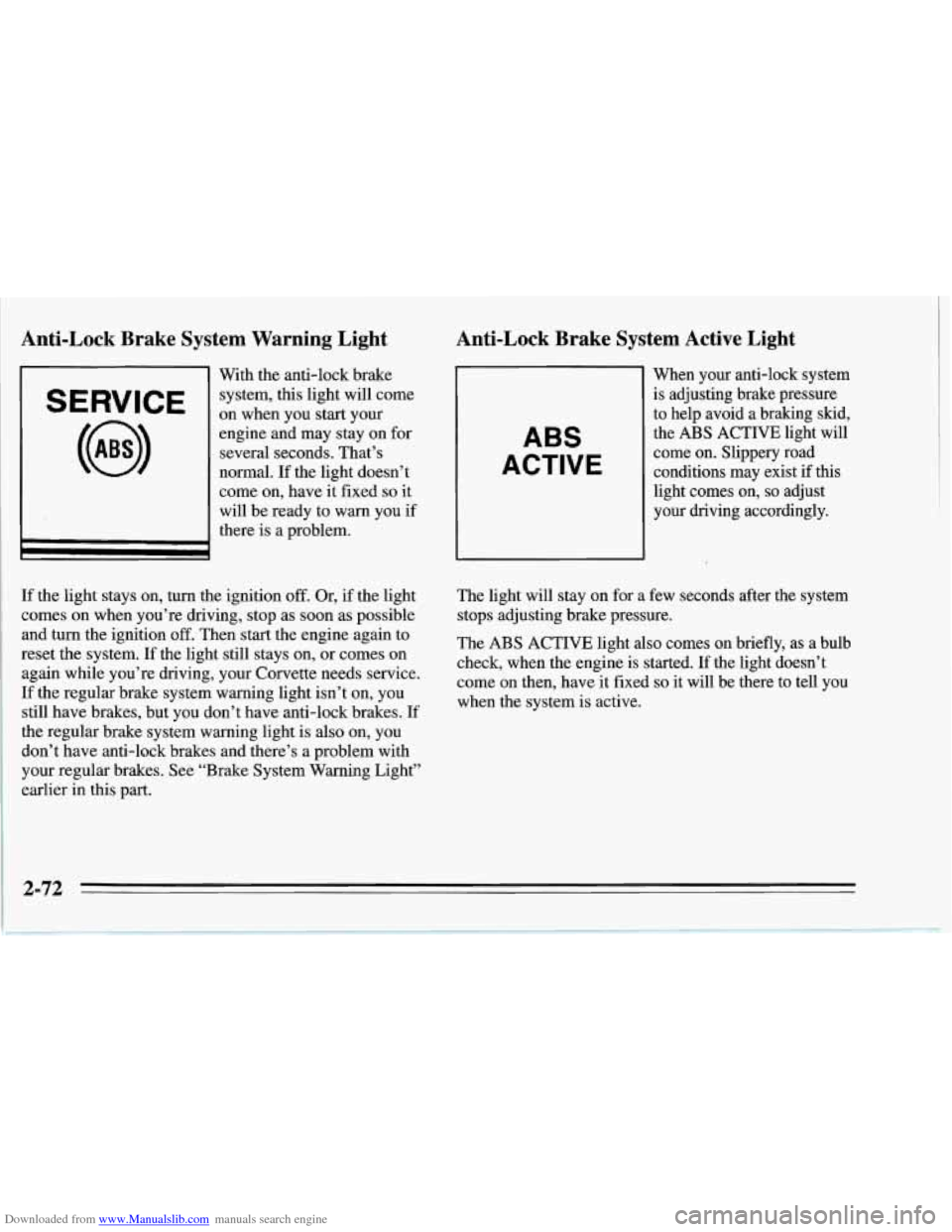
SERVICE
With the anti-lock brake
system, this light will come
on when you start your
engine and may stay on for
several seconds. That’s
normal. If the light doesn’t
come on, have it fixed
so it
will be ready to warn you if
there is a problem.
Anti-Lock Brake System Active Light
ABS
ACTIVE
When your anti-lock system
is adjusting brake pressure
to help avoid a braking skid,
the
ABS ACTIVE light will
come on. Slippery road
conditions may exist
if this
light comes on,
so adjust
your driving accordingly.
If the light stays on, turn the ignition
off. Or, if the light
comes on when you’re driving, stop
as soon as possible
and turn the ignition
off. Then start the engine again to
reset the system. If the light still stays on, or comes on
again while you’re driving, your Corvette needs service.
If the regular brake system warning light isn’t on, you
still have brakes, but you don’t have anti-lock brakes. If
the regular brake system warning light is also on, you
don’t have anti-lock brakes and there’s a problem with
your regular brakes. See “Brake System Warning Light”
earlier in this part. The
light will stay on for a few seconds after the system
stops adjusting brake pressure.
The ABS ACTIVE light also comes on briefly, as a bulb
check, when the engine is started. If the light doesn’t
come on then, have it fixed
so it will be there to tell you
when the system is active.
2-72
Page 168 of 386
Downloaded from www.Manualslib.com manuals search engine Control of a Vehicle
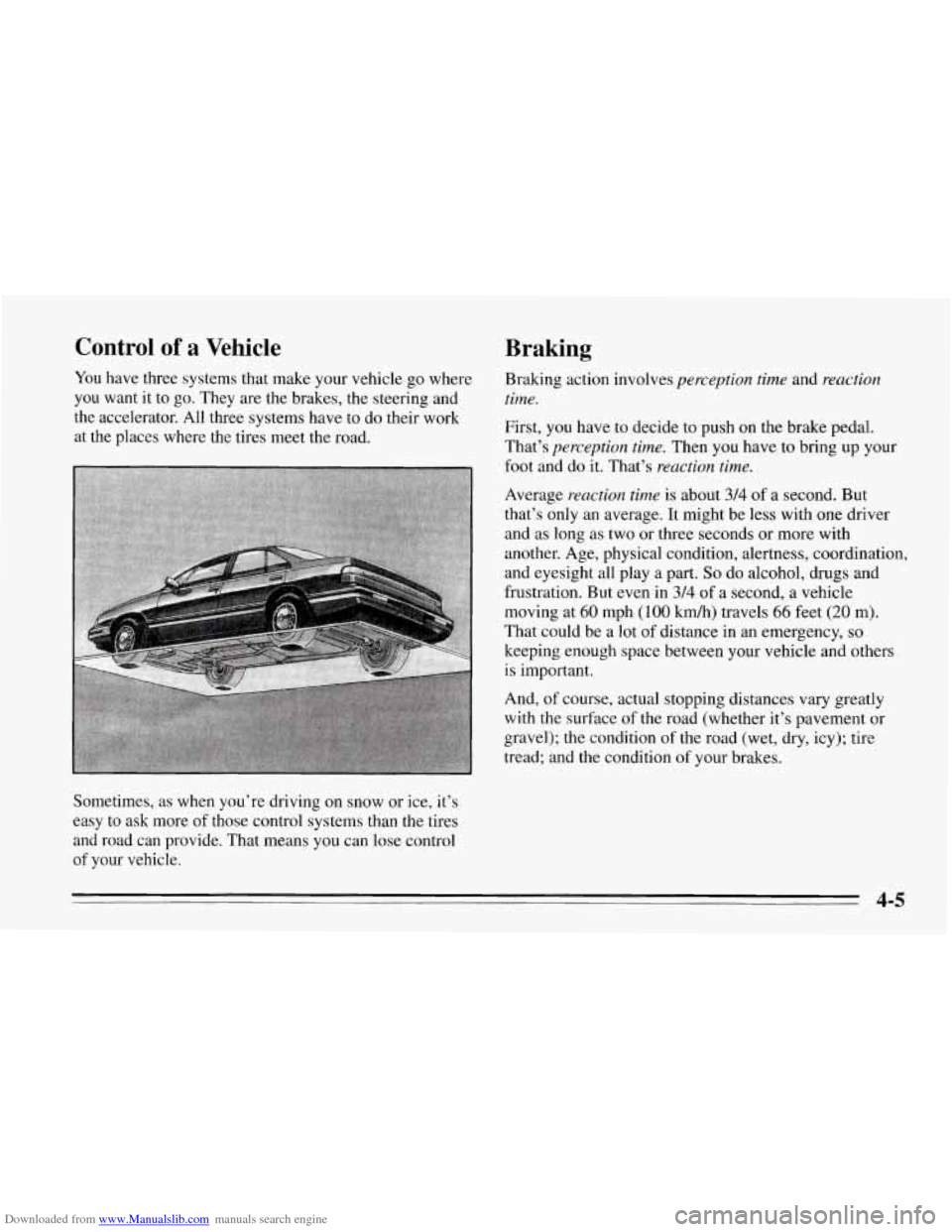
You have three systems that make your vehicle go where
you want it to
go. They are the brakes, the steering and
the accelerator. All three systems have to do their work
at the places where the tires meet the road.
Sometimes, as when you’re driving on snow or ice, it’s
easy
to ask more of those control systems than the tires
and road can provide. That means you can lose control
of your vehicle.
Braking
Braking action involves perception time and reaction
time.
First, you have to decide to push on the brake pedal.
That’s
perception time. Then you have to bring up your
foot and do it. That’s
reaction time.
Average reaction time is about 3/4 of a second. But
that’s only an average. It might be less with one driver
and as long as two or three seconds
or more with
another. Age, physical condition, alertness, coordination,
and eyesight all play a part.
So do alcohol, drugs and
frustration. But even in
314 of a second, a vehicle
moving at
60 mph (100 km/h) travels 66 feet (20 m).
That could be a lot
of distance in an emergency, so
keeping enough space between your vehicle and others
is important.
And, of course, actual stopping distances vary greatly
with the surface of the road (whether it’s pavement or
gravel); the condition
of the road (wet, dry, icy); tire
tread; and the condition
of your brakes.
4-5
Page 169 of 386
Downloaded from www.Manualslib.com manuals search engine Avoid needless heavy braking. Some people drive
in spurts
-- heavy acceleration followed by heavy
braking
-- rather than keeping pace with traffic. This
is
a mistake. Your brakes may not have time to cool
between hard stops. Your brakes will wear out much
faster if you do a lot of heavy braking. If you keep pace
with the traffic and allow realistic following distances,
you will eliminate a lot of unnecessary braking. That
means better braking and longer brake life.
If your engine ever stops while you’re driving, brake
normally but don’t pump your brakes. If
you do, the
pedal may get harder to push down.
If your engine
stops, you will still have some power brake assist. But
you will use it when you brake. Once the power assist is
used up, it may take longer to stop and the brake pedal
will be harder to push.
Anti-Lock Brakes (ABS)
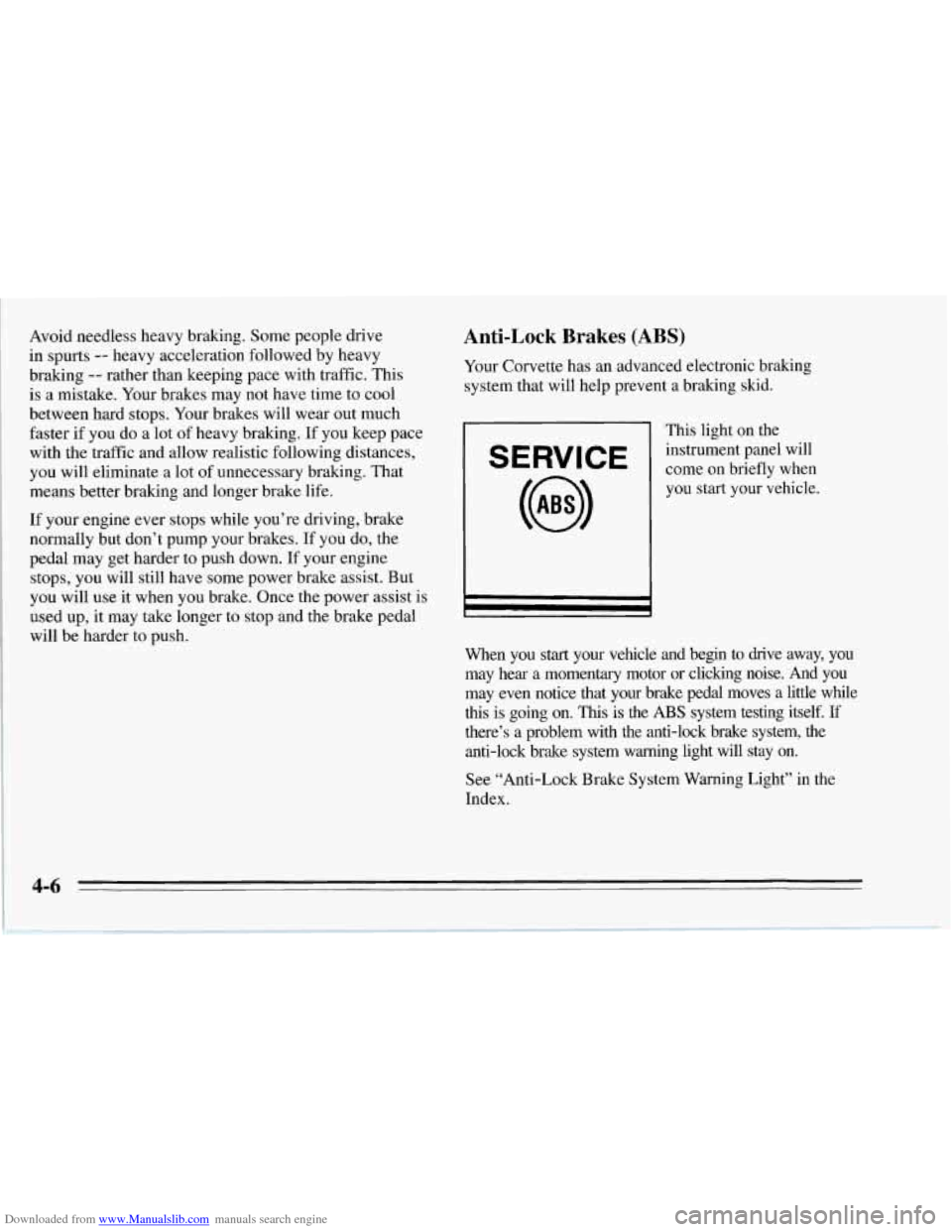
Your Corvette has an advanced electronic braking
system that will help prevent a braking skid.
This light on the
E RVI E come on briefly when
instrument
panel will
you start your vehicle.
I r I
When you start your vehicle and begin to drive away, you
may hear a momentary motor or clicking noise. And you
may even notice that your brake pedal moves a little while
this is going on.
This is the ABS system testing itself. If
there’s a problem with the anti-lock brake system, the
anti-lock brake system warning light will stay on.
See “Anti-Lock Brake System Warning Light” in the
Index.
Page 170 of 386
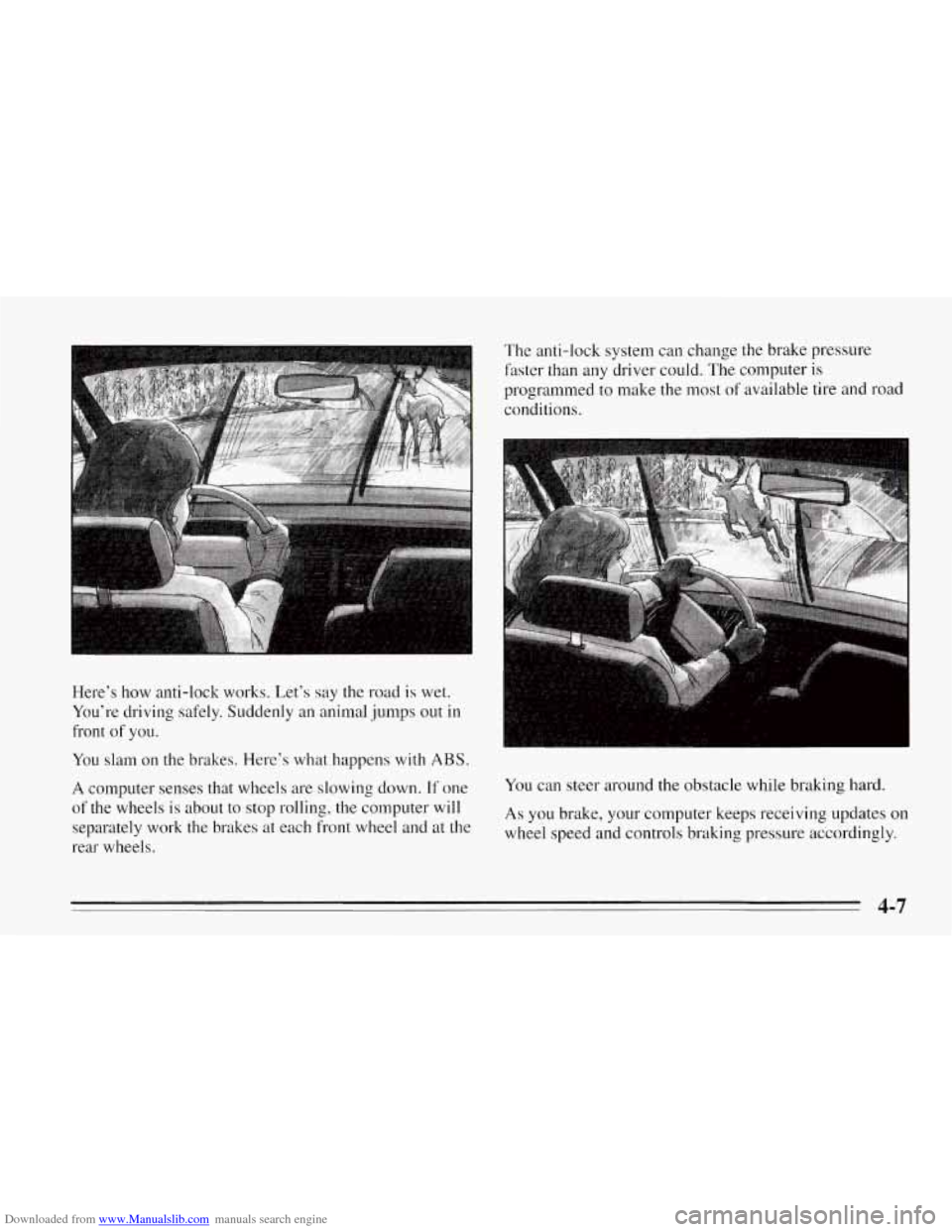
Downloaded from www.Manualslib.com manuals search engine Here’s how anti-lock works. Let’s say the road is wet.
You’re driving safely. Suddenly an animal jumps out in
front
of you. The anti-lock system
can change the brake pressure
faster than any driver could. The computer is
programmed
to make the most of available tire and road
conditions.
You slam on the brakes. Here’s what happens with ABS.
A computer senses that wheels are slowing down. If one
of the wheels is about to stop rolling, the computer will
separately work the brakes at each front wheel and at the
rear wheels.
You can steer around the obstacle while braking hard.
As you brake, your computer keeps receiving updates on
wheel speed and controls braking pressure accordingly.
4-7
Page 171 of 386
Downloaded from www.Manualslib.com manuals search engine Remember: Anti-lock doesn’t change the time you need
to get your foot up
to the brake pedal. If you get too
close to the vehicle in front of you, you won’t have time
to apply your brakes if that vehicle suddenly slows or
stops. Always leave enough room up ahead to stop, even
though you have anti-lock brakes.
To Use Anti-Lock
Don’t pump the brakes. Just hold the brake pedal down
and let anti-lock work for you. You may hear a motor or
clicking noise and feel the brake pedal move a little
during a hard stop, but this
is normal. When your
anti-lock system is adjusting brake pressure
to help
avoid a braking skid, the ABS ACTIVE light will come
on. See “Anti-Lock Brake System Active Light” in the
Index.
ASR (Acceleration Slip Regulation) System
Your vehicle has a traction control system called ASR
that limits wheel spin. This is especially useful in
slippery road conditions. The system operates only if it
senses that the rear wheels are spinning too much or are
beginning to lose traction. When, this happens, the
system works the rear brakes and reduces engine power
(by closing the throttle and managing engine spark) to
limit wheel spin. ‘The ASR
ACTIVE light will come on when the ASR
system
is limiting wheel spin. See “ASR System Active
Light” in the Index. You may feel the system working,
or you may notice some noise, but this is normal.
If your vehicle is in cruise control when the ASR system
begins to limit wheel spin, the cruise control will
automatically disengage. When road conditions allow
you to safely use it again,
you may re-engage the cruise
control. (See “Cruise Control” in the Index.)
SERVICE
ASR
The SERVICE ASR
warning light will
come on to
let you
know if there’s a
problem with your
ASR system.
See “ASR System Warning Light’’ in the Index. When
this warning light
is on, the system will not limit wheel
spin. Adjust your driving accordingly. (The ASR
OFF
light will also come on when the SERVICE ASR
warning light comes on.)
4-8
Page 177 of 386
Downloaded from www.Manualslib.com manuals search engine Loss of Control
Let’s review what driving experts say about what
happens when the three control systems (brakes, steering
and acceleration) don’t have enough friction where the
tires meet the road to do what the driver has asked.
In any emergency, don’t give up. Keep trying to steer and
constantly seek an escape route or area of less danger.
Skidding
In a skid, a driver can lose control of the vehicle.
Defensive dnvers avoid most skids by taking reasonable
care suited to existing conditions, and by not “overdriving”\
those conditions. But skids
are always possible.
The three types of skids correspond to your Corvette’s
three control systems. In the braking skid your wheels
aren’t rolling. In the steering or cornering skid, too
much speed or steering in a curve causes tires to slip and
lose cornering force. And in the acceleration skid too
much throttle causes the driving wheels to spin.
A cornering skid is best handled by easing your foot off
the accelerator pedal.
Remember: Any ASR system helps avoid only the
acceleration skid.
If your ASR system is off, then an acceleration skid is
also best handled by easing your foot off the accelerator
pedal.
If your vehicle starts to slide, ease your foot off the
accelerator pedal and quickly steer the way you want the
vehicle to go. If you start steering quickly enough, your
vehicle may straighten out. Always be ready for a
second skid if it occurs.
Of course, traction is reduced when water, snow, ice,
gravel, or other material is on the road. For safety, you’ll
want to slow down and adjust your driving to these
conditions. It is important to slow down on slippery
surfaces because stopping distance
will be longer and
vehicle control more limited.
While driving on a surface with reduced traction, try your
best to avoid sudden steering, acceleration, or braking
(including engine braking by shifting to a lower gear).
Any sudden changes could cause the tires to slide.
You
may not realize the surface is slippery until your vehicle
is skidding. Learn to recognize warning clues
-- such as
enough water,
ice or packed snow on the road to make a
“mirrored surface”
-- and slow down when you have
any doubt.
Remember: Any anti-lock brake system (ABS) helps
avoid only the braking skid.
I
4-14