engine overheat CHEVROLET CORVETTE 1995 4.G Owners Manual
[x] Cancel search | Manufacturer: CHEVROLET, Model Year: 1995, Model line: CORVETTE, Model: CHEVROLET CORVETTE 1995 4.GPages: 386, PDF Size: 20.15 MB
Page 2 of 386
Downloaded from www.Manualslib.com manuals search engine n
The -1995 Corvette Owner’s Manual
Seats and Restraint Systems .............................................................. 1-1
This section tells you how to use your seats and safety belts properly. It also explains the “SIR’
(Air Bag) System.
This section explains how to start and operate your Corvette.
This section tells you how to adjust the ventilation and comfort controls and how
to operate your
sound system.
YourDrivingandtheRoad ..............................................................
Here you’ll find helpful information and tips about the road and how to drive under different conditions.
This section tells you what to do if
you have a problem while driving, such as a flat tire or engine
overheating, etc.
Here the manual tells
you how to keep your Corvette running properly and looking good.
Maintenanceschedule ..................................................................
This section tells you when to perform vehicle maintenance and what fluids and lubricants to use.
Customer Assistance Information ........................................................
This section tells you how to contact Chevrolet for assistance and how to get service publications. It also
gives you information on “Reporting Safety Defects” on page
8-4.
FeaturesandControls ..................................................................
Comfort Controls and Audio Systems .....................................................
ProblemsontheRoad ..................................................................
ServiceandAppearanceCare ............................................................
2-1
3-1
4-1
5-1
6- 1
7-1
8-1
Index ........................................................................\
......... 9-1
Here’s an alphabetical listing of almost every subject in this manual. You can use it to quickly find
something you want to read.
i
Page 70 of 386
Downloaded from www.Manualslib.com manuals search engine SECOND (2): This position gives you more power but
lower fuel economy. You can use SECOND
(2) on hills.
It can help control your speed as you go down steep
mountain roads, but then you would also want to use
your brakes off and on.
FIRST (1): This position gives you even more power
(but lower fuel economy) than SECOND
(2). You can
use
it on very steep hills, or in deep snow or mud. If the
selector lever is put in FIRST
(l), the transmission
won’t shift into first gear until the vehicle
is going
slowly enough.
NOTICE:
If your rear wheels can’t rotate, don’t try to
drive. This might happen if you were stuck in
very deep sand or mud or were up against
a solid
object. You could damage your transmission.
Also, if you stop when going uphill, don’t hold
your vehicle there with only the accelerator
pedal. This could overheat and damage the
transmission. Use your brakes or shift into
PARK
(P) to hold your vehicle in position on a
hill.
Maximum engine speed is limited to protect driveline
components from improper operation.
2-27
Page 75 of 386
Downloaded from www.Manualslib.com manuals search engine Parking Brake
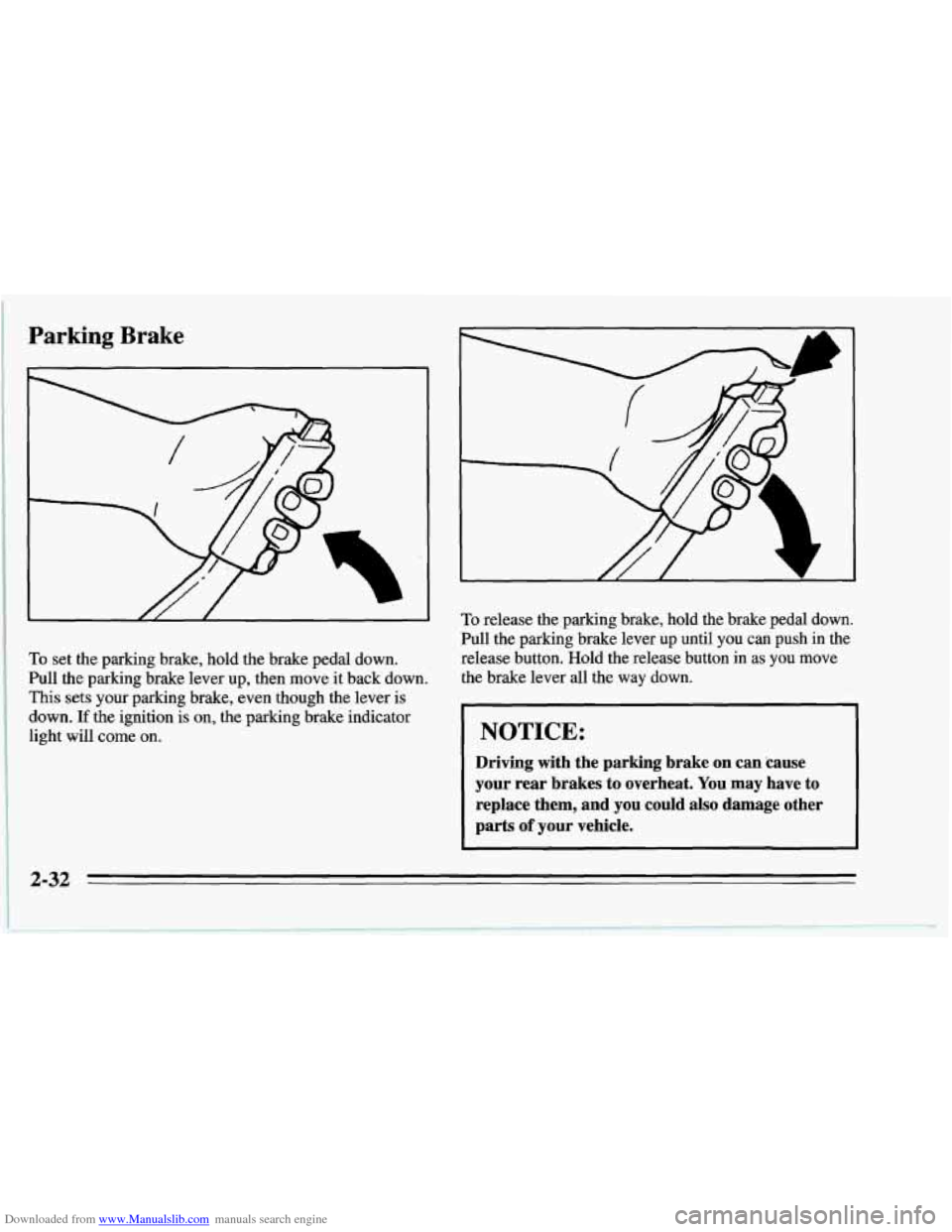
To set the parking brake, hold the brake pedal down.
Pull the parking brake lever up, then move it back down.
This sets your parking brake, even though the lever is
down.
If the ignition is on, the parking brake indicator
light will come on.
To release the parking brake, hold the brake pedal down.
Pull the parking brake lever up until you can push in the
release button. Hold the release button in
as you move
the brake lever all the way down.
NOTICE:
Driving with the parking brake on can 'cause
your rear brakes to overheat. You may have to
replace them, and you could also damage other
parts
of your vehicle.
2-32
Page 104 of 386
Downloaded from www.Manualslib.com manuals search engine NOTICE:
Don’t put papers and other things that burn into
your ashtray.
If you do, cigarettes or other
smoking materials could set them on fire, causing
damage.
You can remove the ashtray and use the space as a
second cupholder. When
you put the ashtray back, be
sure to use the rear opening.
NOTICE:
Loose objects (such as paper clips) can lodge
behind and beneath the ashtray lid and prevent
movement of the lid. Avoid putting small loose
objects near the ashtray.
Cigarette Lighter
I I‘ 17
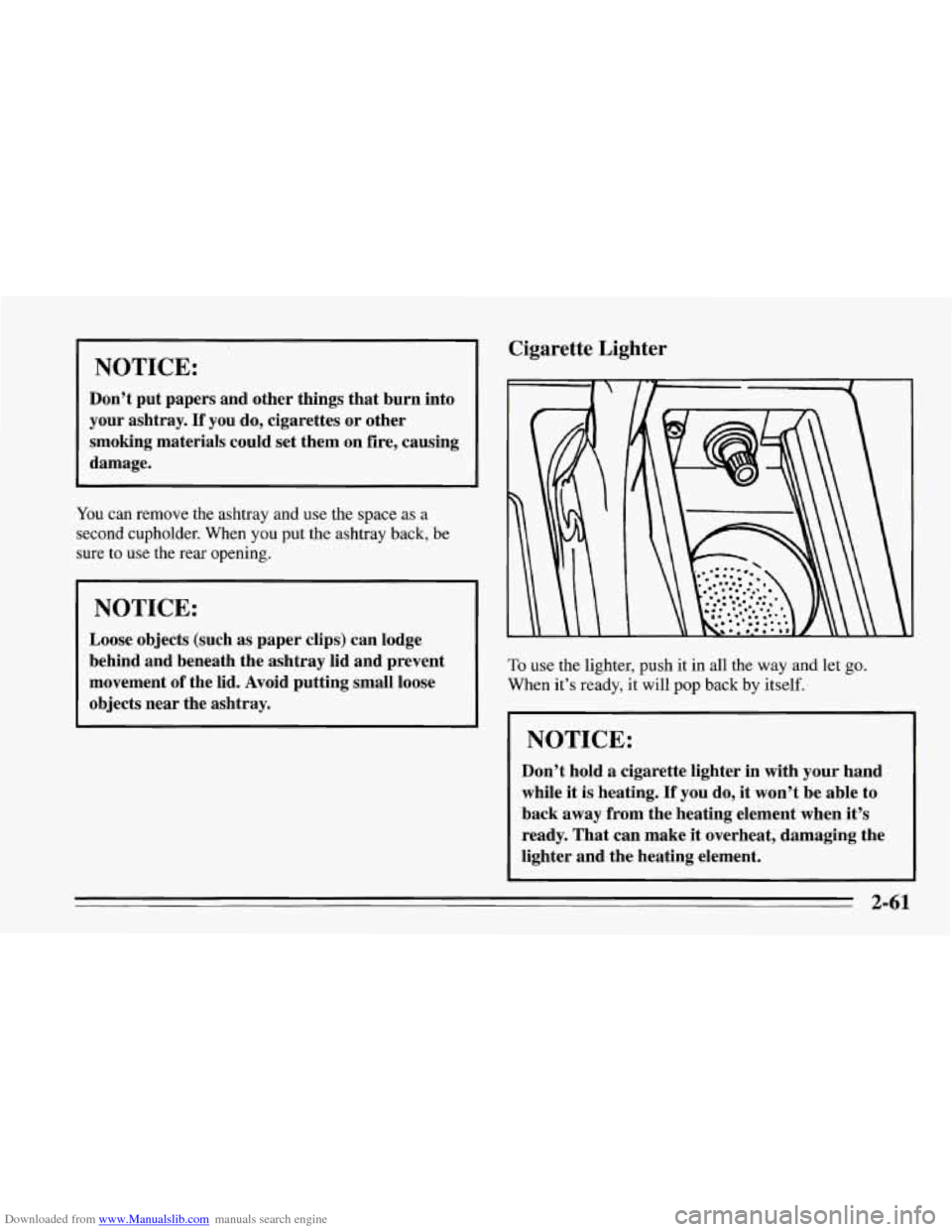
To use the lighter, push it in all the way and let go.
When it’s ready, it will pop back by itself.
I NOTICE:
Don’t hold a cigarette lighter in with your hand
while it is heating.
If you do, it won’t be able to
back
away from the heating element when it’s
ready. That can make it overheat, damaging the
lighter and the heating element.
2-61
Page 117 of 386
Downloaded from www.Manualslib.com manuals search engine ASR (Acceleration Slip Regulation) System
Active Light
ASR
ACTIVE
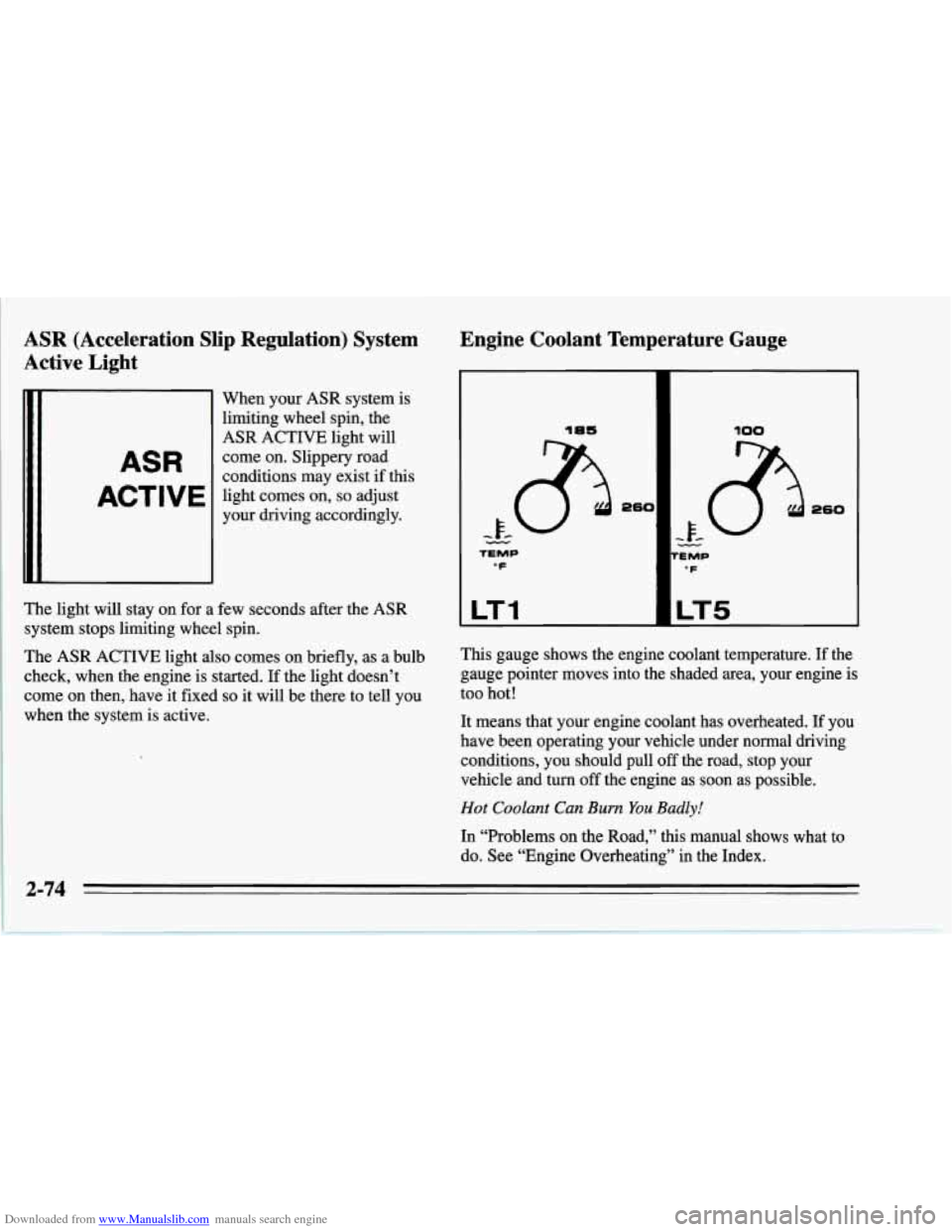
When your ASR system is
limiting wheel spin, the
ASR ACTIVE light will
come on. Slippery road
conditions may exist
if this
light comes on,
so adjust
your driving accordingly.
The light will stay on for a few seconds after the ASR
system stops limiting wheel spin.
The ASR ACTIVE light also comes on briefly, as a bulb
check, when the engine is started. If the light doesn’t
come on then, have it fixed
so it will be there to tell you
when the system is active.
Engine Coolant Temperature Gauge
18s
TEMP
“F
LT1
100
uv
’E MP
‘F
LT5
This gauge shows the engine coolant temperature. If the
gauge pointer moves into the shaded area, your engine is
too hot!
It means that your engine coolant has overheated. If you
have been operating your vehicle under normal driving
conditions, you should pull
off the road, stop your
vehicle and turn
off the engine as soon as possible.
Hot Coolant Can Bum You Badly!
In “Problems on the Road,” this manual shows what to
do. See “Engine Overheating” in the Index.
2-74
Page 118 of 386
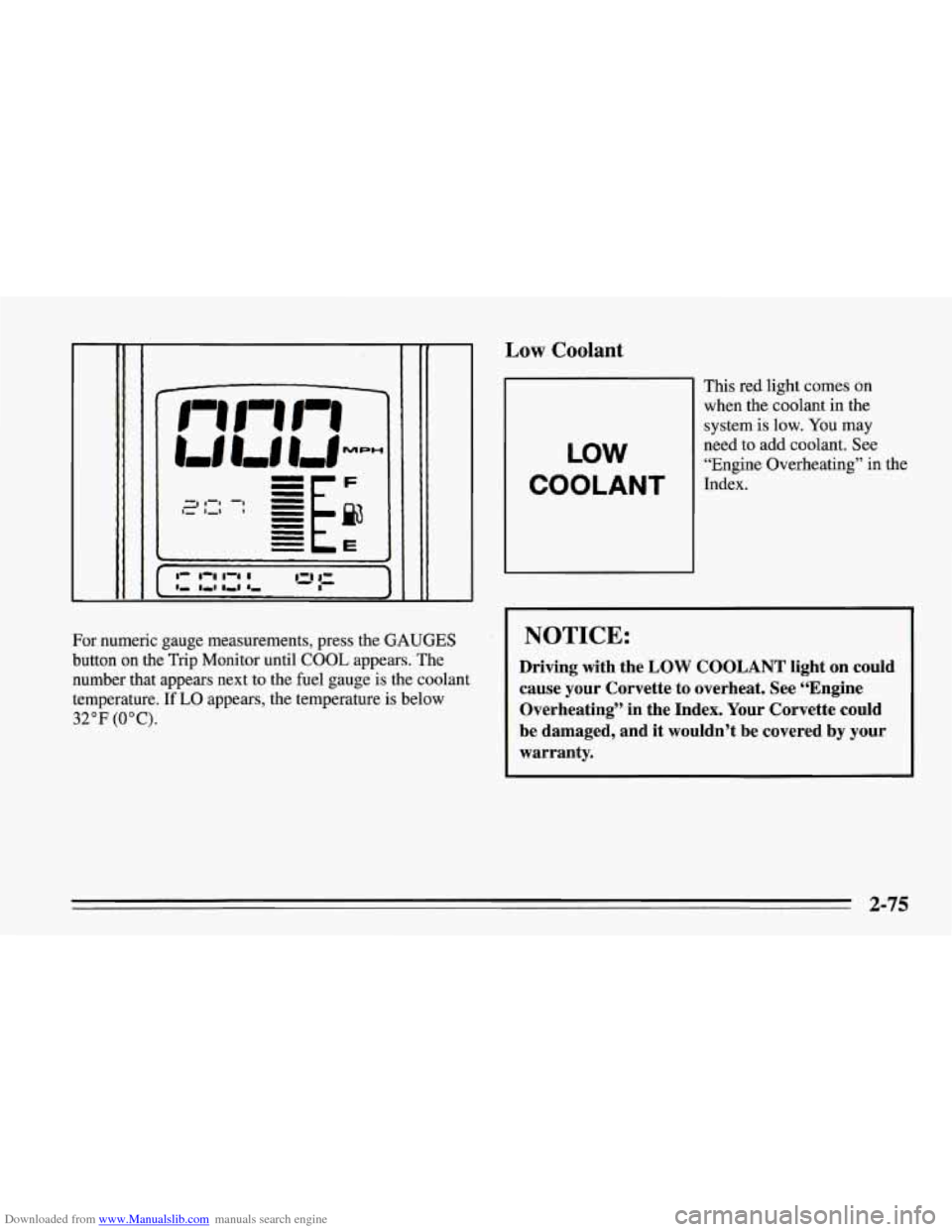
Downloaded from www.Manualslib.com manuals search engine For numeric gauge measurements, press the GAUGES
button on the Trip Monitor until COOL appears. The
number that appears next to the fuel gauge is the coolant
temperature. If
LO appears, the temperature is below
32°F (OOC).
,ow Coolant
1
This red light comes on
when the coolant in the
system is
low. You may
LOW
need to add coolant. See
“Engine Overheating” in the
COOLANT Index-
NOTICE:
Driving with the LOW COOLANT light on could
cause your Corvette
to overheat. See “Engine
Overheating” in the Index. Your Corvette could
be damaged, and it wouldn’t be covered by your warranty.
2-75
Page 124 of 386
Downloaded from www.Manualslib.com manuals search engine NOTICE:
Damage to your engine from neglected oil
problems can be costly and
is not covered by your
warranty.
Engine Oil Temperature Gauge
LT1 LT5
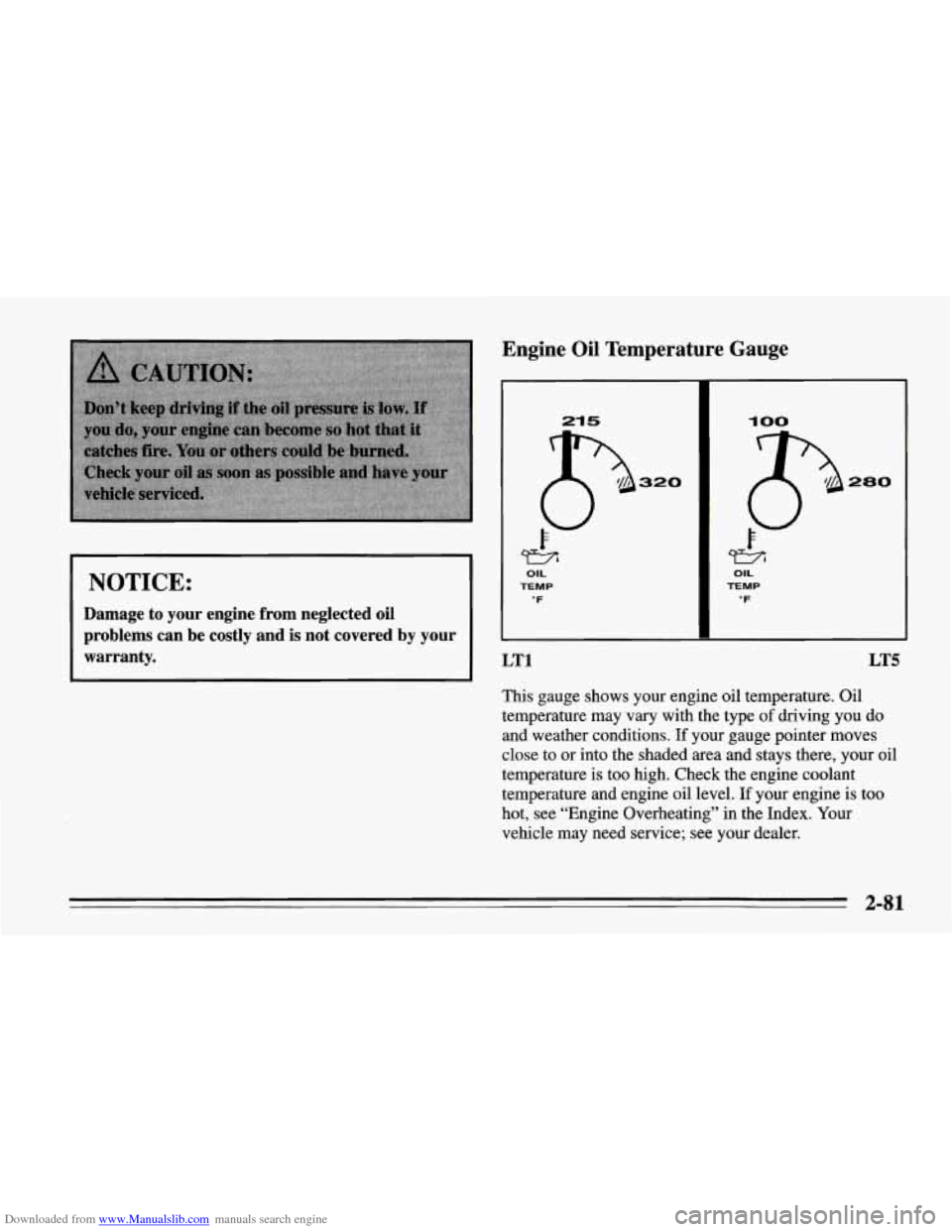
This gauge shows your engine oil temperature. Oil
temperature may vary with the type
of driving you do
and weather conditions. If your gauge pointer moves
close to or into the shaded area and stays there, your oil
temperature is too high. Check the engine coolant
temperature and engine oil level. If your engine is too
hot, see “Engine Overheating” in the Index. Your
vehicle may need service; see your dealer.
2-81
Page 206 of 386
Downloaded from www.Manualslib.com manuals search engine Attach a separate safety chain around the outboard end
of each lower control arm.
I I
I NOTICE:
Do not allow chains to contact spring, as damage
to spring could result.
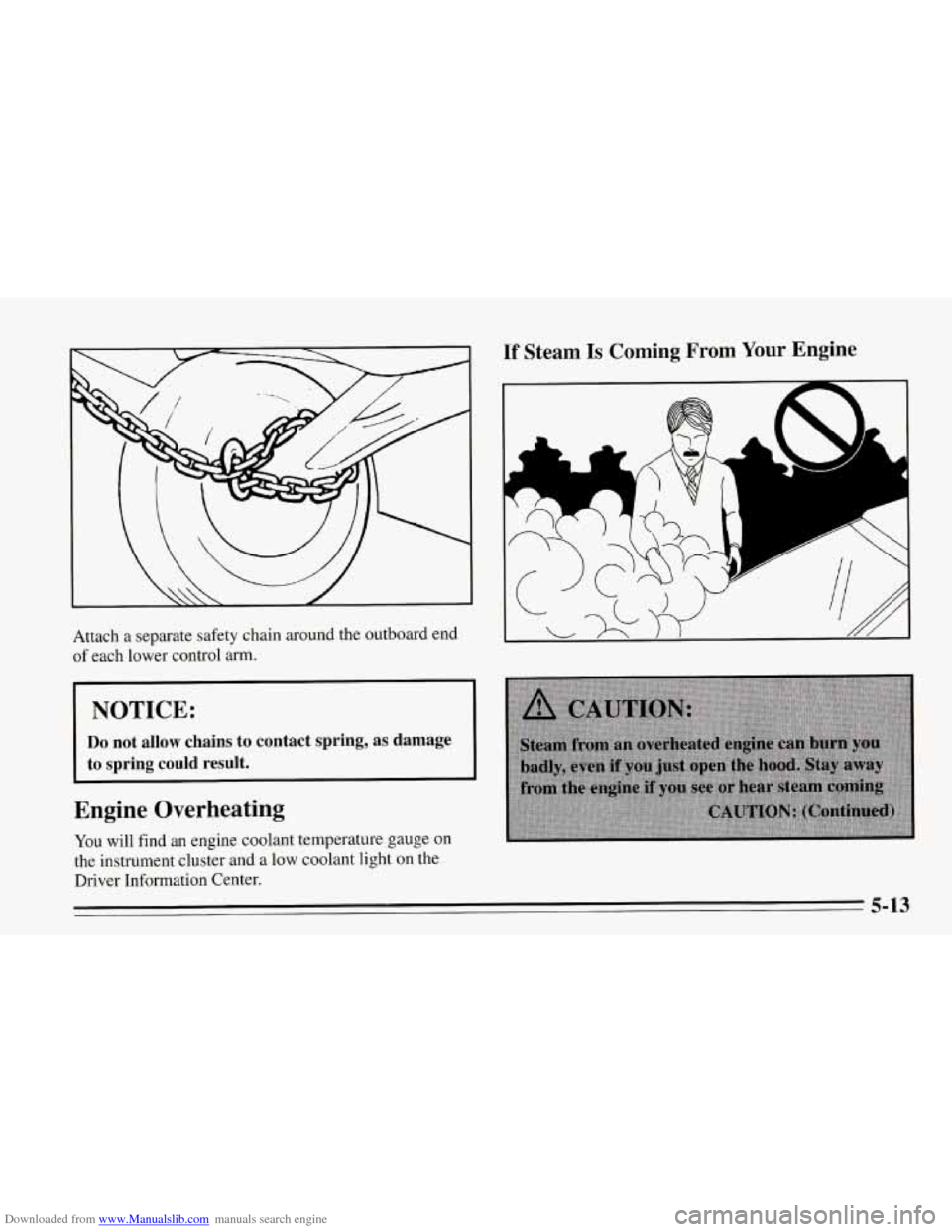
Engine Overheating
You will find an engine coolant temperature gauge on
the instrument cluster and a low coolant light on the
Driver Information Center.
If Steam Is Coming From Your Engine
'I
c
a
5-13
Page 207 of 386
Downloaded from www.Manualslib.com manuals search engine 1 NOTICE:
I
If’ your engine catches fire because you keep
driving with no coolant, your vehicle can be
badly damaged. The costly repairs would
not be
covered by your warranty.
If No Steam Is Coming From Your Engine
If you get the overheat warning but see or hear no
steam, the problem may not be
too serious. Sometimes
the engine can get a little too hot when you:
0 Climb a long hill on a hot day.
Stop after high speed driving.
0 Idle for long periods in traffic.
If you get the overheat warning with no sign
of steam,
try this for a minute or
so:
1. Turn off your air conditioner.
2. Turn on your heater to full hot at the highest fan
speed and open the window as necessary.
3. If you’re in a traffic jam, shift to NEUTRAL (N);
otherwise, shift to the highest gear while
driving
-- AUTOMATIC OVERDRIVE (a)
or DRIVE (D) for automatic transmissions.
If you
no longer have the overheat warning, you can drive.
Just to be safe, drive slower for about ten minutes. If the
warning doesn’t come back on, you
can drive normally.
If the warning continues, pull over, stop, and park your
vehicle right away.
If there’s still no sign of steam, you can idle the engine
for two or three minutes while you’re parked,
to see if
the warning stops. But then, if you still have the
warning,
turn off the engine and get everyone out of the
vehicle
until it cools down.
You may decide not to lift the hood but to get service
help right away.
I
5-14
Page 210 of 386
Downloaded from www.Manualslib.com manuals search engine The coolant level should be at or above COLD. If it
isn’t, you may have a leak in the radiator hoses, heater
hoses, radiator, water pump or somewhere else in the
cooling system.
NOTICE:
Engine damage from running your engine
without coolant isn’t covered by your warranty.
If there seems to be no leak, with the engine on check to
see if the electric engine fan(s) are running.
If the engine
is overheating, both fan(s) should be running. If they
aren’t, your vehicle needs service.
How to Add Coolant to the Coolant
Recovery Tank
If you haven’t found a problem yet, but the ,coo,lant level
isn’t at or above the COLD mark, add
a 50MI mixture
of clean water (preferably distilled) and a proper
antifreeze at the coolant recovery tank. (%e “Engine
Coolant” in the Index for more information about the
proper coolant mix.)
5-17