lock CHEVROLET CORVETTE 1997 5.G Service Manual
[x] Cancel search | Manufacturer: CHEVROLET, Model Year: 1997, Model line: CORVETTE, Model: CHEVROLET CORVETTE 1997 5.GPages: 356, PDF Size: 18.43 MB
Page 123 of 356
Downloaded from www.Manualslib.com manuals search engine If the light comes on while you are driving, and you
have a LOW BRAKE FLUID message showing on the
DIC, pull off the road and stop carefully. You may
notice that the pedal is harder to push. Or, the pedal may
go closer to the floor. It may take longer to stop. If the
light
is still on, have the vehicle towed for service. (See
“Towing Your Vehicle” in the Index.)
A C WTION:
Your brake system may not be working properly
if the brake warning light is on. Driving with the
brake warning light
on can lead to an accident.
If the light is still on after you’ve pulled off the
road and stopped carefully, have the vehicle
towed for service.
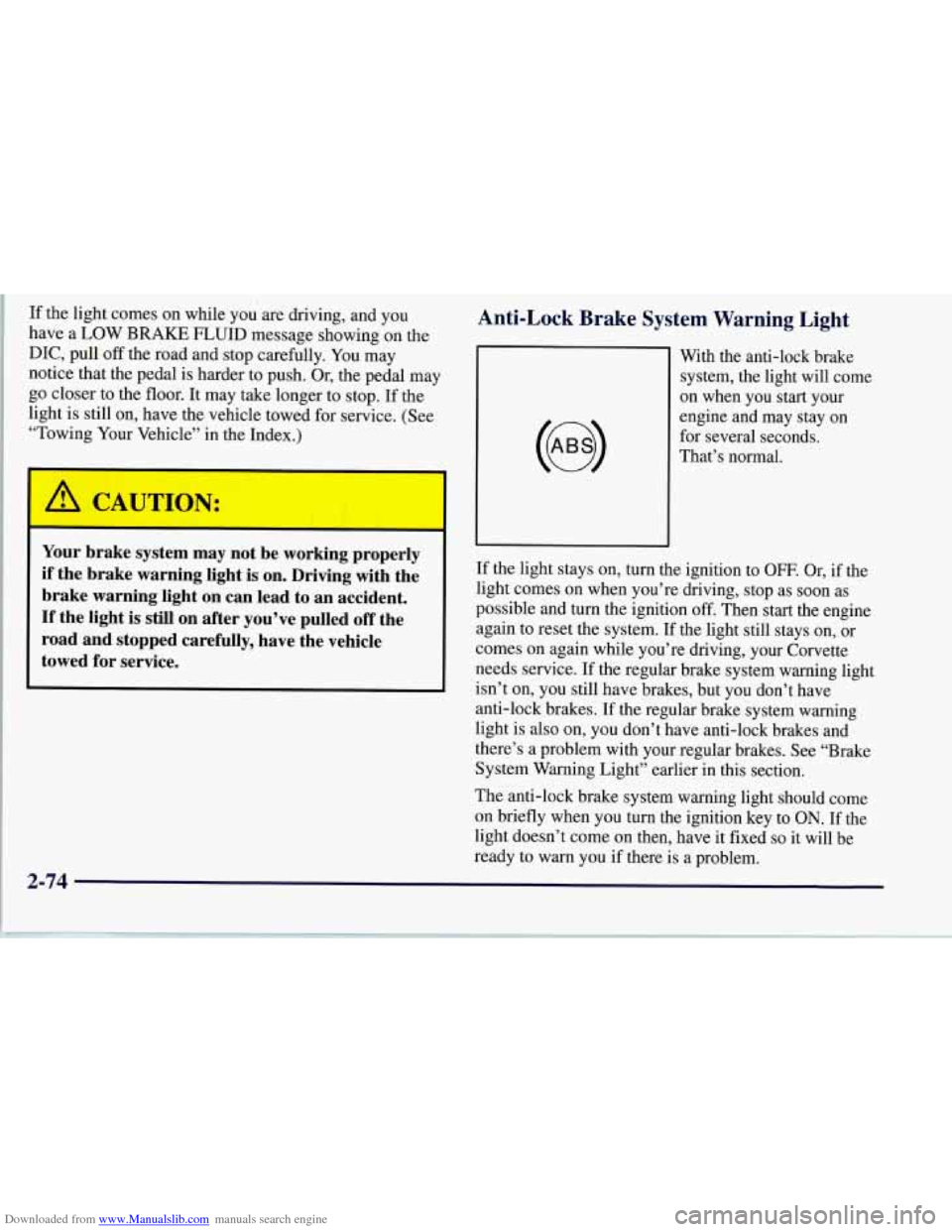
Anti-Lock Brake System Warning Light
With the anti-lock brake
system, the light will come
on when you start your
engine and may stay on
for several seconds.
That’s normal.
If the light stays on, turn the ignition to
OFF. Or, if the
light comes on when you’re driving, stop as soon as
possible and turn the ignition off. Then start the engine
again to reset the system.
If the light still stays on, or
comes on again while you’re driving, your Corvette
needs service.
If the regular brake system warning light
isn’t on, you still have brakes, but you don’t have
anti-lock brakes. If the regular brake system warning
light is also on, you don’t have anti-lock brakes and
there’s a problem with your regular brakes. See “Brake
System Warning Light” earlier in this section.
The anti-lock brake system warning light should come
on briefly when you turn the ignition key to
ON. If the
light doesn’t come on then, have it fixed
so it will be
ready to warn you if there is a problem.
2-74
Page 130 of 356
Downloaded from www.Manualslib.com manuals search engine Driver Information Center (DIC)
The Driver Information Center (DIC) will display
information about how your vehicle is functioning, as
well as warning messages if a system problem is
detected. The DIC display area is located in the
instrument cluster below the speedometer and
tachometer, directly above the steering column.
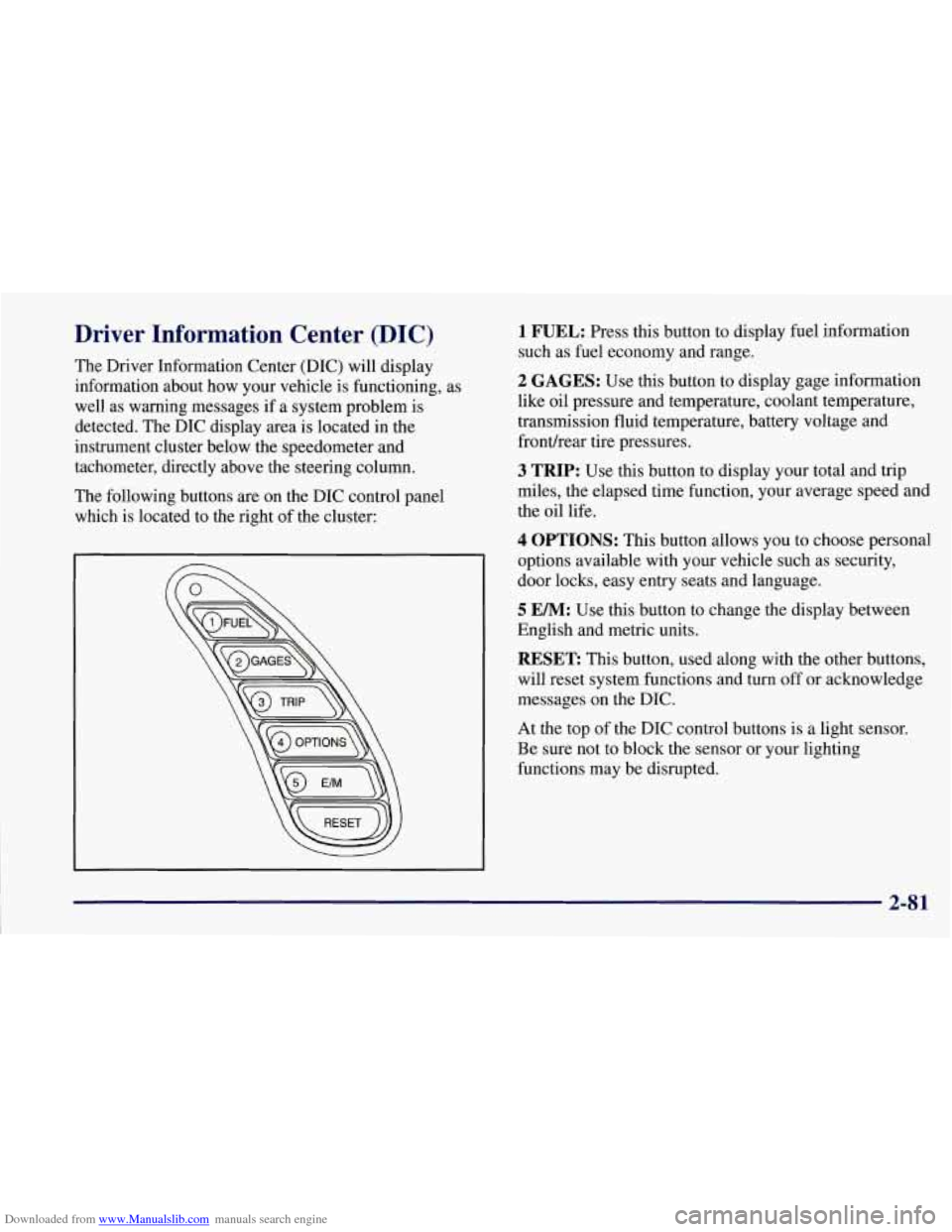
The following buttons are on the DIC control panel
which is located to the right of the cluster:
1 FUEL: Press this button to display fuel information
such as fuel economy and range.
2 GAGES: Use this button to display gage information
like oil pressure and temperature, coolant temperature,
transmission fluid temperature, battery voltage and
fronurear tire pressures.
3 TRIP: Use this button to display your total and trip
miles, the elapsed time function, your average speed and
the oil life.
4 OPTIONS: This button allows you to choose personal
options available with your vehicle such as security,
door locks, easy entry seats and language.
5 EM: Use this button to change the display between
English and metric units.
RESET: This button, used along with the other buttons,
will reset system functions and turn off or acknowledge
messages on the DIC.
At the top
of the DIC control buttons is a light sensor.
Be sure not to block the sensor or your lighting
functions may be disrupted.
2-81
Page 136 of 356
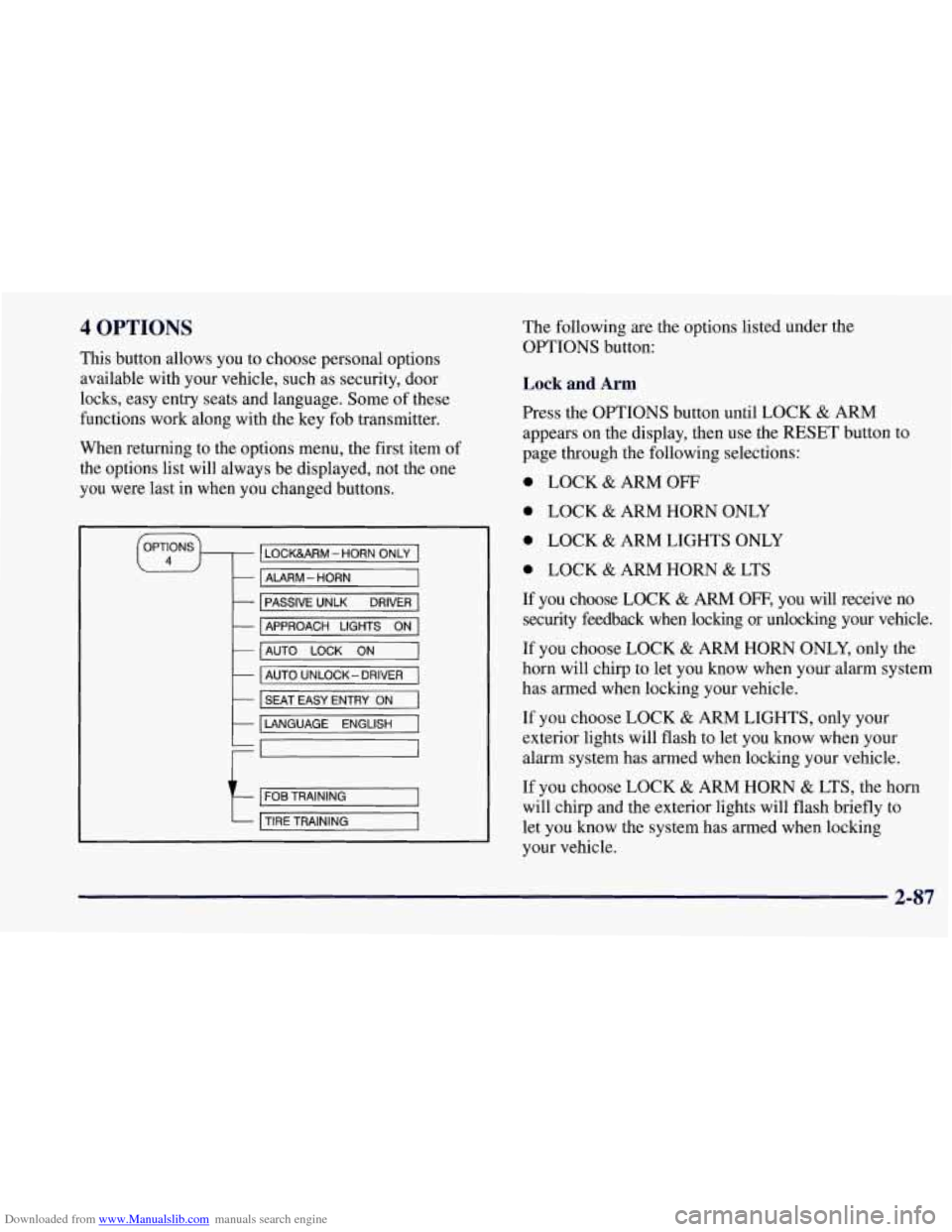
Downloaded from www.Manualslib.com manuals search engine 4 OPTIONS
This button allows you to choose personal options
available with your vehicle, such as security, door
locks, easy entry seats and language. Some of these
functions work along with the key fob transmitter.
When returning to the options menu, the first item of
the options list will always be displayed, not the one
you were last in when you changed buttons.
1 PASSIVE UNLK DRIVER 1
APPROACH LIGHTS ON
AUTO LOCK
ON
I AUTO UNLOCK-DRIVER I
I SEAT EASY ENTRY ON
t LANGUAGE ENGLISH
LI
r
I FOB TRAINING I
The following are the options listed under the
OPTIONS button:
Lock and Arm
Press the OPTIONS button until LOCK & ARM
appears on the display, then use the RESET button to
page through the following selections:
0 LOCK & ARM OFF
0 LOCK & ARM HORN ONLY
0 LOCK & ARM LIGHTS ONLY
0 LOCK & ARM HORN & LTS
If you choose LOCK & ARM OFF, you will receive no
security feedback when locking or unlocking your vehicle.
If you choose LOCK
& ARM HORN ONLY, only the
horn will chirp to let you know when your alarm system
has armed when locking your vehicle.
If you choose LOCK
& ARM LIGHTS, only your
exterior lights will flash to let you know when your
alarm system has armed when locking your vehicle.
If you choose LOCK
& ARM HORN & LTS, the horn
will chirp and the exterior lights will flash briefly to
let you know the system has armed when locking
your vehicle.
2-87
Page 137 of 356
Downloaded from www.Manualslib.com manuals search engine Alarm
Press the OPTIONS button until ALARM appears on
the display, then use the RESET button to page through
the following selections:
ALARM HORN
0 ALARM HORN & LIGHTS
If you choose ALARM HORN, the horn will sound
during an alarm. If you choose ALARM HORN
&
LIGHTS, the horn will sound and the exterior lights
will flash during an alarm.
Passive Unlock
Press the OPTIONS button until PASSIVE UNLOCK
appears on the display, then
use the RESET button to
page through the following selections:
PASSIVE UNLOCK- DRIVER
PASSIVE UNLOCK- BOTH
If you choose the PASSIVE UNLOCK- DRIVER, only
the driver’s door lock will be programmed to passively
unlock. The driver’s door will passively unlock when
you approach the vehicle with the key fob transmitter
slider switch set to
ON.
If you choose PASSIVE UNLOCK- BOTH, the driver
and passenger’s door locks will be programmed to
passively unlock. The driver and passenger doors will
passively unlock when you approach the vehicle with
the key fob transmitter slider switch set to ON.
See “Remote Function Actuation (WA)” in the Index
for more information.
Approach Lights
Press the OPTIONS button until APPROACH LIGHTS
appears on the display, then use the RESET button to
page through the following choices:
APPROACH LIGHTS ON
0 APPROACH LIGHTS OFF
If you choose APPROACH LIGHTS ON, the fog lamps,
front turn signal, rear back-up and courtesy lamps will
come on for
30 seconds as you approach the vehicle
with the key fob transmitter. This will occur only when
it is dark outside.
APPROACH LIGHTS OFF turns
off this option.
See “Remote Function Actuation System” in the Index
for more information.
2-88
Page 138 of 356
Downloaded from www.Manualslib.com manuals search engine Auto Lock
Press the OPTIONS button until AUTO LOCK appears
on the display, then use the RESET button to page
through the following choices:
AUTO LOCK ON
AUTO LOCK OFF
If you choose AUTO LOCK ON, both doors will
automatically lock when the vehicle exceeds
10 mph
(16 krn/h) in a manual transmission. In a vehicle with
an automatic transmission, both doors will automatically
lock when you move the shifter out of PARK (P).
Choose AUTO LOCK OFF to turn this option off.
Auto Unlock
The AUTO UNLOCK will be available only if AUTO
LOCK
is set to ON.
Press the OPTIONS button until AUTO UNLOCK
appears on the display, then use the RESET button to
page through the following choices:
AUTO UNLOCK - DRIVER
AUTO UNLOCK - BOTH
AUTO UNLOCK OFF If you
choose AUTO UNLOCK- DRIVER, the driver’s
door will automatically unlock when you turn the
vehicle
off and pull the key out of the ignition.
Choose AUTO UNLOCK
- BOTH, and both doors will
automatically unlock when you turn the vehicle
off and
pull the key out of the ignition.
AUTO UNLOCK OFF turns
off this option.
Easy Entry
The easy entry feature will only be available if the
vehicle is equipped with the memory option.
Press the OPTIONS button until SEAT EASY ENTRY
appears on the display, then use the RESET button to
page through the following choices:
SEAT EASY ENTRY ON
0 SEAT EASY ENTRY OFF
If you choose SEAT EASY ENTRY ON, when you
turn the ignition off and remove the key, the seat will
automatically move back for an easy exit or an easy
entrance when returning to the vehicle.
SEAT EASY ENTRY OFF turns
off this option.
2-89
Page 140 of 356
Downloaded from www.Manualslib.com manuals search engine ABS ACTIVE (Anti-Lock Brake System Active):
When your anti-lock system is adjusting brake pressure
to help avoid a braking skid, the ABS ACTIVE message
will be displayed.
Slippery road conditions may exist
if this message is
displayed,
so adjust your driving accordingly. The
message will stay on for a few seconds after the system
stops adjusting brake pressure.
SERVICE ABS (Anti-Lock Brake System): If the
SERVICE ABS message is displayed when you are
driving, stop as soon as possible and turn the ignition
off. Then start the engine again to reset the system. If
the message stays on, or comes back on again while you
are driving, your vehicle is in need of service.
If the
regular brake system warning light isn’t on, you still
have brakes, but don’t have anti-lock brakes. If the
regular brake system light is also on, you don’t have
anti-lock brakes and there is a problem with your
brakes. See “Brake System Warning Light” earlier in
this section.
SERVICE COLUMN LOCK: The system that
controls the locking and unlocking of the steering
column may
not work properly. Have the vehicle
towed to a dealer for service.
LOW OIL PRESSURE: You will hear four chimes
and the CHECK GAGES telltale will come
on when
this message is displayed. To acknowledge the warning,
press the RESET button. After you press the RESET
button, a message will be displayed and you will hear a
chime every minute until the vehicle
is serviced. If you
do not press RESET, the message will remain on the
digital display until the vehicle
is serviced.
Low oil pressure may be the result of a combination
of low oil level and abrupt changes in the vehicle’s
direction. When this warning
is displayed, you should
not operate
the engine at high RPM or make fast abrupt
moves. When convenient, you should check the oil
level. See “Engine Oil” in the Index.
LOW OIL LEVEL: Press RESET to acknowledge that
you have read the message and to remove it from the
display. The message will reappear every
10 minutes
until this condition changes.
You will hear two chimes when this message is
displayed.
If this message appears after starting your
engine, your engine oil level may be too low. You may
need to add oil. See “Engine Overheating” in the Index.
2-91
Page 148 of 356
Downloaded from www.Manualslib.com manuals search engine e Section 3 Comfort Controls and Audio Systems
In this section, you’ll find out how to operate the comfort control and audio systems offered with your Corvette. Be
sure to read about the particular systems supplied with your vehicle.
3-2
3-2
3-5
3-1 1
3-12
3-12
3-13
3-13
3-14 Comfort Controls
Manual Comfort
Controls
Automatic Electronic Dual Climate
Control System (Option)
Air Conditioning
Heating
Defogging and Defrosting
Audio Systems
Setting the Clock for All Systems
AM-FM Stereo with Cassette Tape Player
Automatic Tone Control and 3-18
3-18
3
-22
3 -26
3 -28
3-28
3-29
3-30
3-30 CD
Adapter Kits
AM-FM Stereo with Compact Disc Player
and Automatic Tone Control (Option)
Trunk Mounted CD Changer (Option)
Theft-Deterrent Feature
Understanding Radio Reception
Tips About Your Audio System
Care of Your Cassette Tape Player
Care of Your Compact Discs
Integrated Windshield and Rear
Window Antennas
3-1
Page 153 of 356
Downloaded from www.Manualslib.com manuals search engine Driver Set Temperature Knob
The DRIVER knob changes the temperature on the
driver's side of the vehicle. Turn the knob to the right
to increase the temperature and to the left to decrease
the temperature. Whenever you turn this knob, the
temperature will be displayed for approximately
five seconds along with the current fan speed and
air delivery mode.
When adjusting the temperature, start with a driver-set temperature of
73 "F (23 "C) until you determine your
comfort zone. If you choose
60°F (16"C), the system
will remain at maximum cooling and will not
automatically adjust fan speed or air delivery.
If you
choose
90°F (32"C), the system will remain at
maximum heating and will not automatically adjust fan
speed or air delivery. Choosing either maximum setting
will not cause the system to heat or cool any faster.
Turning
the knob past either maximum setting has no
effect on the operation of the system.
Passenger Temperature Offset
The PASSENGER knob changes the temperature on the
passenger's side of the vehicle. When the knob is in the
12 o'clock position, the passenger's temperature is the
same as the driver's. Turn the knob to the right for
warmer air on the passenger's side, to the left for cooler
air. If the driver set temperature is set at
60°F (16" C) or
90°F (32°C)' turning the passenger knob has no effect
because the system is locked at a maximum setting.
Automatic Operation
Press the AUTO button to place the entire system in
the automatic mode. After a five second display of
the current settings, only the word AUTO and the
outside temperature will be shown on the digital display.
The system will operate to achieve your comfort set
temperature as quickly as possible. If you have set the
driver temperature at
60°F (16°C) or 90°F (32"C), the
system will not operate automatically until a different
temperature is selected. The AUTO control system
works best with the windows up and the removable
roof installed.
3-6
Page 155 of 356
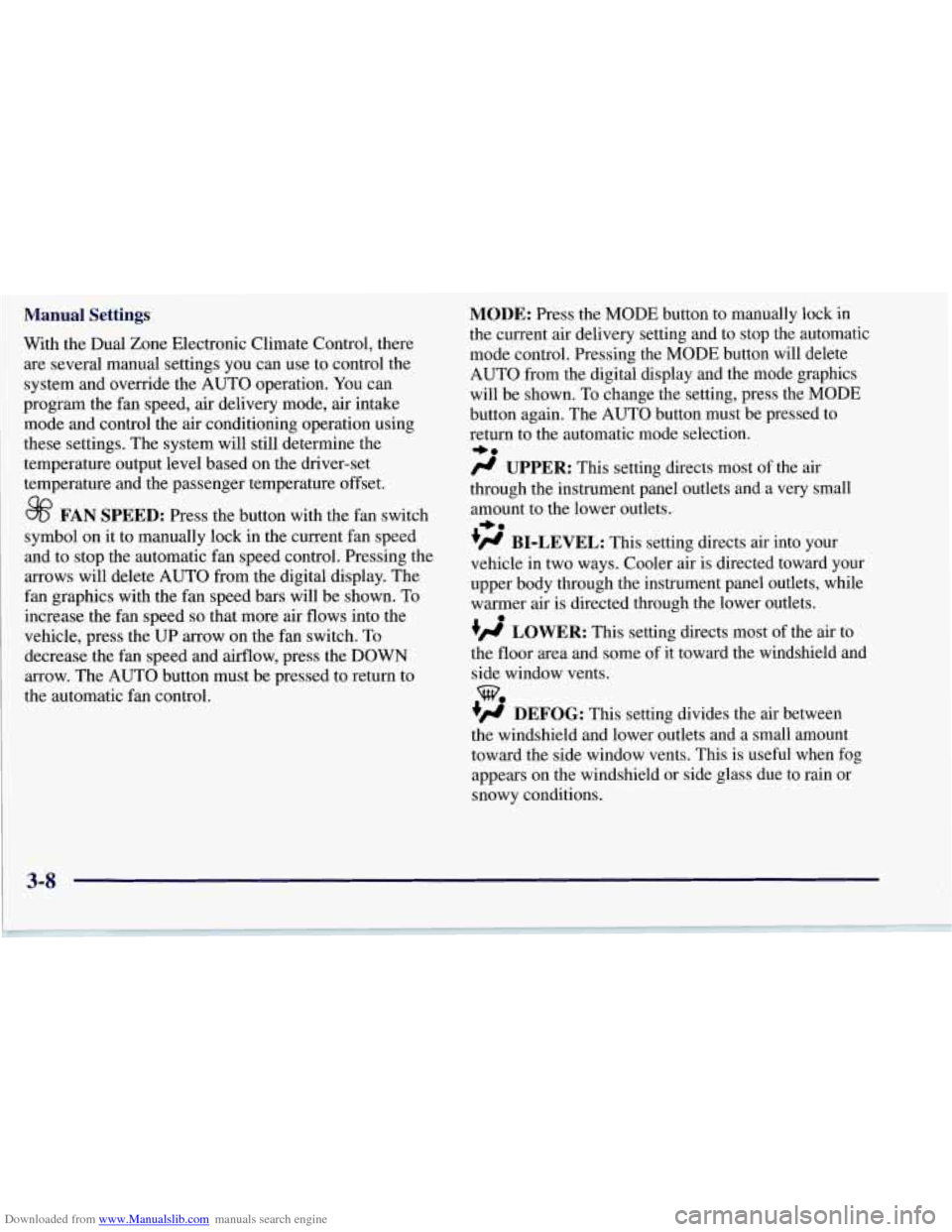
Downloaded from www.Manualslib.com manuals search engine Manual Settings
With the Dual Zone Electronic Climate Control, there
are several manual settings you can use to control the
system and override the AUTO operation. You can
program the fan speed, air delivery mode,
air intake
mode and control the air conditioning operation using
these settings. The system will still determine the
temperature output level based on the driver-set
temperature and the passenger temperature offset.
8? FAN SPEED: Press the button with the fan switch
symbol on it to manually lock in the current fan speed
and to stop the automatic fan speed control. Pressing the
arrows will delete AUTO from the digital display. The
fan graphics with the fan speed bars will be shown. To
increase the fan speed
so that more air flows into the
vehicle, press the UP arrow on the fan switch.
To
decrease the fan speed and airflow, press the DOWN
arrow. The AUTO button must be pressed to return to
the automatic fan control.
MODE: Press the MODE button to manually lock in
the current air delivery setting and to stop the automatic
mode control. Pressing the
MODE button will delete
AUTO from the digital display and the mode graphics
will be shown.
To change the setting, press the MODE
button again. The AUTO button must be pressed to
return to the automatic mode selection.
/J UPPER: This setting directs most of the air
through the instrument panel outlets and a very small
amount to the lower outlets.
!# BI-LEVEL: This setting directs air into your
vehicle in two ways. Cooler air is directed toward your
upper body through the instrument panel outlets, while
warmer air
is directed through the lower outlets.
+’ LOWER: This setting directs most of the air to
the floor area and some of it toward the windshield and
side window vents.
+@ DEFOG: This setting divides the air between
the windshield and lower outlets and a small amount
toward the side window vents. This is useful when fog
appears on the windshield or side glass due to rain or
snowy conditions.
+e
+.
e
we
Page 156 of 356
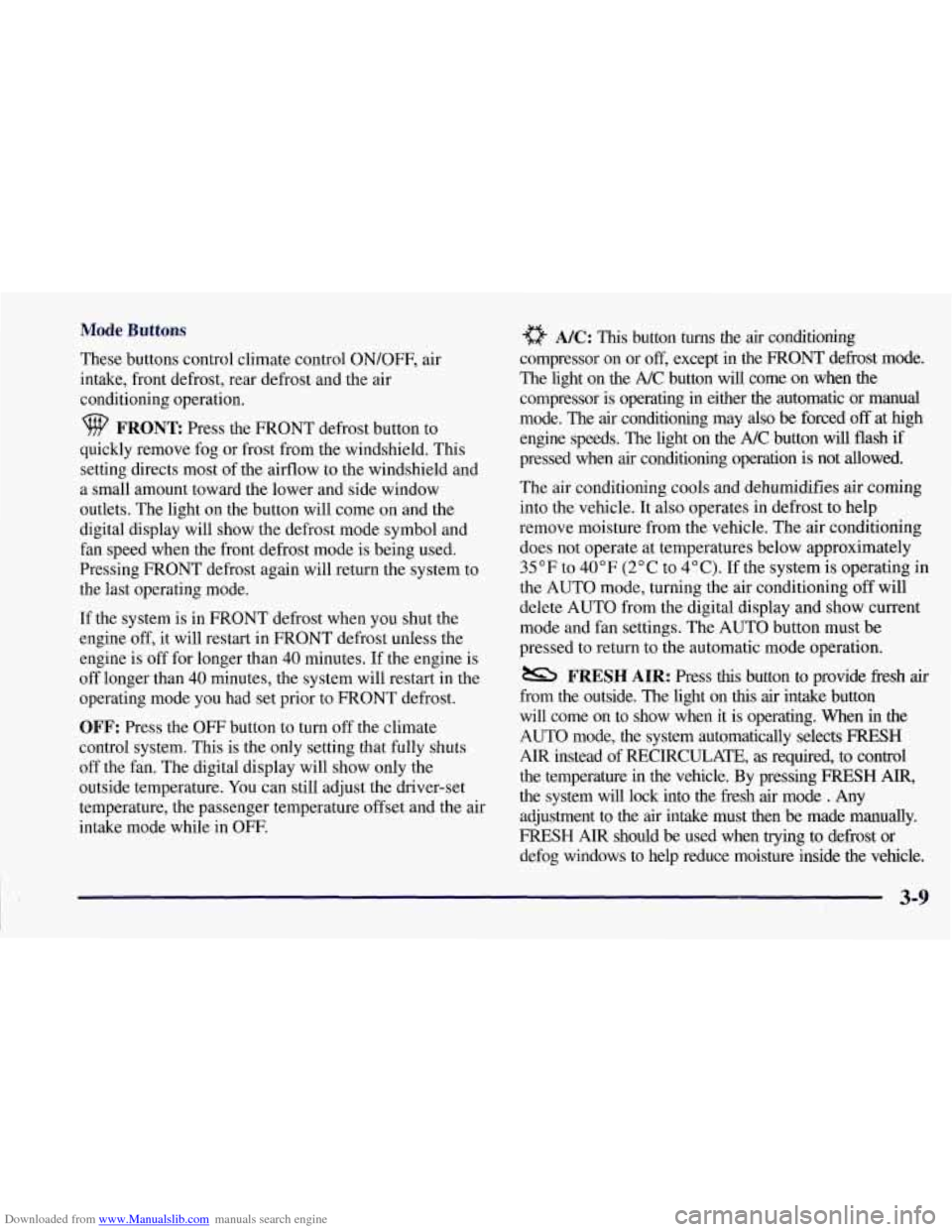
Downloaded from www.Manualslib.com manuals search engine Mode Buttons
These buttons control climate control ON/OFF, air
intake, front defrost, rear defrost and the air
conditioning operation.
FRONT Press the FRONT defrost button to
quickly remove fog or frost from the windshield. This
setting directs most of the airflow to the windshield and
a small amount toward
the lower and side window
outlets. The light on the button will come on and the
digital display will show the defrost mode symbol and
fan speed when the front defrost mode is being used.
Pressing FRONT defrost again will return the system to
the last operating mode.
If the system is in FRONT defrost when you shut the
engine
off, it will restart in FRONT defrost unless the
engine is off for longer than 40 minutes. If the engine is
off longer than 40 minutes, the system will restart in the
operating mode you had set prior to FRONT defrost.
OFF: Press the OFF button to turn off the climate
control system. This is the only setting that fully shuts
off the fan. The digital display will show only the
outside temperature. You can still adjust the driver-set
temperature, the passenger temperature offset and the air
intake mode while in
OFF.
a NC: This button turns the air conditioning
compressor on or
off, except in the FRONT defrost mode.
The light on the A/C button will come on when
the
compressor is operating in either the automatic or manual
mode. The
air conditioning may also be forced off at high
engine speeds. The light on the A/C button will flash if
pressed when
air conditioning operation is not allowed.
The air conditioning cools and dehumidifies
air coming
into the vehicle. It also operates in defrost to help
remove moisture from the vehicle. The air conditioning
does not operate at temperatures below approximately
35°F to 40°F (2°C to 4°C). If the system is operating in
the AUTO mode, turning the air conditioning off will
delete AUTO from the digital display and show current
mode and fan settings. The AUTO button must be
pressed to return to the automatic mode operation.
from the outside. The light on
this air intake button
will come on to show when it is operating. When in
the
AUTO mode, the system automatically selects FRESH
AIR instead of RECIRCULATE, as required, to control
the temperature
in the vehicle. By pressing FRESH AIR,
the system will lock into the fresh air mode . Any
adjustment to the air intake must then be made manually.
FRESH AIR should be used when trying to defrost or
defog windows to help reduce moisture inside the vehicle.
FRESH AIR: Press this button to provide fkesh air