traction control CHEVROLET CORVETTE 1997 5.G Owners Manual
[x] Cancel search | Manufacturer: CHEVROLET, Model Year: 1997, Model line: CORVETTE, Model: CHEVROLET CORVETTE 1997 5.GPages: 356, PDF Size: 18.43 MB
Page 87 of 356
Downloaded from www.Manualslib.com manuals search engine It can be dangerous to get out of your vehicle if
the shift lever is not fully in PARK (P) with the
parking brake firmly set. Your vehicle can roll.
Don’t leave your vehicle when the engine is
running unless you have to.
If you’ve left the
engine running, the vehicle can move suddenly.
You or others could be injured.
To be sure your
vehicle won’t move, even when you’re on fairly
level ground, always set your parking brake and
move the shift lever to
PARK (P).
Follow the proper steps to be sure your vehicle won’t
move. See “Shifting Into PARK
(P)” in the Index.
Limited-Slip Rear Axle
Your limited-slip rear axle can give you additional
traction on snow, mud, ice, sand or gravel. It works
like a standard axle most of the time, but when one
of the rear wheels has no traction and the other does,
this feature will allow the wheel with traction to move
the vehicle.
Selective Real Time Damping
(Option)
You may have a ride control system on your Corvette
called Selective Real Time Damping (SRTD). The
system provides the following performance benefits:
Reduced impact harshness
0 Improved road isolation
Improved high-speed stability
Improved handling response
Page 96 of 356
Downloaded from www.Manualslib.com manuals search engine Cruise Control
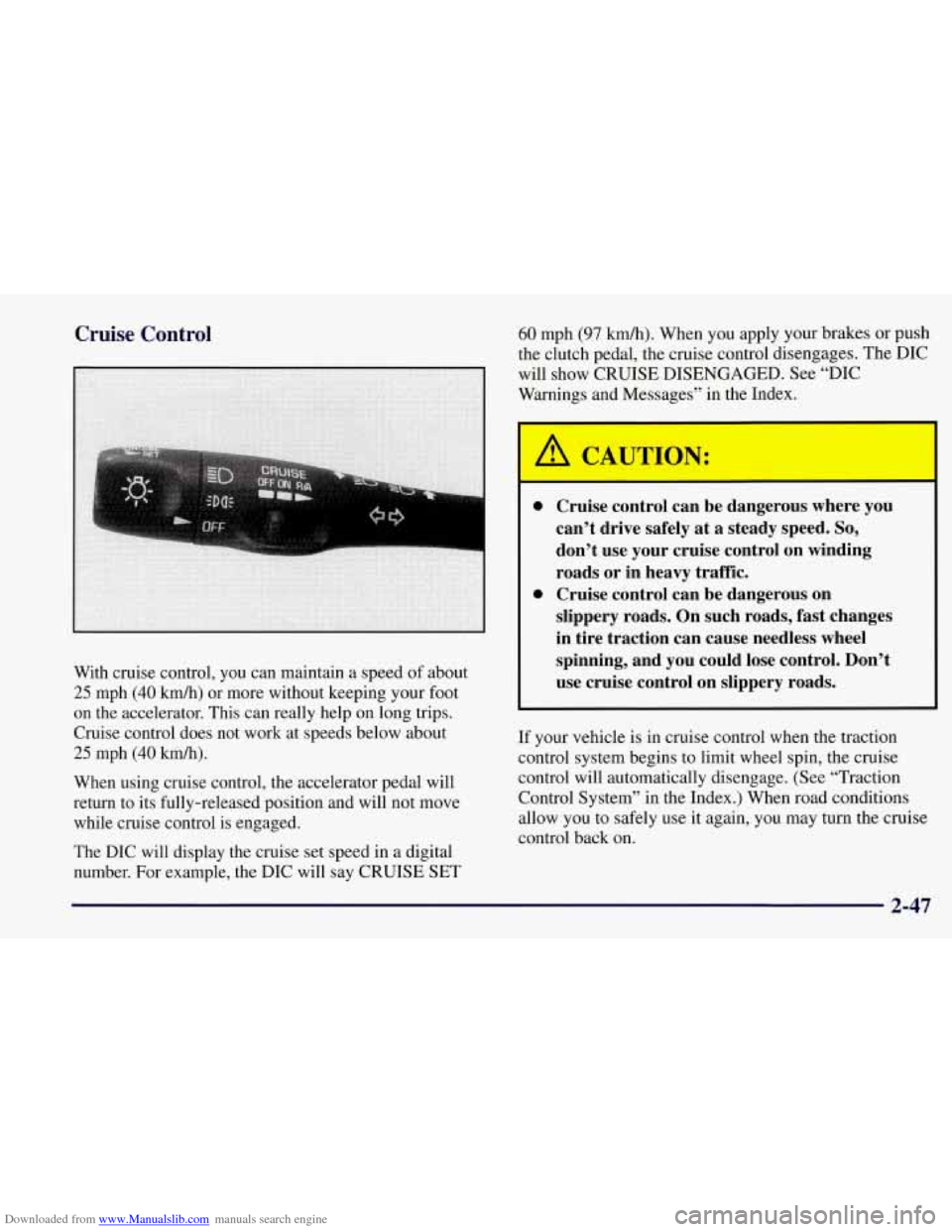
With cruise control, you can maintain a speed of about
25 mph (40 kmh) or more without keeping your foot
on the accelerator. This can really help on long trips.
Cruise control does not work at speeds below about
25 mph (40 km/h).
When using cruise control, the accelerator pedal will
return to its fully-released position and will not move
while cruise control is engaged.
The DIC will display the cruise set speed in a digital
number. For example, the DIC will say CRUISE SET
60 mph (97 km/h). When you apply your brakes or push
the clutch pedal, the cruise control disengages. The DIC
will show CRUISE DISENGAGED. See “DIC
Warnings and Messages” in the Index.
0 Cruise control can be dangerous where you
can’t drive safely at a steady speed.
So,
don’t use your cruise control on winding
roads or in heavy traffic.
slippery roads. On such roads, fast changes
in tire traction can cause needless wheel
spinning, and you could lose control. Don’t
use cruise control on slippery roads.
0 Cruise control can be dangerous on
If
your vehicle is in cruise control when the traction
control system begins to limit wheel spin, the cruise
control will automatically disengage. (See “Traction
Control System” in the Index.) When road conditions
allow you to safely use it again, you may turn the cruise
control back on.
2-47
Page 118 of 356
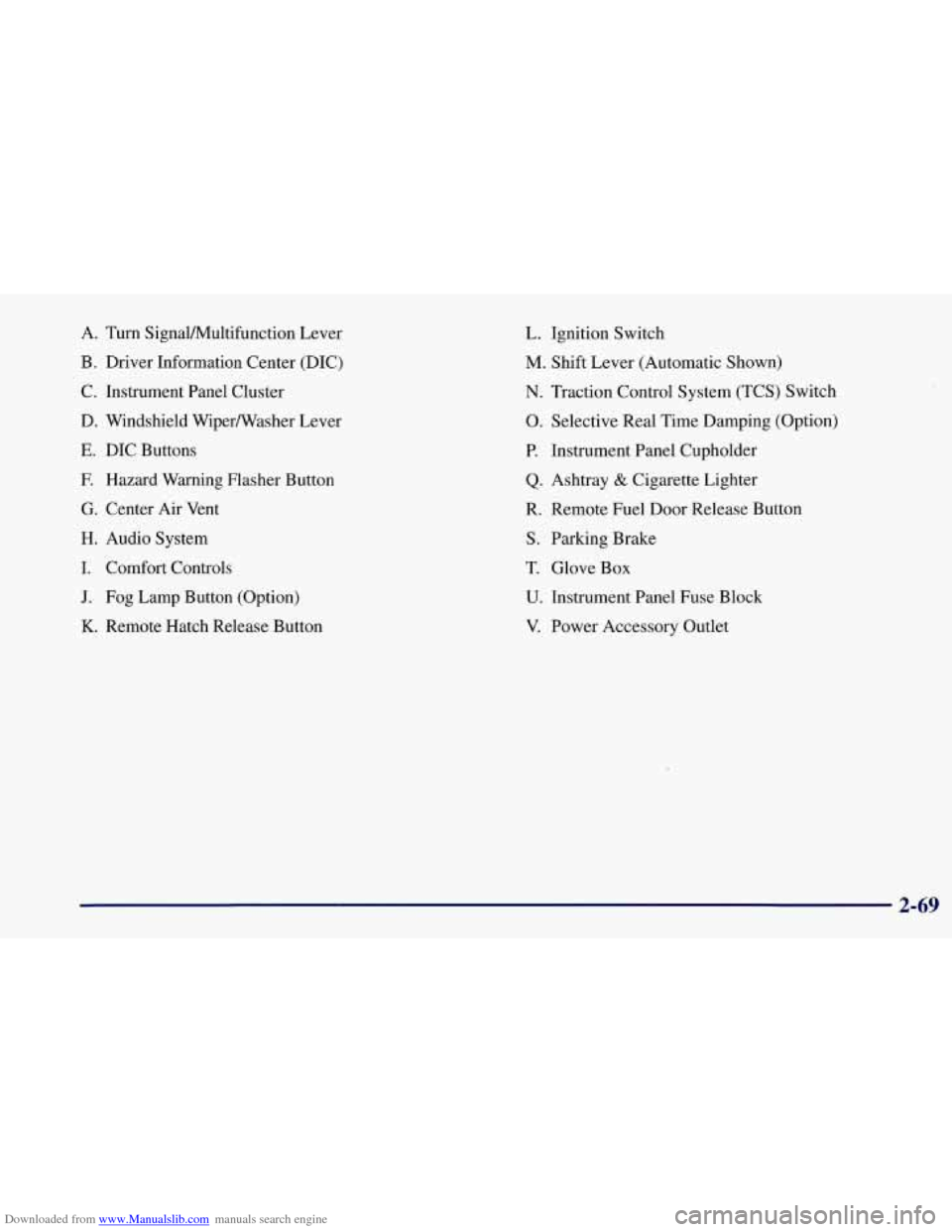
Downloaded from www.Manualslib.com manuals search engine A. Turn SignalNultifunction Lever
B. Driver Information Center (DIC)
C. Instrument Panel Cluster
D. Windshield WiperNVasher Lever
E. DIC Buttons
F. Hazard Warning Flasher Button
G. Center Air Vent
H. Audio System
I. Comfort Controls
J. Fog Lamp Button (Option)
K. Remote Hatch Release Button
L. Ignition Switch
M. Shift Lever (Automatic Shown)
N. Traction Control System (TCS) Switch
0. Selective Real Time Damping (Option)
P. Instrument Panel Cupholder
Q. Ashtray & Cigarette Lighter
R. Remote Fuel Door Release Button
S. Parking Brake
T. Glove Box
U. Instrument Panel Fuse Block
V. Power Accessory Outlet
2-69
Page 124 of 356
Downloaded from www.Manualslib.com manuals search engine Traction Control System (TCS) Light
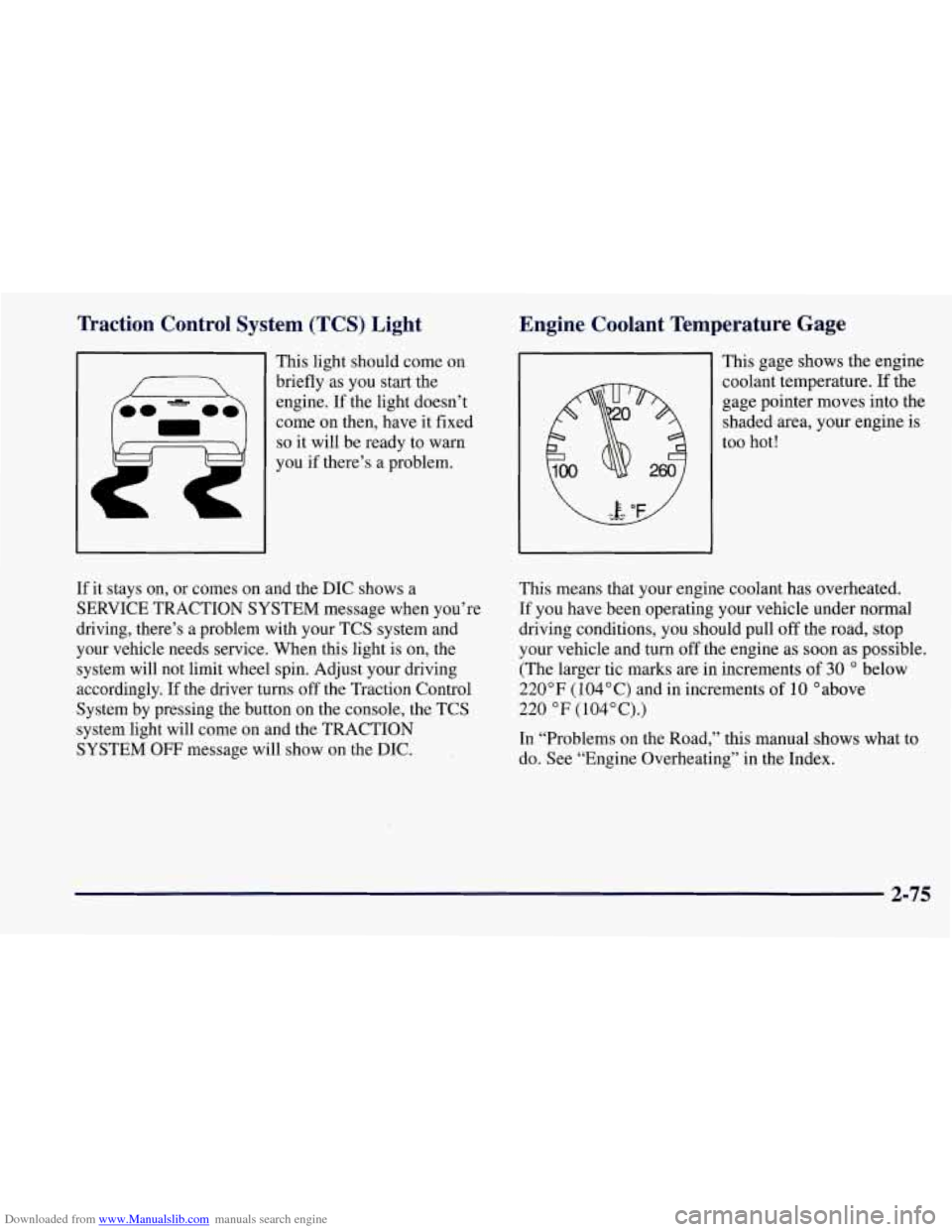
This light should come on
briefly as you start the
engine. If the light doesn’t
come
on then, have it fixed
so it will be ready to warn
you if there’s a problem.
Engine Coolant Temperature Gage
f
This gage shows the engine
coolant temperature. If the
gage pointer moves into the
shaded area, your engine
is
too hot!
If it stays on, or comes on and the DIC shows a
SERVICE TRACTION SYSTEM message when you’re
driving, there’s a problem with your TCS system and
your vehicle needs service. When this light is on, the
system will not limit wheel spin. Adjust your driving
accordingly. If the driver turns
off the Traction Control
System by pressing the button
on the console, the TCS
system light will come on and the TRACTION
SYSTEM
OFF message will show on the DIC. This
means that your engine coolant has overheated.
If you have been operating your vehicle under normal
driving conditions, you should pull off the road, stop
your vehicle and turn off the engine as soon as possible.
(The larger tic marks are in increments of
30 O below
220°F (104°C) and in increments of 10 O above
220 OF (104”C).)
In “Problems on the Road,” this manual shows what to
do. See “Engine Overheating” in the Index.
2-75
Page 141 of 356
Downloaded from www.Manualslib.com manuals search engine REDUCED ENGINE POWER: You will hear chimes
continuously when this message is displayed. To
acknowledge that you have read the message and to
remove it from the display, press RESET. The
message will reappear every
15 seconds until this
condition changes.
If the Driver Information Center displays the
REDUCED ENGINE POWER message and the
CHECK ENGINE light comes on, a noticeable
reduction in the vehicle’s performance may occur. If the
REDUCED ENGINE POWER message is displayed but
there is no reduction
in performance, proceed to your
destination. The performance may be reduced the next
time the vehicle is driven.
The vehicle may be driven at a reduced speed while the
REDUCED ENGINE POWER message is displayed,
but acceleration and speed may be reduced. Anytime the
CHECK ENGINE light stays on, the vehicle should be
taken to an authorized Chevrolet dealer as soon as
possible for diagnosis and repair.
Also, refer to “Malfunction Indicator Lamp” (Check
Engine Light) in the Index. If the REDUCED ENGINE
POWER message is displayed in combination with the
COOLANT OVER TEMP message, see “Engine
Overheating” in the Index.
SERVICE VEHICLE SOON: If this message appears
on the DIC, there may be an electrical or another system
problem with your Corvette. Have your vehicle checked
by your dealer if this message keeps appearing.
CHARGE SYSTEM FAULT Press RESET to
acknowledge that you have read the message and to
remove it from the display. The message will reappear
every
10 minutes until this condition changes. You will
hear two chimes when this message is displayed.
If this message comes
on while you are driving, you
may have a problem with the electrical charging system.
It could indicate that you have a loose or broken drive
belt or another electrical problem. Have it checked
right away. Driving while this light is
on could drain
your battery.
If you must drive a short distance with the message on,
be certain to turn off your accessories, such as the radio
and air conditioner.
TRACTION SYS ACTIVE: When your traction
control system is limiting wheel spin, the TRACTION
SYS ACTIVE message will be displayed. Slippery road
conditions may exist if this message is displayed,
so
adjust your driving accordingly. The message will stay
on for a few seconds after the traction control system
stops limiting wheel spin.
2-92
Page 142 of 356
Downloaded from www.Manualslib.com manuals search engine TRACTION SYSTEM-ON: This message is displayed
when you decide to turn on the TCS by pressing the
switch
on the console. This message will shut off
automatically on its own.
TRACTION SYSTEM-OFF: You will hear a single
quick tone when this message is displayed. This
message comes on and stays on when the TCS button on
the console is pressed to turn the system
off. To
acknowledge this message, press RESET.
SERVICE TRACTION SYSTEM: If the SERVICE
TRACTION SYSTEM message is displayed when you
are driving, there is a problem with your Traction
Control System and your vehicle is in need of service.
When this message is displayed
, the system will not
limit wheel spin. Adjust your driving accordingly.
SERVICE RIDE CONTROL: This message is used to
indicate to the driver that the Selective Real Time
Damping (SRTD) system has detected a malfunction and
that the system must be serviced. The SERVICE
RIDE
CONTROL message will always come on when a failure
is detected by the Selective Real Time Damping system.
If
a fault is present in the SRTD which causes the shocks
to be in their full soft condition, the SERVICE RIDE
CONTROL, SHOCKS INOPERATIVE and MAXIMUM
80 MPH (129 km/h) will display together. You will never
get a
SHOCKS INOPERATIVE and MAXIMUM
SPEED 80 MPH (129 km/h) message without a
SERVICE RIDE CONTROL message.
SHOCKS INOPERATIVE: You will hear four chimes
when this message is displayed. To acknowledge that
you have read the message and to remove it from the
display, press RESET. The message will reappear every
10 minutes until this condition changes.
This message indicates that a malfunction is present in
the Selective Real Time Damping system which is
causing the shocks
to be in their full soft mode. This is a
warning to the driver that the vehicle handling may be
affected. Have your vehicle serviced as soon as possible.
MAXIMUM SPEED 80 MPH (129 km/h): You will
hear four chimes when this message is displayed.
To
acknowledge the warning, press RESET. After you press
RESET, a message will reappear every
10 minutes until
this condition changes.
This message indicates that the vehicle speed will be
limited to
80 mph (129 km/h) when the shock absorber
system has failed and the shocks are in their full soft
mode. Have your vehicle serviced as soon as possible.
2-93
Page 188 of 356
Downloaded from www.Manualslib.com manuals search engine Remember: Anti-lock doesn’t change the time you need
to get your foot up to the brake pedal or always decrease
stopping distance. If you get too close to the vehicle in
front of you, you won’t have time to apply your brakes
if that vehicle suddenly slows or stops. Always leave
enough room up ahead to stop, even though you have
anti-lock brakes.
Using Anti-Lock
Don’t pump the brakes. Just hold the brake pedal down
and let anti-lock work for you. You may hear a motor
or
clicking noise and feel the brake pedal move a little
during a stop, but this is normal.
When your anti-lock system is adjusting brake pressure
to help avoid a braking skid, the
ABS ACTIVE message
will come on. See “ABS ACTIVE Message” in
the Index.
Traction Control System (TCS)
Your vehicle has a traction control system called TCS
that limits wheel spin. This is especially useful in
slippery road conditions. The system operates only if it
senses that the rear wheels are spinning
too much or are
beginning to lose traction. When this happens, the
system works the rear brakes and reduces engine power
(by closing the throttle and managing engine spark) to
limit wheel spin.
The TRACTION SYSTEM ACTIVE message will
come on when the TCS system is limiting wheel spin.
See “TRACTION SYSTEM ACTIVE Message” in the
Index. You may feel or hear the system working, but this
is normal.
If your vehicle is in cruise control when the TCS system
begins to limit wheel spin, the cruise control will
automatically disengage. When road conditions allow
you to safely use
it again, you may re-engage the cruise
control. (See “Cruise Control”
in the Index.)
4-9
Page 190 of 356
Downloaded from www.Manualslib.com manuals search engine Braking in Emergencies
With anti-lock, you can steer and brake at the same
time. In many emergencies, steering can help you more
than even the very best braking.
Steering
Power Steering
If you lose power steering assist because the engine
stops or the system is not functioning, you can steer but
it will take much more effort.
Steering Tips
Driving on Curves
It’s important to take curves at a reasonable speed.
A lot
of the “driver lost control” accidents mentioned on
the news happen on curves. Here’s why: Experienced driver
or beginner, each
of us is subject to
the same laws
of physics when driving on curves. The
traction
of the tires against the road surface makes it
possible for the vehicle to change its path when you turn
the front wheels. If there’s no traction, inertia will keep
the vehicle going in the same direction. If you’ve ever
tried to steer a vehicle on wet ice, you’ll understand this.
The traction you can get in a curve depends on
the
condition of your tires and the road surface, the angle at
which the curve is banked, and your speed. While you’re
in a curve, speed is the one factor you can control.
Suppose you’re steering through
a sharp curve. Then you
suddenly accelerate. Both control systems
-- steering and
acceleration
-- have to do their work where the tires meet
the road. Adding the sudden acceleration can demand too
much of those places. You can lose control. Refer to
“Traction Control System” in the Index.
What should you do
if this ever happens? Ease up on the
accelerator pedal, steer the vehicle the way you want it
to go, and slow down.
Speed limit signs near curves warn that you should
adjust your speed. Of course, the posted speeds are
based on good weather and road conditions. Under less
favorable conditions you’ll want to
go slower.
4-11
Page 194 of 356
Downloaded from www.Manualslib.com manuals search engine Loss of Control
Let’s review what driving experts say about what
happens when the three control systems (brakes, steering
and acceleration) don’t have enough friction where the
tires meet the road to do what the driver has asked.
In any emergency, don’t give up. Keep trying to steer and
constantly seek an escape route or area of less danger.
Skidding
In a skid, a driver can lose control of the vehicle.
Defensive drivers avoid most skids by taking reasonable
care suited to existing conditions, and by not
“overdriving” those conditions. But skids are
always possible.
The three types of skids correspond to your Corvette’s
three control systems. In the braking skid, your wheels
aren’t rolling. In the steering or cornering skid, too
much speed or steering in a curve causes tires to slip and
lose cornering force. And
in the acceleration skid, too
much throttle causes the driving wheels to spin.
A cornering skid is best handled by easing your foot
off
the accelerator pedal.
Remember: Any TCS system helps avoid only the
acceleration shd.
If your TCS system is off,then an acceleration skid is also
best handled by easing your foot off the accelerator pedal.
If your vehicle starts to slide, ease your foot
off the
accelerator pedal and quickly steer the way you want the
vehicle to go. If you start steering quickly enough, your
vehicle may straighten out. Always be ready for a
second skid if it occurs.
Of course, traction is reduced when water, snow, ice,
gravel
or other material is on the road. For safety, you’ll
want to slow down and adjust your driving to these
conditions. It
is important to slow down on slippery
surfaces because stopping distance will
be longer and
vehicle control more limited.
While driving on a surface with reduced traction, try
your best to avoid sudden steering, acceleration or
braking (including engine braking by shifting to a lower
gear). Any sudden changes could cause the tires to slide.
You may not realize the surface is slippery until
your vehicle is skidding. Learn to recognize warning
clues
-- such as enough water, ice or packed snow on
the road to make a “mirrored surface”
-- and slow
down when you have any doubt.
Remember: Any anti-lock brake system
(ABS) helps
avoid only the bralung skid.
4-15
Page 206 of 356
Downloaded from www.Manualslib.com manuals search engine Driving on Snow or Ice
Most of the time, those places where your tires meet the
road probably have good traction.
However, if there is snow or ice between your tires and the
road, you can have a very slippery situation. You’ll have a
lot less traction or “grip” and will need to be very ca\
reful.
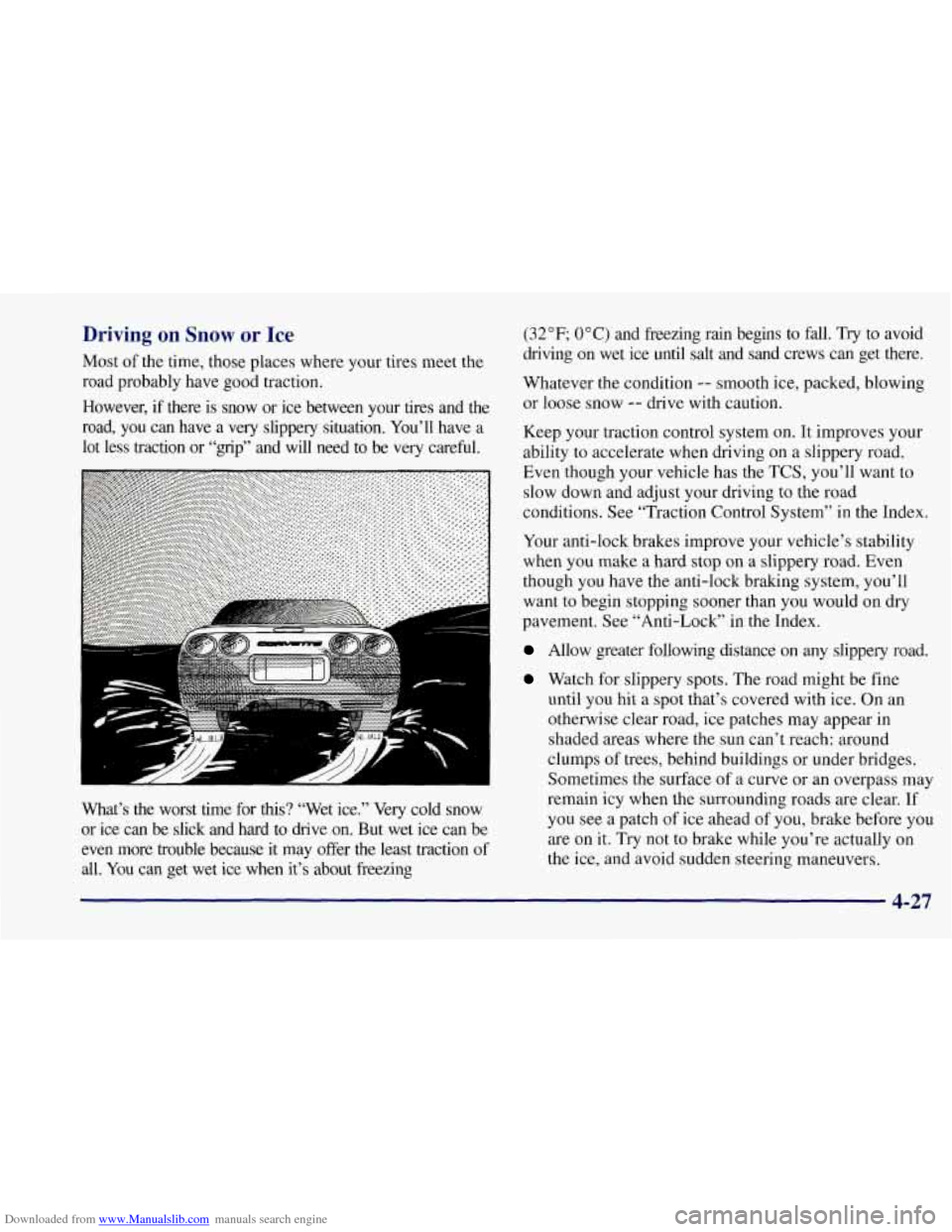
What’s the worst time for
this? “Wet ice.” Very cold snow
or ice can be slick and hard to drive on. But wet ice can be
even more trouble because it may offer the least traction
of
all. You can get wet ice when it’s about freezing (32
OF; 0 O C) and freezing rain begins to fall. Try
to avoid
driving on wet ice until salt and sand crews can get there.
Whatever the condition
-- smooth ice, packed, blowing
or loose snow
-- drive with caution.
Keep your traction control system
on. It improves your
ability to accelerate when driving on a slippery road.
Even though your vehicle has the TCS, you’ll want to
slow down and adjust your driving
to the road
conditions. See “Traction Control System” in the Index.
Your anti-lock brakes improve your vehicle’s stability
when you make
a hard stop on a slippery road. Even
though you have the anti-lock braking system, you’ll
want to begin stopping sooner than you would on dry
pavement. See “Anti-Lock’’ in the Index.
Allow greater following distance on any slippery road.
Watch for slippery spots. The road might be fine
until you hit a spot that’s covered with ice. On an
otherwise clear road, ice patches may appear
in
shaded areas where the sun can’t reach: around
clumps
of trees, behind buildings or under bridges.
Sometimes the surface of a curve or an overpass may
remain icy when the surrounding roads are clear.
If
you see a patch of ice ahead of you, brake before you
are on it. Try not to brake while you’re actually on
the ice, and avoid sudden steering maneuvers.