start stop button CHEVROLET CORVETTE 1998 5.G Owners Manual
[x] Cancel search | Manufacturer: CHEVROLET, Model Year: 1998, Model line: CORVETTE, Model: CHEVROLET CORVETTE 1998 5.GPages: 378, PDF Size: 19.91 MB
Page 70 of 378
Downloaded from www.Manualslib.com manuals search engine Parking at Night
Park in a lighted spot, close all windows and lock your
vehicle. Remember to keep your valuables out of sight.
Put them in a storage area, or take them with you.
Parking Lots
If you park in a lot where someone will be watching
your vehicle, it’s best to lock
it up and take your keys.
But what if you have to leave your key?
Do not leave
valuables in your vehicle, since there would be no place
to secure them.
”<
Universal Theft-Deterrent System
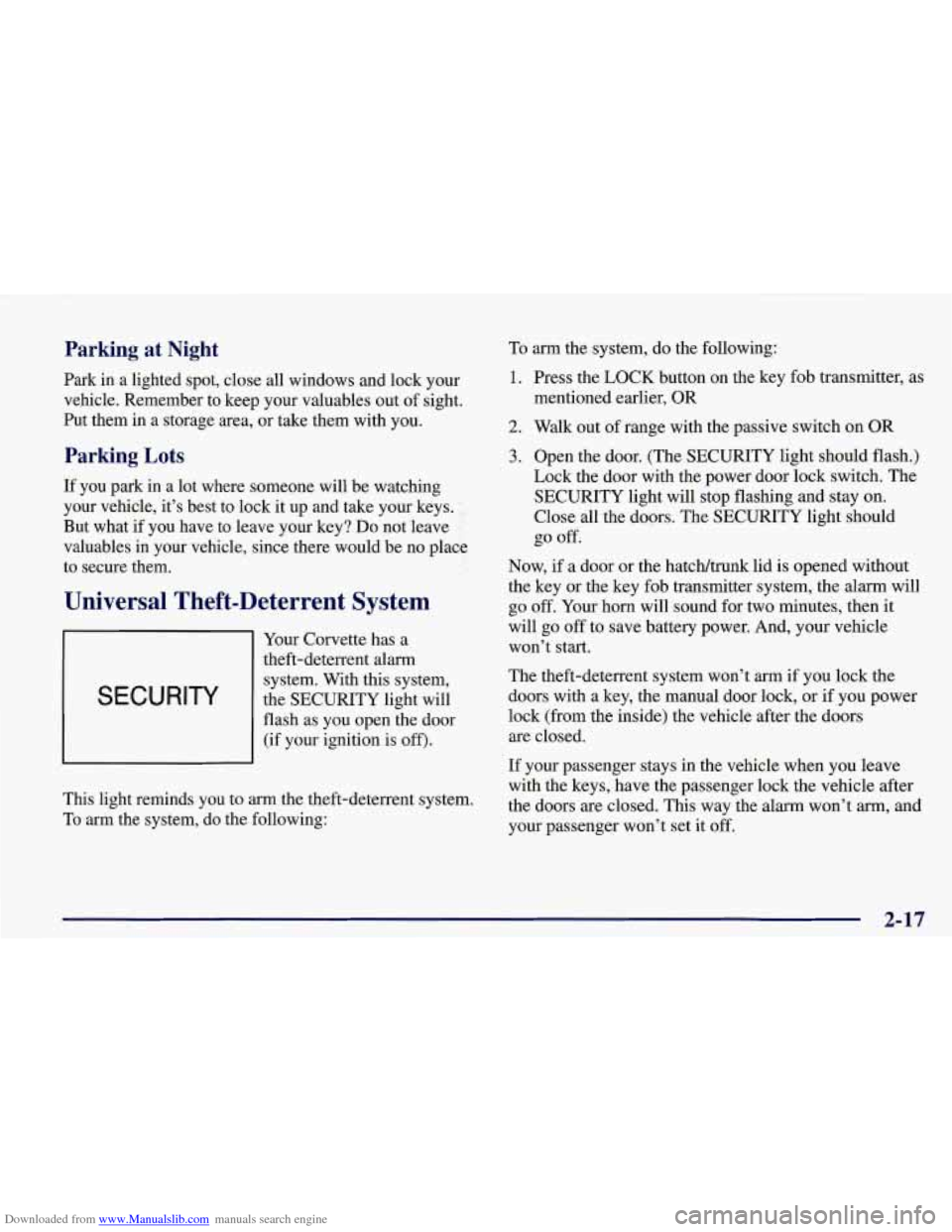
Your Corvette has a
theft-deterrent alarm
I SECURITY
system. With this system,
the SECURITY light will
flash as you open the door (if your ignition is
off).
This light reminds you to arrn the theft-deterrent system.
To arm the system, do the following: To
arm the system, do the following:
1. Press the LOCK button on the key fob transmitter, as
mentioned earlier, OR
2. Walk out of range with the passive switch on OR
3. Open the door. (The SECURITY light should flash.)
Lock the door with the power door lock switch. The
SECURITY light will stop flashing and stay on.
Close all the doors. The SECURITY light should
go off.
Now,
if a door or the hatcWtmnk lid is opened without
the key or the key fob transmitter system, the alarm will
go
off. Your horn will sound for two minutes, then it
will go off to save battery power. And, your vehicle
won’t start.
The theft-deterrent system won’t arm
if you lock the
doors with a key, the manual door
lock, or if you power
lock (from the inside) the vehicle after the doors
are closed.
If your passenger stays in the vehicle when you leave
with the keys, have the passenger lock the vehicle after
the doors are closed. This way the alarm won’t
arm, and
your passenger won’t set it
off.
2- 17
Page 80 of 378
Downloaded from www.Manualslib.com manuals search engine Be sure the shift lever is fully in PARK (P) range
before starting the engine. Your vehicle has a
brake-transmission shift interlock. You have to fully
apply your regular brakes before you can shift from
PARK
(P) when the ignition key is in the ON position. If
you cannot shift out of PARK (P), ease pressure on the
shift lever
-- push the shift lever all the way into
PARK
(P) and release the shift lever button as you
maintain brake application. Then press the shift lever
button and move the shift lever into the gear you wish.
(If you do not apply the brake after
15 seconds once the
ignition is turned on, you will receive a
PRESS BRAKE
BEFORE SHIFT message in the Driver Information
Center.) See “Shifting Out
of PARK (P)” in the Index.
REVERSE (R): Use this gear to back up.
I 1
I NOTICE:
r
Shifting to REVERSE (R) while your vehicle
is moving forward could damage your
transmission. Shift to REVERSE (R) only
after your vehicle is stopped.
To rock your vehicle back and forth to get out of snow,
ice or sand without damaging your transmission,
see
“Stuck: In Sand, Mud, Ice or Snow” in the Index.
NEUTRAL (N): In this position, your engine
doesn’t connect with the wheels. To restart when you’re
already moving, use NEUTRAL
(N) only. Also, use
NEUTRAL
(N) when your vehicle is being towed.
Shifting out of PARK (P) or NEUTRAL (N) while
your engine is “racing” (running at high speed)
is
dangerous. Unless your foot is firmly on the
brake pedal, your vehicle could move very
rapidly. You could lose control and hit people or
objects. Don’t shift out
of PARK (P) or
NEUTRAL
(N) while your engine is racing.
2-27
Page 134 of 378
Downloaded from www.Manualslib.com manuals search engine Traction Control System (TCS) Light
Engine Coolant Temperature Gage
I
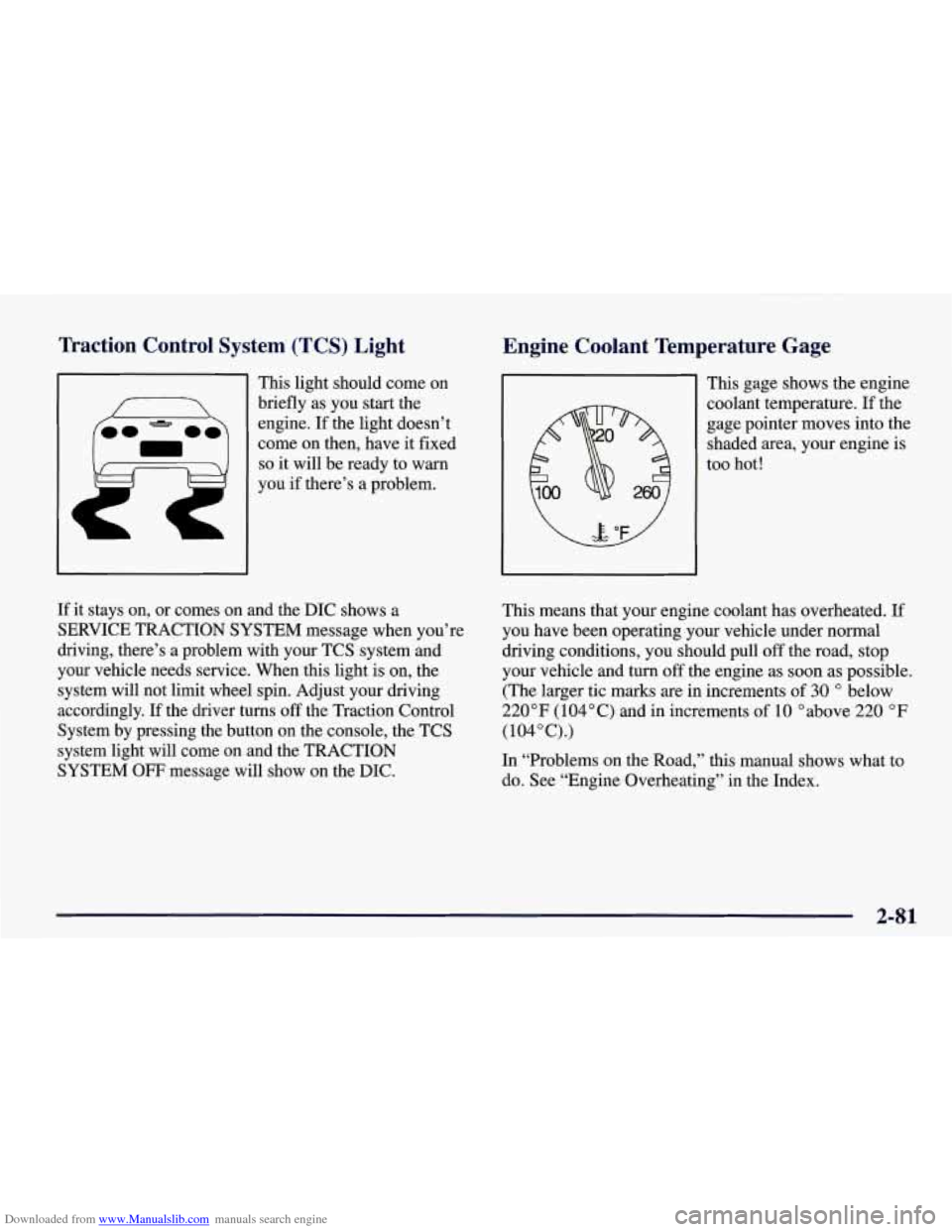
This light should come on
briefly as you start the
engine. If the light doesn’t
come on then, have it fixed
so it will be ready to warn
you if there’s a problem. This gage shows
the engine
coolant temperature. If the
gage pointer moves into the
shaded area, your engine is
too hot!
If it stays on, or comes on and the DIC shows a
SERVICE TRACTION SYSTEM message when you’re
driving, there’s a problem with your TCS system and
your vehicle needs service. When this light is on, the
system will not limit wheel spin. Adjust your driving
accordingly. If the driver
turns off the Traction Control
System by pressing the button on the console, the TCS
system light will come on and the TRACTION
SYSTEM
OFF message will show on the DIC. This means that your engine coolant has overheated.
If
you have been operating your vehicle under normal
driving conditions, you should pull
off the road, stop
your vehicle and turn
off the engine as soon as possible.
(The larger tic marks are in increments
of 30 O below
220°F (104°C) and in increments of 10 Oabove 220 OF
(104”C).)
In “Problems on the Road,” this manual shows what to do. See “Engine Overheating’’ in the Index.
2-81
Page 145 of 378
Downloaded from www.Manualslib.com manuals search engine ‘hip Odometers Elapsed Time
There are two trip odometers. Press the TRIP button and
TRIP A will be displayed. Press it again and TRIP
B
will be displayed. TRIP A could be used to track the
distance to a destination. TRIP B could be used to track
maintenance periods.
TRIP A 130.5 MI or
TRIP A 209.9 km
TRIP B 300.5 MI or
0 TRIP B 483.5 km
The trip odometers can be reset by pushing the RESET
button on the DIC. Both
of the trip odometers can be
used simultaneously.
Miles Since Last Ignition Feature
You can also display number of miles driven since you
last started the car if you press and hold the RESET
button for two seconds, then release. The miles (or
kilometers) since the last ignition cycle will be set into
the trip odometer. Press the TRIP button until ELAP. TIME is displayed,
such as
ELM. TIME 00: 00 : 00.
When the ignition is in the ON position, the DIC can be
used as a stopwatch. The display can show hours,
minutes, seconds and hundredths of a second. The
elapsed time indicator will record up to 99 hours,
59 minutes and 59 seconds, then
it will reset to zero and
continue counting. (Hundredths are shown up to
59 minutes, 59 seconds and 99 hundredths). The display
appears as ELAP. TIME
00: 00 : 00 in the elapsed
time function.
You can start or stop the elapsed time by pressing
RESET. To reset the elapsed time to zero, stop the timer
by pressing
RESET. Then press and hold RESET for
two seconds and release.
2-92
Page 151 of 378
Downloaded from www.Manualslib.com manuals search engine ABS ACTIVE (Anti-Lock Brake System Active) - :
When your anti-lock system is adjusting brake pressure
to help avoid a braking skid, the ABS ACTIVE message
will be displayed.
Slippery road conditions may exist if this message is
displayed,
so adjust your driving accordingly. The
message will stay on for a few seconds after the system
stops adjusting brake pressure.
SERVICE ABS (Anti-Lock Brake System) - : If the
SERVICE ABS message is displayed when you
are
driving, stop as soon as possible and turn the ignition
off. Then start the engine again to reset the system. If
the message stays on, or comes back on again while you
are driving, your vehicle is in need of service. If the
regular brake system warning light isn’t on, you still
have brakes, but don’t have anti-lock brakes. If the
regular brake system light is also on, you don’t have
anti-lock brakes and there is a problem with your
brakes.
See “Brake System Warning Light” earlier in
this section.
If the SERVICE ABS message is being displayed, your
traction control system and the optional active handling system will also be disabled. The driver information
center will scroll three messages SERVICE ABS,
SERVICE TRACTION SYS. and SERVICE ACTIVE
HNDLG and the instrument cluster car icon will be illuminated.
The driver can acknowledge these messages
by pressing the reset button three times. When the
service message is displayed the computer controlled
systems will not assist the driver and you should have
the system repaired as soon as possible. Adjust your
driving accordingly.
SERVICE COLUMN LOCK: The system that
controls the locking and unlocking of the steering
column may not work properly. Have the vehicle towed
to a dealer for service.
LOW OIL PRESSURE: You will hear four chimes and
the CHECK GAGES telltale will come on when this
message is displayed.
To acknowledge the warning,
press the RESET button. After you press the
RESET
button, a message will be displayed and you will hear a
chime every minute until the vehicle is serviced.
If you
do not press RESET, the message will remain on the
digital display until the vehicle is serviced.
Low oil pressure may be the result of a combination of
low oil level and abrupt changes in the vehicle’s
direction. When this warning
is displayed, you should
not operate the engine at high
RPM or make fast abrupt
moves. When convenient, you should check the oil
level. See “Engine Oil” in the Index.
Page 165 of 378
Downloaded from www.Manualslib.com manuals search engine As the interior of the vehicle warms up to your comfort
set temperature, the fan speed will decrease and the
temperature output may become cooler.
If the interior
temperature continues to warm up due to heating from
the sun or outside temperature increases, the system
may switch to other air delivery modes (typically
DEFOG or BI-LEVEL).
A ljpical Hot Weather Example:
Your vehicle has been parked outside all day in hot
weather (above
7OoF/ 21 O C) and you have set the driver
temperature at
73 OF (23 "C) and have selected the
AUTO mode. The system will automatically adjust the
temperature output to maximum cooling. The blower
will start at a low speed momentarily to push the hot air
to the floor of the vehicle and then go to a higher blower
speed with cold airflow out of the instrument panel
outlets.
A small amount of airflow will continue through
the lower ducts to cool the
floor area.
The air intake may start in the recirculated mode for
maximum cooling performance.
As the interior of the
vehicle cools down to your comfort set temperature, the
fan speed will decrease and the temperature output may
become warmer. The air intake may shift from
recirculation to fresh air mode.
If the interior continues to
cool due to a decrease,,,in the amount of heat the
vehicle is absorbing from the sun or a decrease
in the
outside temperature, the system could switch to other air
delivery modes (typically BI-LEVEL or DEFOG).
Manual Settings
With the Dual Zone Electronic Climate Control, there
are several manual settings you can use to control the
system and override the
AUTO operation. You can
program the fan speed,
air delivery mode, air intake
mode and control the air conditioning operation using
these settings. The system will still determine the
temperature output level based on the driver-set
temperature and the passenger temperature offset.
% FAN SPEED: Press the button with the fan switch
on it to manually lock
in the current fan speed and to
stop the automatic fan speed control. Pressing the
arrows will delete
AUTO from the digital display. The
fan graphics with the fan speed bars will be shown.
To
increase the fan speed so that more air flows into the
vehicle, press the
UP arrow on the fan switch. To
decrease the fan speed and airflow, press the DOWN
arrow. The
AUTO button must be pressed to return to
the automatic fan control.
Page 180 of 378
Downloaded from www.Manualslib.com manuals search engine RECALL: Press this button to see which track is
playing. Press it again within five seconds to see how
long it has been playing (elapsed time). The track
number also appears when you change the volume or
when a new track starts to play.
AM-FM: Press this button to play the radio when a disc
is in the player. The letters
CD will go off the display.
CD AUX: Press this button to change to the disc
function when the radio is on.
A CD icon will appear on
the display when the disc is in the player, whether it is
active or not. If your system is equipped with a remote
playback device, pressing this button a second time will
allow the remote device to play.
EJECT Press this button to remove the disc. The radio
will play. The disc will start at the first track when you
reinsert it.
If you turn off the ignition or radio with a disc in the
player, it will stay in the player. When you turn on the
ignition or system, the disc will start playing where it
was stopped. If you press EJECT but don’t remove
the disc, the player will pull the disc back in to protect
it after about one minute. If you leave a compact disc
in the player while listening to the radio, it may
become warm.
Trunk Mounted CD Changer (If Equipped)
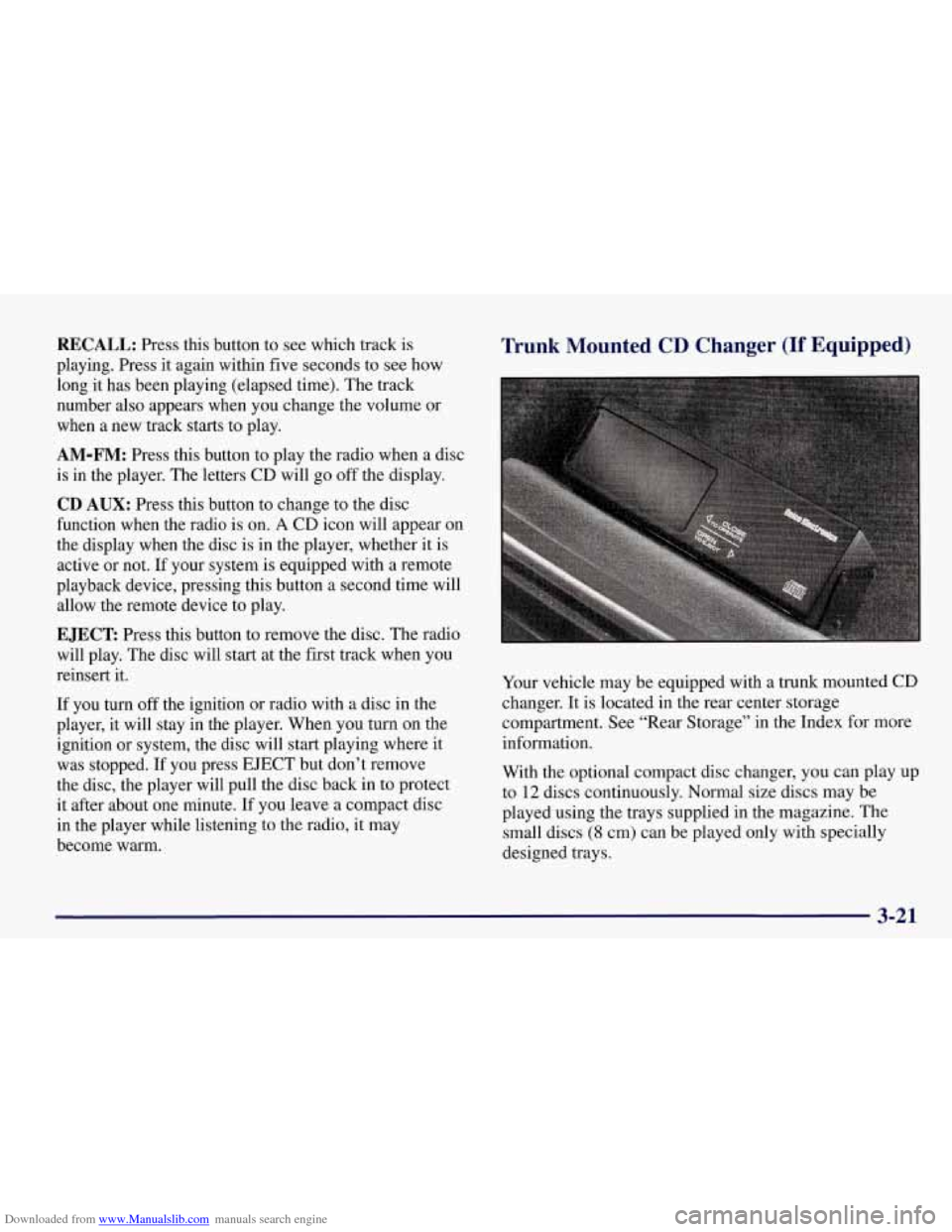
Your vehicle may be equipped with a trunk mounted CD
changer. It is located in the rear center storage
compartment. See “Rear Storage” in the Index for more
information.
With the optional compact disc changer, you can play up
to
12 discs continuously. Normal size discs may be
played using the trays supplied in the magazine. The
small discs
(8 cm) can be played only with specially
designed trays.
3-21