trunk release CHEVROLET CORVETTE 1998 5.G Owners Manual
[x] Cancel search | Manufacturer: CHEVROLET, Model Year: 1998, Model line: CORVETTE, Model: CHEVROLET CORVETTE 1998 5.GPages: 378, PDF Size: 19.91 MB
Page 54 of 378
Downloaded from www.Manualslib.com manuals search engine Section 2 Features and Controls
Here you can learn about the many standard and optional features on your vehicle, and information on starting,
shifting and braking. Also explained are the instrument panel and the warning systems that tell you
if everything is
working properly
-- and what to do if you have a problem.
2-4
2-5
2-6
2-
14
2- 17 2-18
2-20
2-2 1
2-22
2-24
2-26
2-29
2-32
2-34
2-36
2-36 Door Locks
Memory (Option)
Remote Function Actuation
System
Remote Hatch/Trunk Lid Release
Universal Theft-Deterrent System
PASS-Key@
New Vehicle “Break-In”
Ignition Switch Starting Your Engine
Engine Coolant Heater (Canada Only)
Automatic Transmission Operation
Manual Transmission Operation
Parking Brake Shifting Into PARK (P)
(Automatic Transmission Models Only)
Shifting Out of PARK (P)
(Automatic Transmission)
Parking Your Vehicle (Manual Transmission) 2-37
2-37
2-38
2-39 2-39
2-40
2-42
2-50
2-52
2-53
2-54
2-60
2-68
2-74
2-77
2-87 Parking Over
Things That Burn
Engine Exhaust
Running Your Engine While You’re Parked
(Automatic Transmission)
Limited-Slip Rear Axle
Selective Real Time Damping (Option)
Windows
Turn SignalMultifunction Lever
Exterior Lamps
Interior Lamps
Mirrors
Storage Compartments
Roof Panel (Coupe)
Convertible Top (Option)
Instrument Panel
Warning Lights, Gages and Messages
Driver Information Center (DIC)
2-1
Page 63 of 378
Downloaded from www.Manualslib.com manuals search engine I’urning the Passive System Off
You can disable the passive feature by moving the
transmitter’s slider switch to
OFF. The vehicle will no
longer automatically disarm your theft-deterrent system or unlock the doors, however, you will be able to
actively control use of the door locks, the hatch/trunk lid
release and the panic alarm using the four transmitter
buttons. (These buttons also work when the passive feature is on.)
Make sure to fully slide the switch to either side when
turning the key fob transmitter on and
off. You should
feel a double click when sliding the switch back
and forth.
You can also check whether the passive system is on or
off by closing the door and moving away from the
vehicle with the keys and transmitter. If the doors lock,
the passive system is on.
If you are working around your vehicle and keeping
your keys with you, you might want to
turn the RFA
passive system off. If you don’t, the transmitter will
keep locking and unlocking your doors.
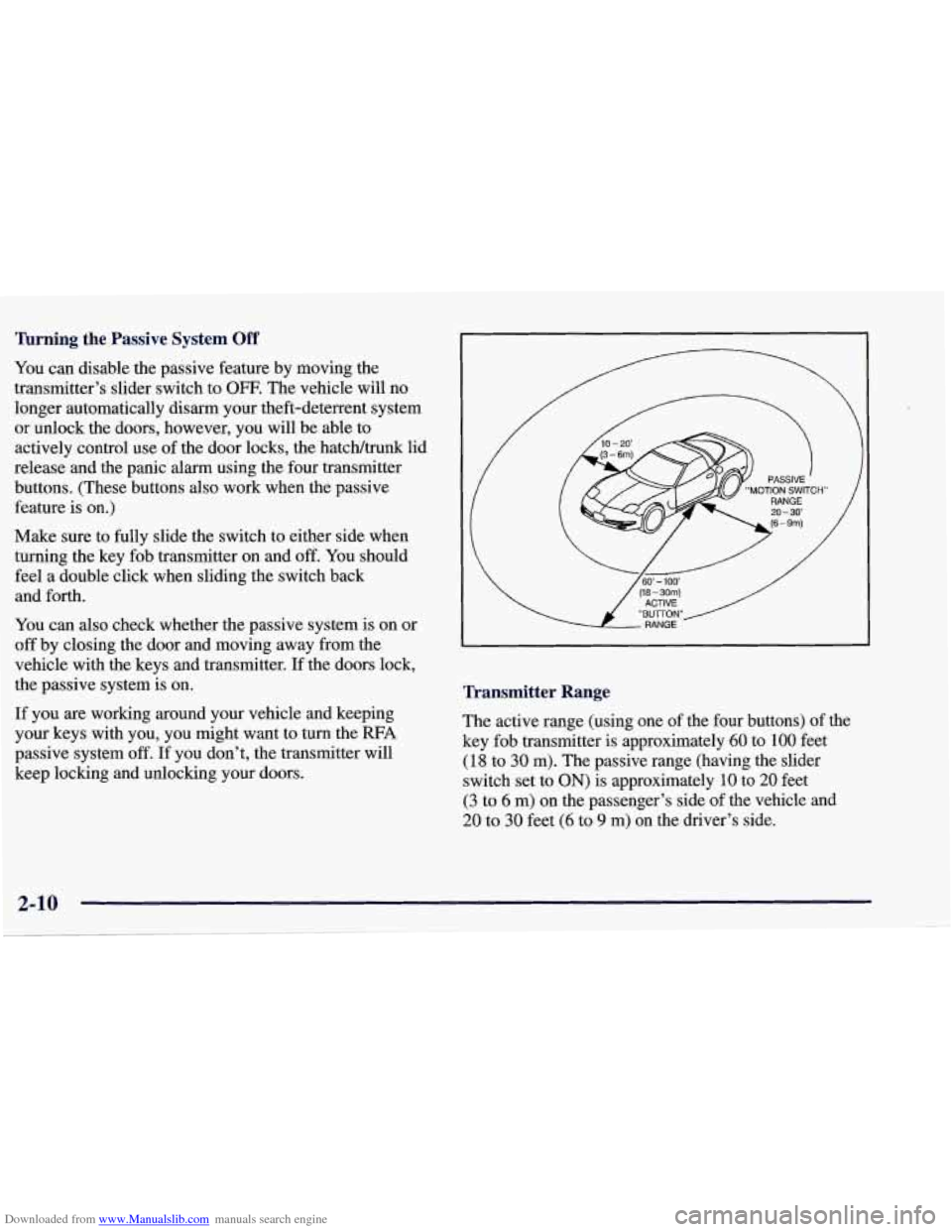
Transmitter Range
The active range (using one of the four buttons) of the
key fob transmitter
is approximately 60 to 100 feet
(18 to 30 m). The passive range (having the slider
switch set to
ON) is approximately 10 to 20 feet
(3 to 6 m) on the passenger’s side of the vehicle and
20 to 30 feet (6 to 9 m) on the driver’s side.
Page 67 of 378
Downloaded from www.Manualslib.com manuals search engine Remote Hatch/Trunk Lid Release
To use the remote hatcWtrunk lid release on automatic
transmission vehicles, your vehicle must be in PARK (P)
or NUETRAL
(N). For manual transmissions, set the
parking brake. See “Parking Brake” in the Index.
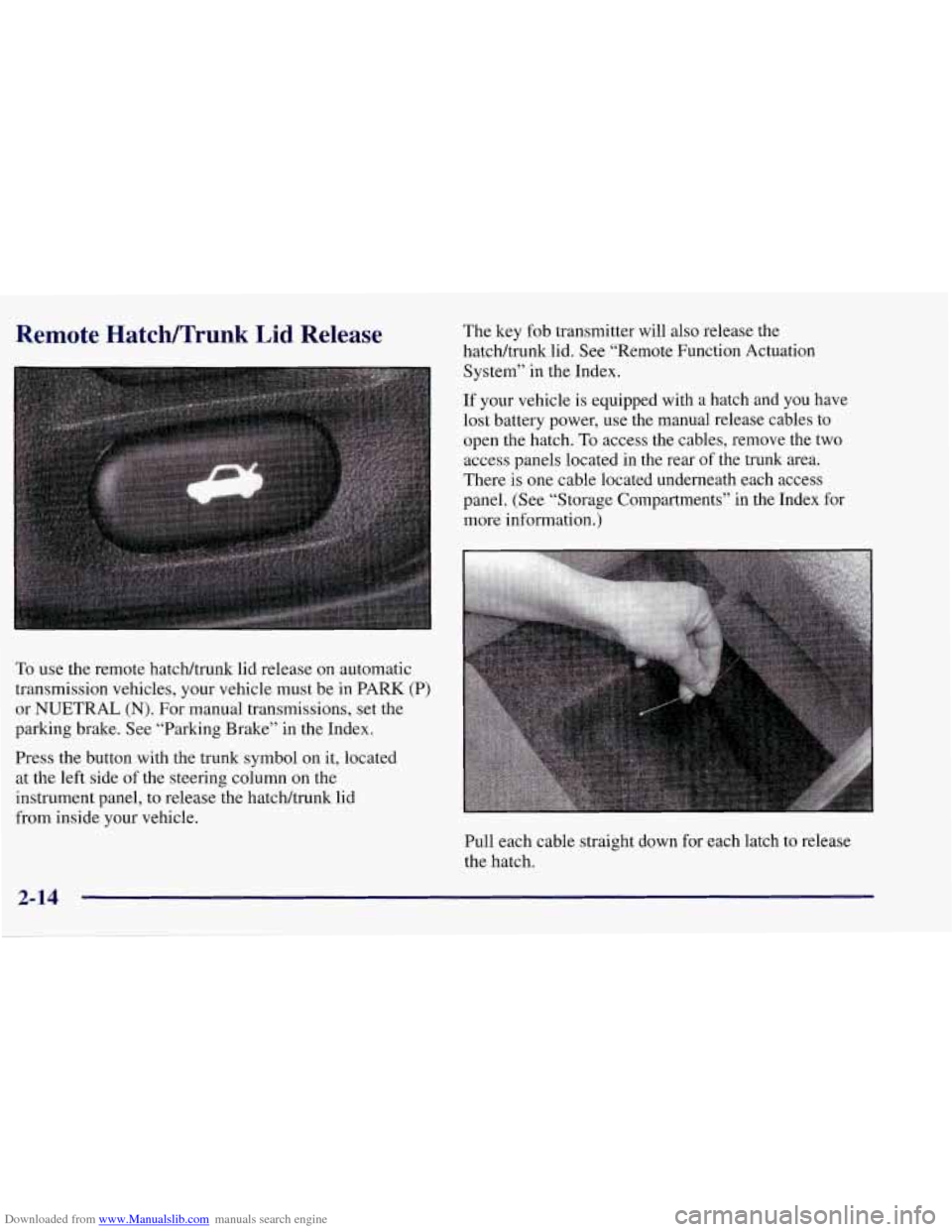
Press the button with the trunk symbol on it, located
at the left side of the steering column
on the
instrument panel, to release the hatchhunk lid
from inside your vehicle. The
key fob transmitter will also release the
hatcWtrunk lid. See “Remote Function Actuation
System” in the Index.
If your vehicle
is equipped with a hatch and you have
lost battery power, use the manual release cables to
open the hatch.
To access the cables, remove the two
access panels located in the rear of the trunk area.
There is one cable located underneath each access
panel. (See “Storage Compartments” in the Index for
more information.)
Pull each cable straight down for each latch to release
the hatch.
2-14
Page 68 of 378
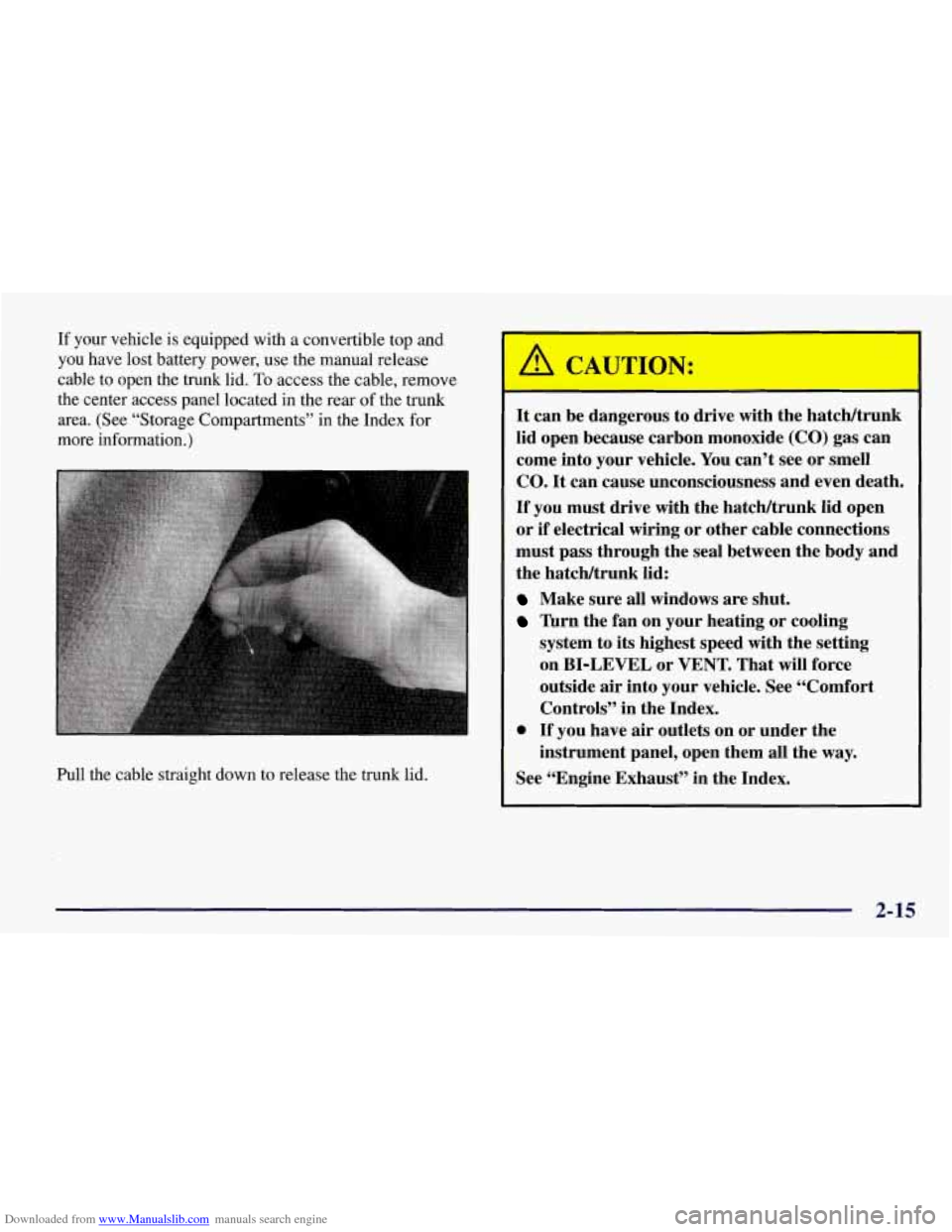
Downloaded from www.Manualslib.com manuals search engine If your vehicle is equipped with a convertible top and
you have lost battery power, use the manual release
cable to open the trunk lid.
To access the cable, remove
the center access panel located in the rear of the trunk
area. (See “Storage Compartments” in the Index
for
more information.)
Pull the cable straight down to release the trunk lid.
It can be dangerous to drive with the hatcldtrunk
lid open because carbon monoxide
(CO) gas can
come into your vehicle. You can’t see or smell
CO.
It can cause unconsciousness and even death.
If you must drive with the hatcWtrunk lid open
or if electrical wiring or other cable connections
must pass through the seal between the body and
the hatcldtrunk lid:
Make sure all windows are shut.
Turn the fan on your heating or cooling
system to
its highest speed with the setting
on BI-LEVEL or VENT. That will force
outside air into your vehicle. See “Comfort
Controls” in the Index.
instrument panel, open them all the way.
0 If you have air outlets on or under the
See “Engine Exhaust” in the Index.
2-15
Page 105 of 378
Downloaded from www.Manualslib.com manuals search engine Interior Lamps
Instrument Panel Brightness Control
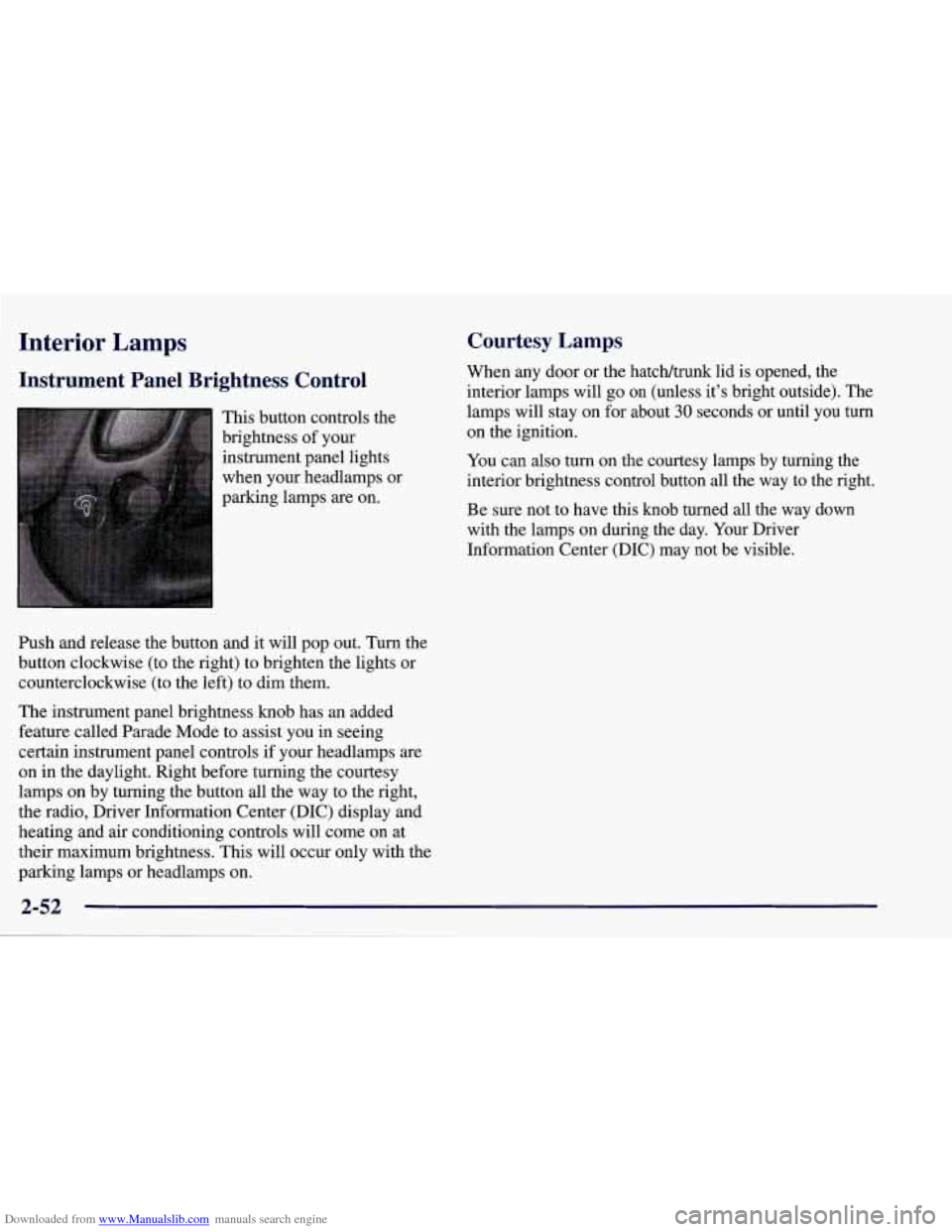
This button controls the
brightness of your
instrument panel lights
when your headlamps or
parking lamps
are on.
Ish and release the button and it will pop out. Turn the
button clockwise (to the right) to brighten the lights or
counterclockwise (to the left) to dim them.
The instrument panel brightness knob has an added
feature called Parade Mode to assist you in seeing
certain instrument panel controls if your headlamps
are
on in the daylight. Right before turning the courtesy
lamps on by turning the button all the way to the right,
the radio, Driver Information Center (DIC) display and
heating and air conditioning controls will come on at
their maximum brightness. This will occur only with the
parking lamps or headlamps on.
Courtesy Lamps
When any door or the hatch/trunk lid is opened, the
interior lamps will go
on (unless it’s bright outside). The
lamps will stay on for about
30 seconds or until you turn
on the ignition.
You can
also turn on the courtesy lamps by turning the
interior brightness control button all the way to the right.
Be sure not to have this knob turned all the way down
with the lamps on during the day. Your Driver
Information Center
(DIC) may not be visible.
2-52
Page 109 of 378
Downloaded from www.Manualslib.com manuals search engine Rear Storage
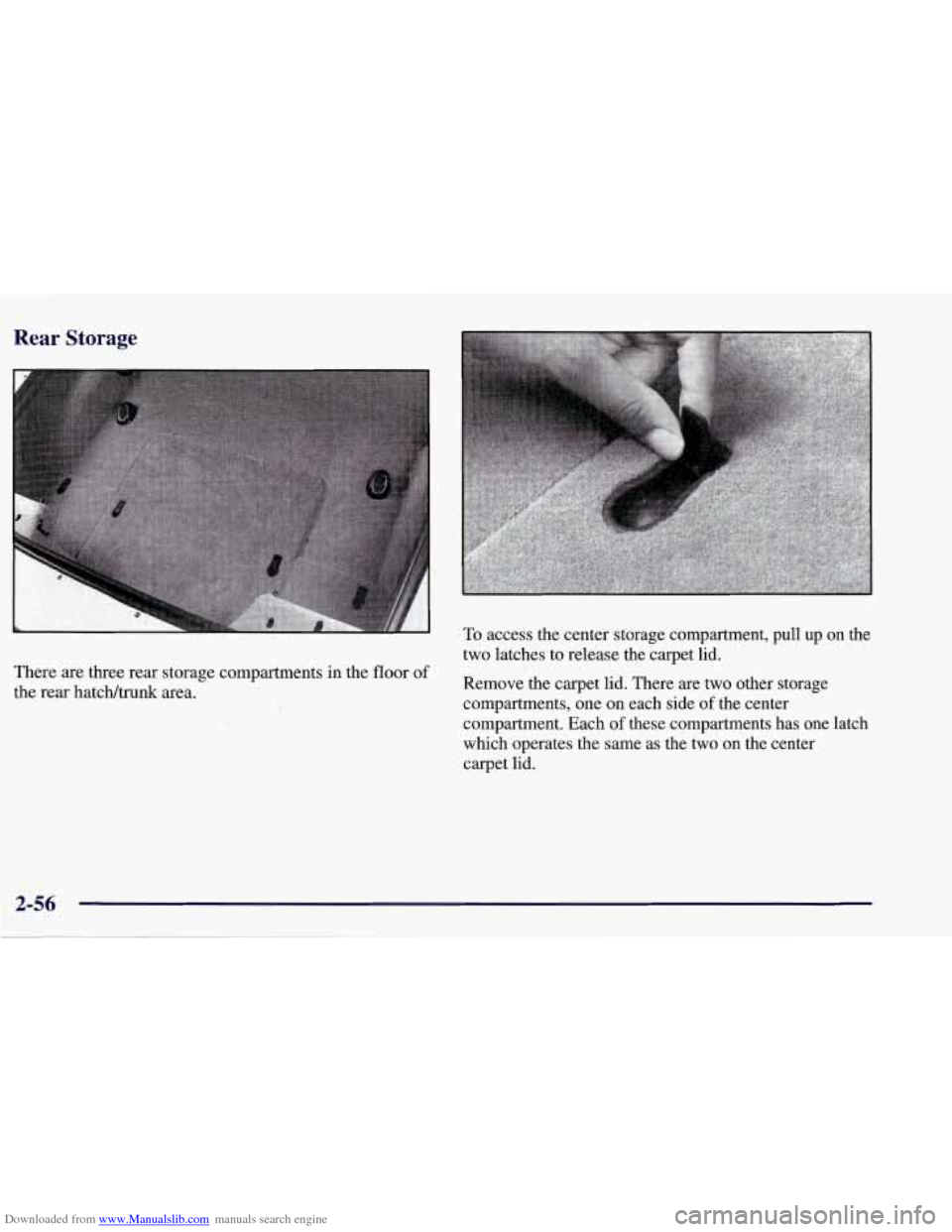
There are three rear storage compartments in the floor of
the rear hatch/trunk area.
To access the center storage compartment, pull up on the
two latches to release the carpet lid.
Remove the carpet lid. There are two other storage
compartments, one on each side
of the center
compartment. Each
of these compartments has one latch
which operates the same as the two on the center
carpet lid.
Page 123 of 378
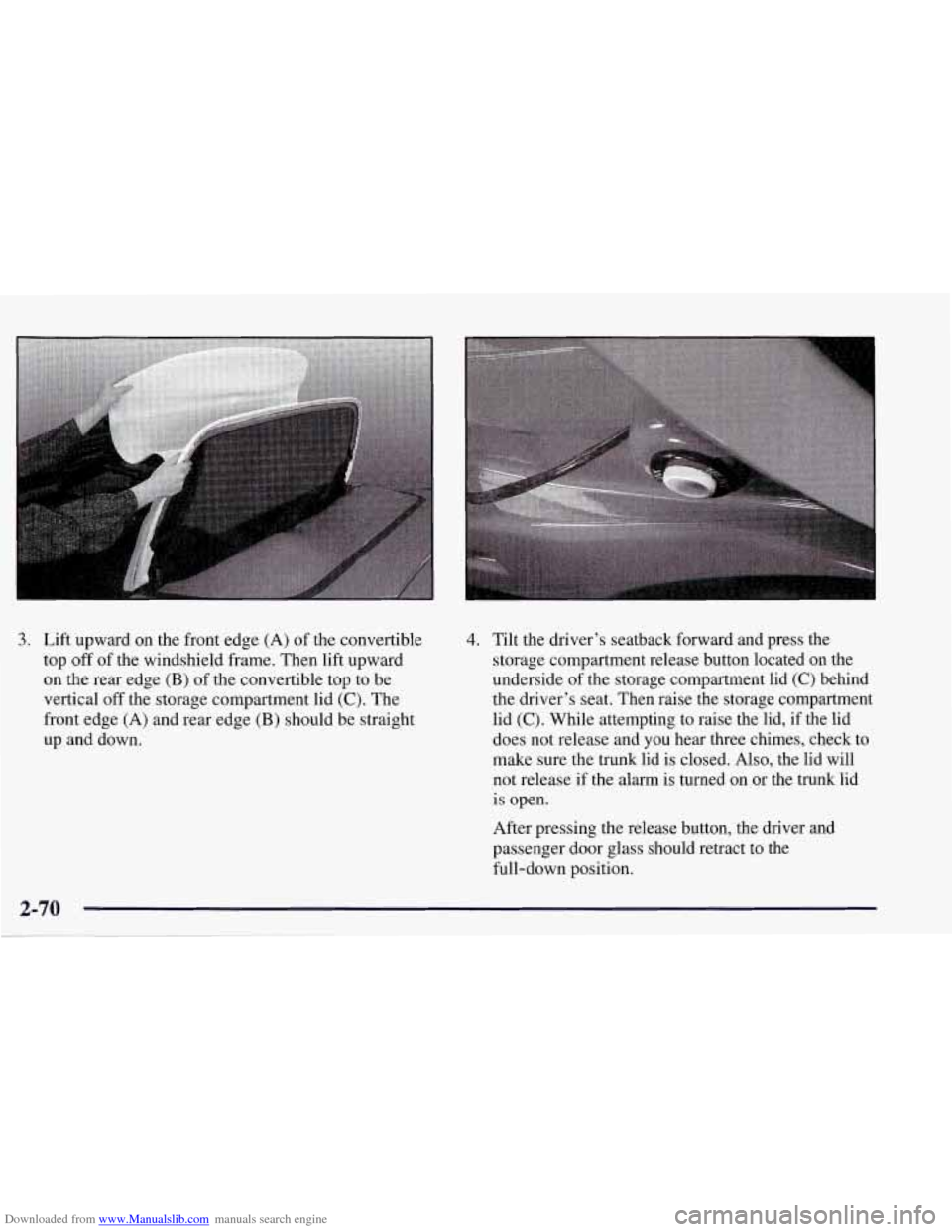
Downloaded from www.Manualslib.com manuals search engine 3. Lift upward on the front edge (A) of the convertible
top
off of the windshield frame. Then lift upward
on the rear edge (B) of the convertible top to be
vertical
off the storage compartment lid (C). The
front edge
(A) and rear edge (B) should be straight
up and down.
4. Tilt the driver’s seatback forward and press the
storage compartment release button located on the
underside
of the storage compartment lid (C) behind
the driver’s seat. Then raise the storage compartment
lid
(C). While attempting to raise the lid, if the lid
does not release and
you hear three chimes, check to
make sure the trunk lid is closed. Also, the lid will
not release if the alarm is turned on or the trunk lid
is open.
After pressing the release button, the driver and
passenger door glass should retract to the
full-down position.
Page 128 of 378
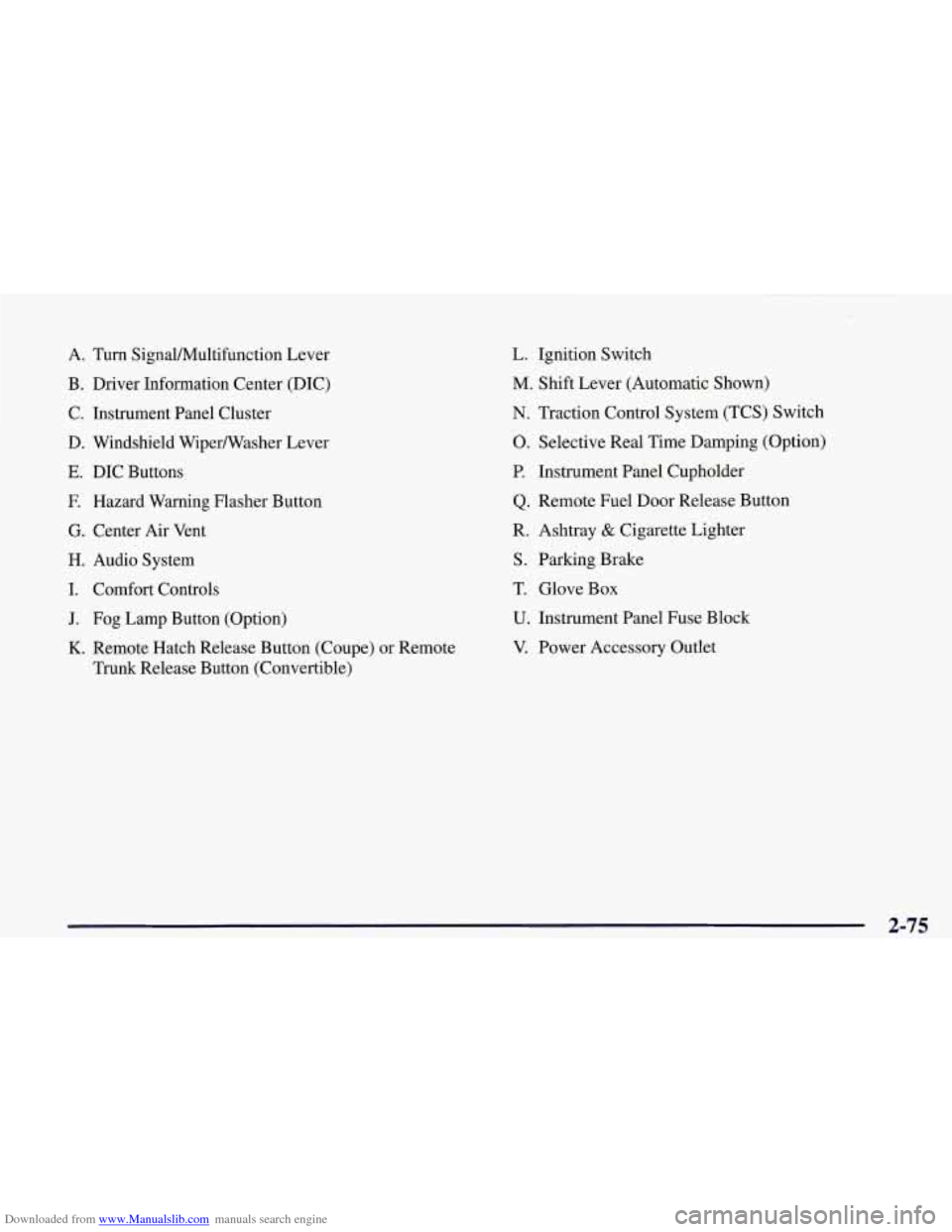
Downloaded from www.Manualslib.com manuals search engine A. Turn Signal/Multifunction Lever
B. Driver Information Center (DIC)
C. Instrument Panel Cluster
D. Windshield Wipermasher Lever
E. DIC Buttons
E Hazard Warning Flasher Button
G. Center Air Vent
H. Audio System
I. Comfort Controls
J. Fog Lamp Button (Option)
K. Remote Hatch Release Button (Coupe) or Remote
Trunk Release Button (Convertible)
L. Ignition Switch
M. Shift Lever (Automatic Shown)
N. Traction Control System (TCS) Switch
0. Selective Real Time Damping (Option)
P. Instrument Panel Cupholder
Q. Remote Fuel Door Release Button
R. Ashtray
& Cigarette Lighter
S. Parking Brake
T. Glove Box
U. Instrument Panel Fuse Block
V. Power Accessory Outlet
2-75
Page 182 of 378
Downloaded from www.Manualslib.com manuals search engine Whenever a CD magazine with discs is loaded in the
changer, the CD symbol will appear on the radio display.
If the CD changer is checking the magazine for CDs, the
CD symbol will flash on the display until the changer is
ready to play. When
a CD begins playing, a disc and
track number will be displayed. The disc numbers are
listed on the front of the magazine.
If your vehicle is equipped with the AM-FM Stereo
with Cassette Tape Player and Automatic Tone Control, the following buttons are used for the trunk mounted
CD changer except the EJECT button for ejecting the
CD magazine.
PREV (1): Press this button or the SEEK left arrow to
go to the previous track if the current selection has been
playing for less than eight seconds. If the PREV button
is pressed and the current selection has been playing for
more than eight seconds, it will go to the beginning of
the current selection. If you hold or press this button
more than once, the player will continue moving back
through the disc. The sound will mute while seeking.
PROG (2): Press this button to select a disc. The disc
number and track number will be displayed.
NEXT (3): Press this button or the SEEK right arrow to
go to the next track.
If you hold the button or press it more
than once, the player will continue moving forward
through the disc. The sound will mute while seeking.
REV (4): Press and hold this button to reverse quickly
through a track selection. Release it to resume playing.
FWD (6): Press and hold this button to advance quickly
through a track selection. Release it to resume playing.
SEEK: Press the right arrow to seek to the next
selection
on the CD. Press the left arrow to search for
the previous selection on the CD. The sound will mute
while seeking.
P.SCAN: Press this button to hear the tracks in random,
rather than sequential, order.
RANDOM will appear on
the display. Press P.SCAN again to turn
off random play.
TAPE AUX: Press this button if you have a disc loaded
in the changer and the radio is turned on, to play a
compact disc. Press AM-FM to return to the radio when
a compact disc is playing. Press TAPE AUX to switch
between the tape and compact disc if both are loaded.
To eject the disc holder in the trunk mounted CD
changer, slide the CD changer door all the way open and
the disc holder will automatically eject.
If your vehicle is equipped with the AM-FM Stereo with
CD Player and Automatic Tone Control, the following
buttons are used for the trunk mounted CD changer
except the EJECT button for ejecting the CD magazine.
3-23
Page 183 of 378
Downloaded from www.Manualslib.com manuals search engine PREV (1): Press this button or the SEEK left arrow to
go to the previous track
if the current selection has been
playing for less than eight seconds. If the PREV button
is pressed and the current selection has been playing for
more than eight seconds, it
will go to the beginning of
the current selection.
If you hold or press this button
more than once, the player will continue moving back through the disc. The sound will mute while seeking.
RDM (2): Press this button to hear the tracks in random,
rather than sequential, order. RANDOM will appear on
the display. Press RDM again to turn
off random play.
NEXT (3): Press this button or the SEEK right arrow to
go to the next track.
If you hold the button or press it more
than once, the player
will continue moving forward
through the disc. The sound will mute while seeking.'
REV (4): Press and hold this button to reverse quickly
through a track selection. Release it to resume playing.
(5): Press this button to select a disc. The disc number
and track number will be displayed.
FWD (6): Press and hold this button to advance quickly
through a track selection. Release it to resume playing.
SEEK: Press the right arrow to seek to the next
selection on the CD. Press the left arrow to search for
the previous selection on the CD. The sound will mute
while seeking.
CD AUX: Press this button if you have a disc loaded in
the changer and the radio
is turned on, to play a compact
disc. Press AM-FM to return to the radio when a
compact disc is playing. Press CD
AUX to switch
between the trunk mounted CD changer and compact
disc
if both are loaded.
To eject the disc holder in the trunk mounted CD
changer, slide the CD changer door all the way open and
the disc holder will automatically eject.
Compact Disc Changer Errors
If an error occurs while trying to play a CD in the
compact disc changer, the following conditions may
have caused the error:
0
0
0
0
The road is too rough. The disc should play when the
road is smoother.
The disc is dirty, scratched, wet or loaded label
side up.
The air is very humid. If
so, wait about an hour and
try again.
The CD changer door is open. Completely close the
changer door to restore normal operation.